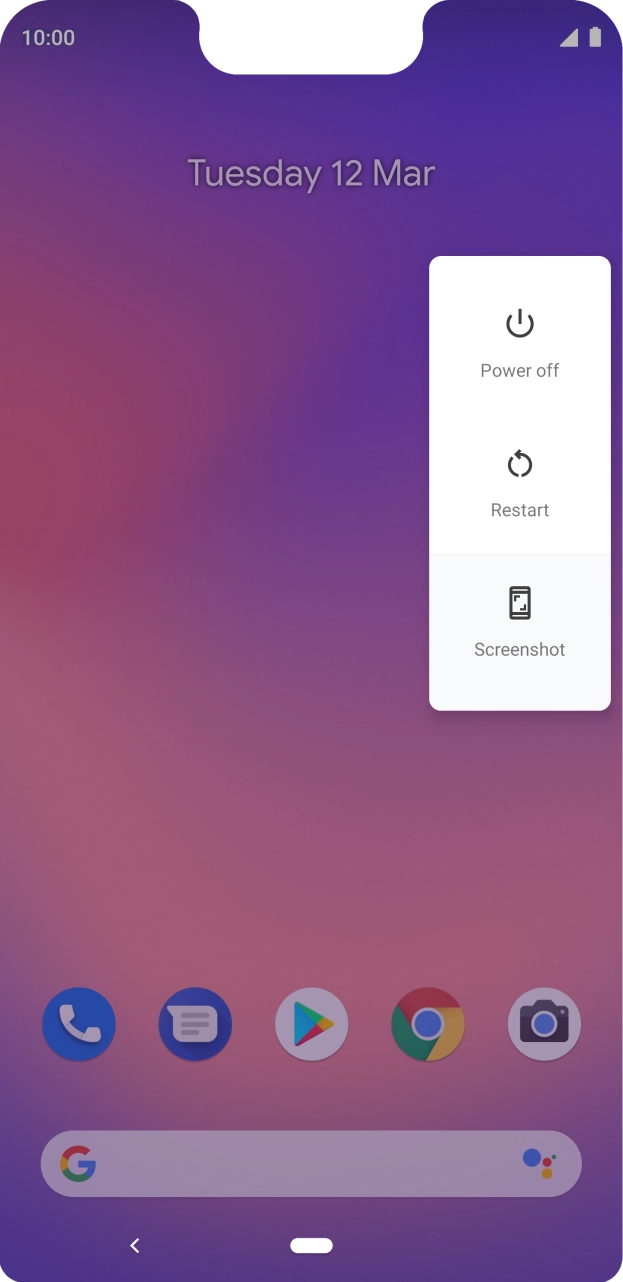
I have problems turning on my Google Pixel 3 XL
If you can't turn on your phone, there may be several causes of the problem.
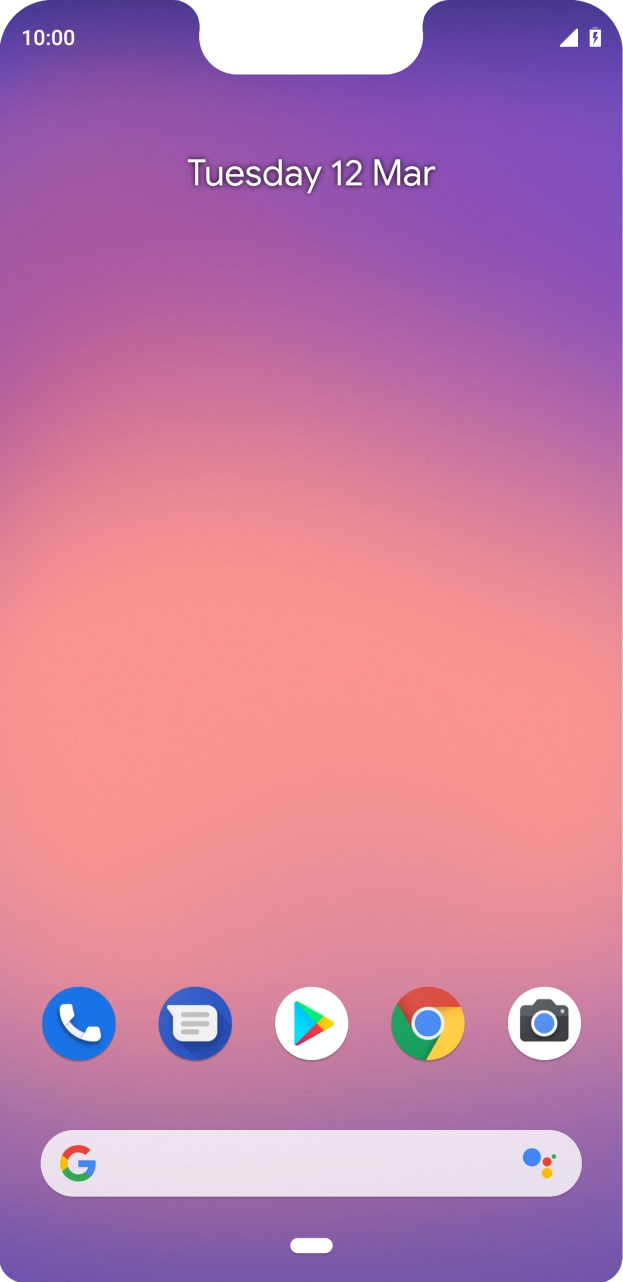
- Connect the charger to the socket and to a wall socket.
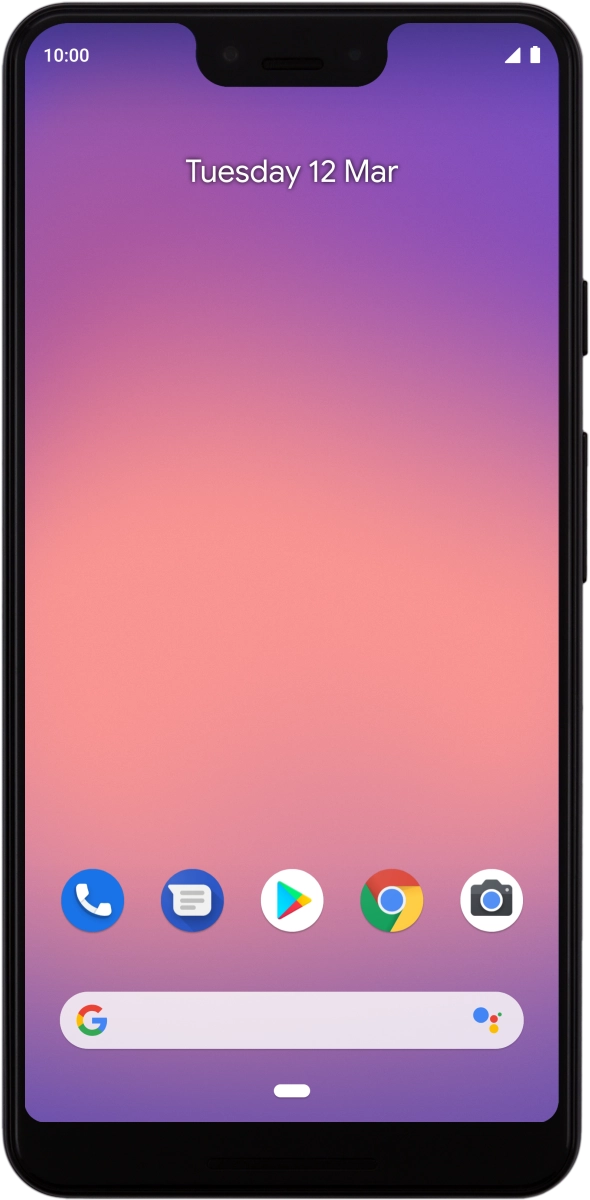
- When the battery charging icon is displayed, charging is in progress.
- When the phone is turned on, you can always see the battery power level. The larger the coloured section of the battery icon, the more remaining battery power.
- Press and hold On/Off until your phone is turned on.
- If an incorrect SIM PIN is entered three times in a row, your SIM will be blocked. To unblock your SIM, you'll need to key in your PUK. Sign in to the O2 website to get the PUK. Please note: If you key in the wrong PUK ten times in a row, your SIM will be blocked permanently. In this case, you need a new SIM from O2.If an incorrect SIM PIN is entered three times in a row, your SIM will be blocked. To unblock your SIM, you'll need to key in your PUK. O2’s help guide will tell you how to get your PUK. Please note: If you key in the wrong PUK ten times in a row, your SIM will be blocked permanently. In this case, you need a new SIM from O2.
- Press and hold On/Off until a pop-up menu is displayed.
- Press Power off.
Go to the manufacturer's website to see if it's possible to change the battery.