I have problems receiving voice calls on my Sony Xperia XZ Premium
If you have problems receiving voice calls, there may be several causes of the problem.

1. Find 'Call forwarding'
Slide your finger downwards starting from the top of the screen.
- Slide your finger downwards starting from the top of the screen.
- Press the settings icon.
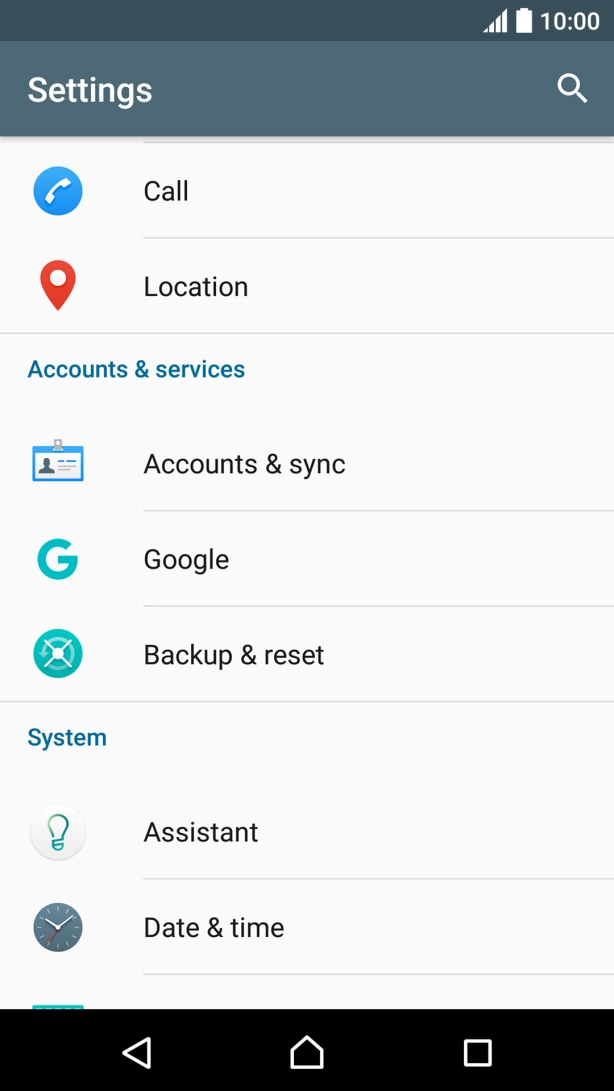
- Press Call.
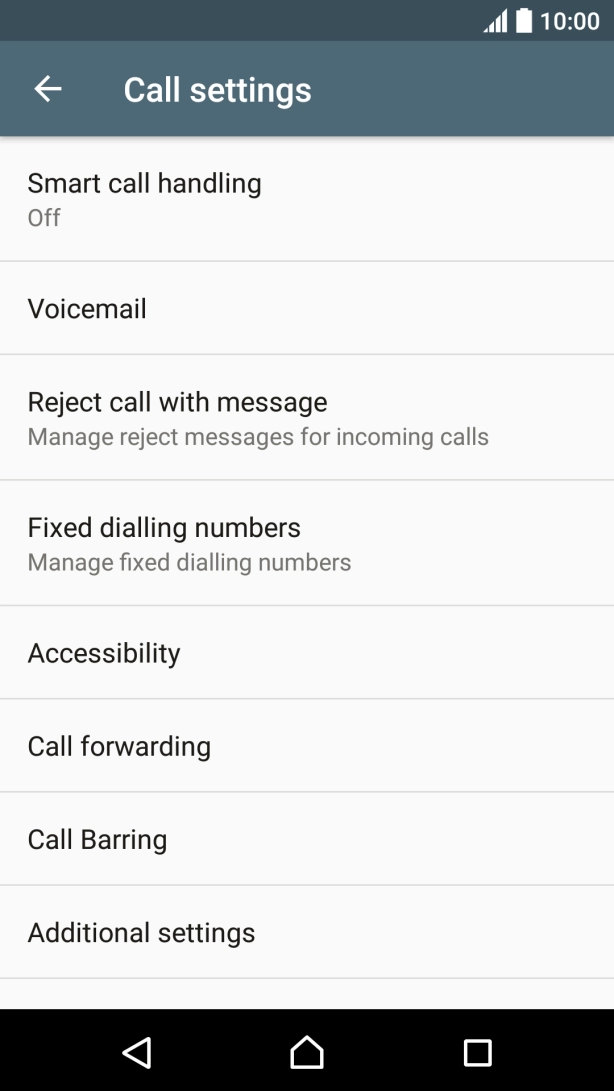
- Press Call forwarding.
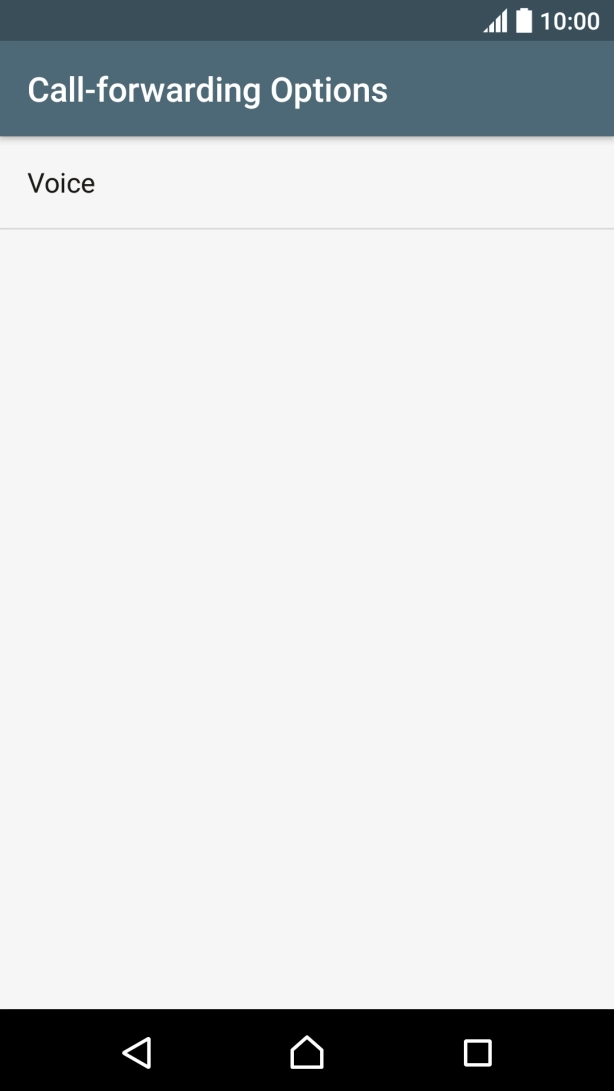
- Press Voice.
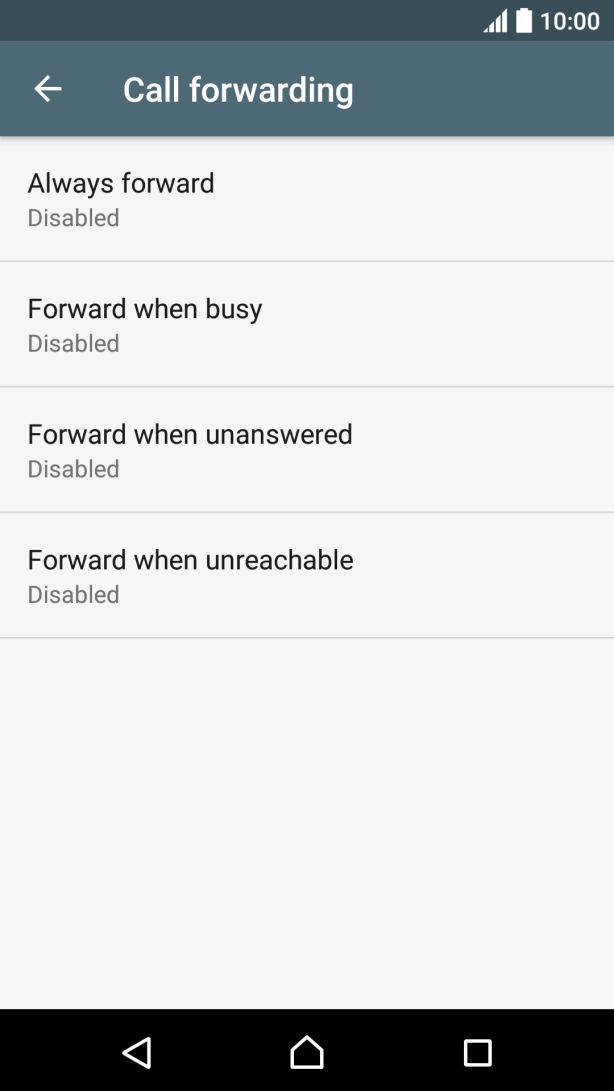
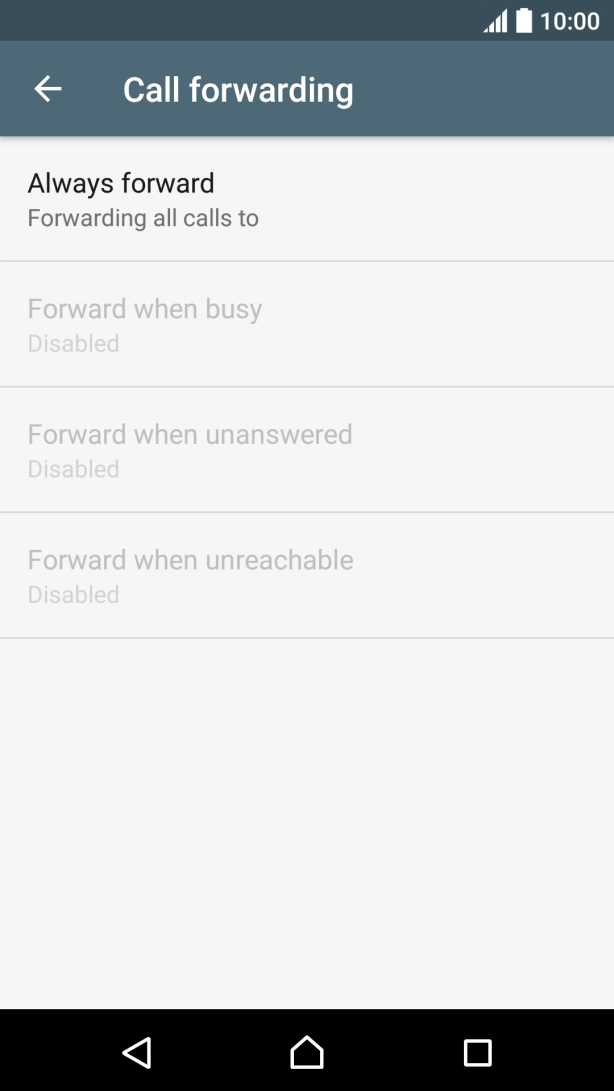
- Press the required divert type.
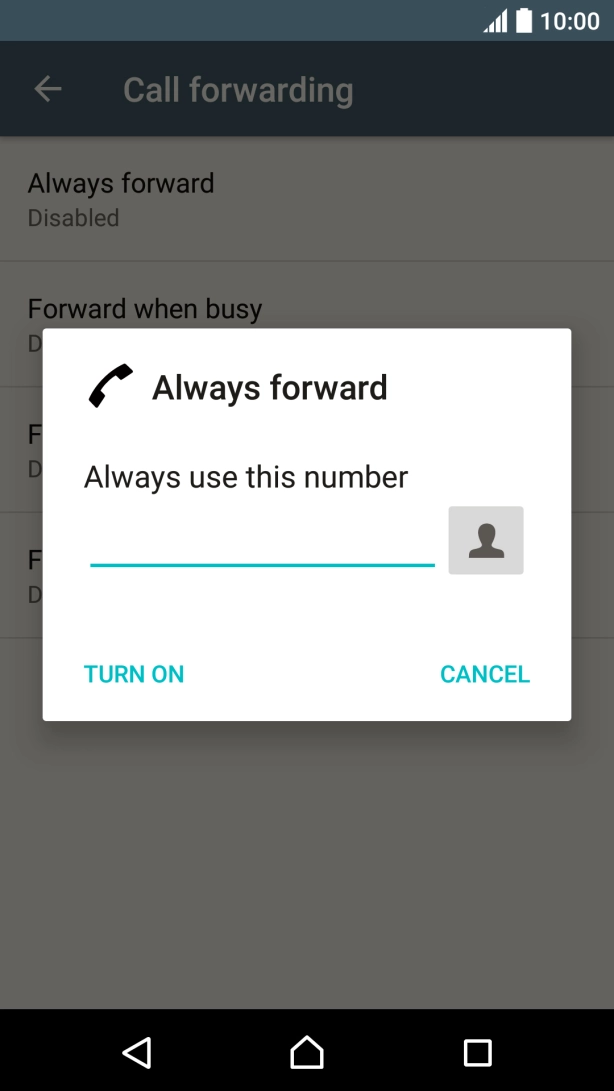
- Key in 901 and press TURN ON.
- Press the Home key to return to the home screen.
1. Find 'Call forwarding'
Slide your finger downwards starting from the top of the screen.
- Slide your finger downwards starting from the top of the screen.

- Press the settings icon.
- Press Call.
- Press Call forwarding.
- Press Voice.
- Press the required divert type.
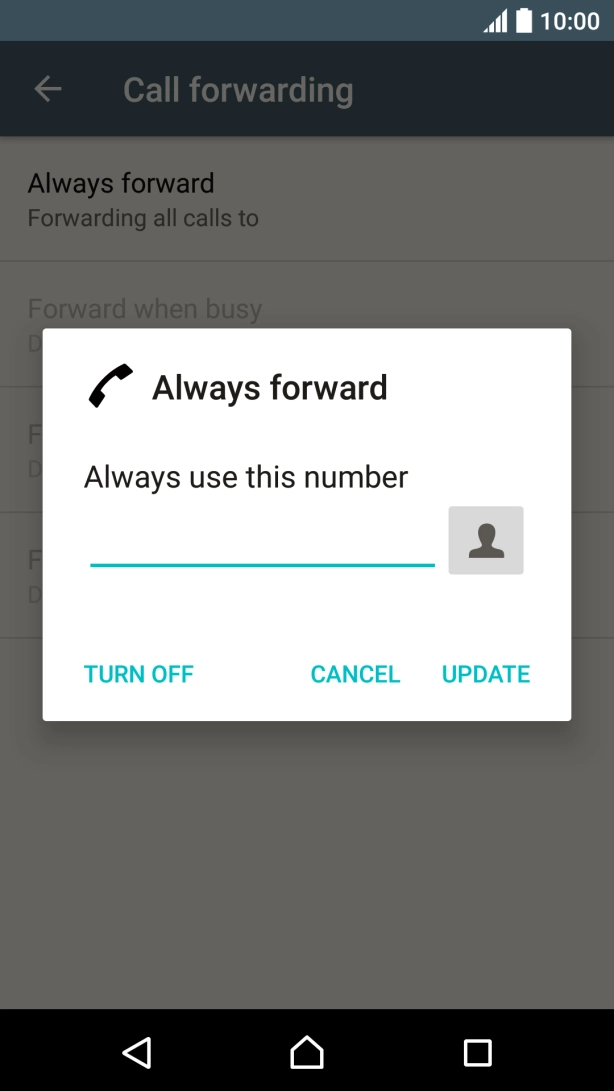
- Press TURN OFF.
- Press the Home key to return to the home screen.
1. Find 'Call Barring'
Slide your finger downwards starting from the top of the screen.
- Slide your finger downwards starting from the top of the screen.
- Press the settings icon.
- Press Call.
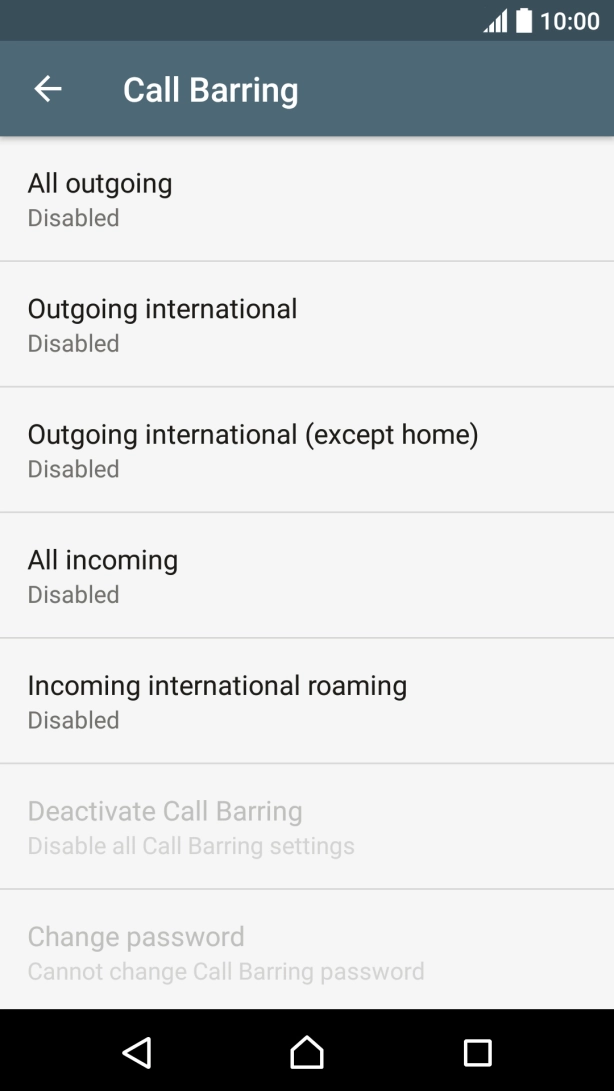
- Press Call Barring.
- Press the required barring type.
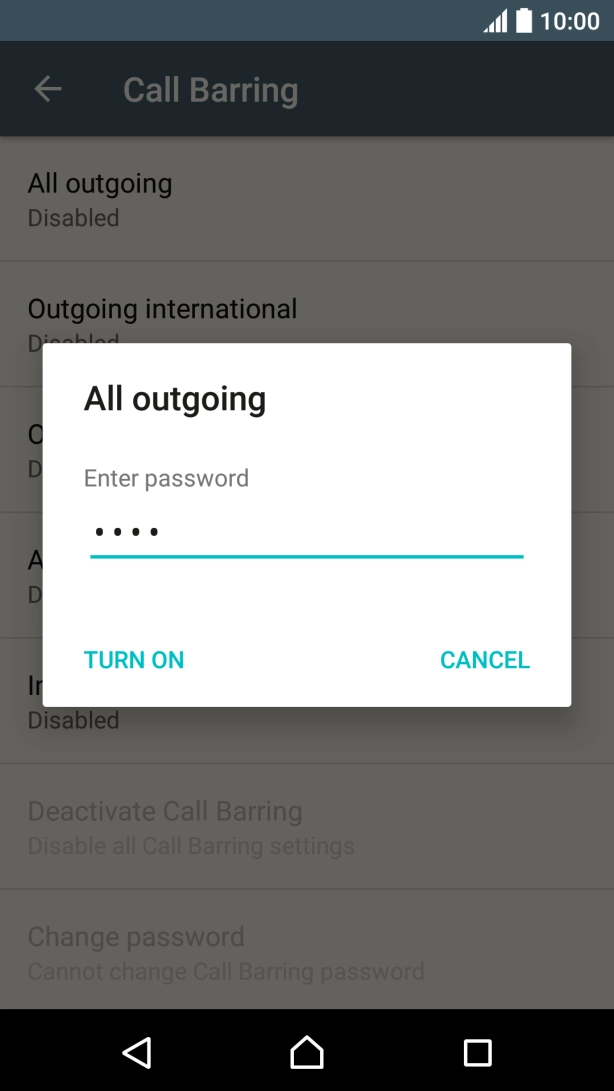
- Key in your barring password and press TURN ON.
- Press the Home key to return to the home screen.