I have problems using the internet connection on my OPPO Find X3 Lite
If you can't use your phone's internet connection, there may be several causes of the problem.
1. Find 'Access point name'
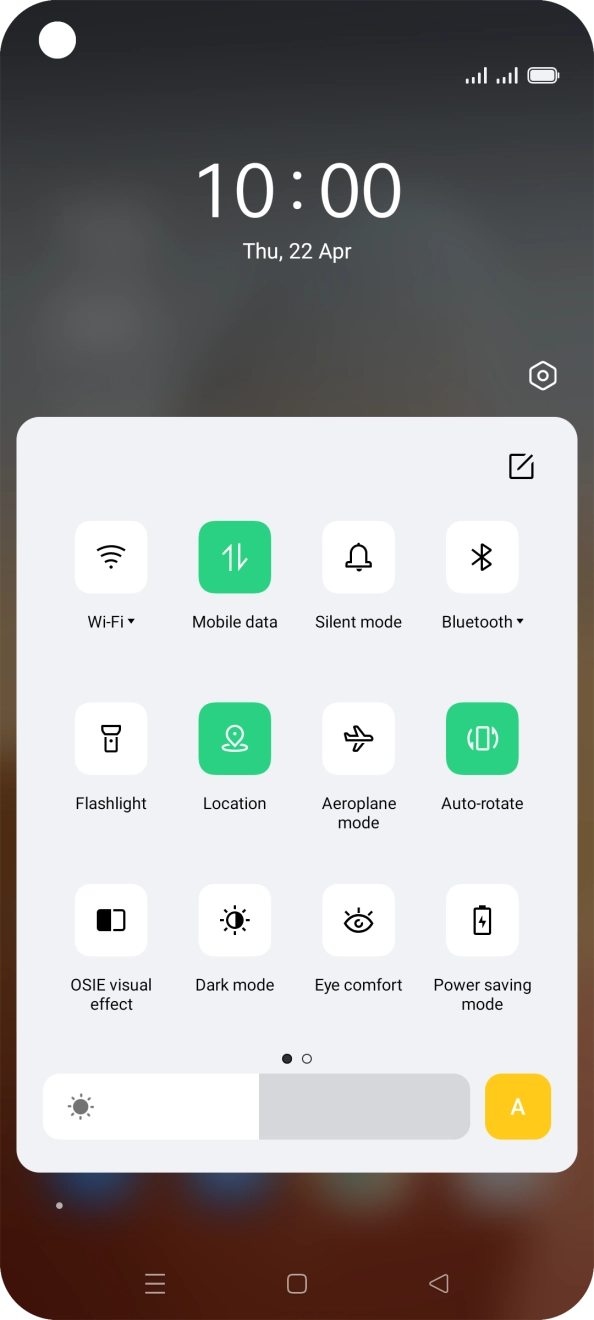
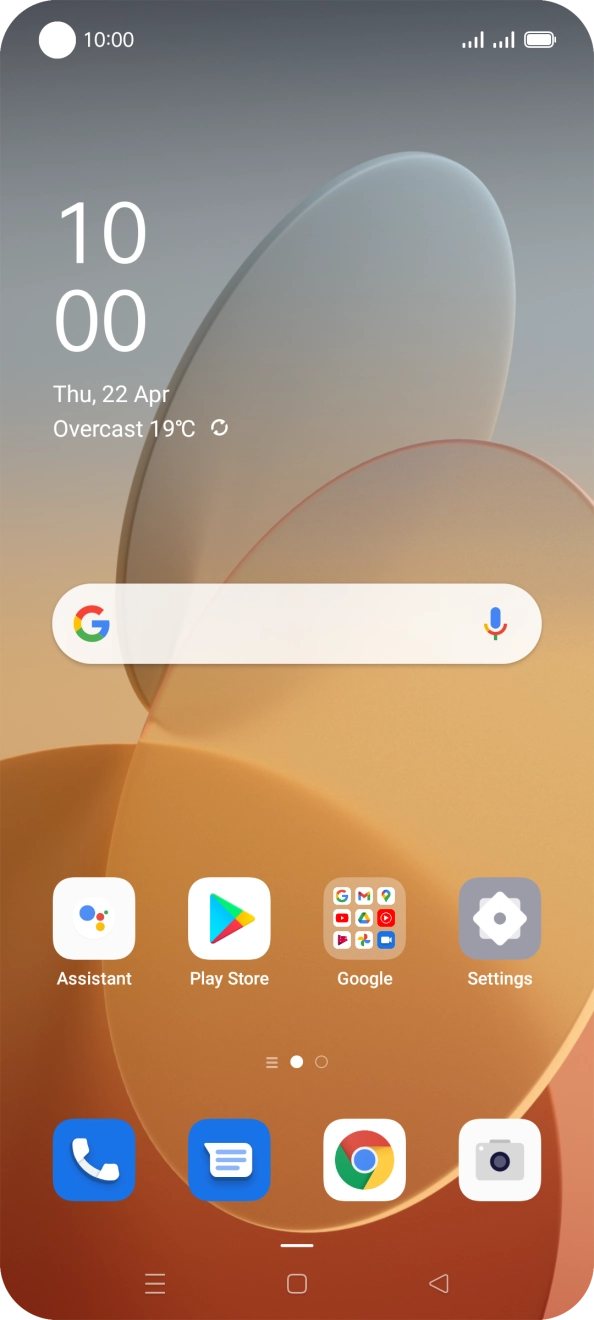
Slide two fingers downwards starting from the top of the screen.
- Slide two fingers downwards starting from the top of the screen.

- Press the settings icon.
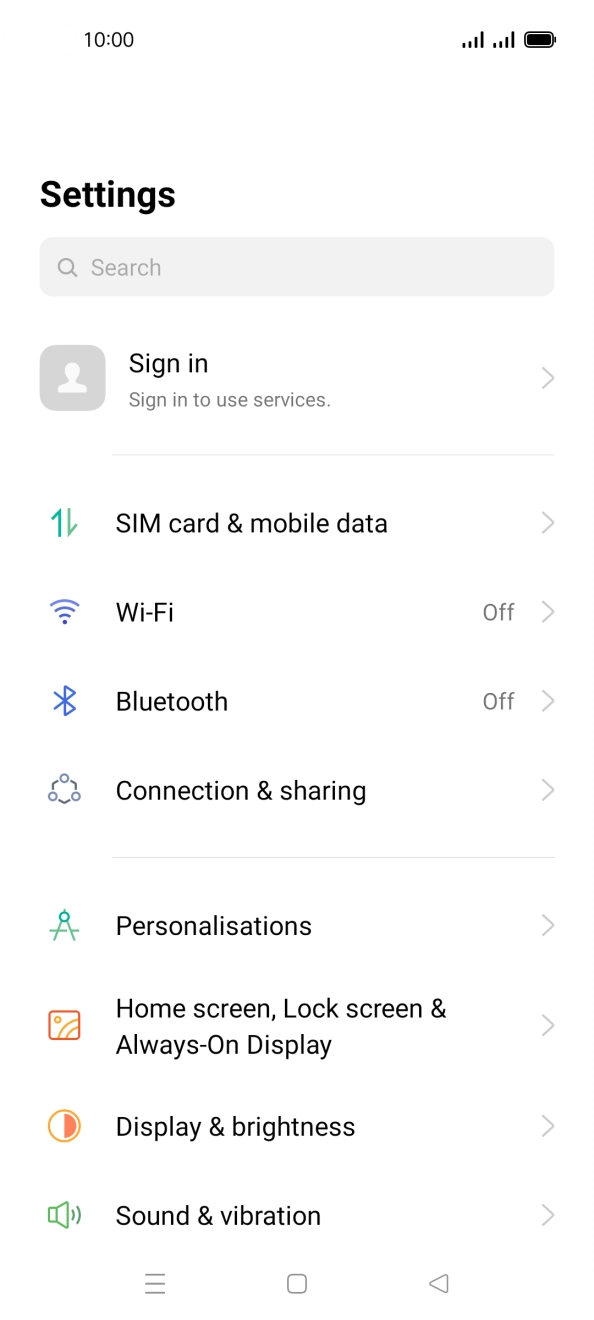
- Press SIM card & mobile data.
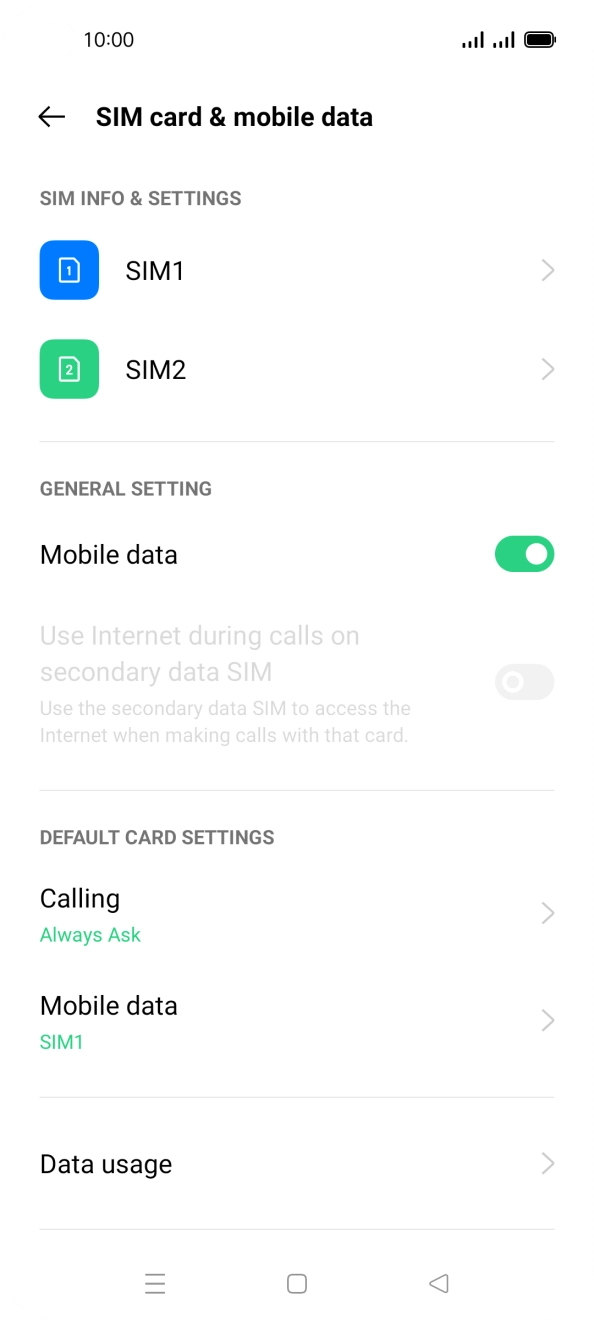
- Press the required SIM.
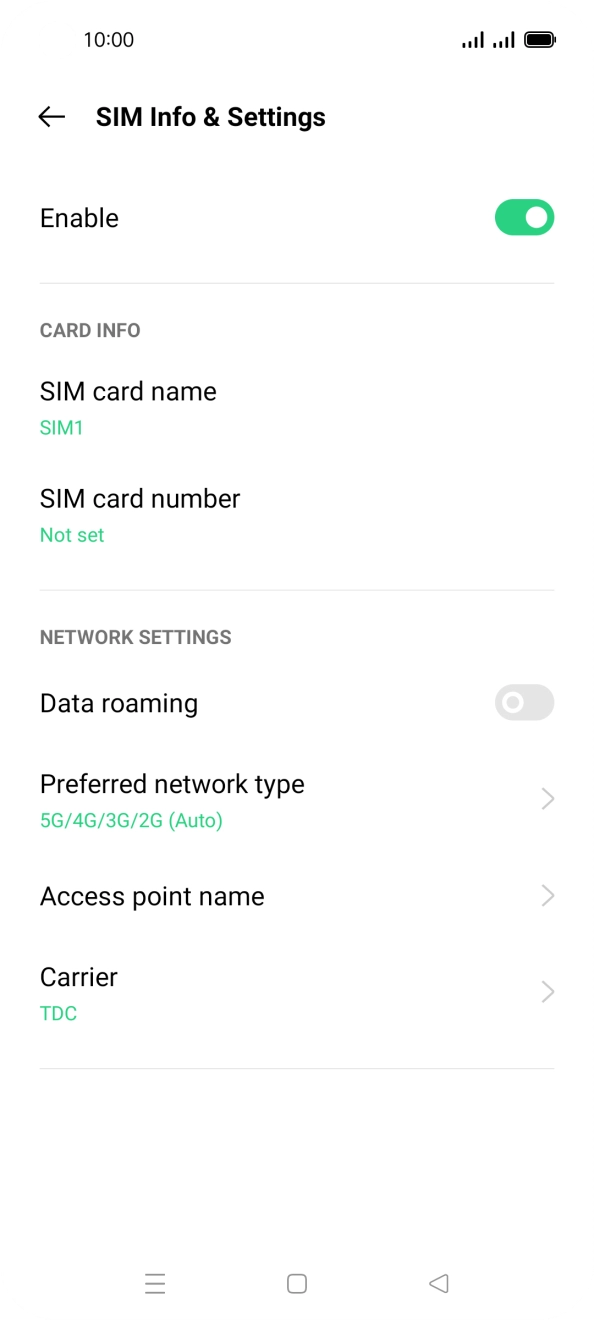
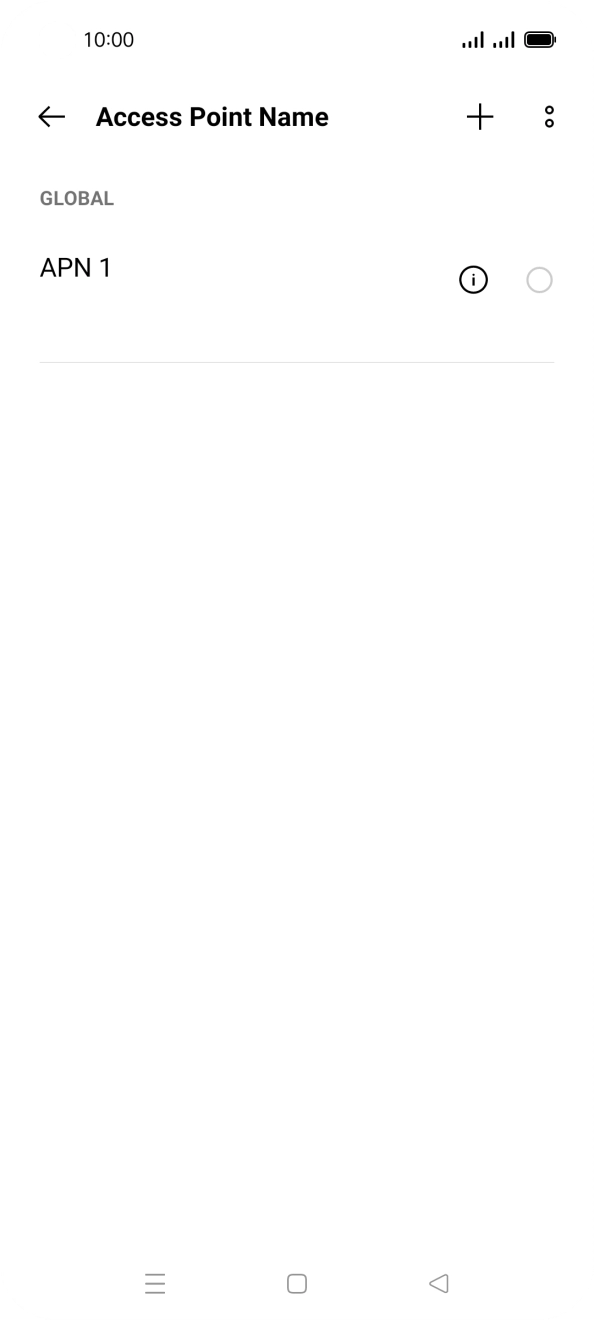
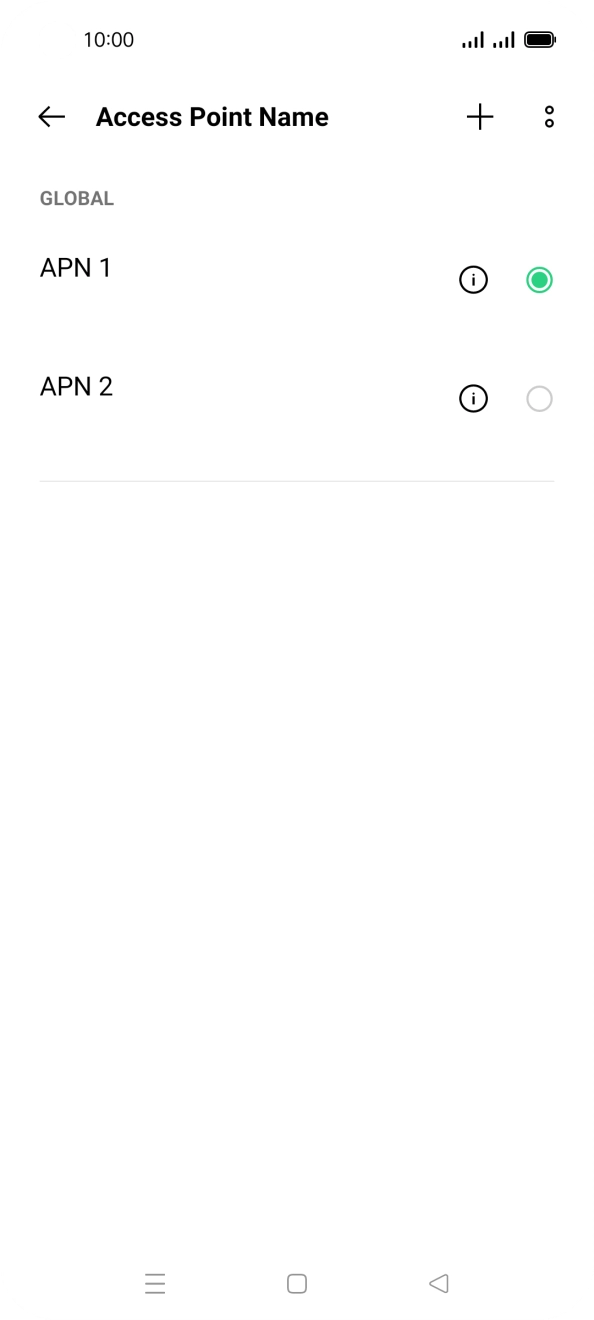
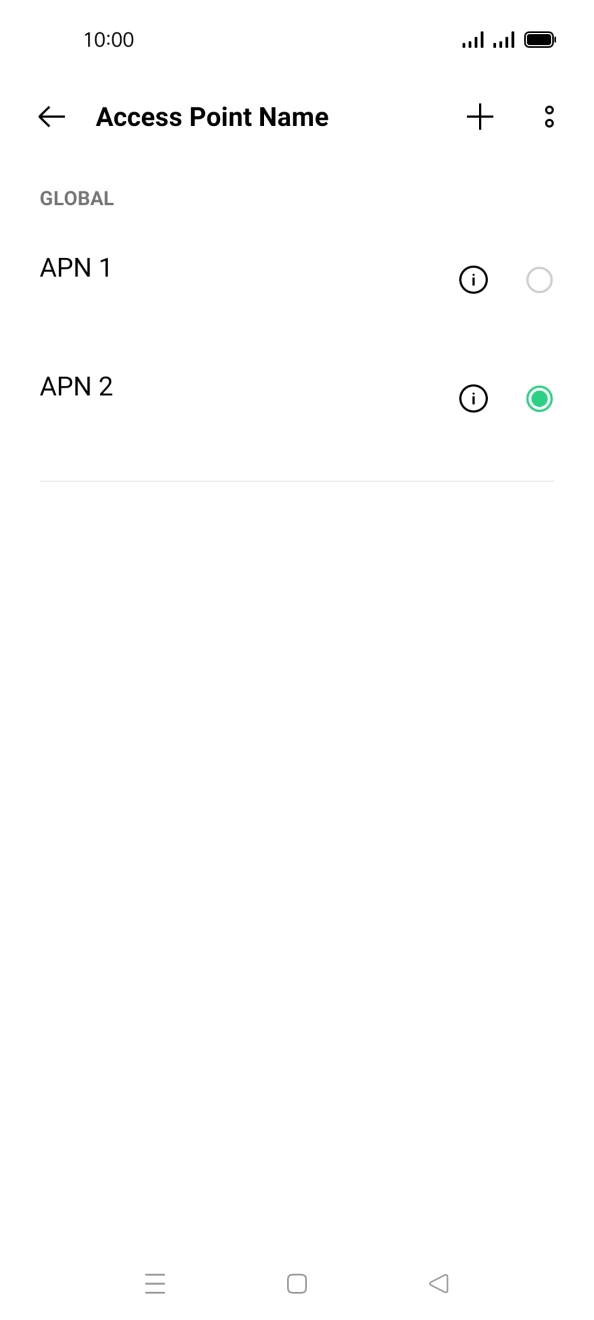
- Press Access point name.
- Press the add icon.
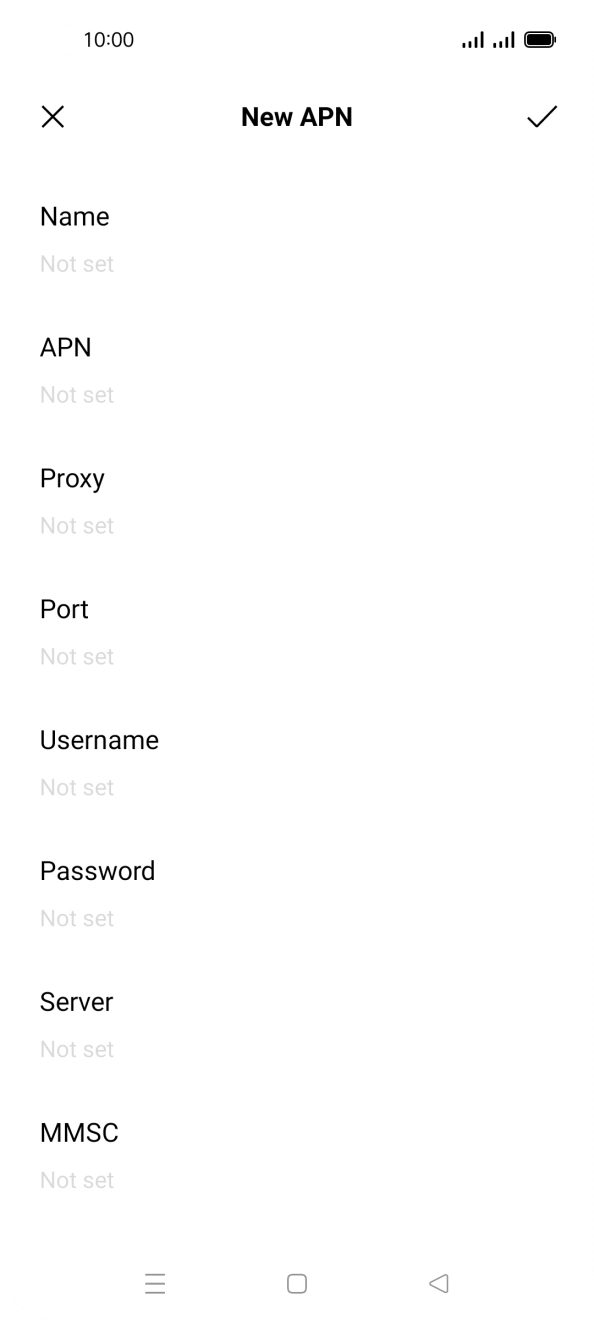
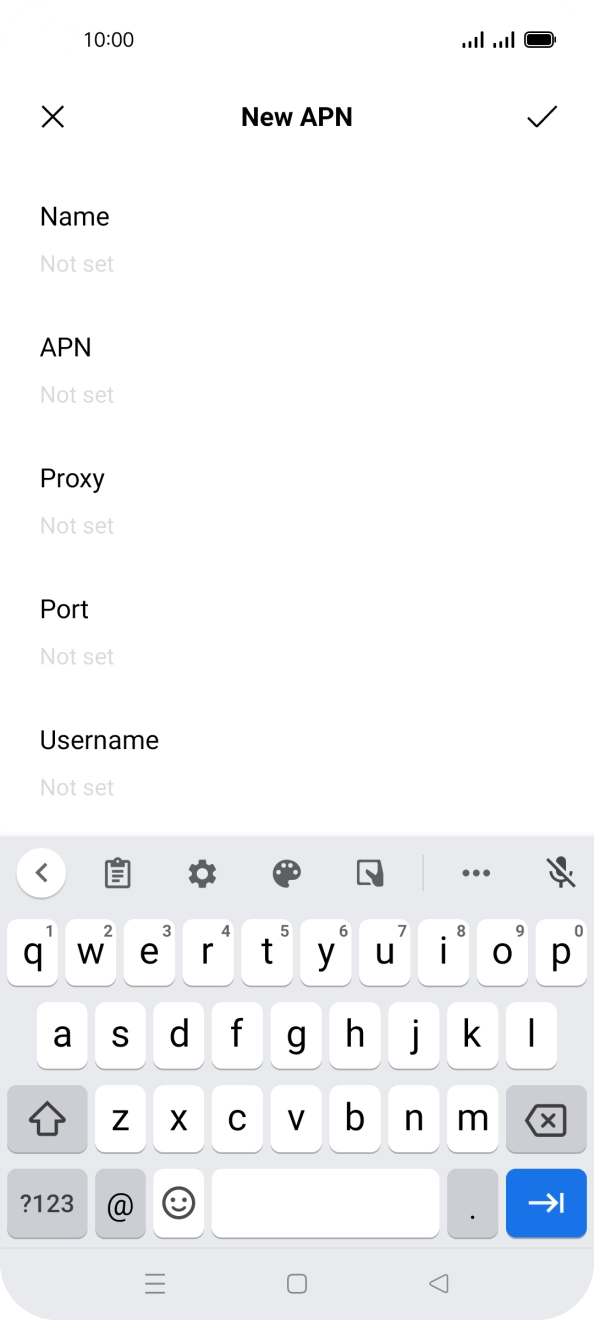
- Press Name.
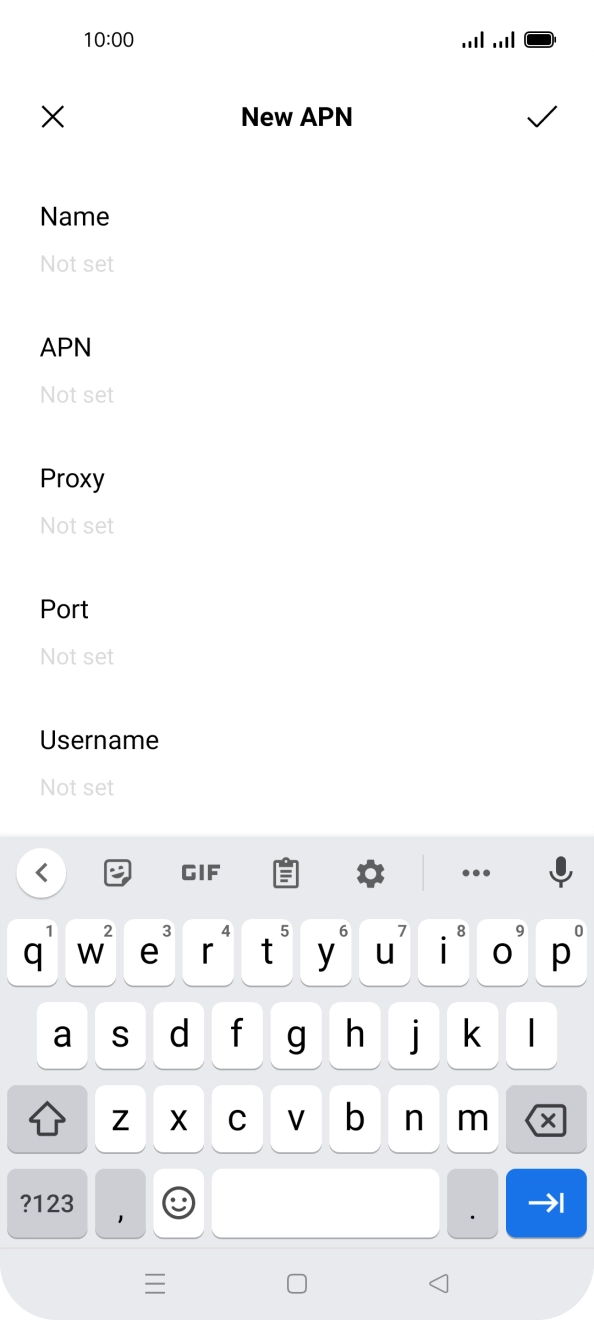
- Key in O2 UK Internet and press the confirm icon.
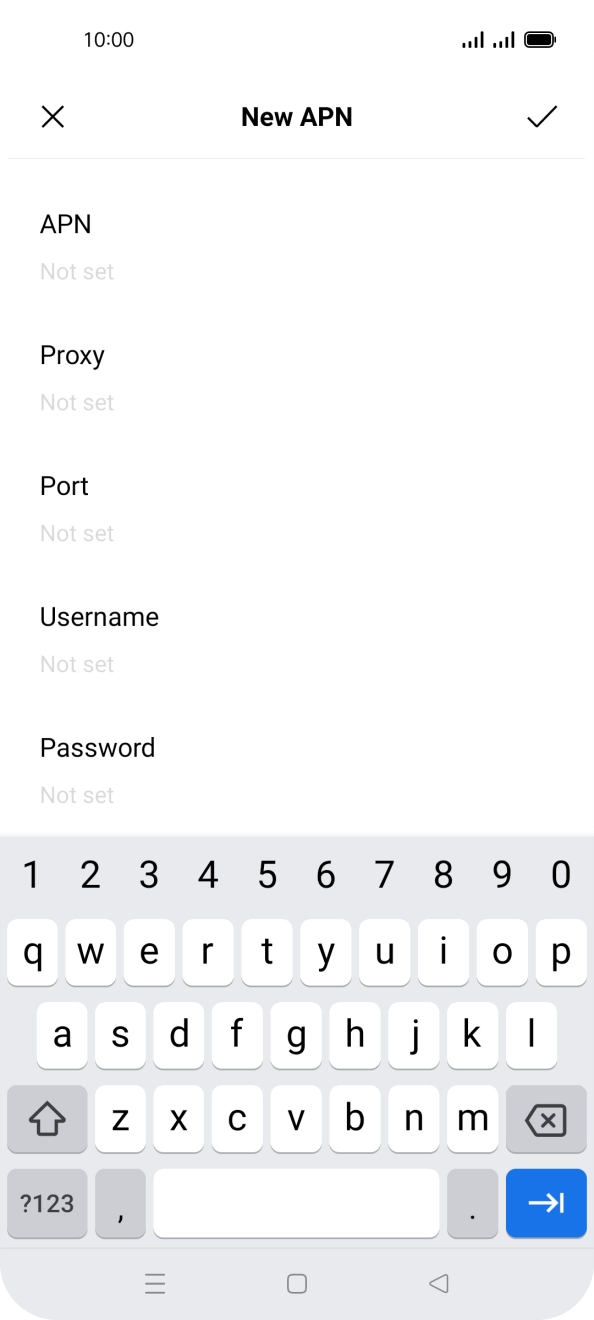
- Press APN.
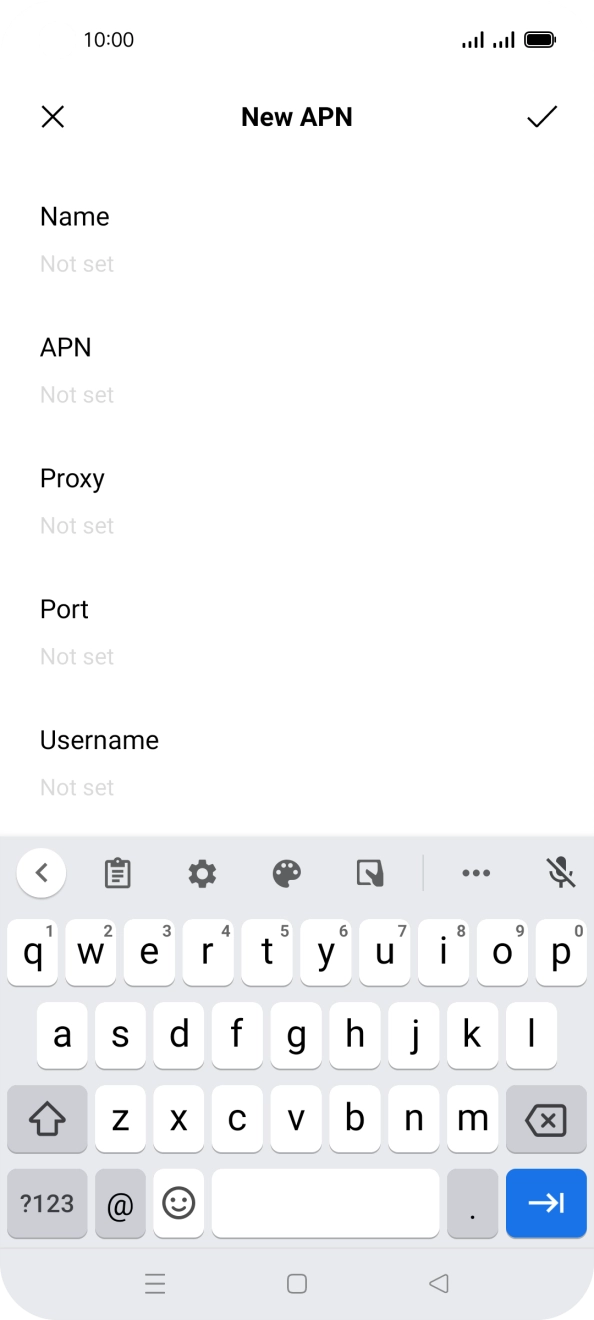
- Key in mobile.o2.co.uk and press the confirm icon.
- Press Username.
- Key in o2 and press the confirm icon.
- Press Password.
- Key in p and press the confirm icon.
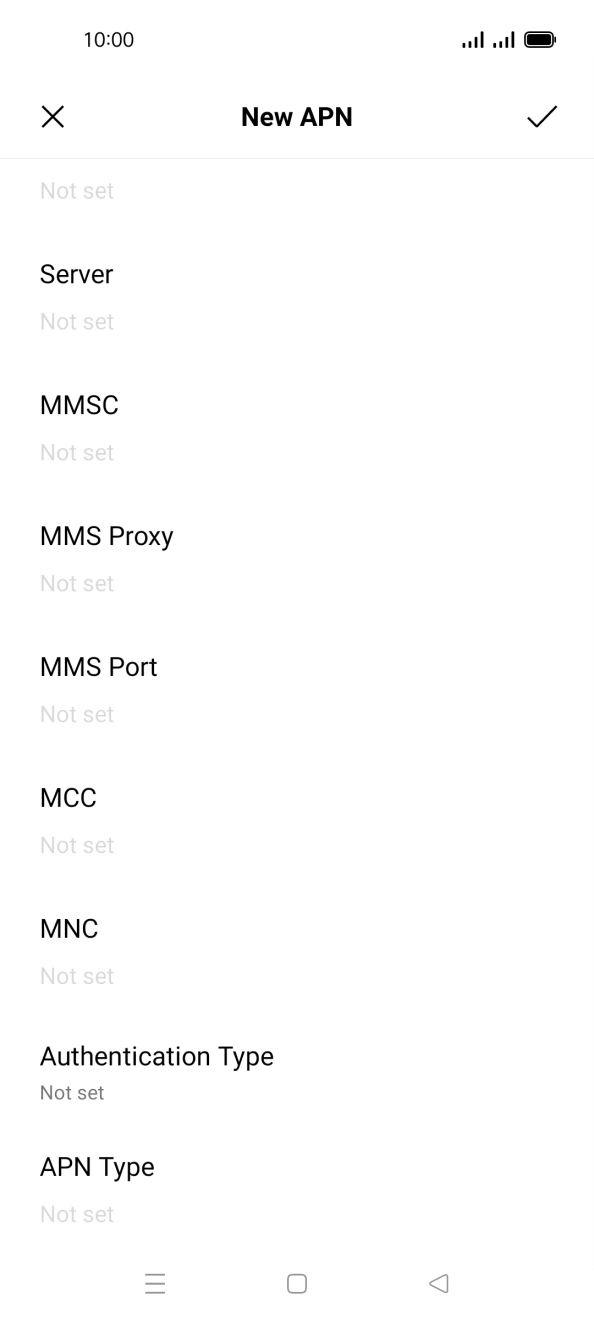
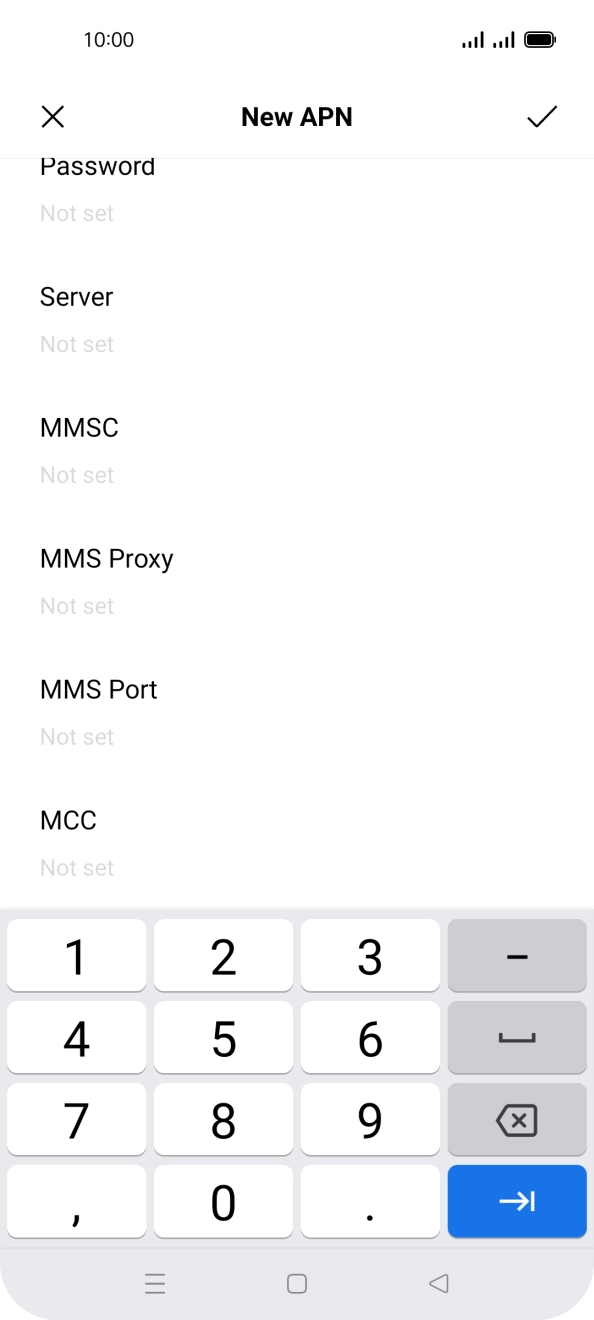
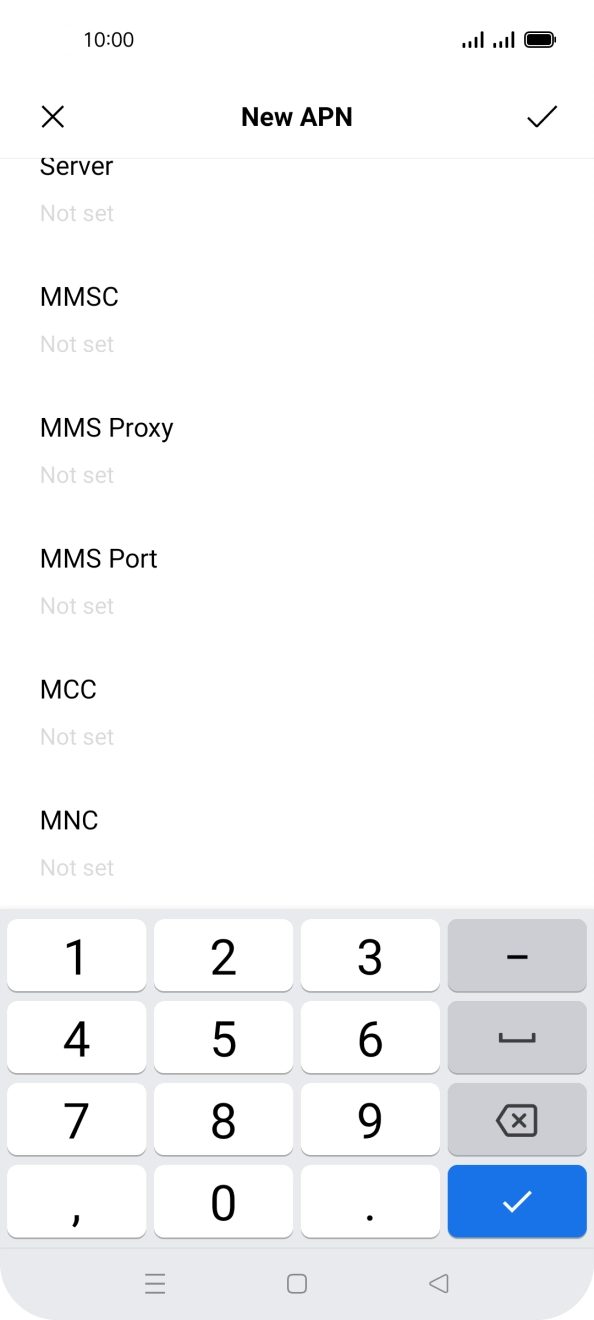
- Press MCC.
- Key in 234 and press the confirm icon.
- Press MNC.
- Key in 10 and press the confirm icon.
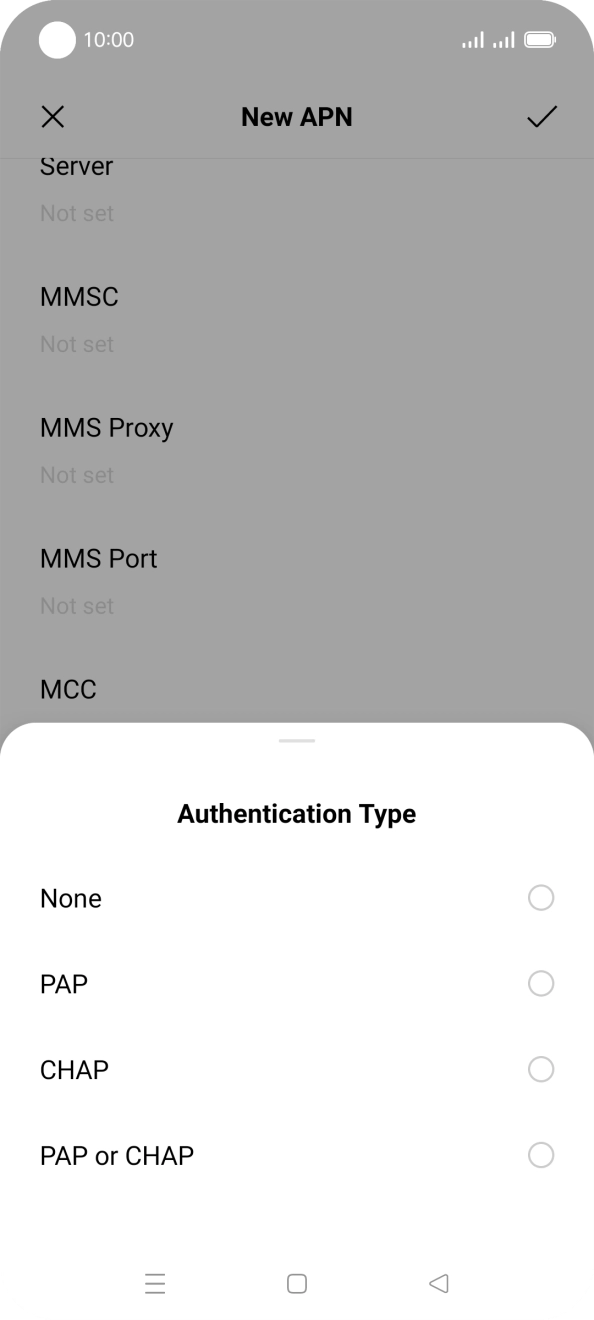
- Press Authentication Type.
- Press PAP.
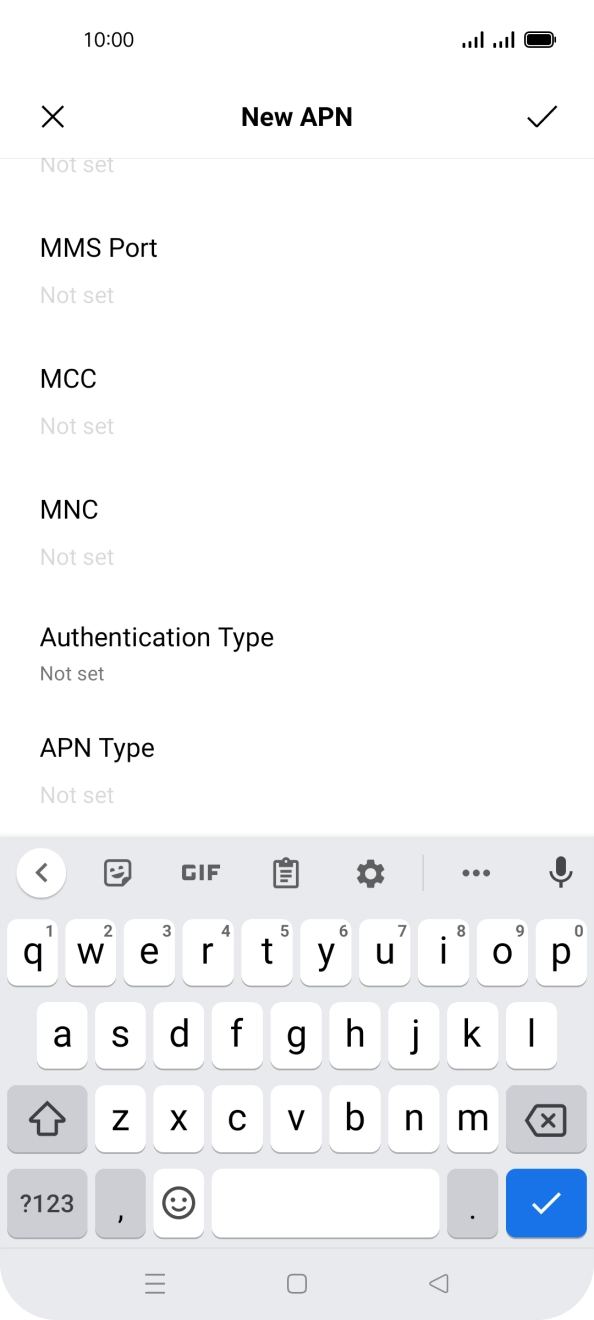
- Press APN Type.
- Key in default and press the confirm icon.
- Press the confirm icon.
- Press the field next to the data connection to activate it.
- Press the Home key to return to the home screen.
1. Find 'SIM card & mobile data'
Slide two fingers downwards starting from the top of the screen.
- Slide two fingers downwards starting from the top of the screen.
- Press the settings icon.
- Press SIM card & mobile data.
- Press the required SIM.
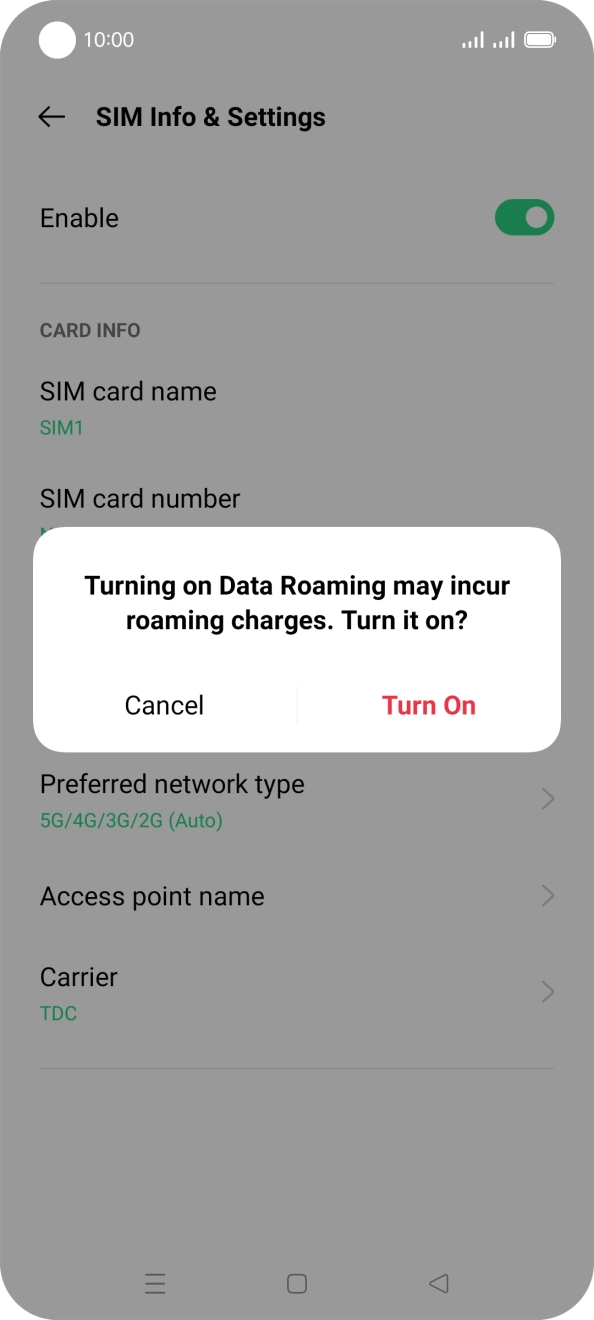
- Press the indicator next to 'Data roaming' to turn the function on or off.
- If you turn on the function, press Turn On.
- Press the Home key to return to the home screen.