How to turn automatic app updates on your Google Pixel 9 on or off
You can set your phone to update apps automatically so you always have the newest versions installed.
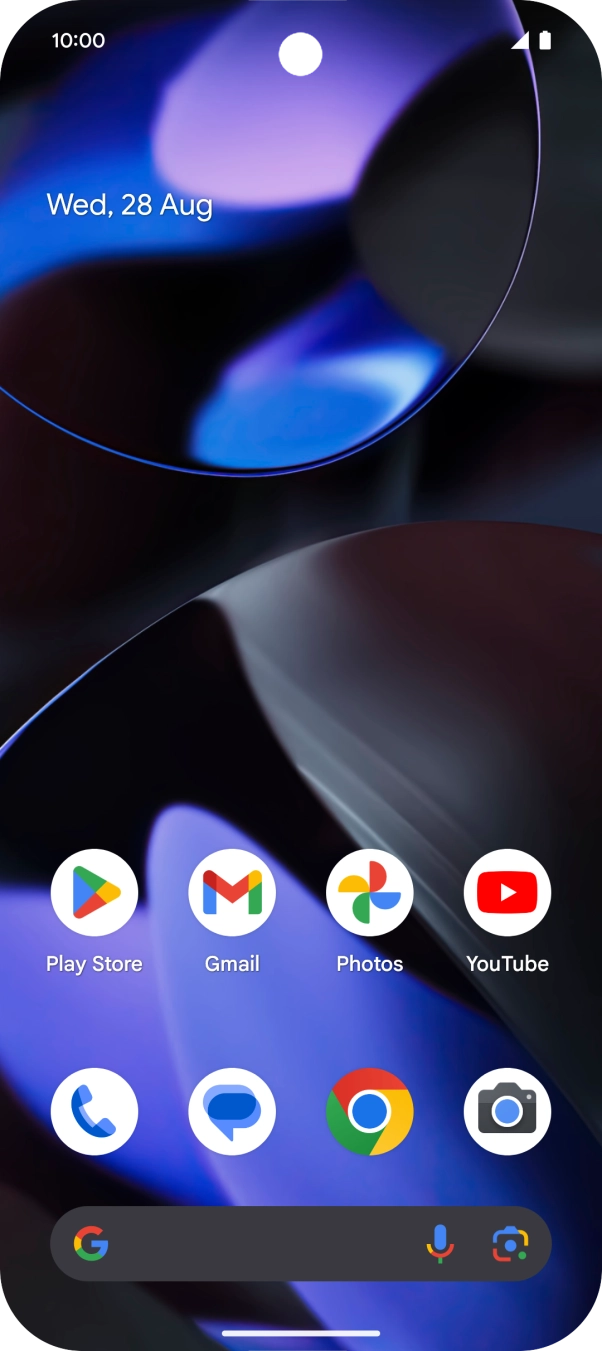
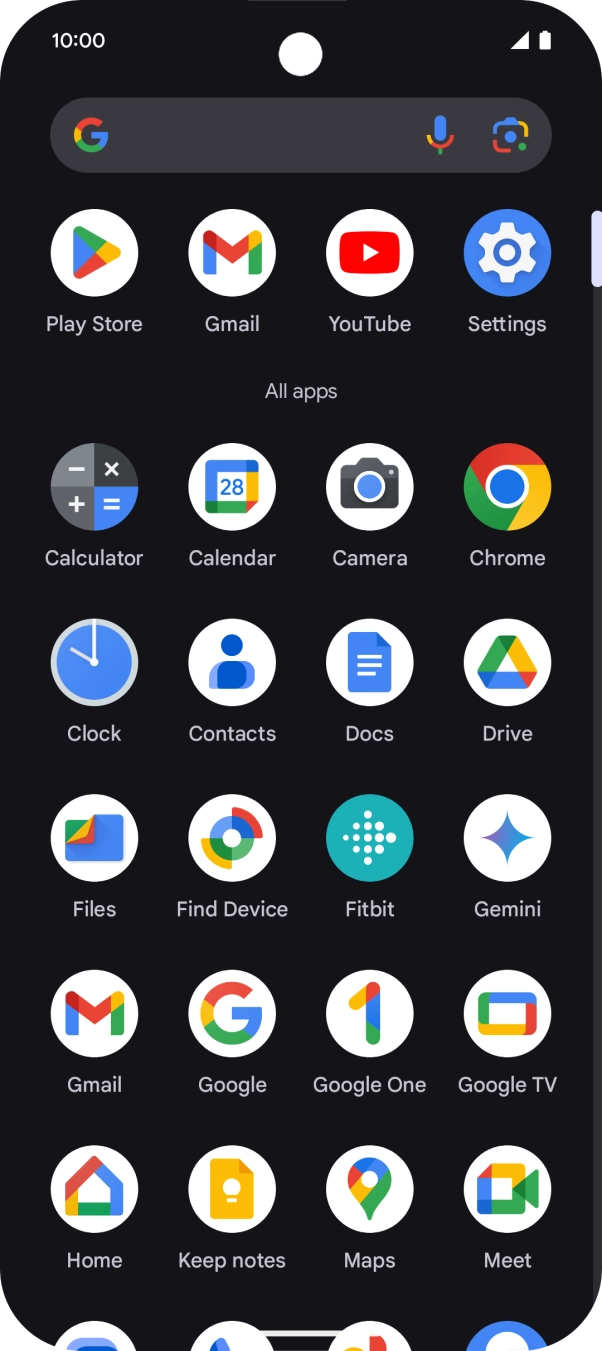
- Slide your finger upwards on the screen.

- Press Play Store.
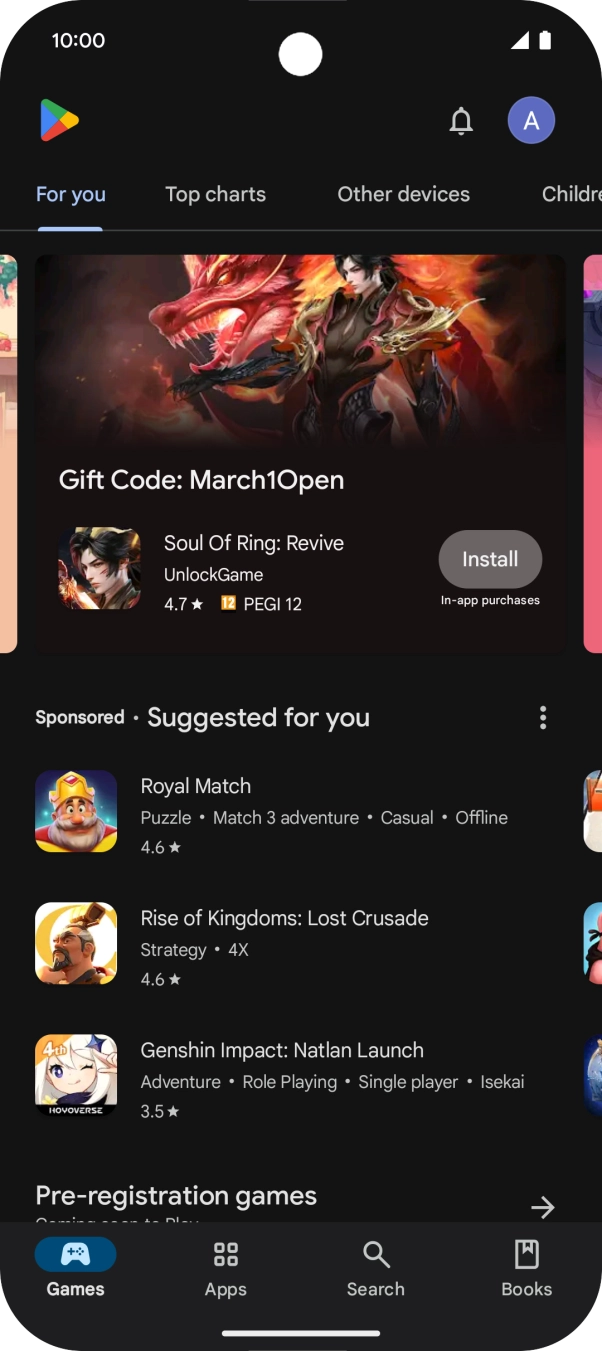
- Press the profile icon.
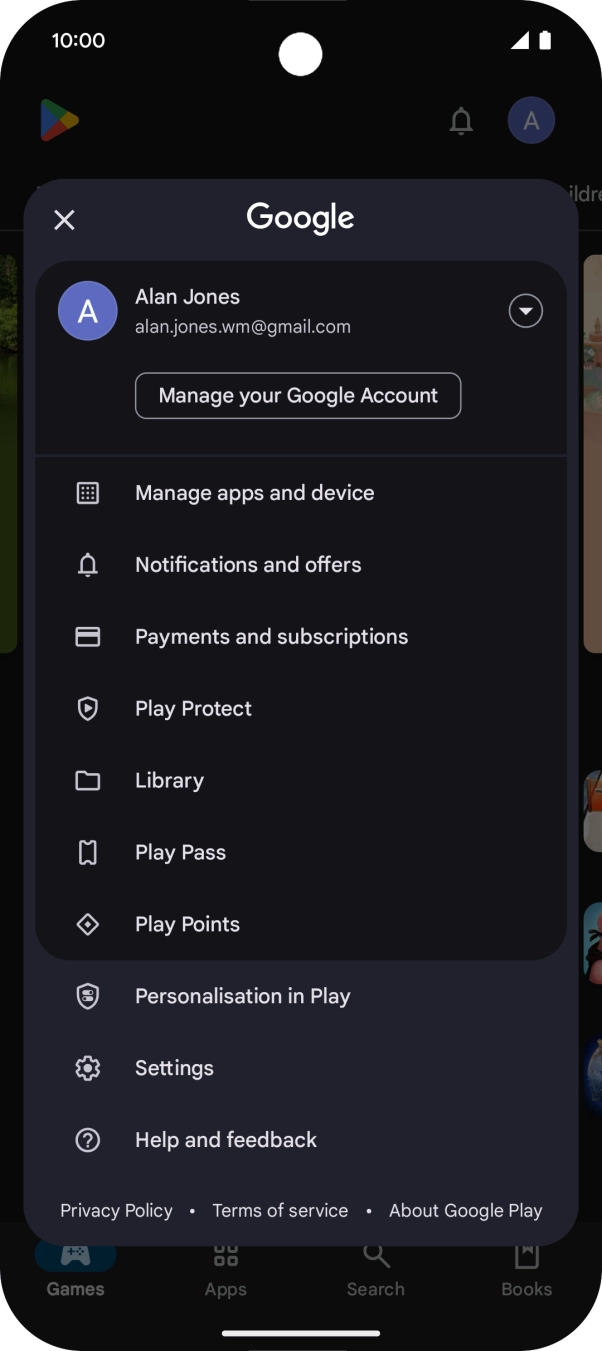
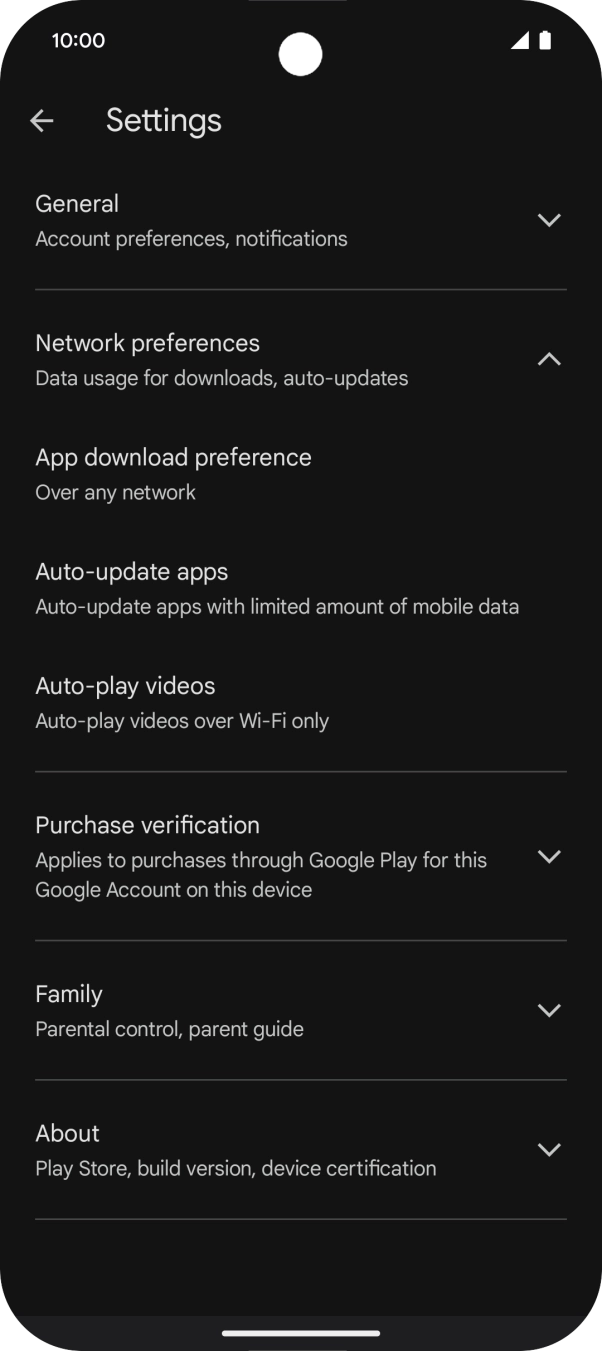
- Press Settings.
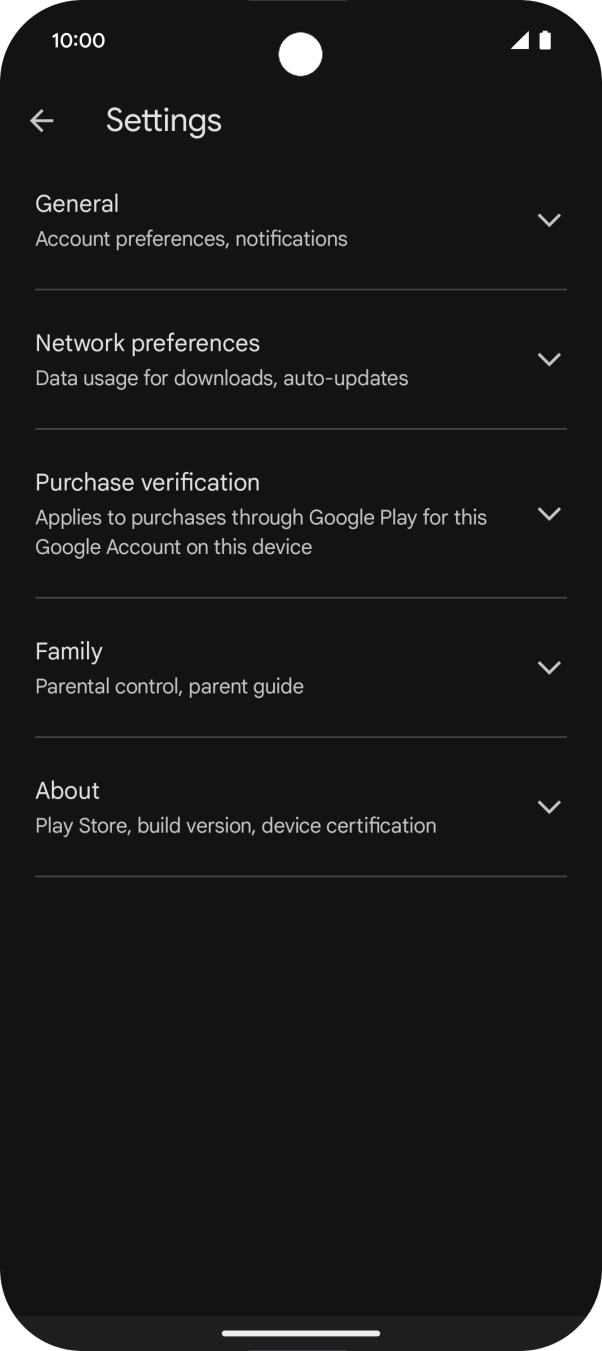
- Press Network preferences.
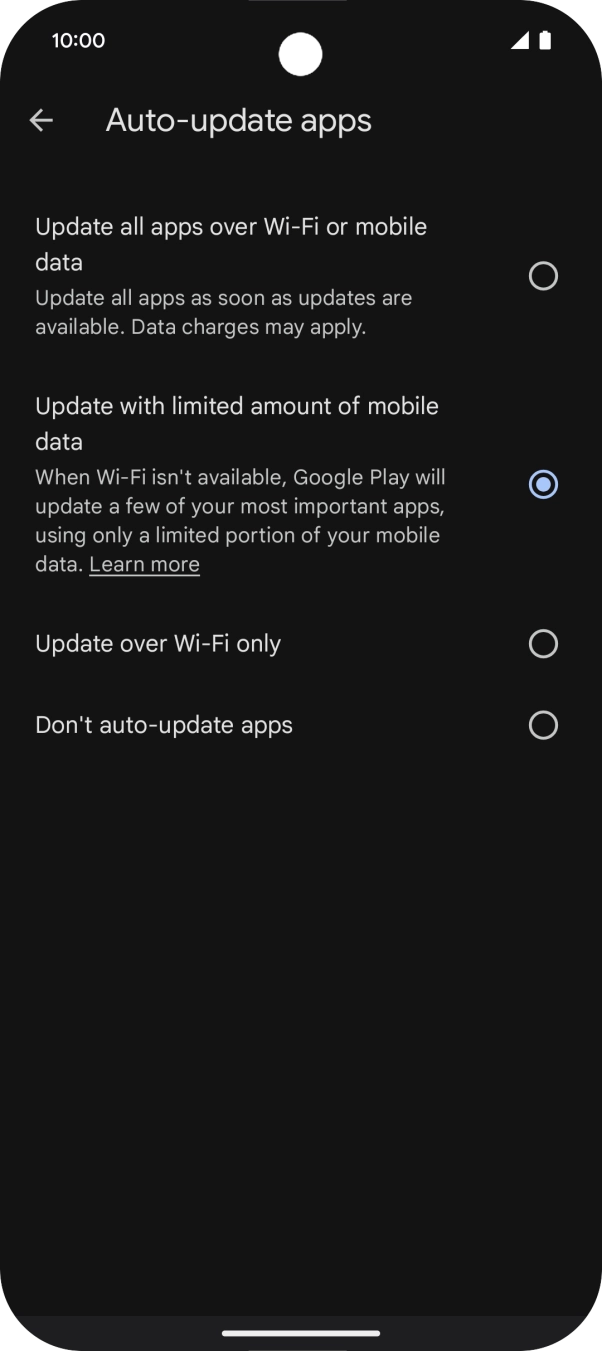
- Press Auto-update apps.
- To turn on automatic update of apps using mobile network, press Update all apps over Wi-Fi or mobile data.If you turn on automatic update of apps via mobile network, your apps are automatically updated via the mobile network when no WiFi networks are within range.
- To turn on limited update of apps using mobile network, press Update with limited amount of mobile data.If you turn on limited update of apps via mobile network, your most used apps are automatically updated via the mobile network when no WiFi networks are within range.
- To turn on automatic update of apps using WiFi, press Update over Wi-Fi only.
- To turn off automatic update of apps, press Don't auto-update apps.
- Slide your finger upwards starting from the bottom of the screen to return to the home screen.