
How to use health apps on your Apple Watch SE 3
You can use your Apple Watch as a pedometer, to register your daily activities and set goals for your training. The information is sent to your phone and is automatically synchronised with the Heath app.

Step 1 of 27
Step 1 of 27
1. Use the Activity app
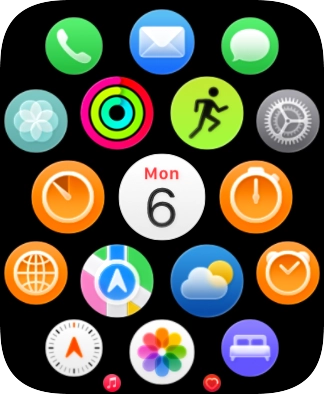
Press the Digital Crown.
- Press the Digital Crown.
- Press the Activity icon.The first time you use the Activity app, you need to key in some information about yourself.
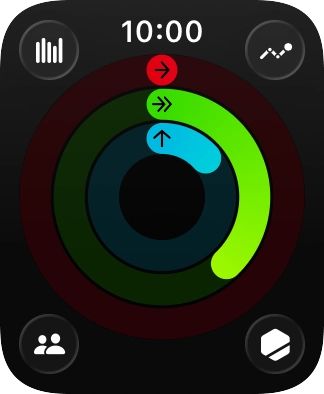
- The screen will tell you how far you are from completing your daily activity goals. When the coloured rings are closed, you've reached the goals of your daily activity.
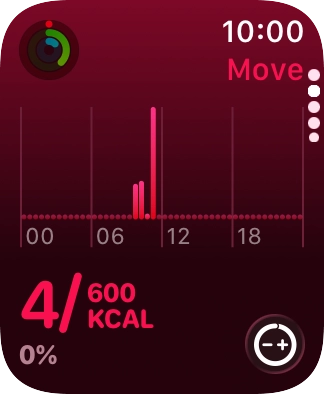
- Slide your finger upwards on the screen to get a detailed overview of your daily activities.
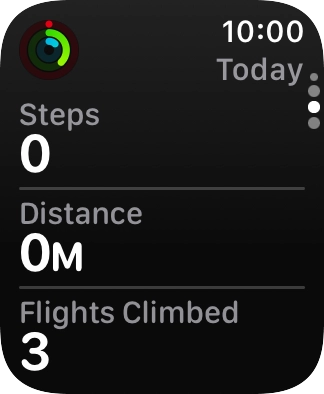
- Keep sliding upwards to see the number of steps, distance and number of floors you've covered.
- Slide your finger downwards to return to the overview with the coloured rings.
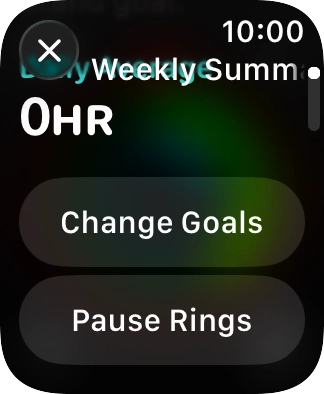
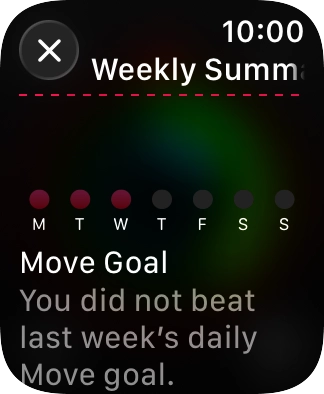
- Press the statistics icon.
- Follow the instructions on the screen to see an activity summary for the current week or to adjust the daily activity goal.
- Press the Digital Crown several times to return to the main menu.
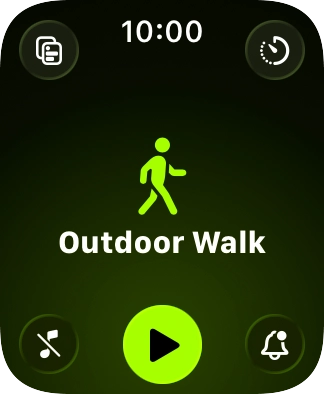
- Press the Workout icon.
- Slide your finger up or down on the screen to select the required training activity.
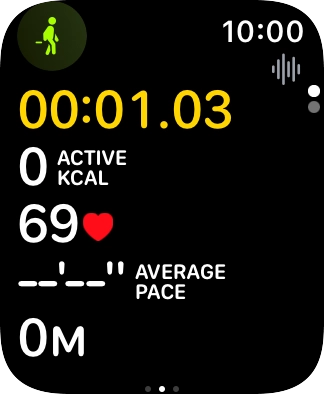
- Press the start icon to start the selected training activity.
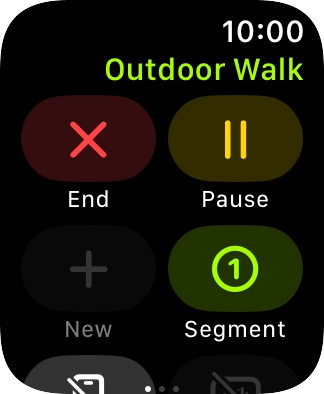
- Slide your finger right starting from the left side of the screen.
- Press End to stop your training activity.
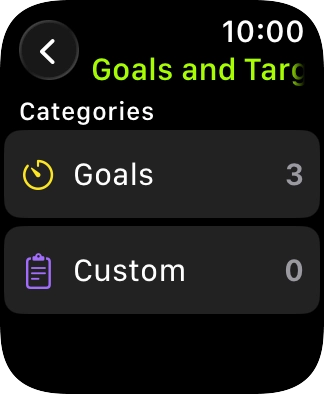
- Press the goal icon in the required training activity to open more settings.You can, e.g., set an activity to a certain length of time or distance.
- Press arrow left the necessary number of times to return to the home screen for the selected training activity.
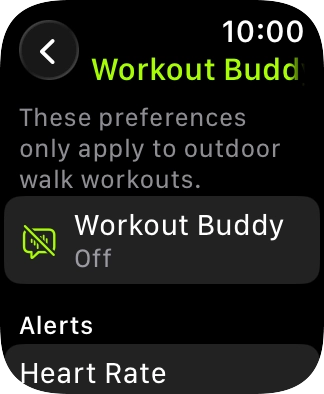
- Press the notification icon.
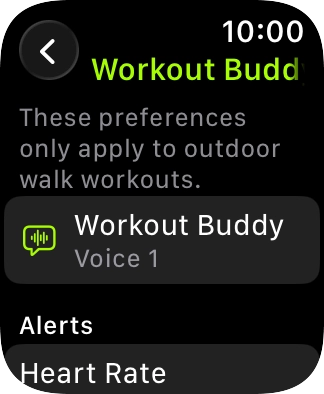
- Press Workout Buddy.If you turn on Work Buddy, you get an AI-generated voice that provides personal motivation and information during your training. To use Workout Buddy, you need to have a Bluetooth headset connected, and the iPhone connected to your Apple Watch needs to be nearby and have Apple Intelligence turned on.
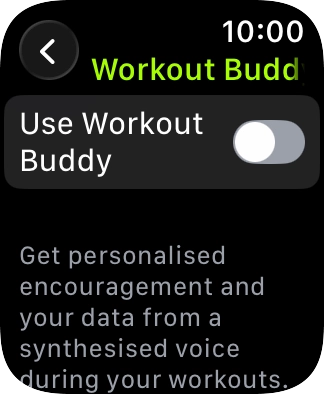
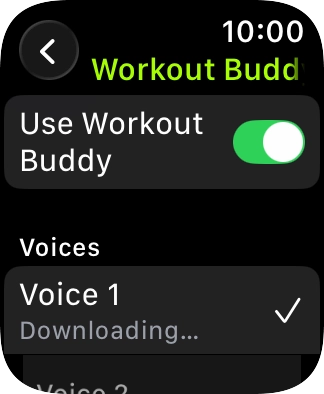
- Press the indicator next to 'Use Workout Buddy' to turn on the function.
- Press the required voice for Workout Buddy.
- Press arrow left.
- Follow the instructions on the screen to select more settings for Workout Buddy.
- Press the Digital Crown several times to return to the main menu.
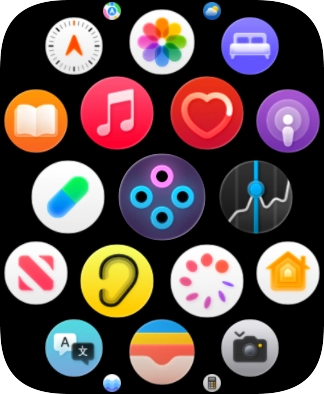
- Press the heart rate sensor icon.
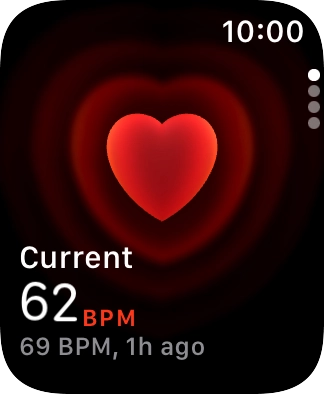
- Your current heart rate is displayed below Current.
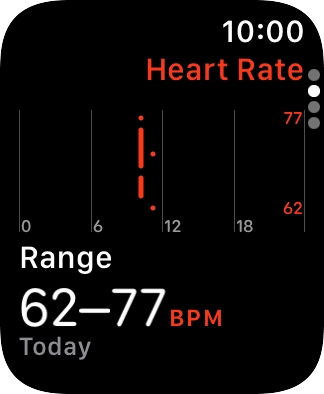
- Slide your finger upwards on the screen to see an overview of your heart rate in the course of the day.
- Press the Digital Crown several times to return to standby mode.
