
I have problems using the internet connection on my Xiaomi Redmi Note 11
If you can't use your phone's internet connection, there may be several causes of the problem.
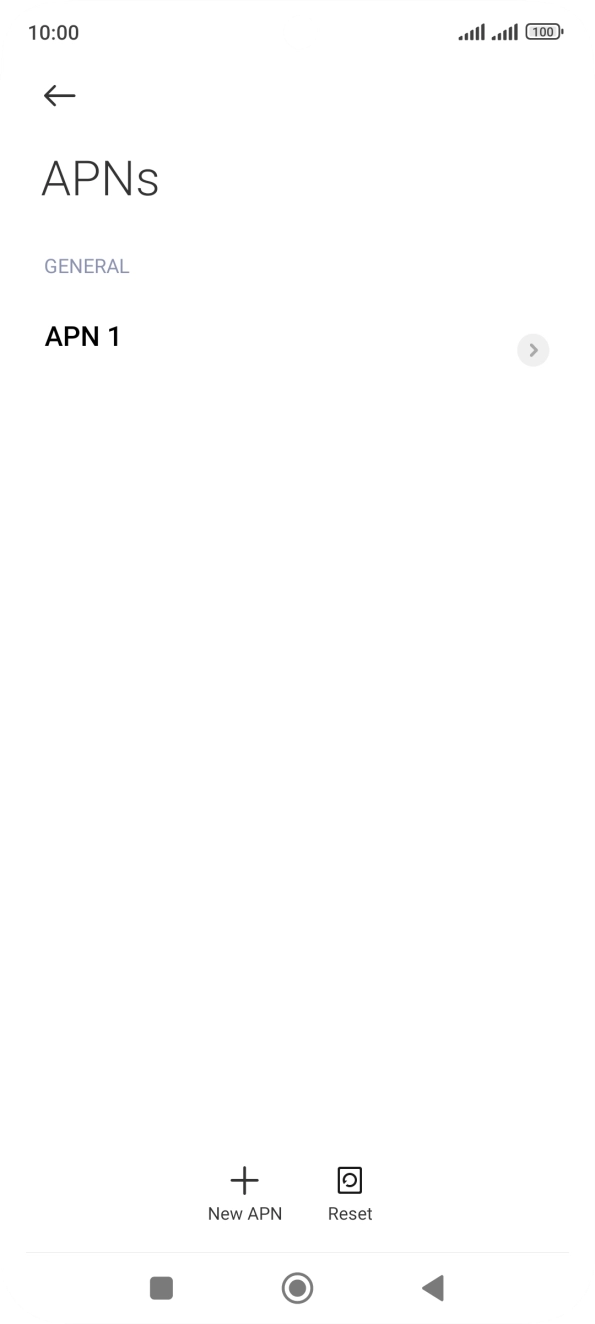
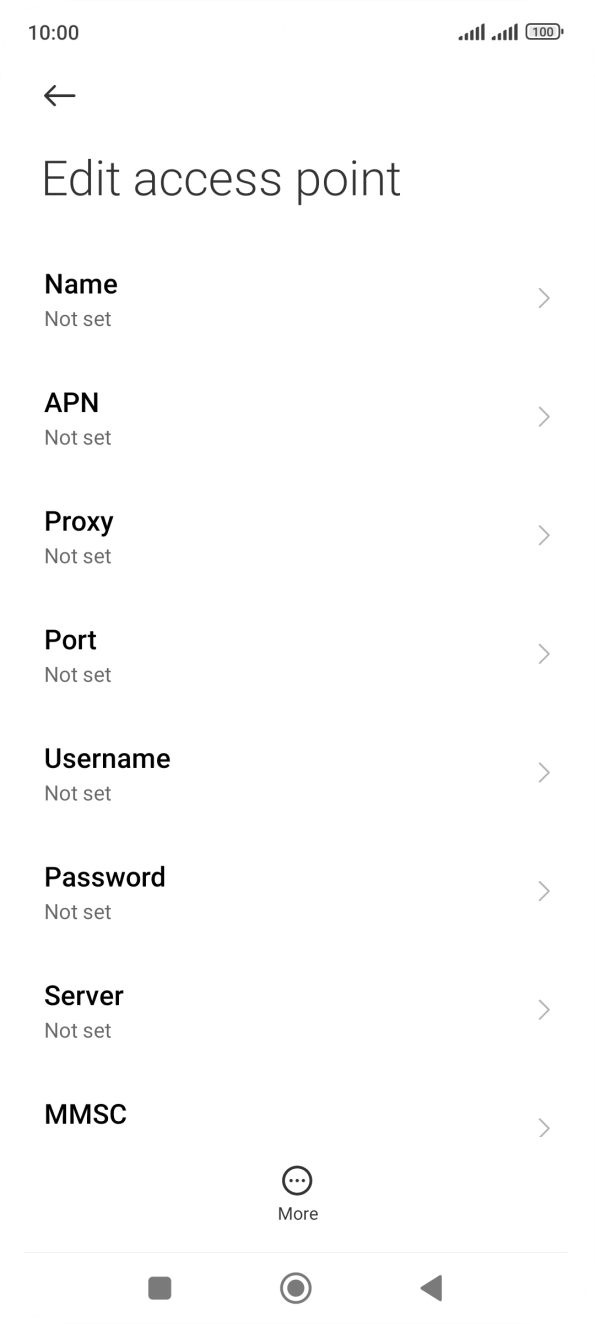
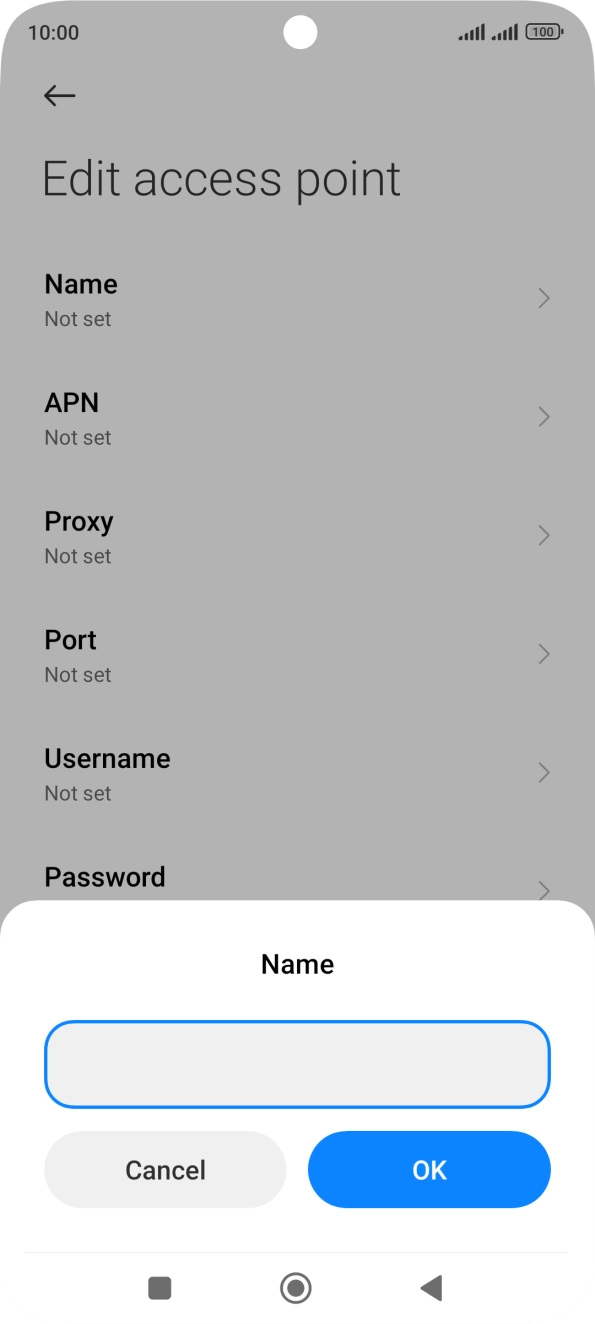
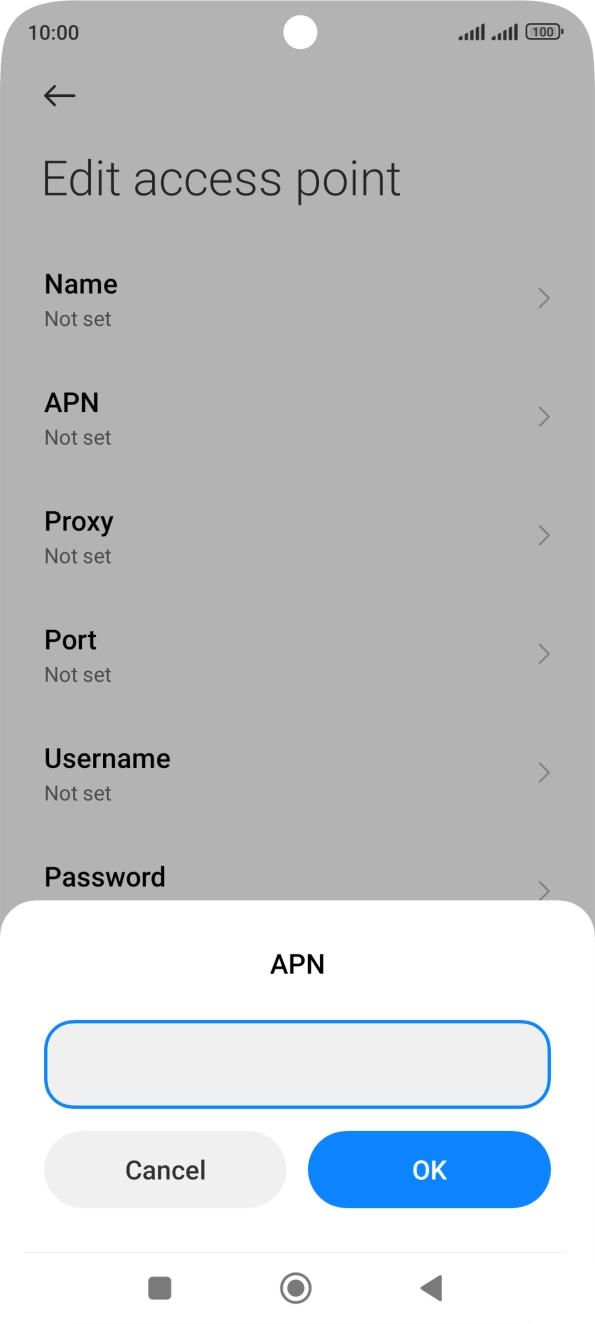
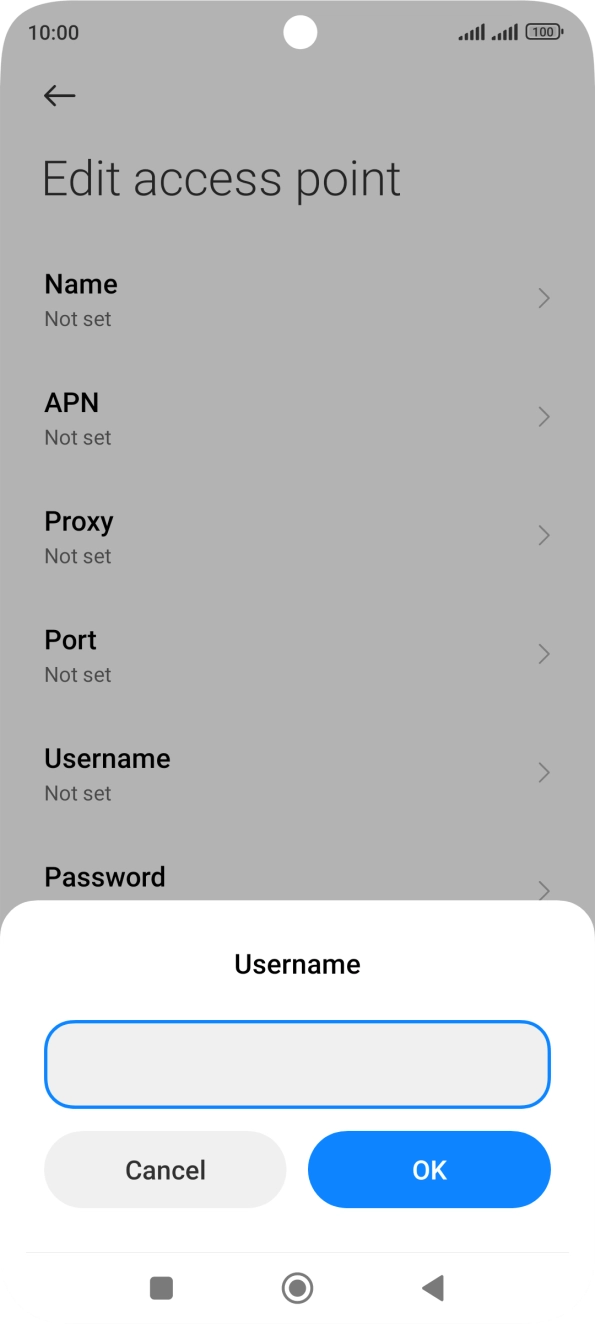
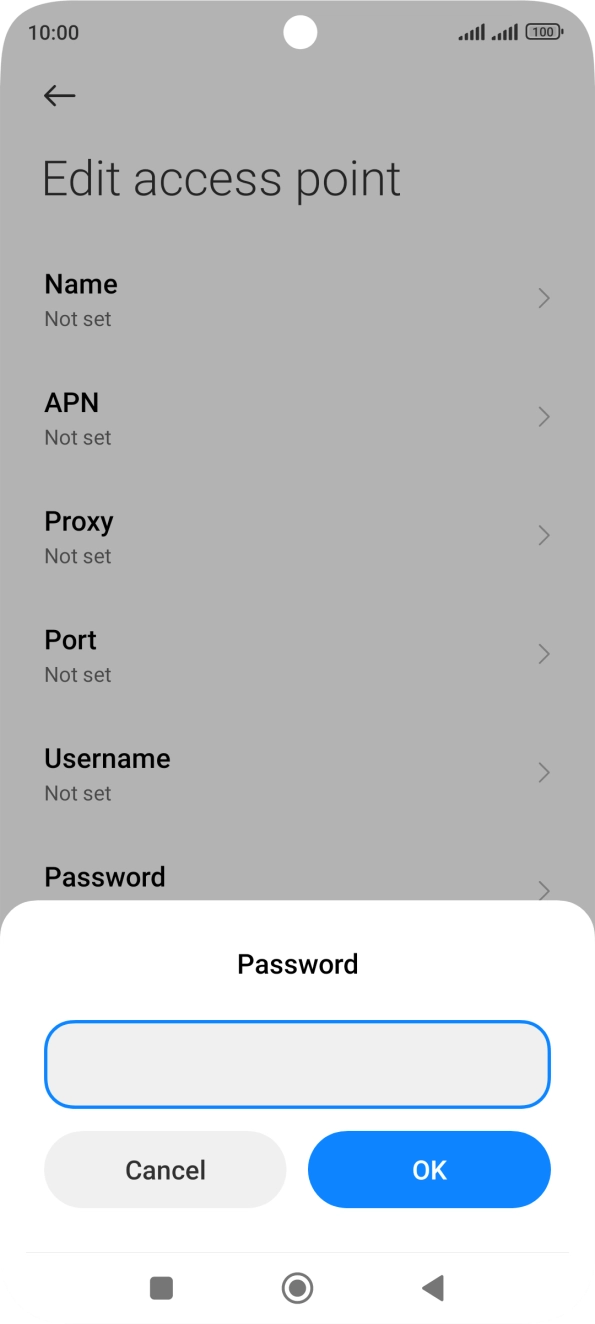
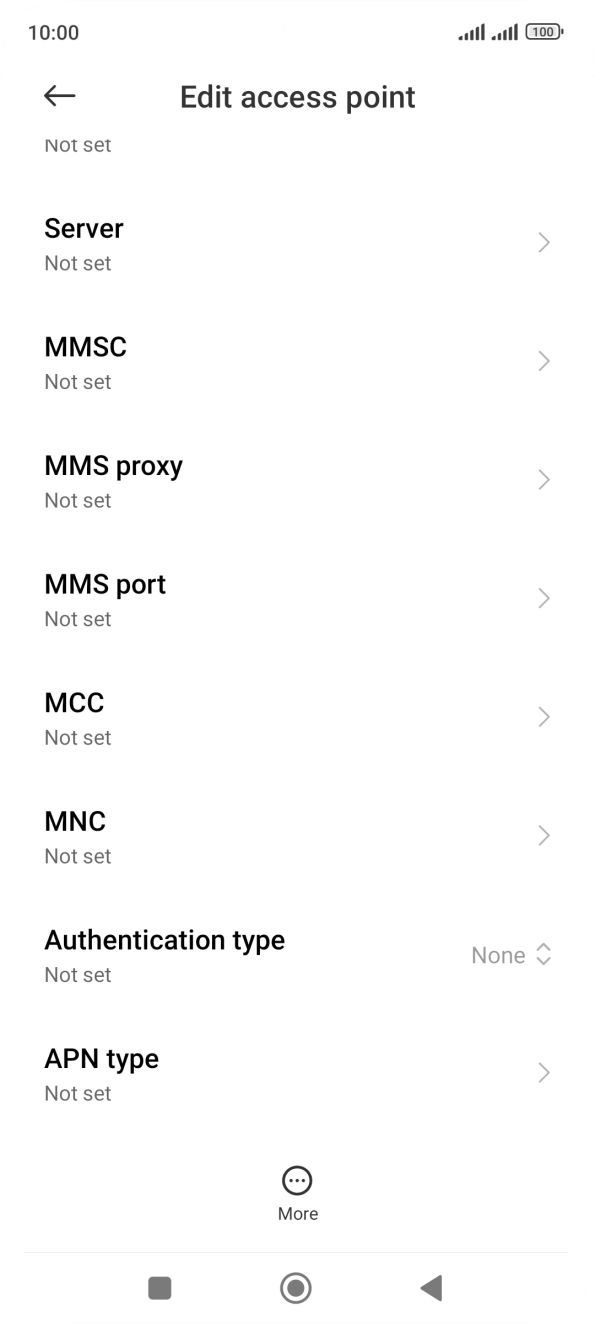
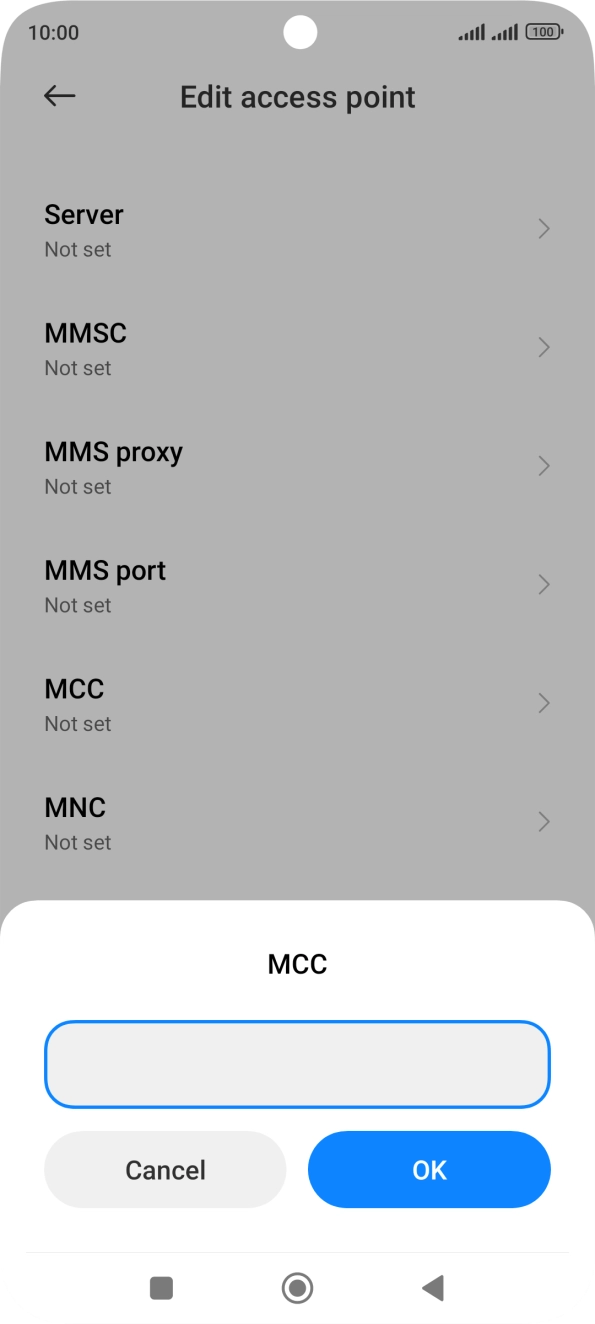
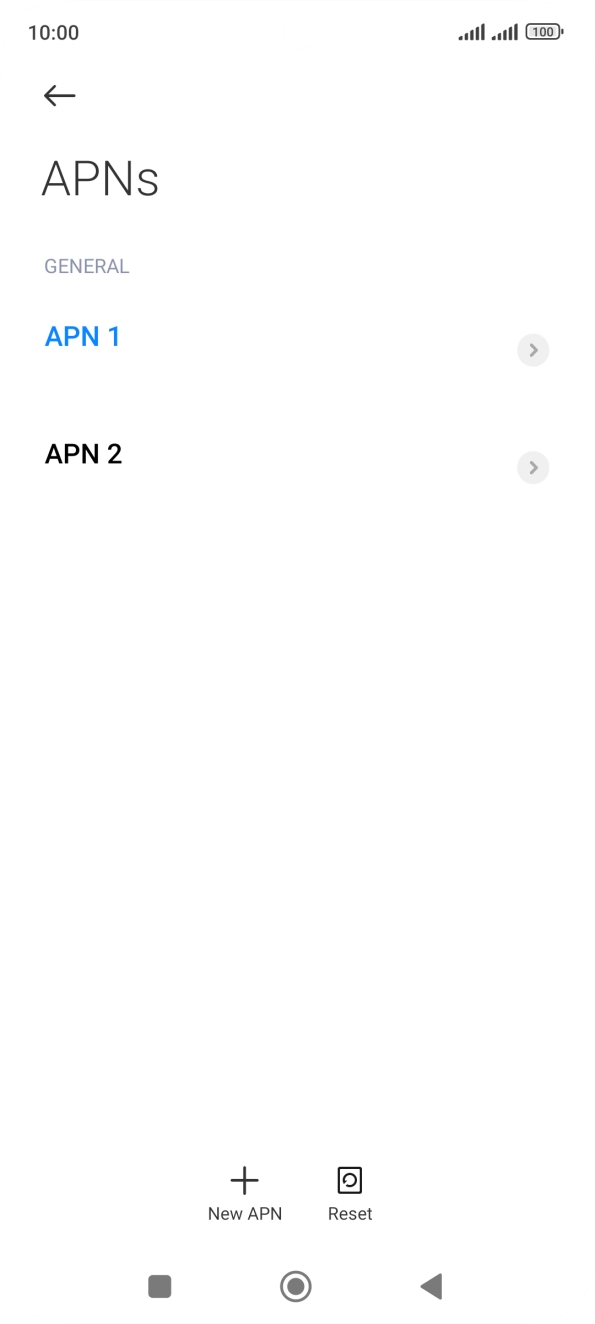
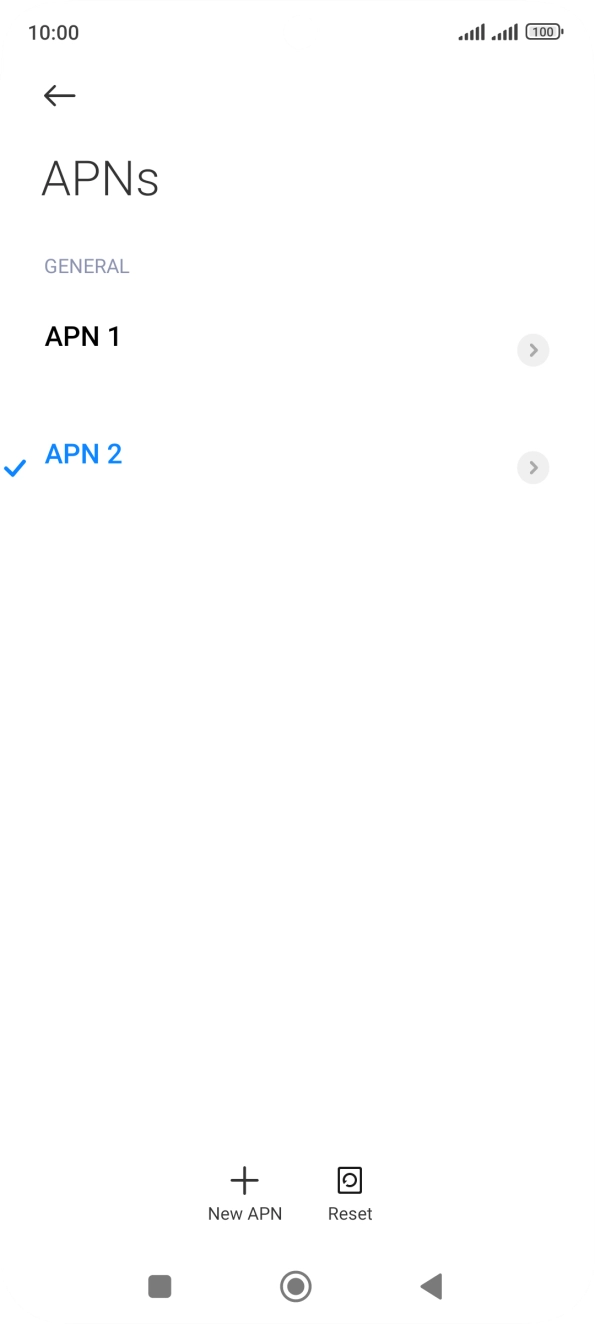
Step 1 of 25
Step 1 of 25
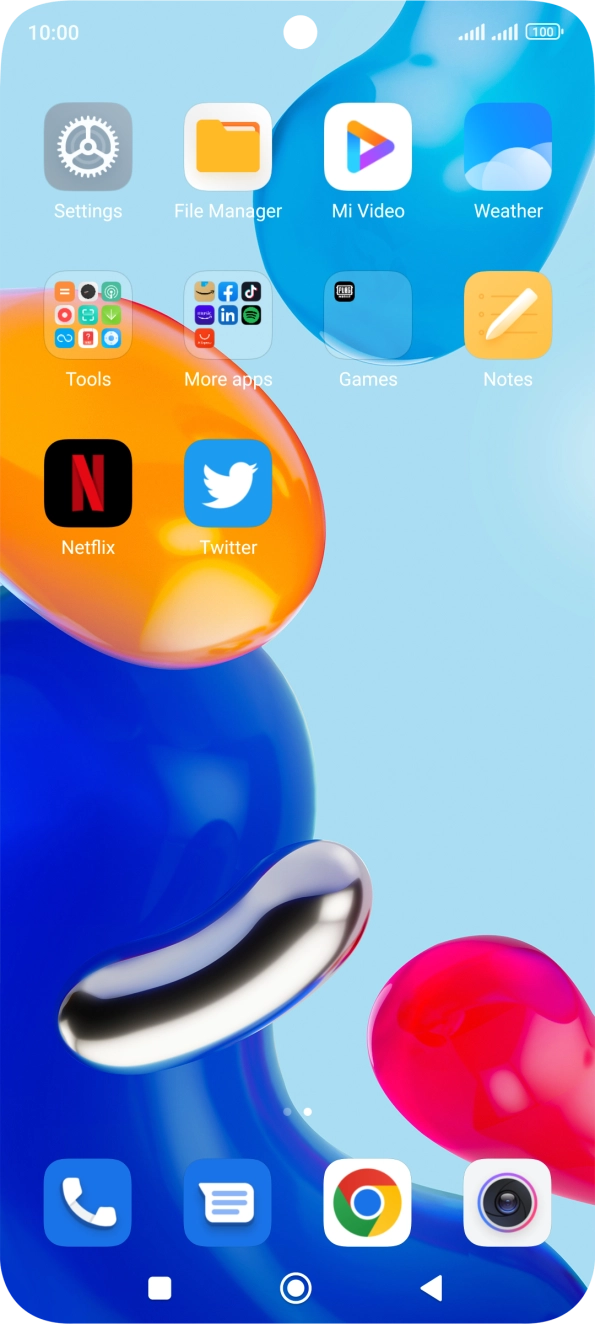
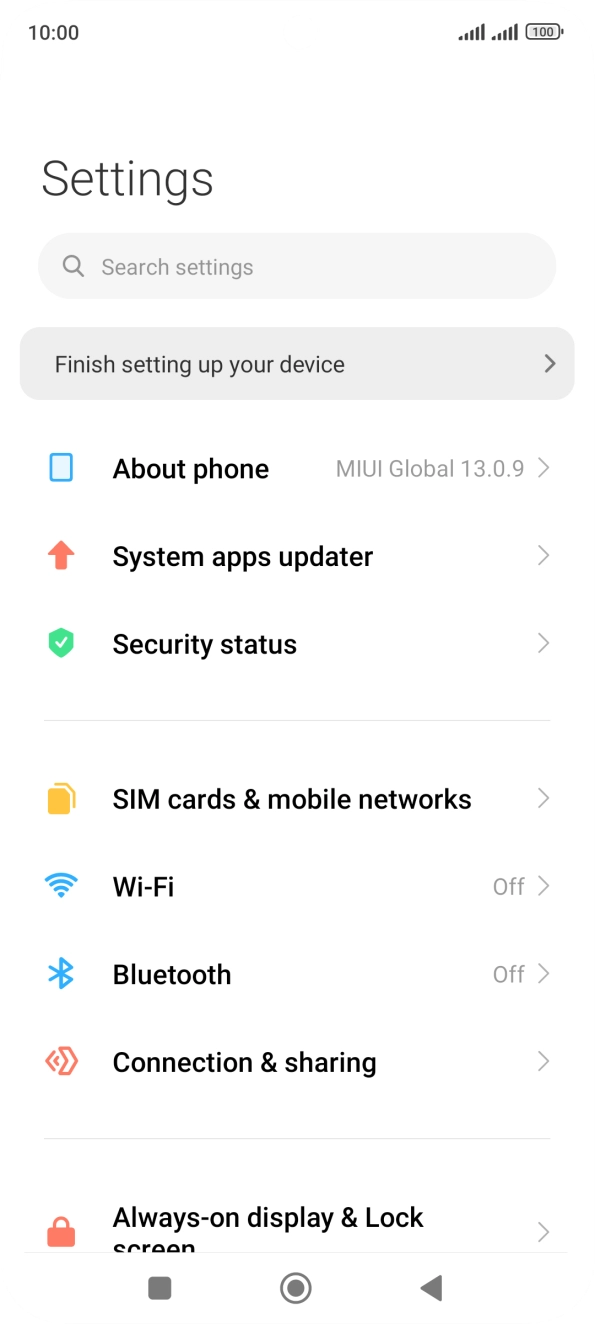
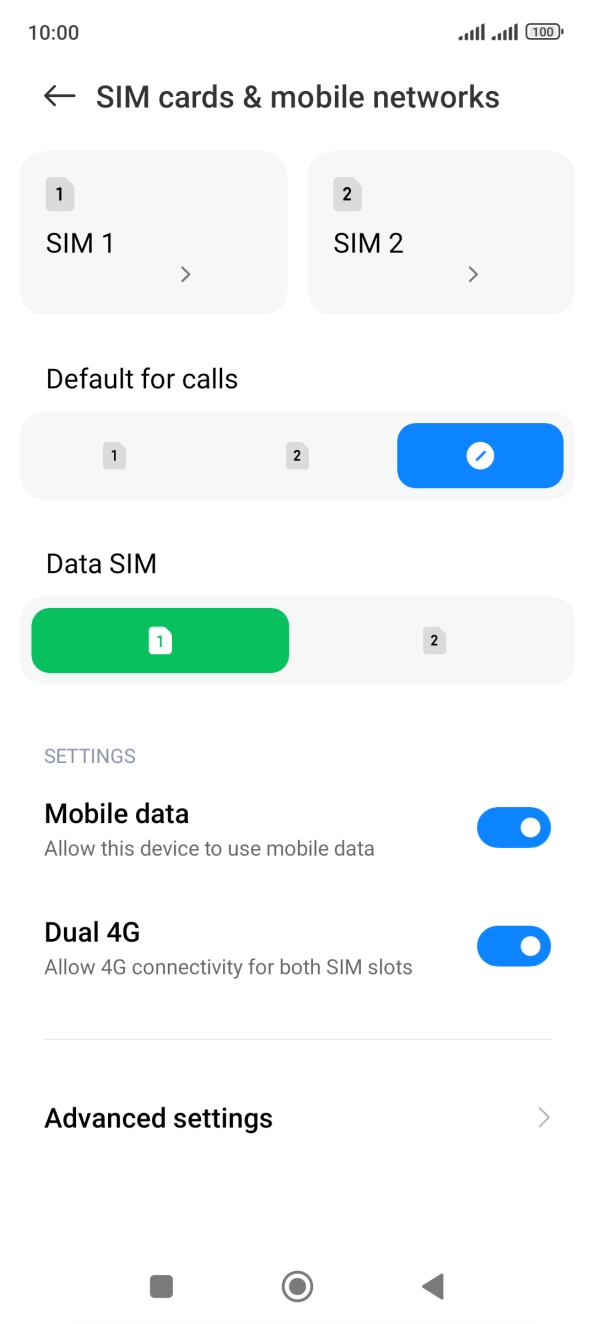
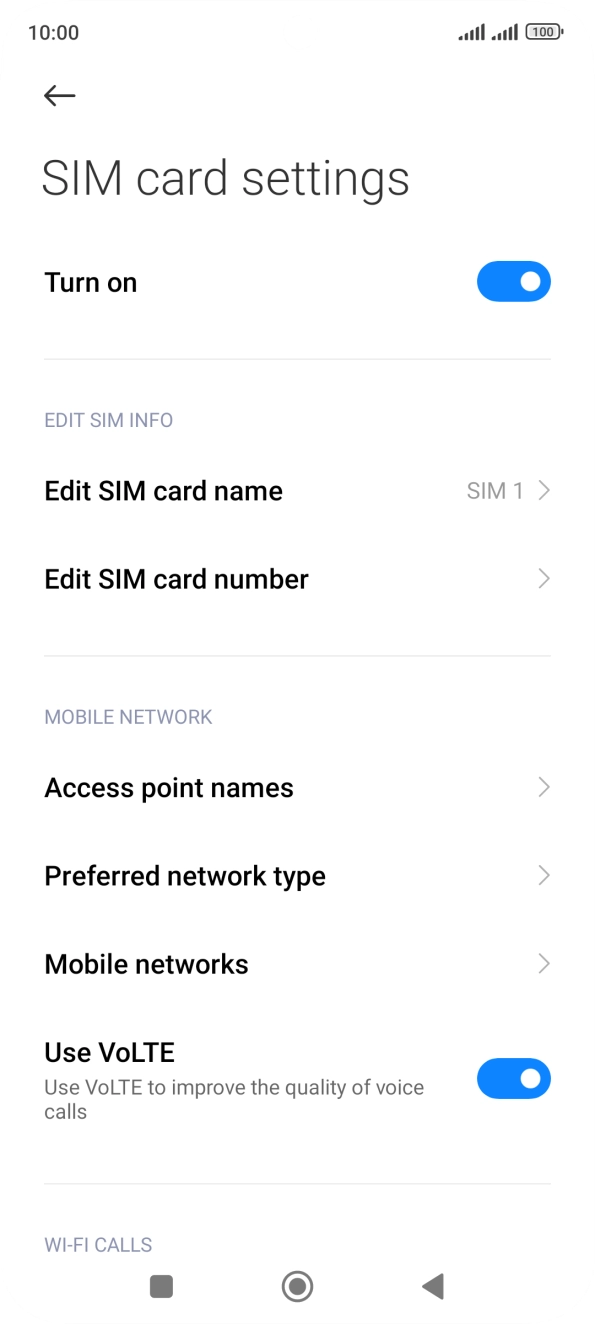
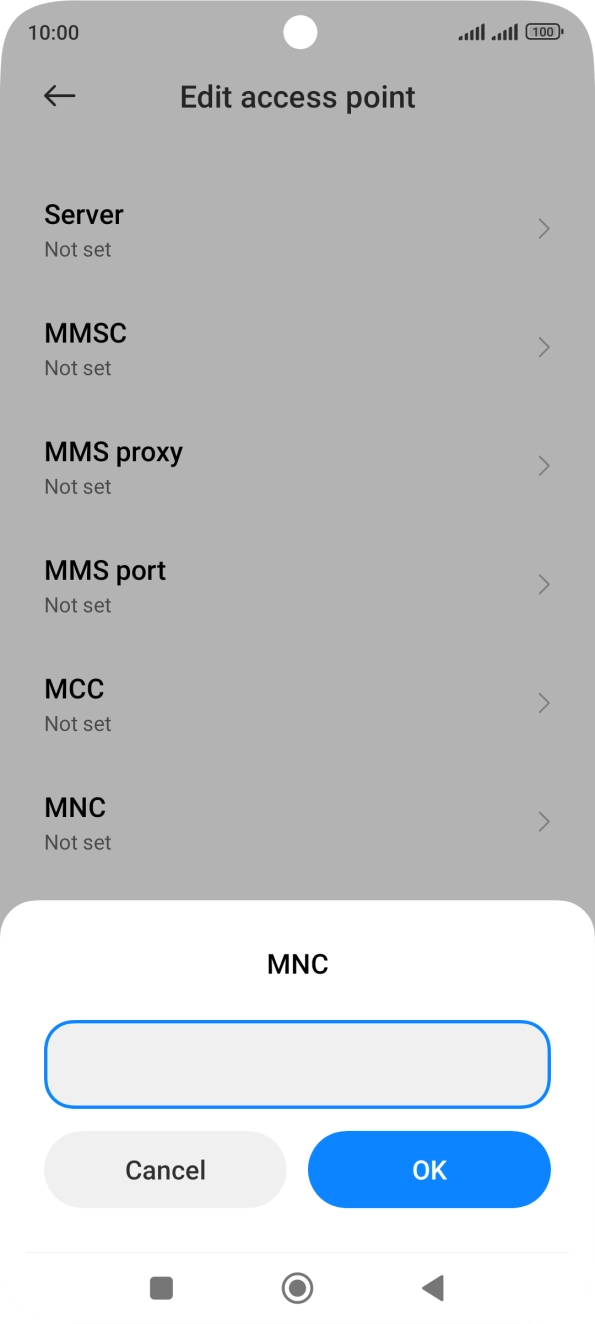
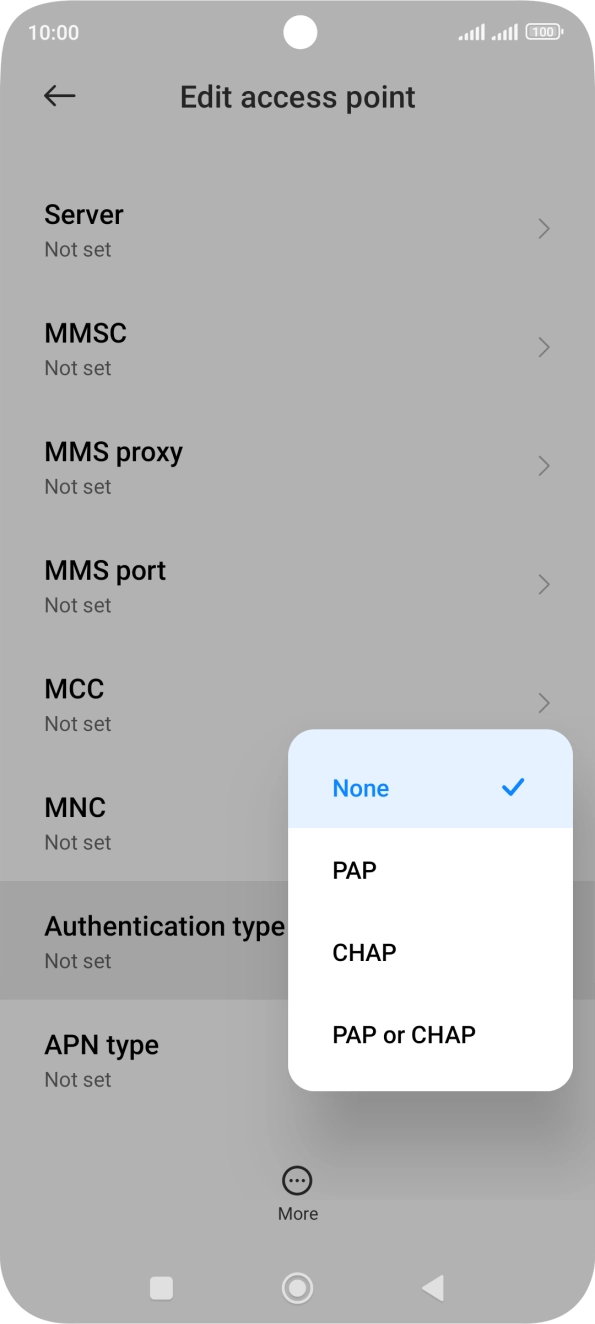
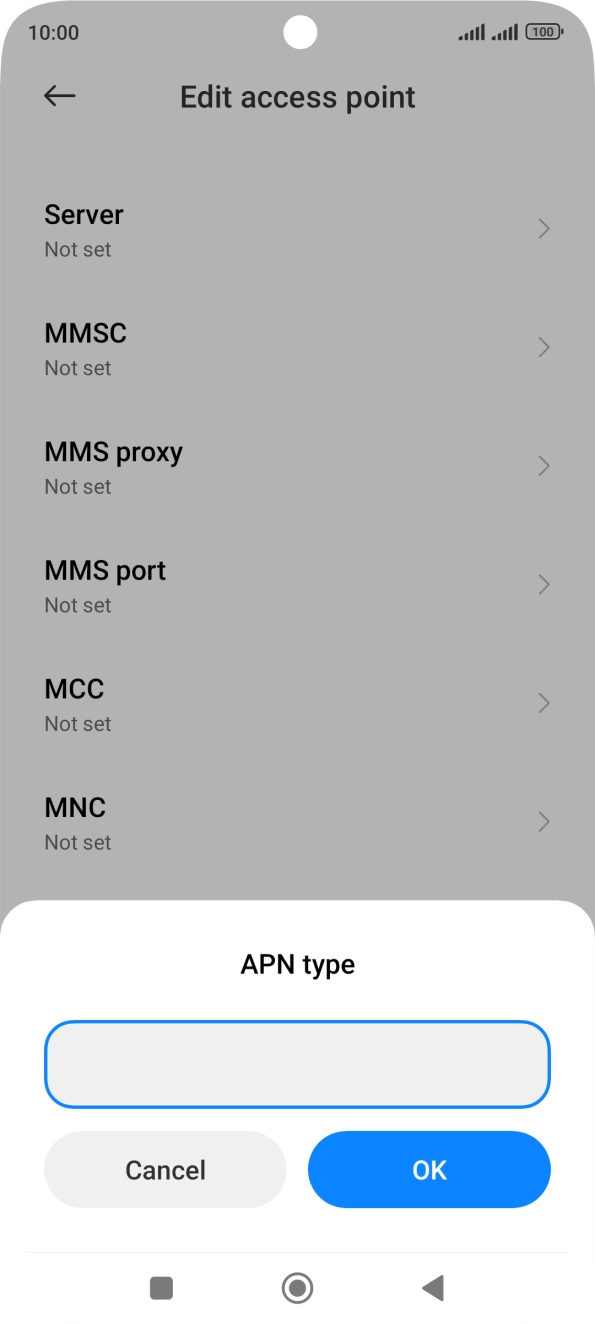
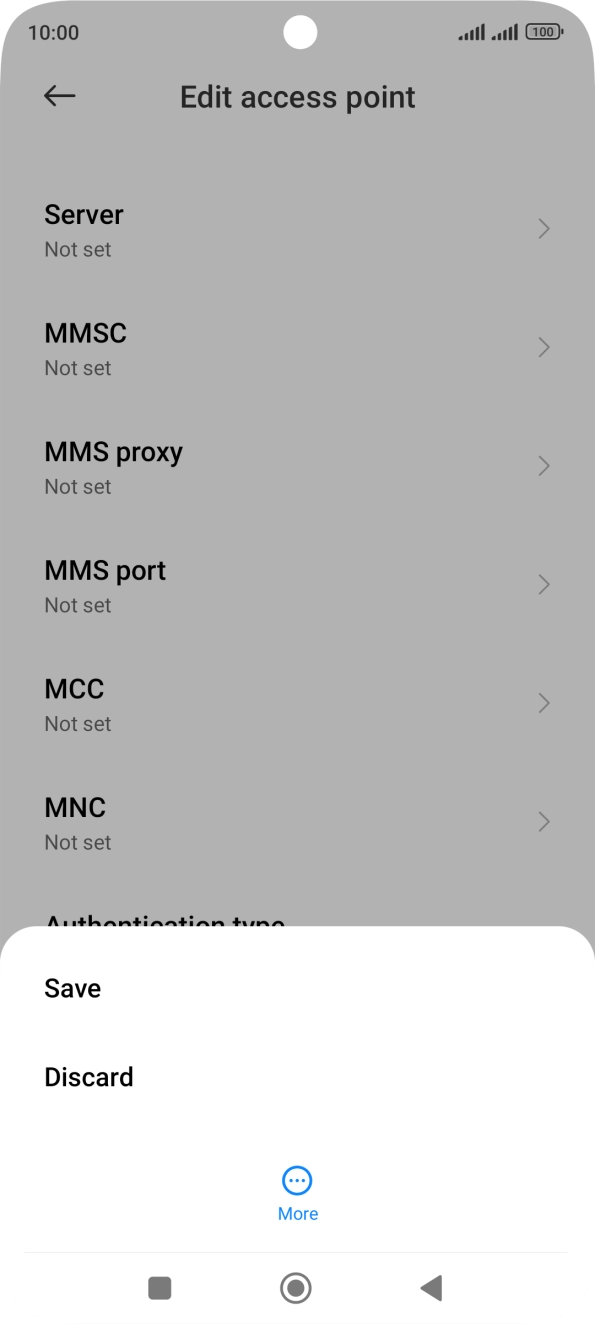
1. Find 'Access point names'
Press Settings.
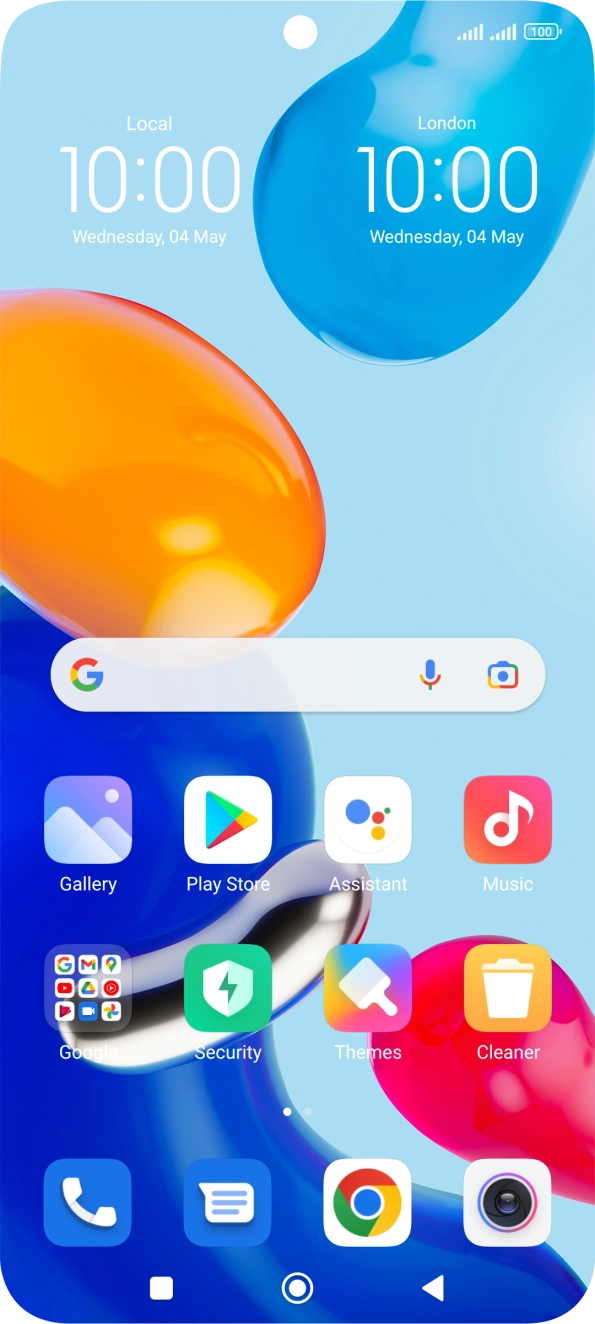
Step 1 of 3
Step 1 of 3
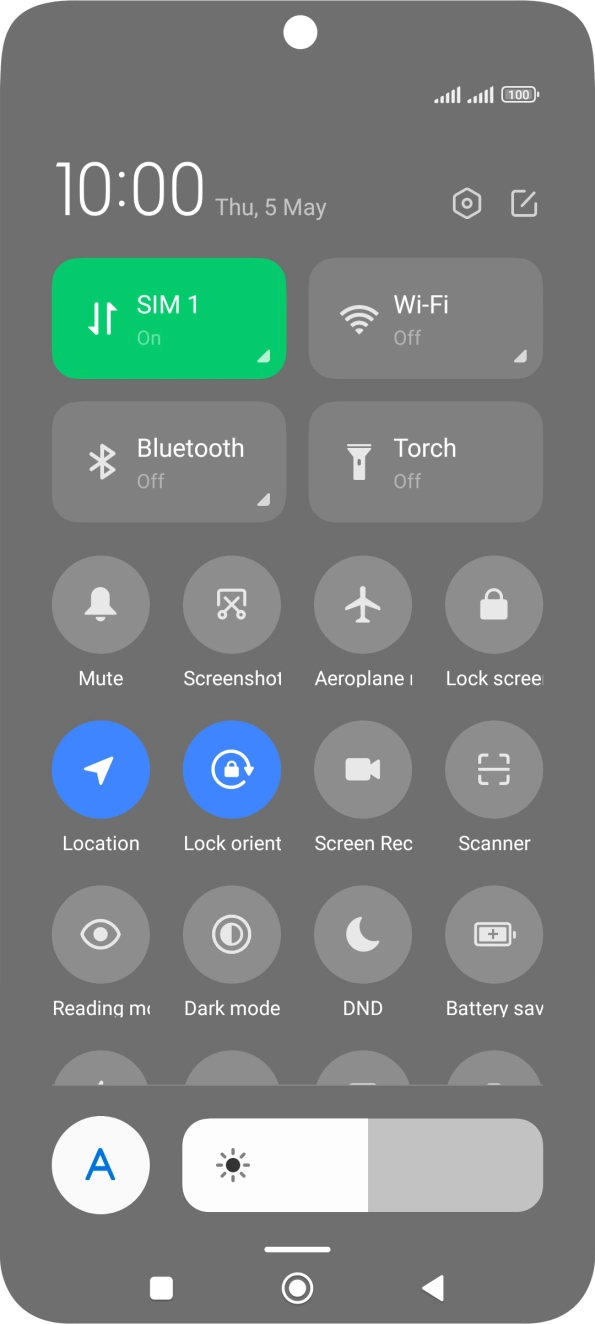
1. Turn mobile data on or off
Slide two fingers downwards starting from the top of the screen.
Step 1 of 7
Step 1 of 7
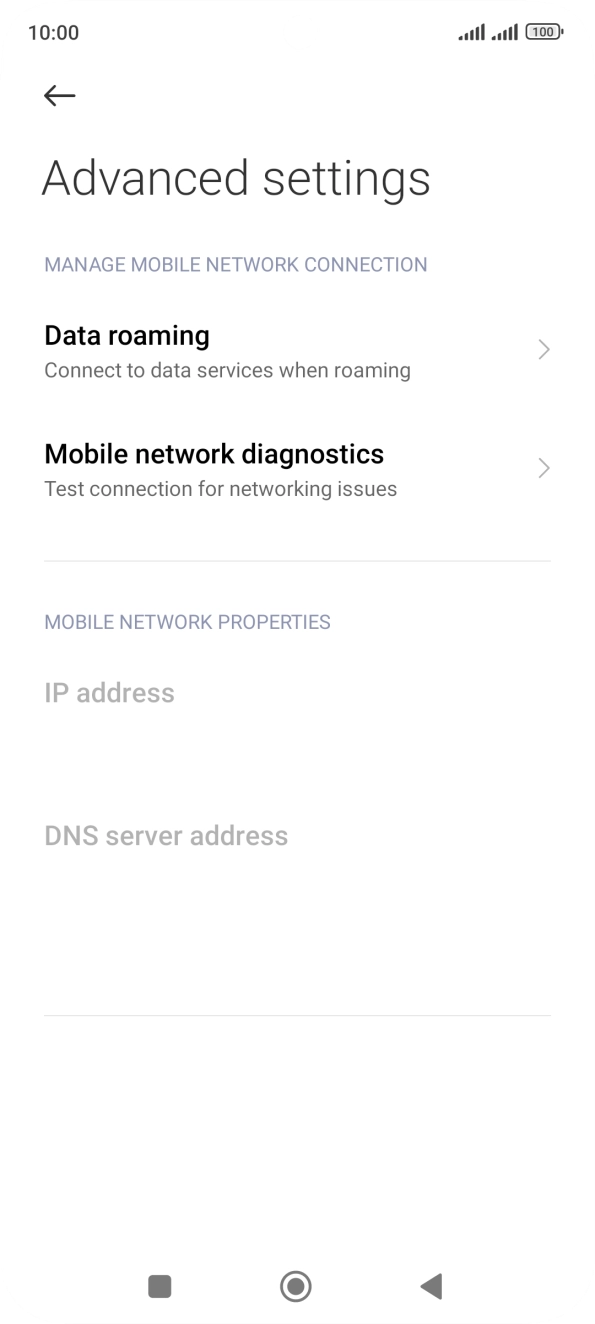
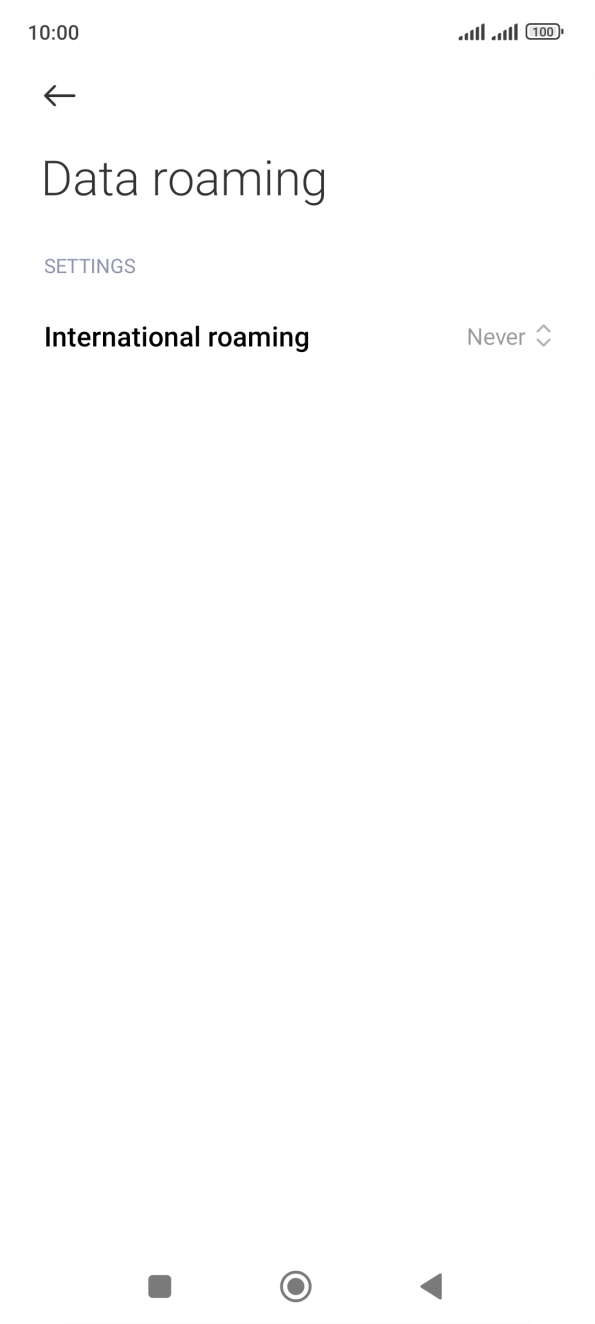
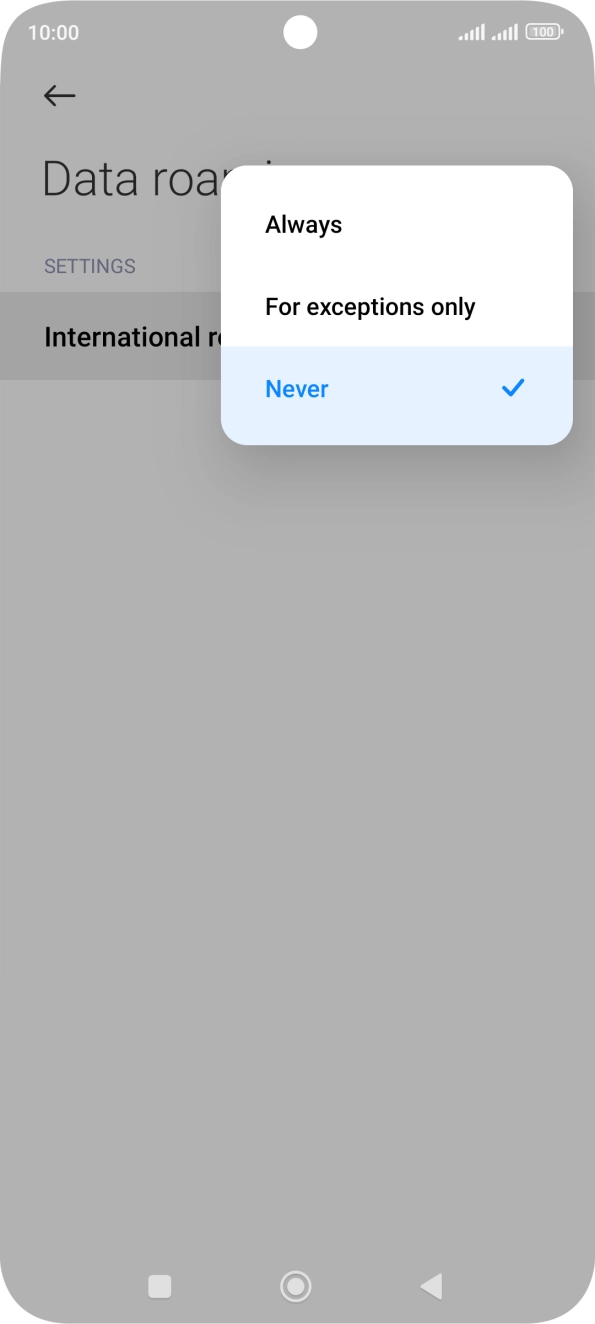
1. Find 'Data roaming'
Press Settings.
