I have problems receiving voice calls on my Samsung Galaxy Xcover 5
If you have problems receiving voice calls, there may be several causes of the problem.
1. Find 'Call forwarding'
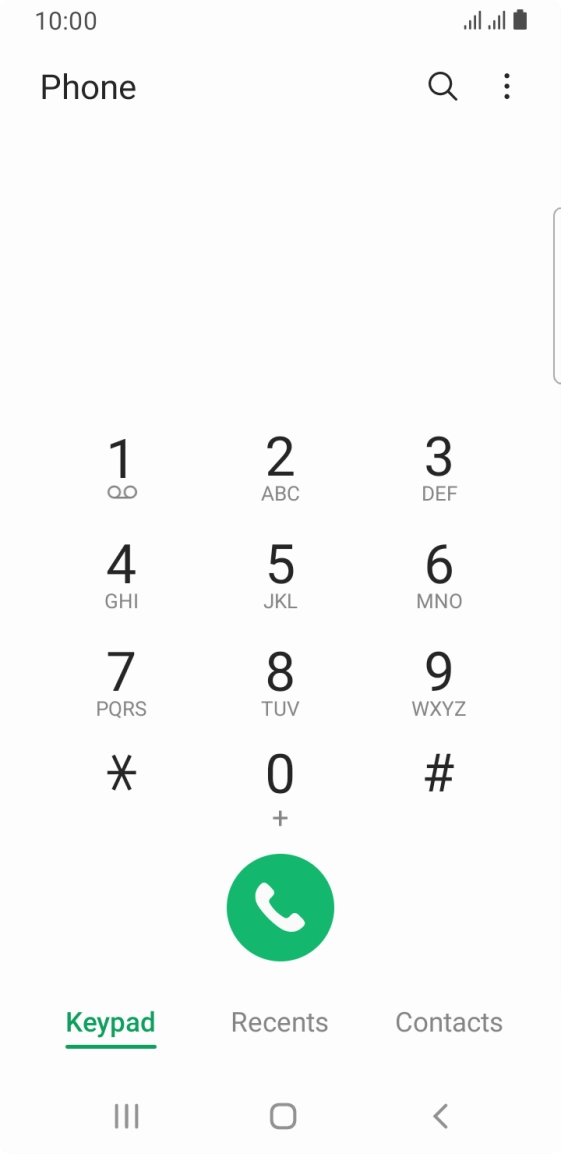
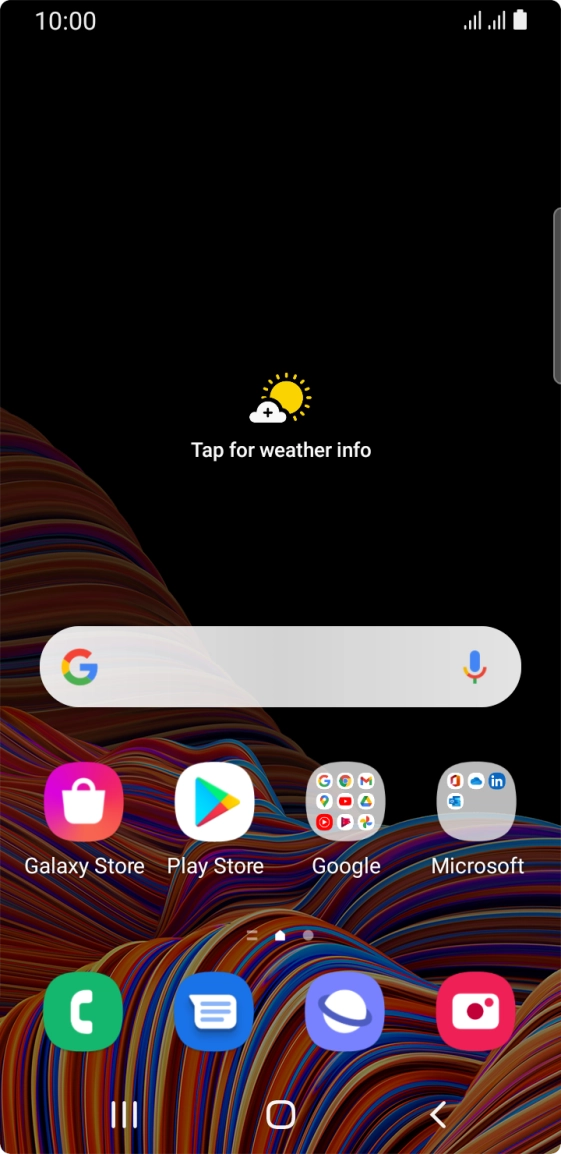
Press the phone icon.
- Press the phone icon.
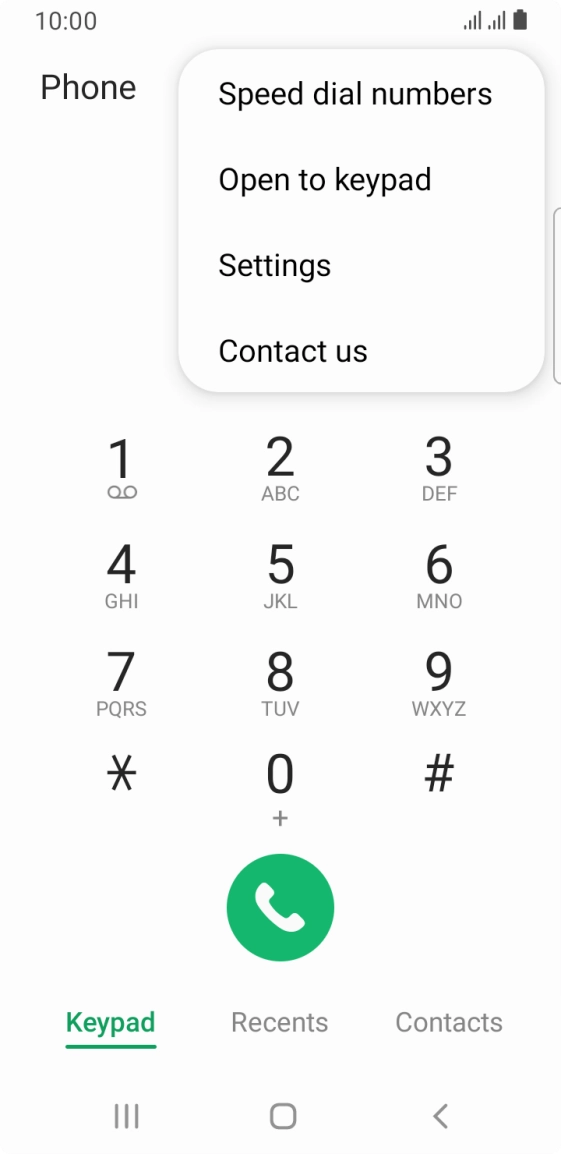
- Press the menu icon.
- Press Settings.
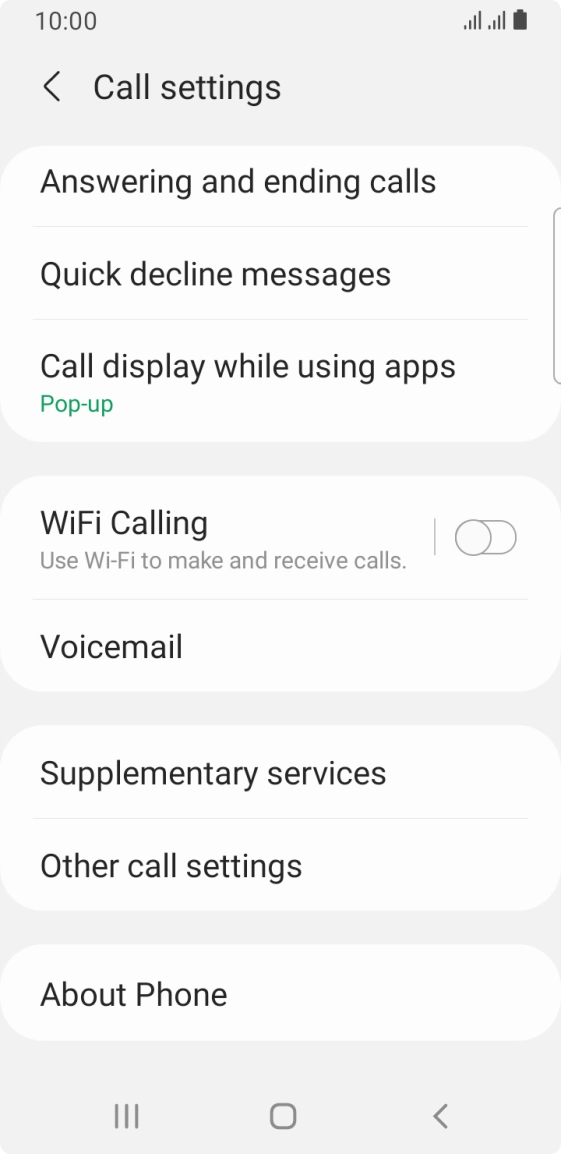
- Press Supplementary services.
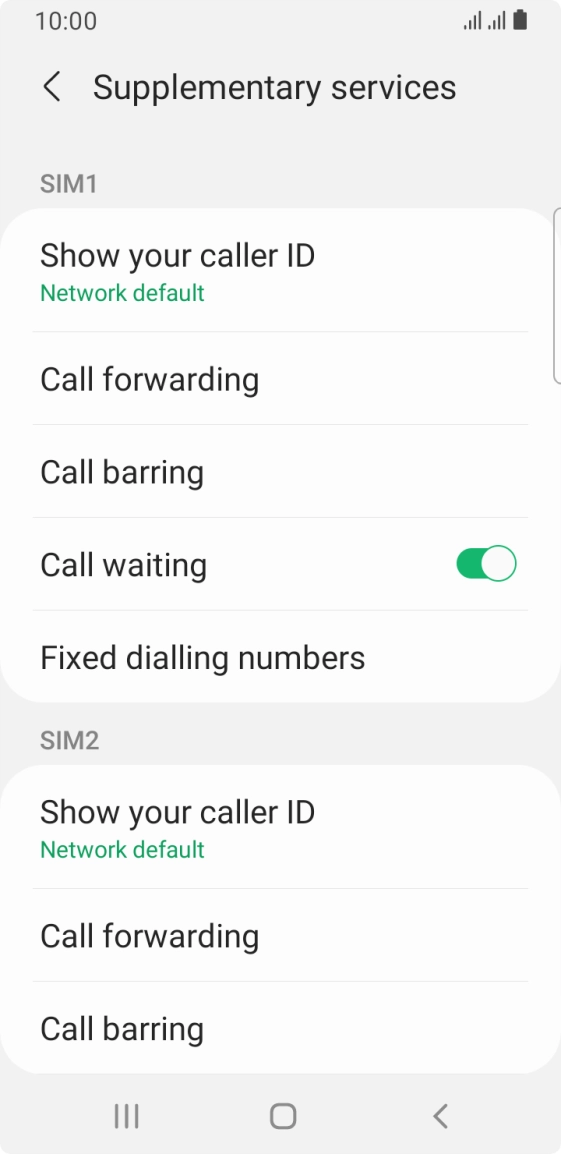
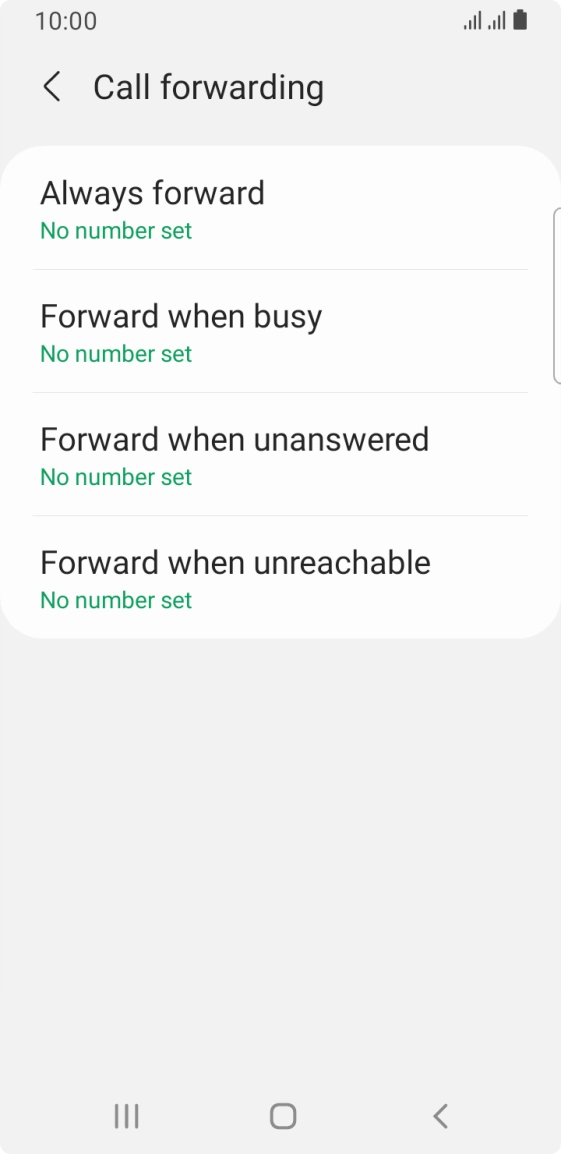
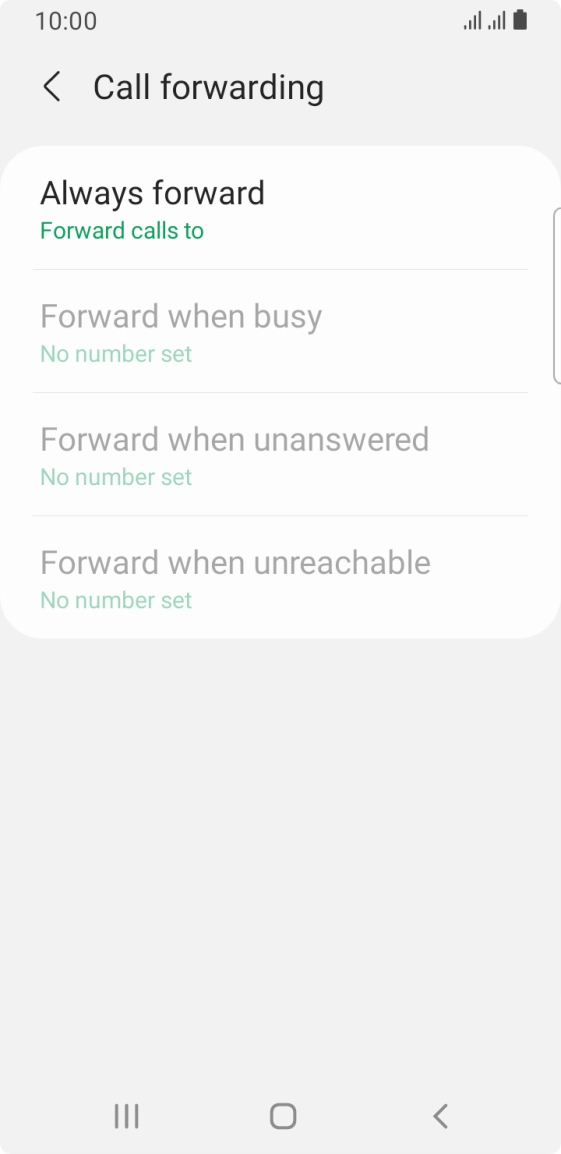
- Press Call forwarding below the required SIM.
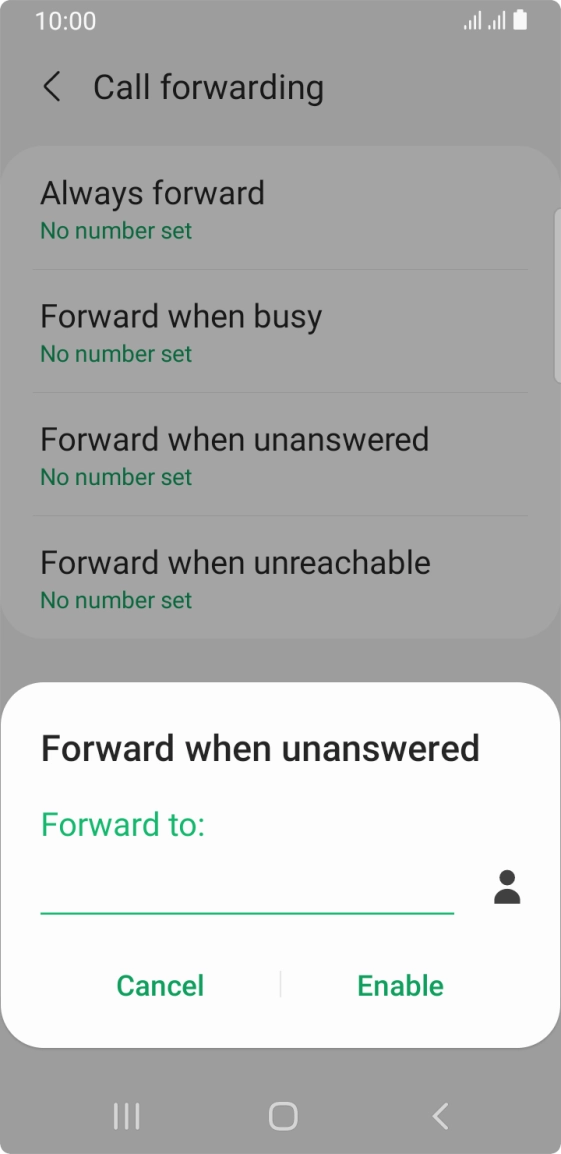
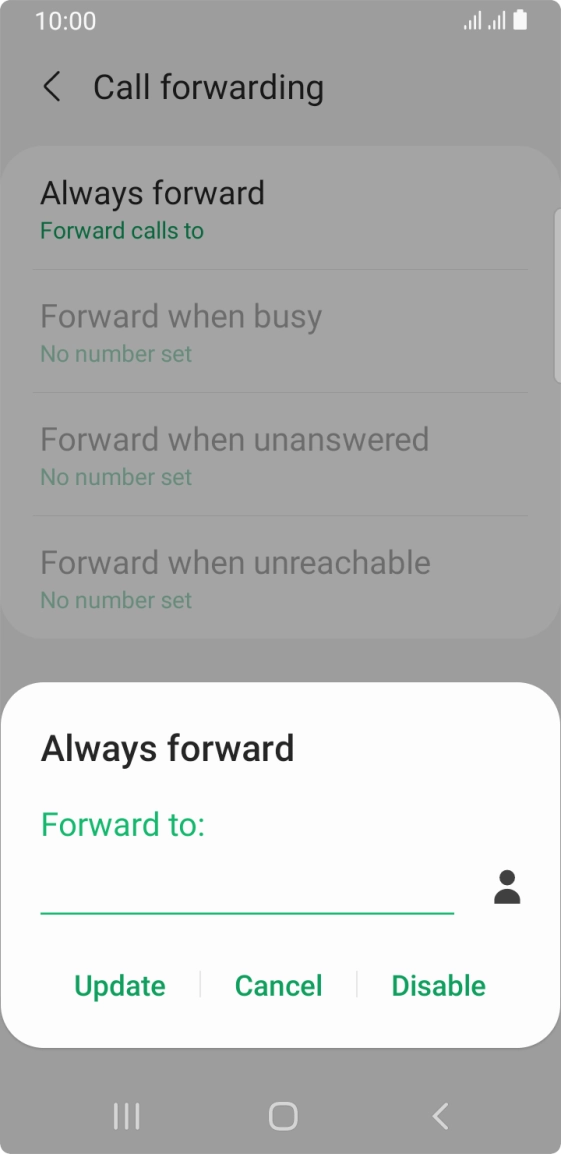
- Press the required divert type.
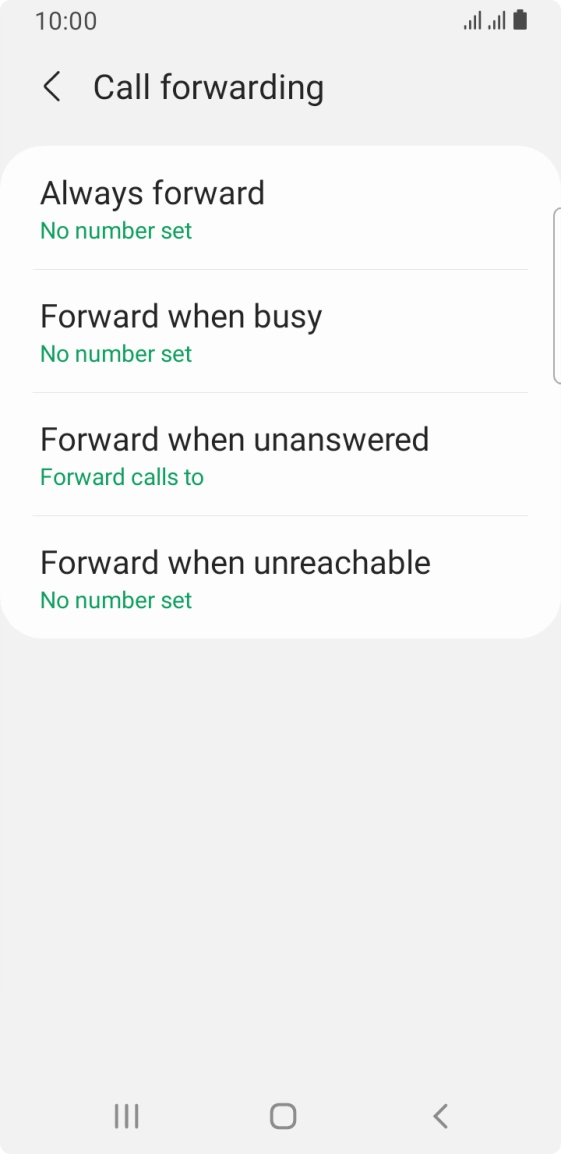
- Key in 901 and press Enable.
- Press the Home key to return to the home screen.
- Press the phone icon.
- Press the menu icon.
- Press Settings.
- Press Supplementary services.
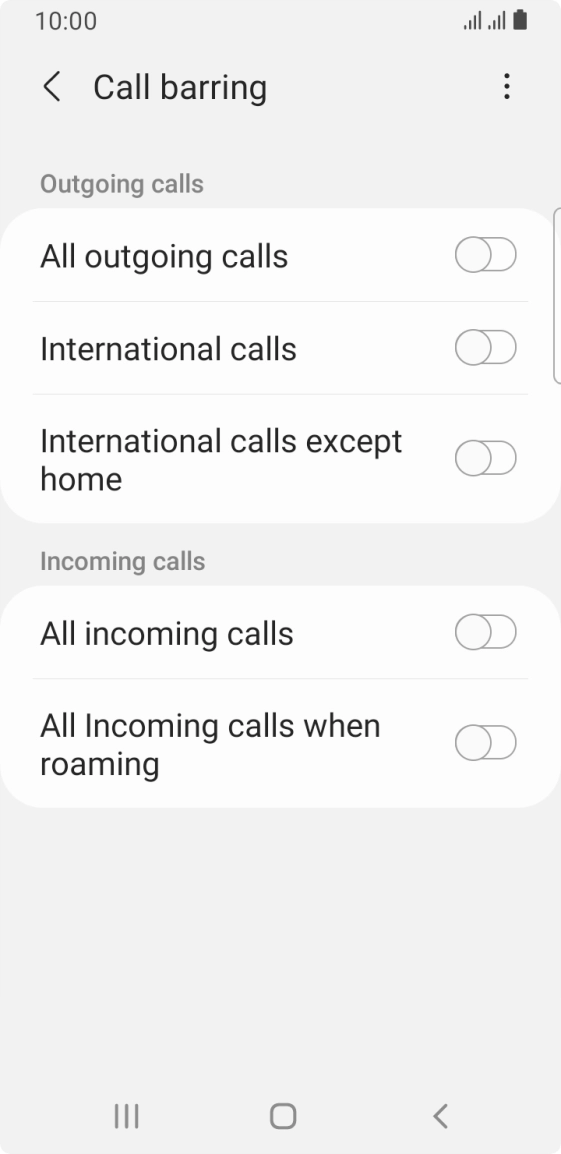
- Press Call barring below the required SIM.
- Press the required barring type to turn the function on or off.
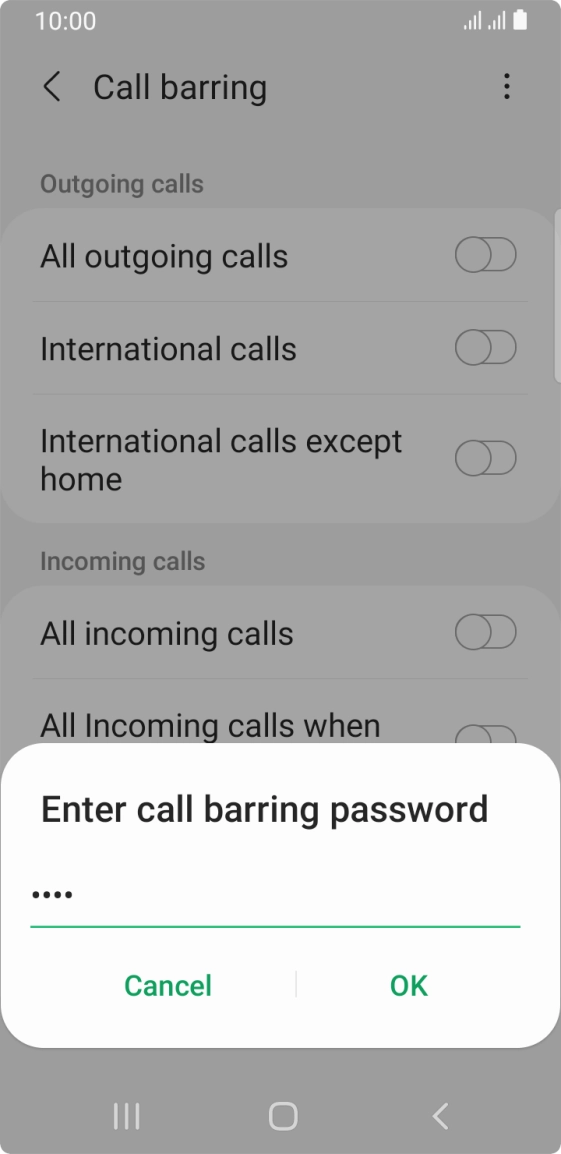
- Key in your barring password and press OK.
- Press the Home key to return to the home screen.