The battery life of my Samsung Galaxy Watch7 is short
If your smartwatch uses too much power and the battery life is short, there may be several causes of the problem.
1. Find 'Bluetooth'
Slide your finger upwards starting from the bottom of the screen.
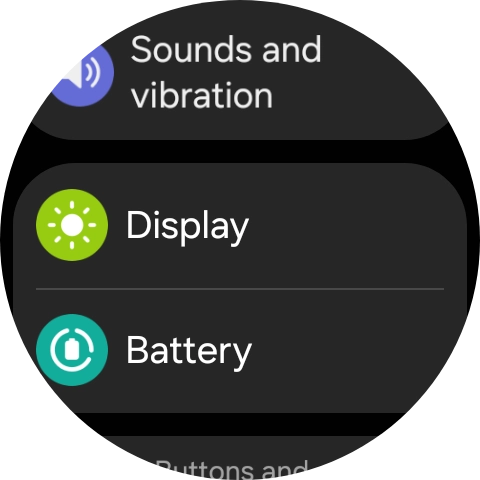
- Slide your finger upwards starting from the bottom of the screen.
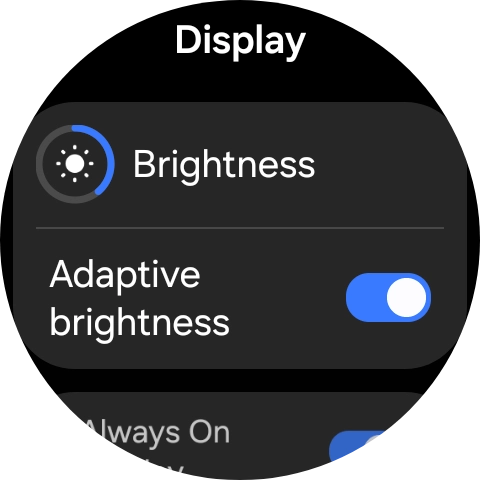
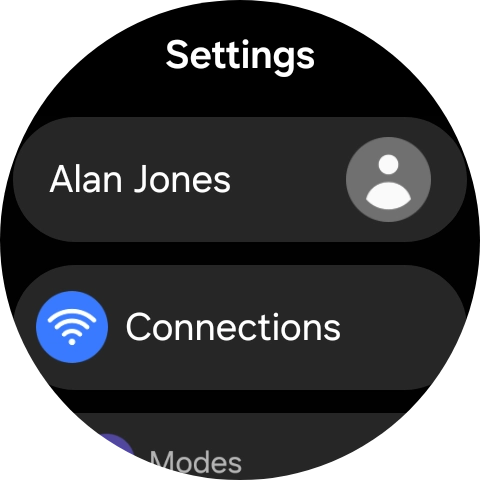
- Press the settings icon.
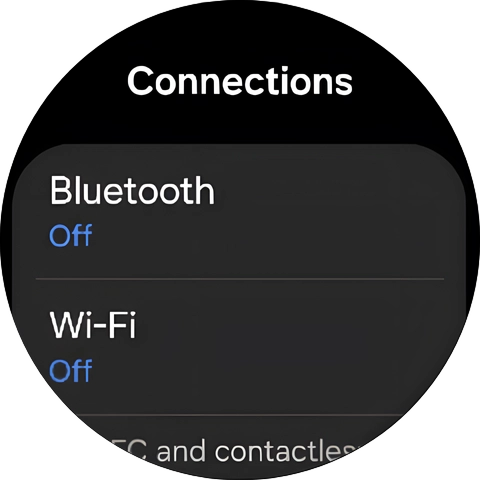
- Press Connections.
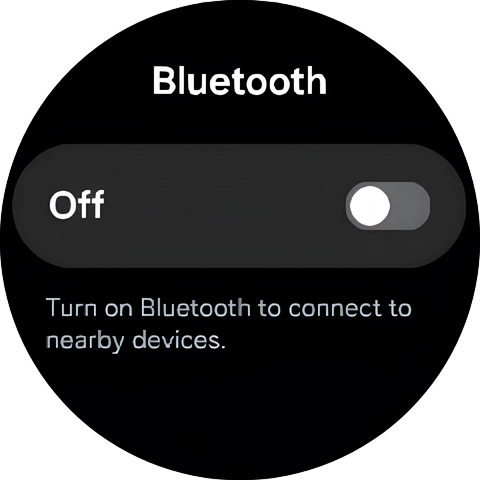
- Press Bluetooth.
- Press the indicator below 'Bluetooth' to turn the function on or off.
- Press the Home key to return to the home screen.
1. Find 'Display'
Slide your finger upwards starting from the bottom of the screen.
- Slide your finger upwards starting from the bottom of the screen.
- Press the settings icon.
- Press Display.
- Press the indicator next to 'Adaptive brightness' to turn the function on or off.
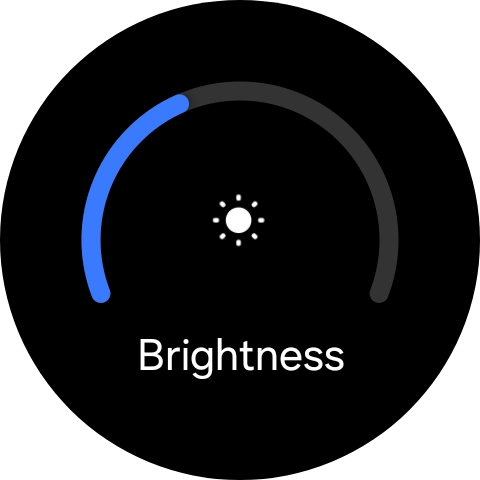
- Press Brightness.
- Slide the circle to select the required brightness.
- Press the Home key to return to the home screen.
Go to the manufacturer's website to see if it's possible to change the battery.
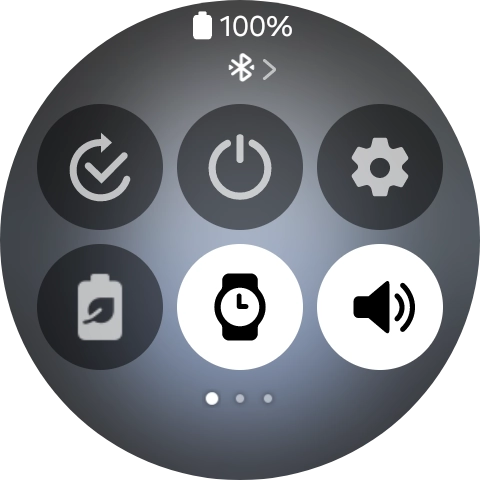
1. Turn on low power mode
Slide your finger downwards starting from the top of the screen.
- Slide your finger downwards starting from the top of the screen.
- Press the low power mode icon to turn on the function.When you turn on low power mode, most smartwatch functions are turned off.
- Slide your finger upwards starting from the bottom of the screen to return to the home screen.
1. Find 'Display'
Slide your finger upwards starting from the bottom of the screen.

- Slide your finger upwards starting from the bottom of the screen.
- Press the settings icon.
- Press Display.
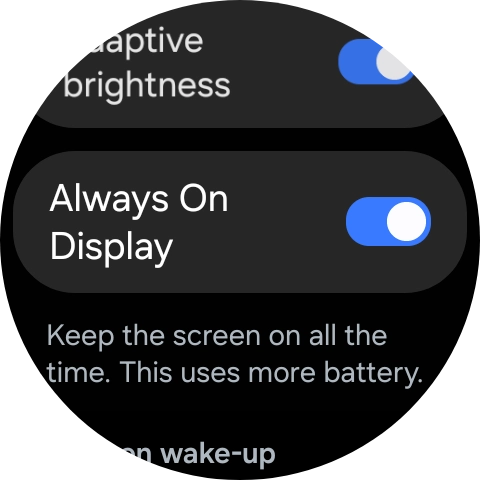
- Press the indicator next to 'Always On Display' to turn the function on or off.
- Press the Home key to return to the home screen.