How to personalise the home screen on your Samsung Galaxy Watch Ultra
You can change many home screen settings, such as the watch face.
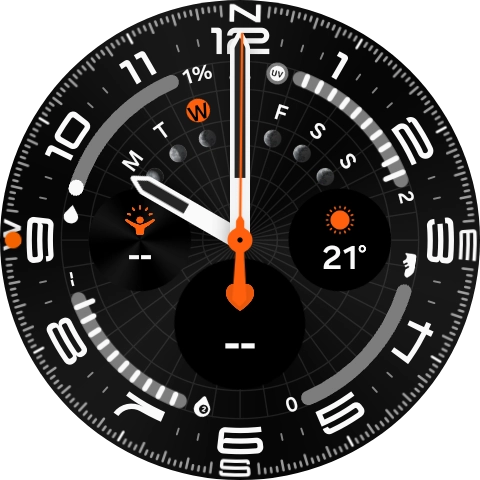
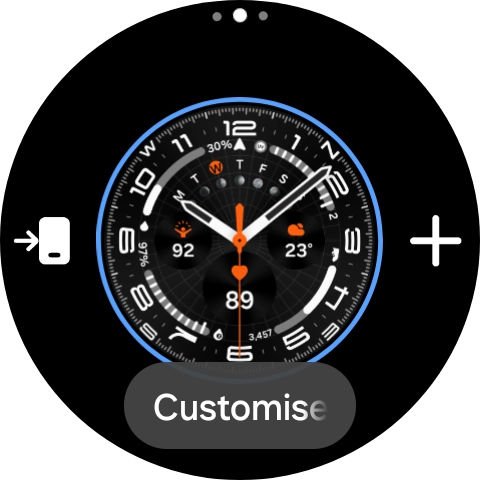
- Press and hold the middle of your watch.

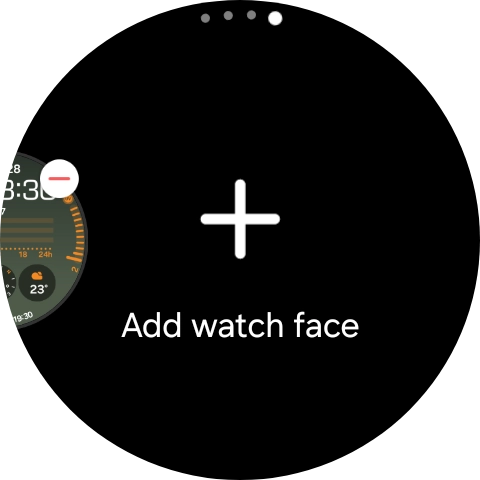
- Slide your finger left on the screen.
- Press Add watch face.
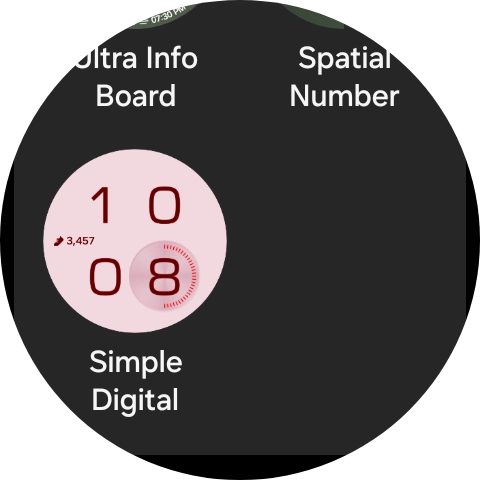
- Slide your finger up or down to see the available watch faces.
- Press the required watch face to add it.
- Press and hold the middle of your watch.
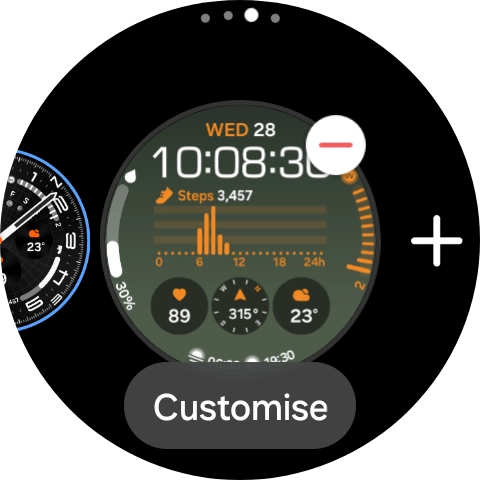
- Slide your finger left to see the available watch faces.
- Press the required watch face.
- Press the Home key.
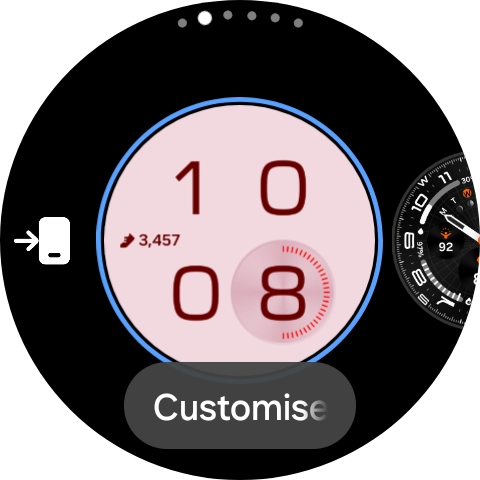
- Press and hold the middle of your watch.
- Press Customise.
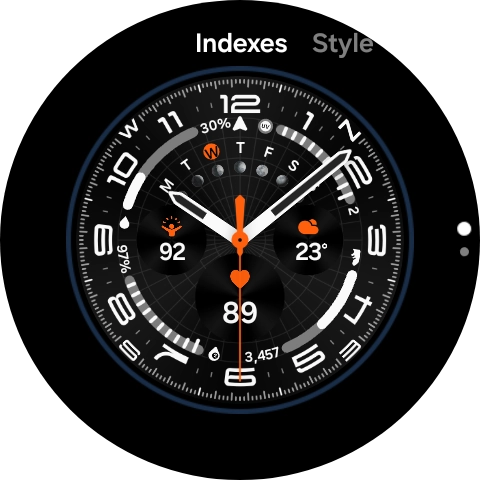
- Slide your finger on the screen to change between the different designs.
- When you've selected the required design, press the Home key.
- Slide your finger left on the screen.
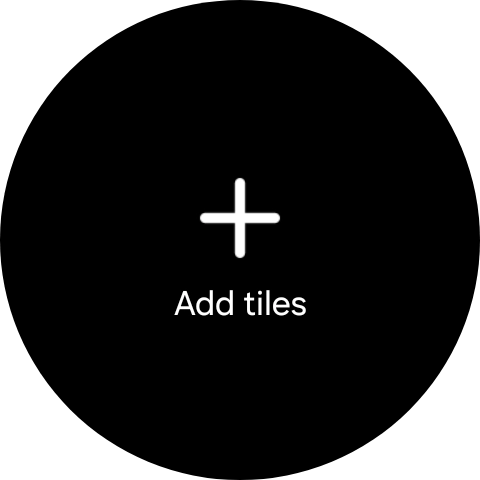
- Press Add tiles.
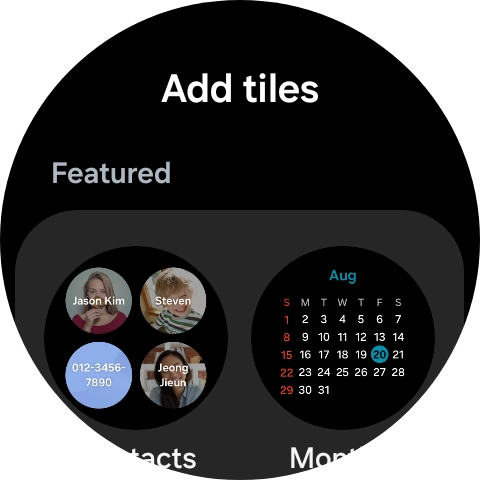
- Press the required widget to add it.
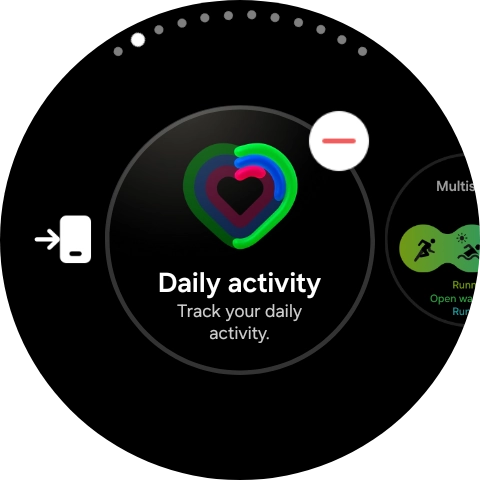
- Press and hold the required widget.
- Press the remove widget icon.
- Press the Home key to return to the home screen.