
I can't update the software on my Samsung Galaxy Watch Ultra
If you can't update the software on your smartwatch, there may be several causes of the problem.
Step 1 of 3
Step 1 of 3
1. Charge the battery
Connect the charger to a wall socket.
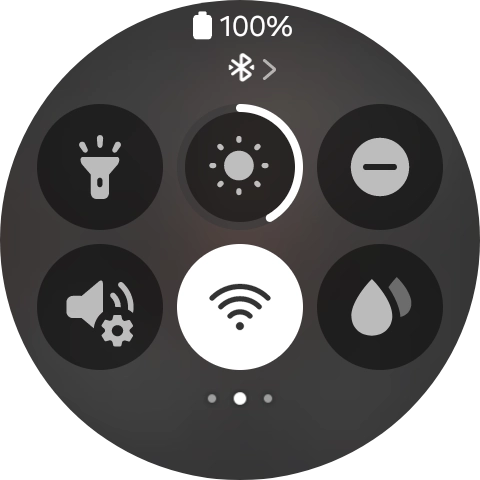
Step 1 of 3
Step 1 of 3
1. Turn WiFi on or off
Slide your finger downwards starting from the top of the screen.
1. Restart your smartwatch
Press and hold the Home key until your smartwatch restarts.
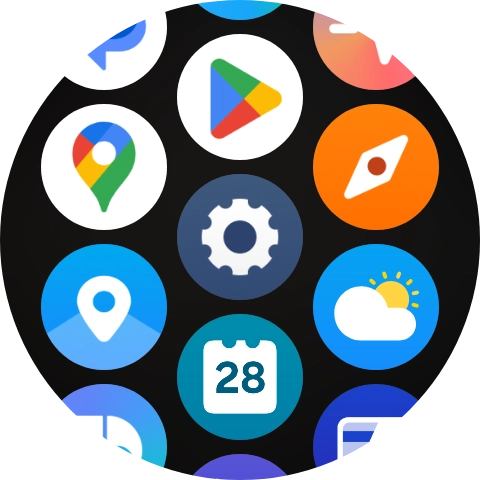
Step 1 of 4
Step 1 of 4
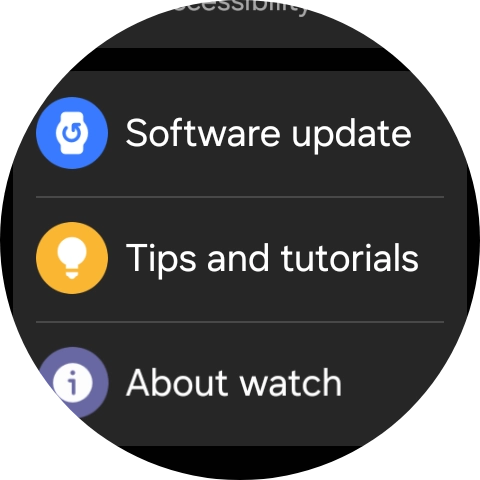
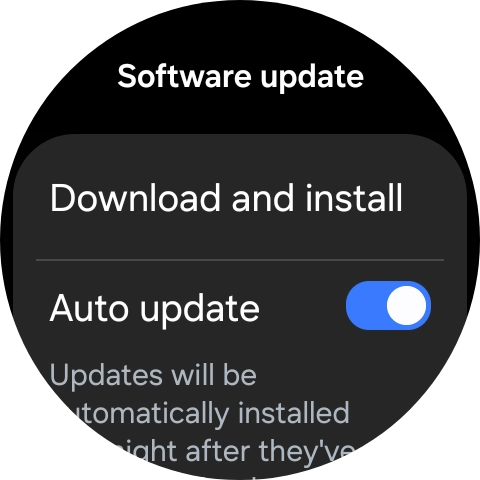
1. Update smartwatch software
Slide your finger upwards starting from the bottom of the screen.
