How to select a ringtone on your Samsung Galaxy Tab A11+ 5G
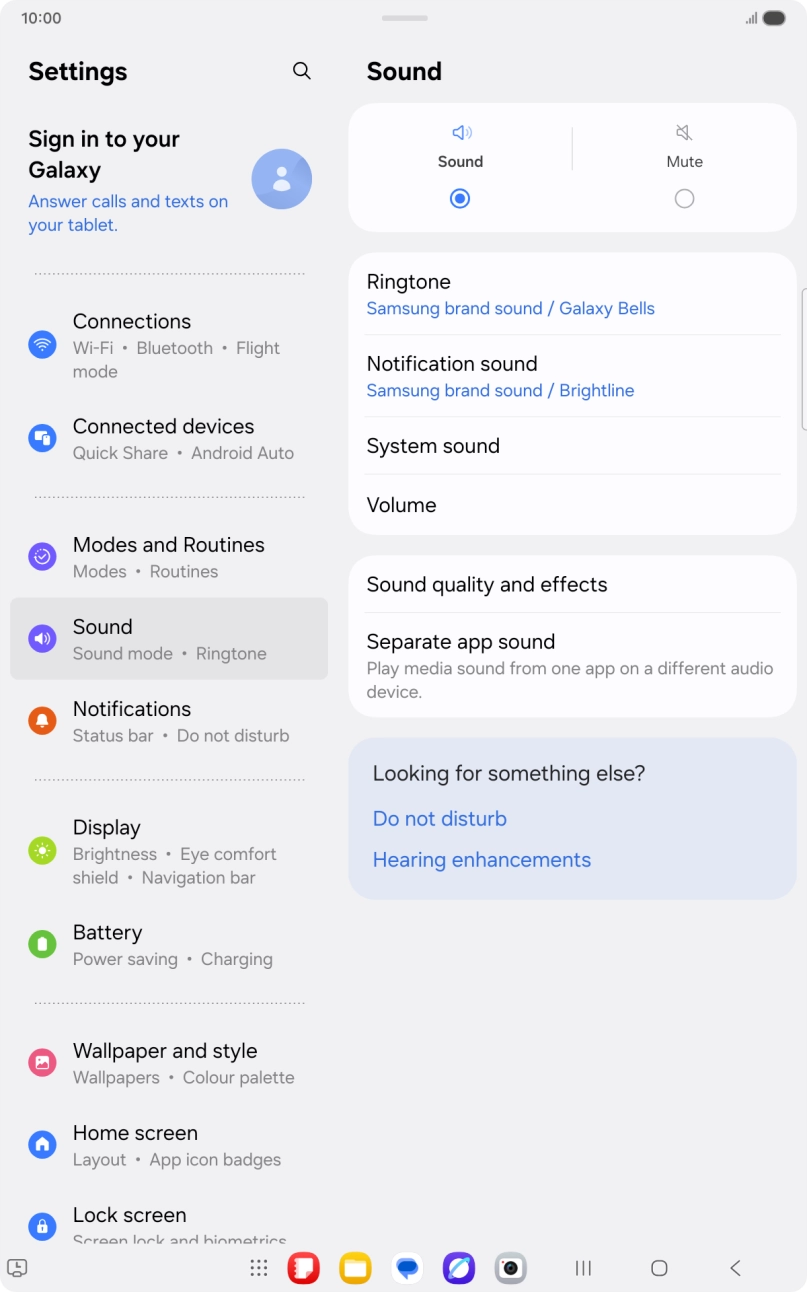
You can select the ringtone you want to hear when you get a call.
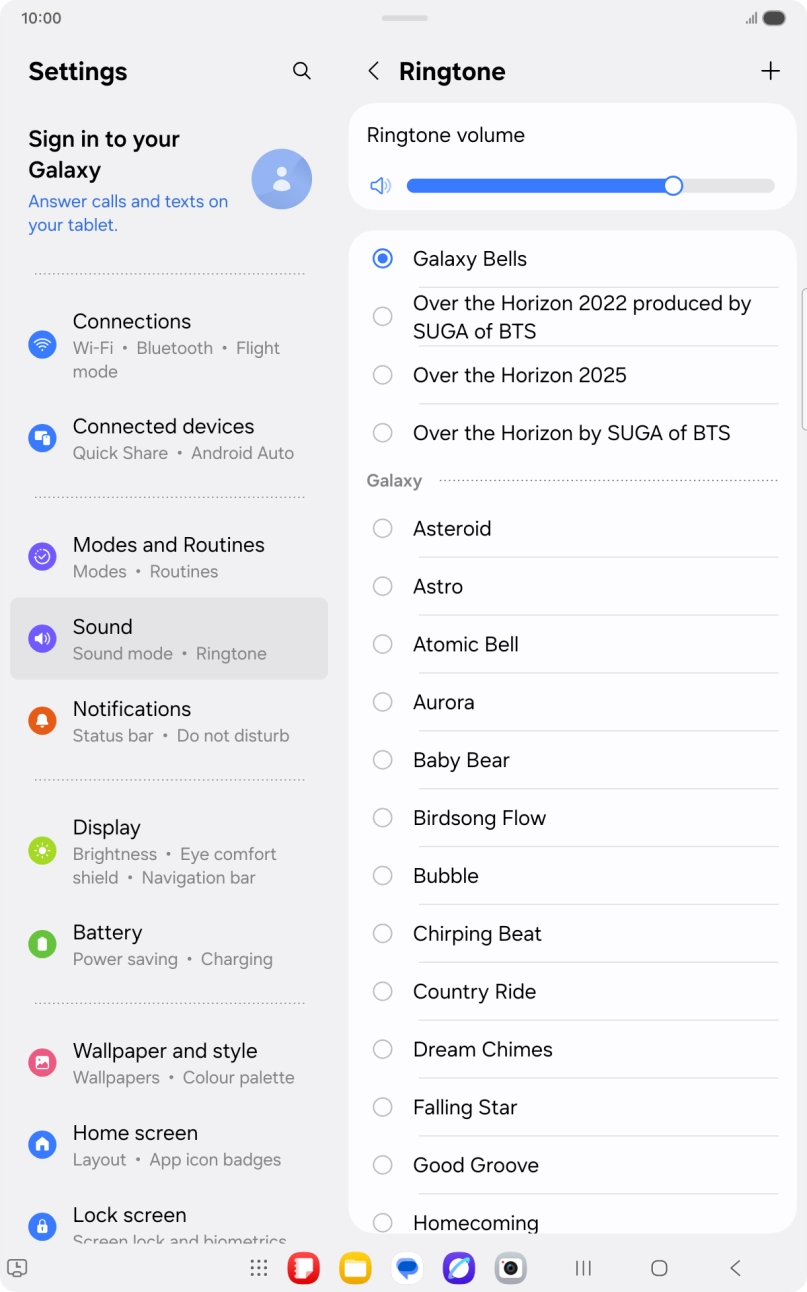
Step 1 of 8
Step 1 of 8
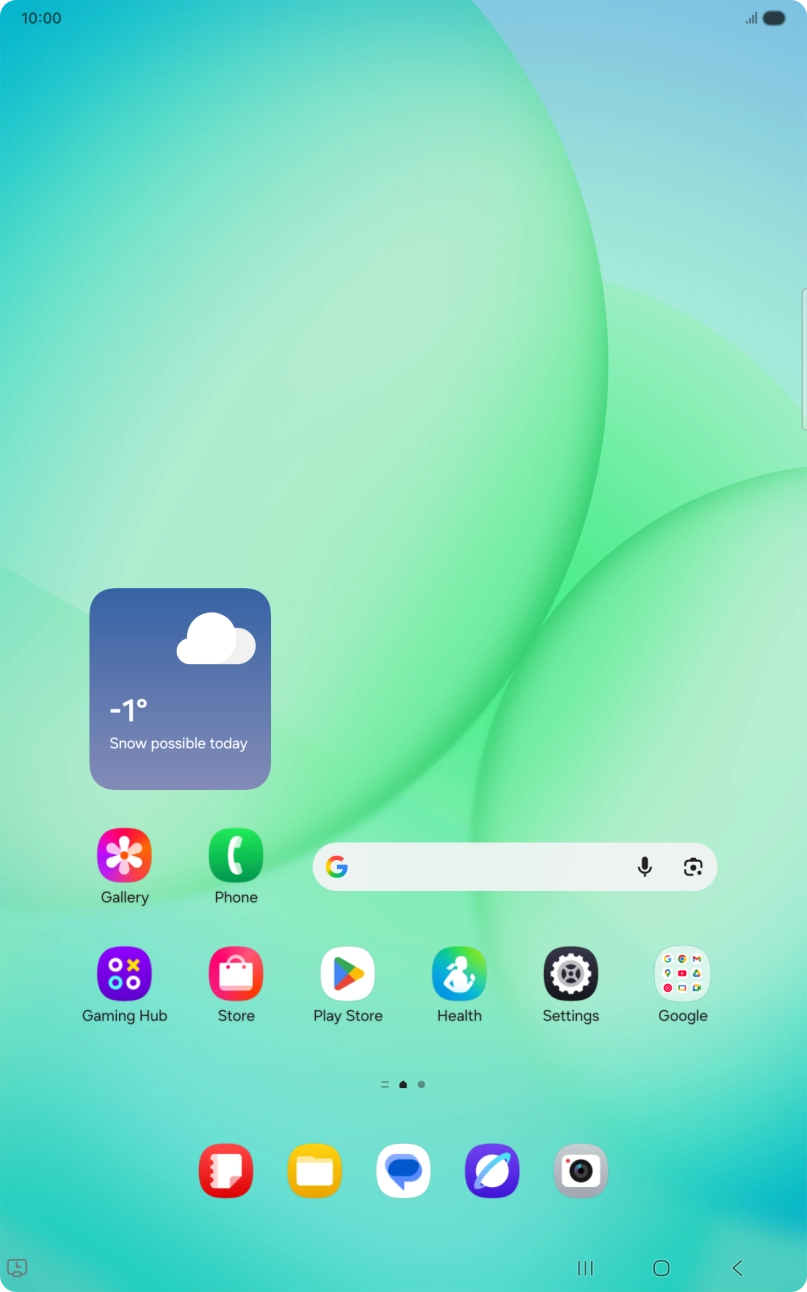
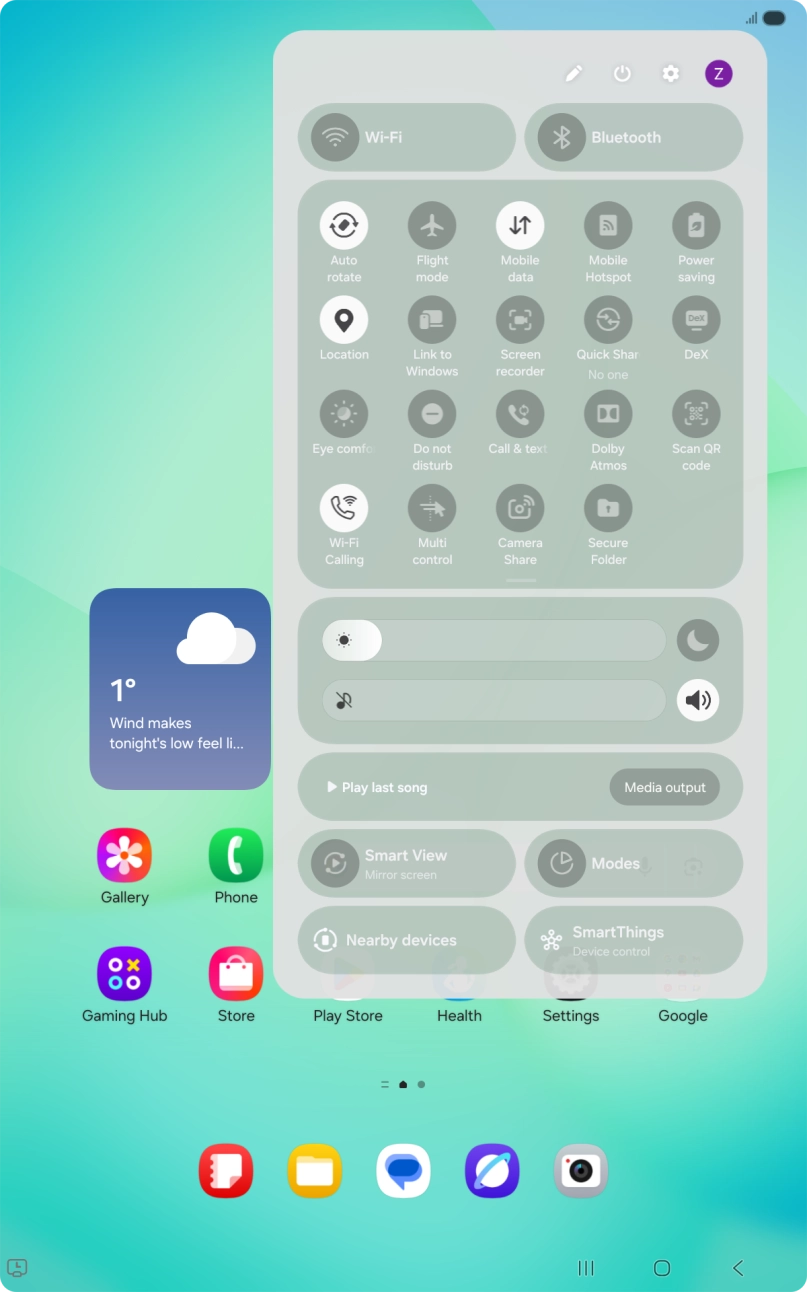
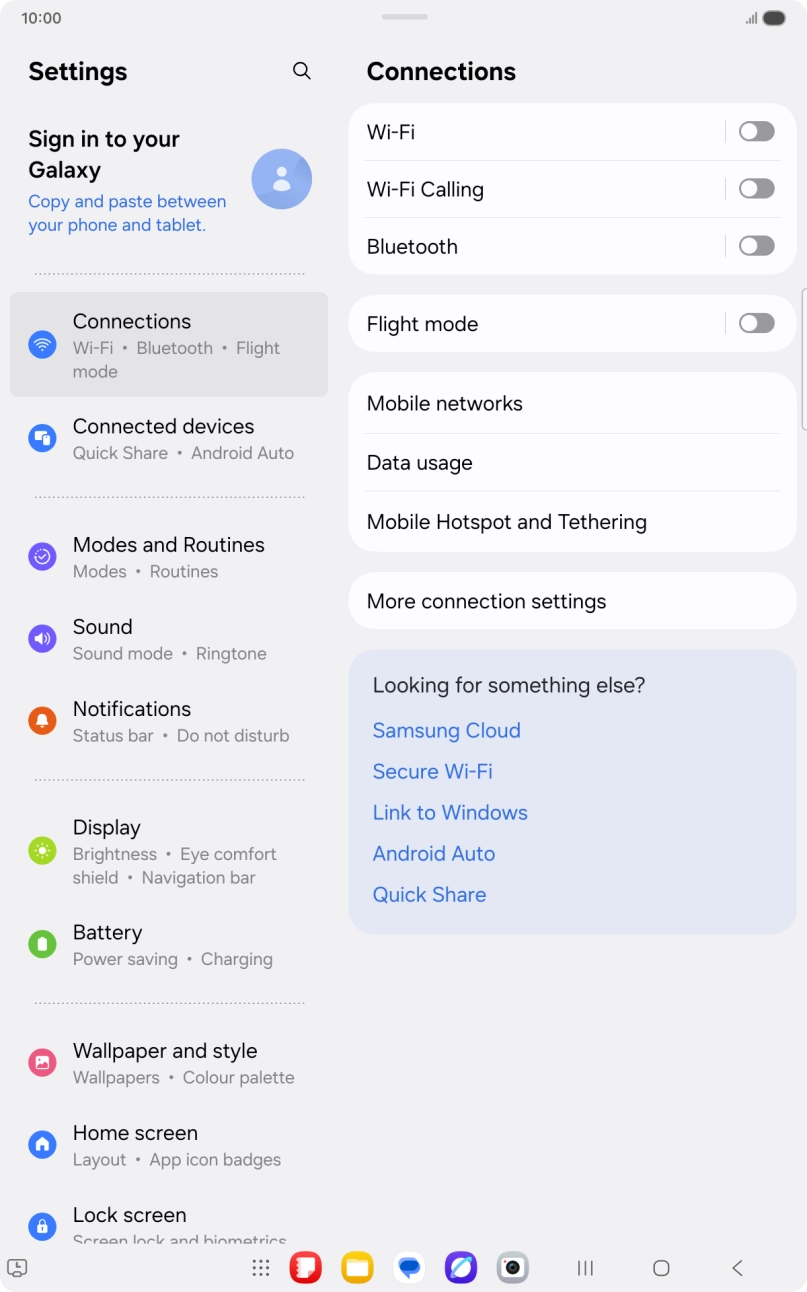
1. Find 'Ringtone'
Slide your finger downwards starting from the top right side of the screen.


You can select the ringtone you want to hear when you get a call.
1. Find 'Ringtone'
Slide your finger downwards starting from the top right side of the screen.