My Samsung Galaxy S8 uses a large amount of mobile data
If your phone uses a large amount of mobile data, there may be several causes of the problem.
1. Find 'Wi-Fi'
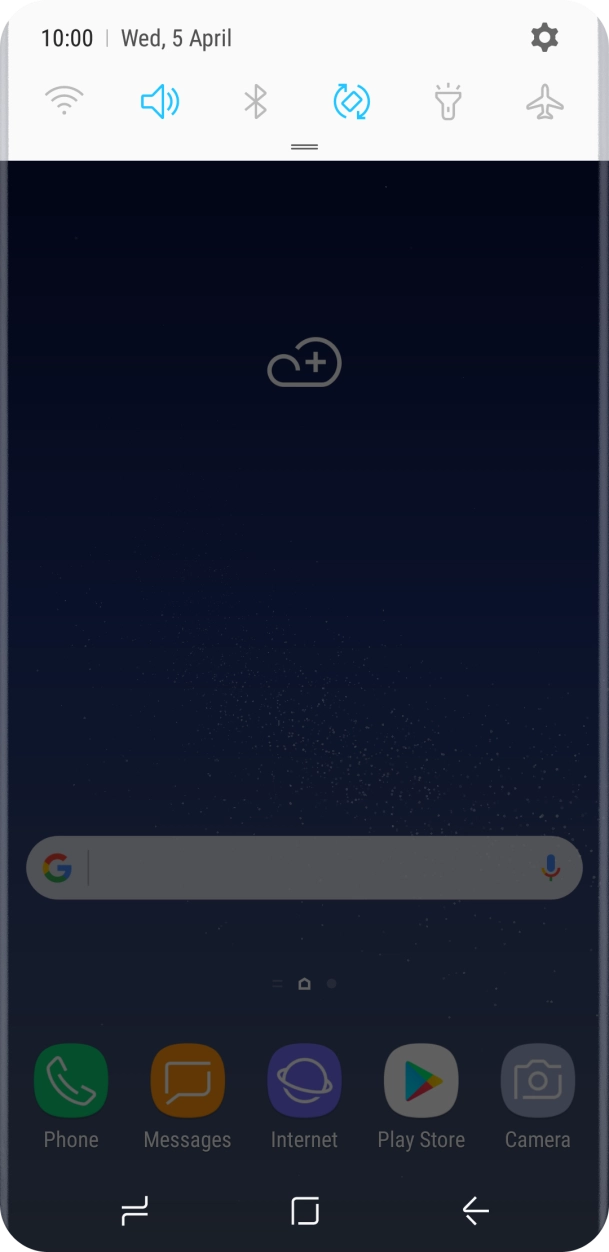
Slide your finger downwards starting from the top of the screen.
- Slide your finger downwards starting from the top of the screen.
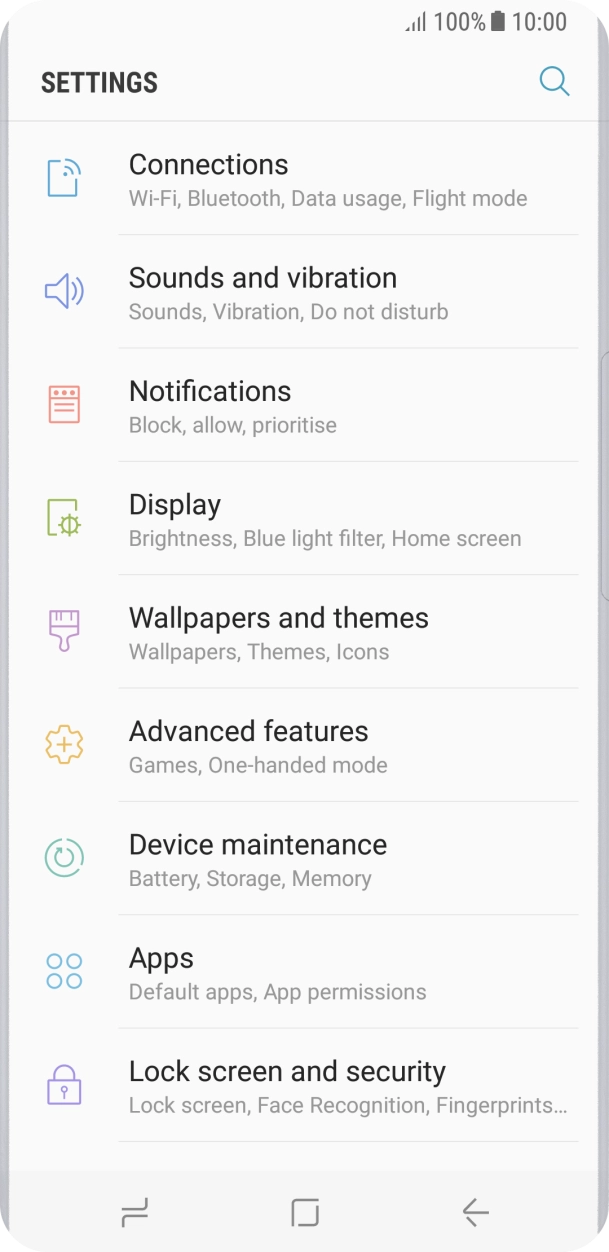
- Press the settings icon.
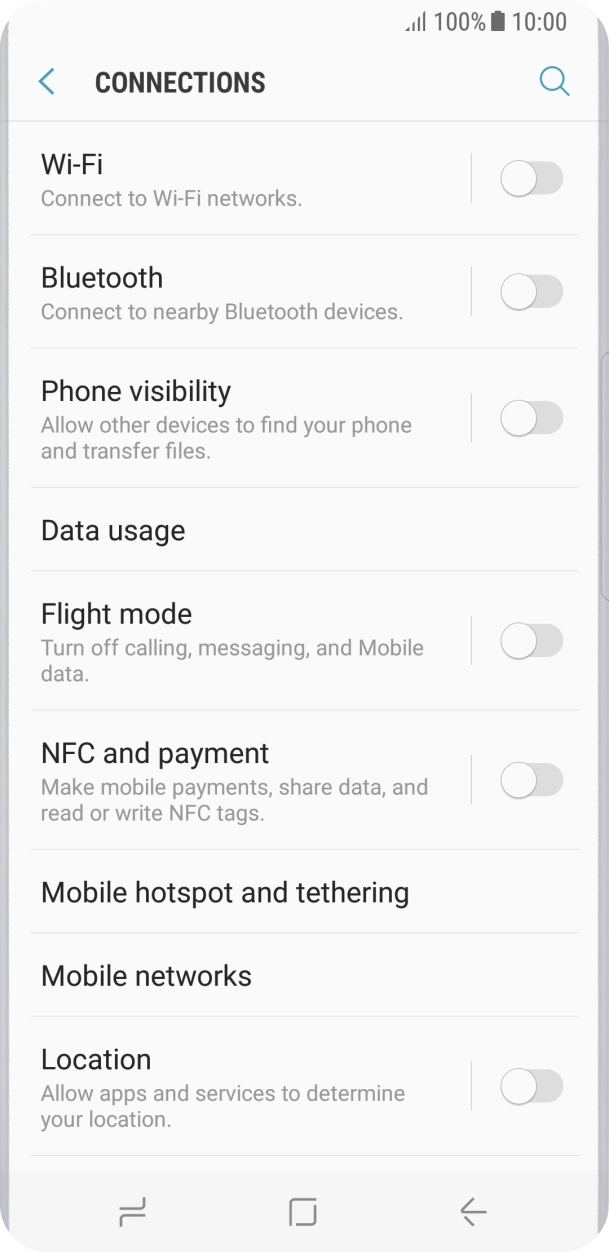
- Press Connections.
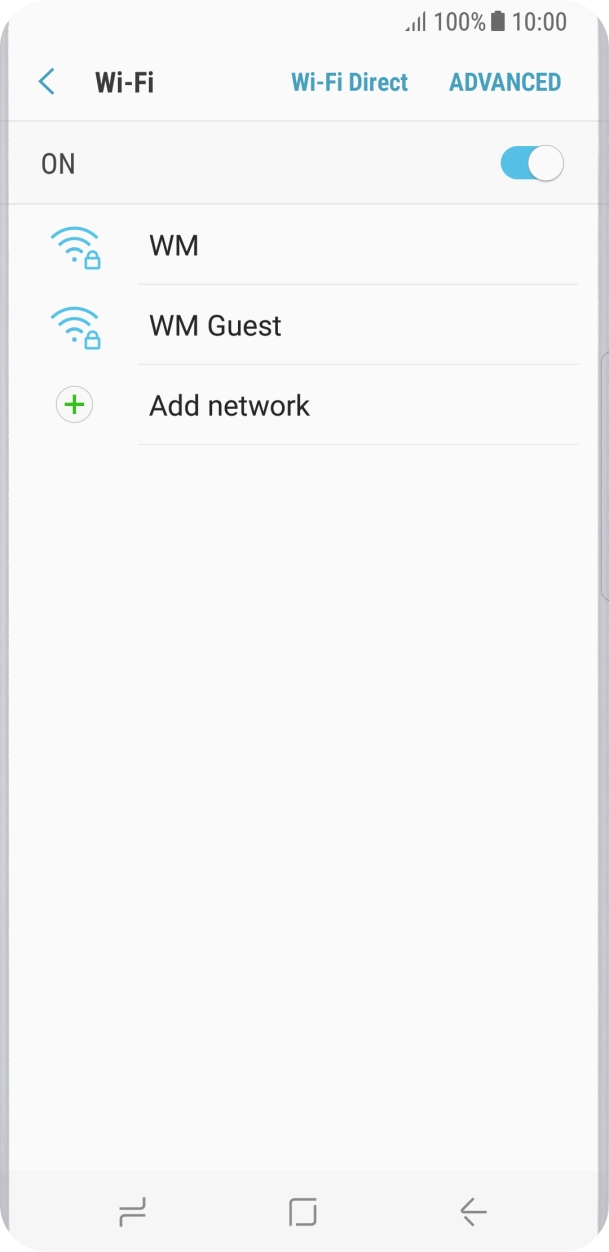
- Press Wi-Fi.
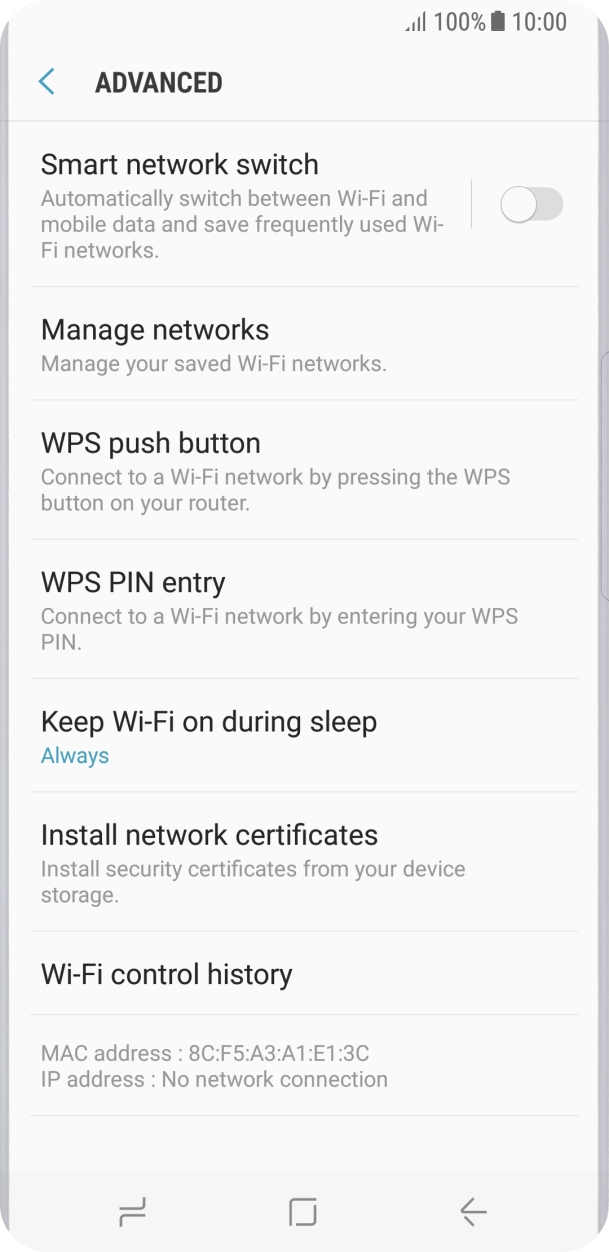
- Press ADVANCED.
- Press the indicator next to 'Smart network switch' to turn the function on or off.
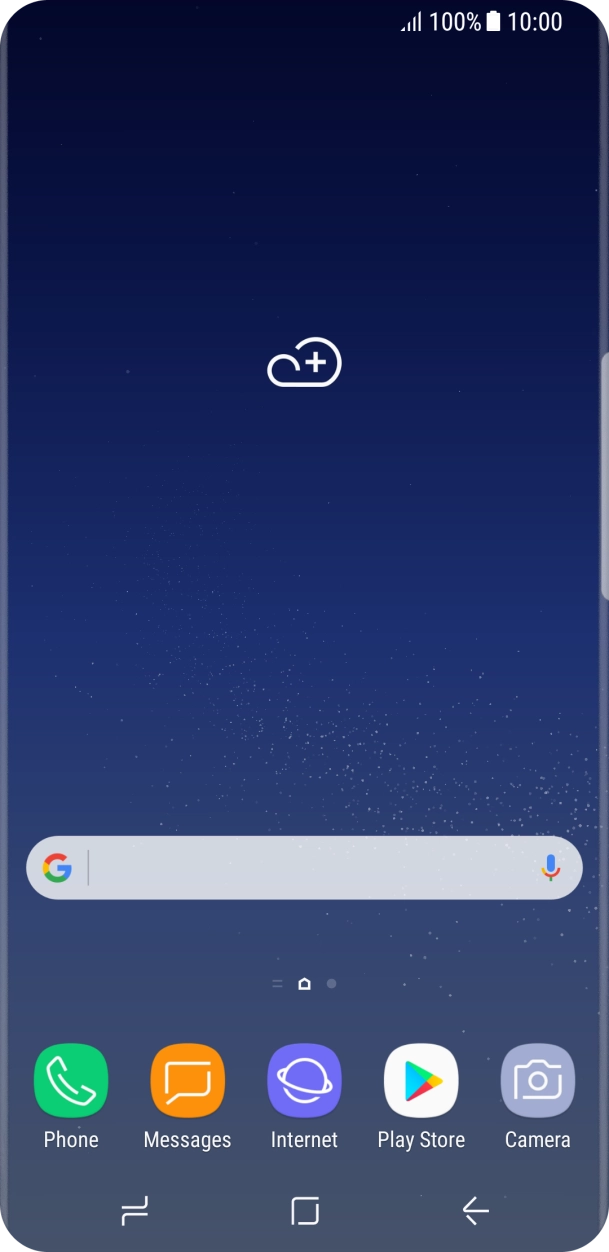
- Press the Home key to return to the home screen.
1. Find 'Notifications'
Slide your finger downwards starting from the top of the screen.
- Slide your finger downwards starting from the top of the screen.
- Press the settings icon.
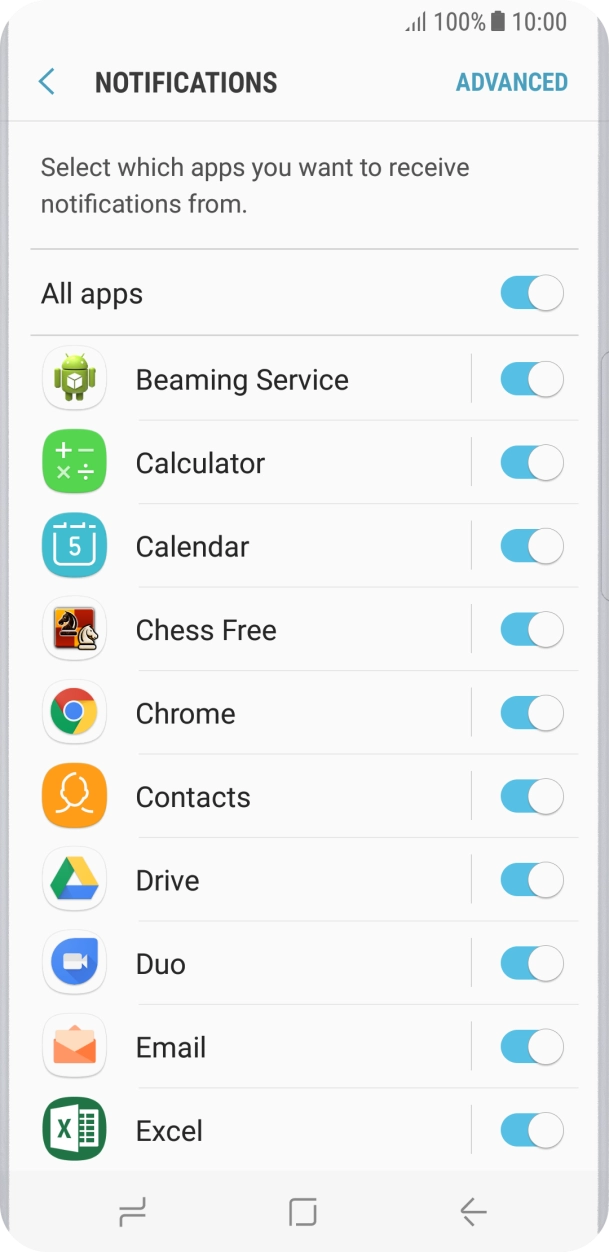
- Press Notifications.
- Press the indicator next to the required app to turn the function on or off.
- Press the Home key to return to the home screen.
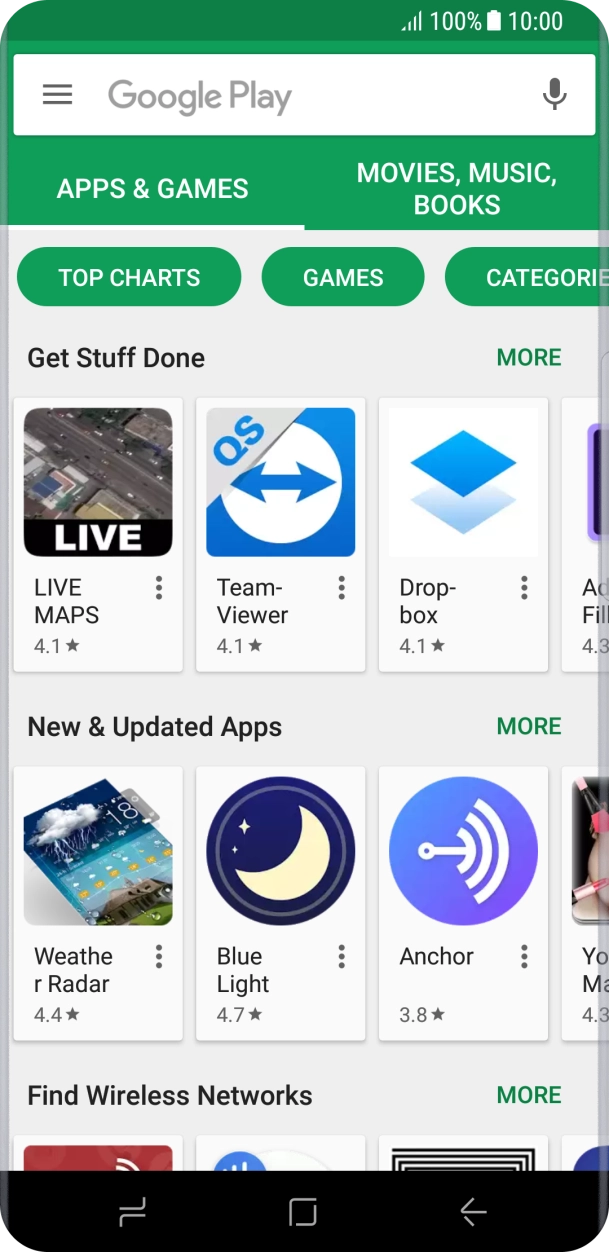
- Press Play Store.
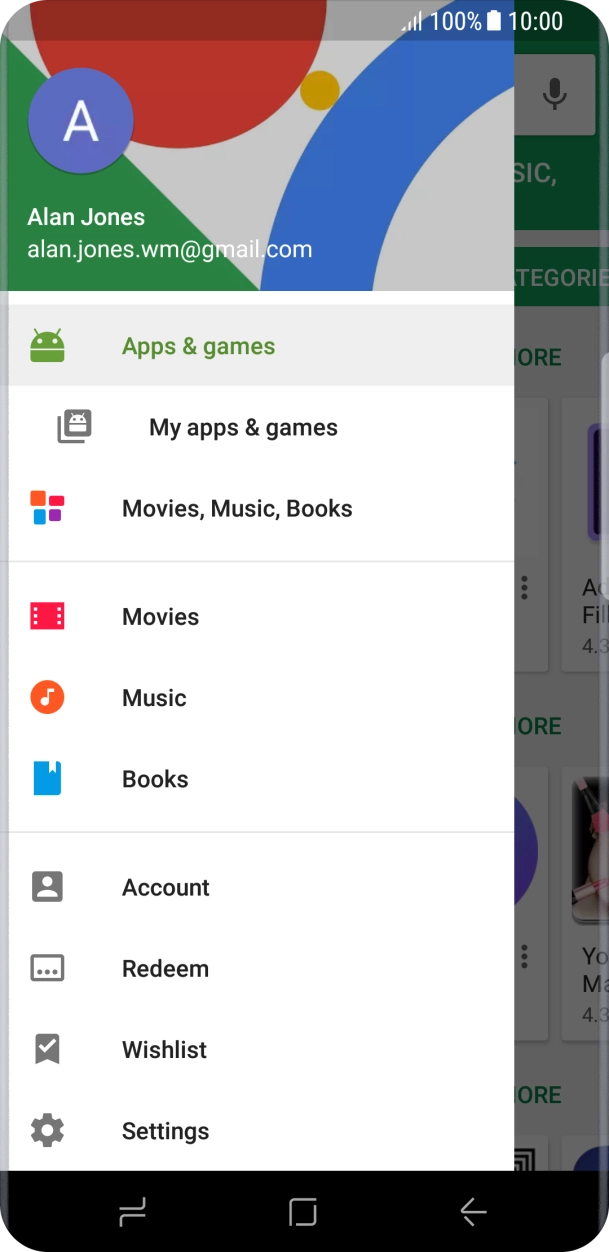
- Slide your finger right starting from the left side of the screen.
- Press Settings.
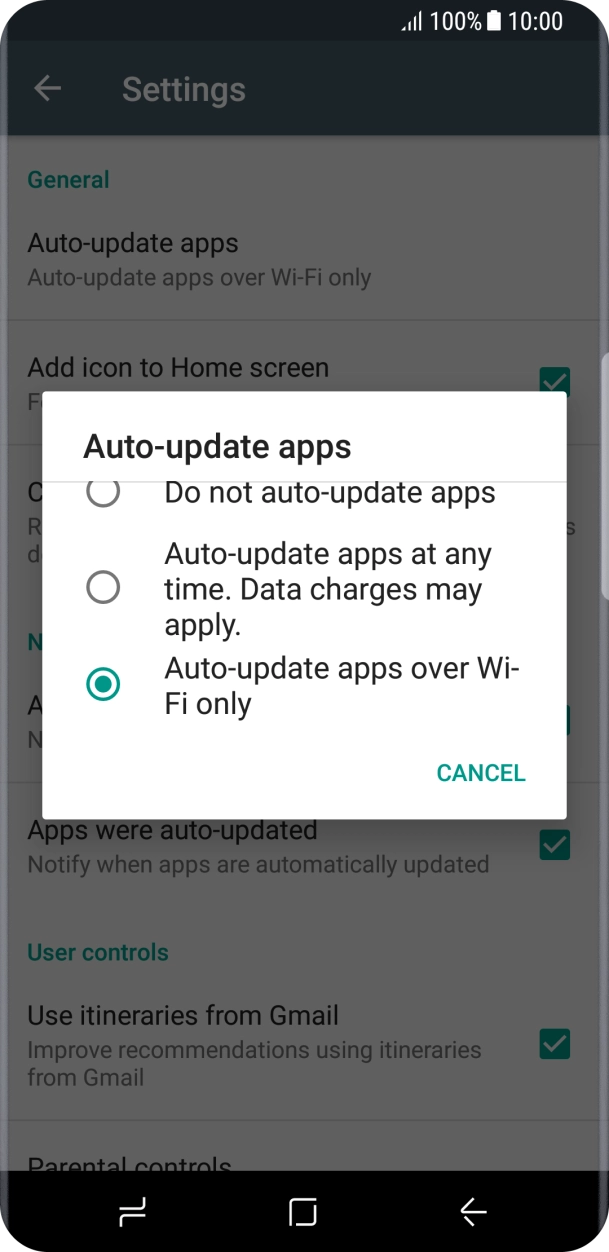
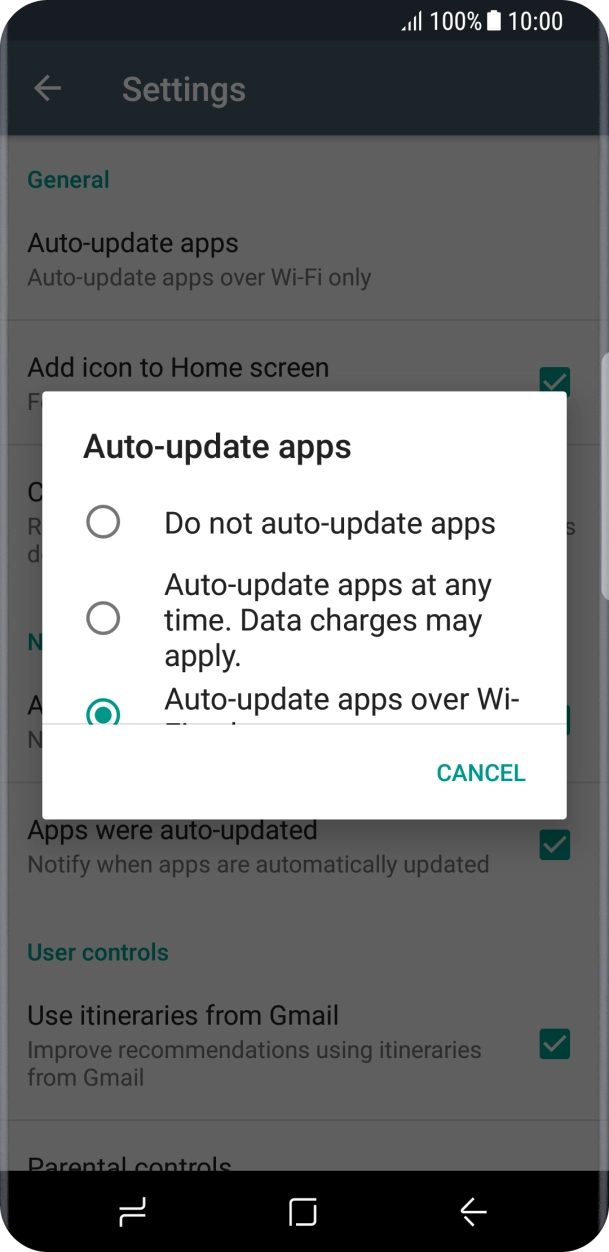
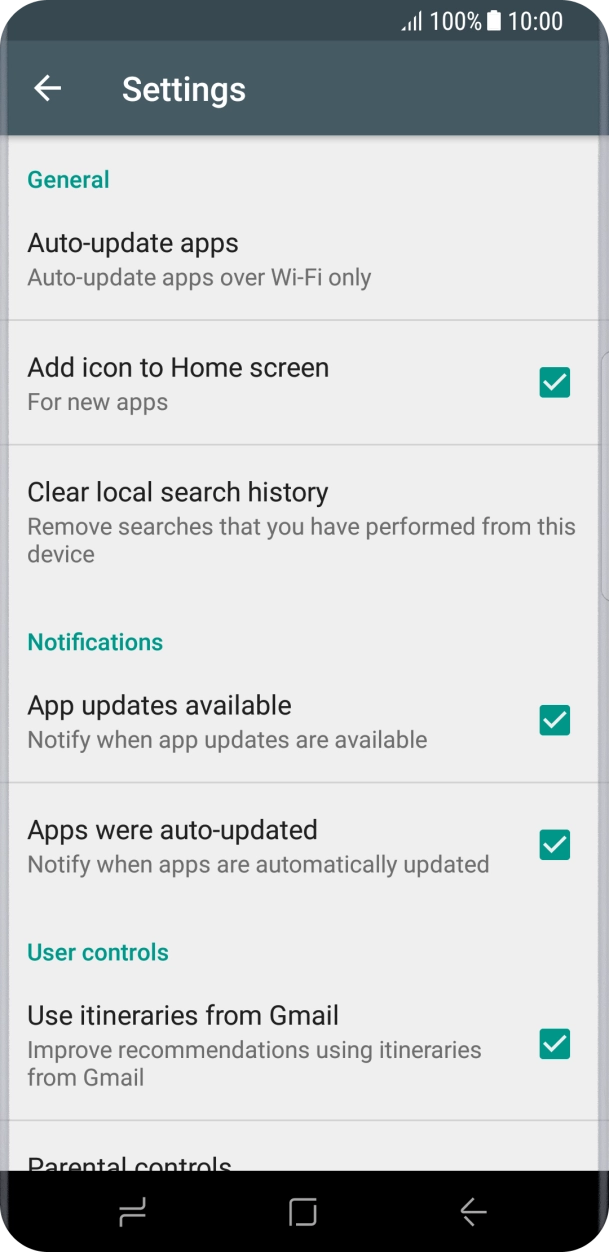
- Press Auto-update apps.
- Press Auto-update apps over Wi-Fi only to turn on the function.
- Press Do not auto-update apps to turn off the function.
- Press the Home key to return to the home screen.