Phones
Tablets, laptops and dongles
SIMs and Tariffs
Accessories and more
O2 for you
Saving you money
Stay connected
Perks and rewards
Live bigger with Volt
See all the reasons to choose O2
Help and support
Most popular
Useful links
Contact us
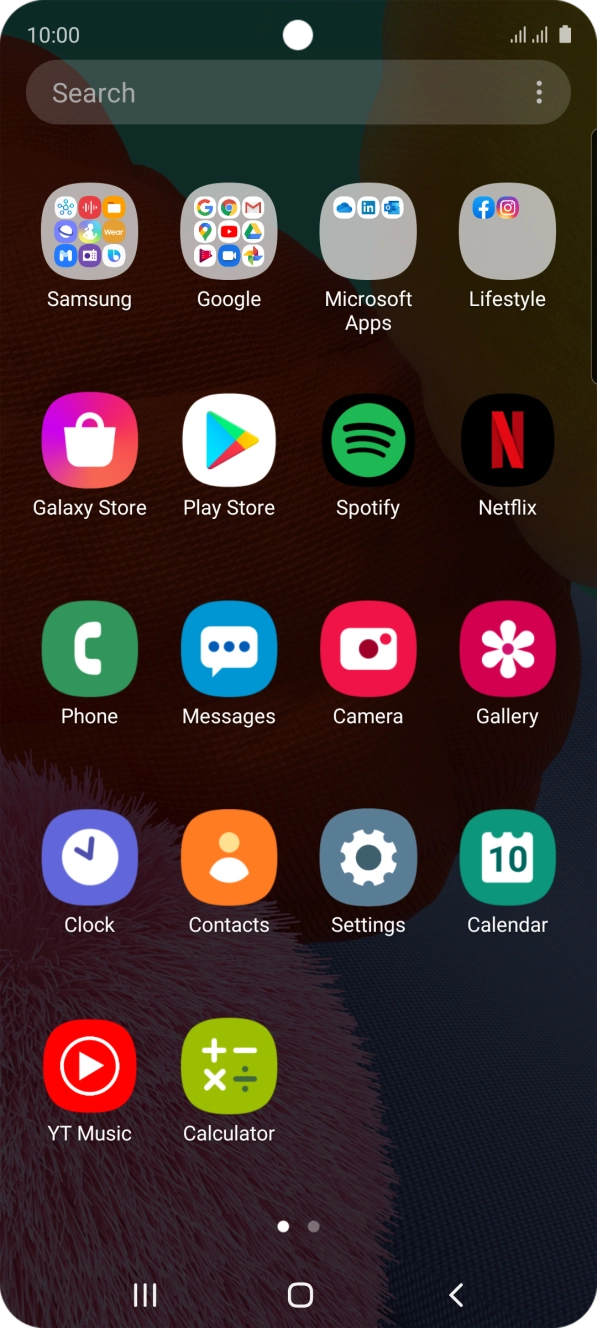
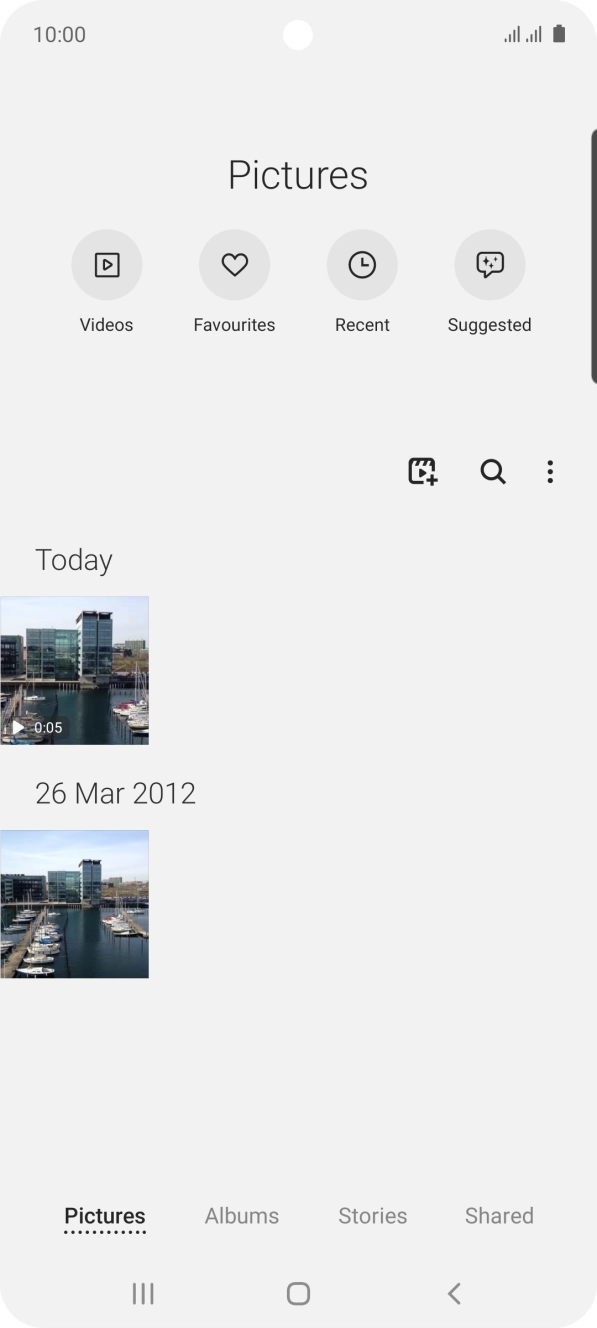
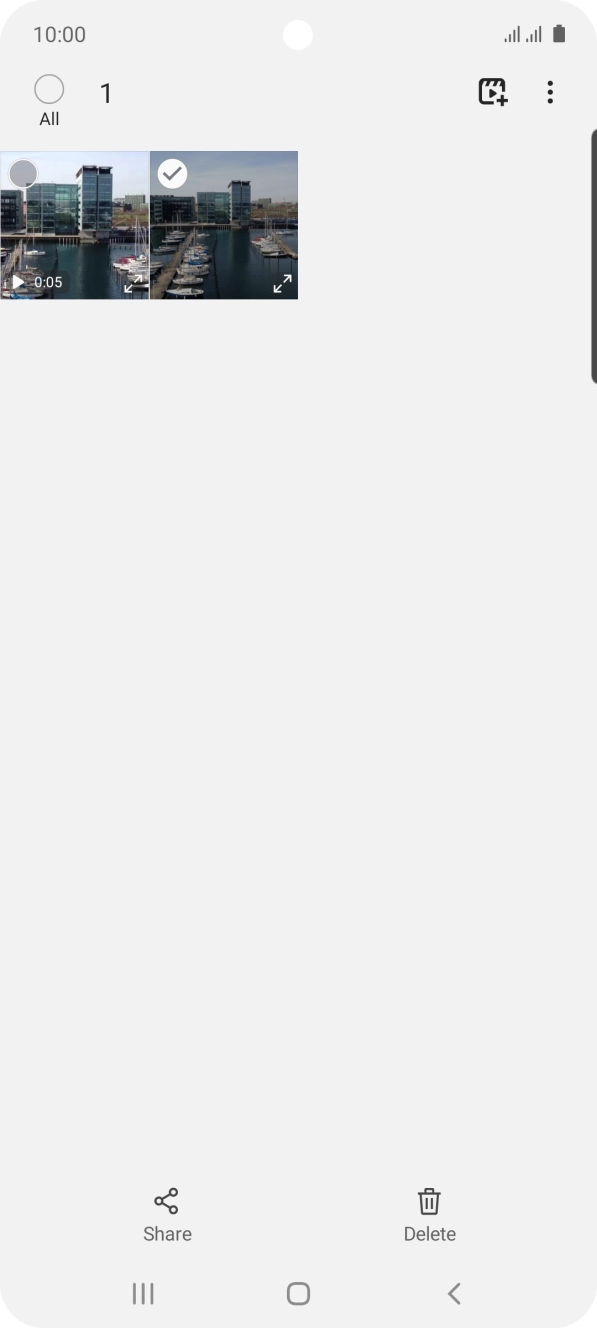
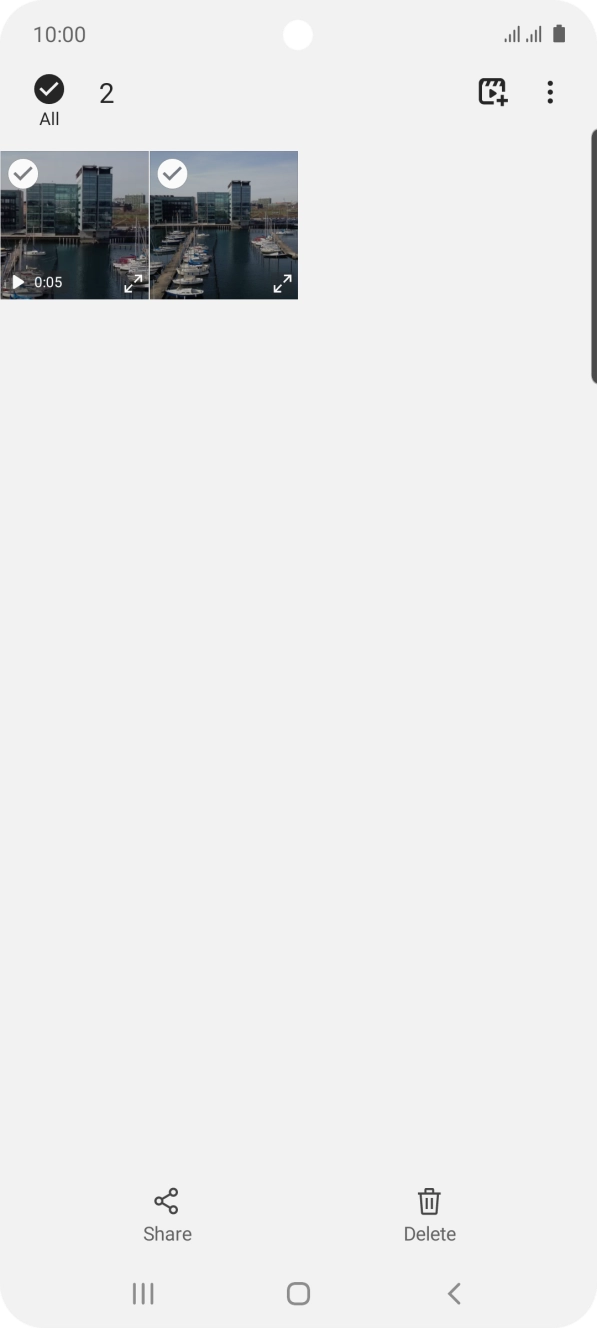
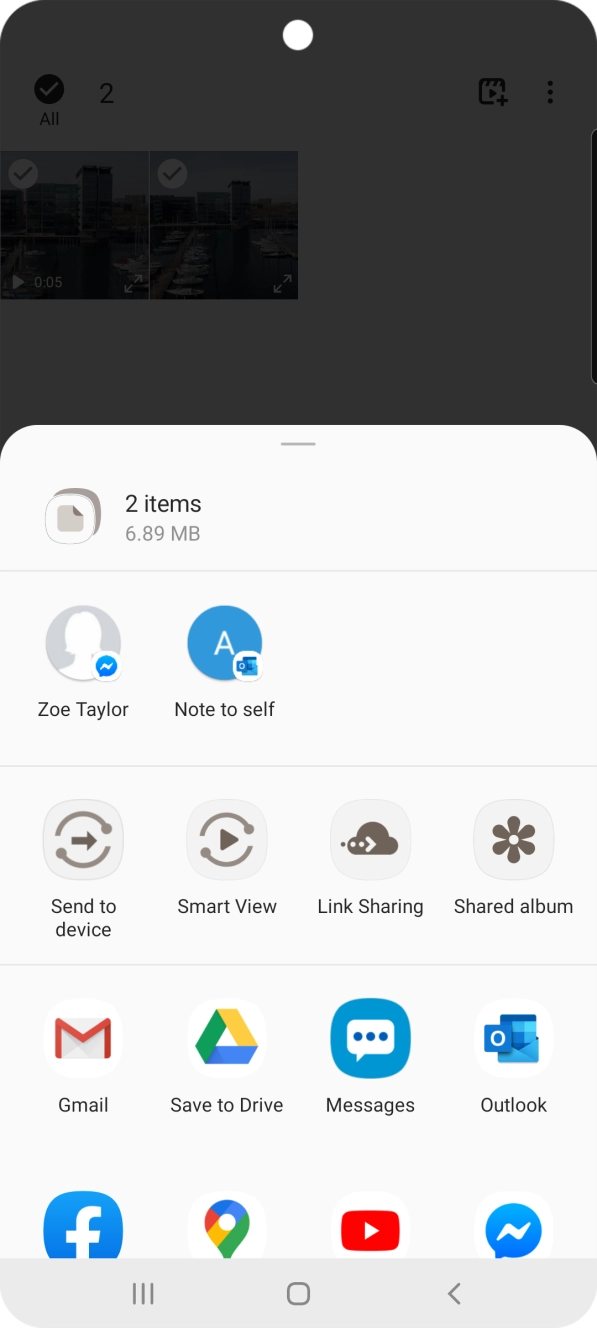
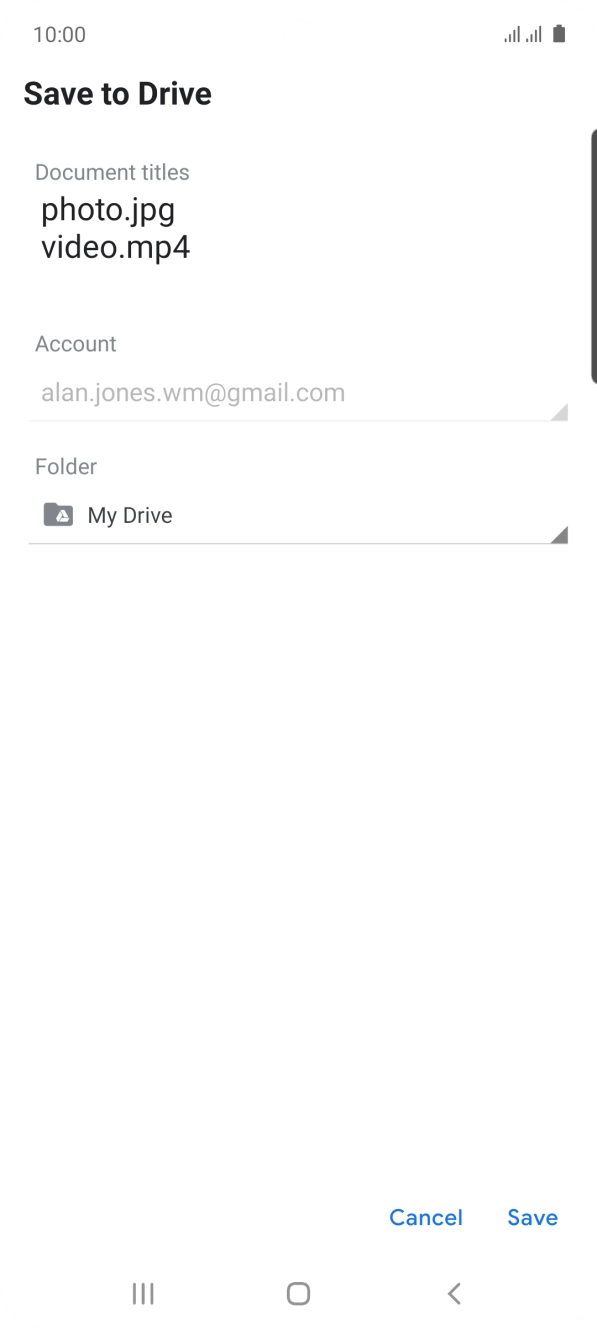
1. Find 'Albums'
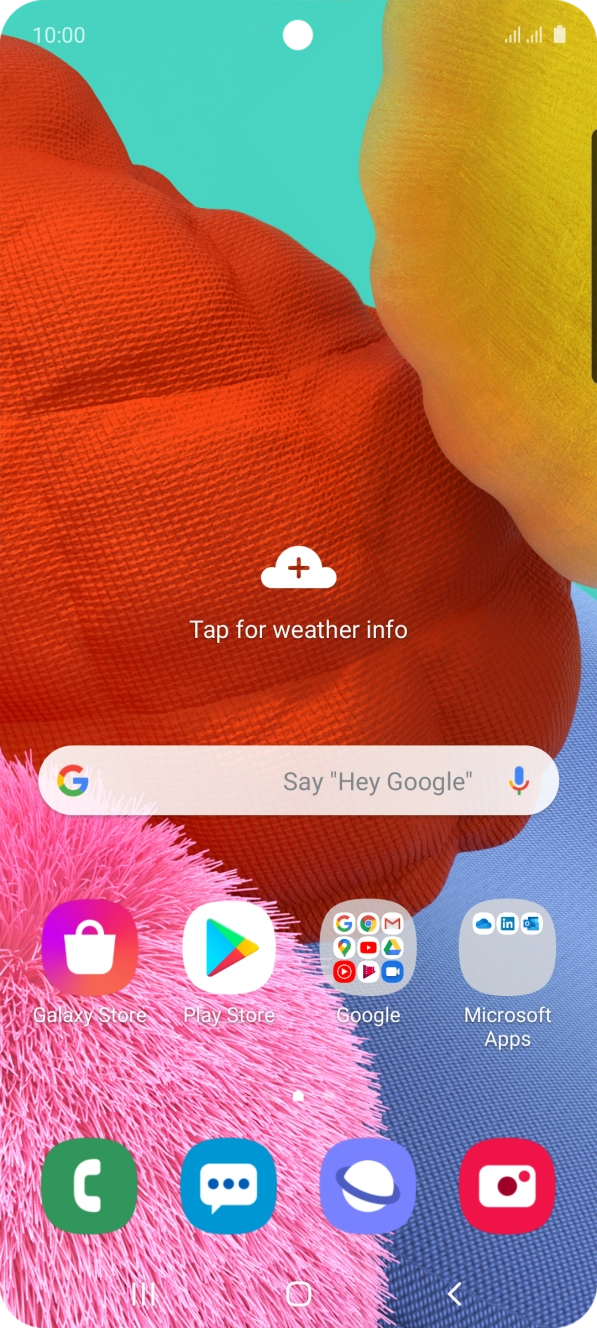
Slide your finger upwards on the screen.