How to use split screen view on your OPPO Find X9 Ultra
You can use multiple applications at the same time in split screen view.
1. Turn on split screen view
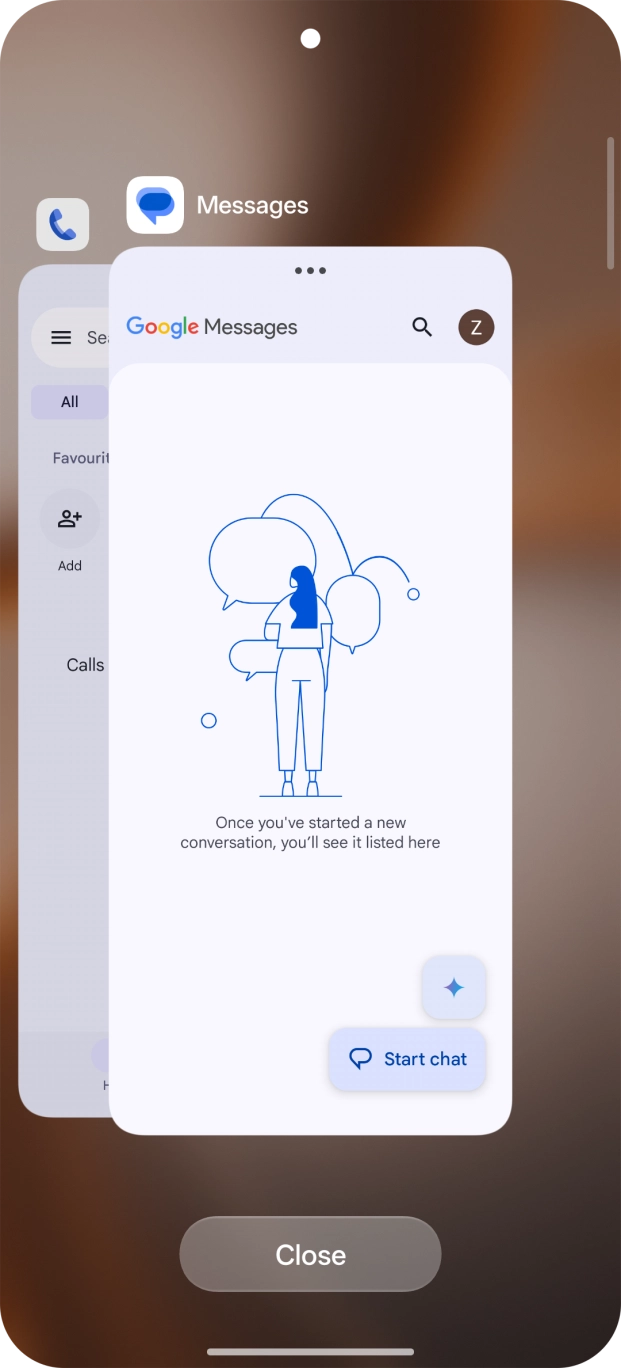
Slide your finger slowly upwards starting from the bottom of the screen until the list of running applications is displayed.
To use split screen view, you need to have opened the required applications.

- Slide your finger slowly upwards starting from the bottom of the screen until the list of running applications is displayed.To use split screen view, you need to have opened the required applications.
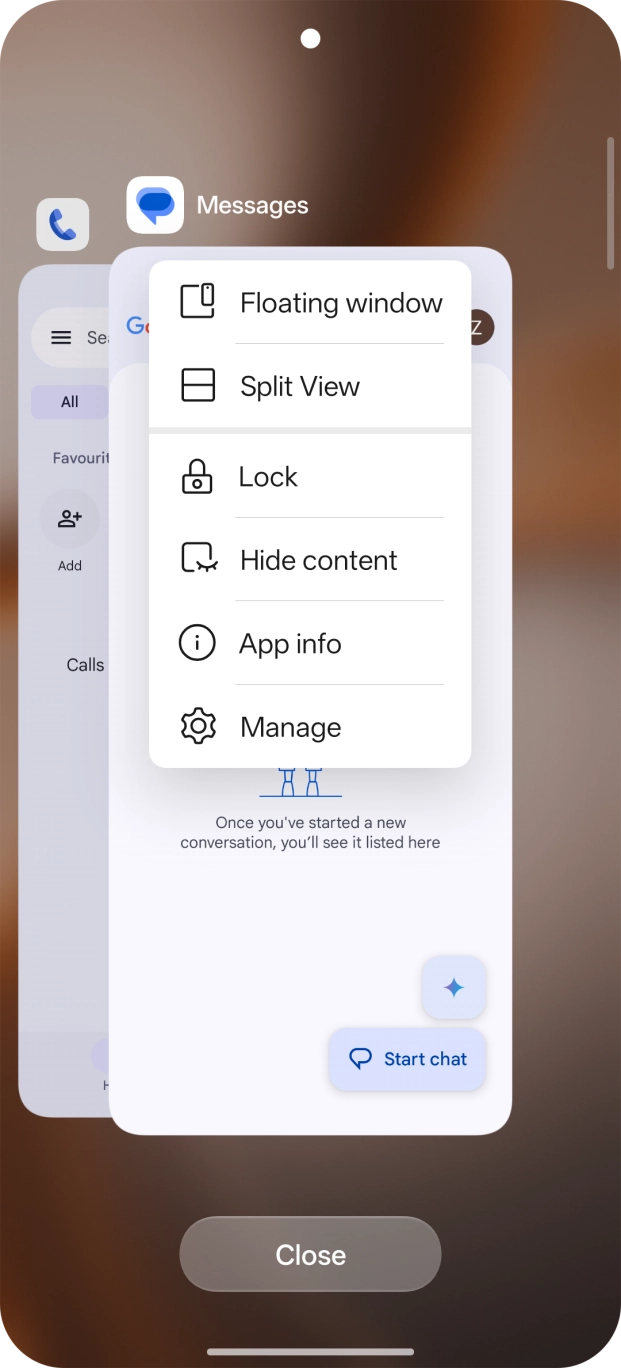
- Press the menu icon above the required app.
- Press Split View.
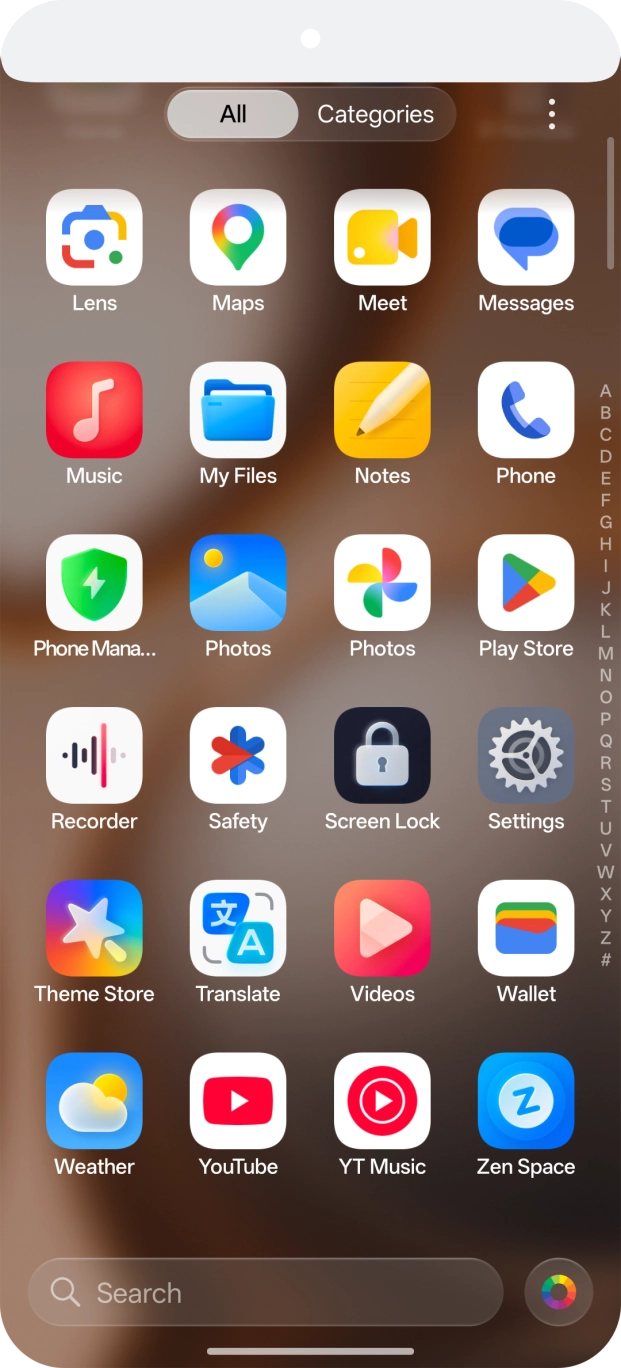
- Press the second application.
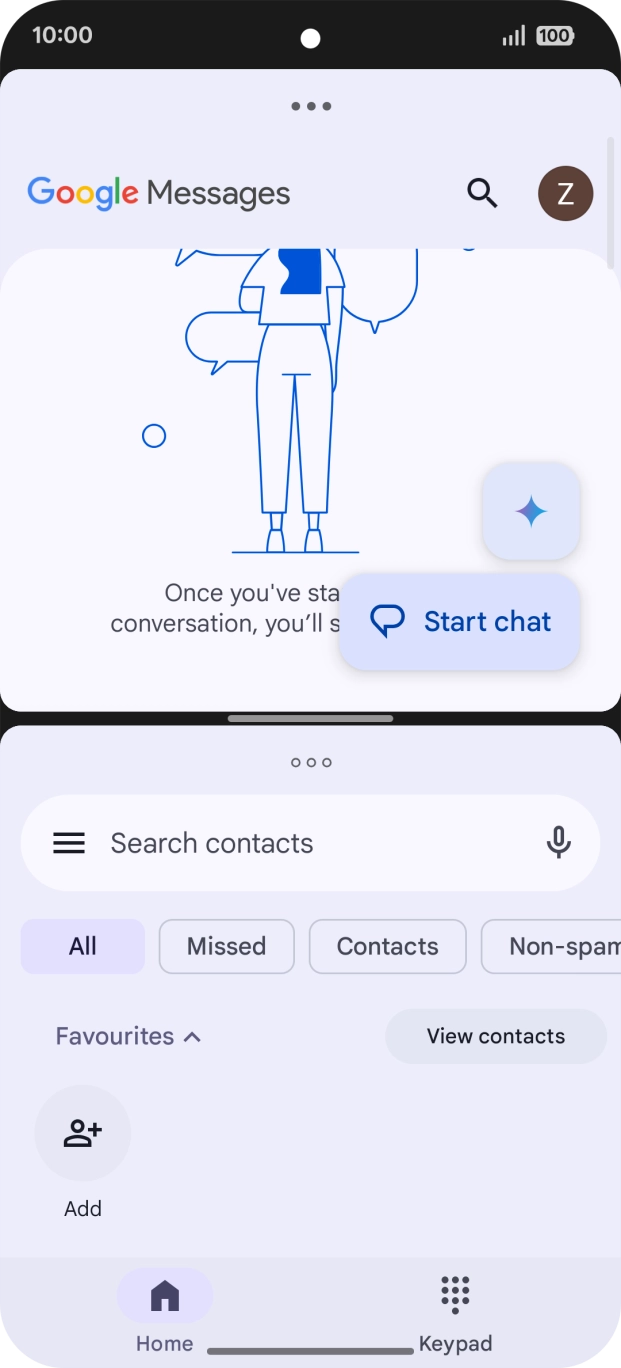
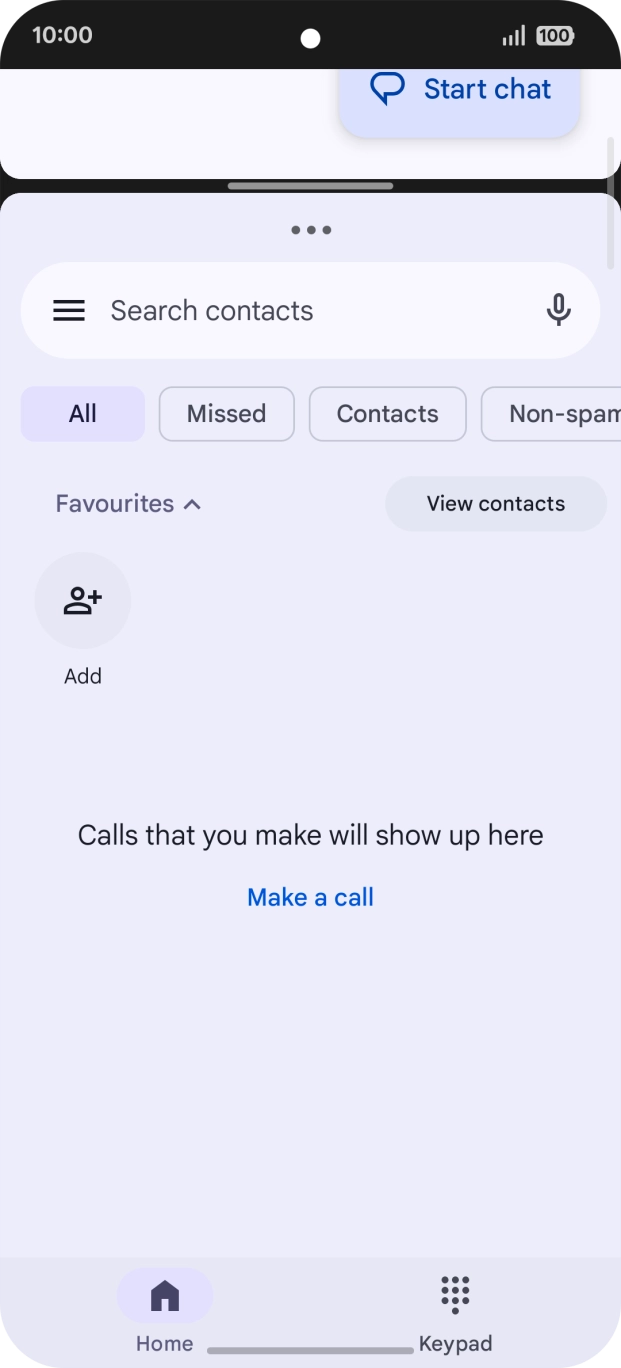
- The applications are now shown in split screen view and you can use both applications at the same time.
- Drag up or down on the screen to adjust the application windows to the required size.
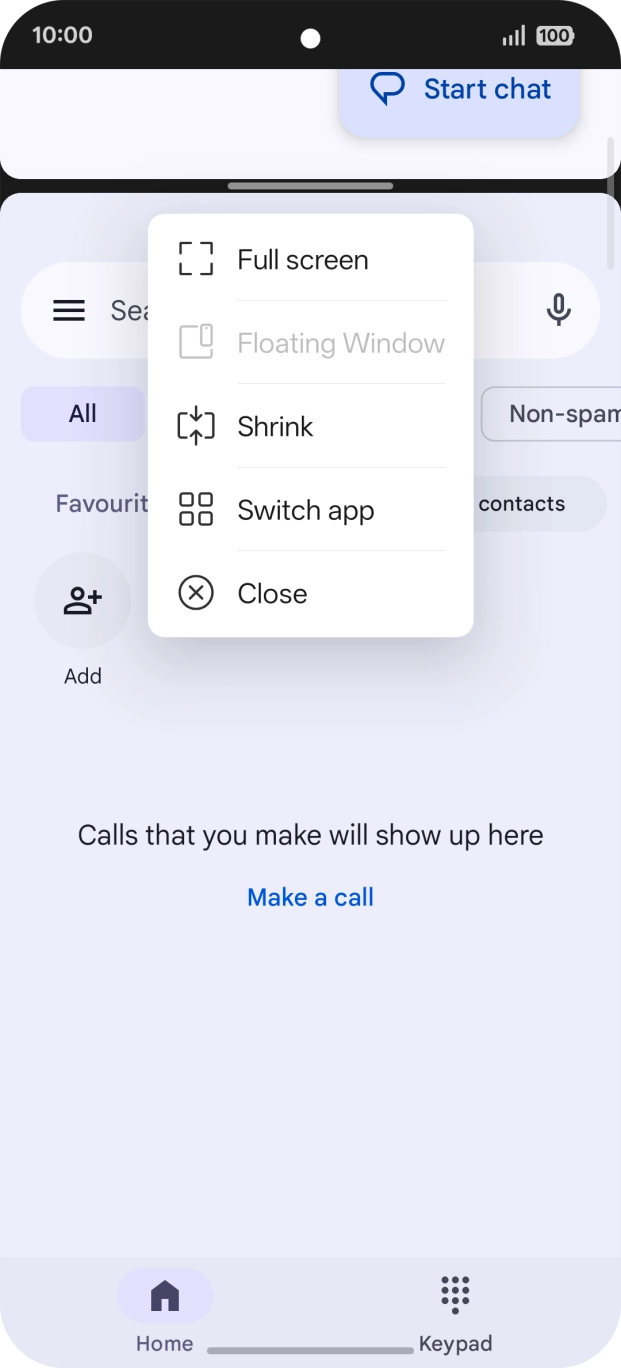
- Press the menu icon.
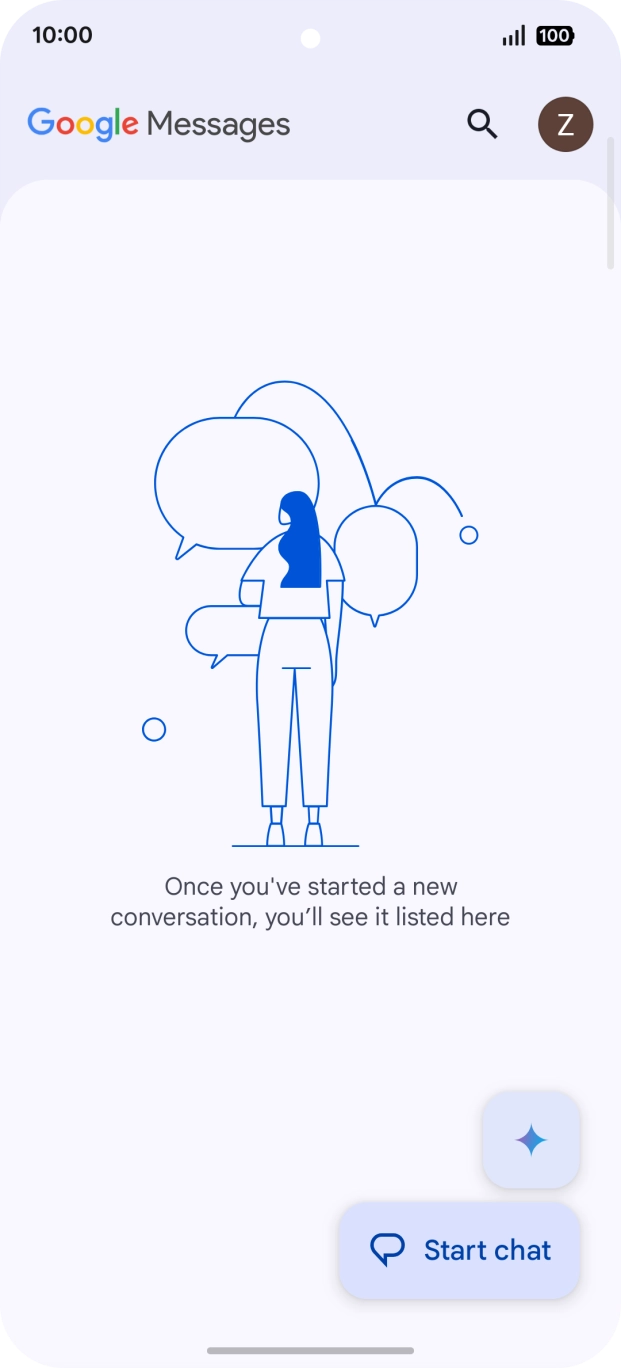
- Press Close.
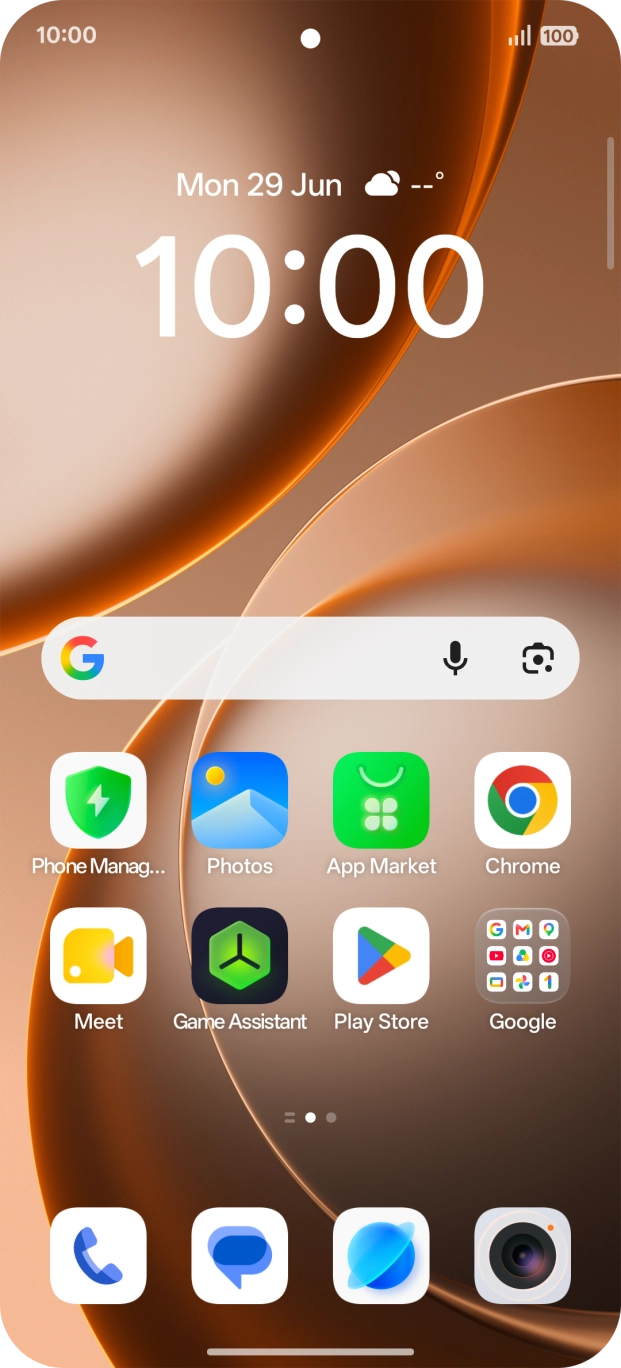
- Slide your finger upwards starting from the bottom of the screen to return to the home screen.