
I have problems receiving voice calls on my OPPO Find X2 Neo
If you have problems receiving voice calls, there may be several causes of the problem.
Step 1 of 8
Step 1 of 8
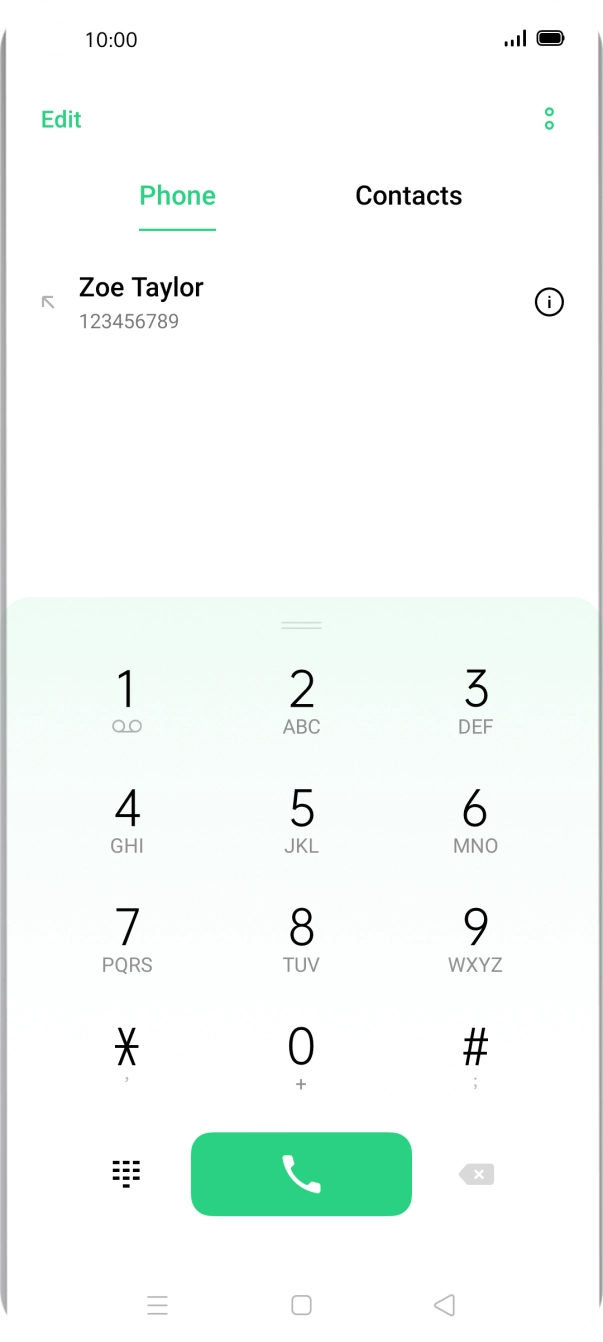
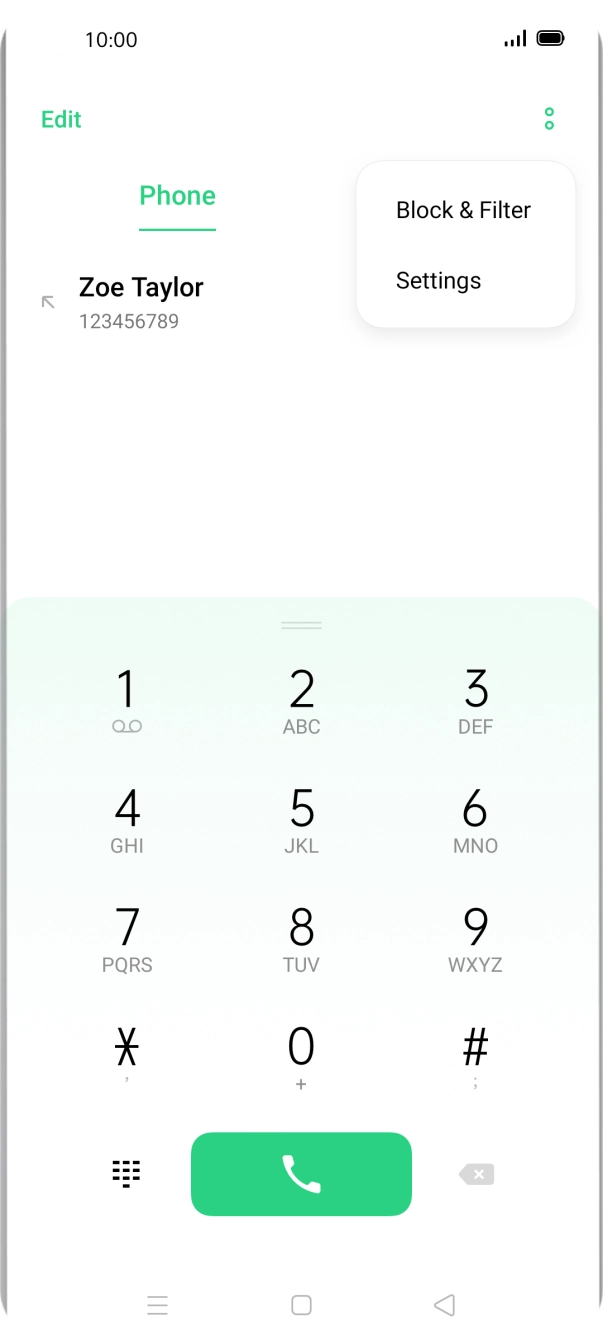
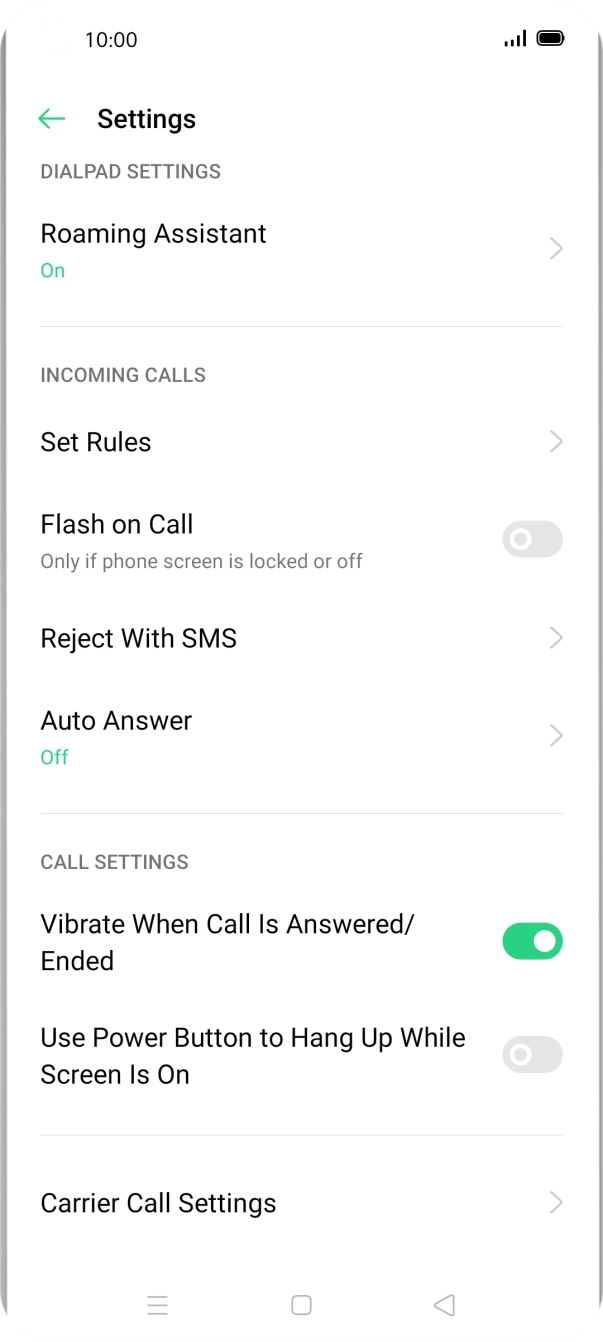
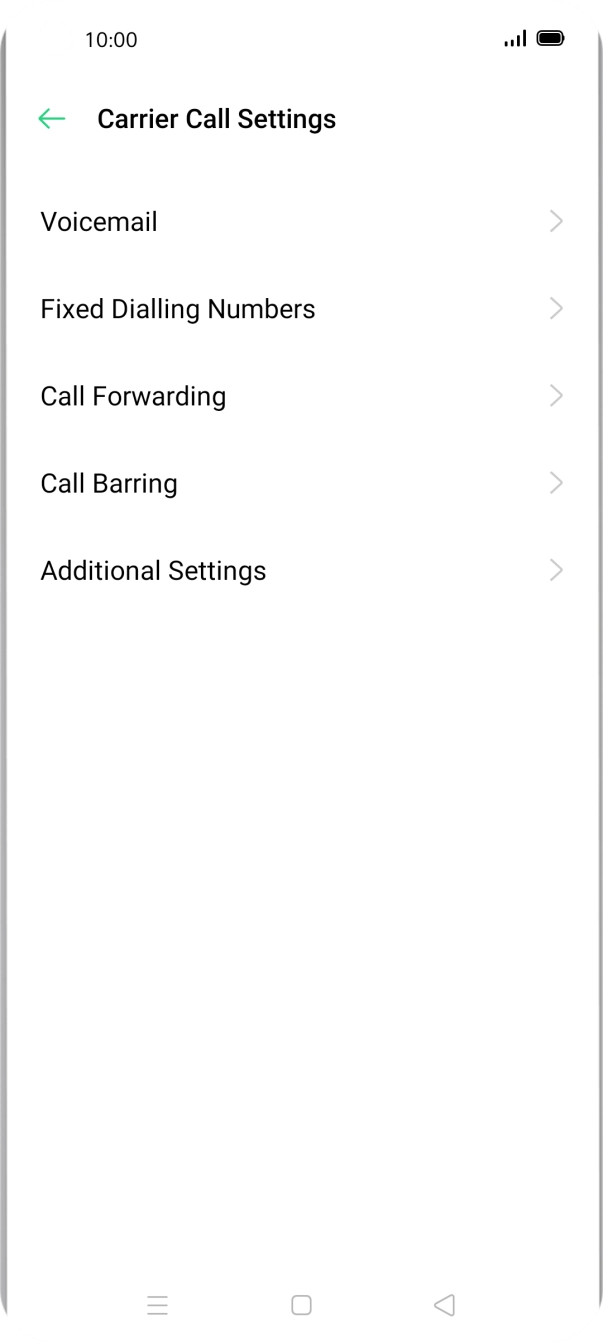
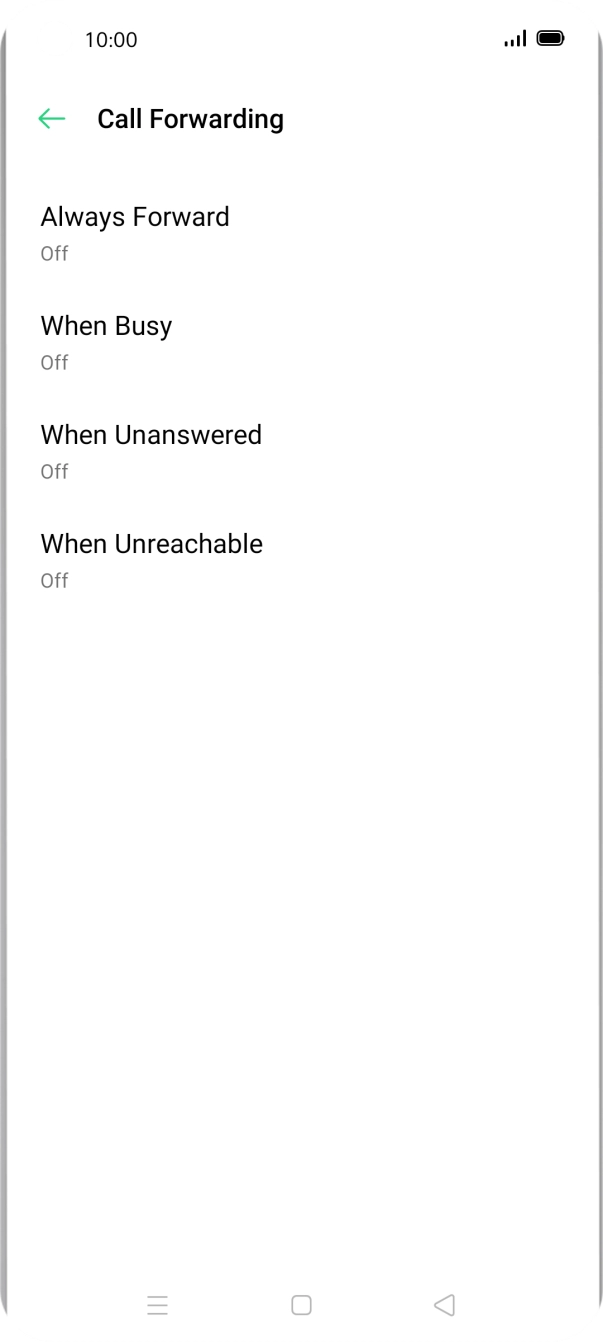
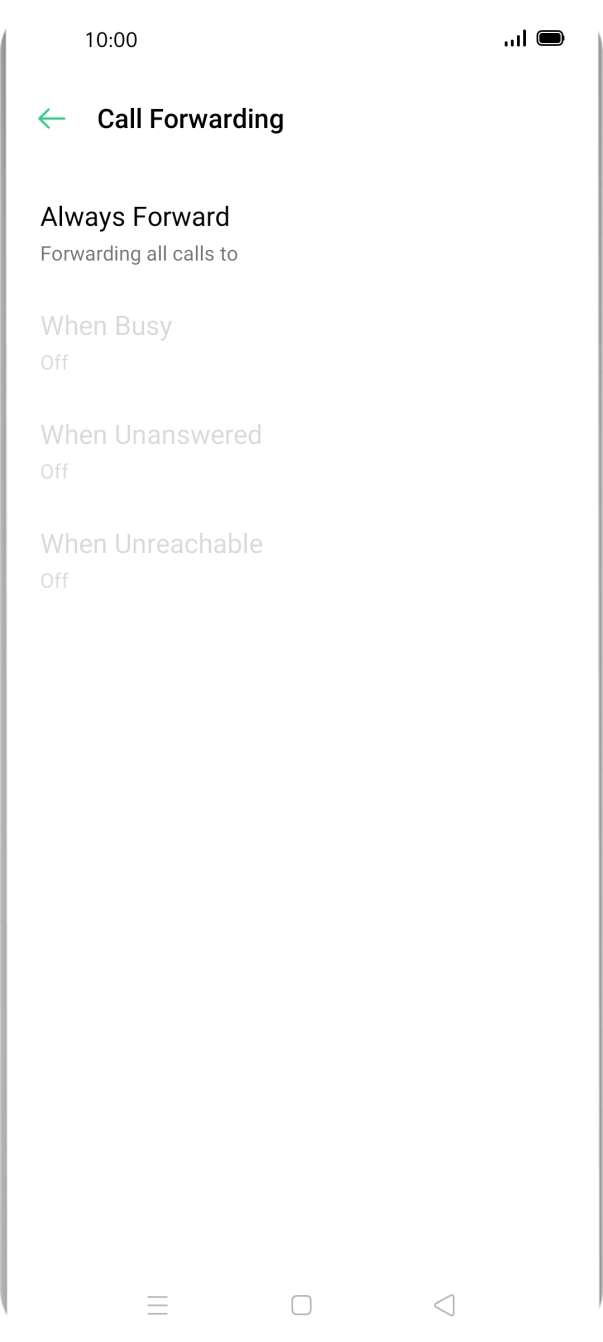
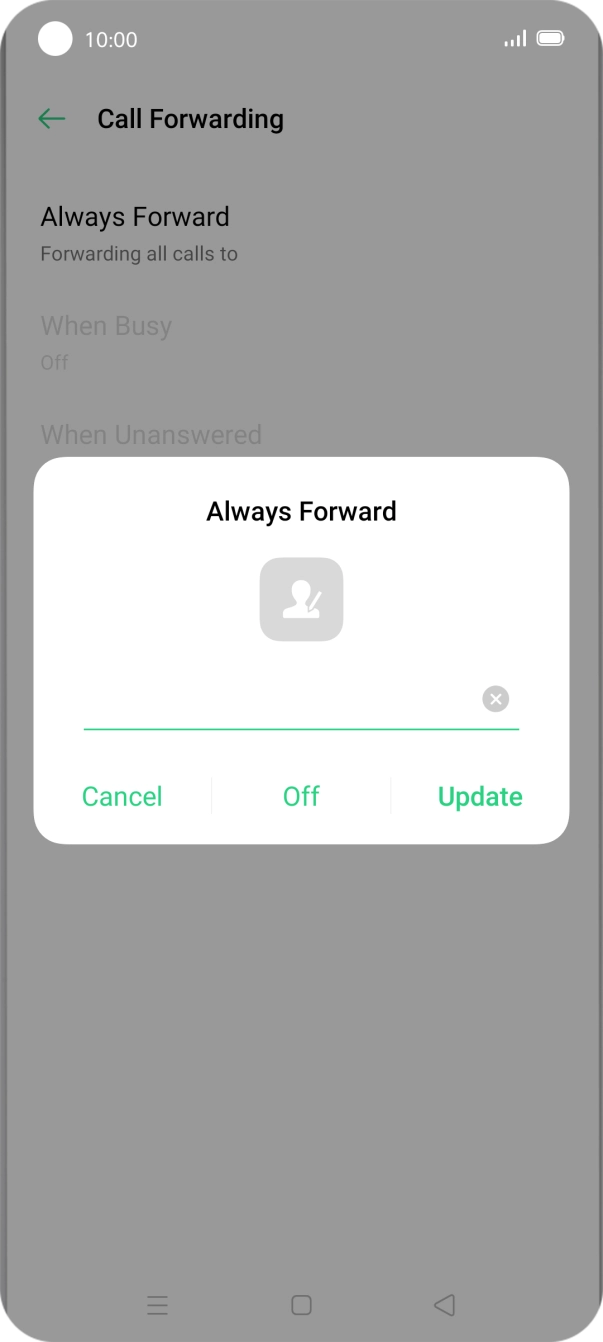
1. Find 'Call Forwarding'
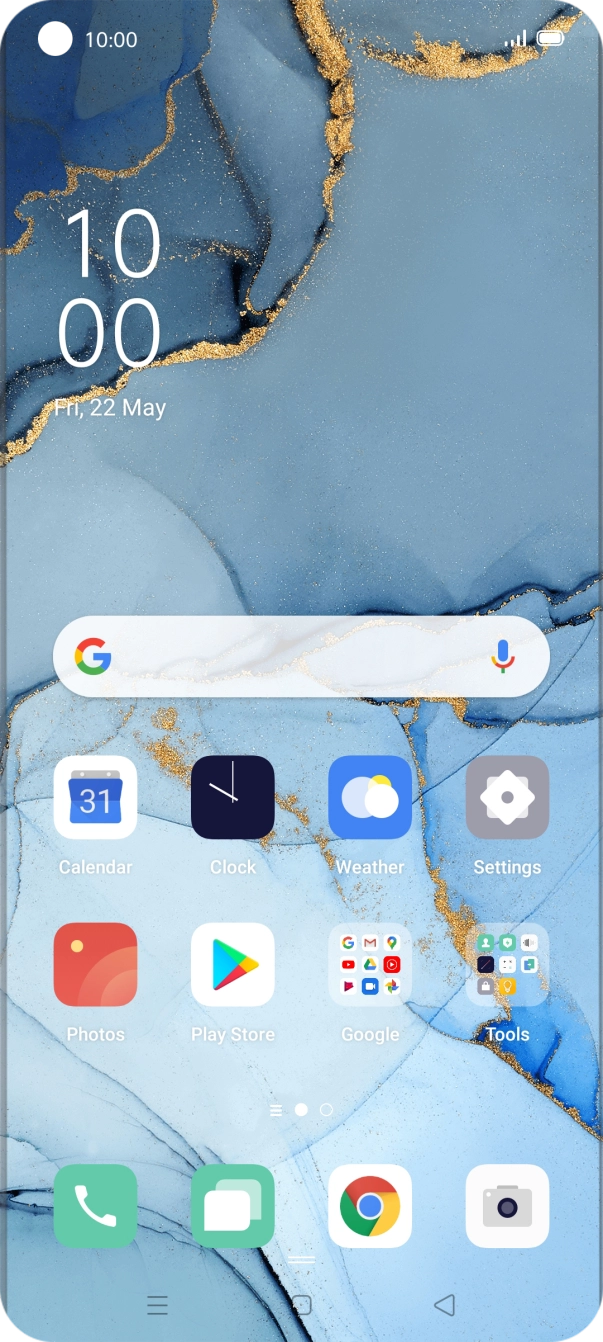
Press the phone icon.
Step 1 of 8
Step 1 of 8
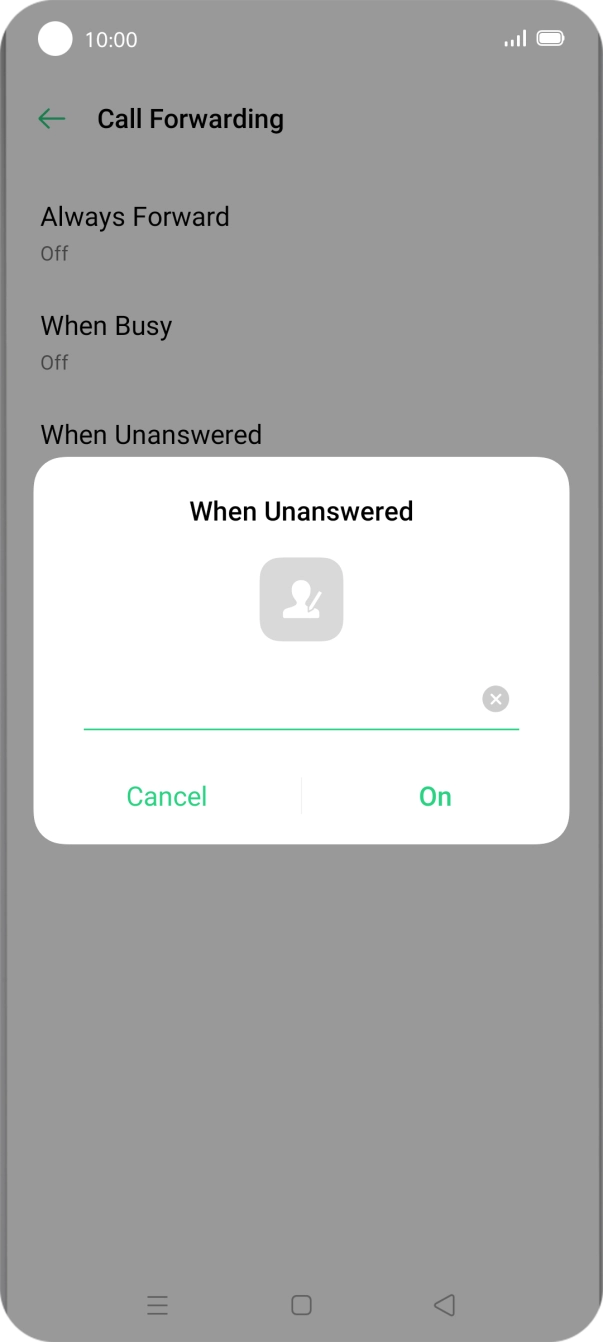
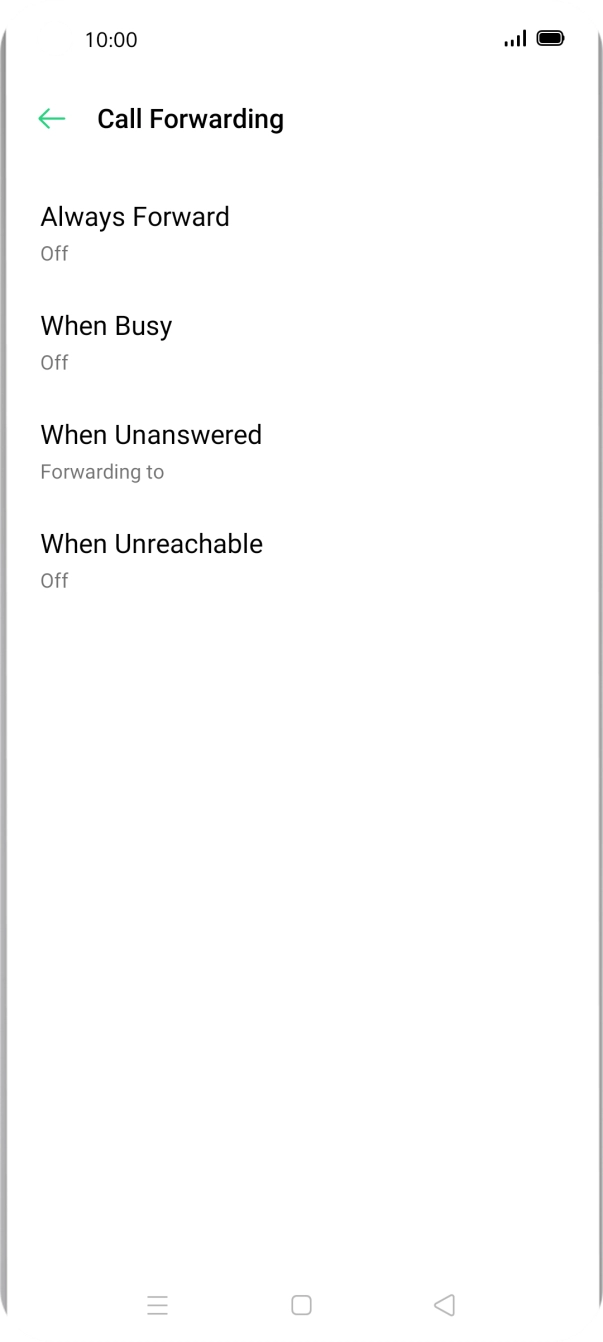
1. Find 'Call Forwarding'
Press the phone icon.
Step 1 of 8
Step 1 of 8
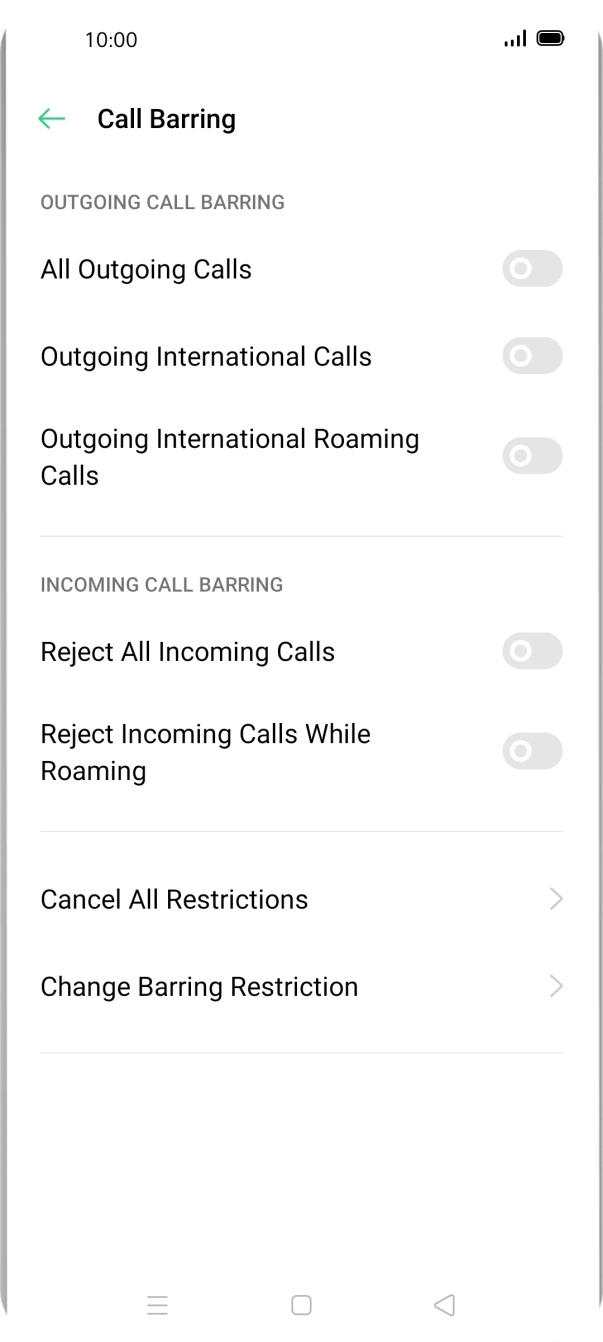
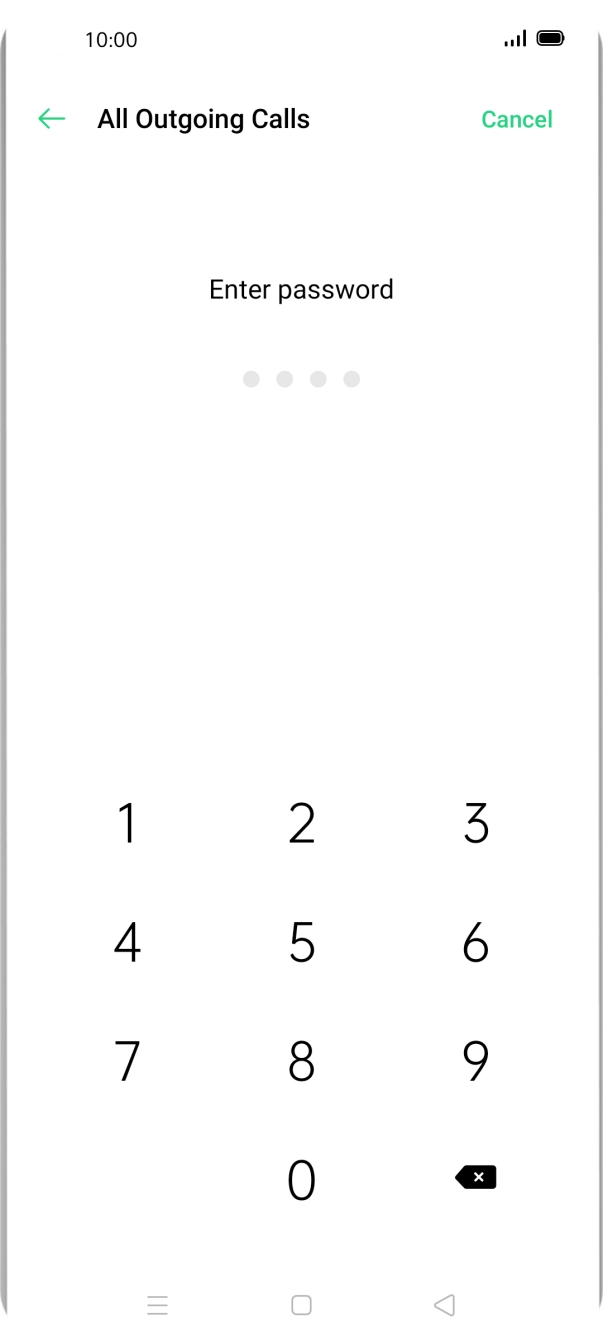
1. Find 'Call Barring'
Press the phone icon.
