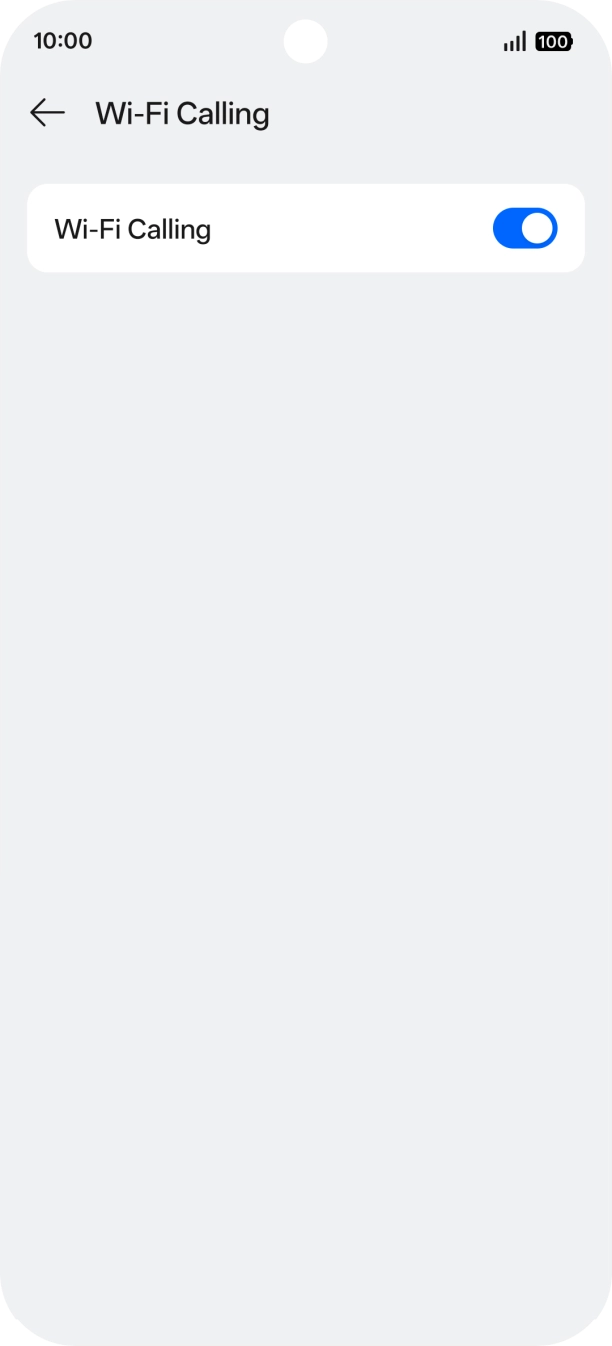
I have problems making WiFi calls on my OPPO A6 Pro 5G
If you can't use WiFi Calling, there may be several causes of the problem.
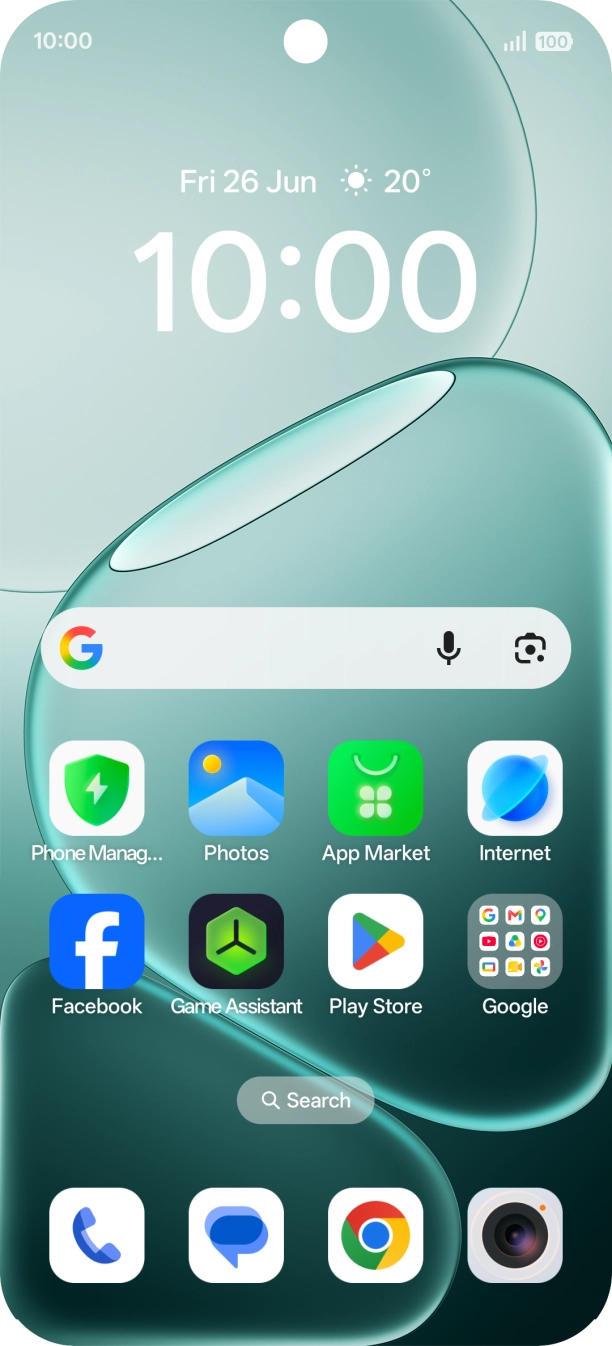
1. Find 'Wi-Fi Calling'
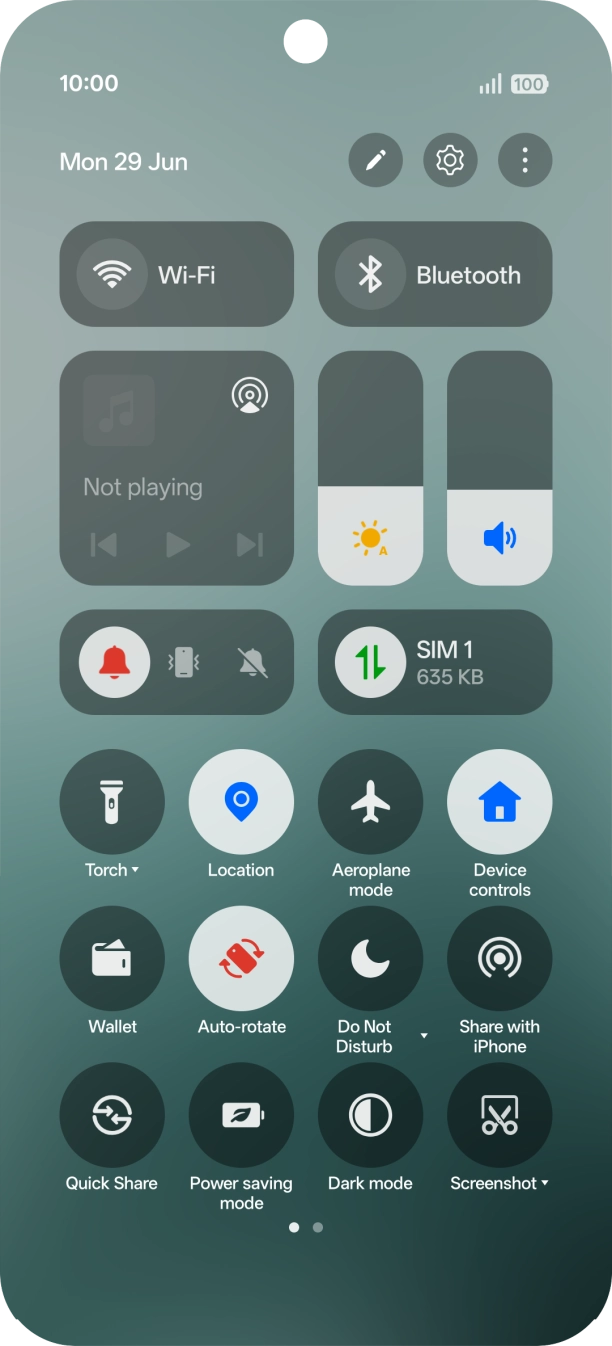
Slide your finger downwards starting from the top right side of the screen.
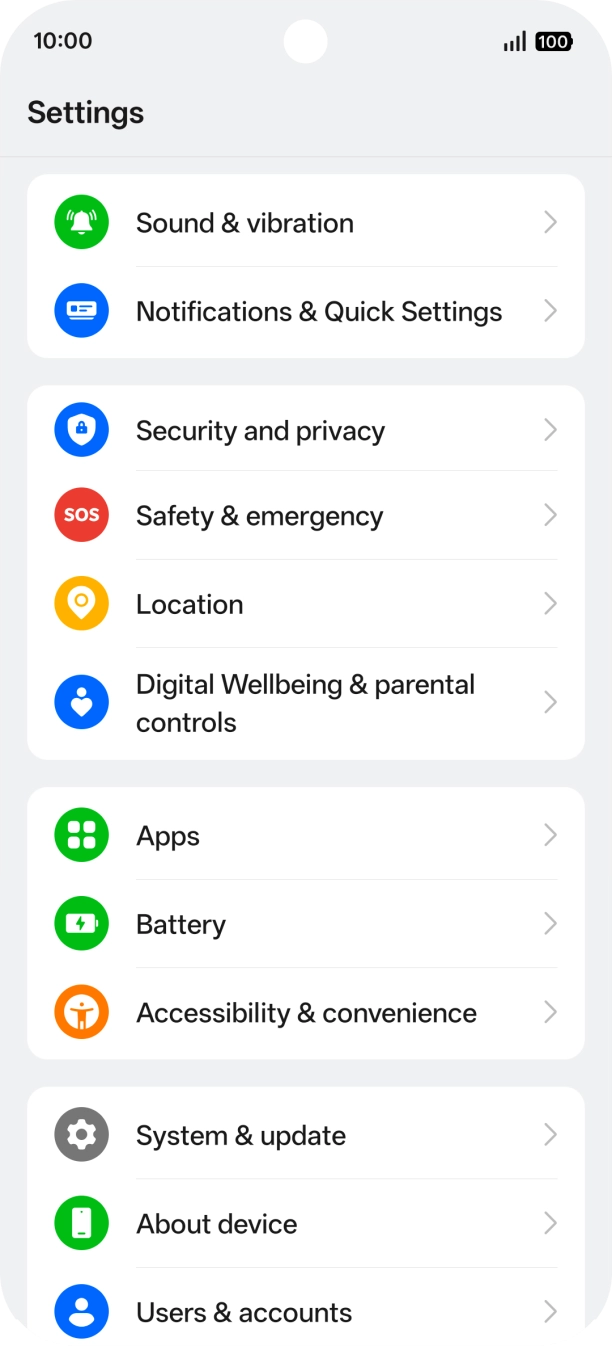
- Slide your finger downwards starting from the top right side of the screen.
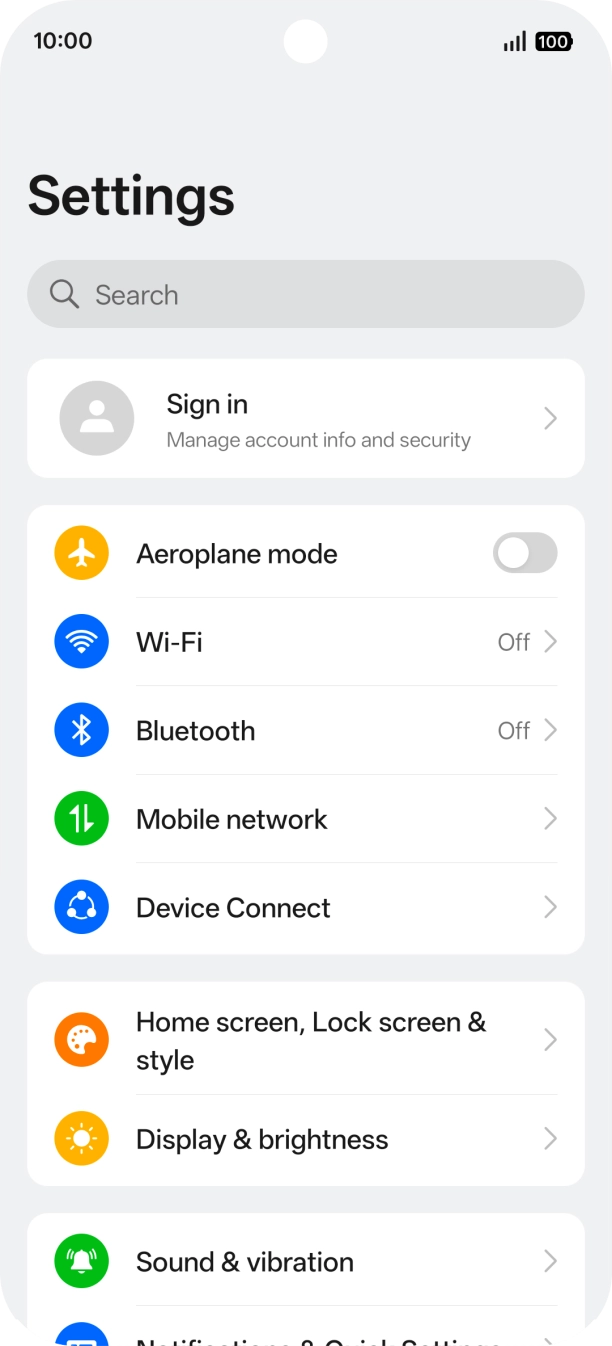
- Press the settings icon.
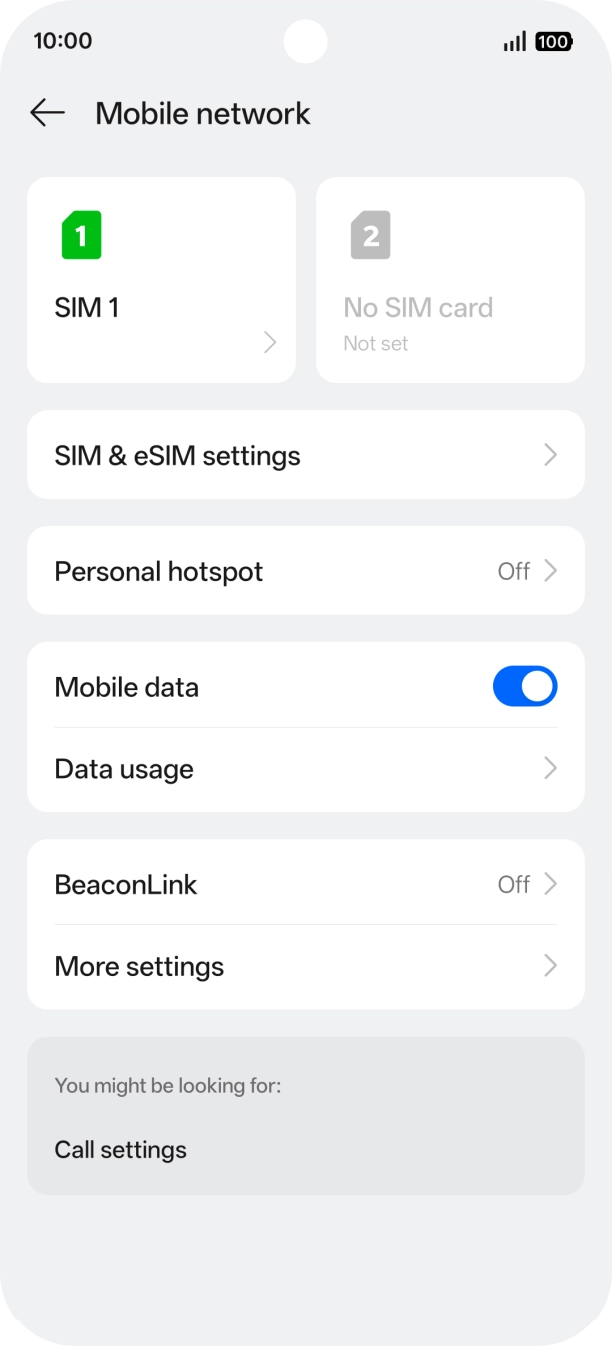
- Press Mobile network.
- Press the name of the SIM.
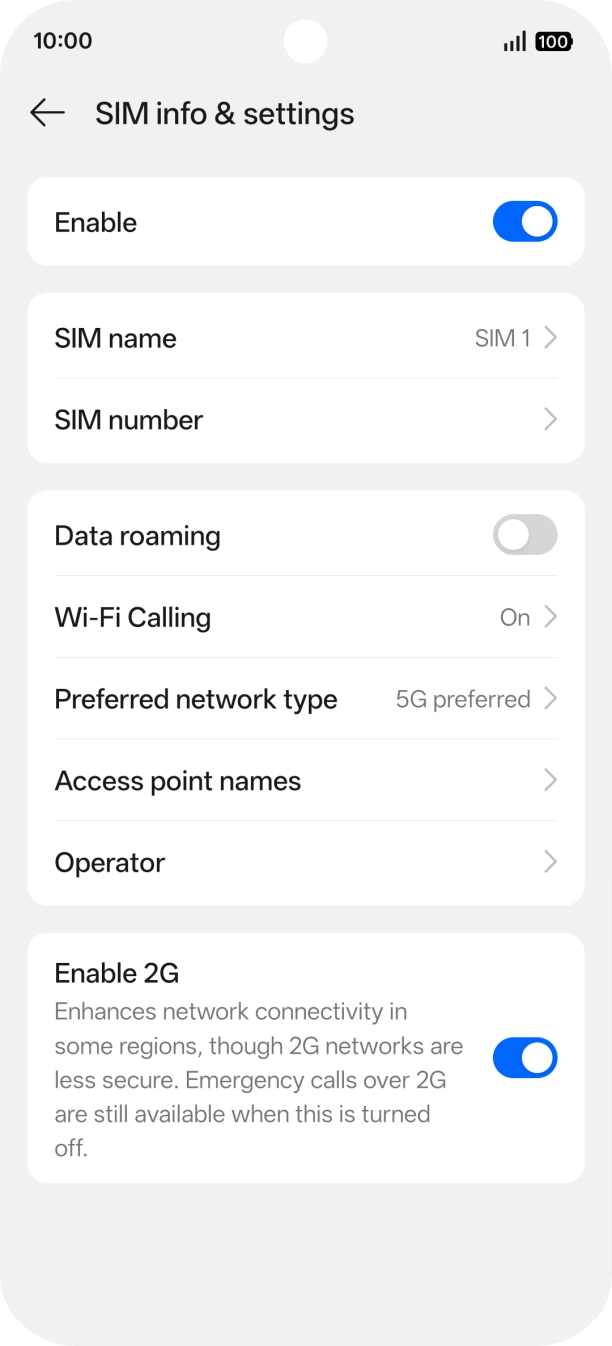
- Press Wi-Fi Calling.
- Press the indicator next to 'Wi-Fi Calling' to turn the function on or off.
- Slide your finger upwards starting from the bottom of the screen to return to the home screen.
1. Find 'System & update'
Slide your finger downwards starting from the top right side of the screen.

- Slide your finger downwards starting from the top right side of the screen.
- Press the settings icon.
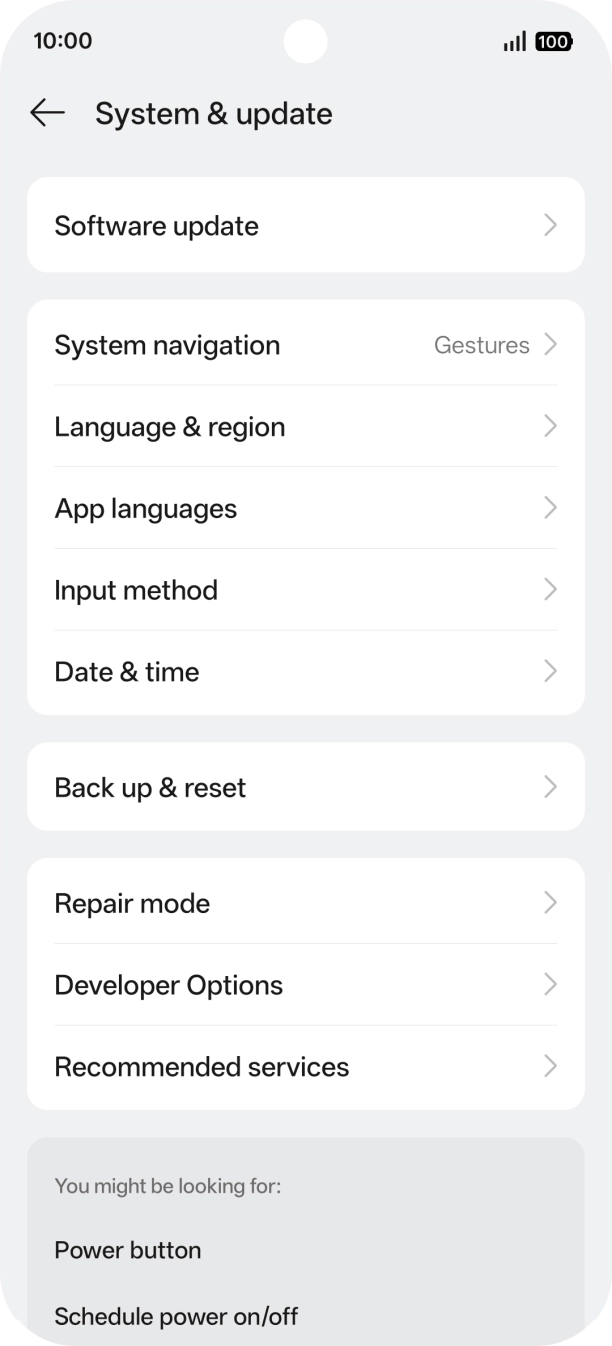
- Press System & update.
- Press Software update. If a new software version is available, it's displayed. Follow the instructions on the screen to update the phone software.