I have problems receiving voice calls on my OPPO A6 Pro 5G
If you have problems receiving voice calls, there may be several causes of the problem.
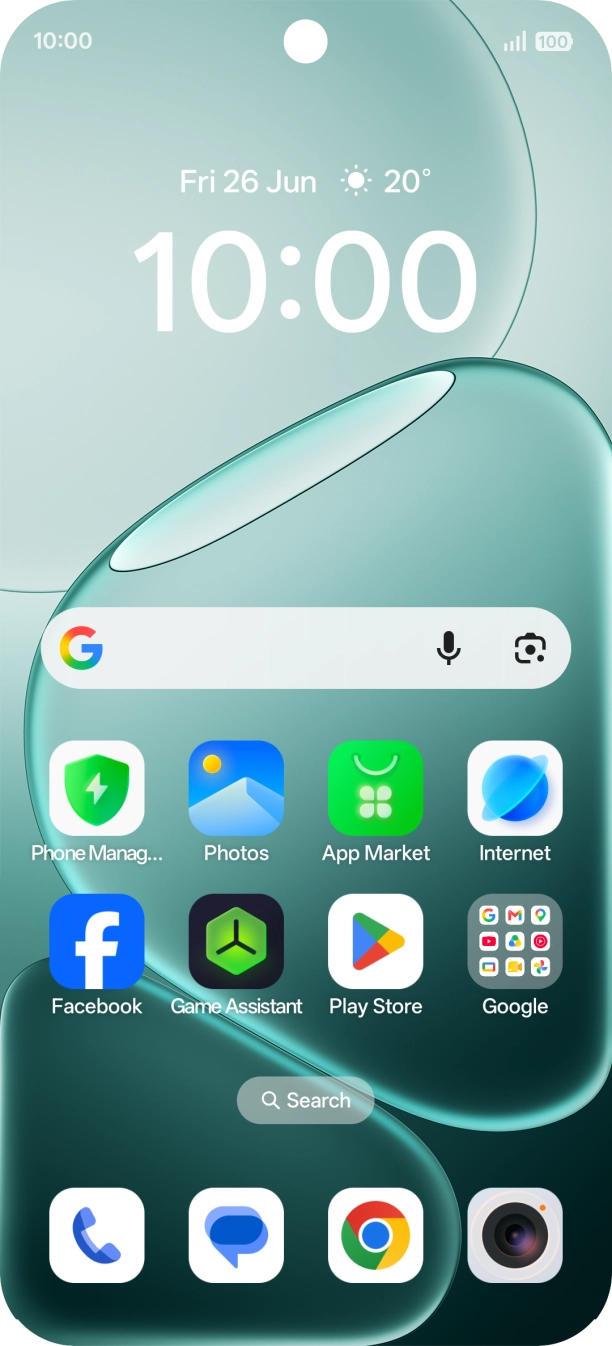
1. Find 'Call forwarding'
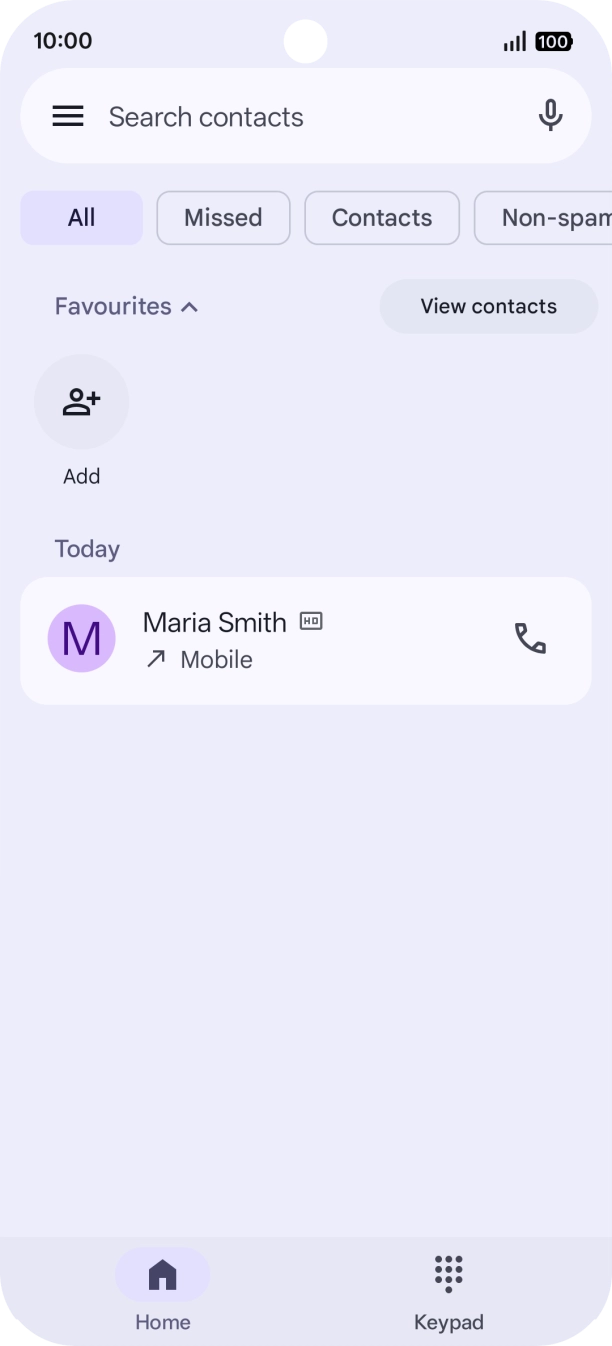
Press the call icon.
- Press the call icon.
- Press the menu icon.
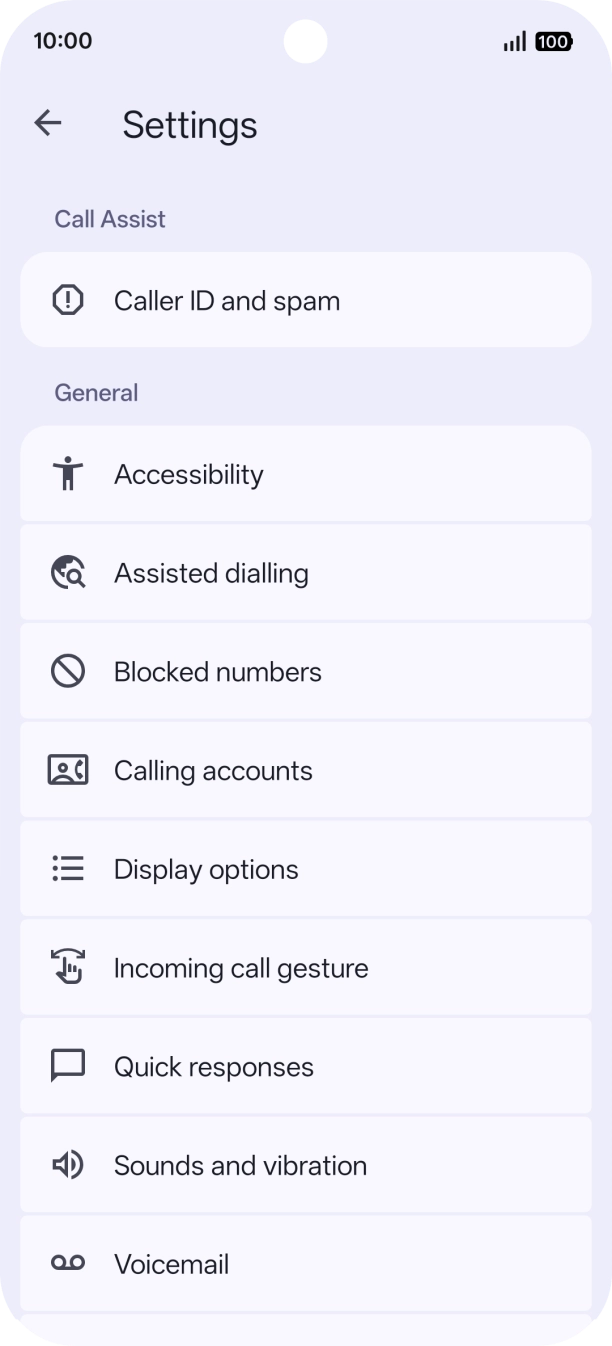
- Press Settings.
- Press Calling accounts.
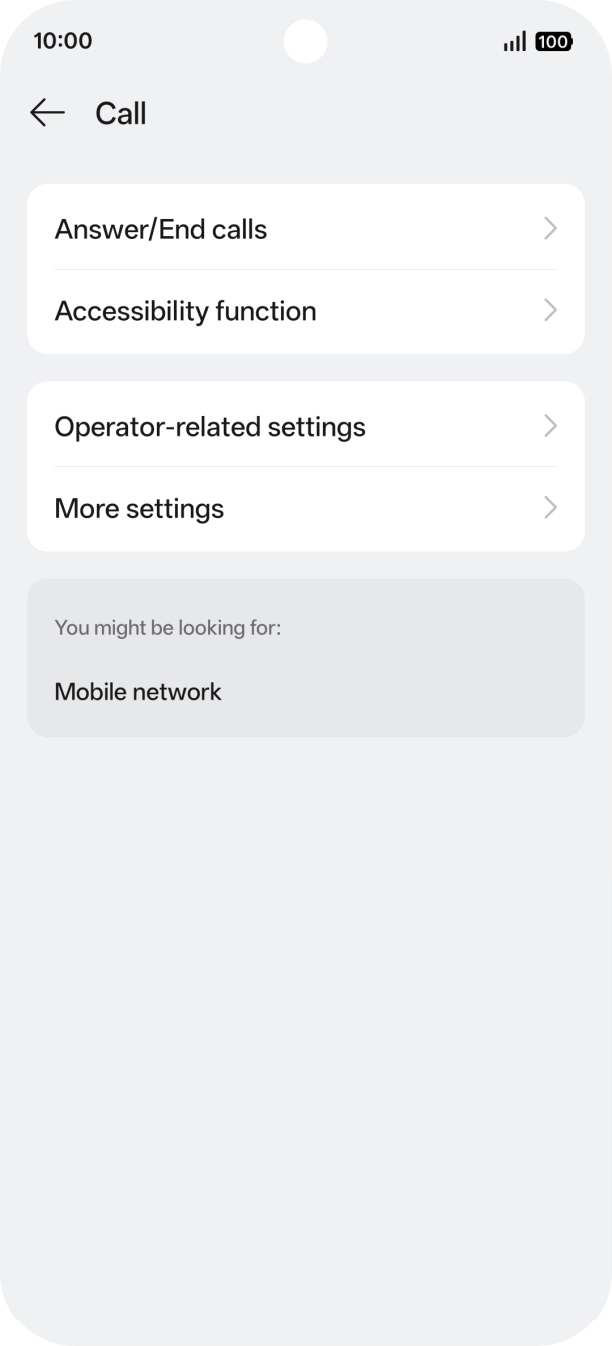
- Press Operator-related settings.
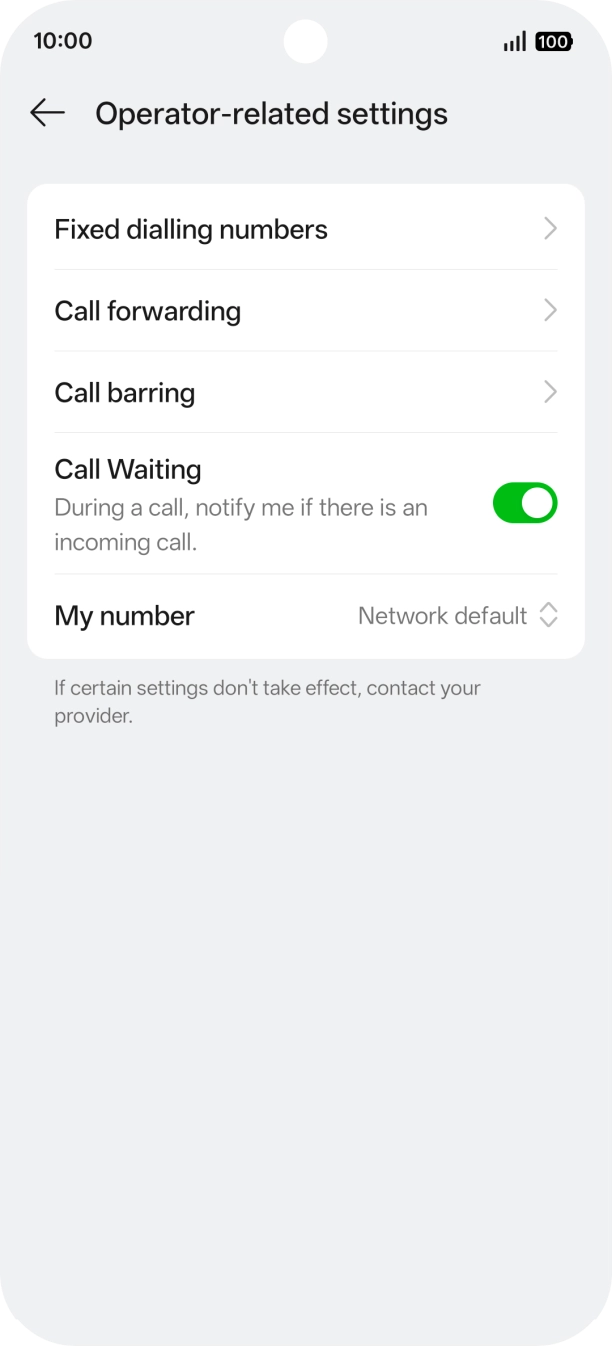
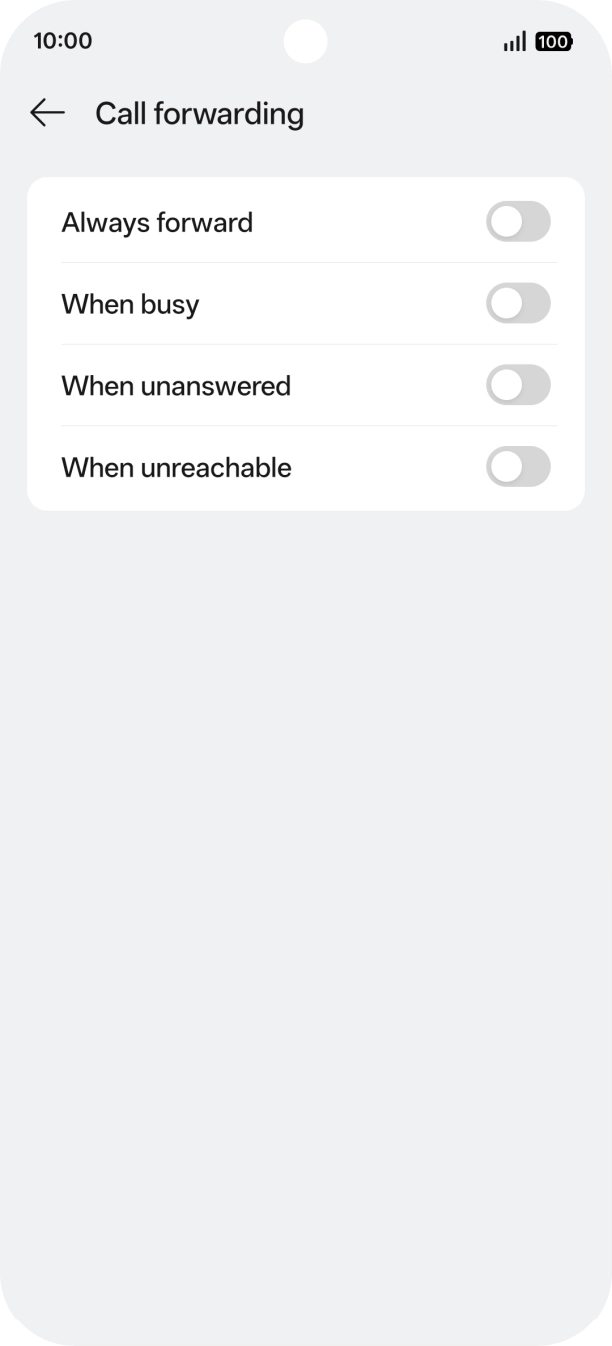
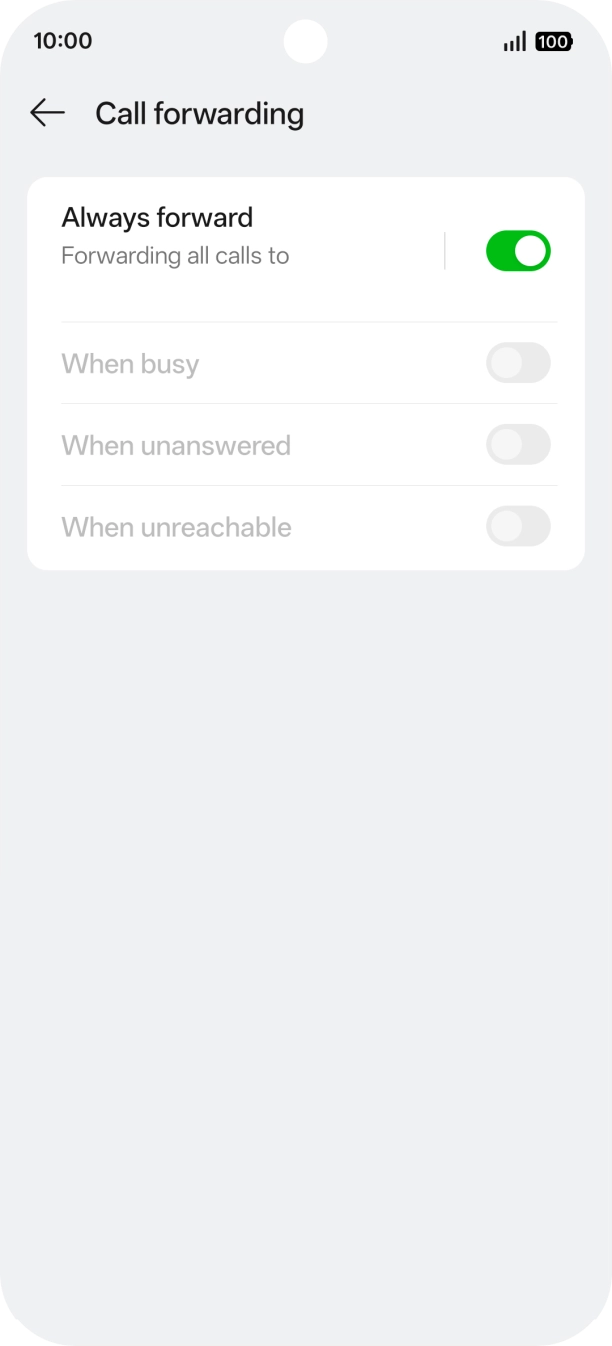
- Press Call forwarding.
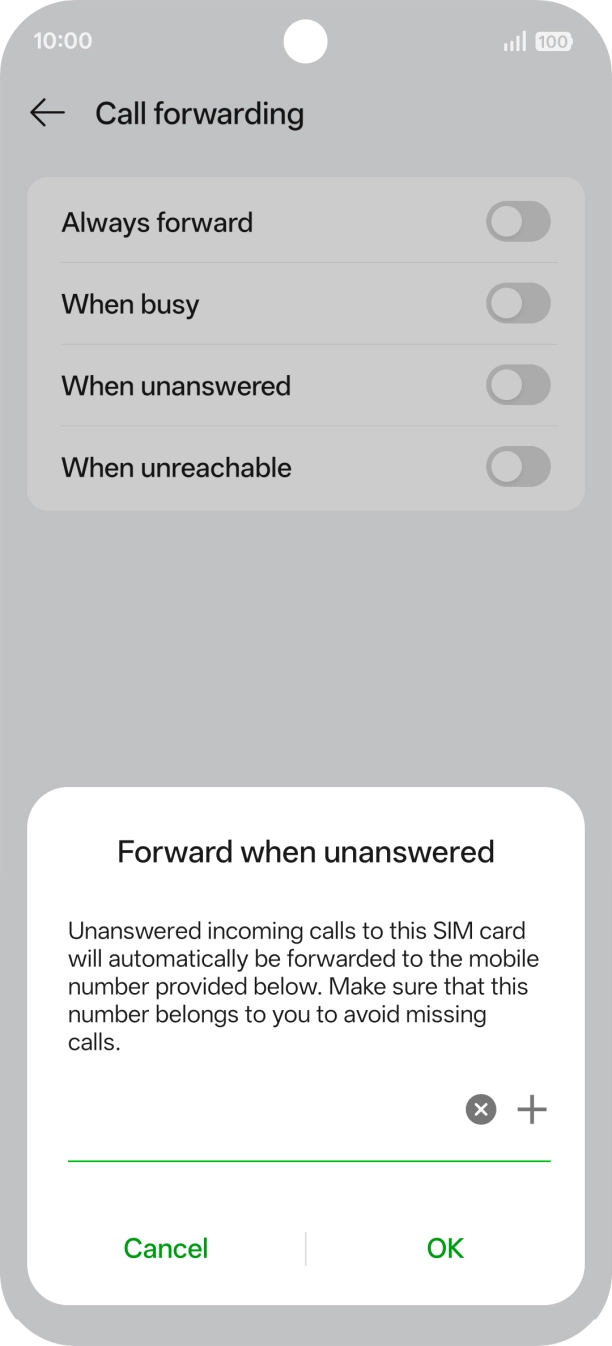
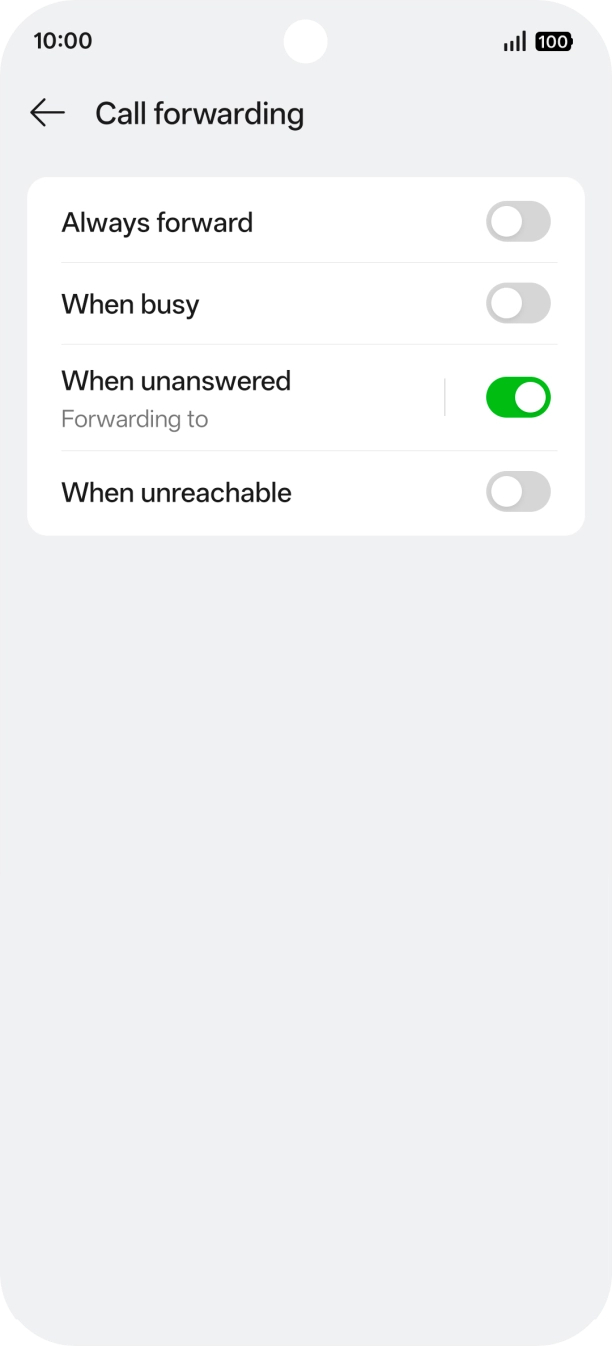
- Press the indicator next to the required divert type.
- Key in 901 and press OK.
- Slide your finger upwards starting from the bottom of the screen to return to the home screen.
- Press the call icon.
- Press the menu icon.
- Press Settings.
- Press Calling accounts.
- Press Operator-related settings.
- Press Call forwarding.
- Press the indicator next to the required divert type.
- Slide your finger upwards starting from the bottom of the screen to return to the home screen.
- Press the call icon.
- Press the menu icon.
- Press Settings.
- Press Calling accounts.
- Press Operator-related settings.
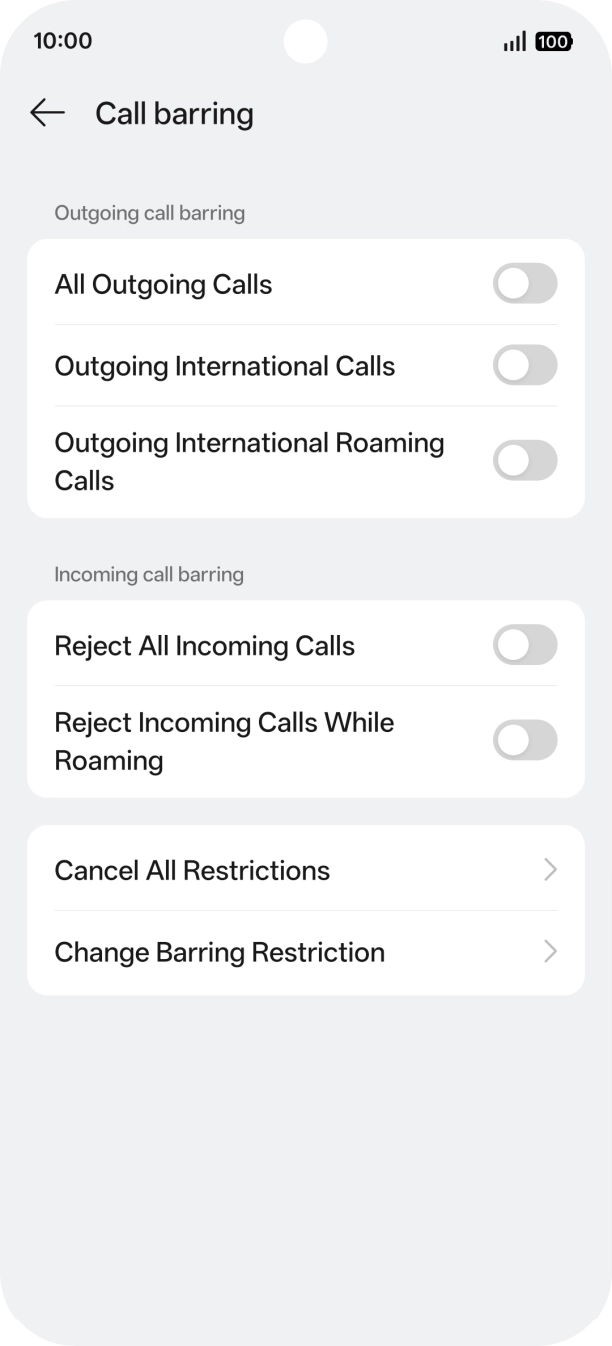
- Press Call barring.
- Press the indicator next to the required barring type to turn the function on or off.
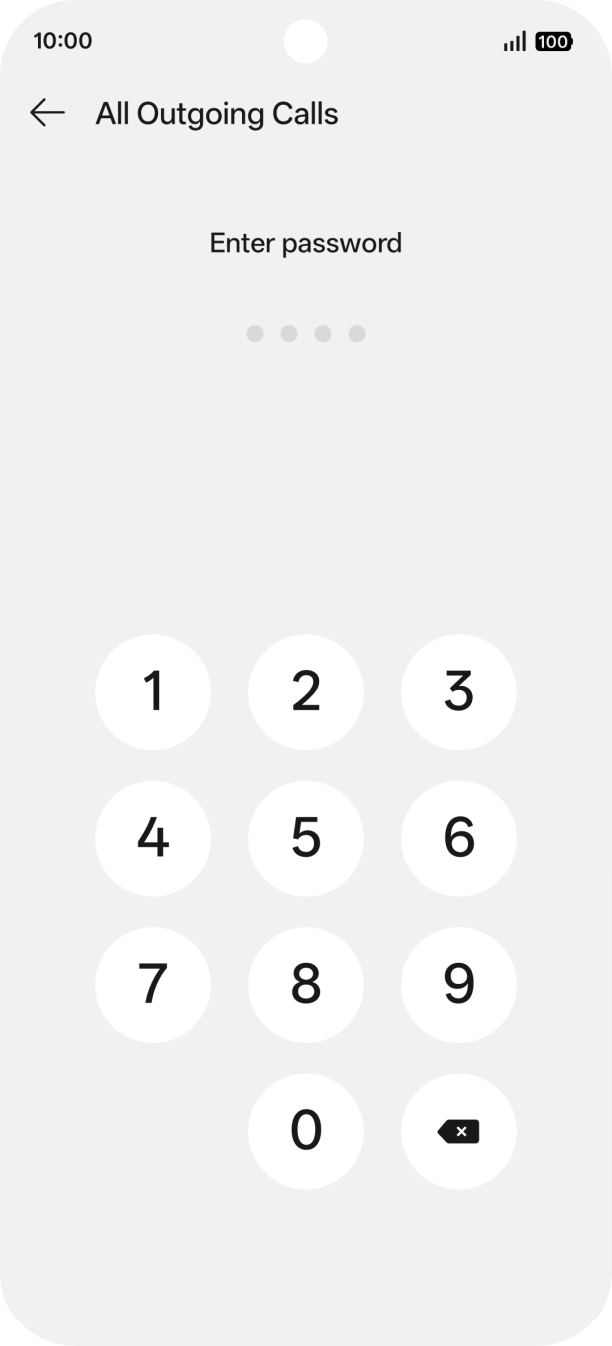
- Key in your barring password.
- Slide your finger upwards starting from the bottom of the screen to return to the home screen.