I have problems sending and receiving picture messages on my OPPO A5 (2020)
If you can't send and receive picture messages, there may be several causes of the problem.
Step 1 of 30
Step 1 of 30
1. Find 'Access Point Name'
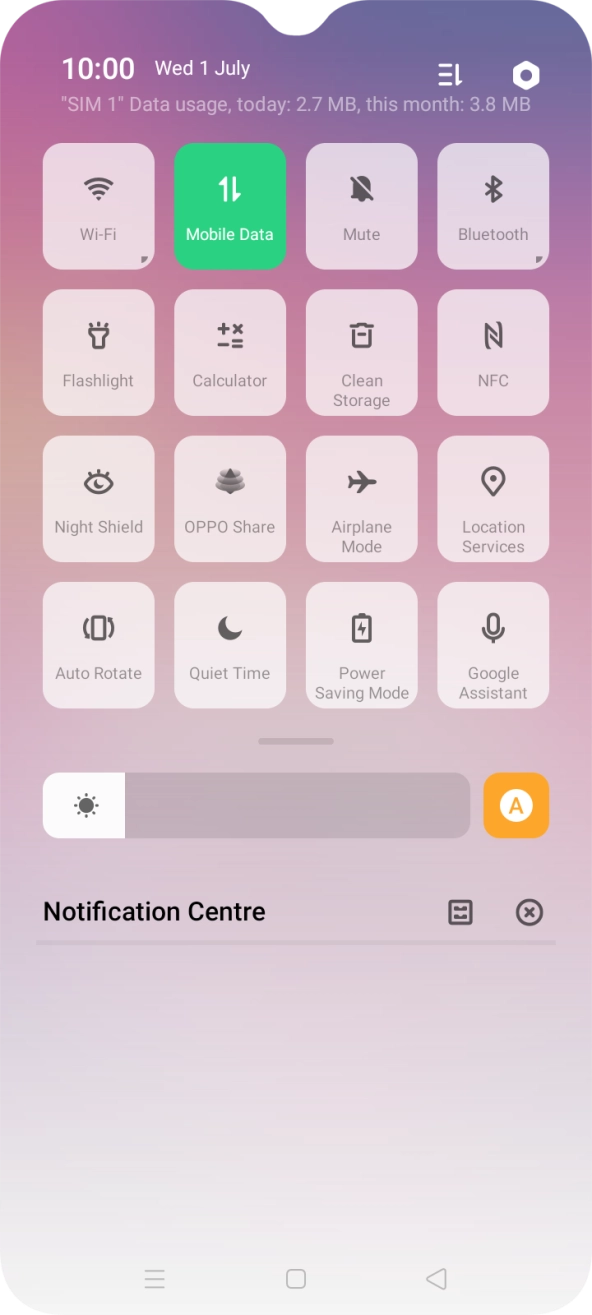
Slide two fingers downwards starting from the top of the screen.

- Slide two fingers downwards starting from the top of the screen.
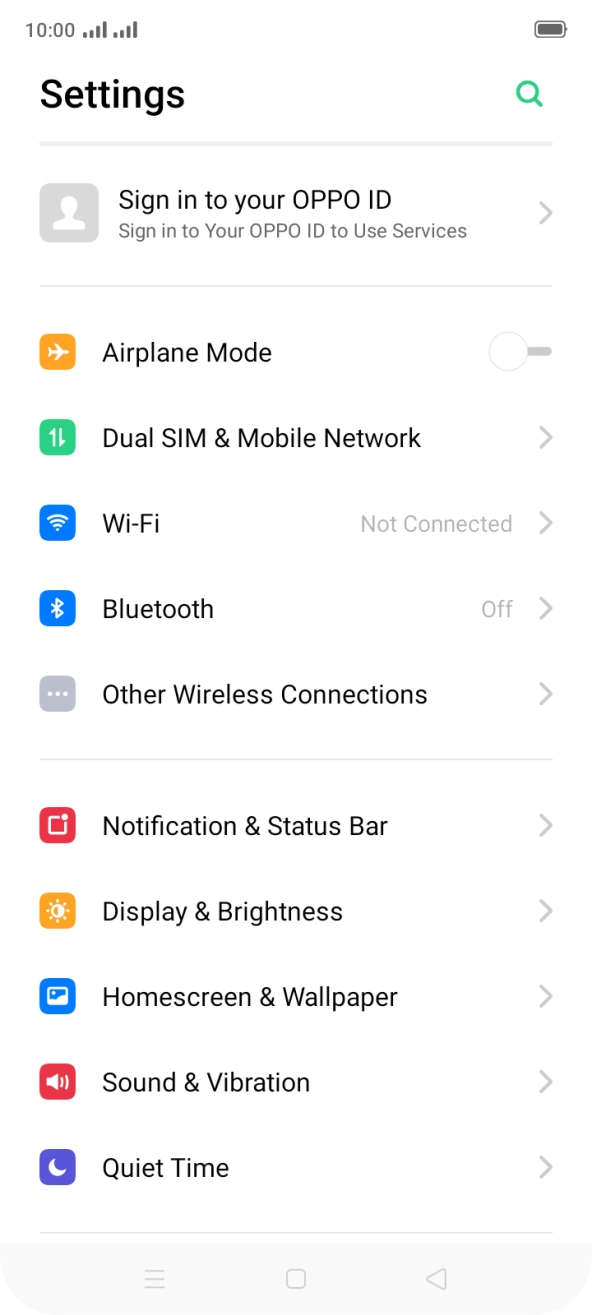
- Press the settings icon.
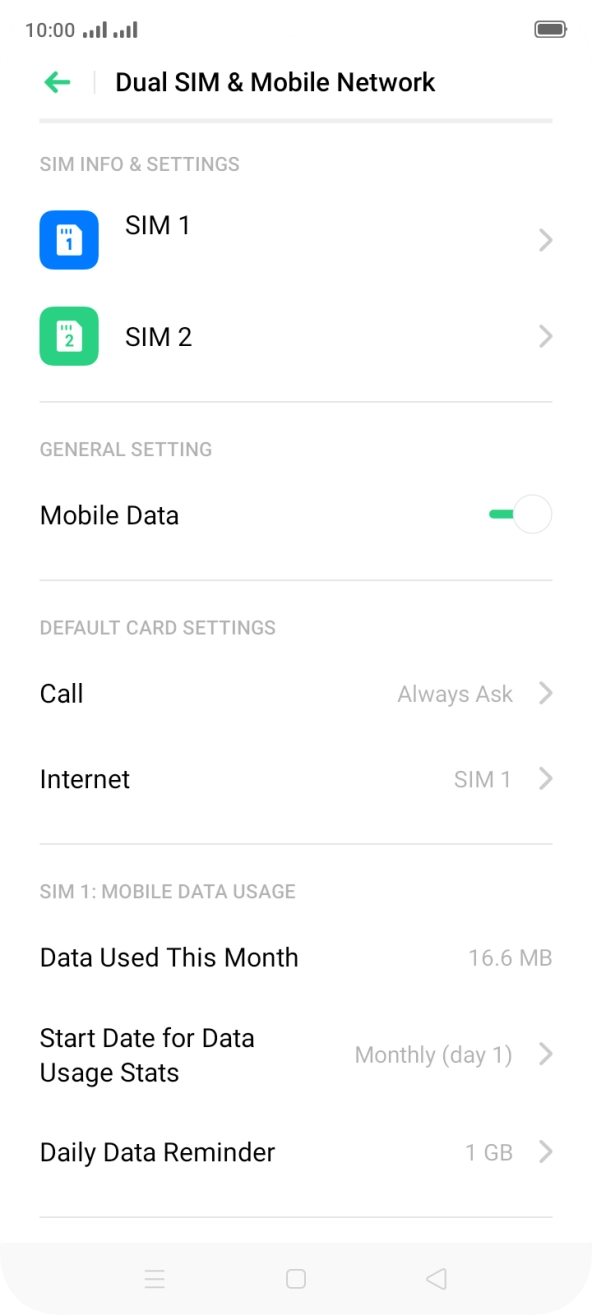
- Press Dual SIM & Mobile Network.
- Press the required SIM.
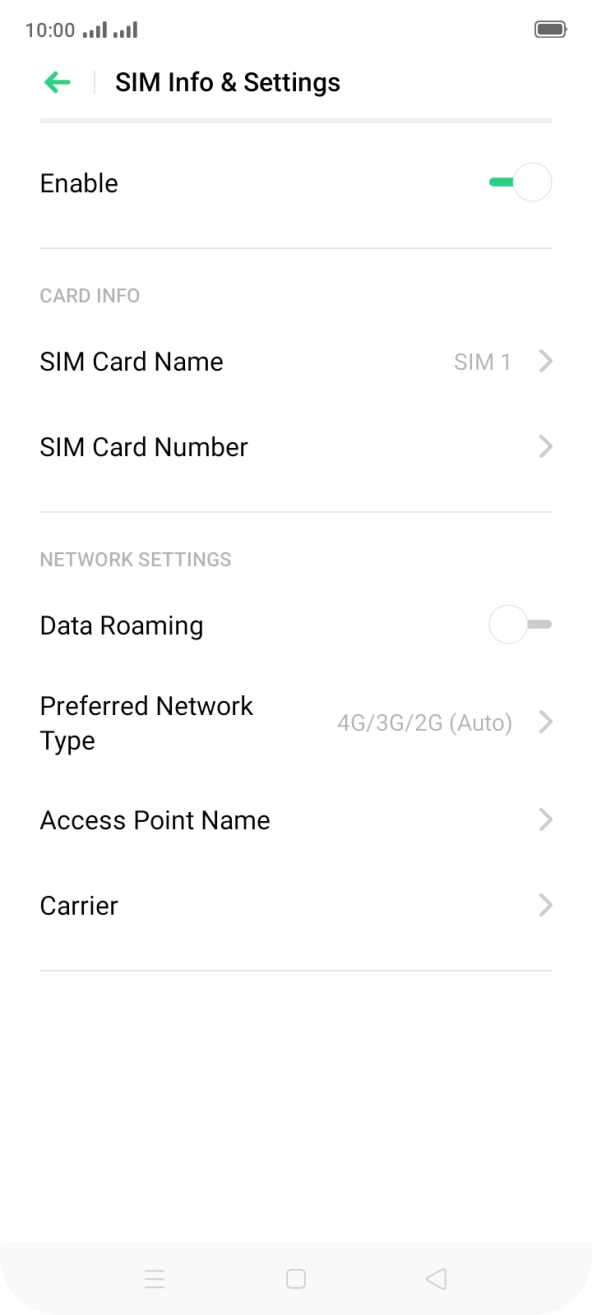
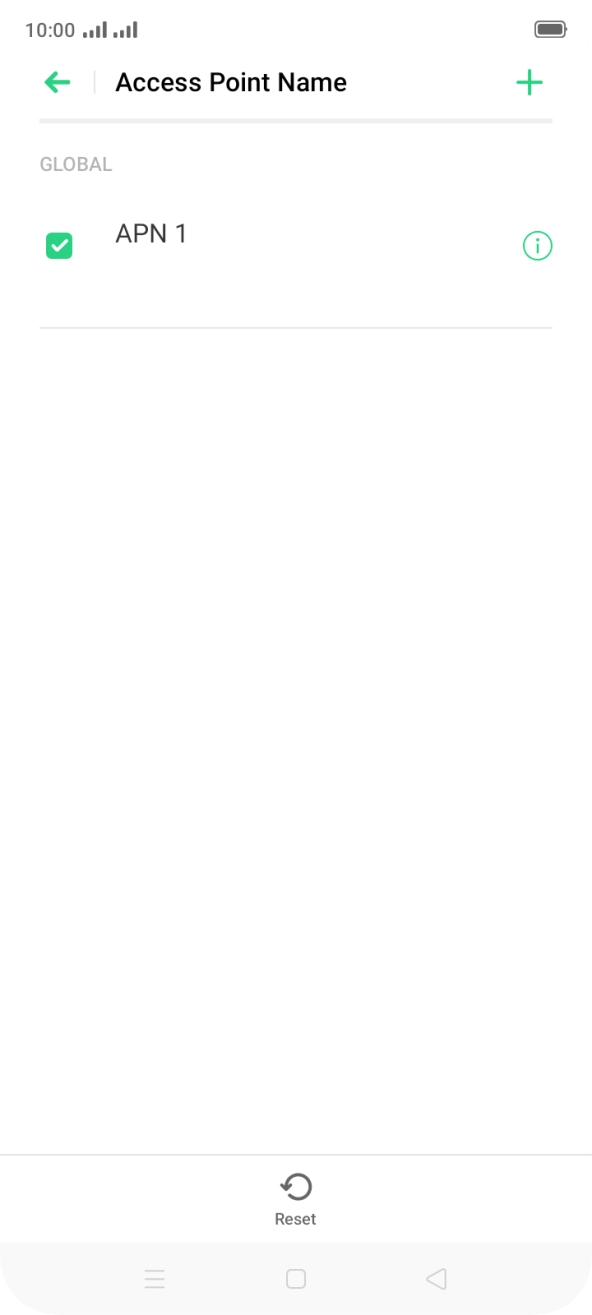
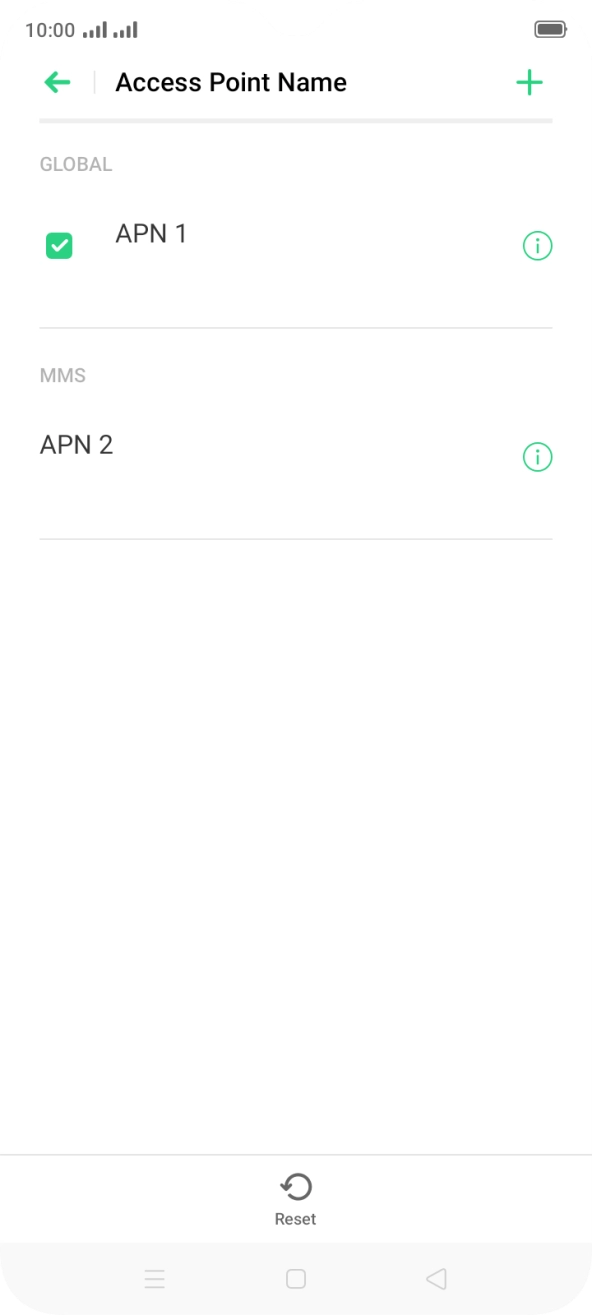
- Press Access Point Name.
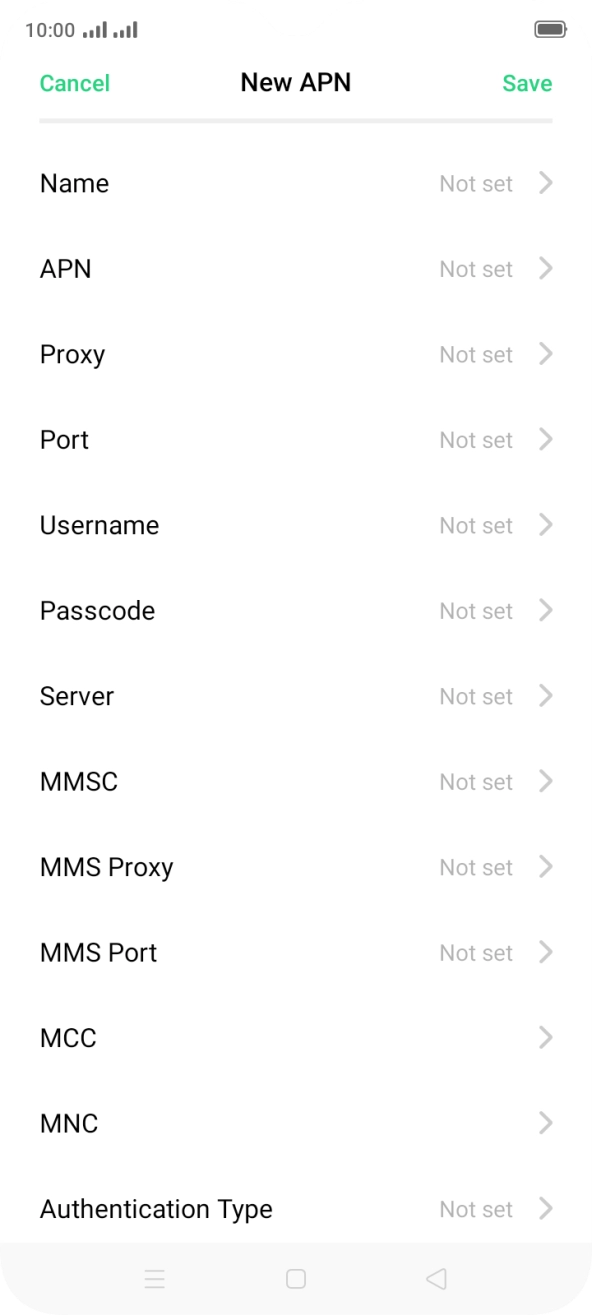
- Press the add icon.
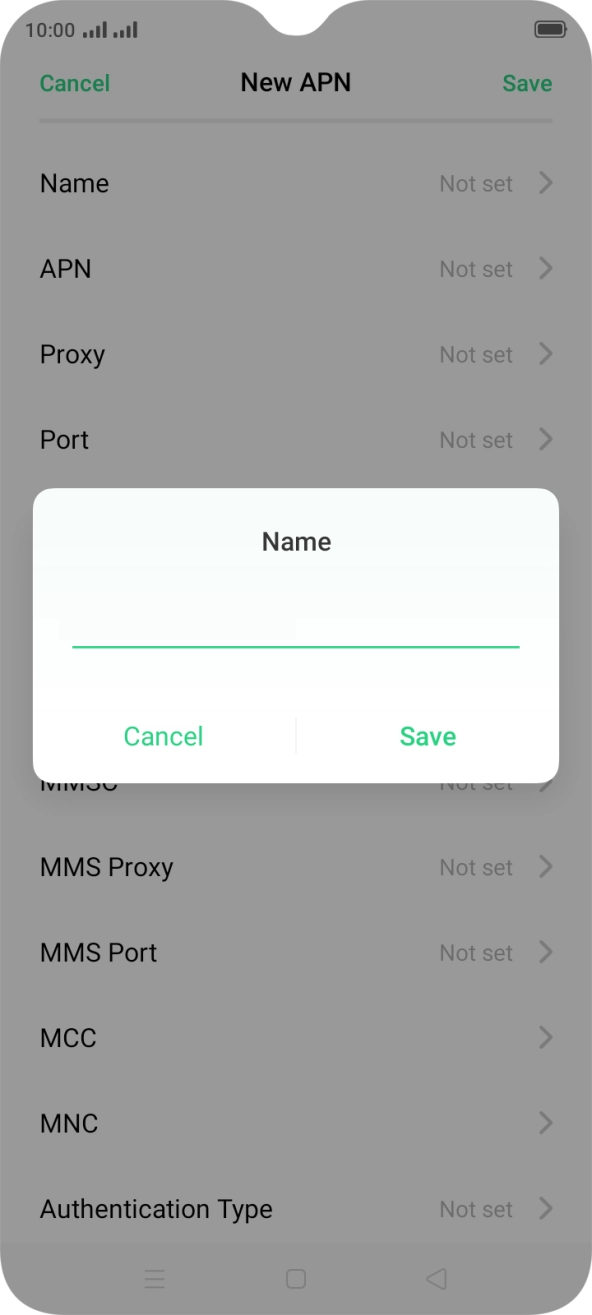
- Press Name.
- Key in O2 UK MMS and press Save.
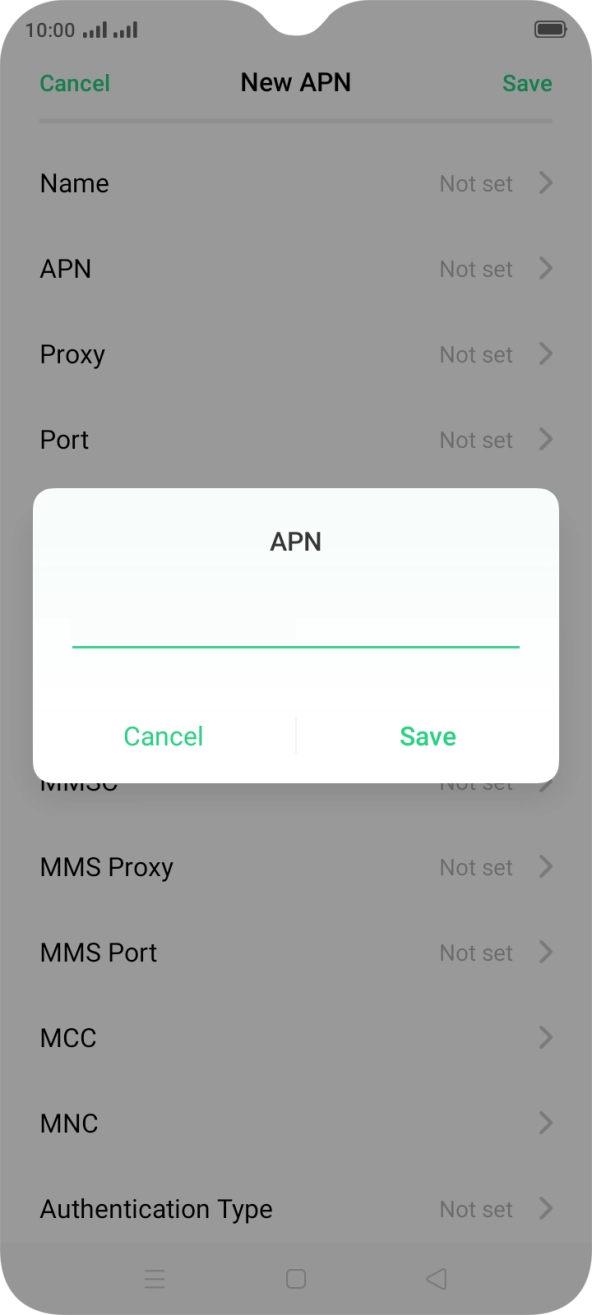
- Press APN.
- Key in wap.o2.co.uk and press Save.
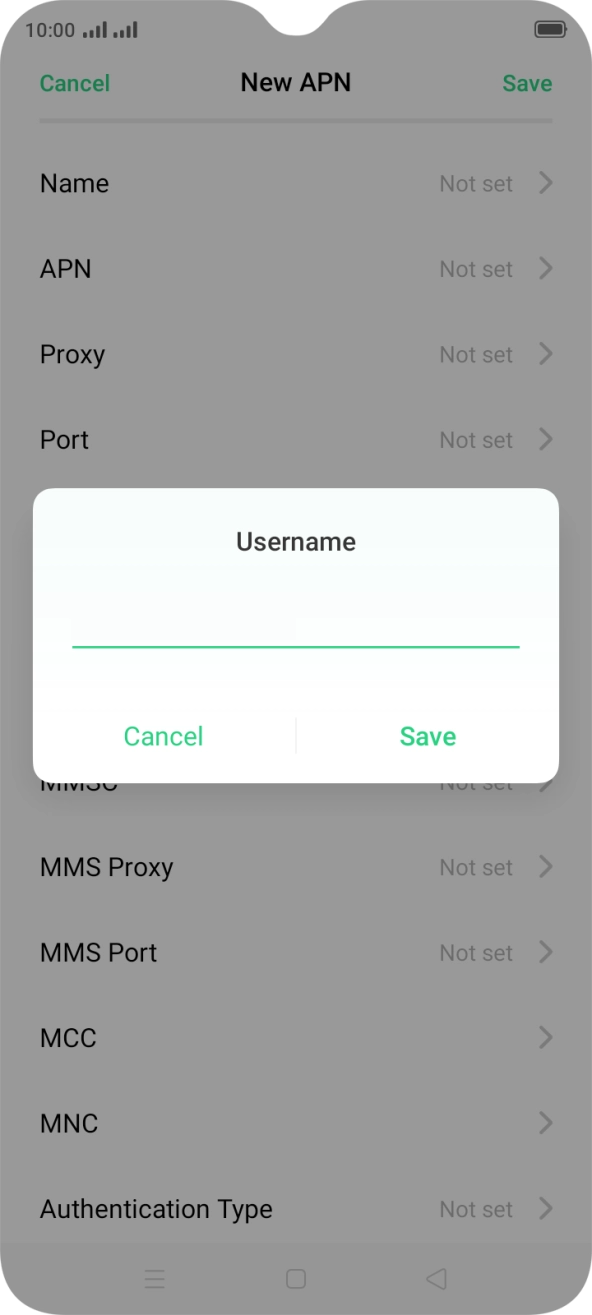
- Press Username.
- Key in o2wap and press Save.
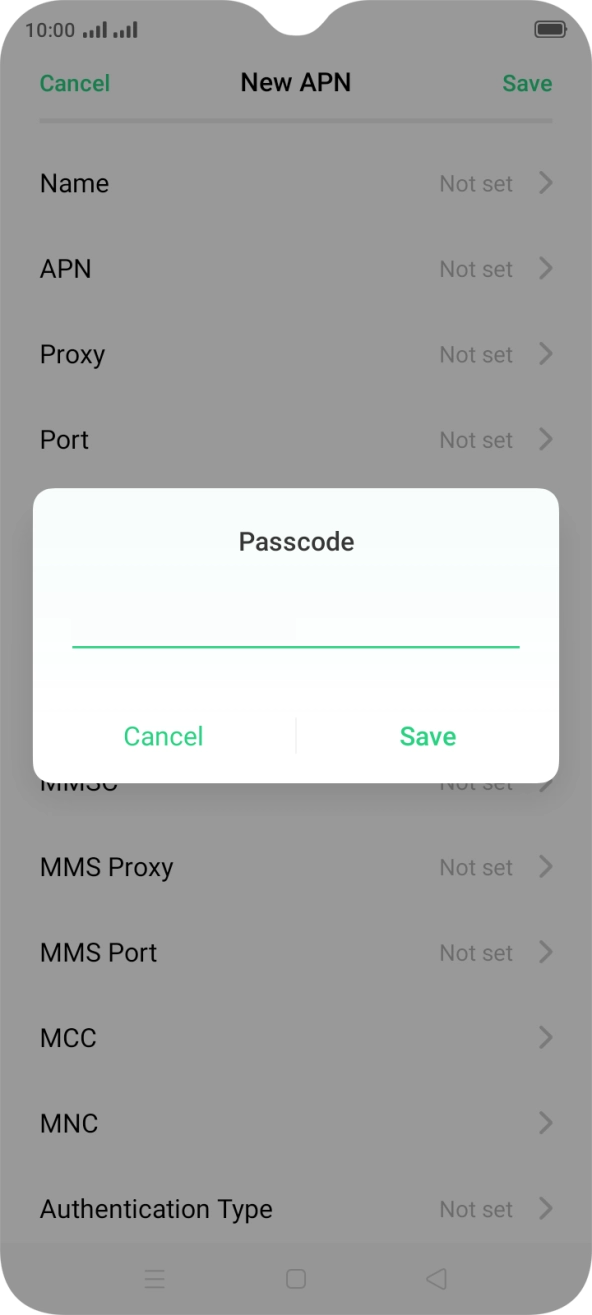
- Press Passcode.
- Key in password and press Save.
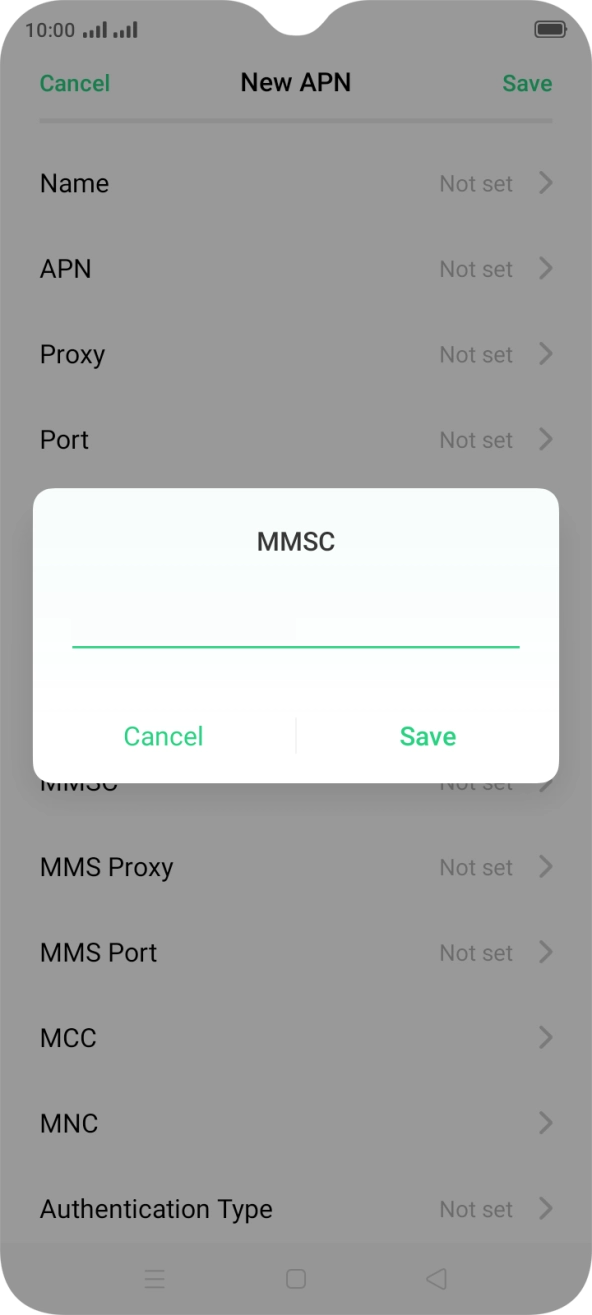
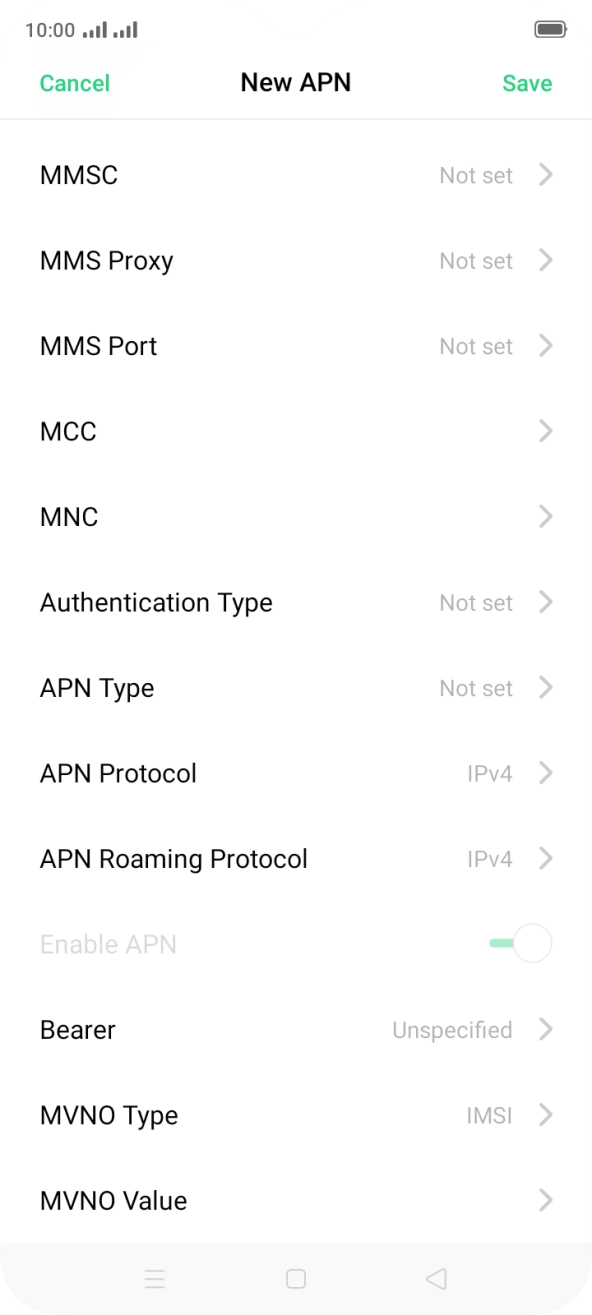
- Press MMSC.
- Key in http://mmsc.mms.o2.co.uk:8002 and press Save.
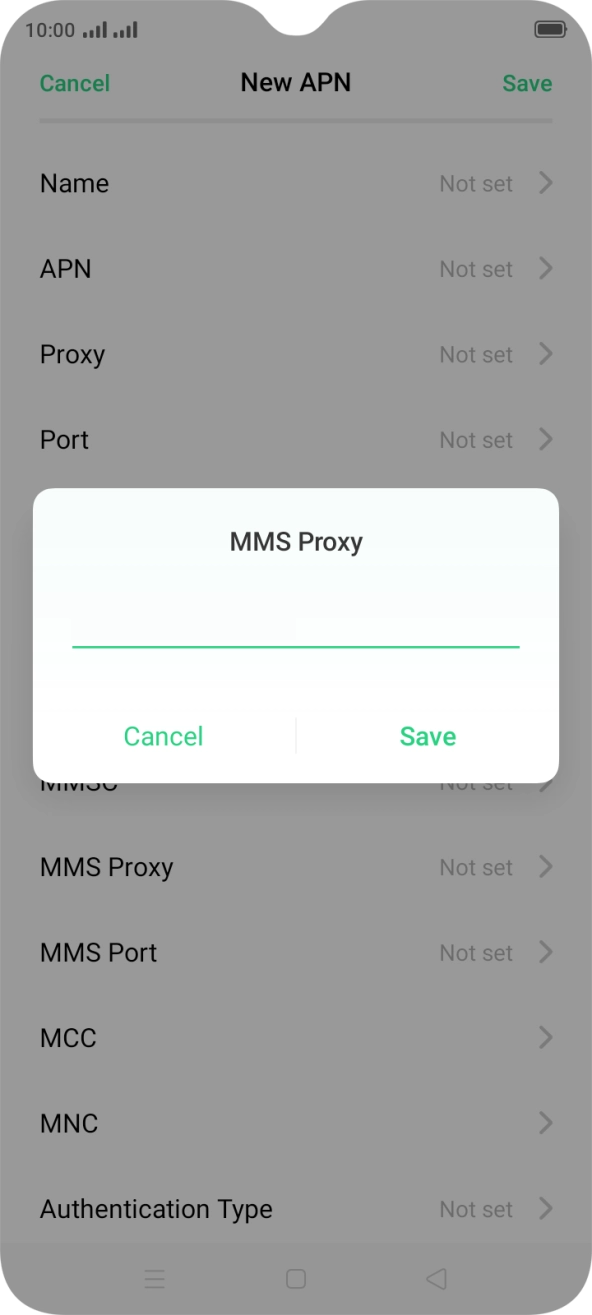
- Press MMS Proxy.
- Key in 82.132.254.1 and press Save.
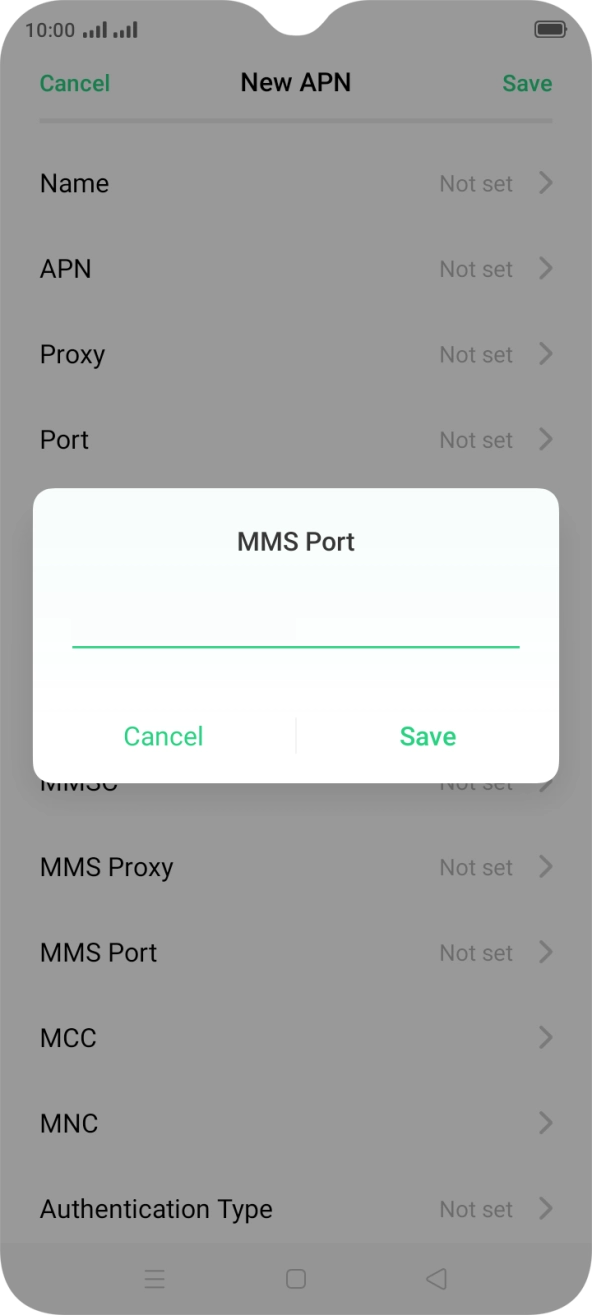
- Press MMS Port.
- Key in 8080 and press Save.
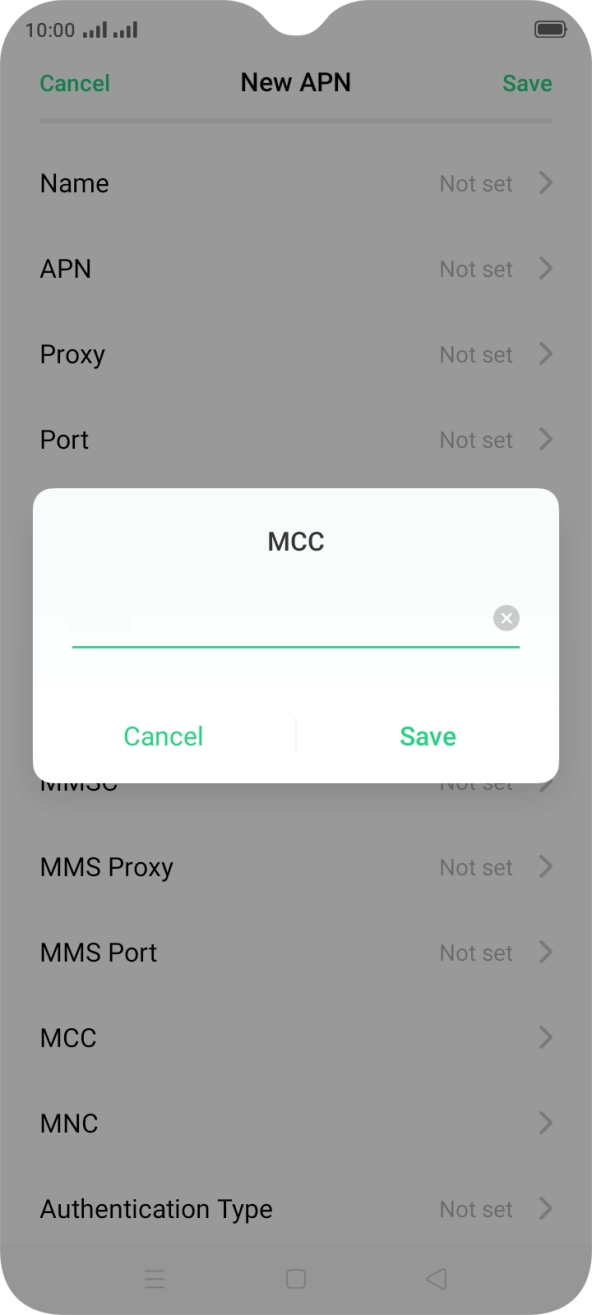
- Press MCC.
- Key in 234 and press Save.
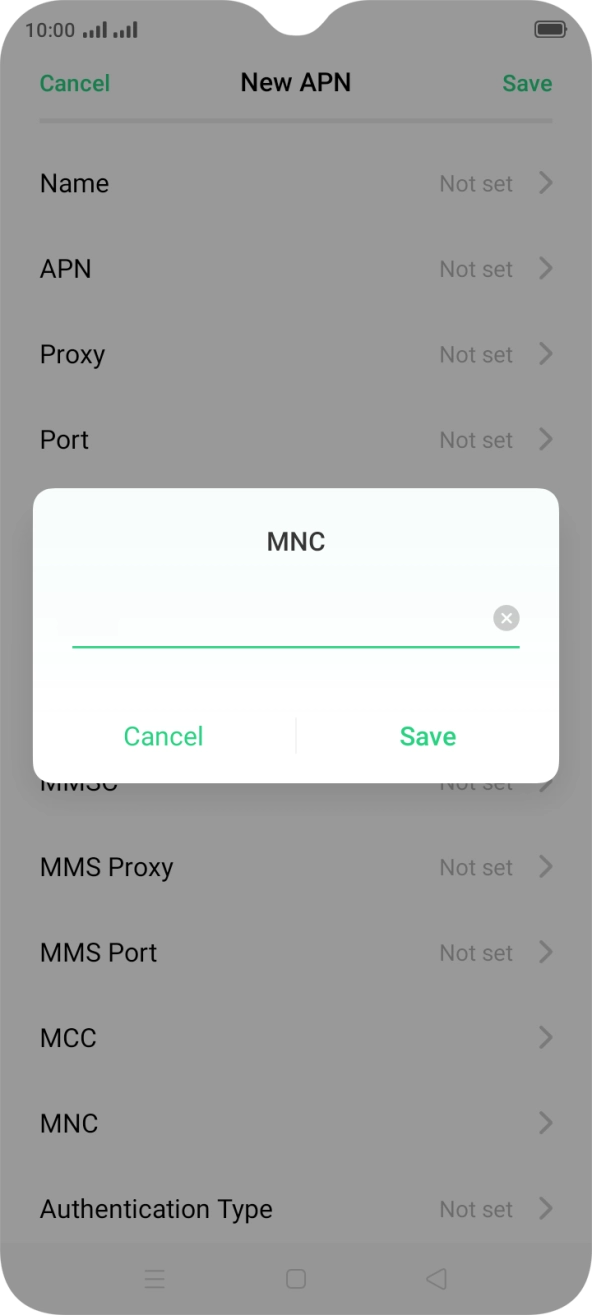
- Press MNC.
- Key in 10 and press Save.
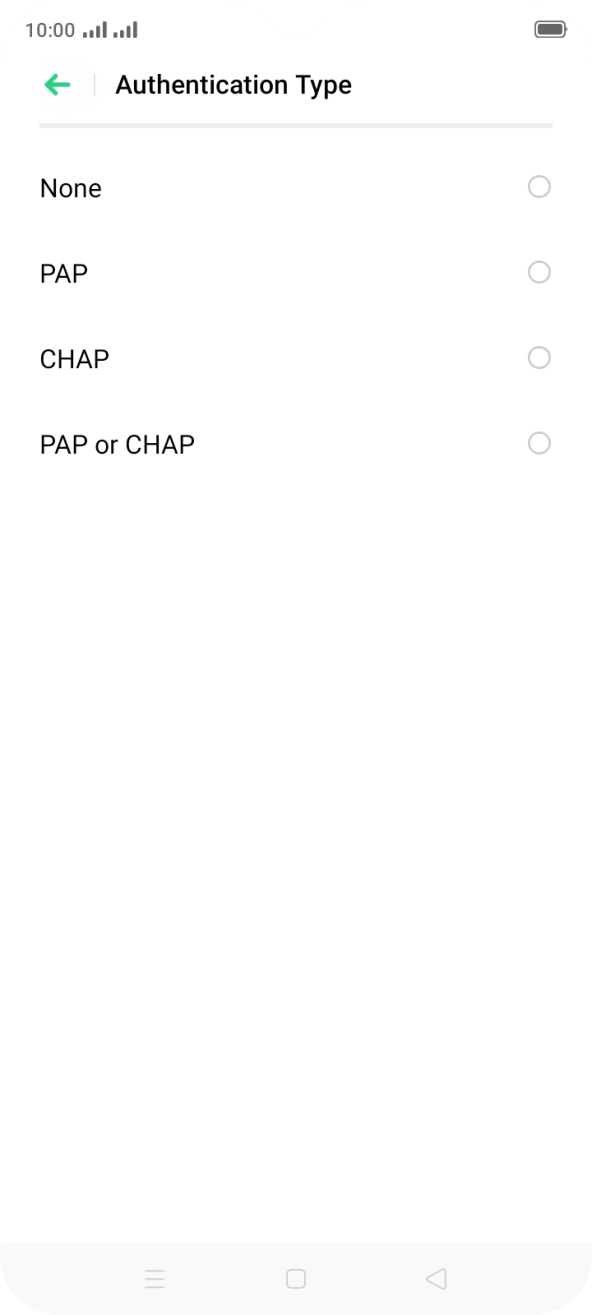
- Press Authentication Type.
- Press PAP.
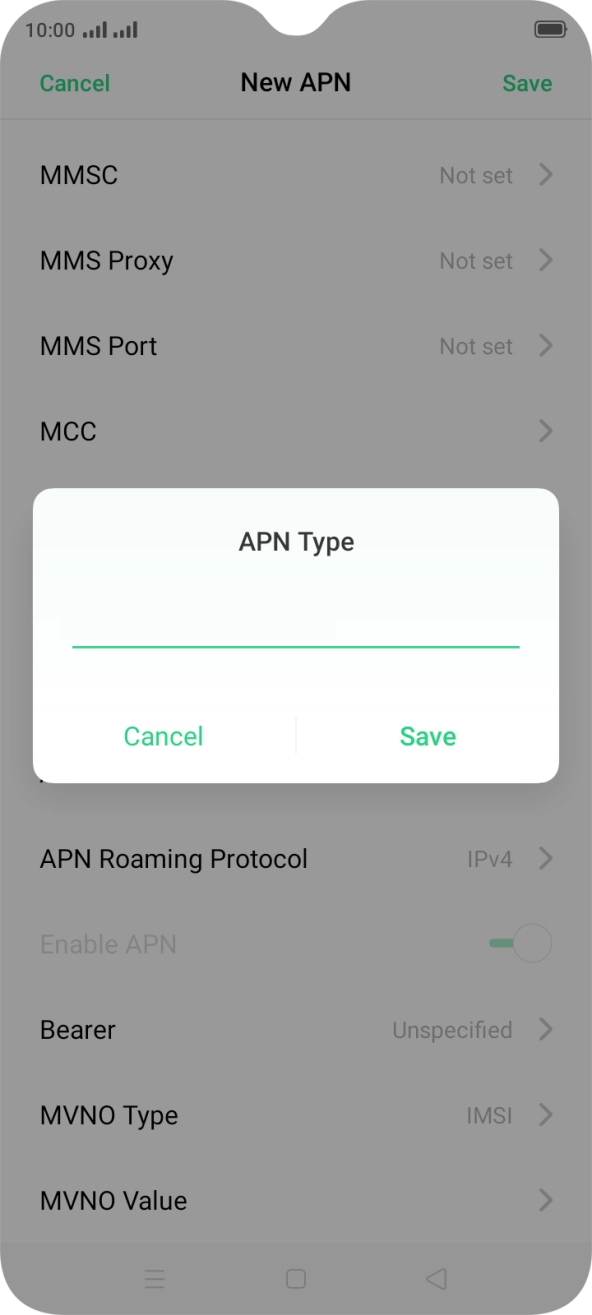
- Press APN Type.
- Key in mms and press Save.
- Press Save.
- Press the Home key to return to the home screen.
- Press the message icon.
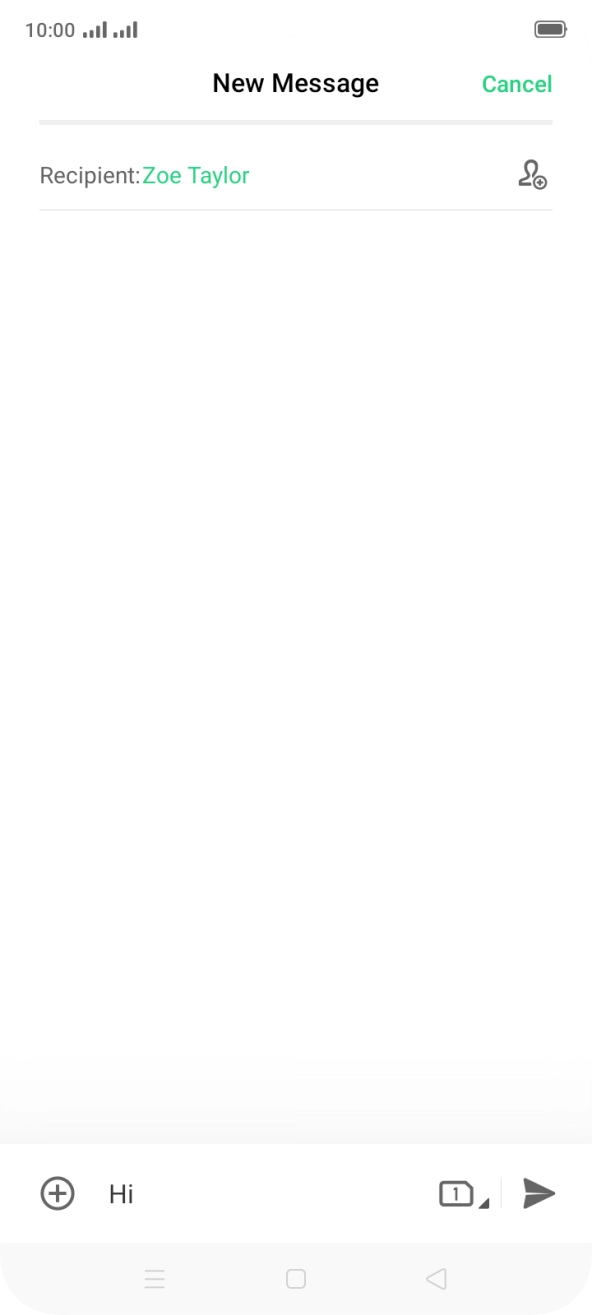
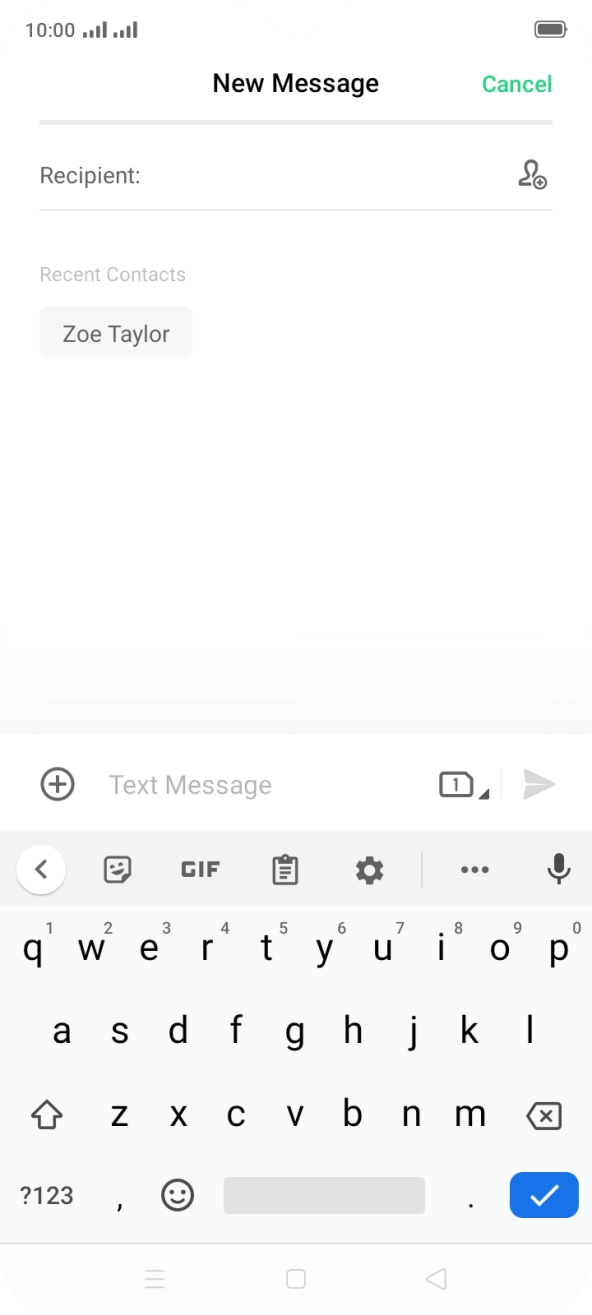
- Press the new message icon.
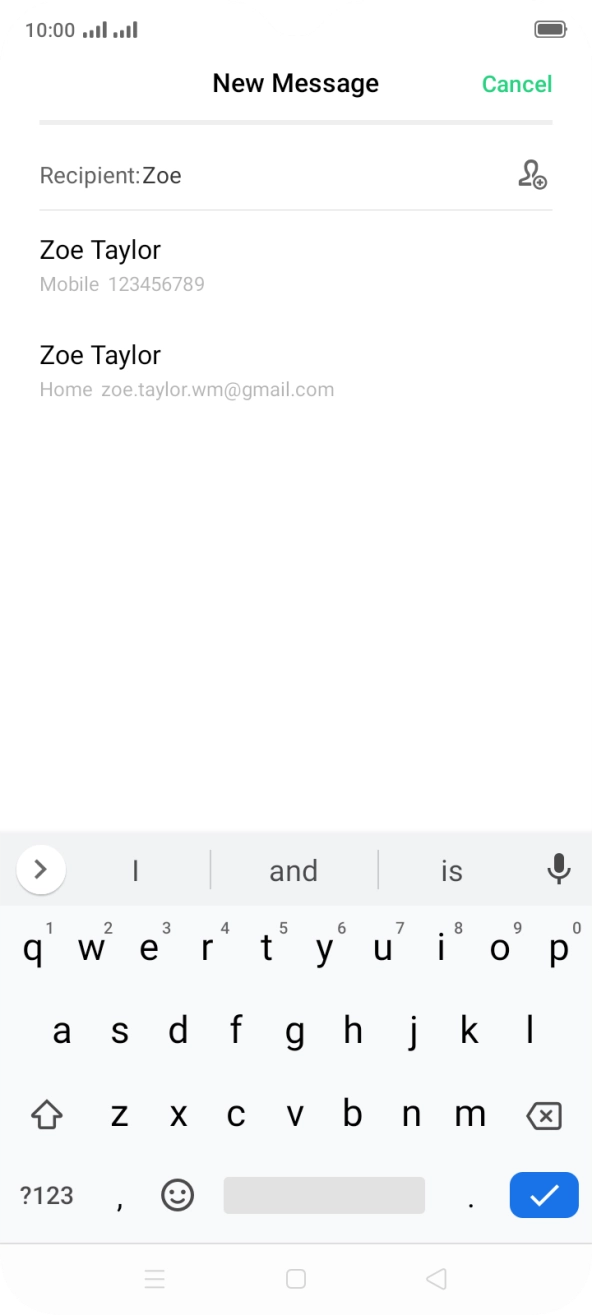
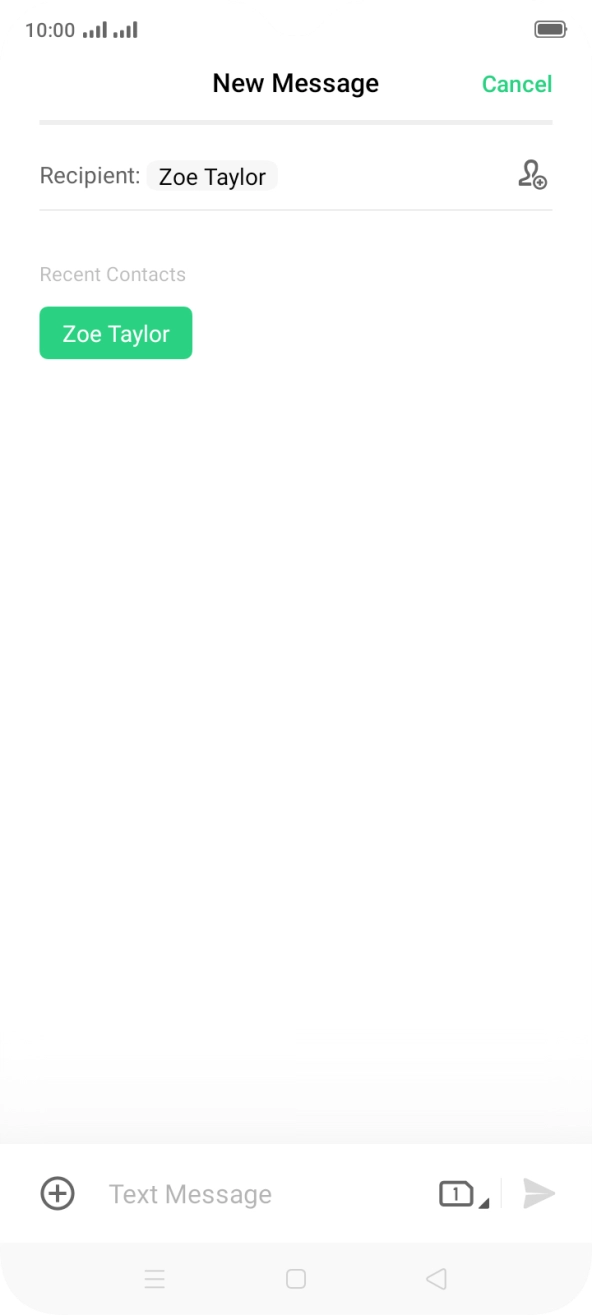
- Press the field next to 'Recipient:' and key in the first letters of the recipient's name.
- Press the required contact.
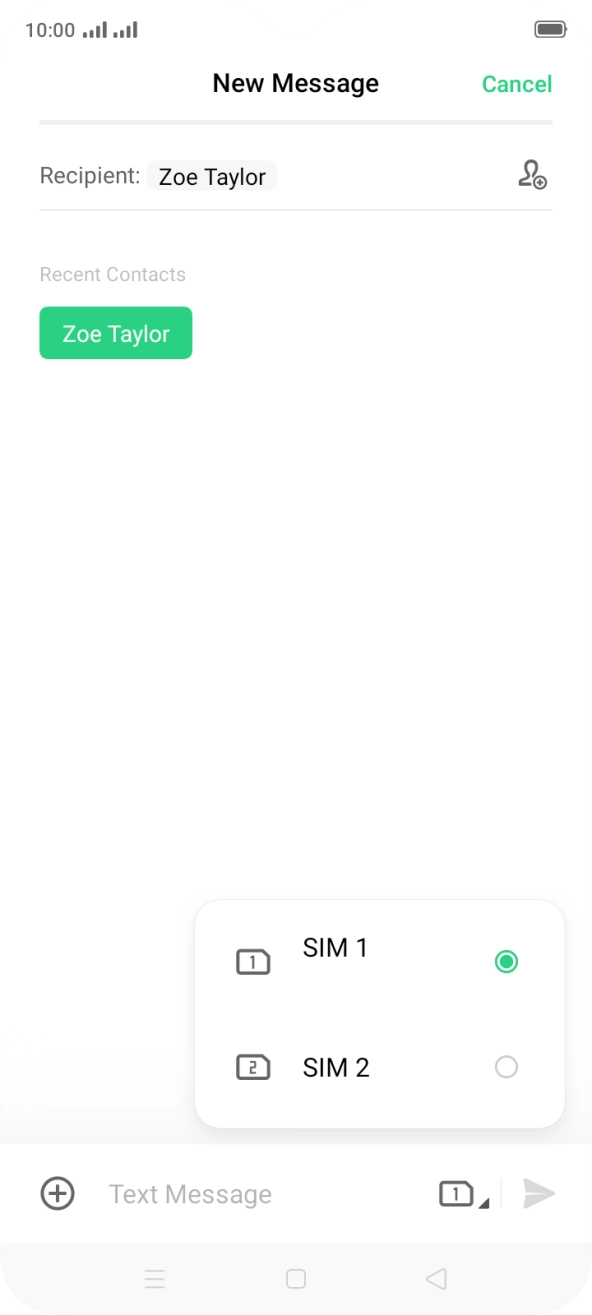
- Press the SIM icon.
- Press the required SIM.
- Press the text input field and write the text for your picture message.
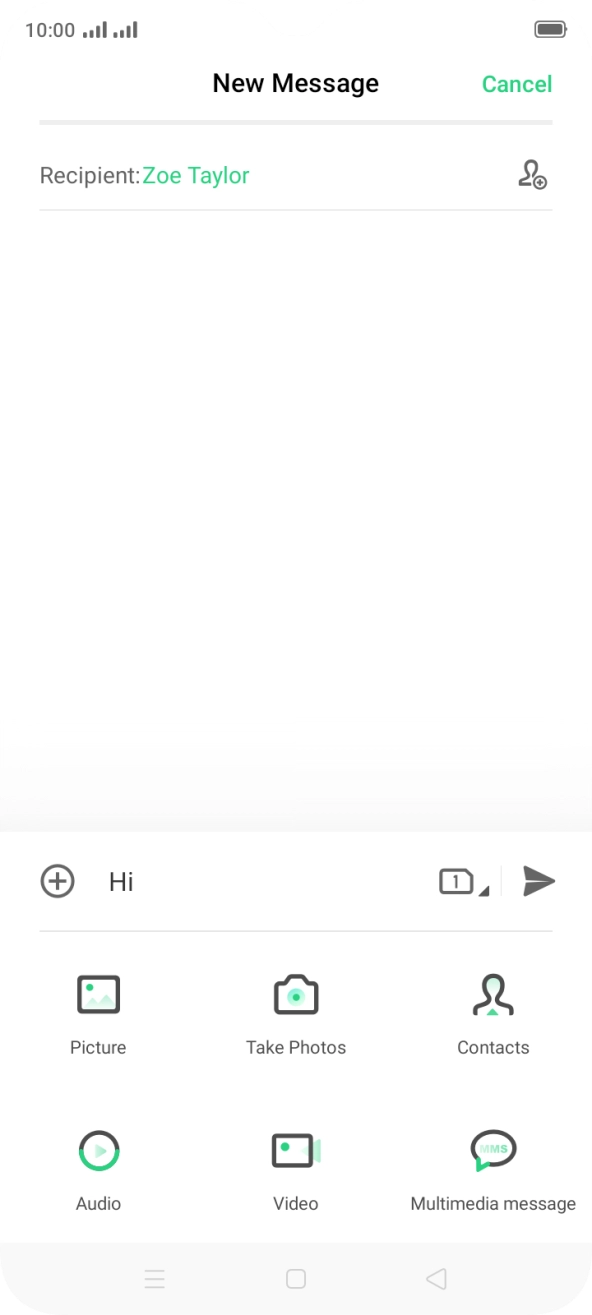
- Press the add icon.
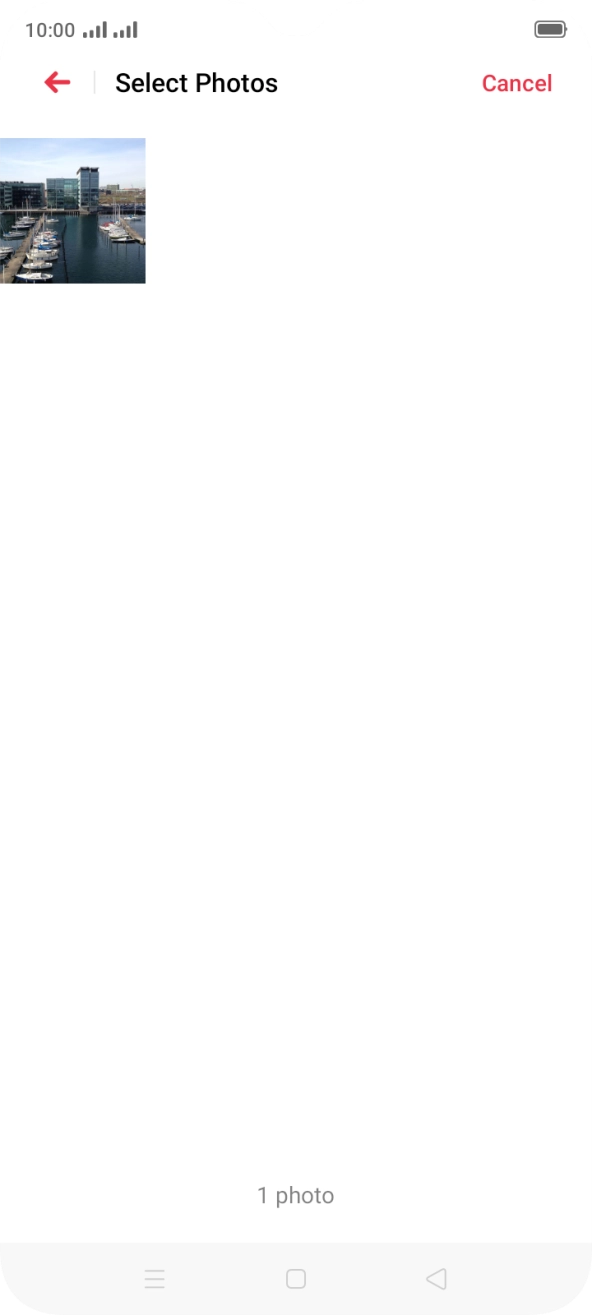
- Press Picture and go to the required folder.
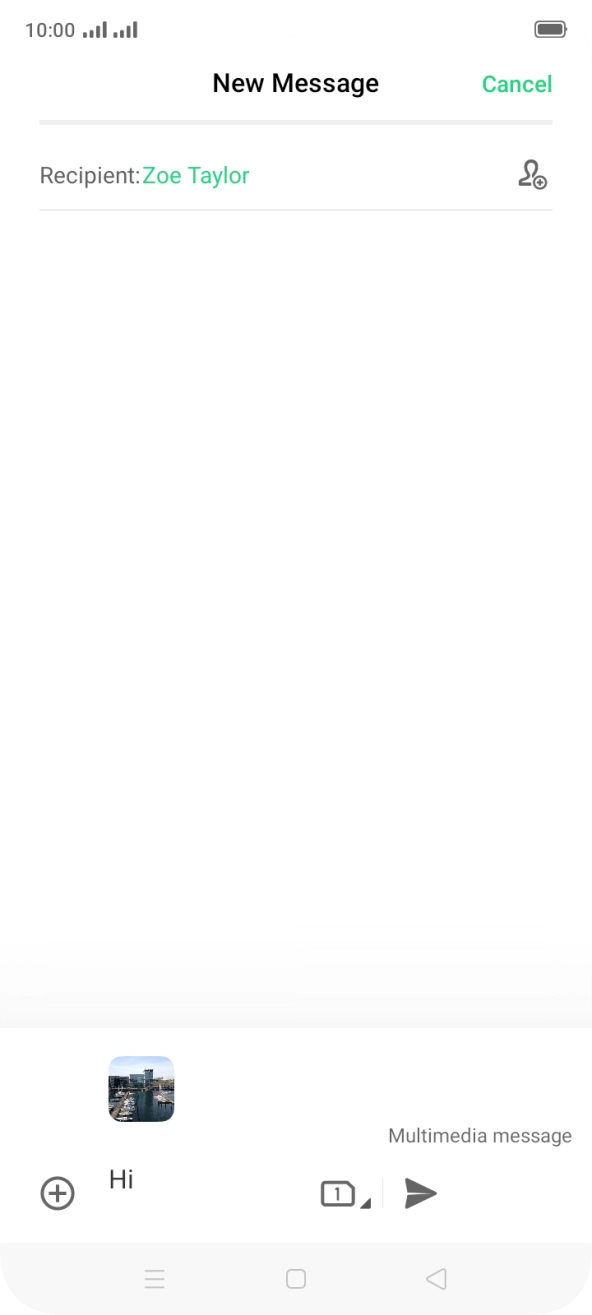
- Press the required picture.
- Press the send icon when you've finished your picture message.
- Press the Home key to return to the home screen.
1. Find 'Dual SIM & Mobile Network'
Slide two fingers downwards starting from the top of the screen.
- Slide two fingers downwards starting from the top of the screen.
- Press the settings icon.
- Press Dual SIM & Mobile Network.
- Press the required SIM.
- Press the indicator next to 'Data Roaming' to turn the function on or off.
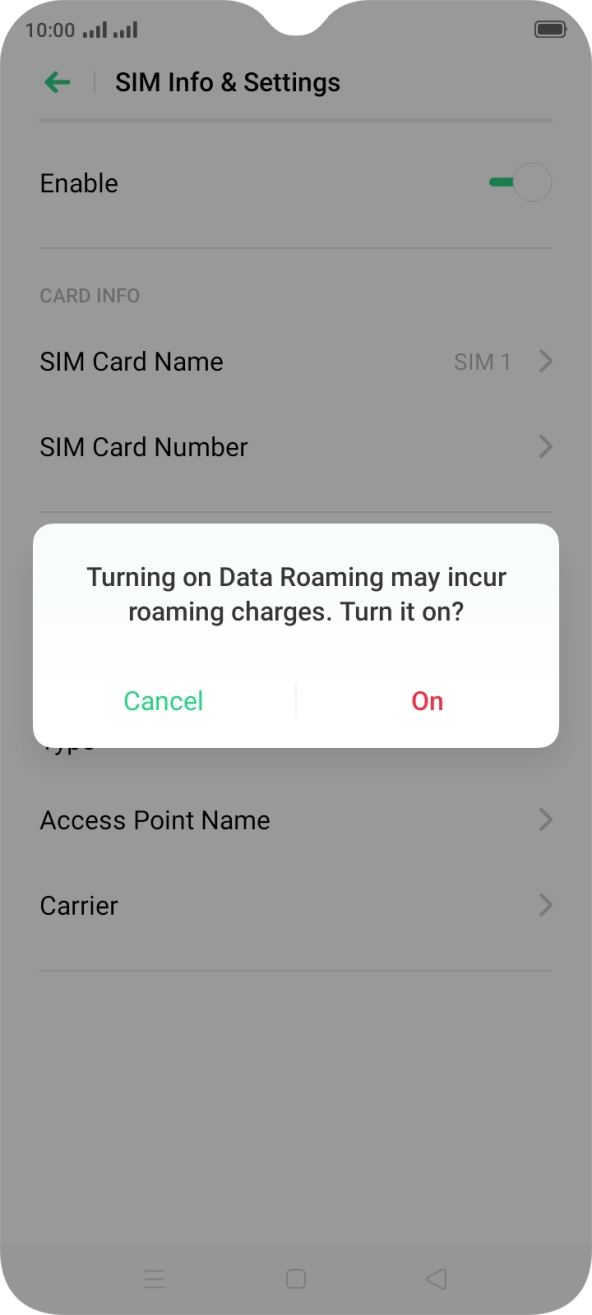
- If you turn on the function, press On.
- Press the Home key to return to the home screen.
Try sending a picture message to another number.