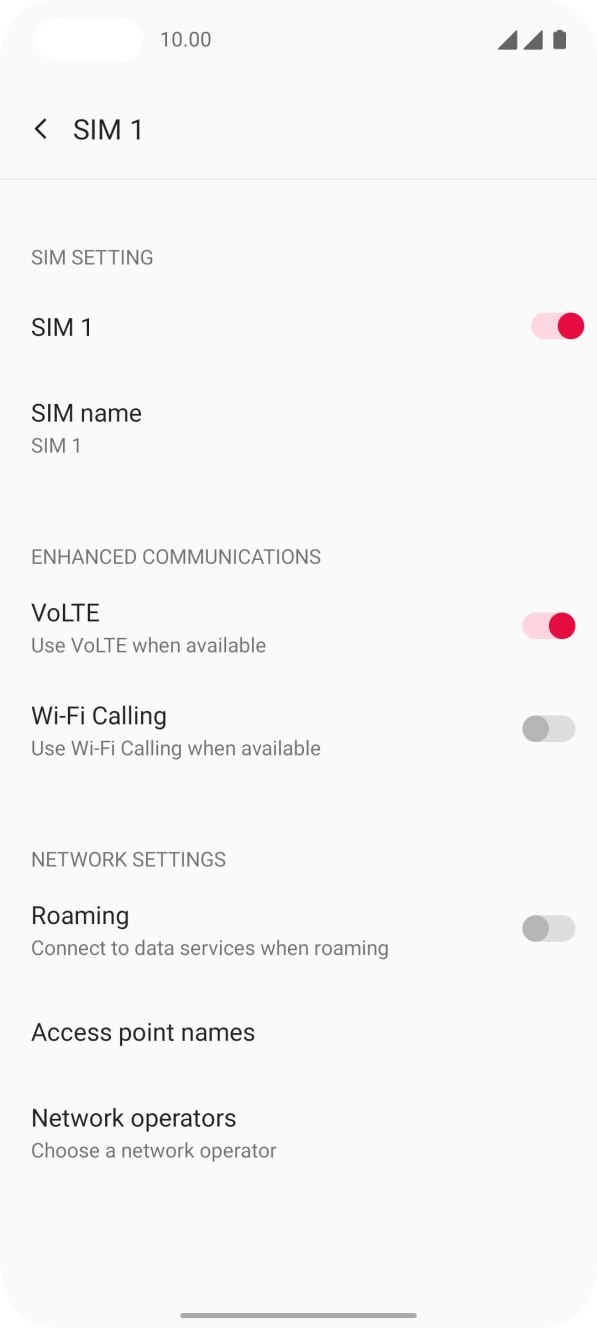
I have problems making WiFi calls on my OnePlus Nord
If you can't use WiFi Calling, there may be several causes of the problem.
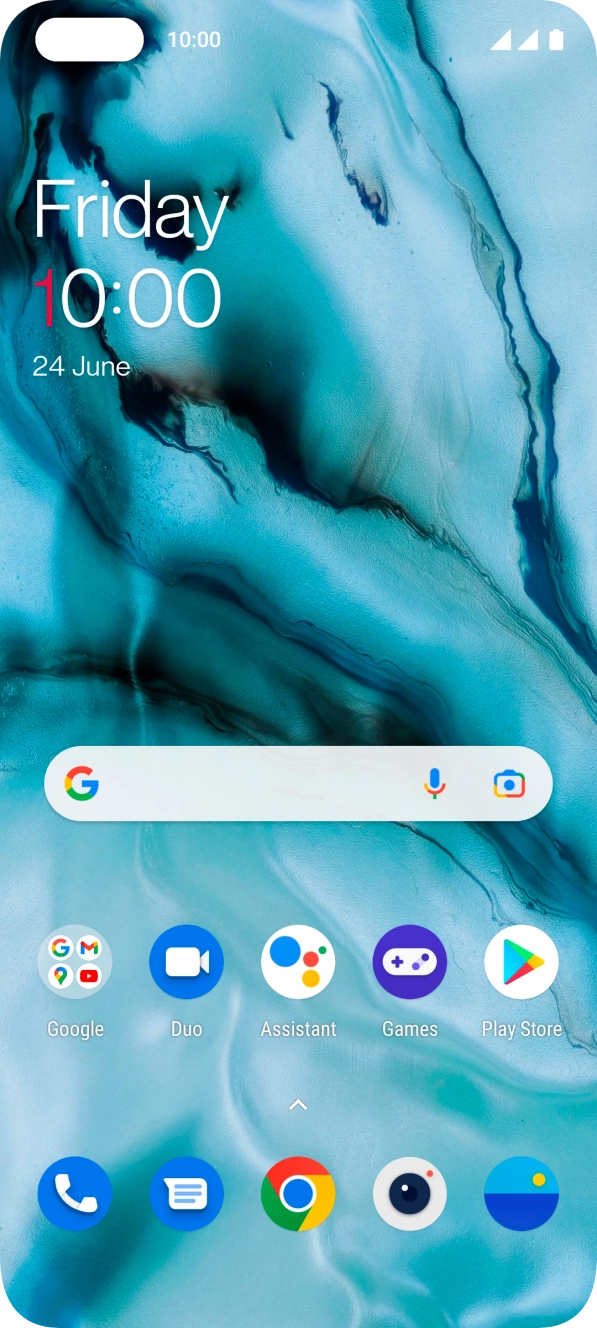
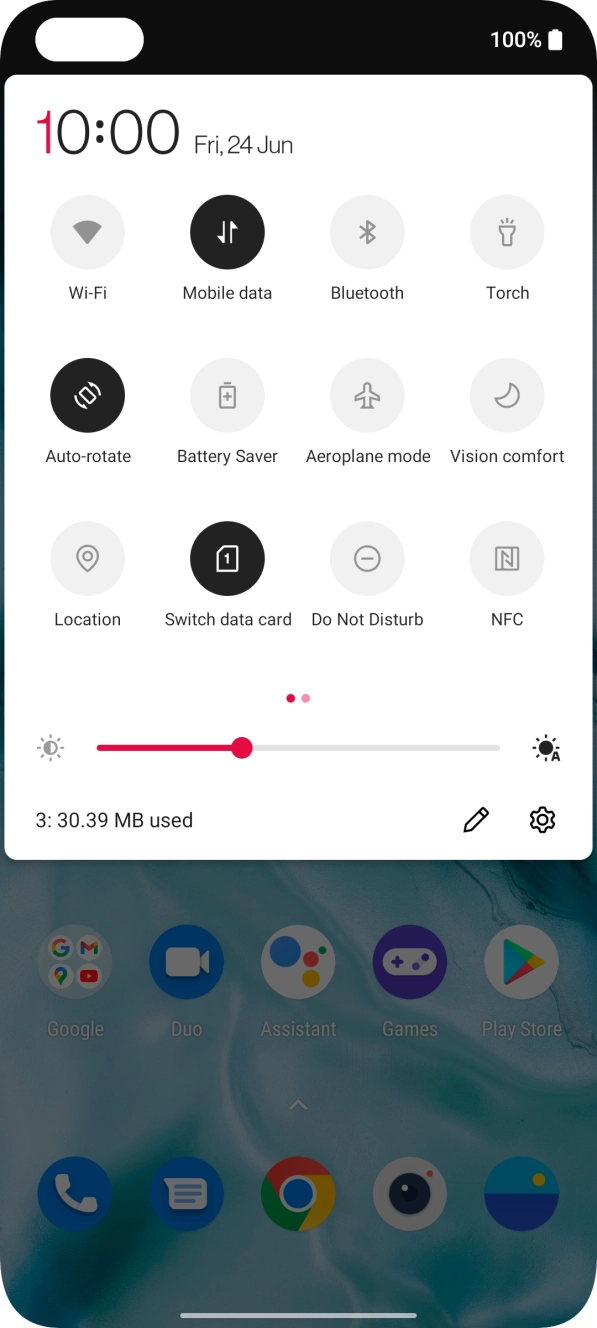
- Slide two fingers downwards starting from the top of the screen.
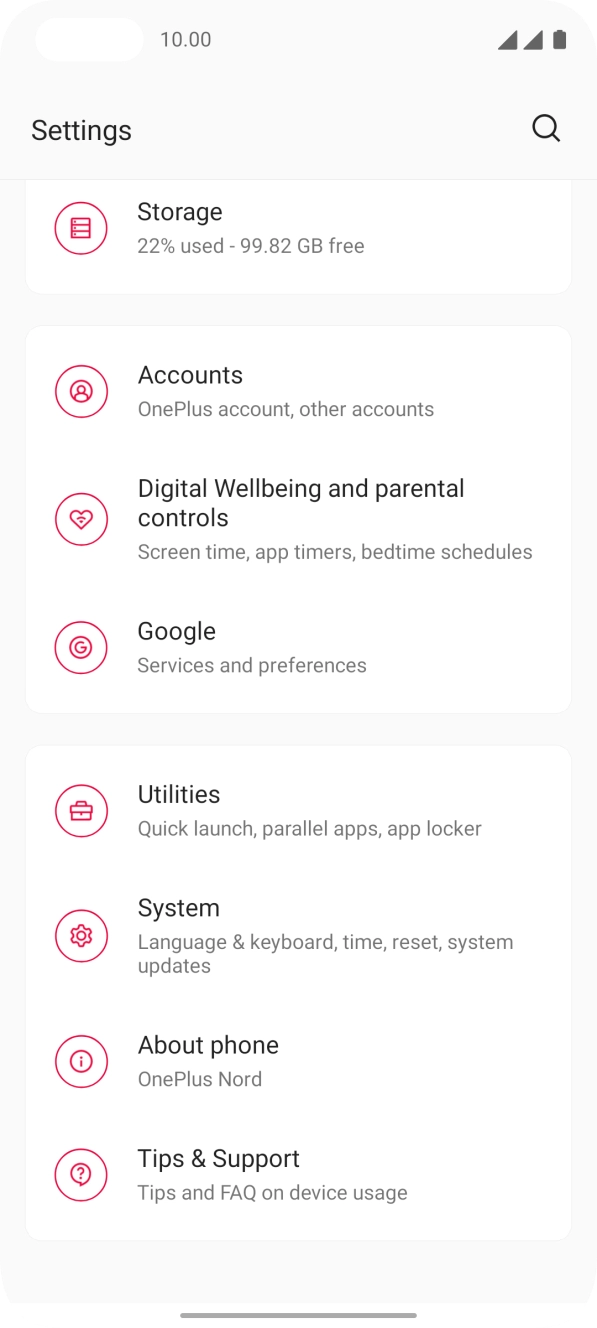
- Press the settings icon.
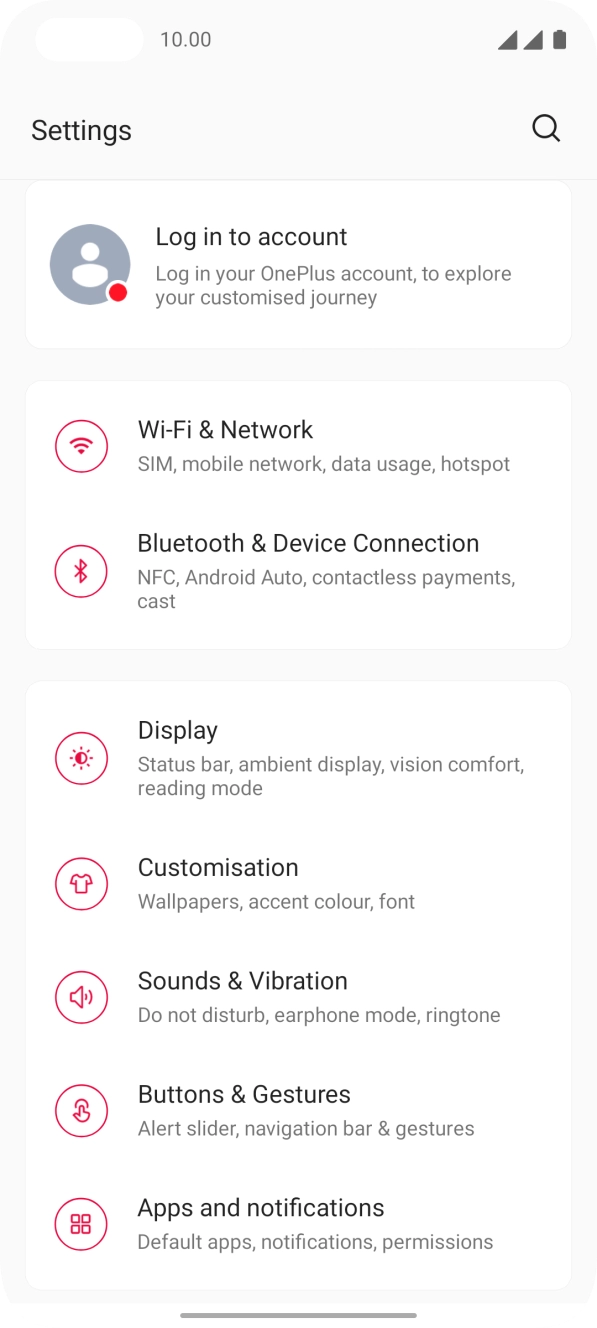
- Press Wi-Fi & Network.
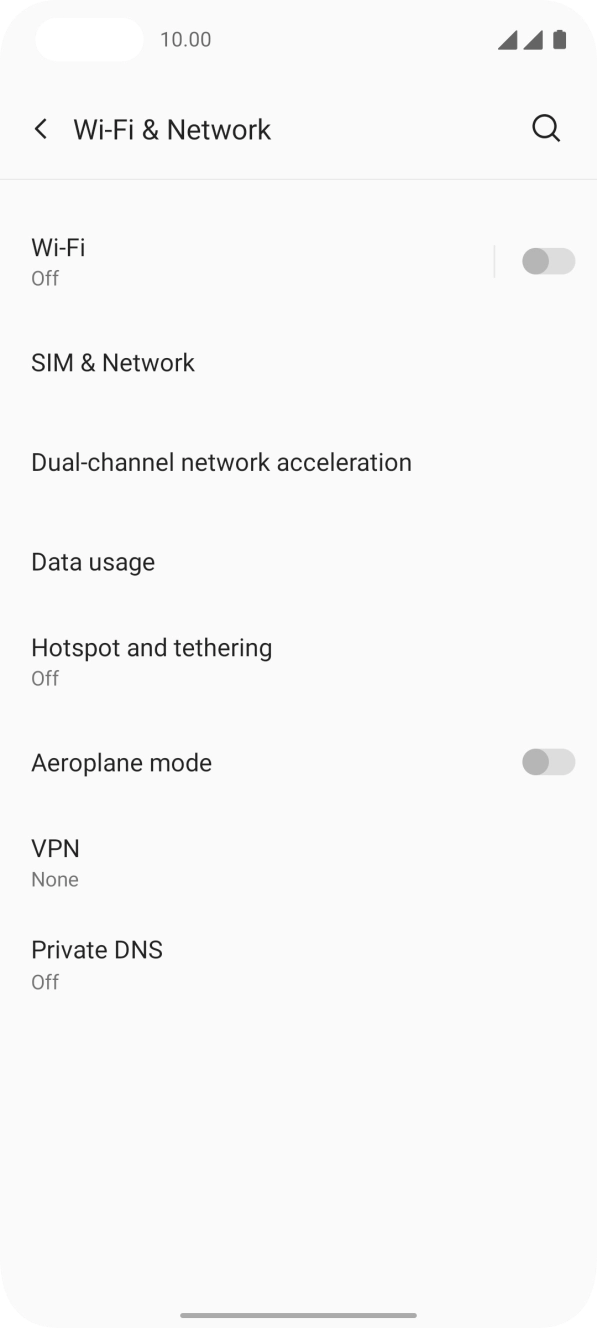
- Press SIM & Network.
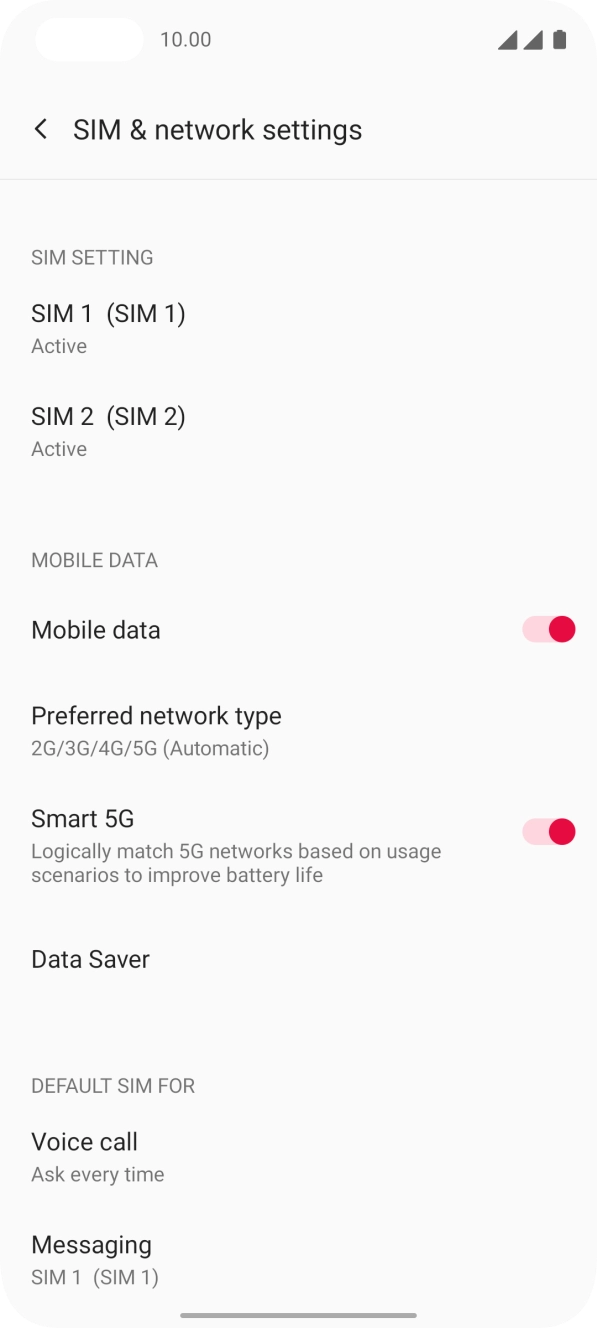
- Press the required SIM.
- Press the indicator next to 'Wi-Fi Calling' to turn the function on or off.
- Slide your finger upwards starting from the bottom of the screen to return to the home screen.
- Slide two fingers downwards starting from the top of the screen.
- Press the settings icon.
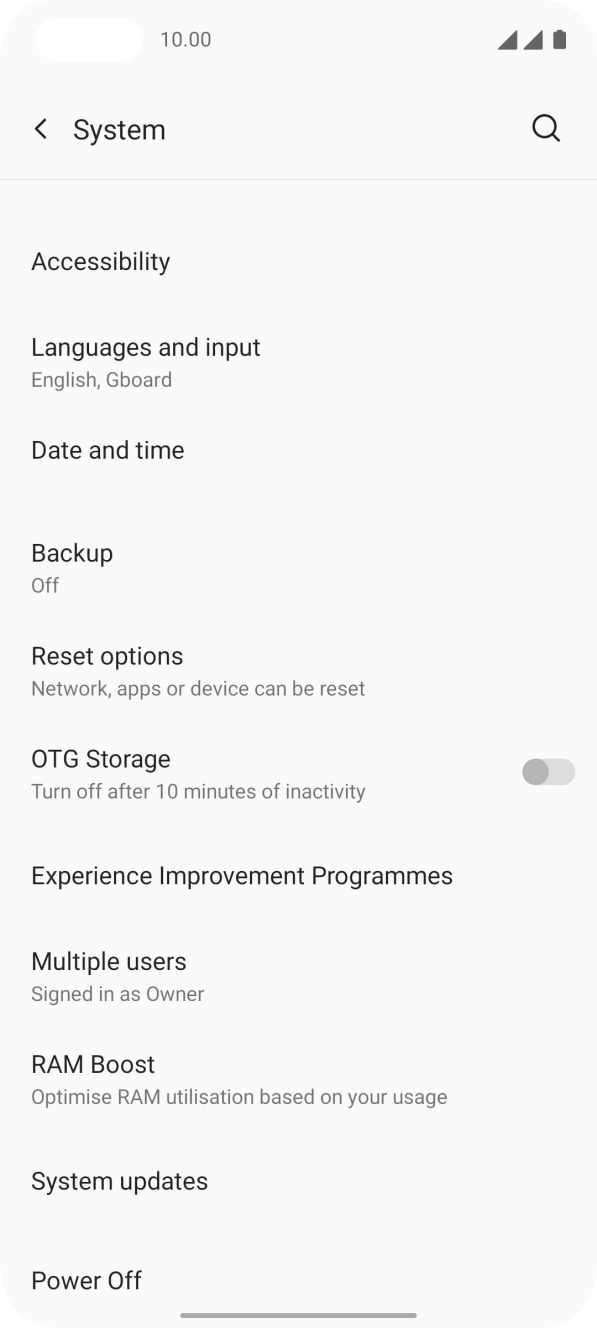
- Press System.
- Press System updates. If a new software version is available, it's displayed. Follow the instructions on the screen to update the phone software.