The battery life on my Nokia 2 is short
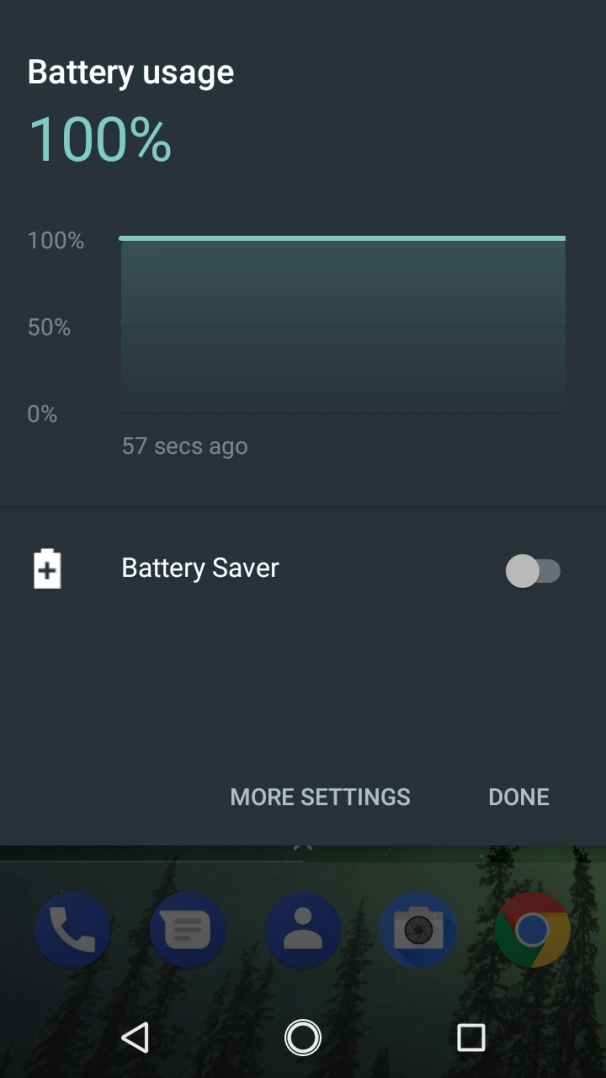
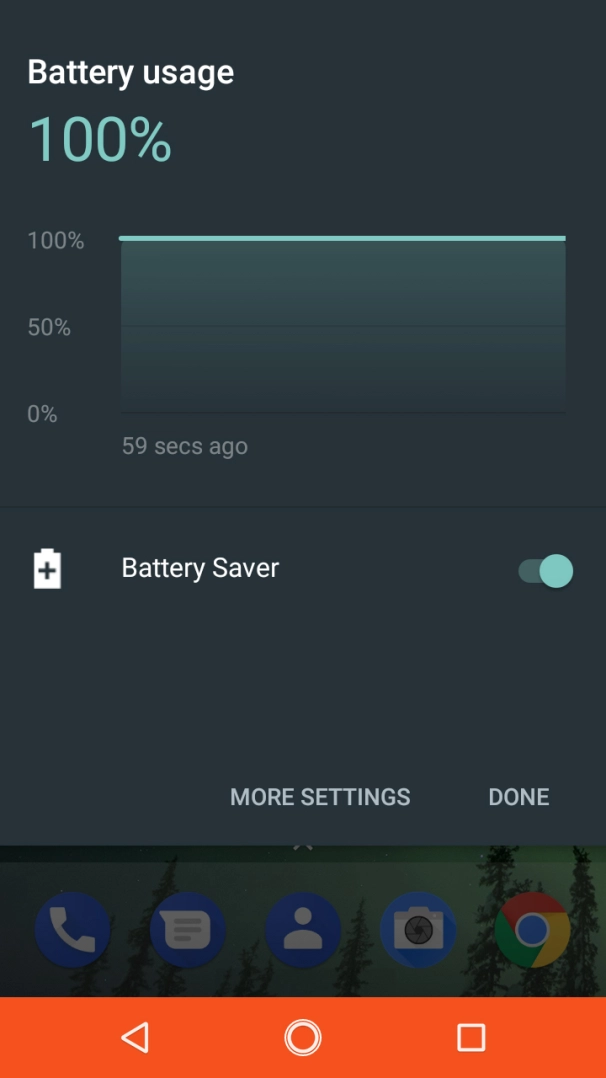
If your phone uses too much power and the battery life is short, there may be several causes of the problem.
Lower the screen brightness.
Turn on automatic screen lock.
Turn off live wallpapers.
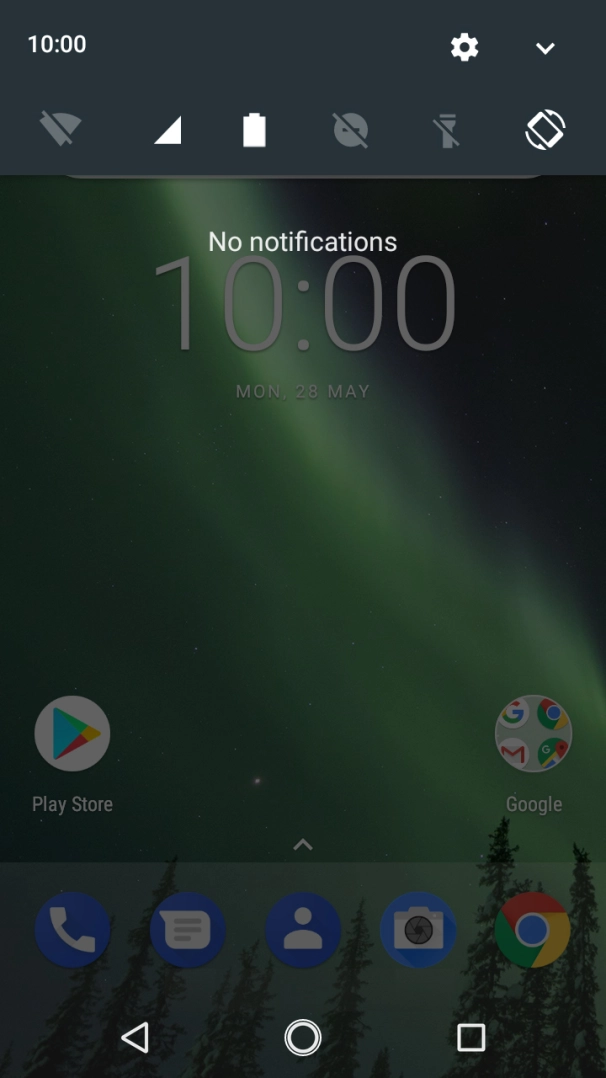
- Slide your finger downwards starting from the top of the screen.
- Press the settings icon.
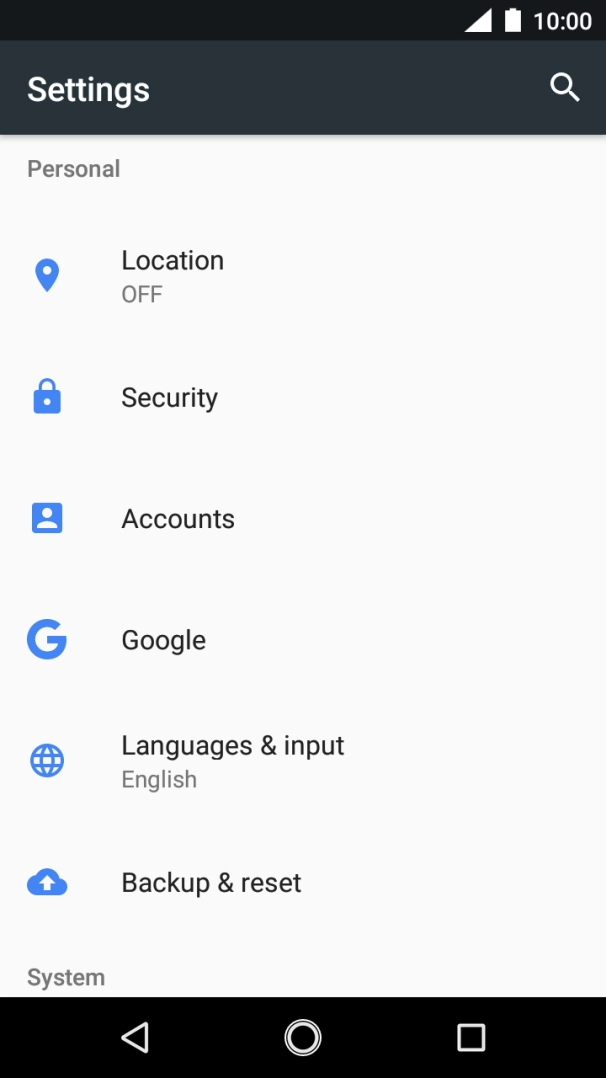
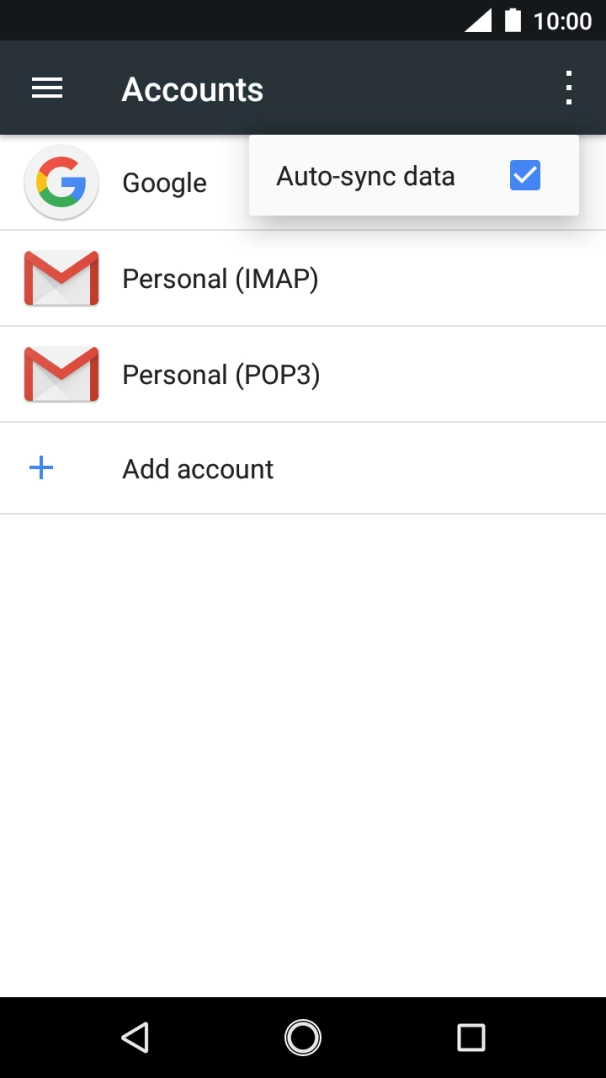
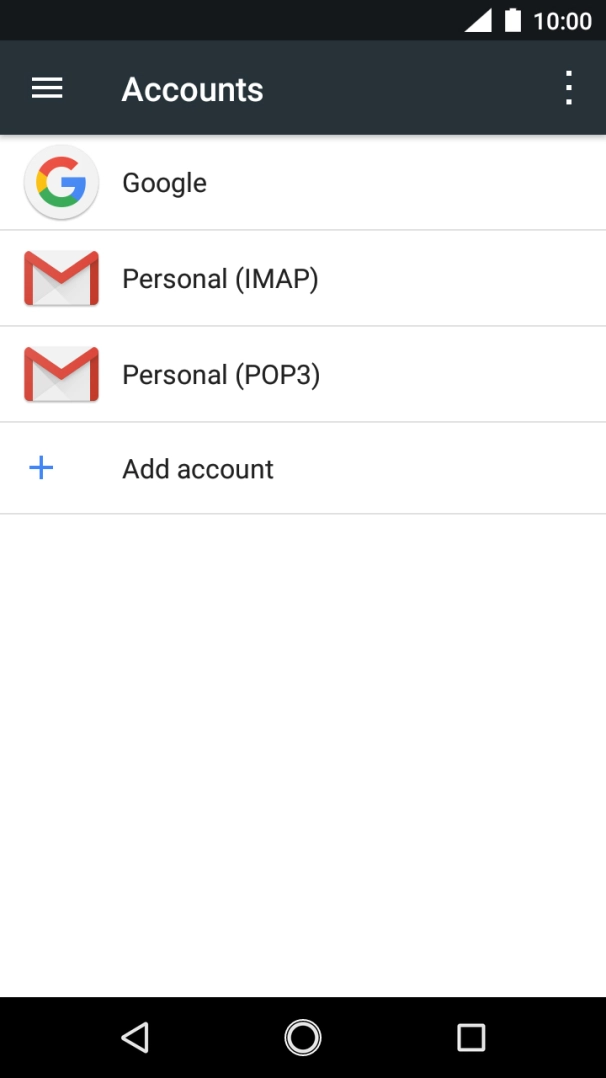
- Press Accounts.
- Press the menu icon.
- Press Auto-sync data.
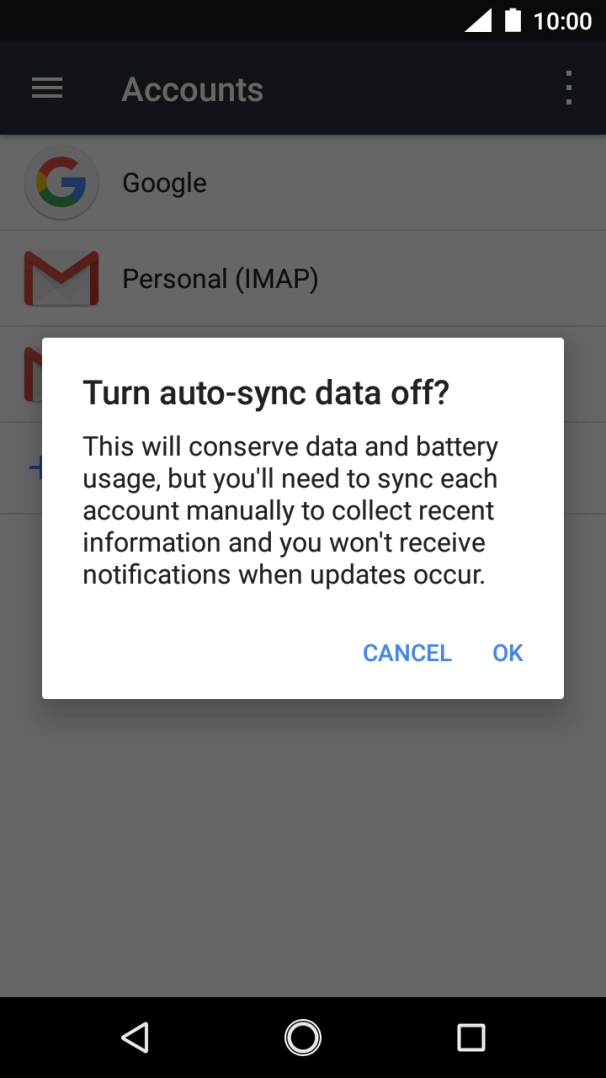
- Press OK to turn the function on or off.
- Press the Home key to return to the home screen.
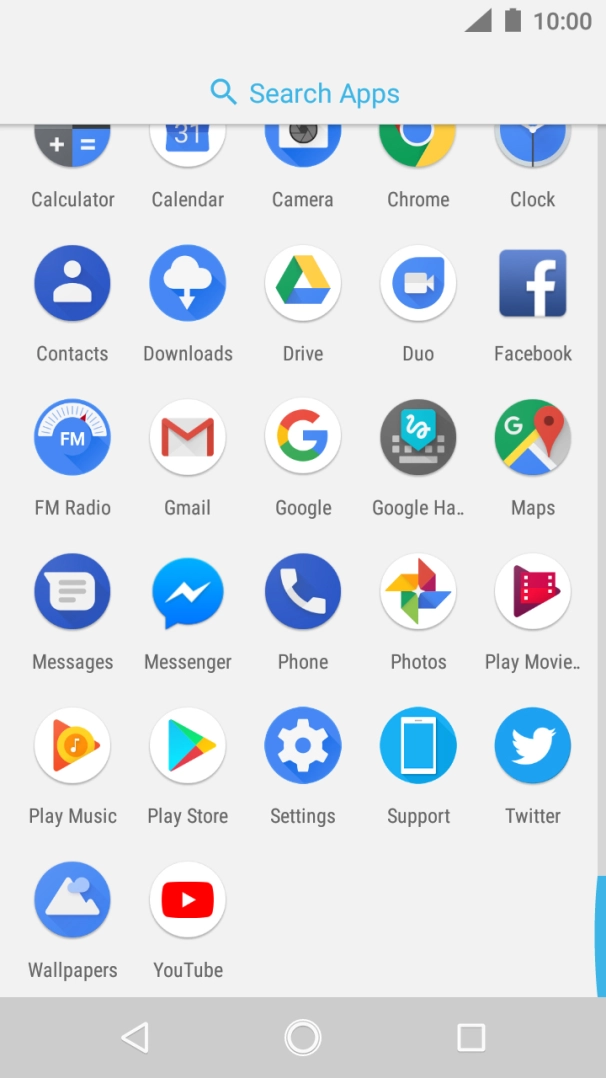
- Slide your finger upwards starting from the bottom of the screen.
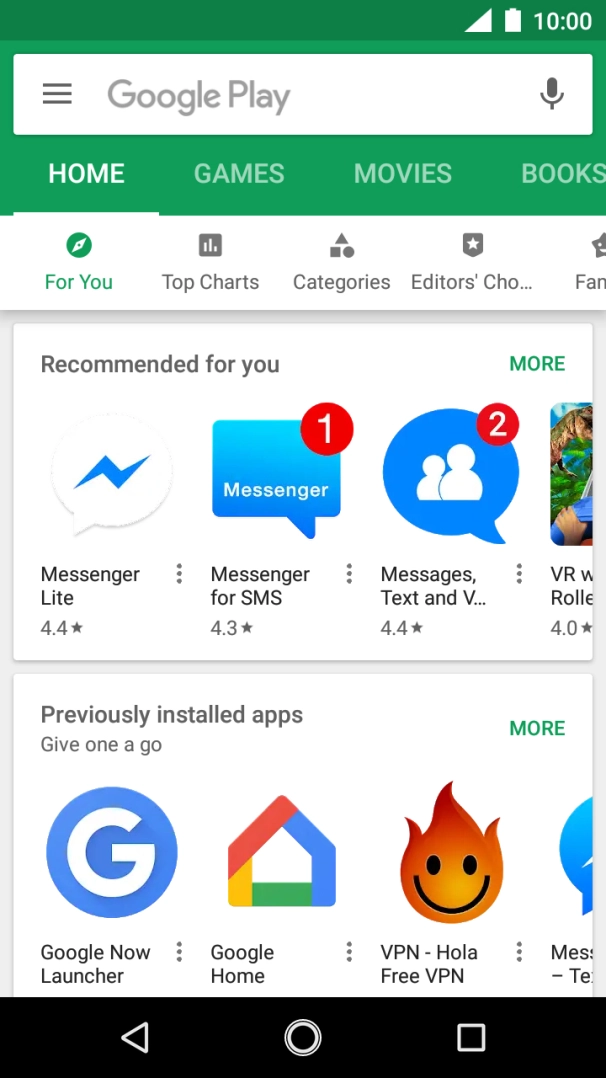
- Press Play Store.
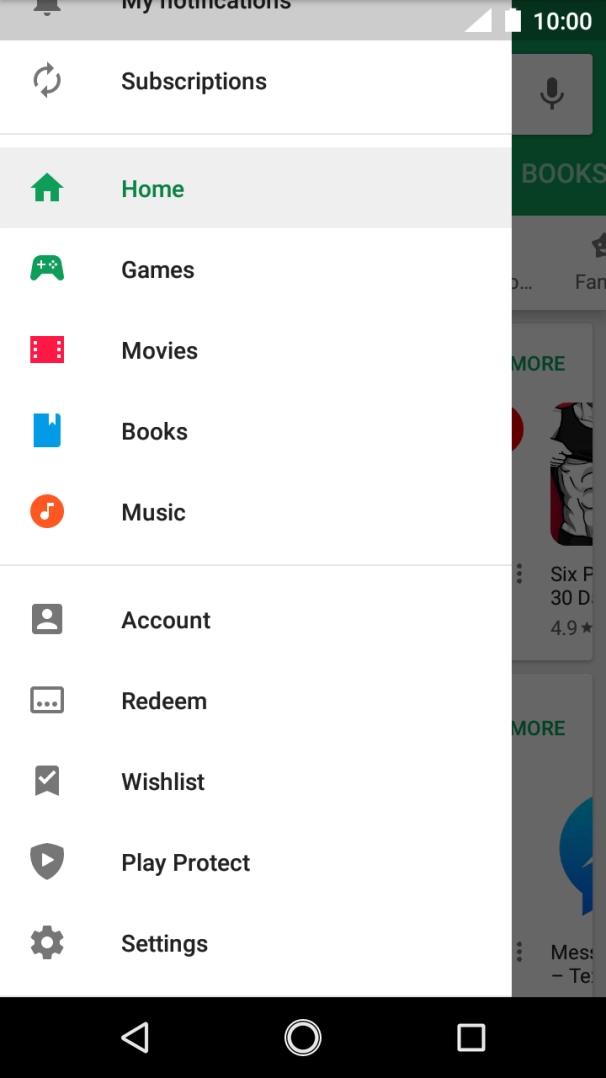
- Slide your finger right starting from the left side of the screen.
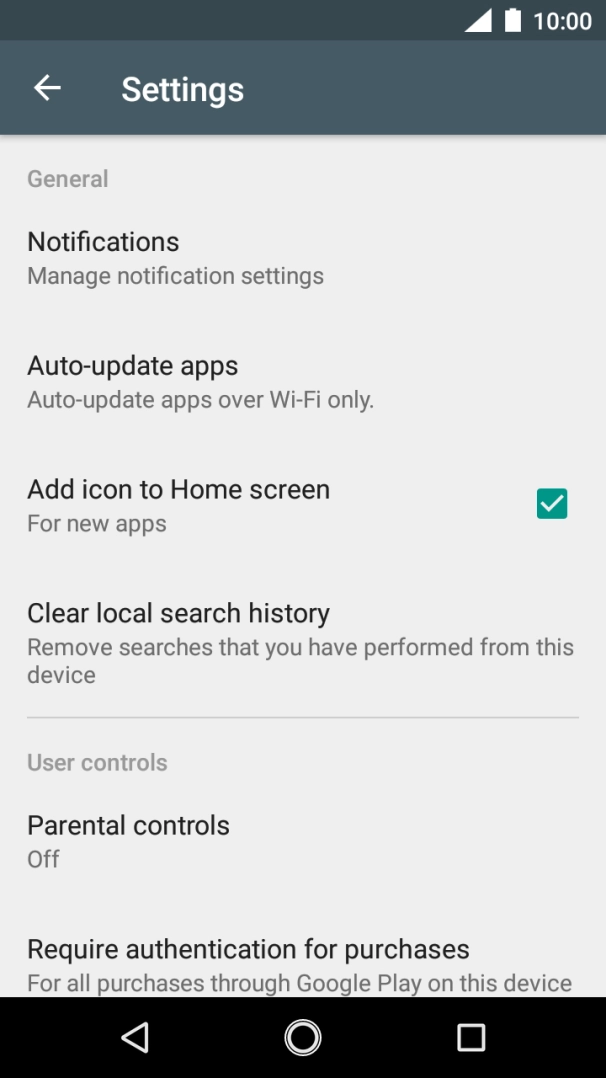
- Press Settings.
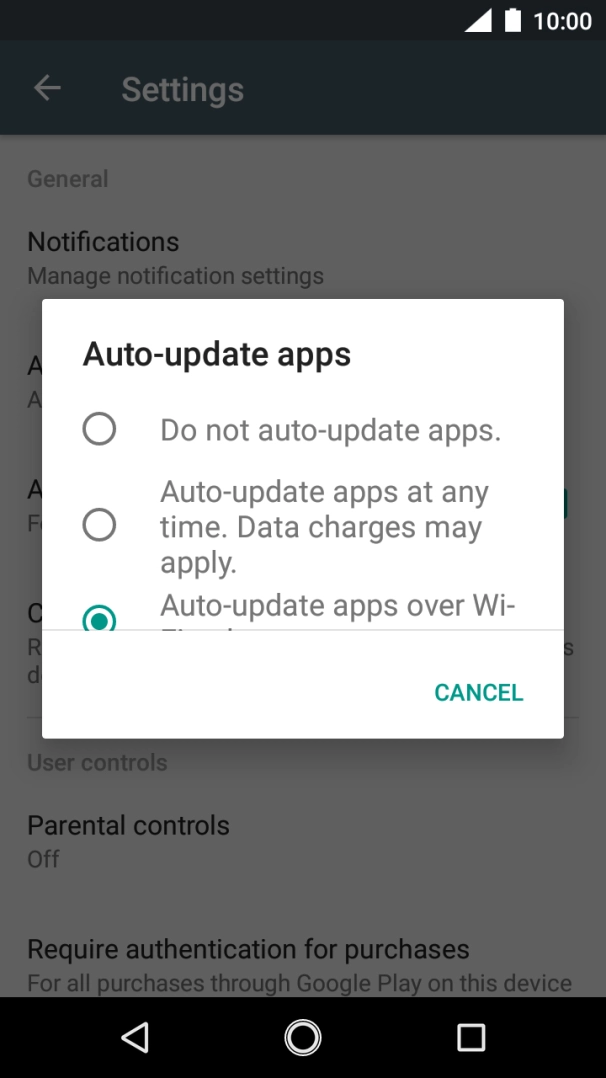
- Press Auto-update apps.
- To turn off automatic update of apps, press Do not auto-update apps..
- To turn on automatic update of apps using mobile network, press Auto-update apps at any time. Data charges may apply..If you turn on automatic update of apps via mobile network, your apps are automatically updated via the mobile network when no WiFi networks are within range.
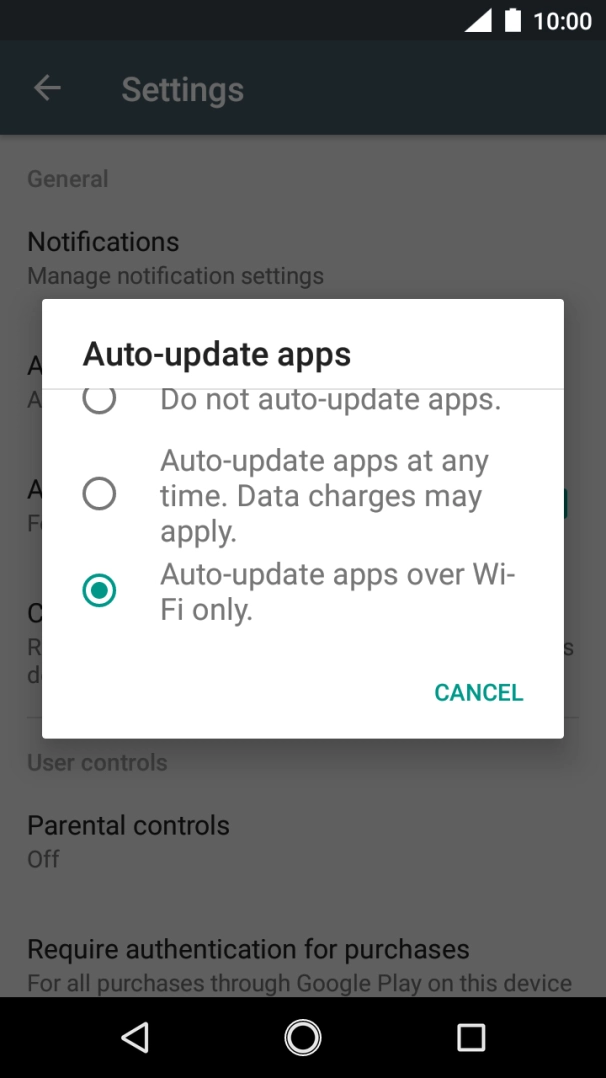
- To turn on automatic update of apps using WiFi, press Auto-update apps over Wi-Fi only..
- Press the Home key to return to the home screen.
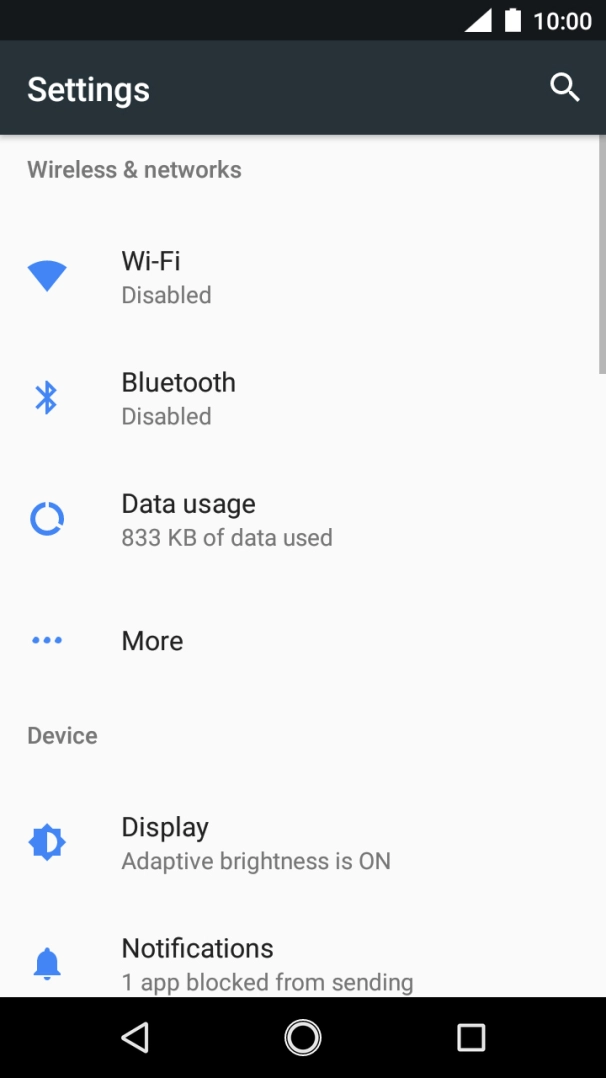
- Slide your finger downwards starting from the top of the screen.
- Press the settings icon.
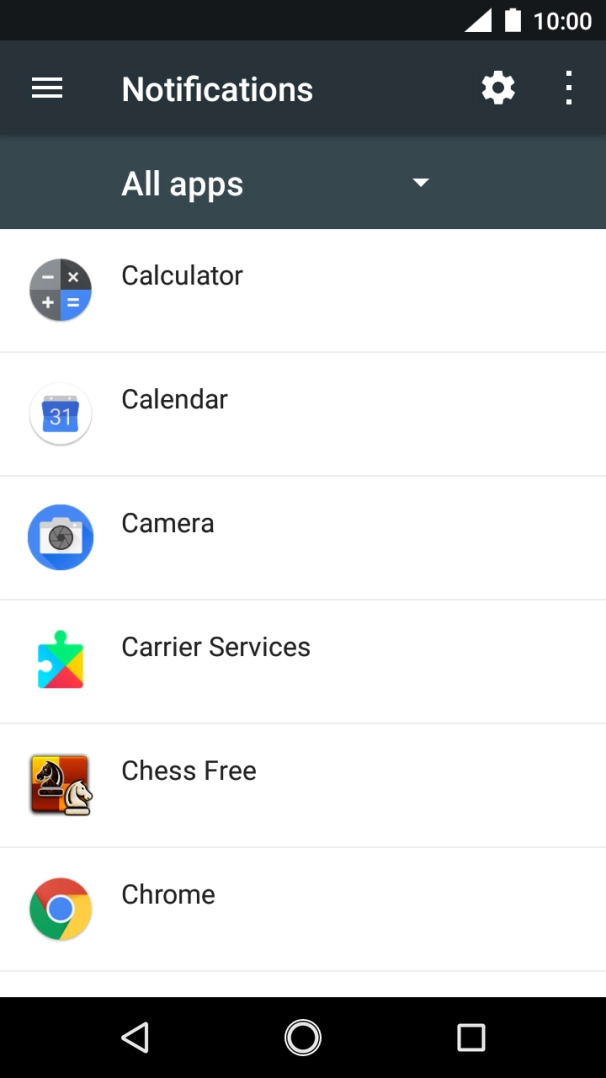
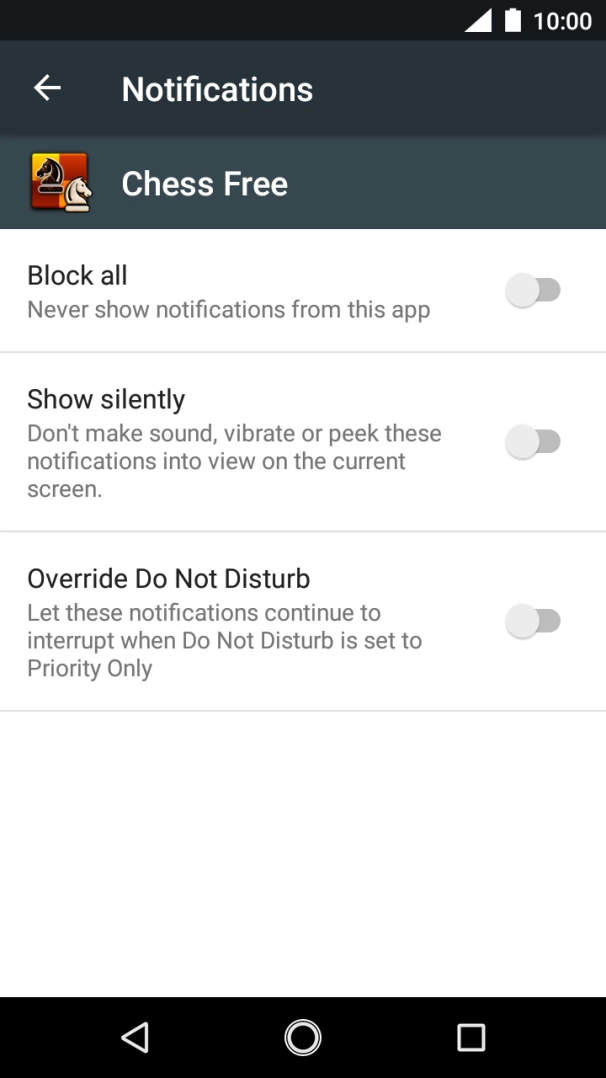
- Press Notifications.
- Press the required app.
- Press the indicator next to 'Block all' to turn the function on or off.
- Press the Home key to return to the home screen.
Turn off Bluetooth.
Turn off vibration.
Turn off NFC.
Go to the manufacturer's website to see if it's possible to change the battery.
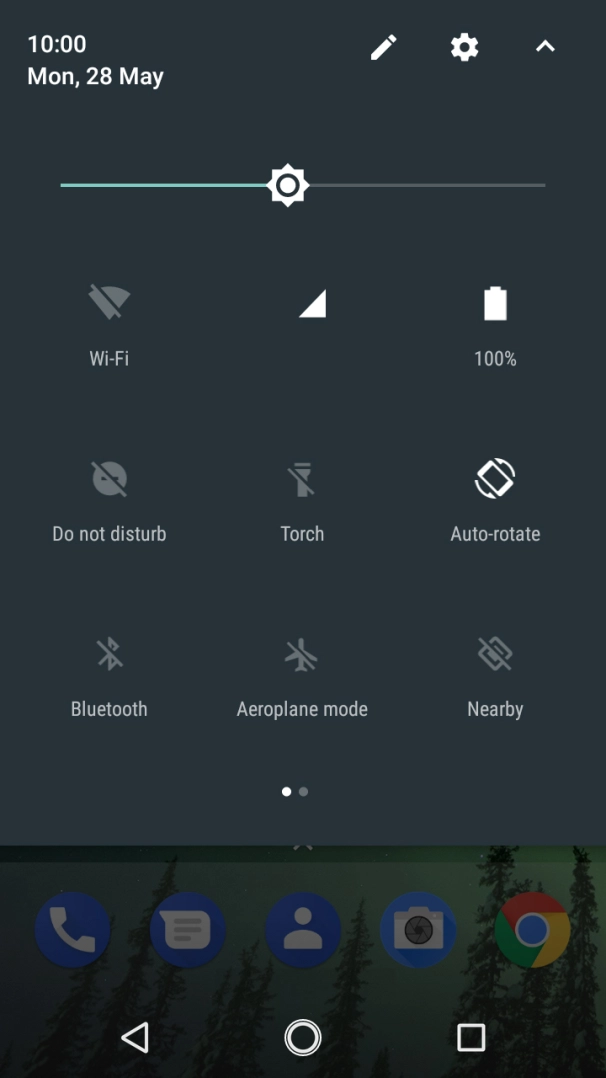
- Slide your finger downwards starting from the top of the screen.
- Press the settings icon.
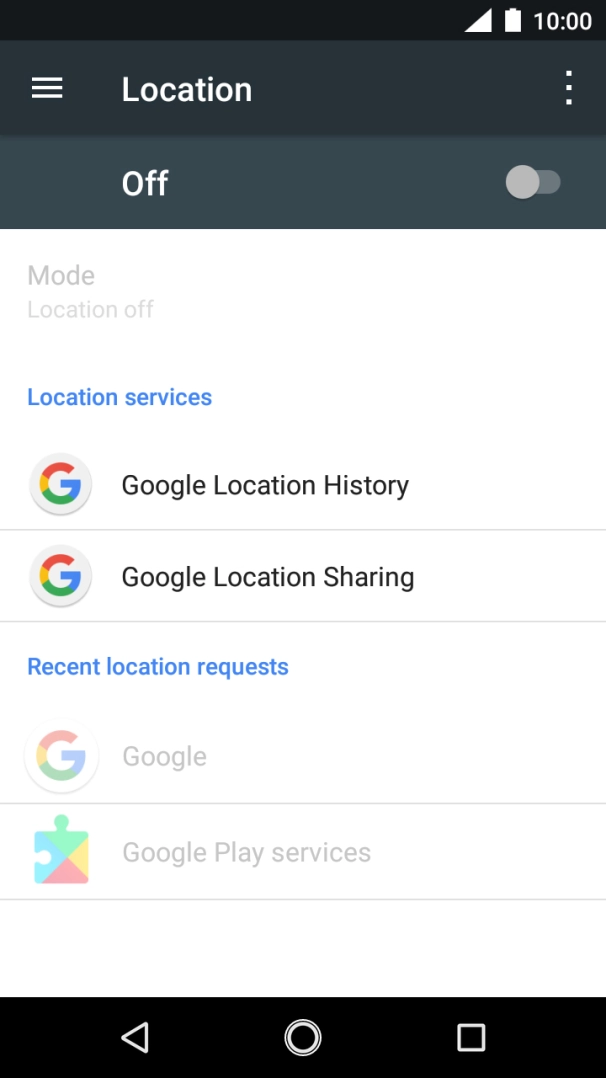
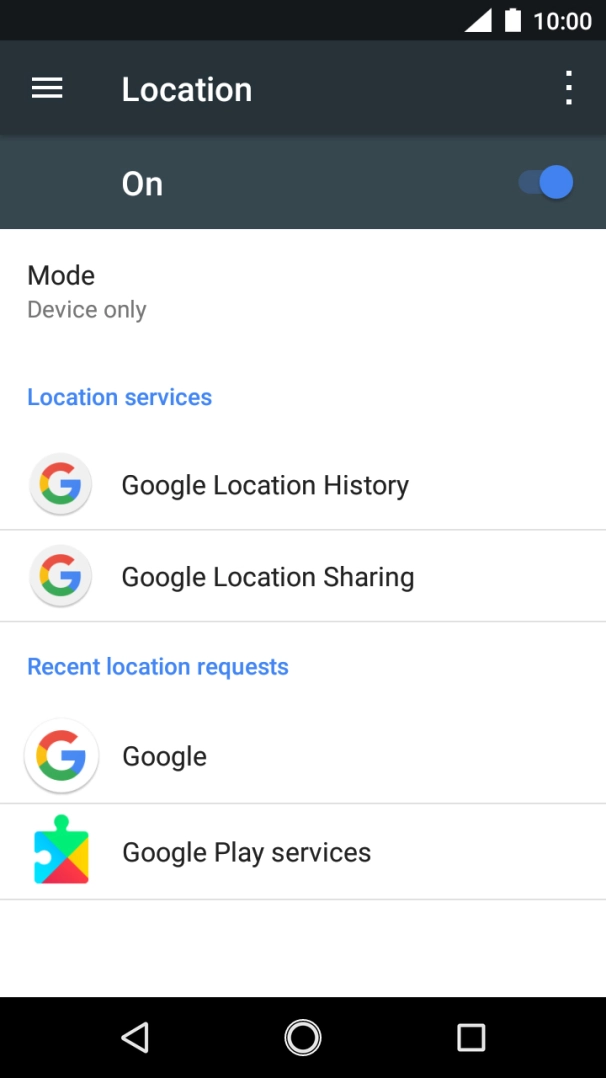
- Press Location.
- Press the indicator to turn the function on or off.If you turn on geotagging, your phone can find your position using GPS. If you turn off the function, you can't use any GPS functions on your phone.
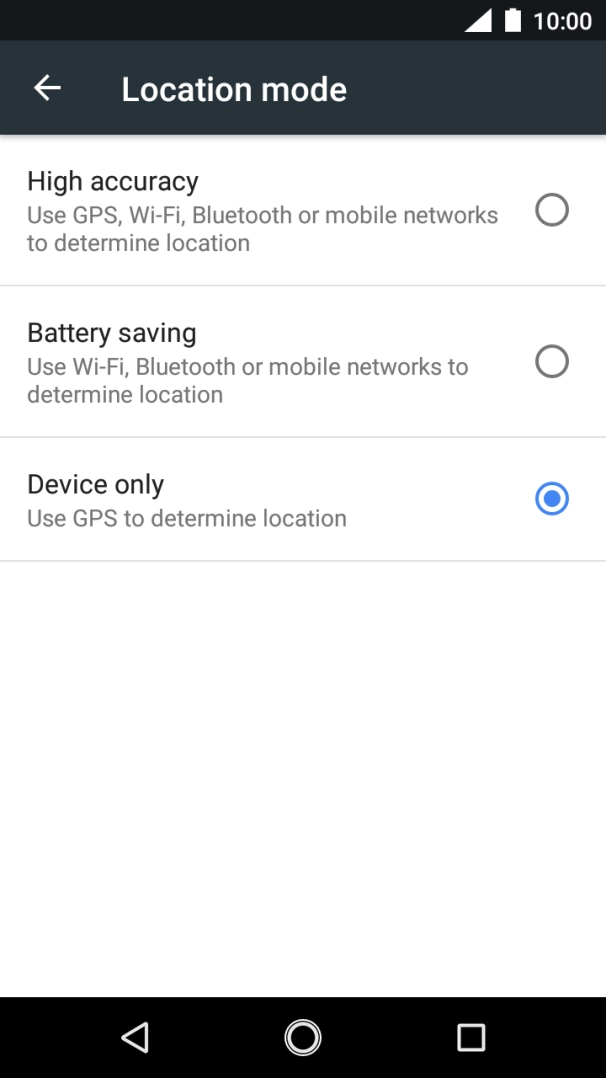
- Press Mode.
- If you select High accuracy, your phone can find your exact position using the GPS satellites, the mobile network and nearby WiFi networks. Satellite-based GPS requires a clear view of the sky.
- If you select Battery saving, your phone can find your approximate position using the mobile network and nearby WiFi networks.
- If you select Device only, your phone can find your exact position using the GPS satellites but it may take longer as there is no access to supplementary information from the mobile network or nearby WiFi networks.
- Press the Home key to return to the home screen.
Turn off WiFi.