
I have problems making WiFi calls on my Nokia 1 Plus
If you can't use WiFi Calling, there may be several causes of the problem.
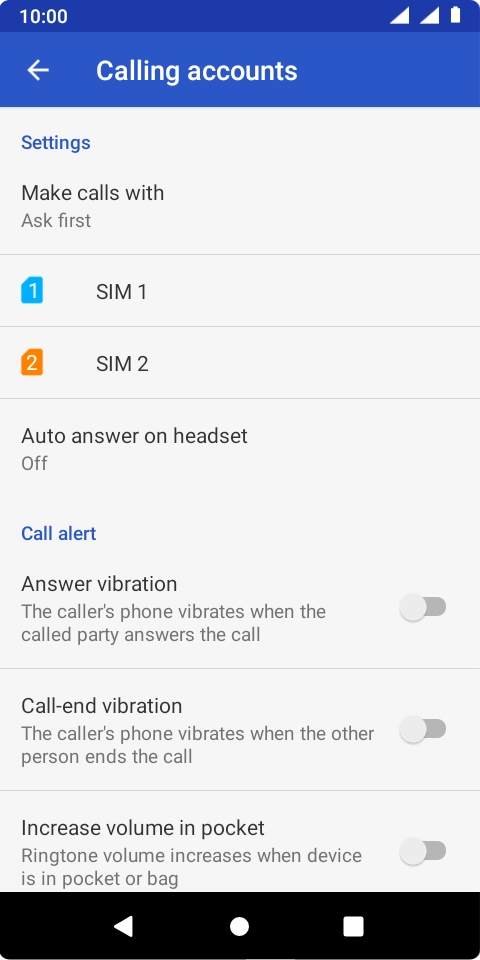
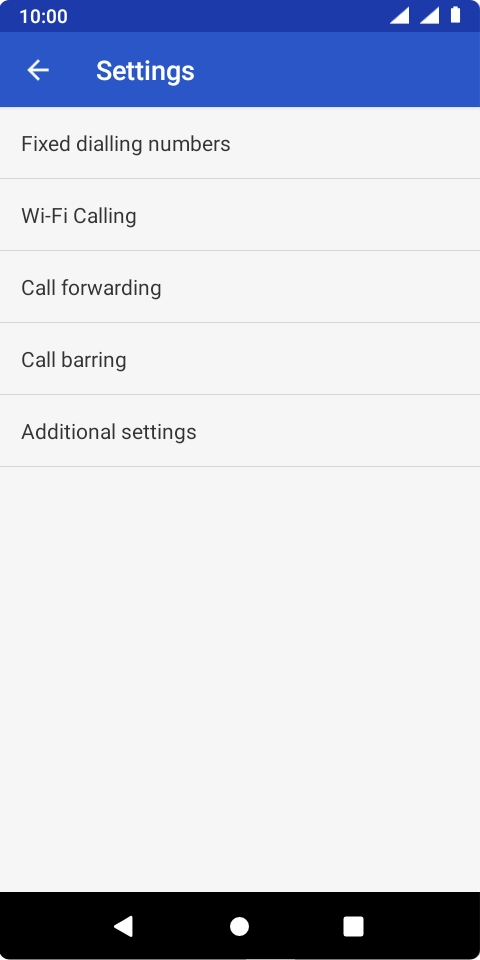
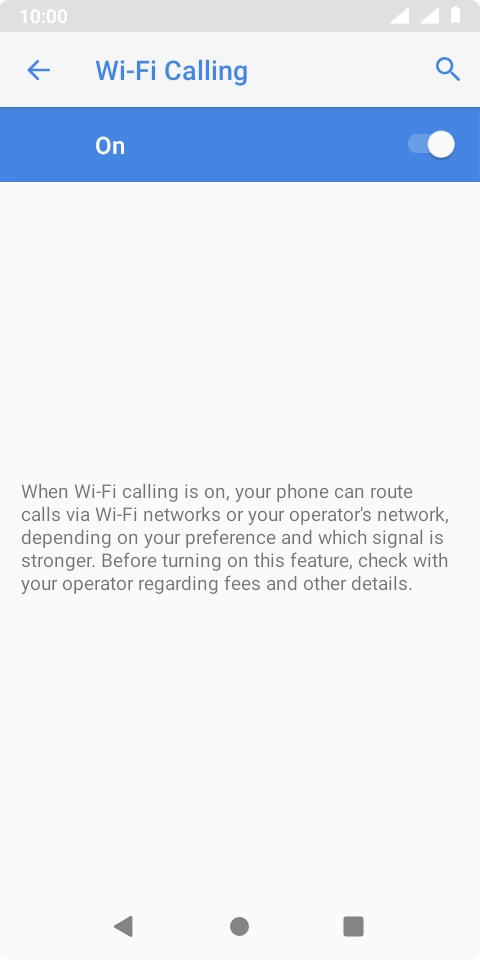
Step 1 of 8
Step 1 of 8
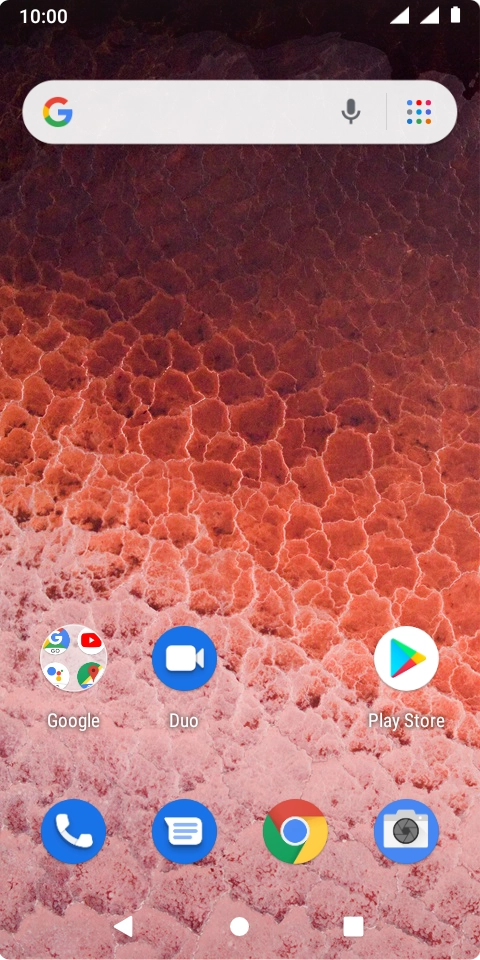
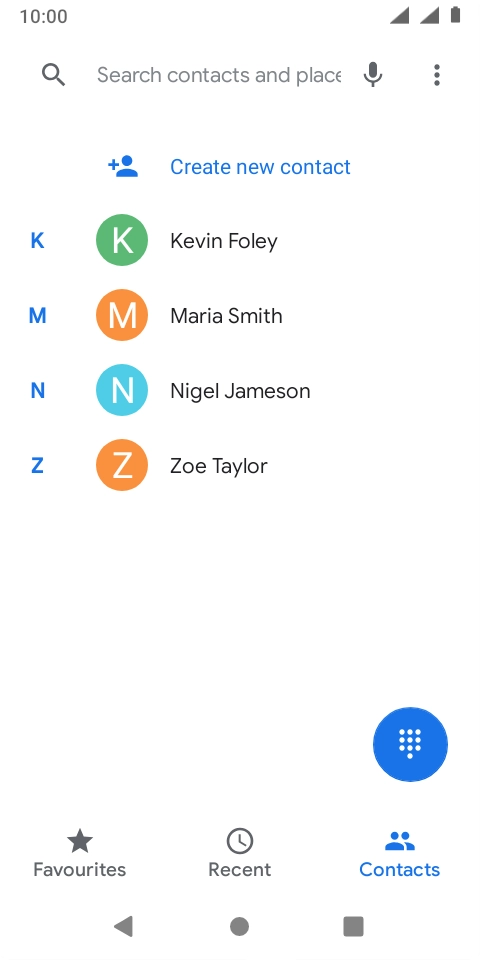
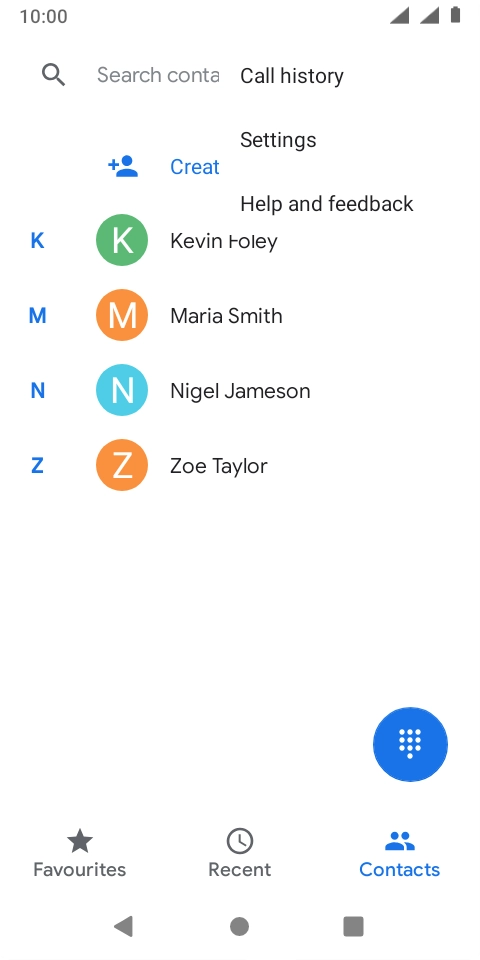
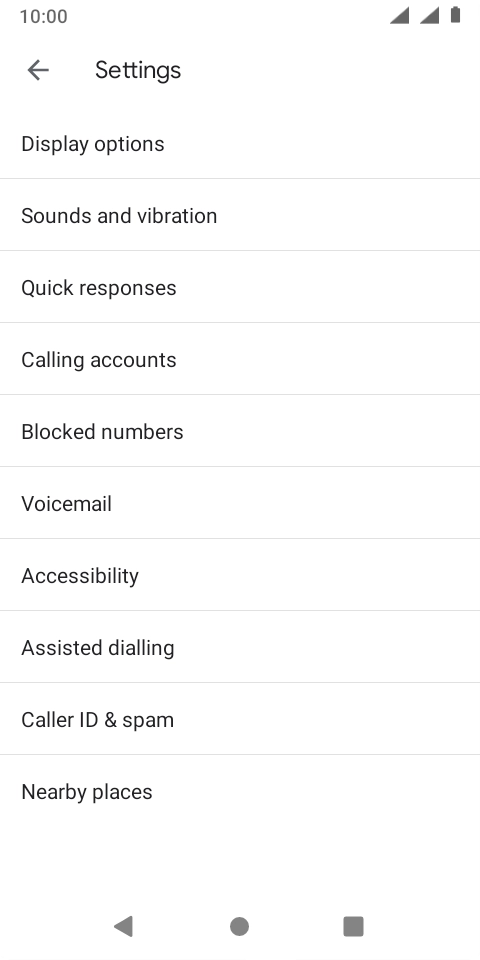
1. Find 'Wi-Fi calling'
Press the phone icon.
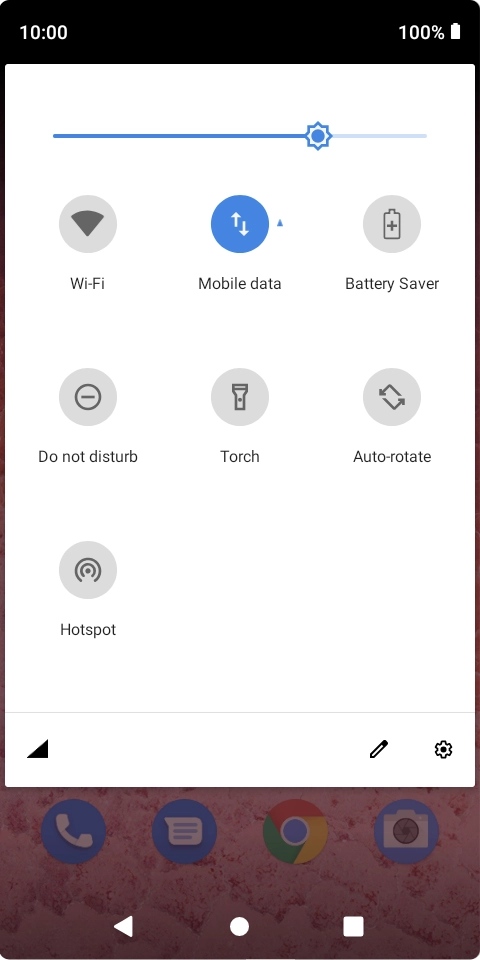
Step 1 of 5
Step 1 of 5
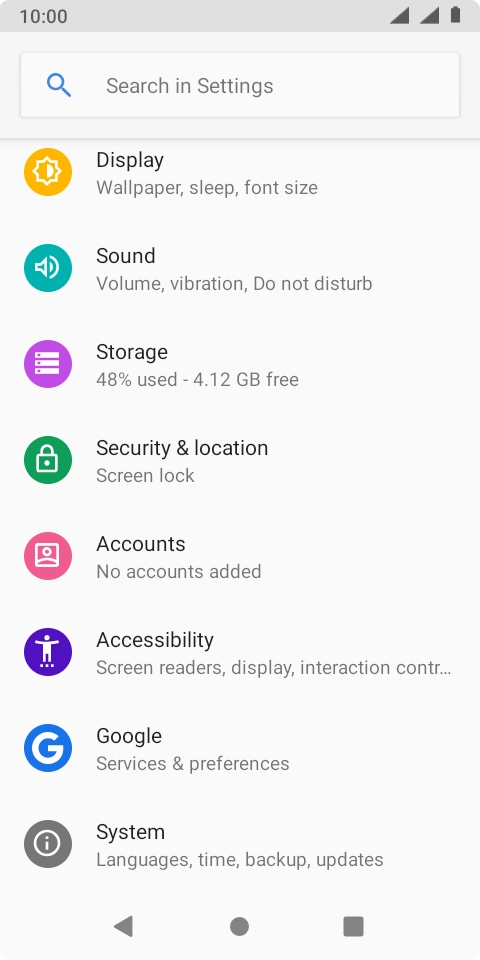
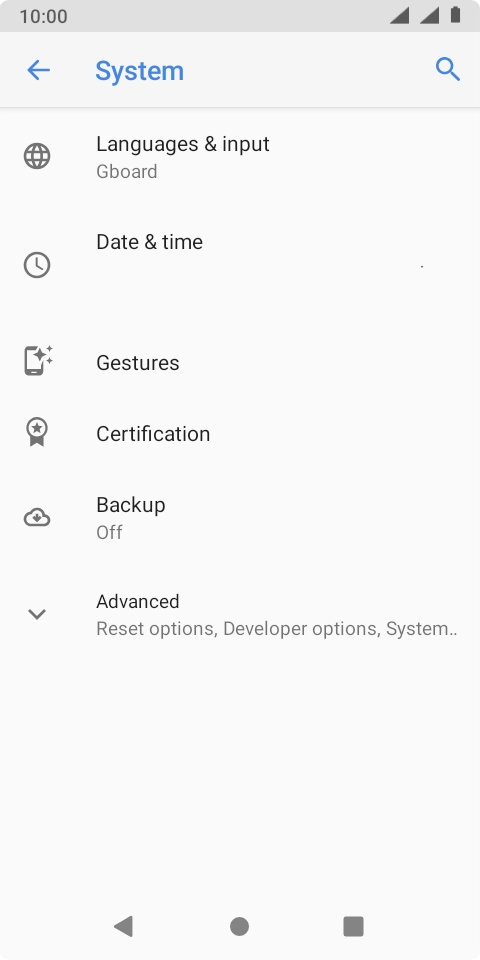
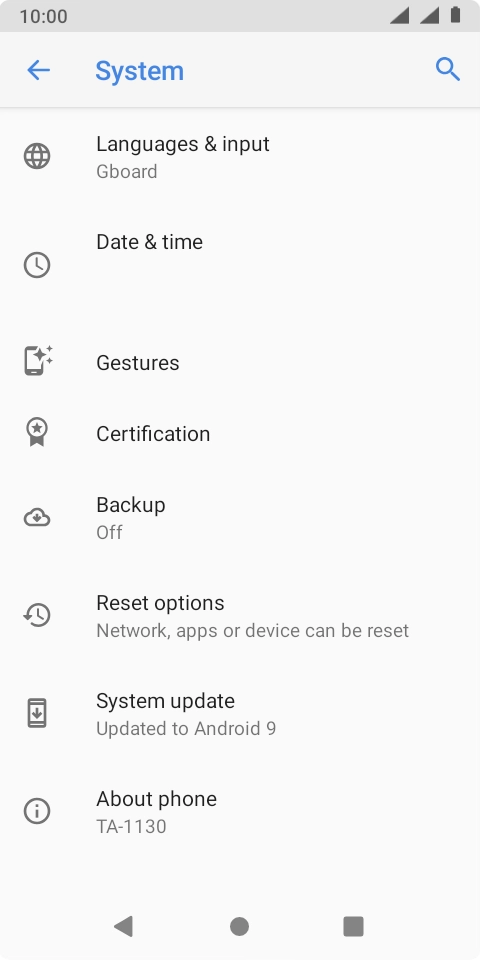
1. Find 'Advanced'
Slide two fingers downwards starting from the top of the screen.
Step 1 of 2
Step 1 of 2
1. Restarting your phone
Remove the battery and leave it out for 10-15 seconds.
