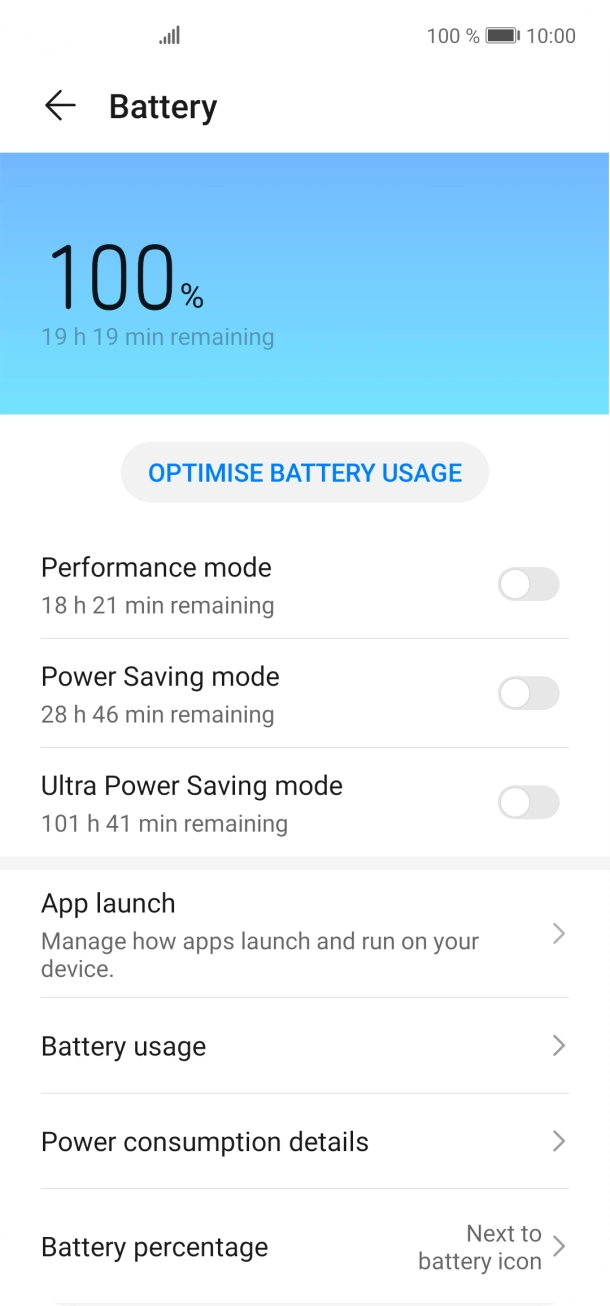
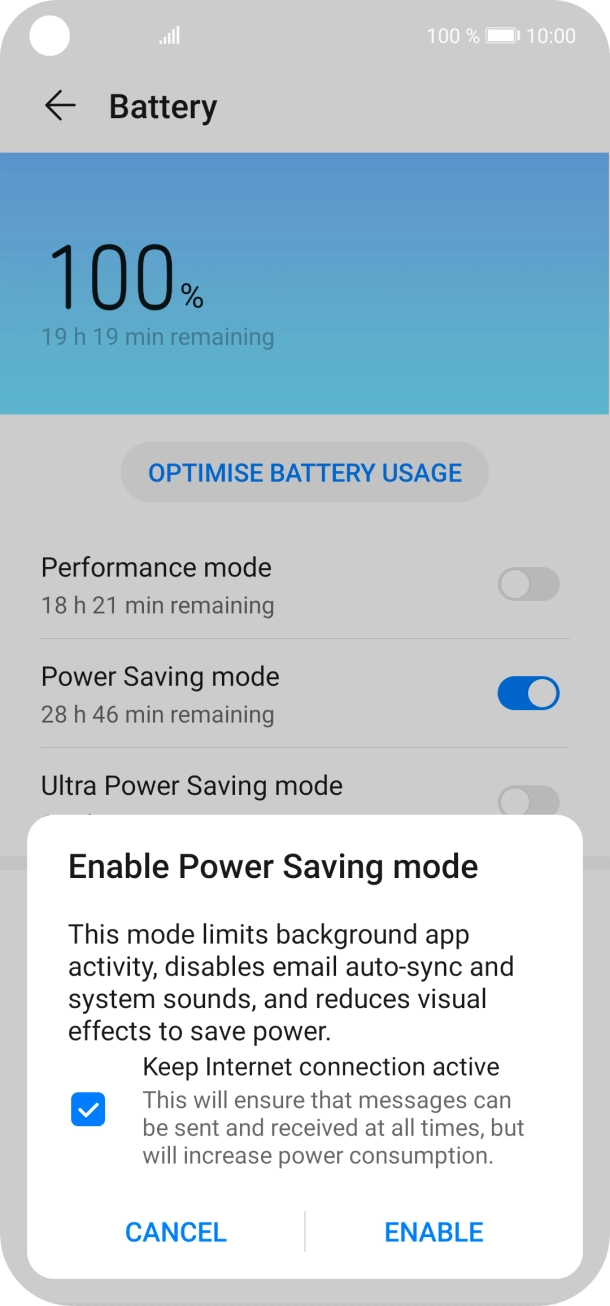
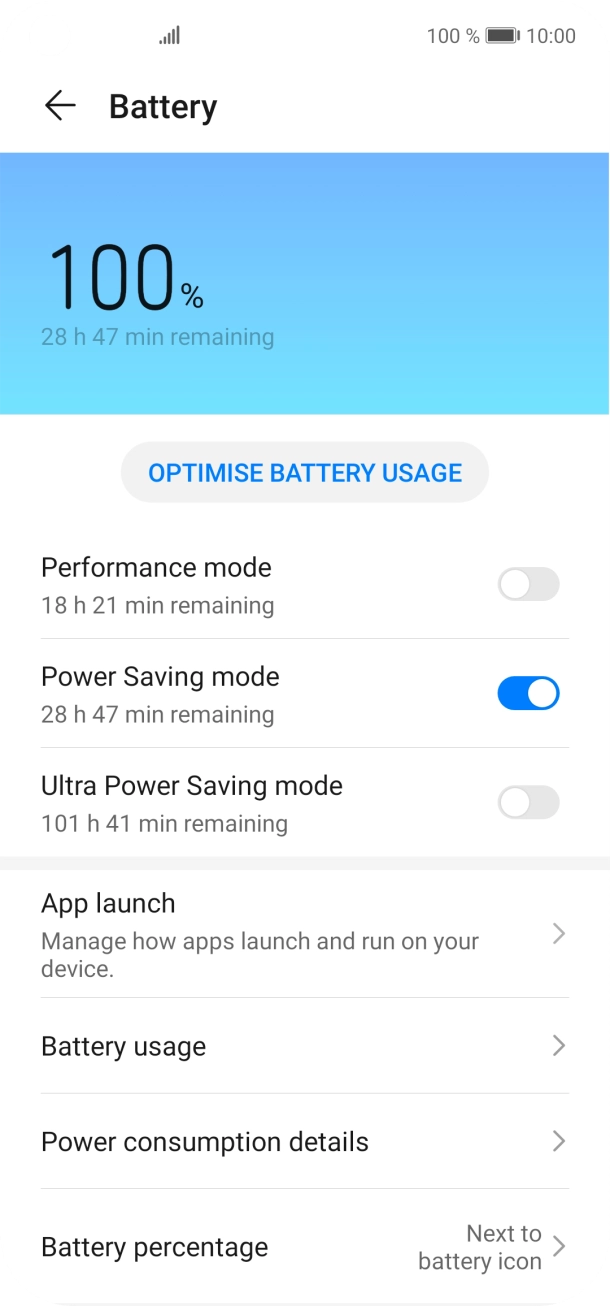
The battery life on my Huawei P40 lite is short
If your phone uses too much power and the battery life is short, there may be several causes of the problem.
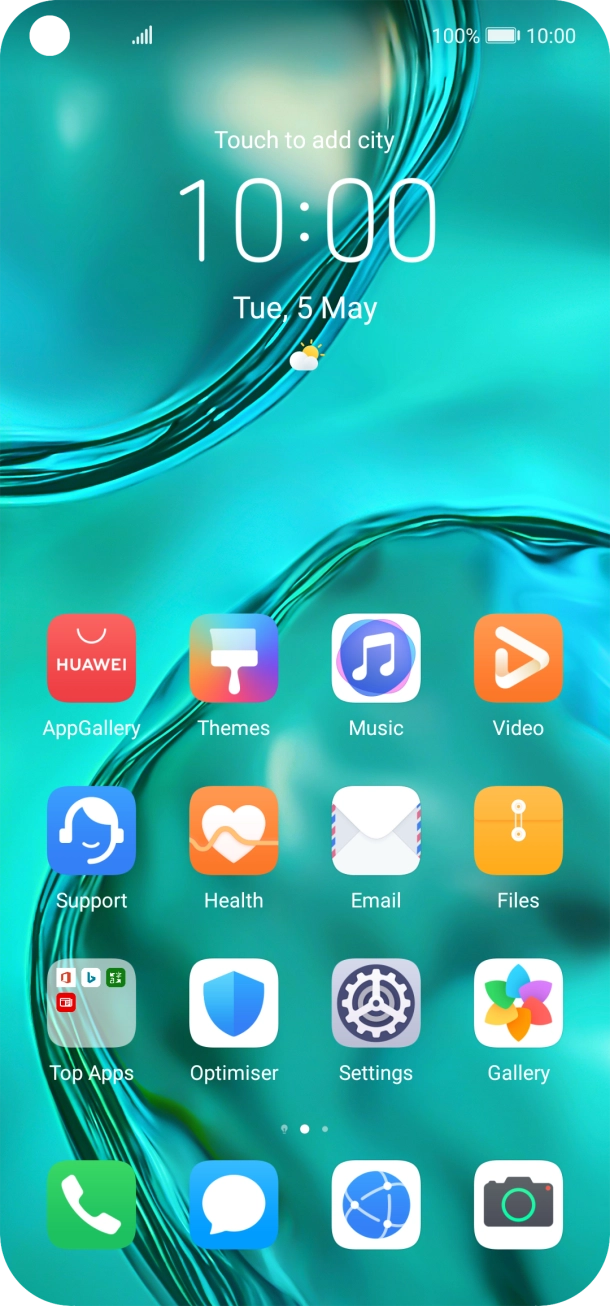
Lower the screen brightness.
Turn on automatic screen lock.
Turn off live wallpapers.
Turn off Bluetooth.
1. Turn mobile data on or off
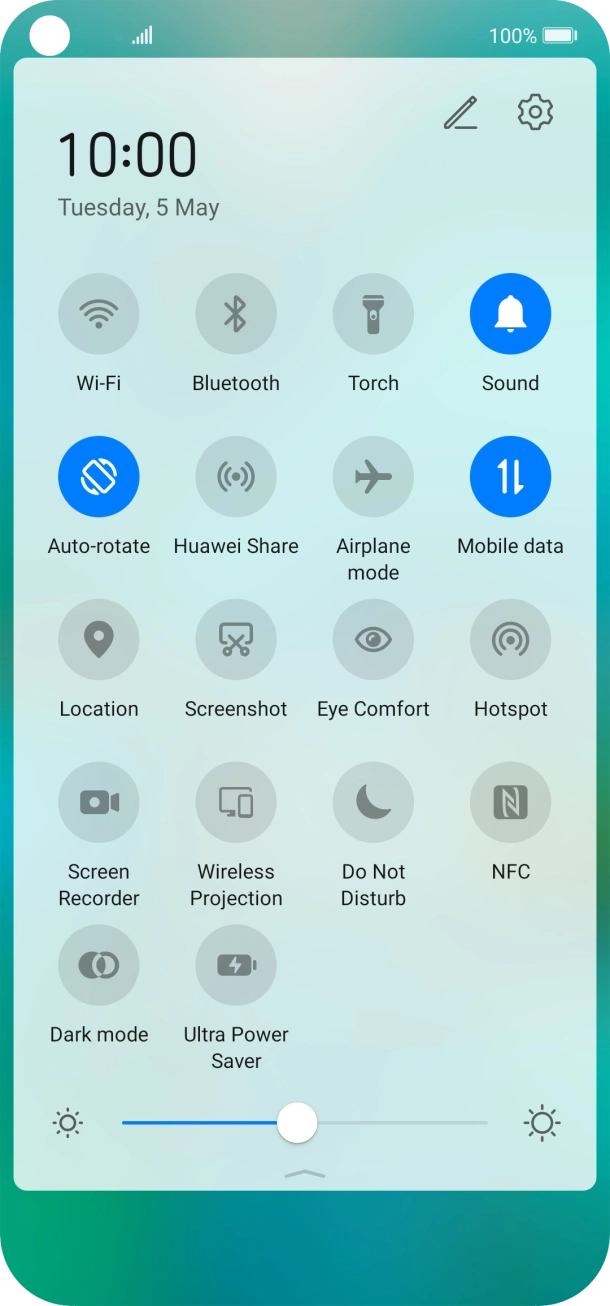
Slide two fingers downwards starting from the top of the screen.
- Slide two fingers downwards starting from the top of the screen.
- Press Mobile data to turn the function on or off.
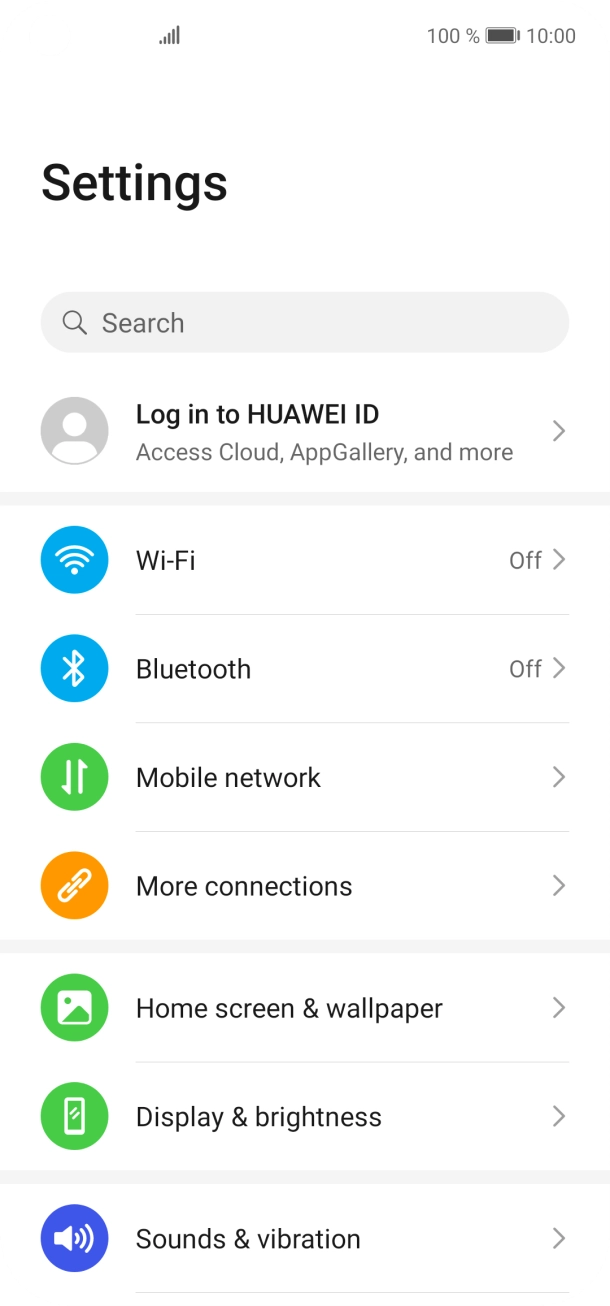
- Press the settings icon.
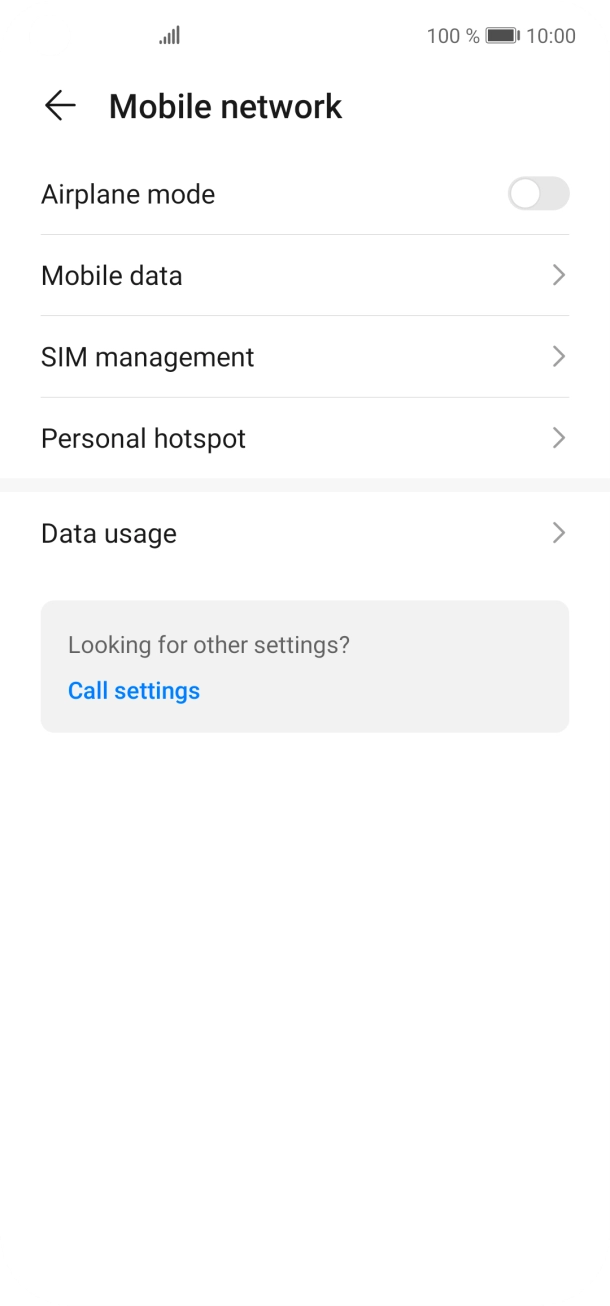
- Press Mobile network.
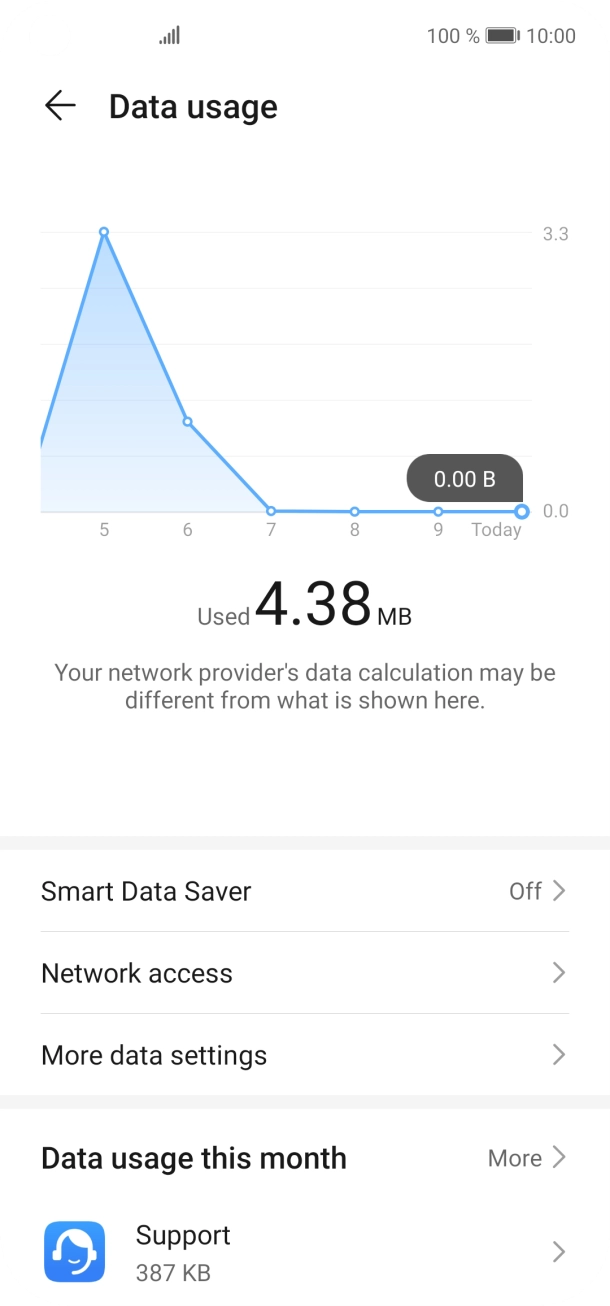
- Press Data usage.
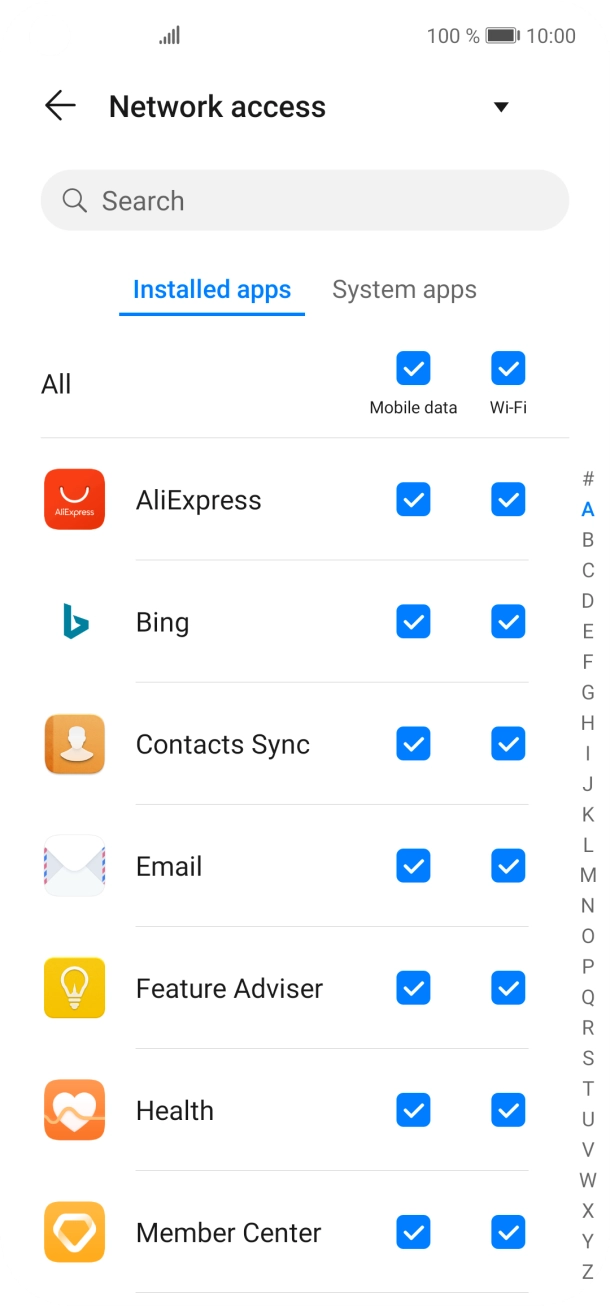
- Press Network access.
- Press the field next to the application name in the 'Mobile data' column to turn the function on or off.
- Slide your finger upwards starting from the bottom of the screen to return to the home screen.
Turn off vibration.
Turn off NFC.
Go to the manufacturer's website to see if it's possible to change the battery.
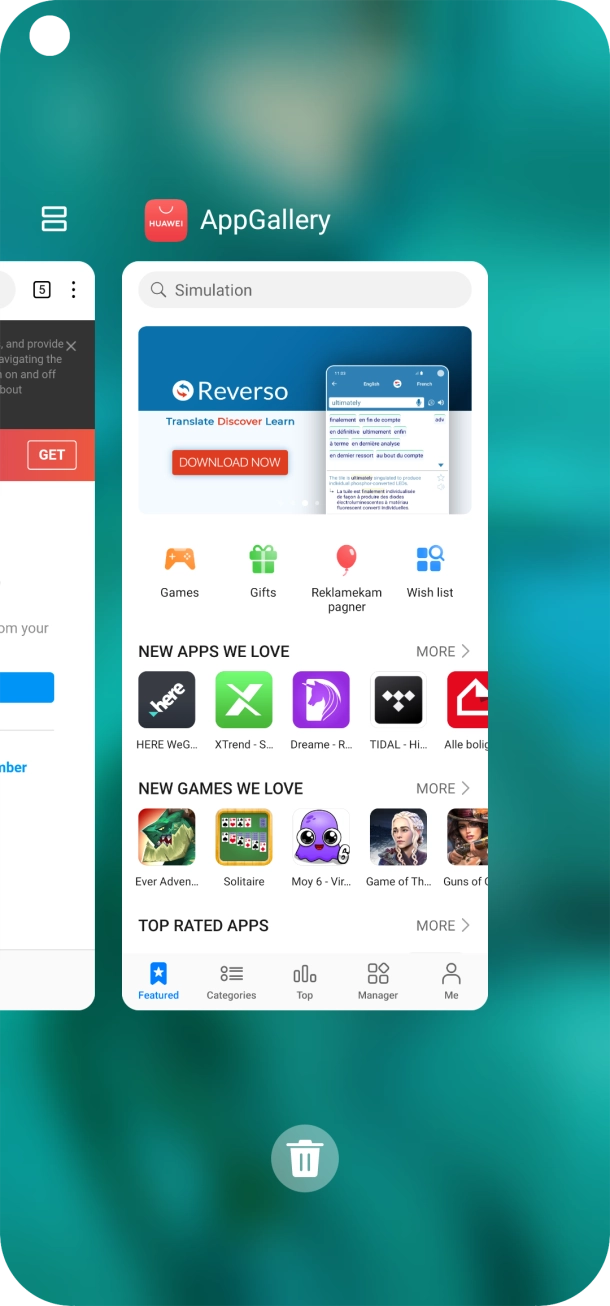
1. End running applications
Slide your finger upwards starting from the bottom of the screen until the list of running applications is displayed.
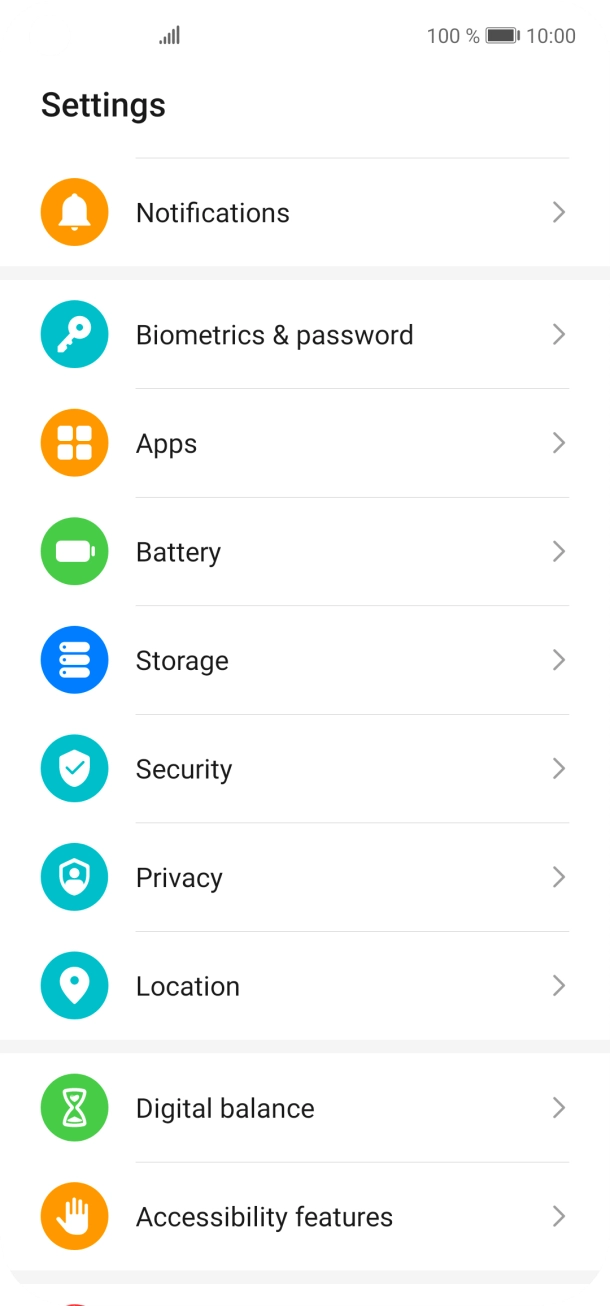
- Slide your finger upwards starting from the bottom of the screen until the list of running applications is displayed.
- To end one running application, slide your finger upwards on the required application.
- To end all running applications, press the end all applications icon.
- Press Settings.
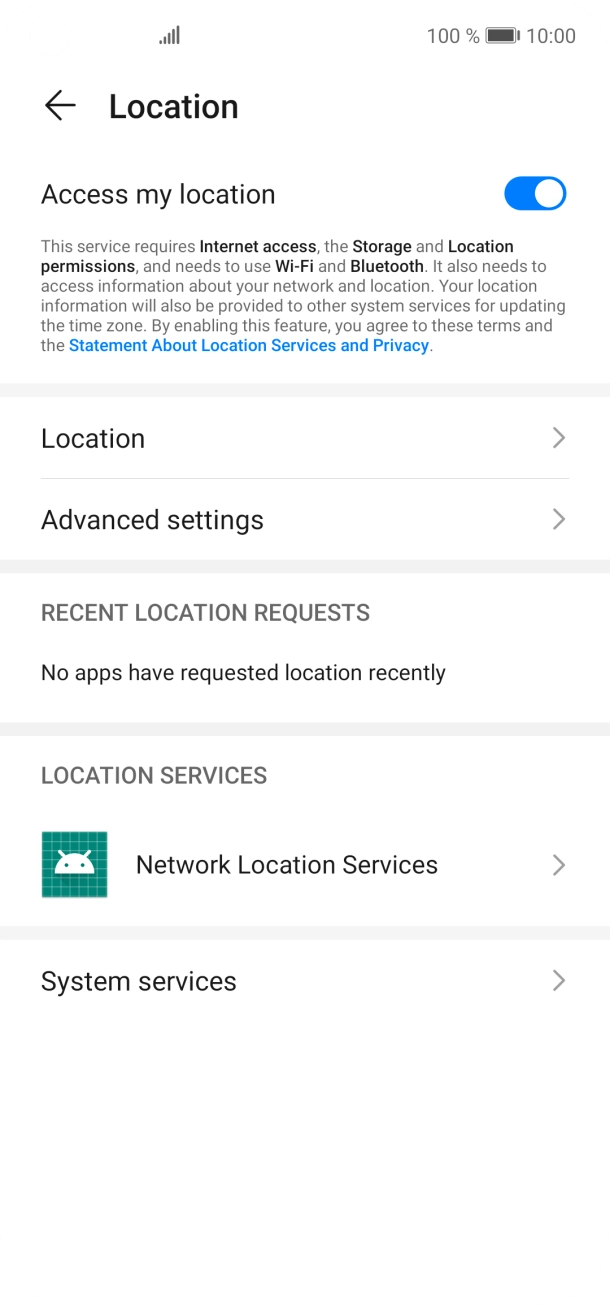
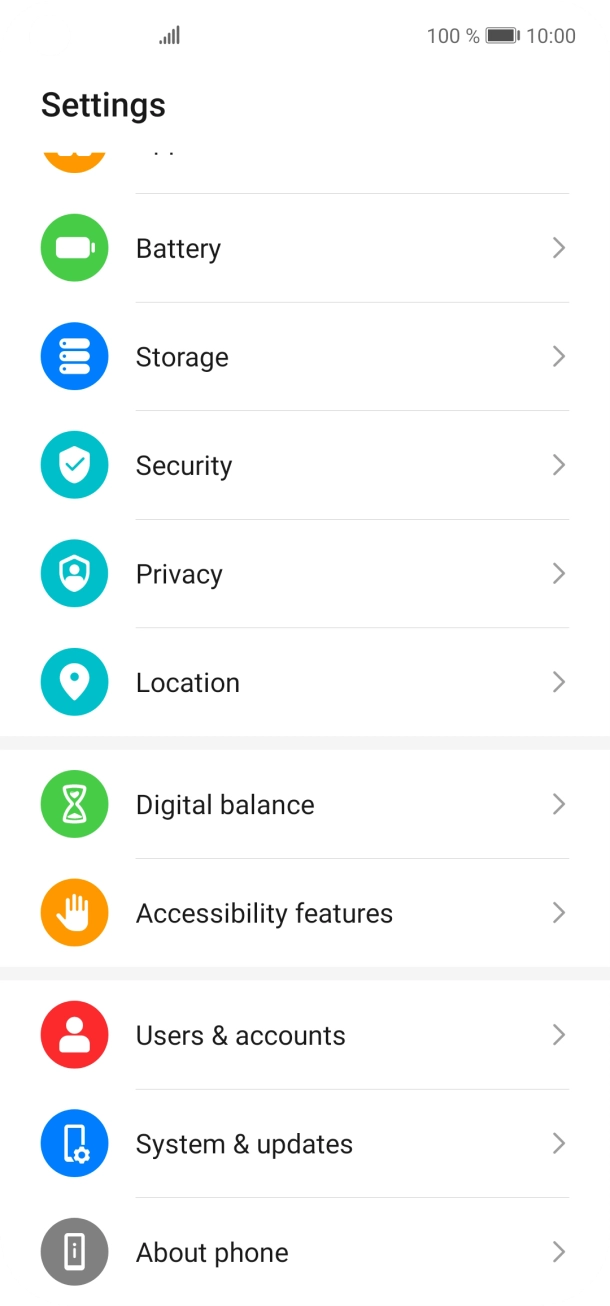
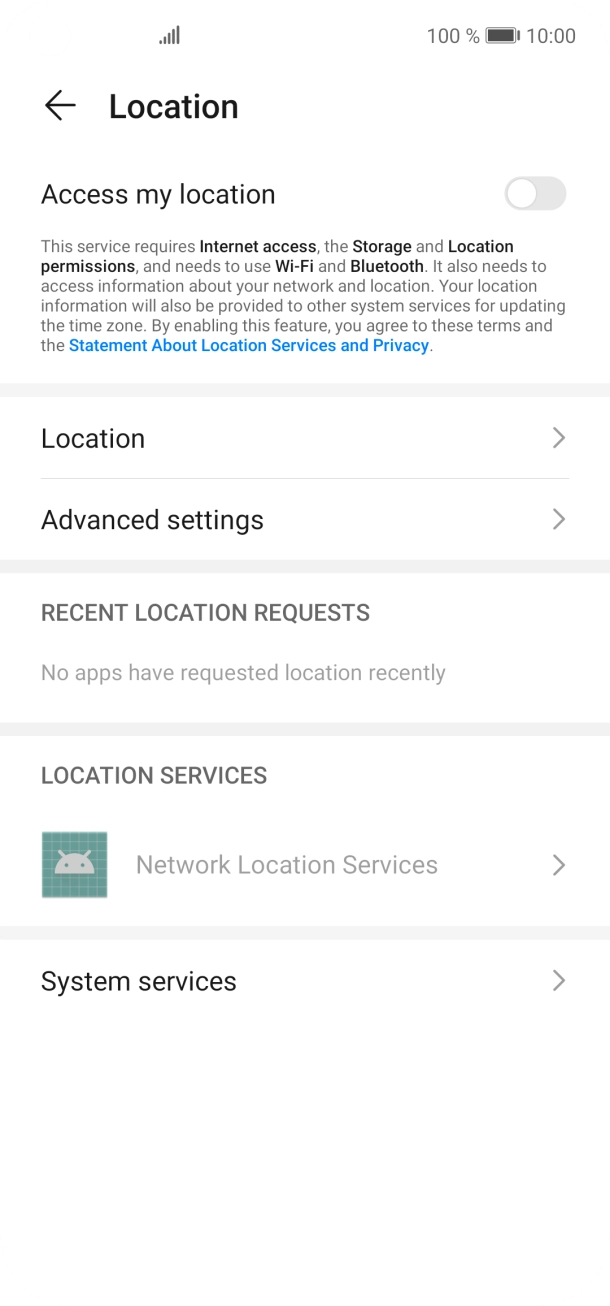
- Press Location.
- Press the indicator next to 'Access my location' to turn the function on or off.If you turn on geotagging, your phone can find your position using GPS. If you turn off the function, you can't use any GPS functions on your phone.
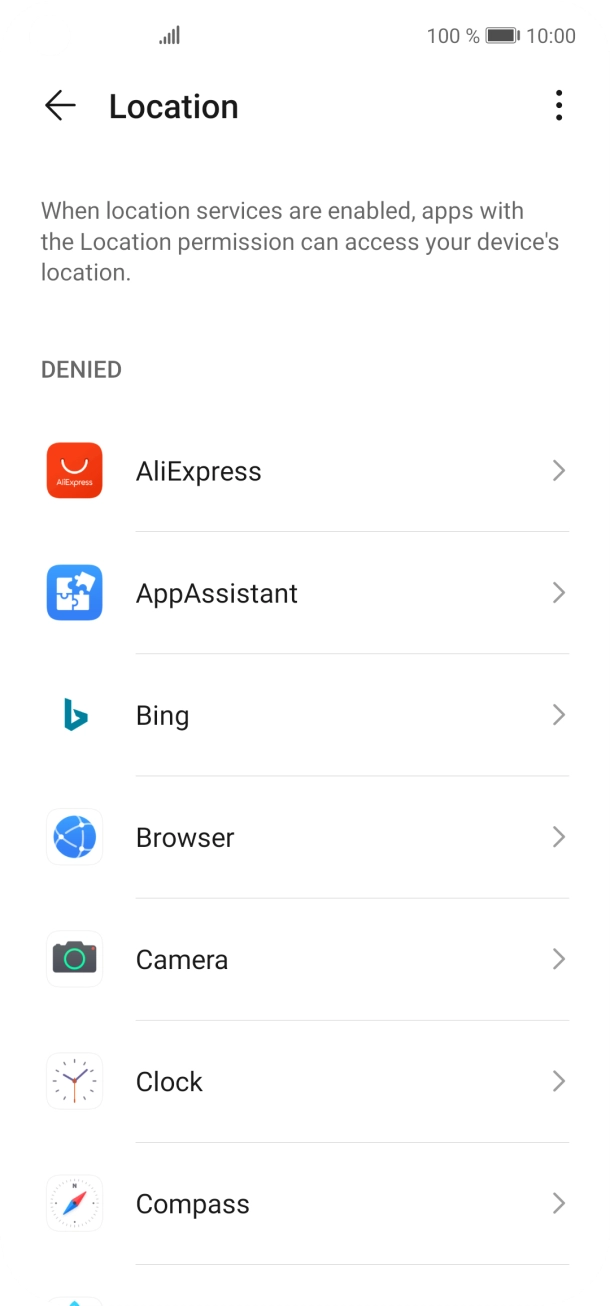
- Press Location.
- Press the required app.
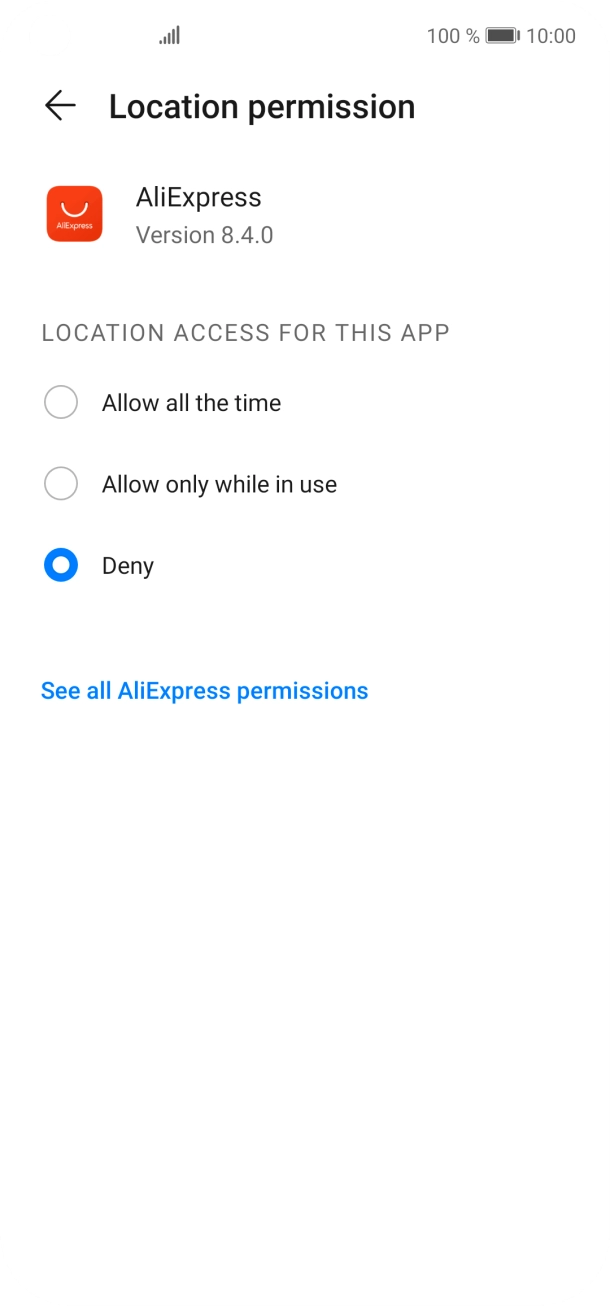
- Press the required setting.
- Press arrow left twice.
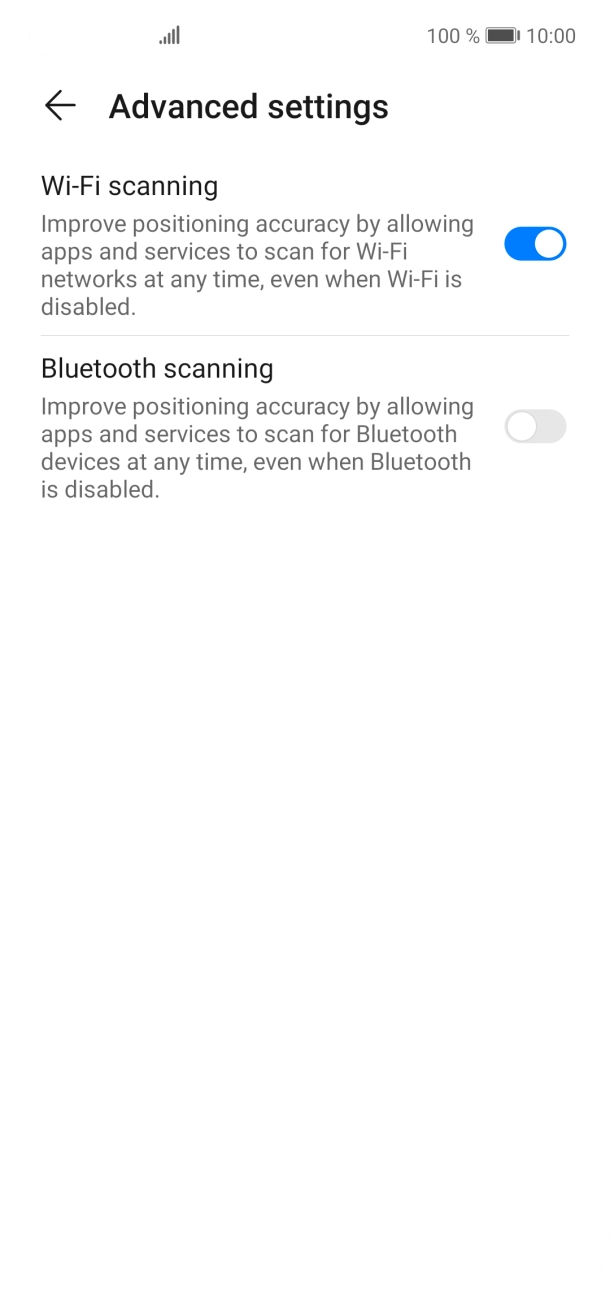
- Press Advanced settings.
- Press the indicator next to 'Wi-Fi scanning' to turn the function on or off. If you turn on the function, your phone can find your exact position using nearby WiFi networks.
- Press the indicator next to 'Bluetooth scanning' to turn the function on or off. If you turn on the function, your phone can find your exact position using nearby Bluetooth devices.
- Slide your finger upwards starting from the bottom of the screen to return to the home screen.
Turn off WiFi.