The battery life on my HONOR Magic V5 is short
If your phone uses too much power and the battery life is short, there may be several causes of the problem.
Lower the screen brightness.
Turn on automatic screen lock.
Turn off live wallpapers.
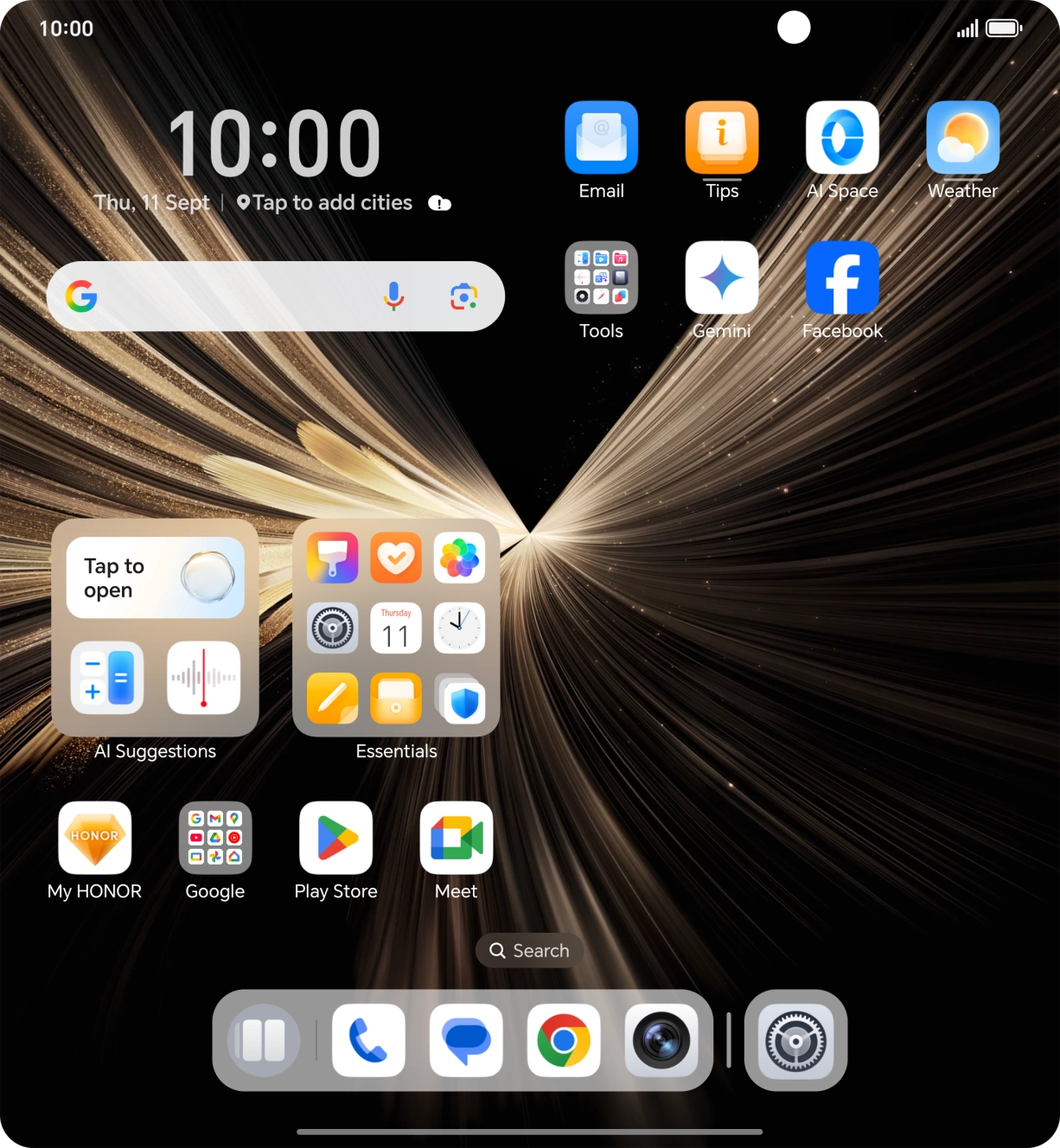
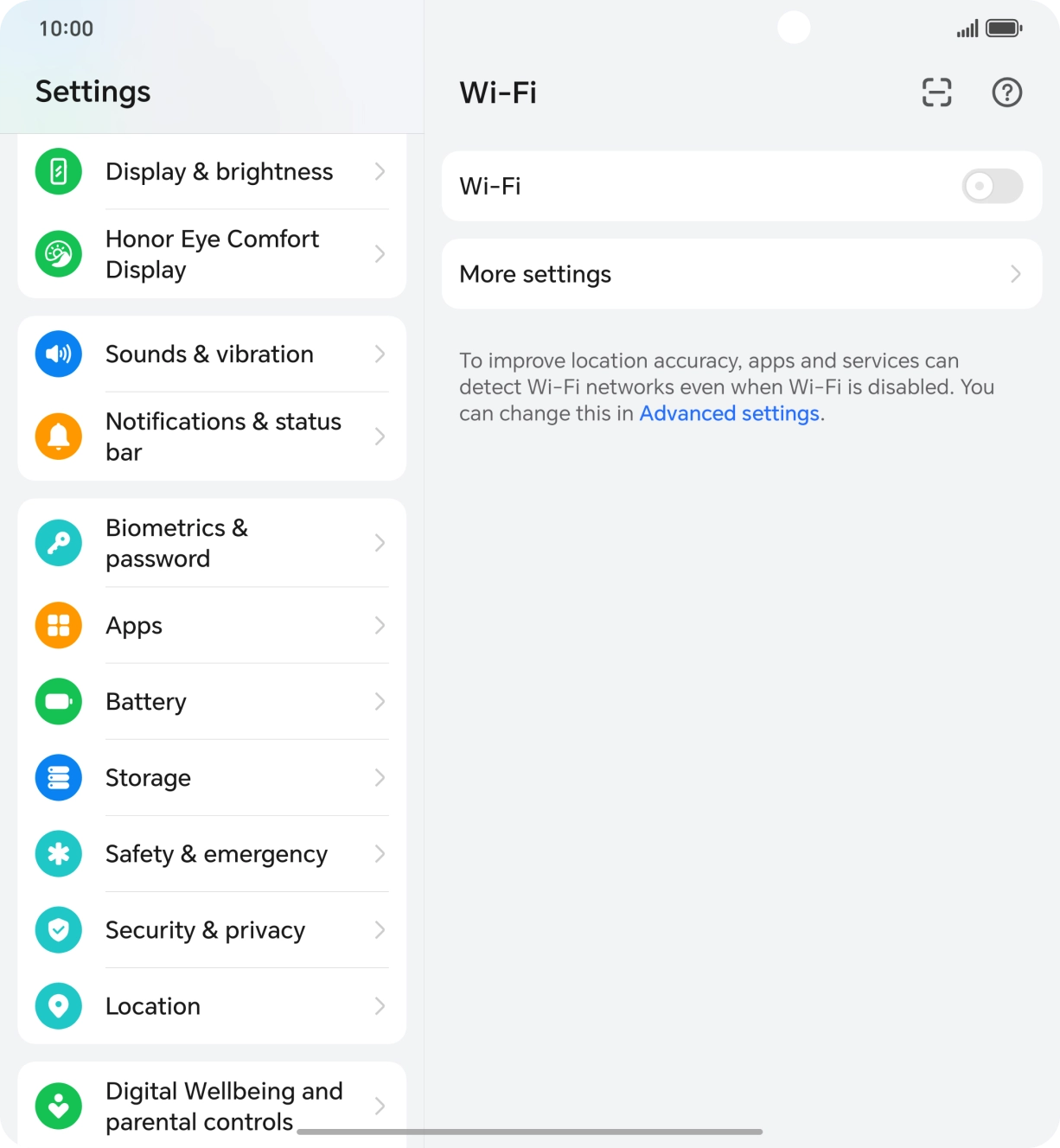
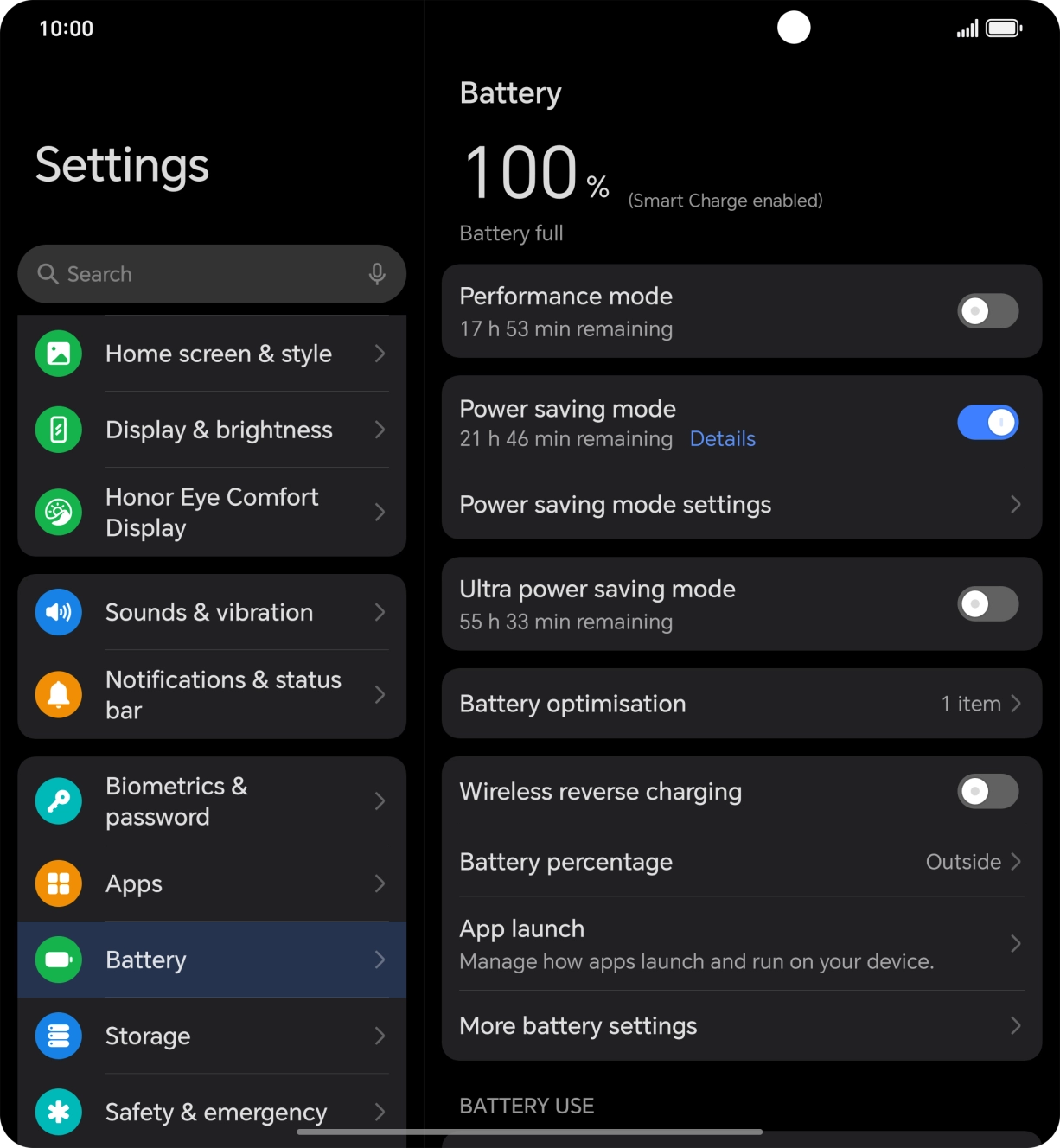
- Press the settings icon.
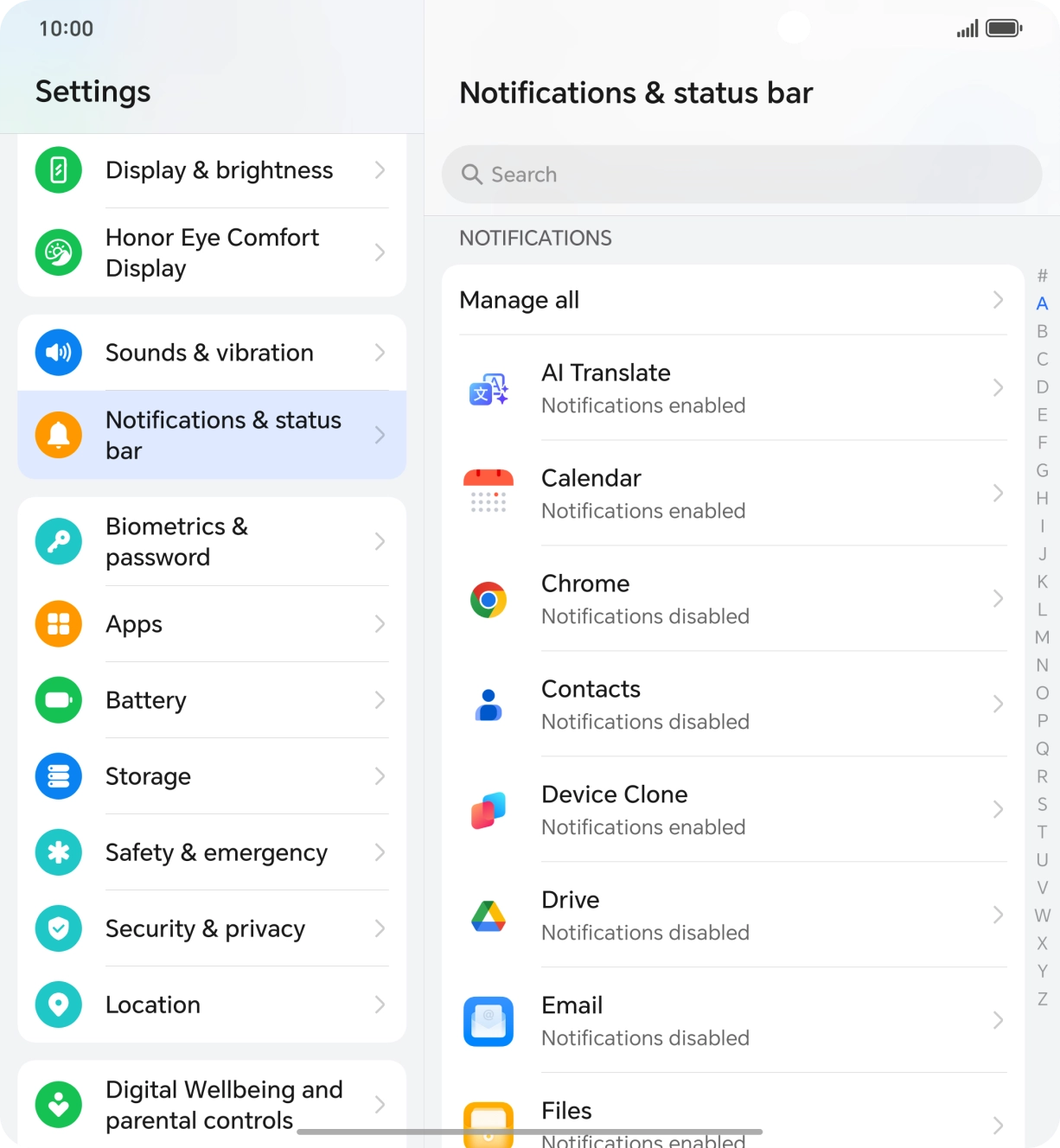
- Press Notifications & status bar.
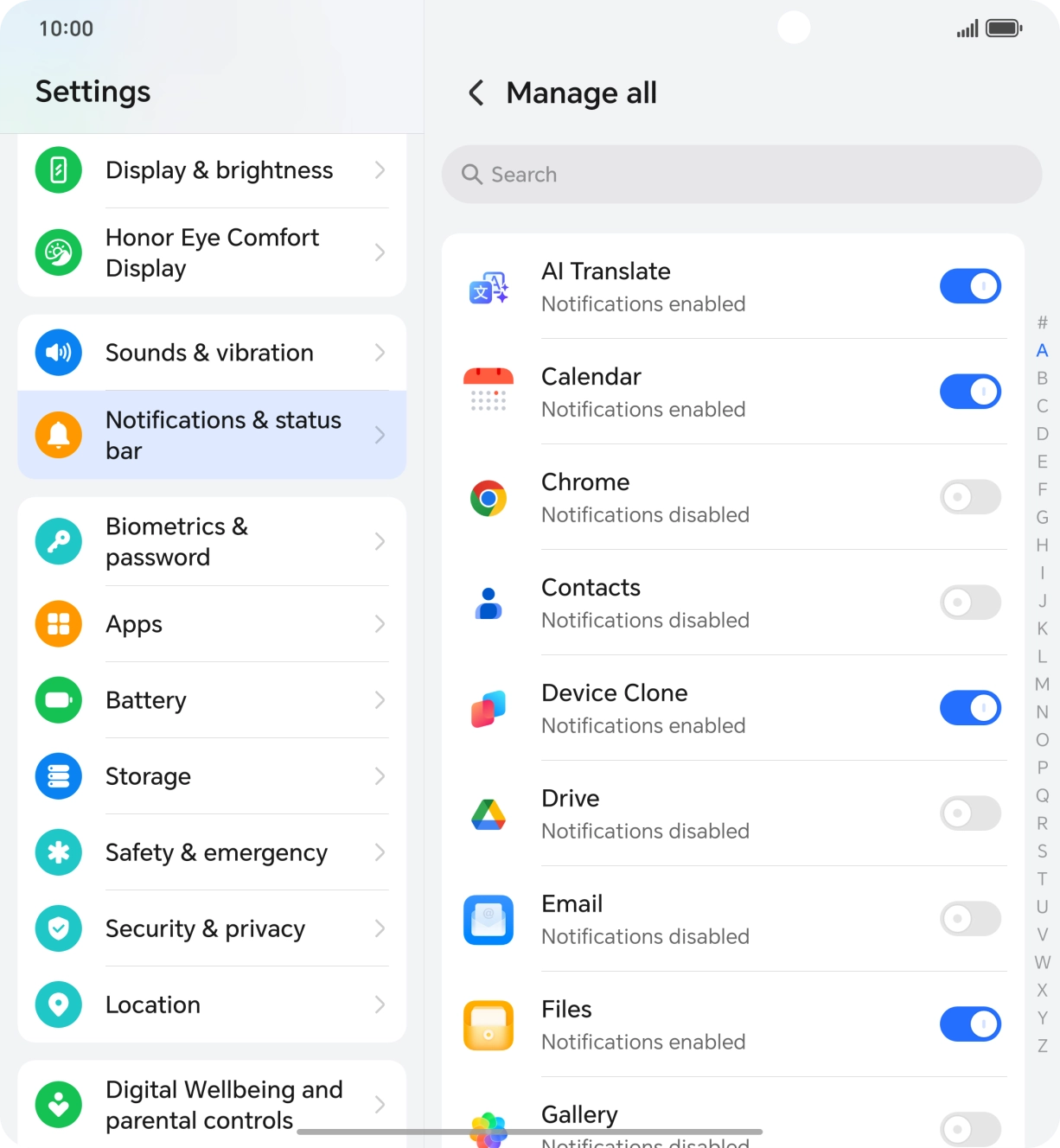
- Press Manage all.
- Press the indicators next to the required apps to turn the function on or off.
- Slide your finger upwards starting from the bottom of the screen to return to the home screen.
Turn off Bluetooth.
1. Turn mobile data on or off
Slide your finger downwards starting from the top right side of the screen.
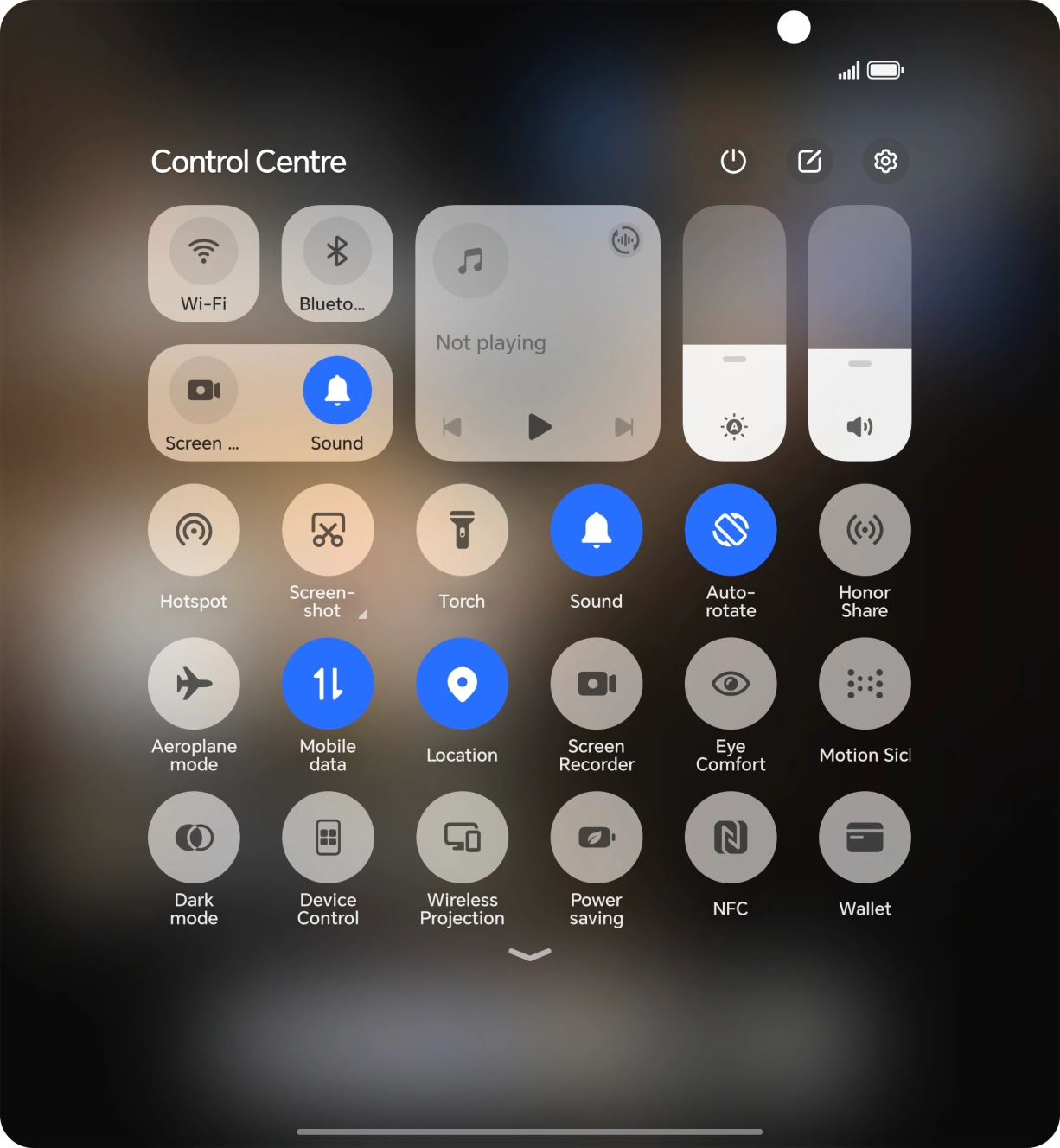
- Slide your finger downwards starting from the top right side of the screen.
- Press the mobile data icon to turn the function on or off.
- Press the settings icon.
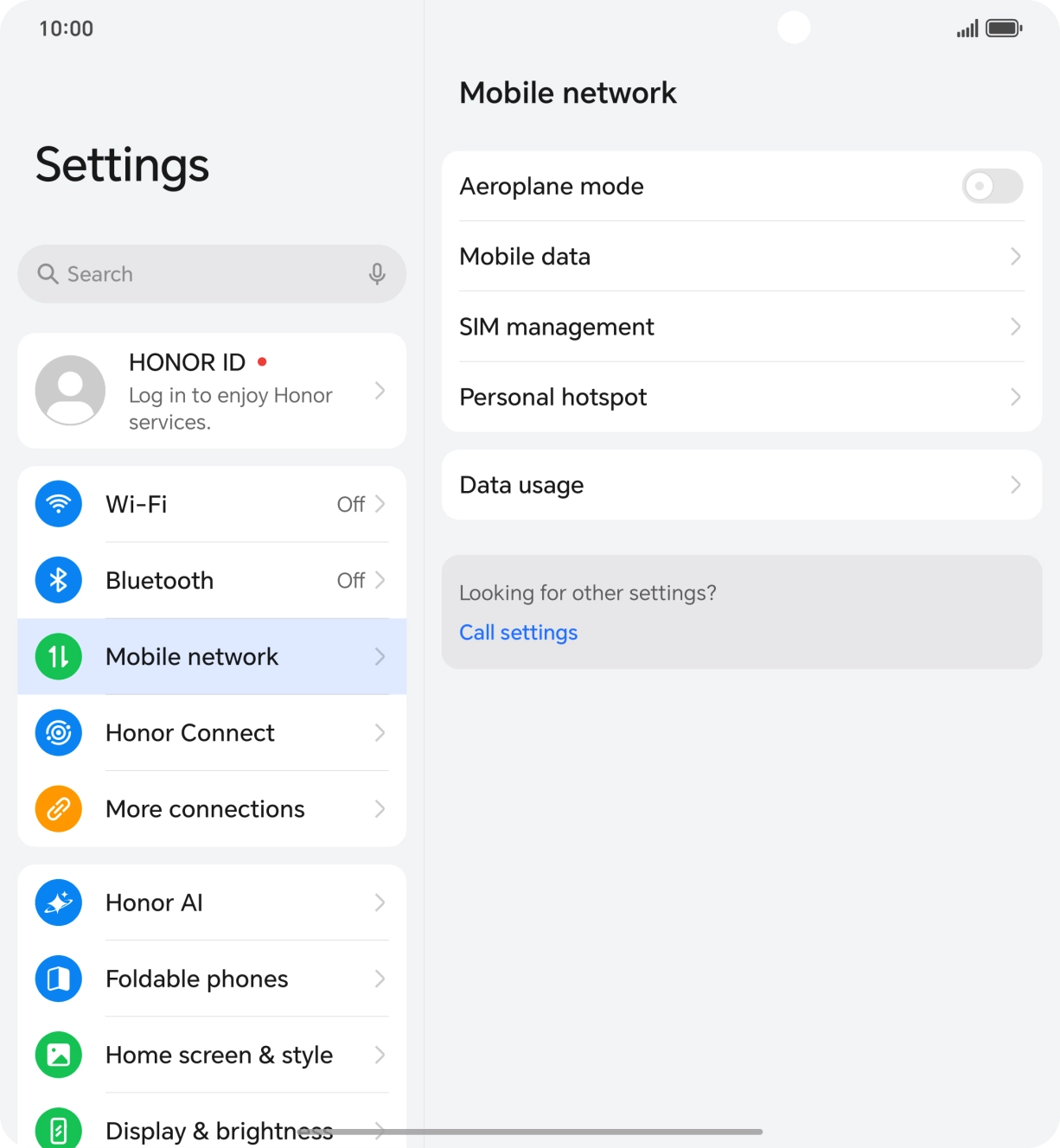
- Press Mobile network.
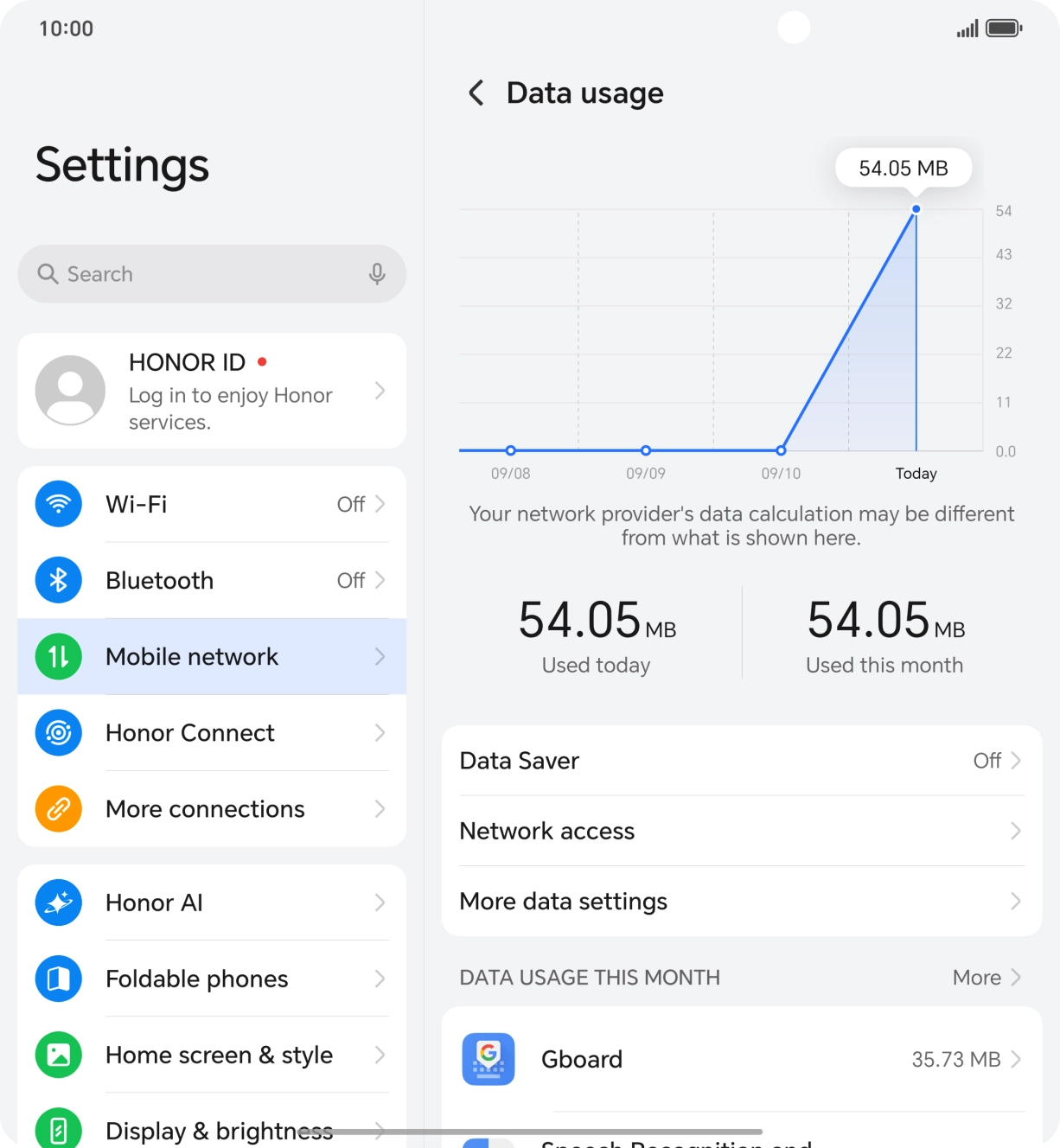
- Press Data usage.
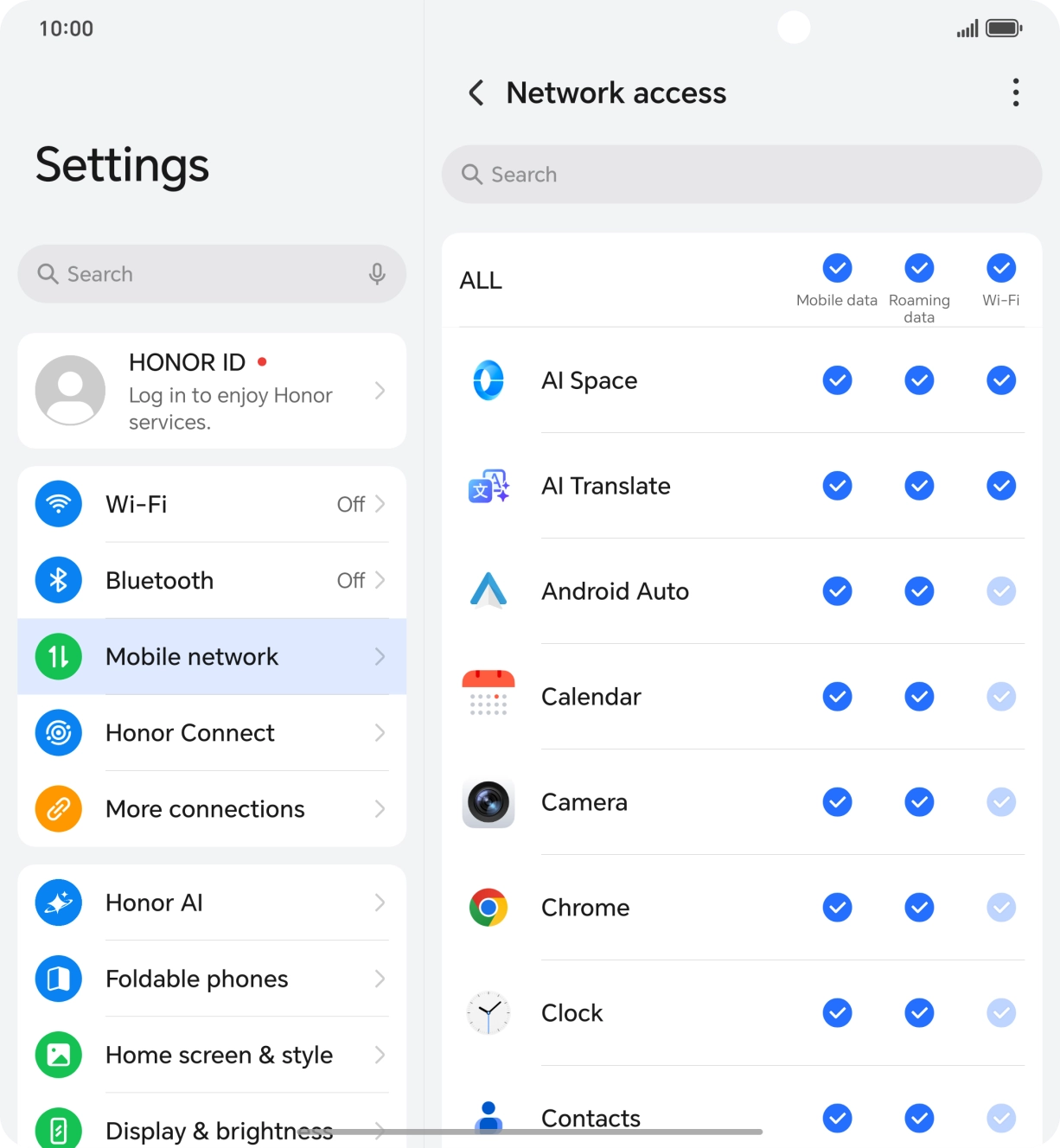
- Press Network access.
- Press the field in the "Mobile data" column next to the required app to turn the function on or off.
- Slide your finger upwards starting from the bottom of the screen to return to the home screen.
Turn off vibration.
Turn off NFC.
Go to the manufacturer's website to see if it's possible to change the battery.
1. End running applications
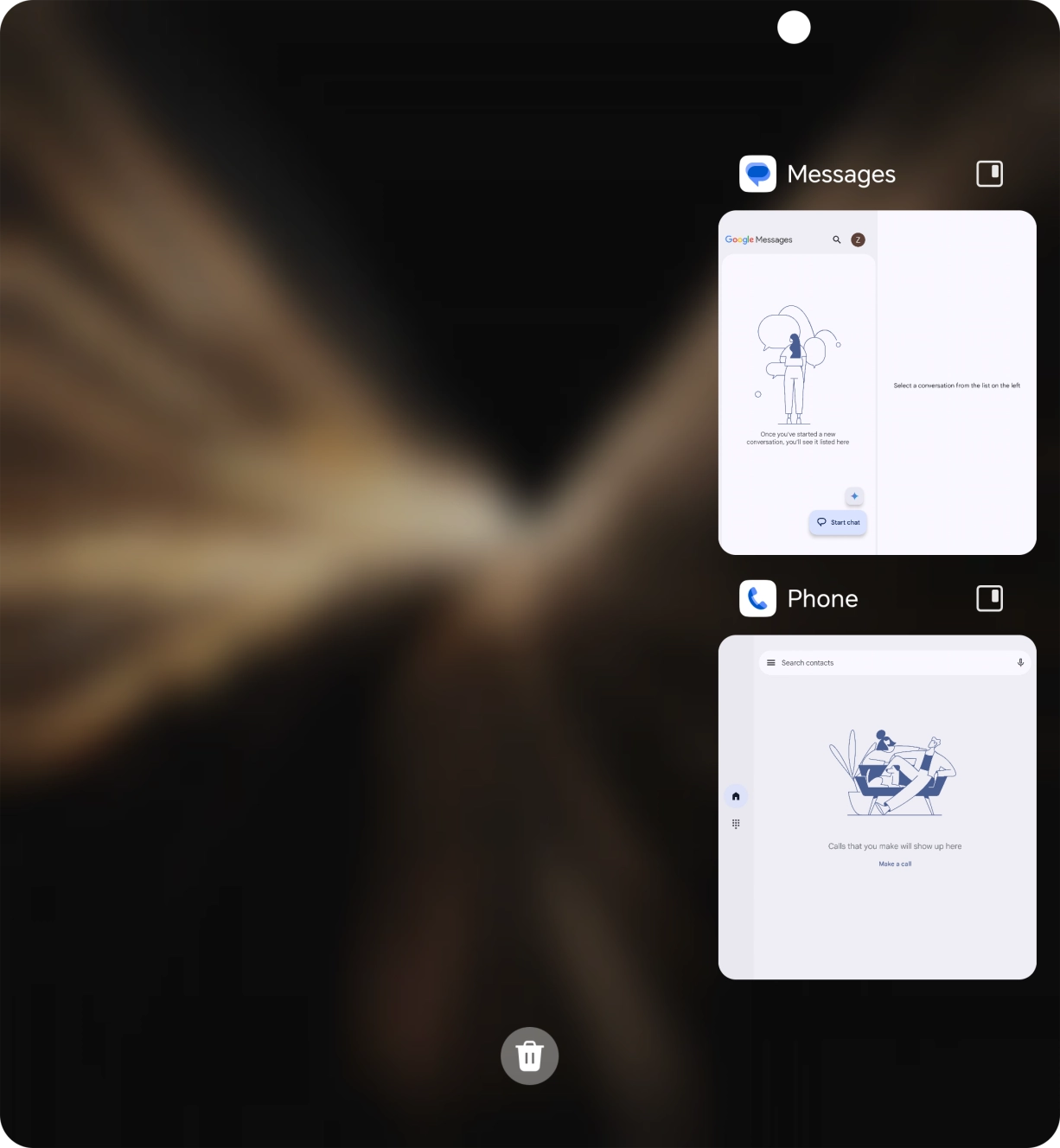
Slide your finger slowly upwards starting from the bottom of the screen until the list of running applications is displayed.
- Slide your finger slowly upwards starting from the bottom of the screen until the list of running applications is displayed.
- To end one running application, slide your finger upwards on the required application.
- To end all running applications, press the end all applications icon.
- Press the settings icon.
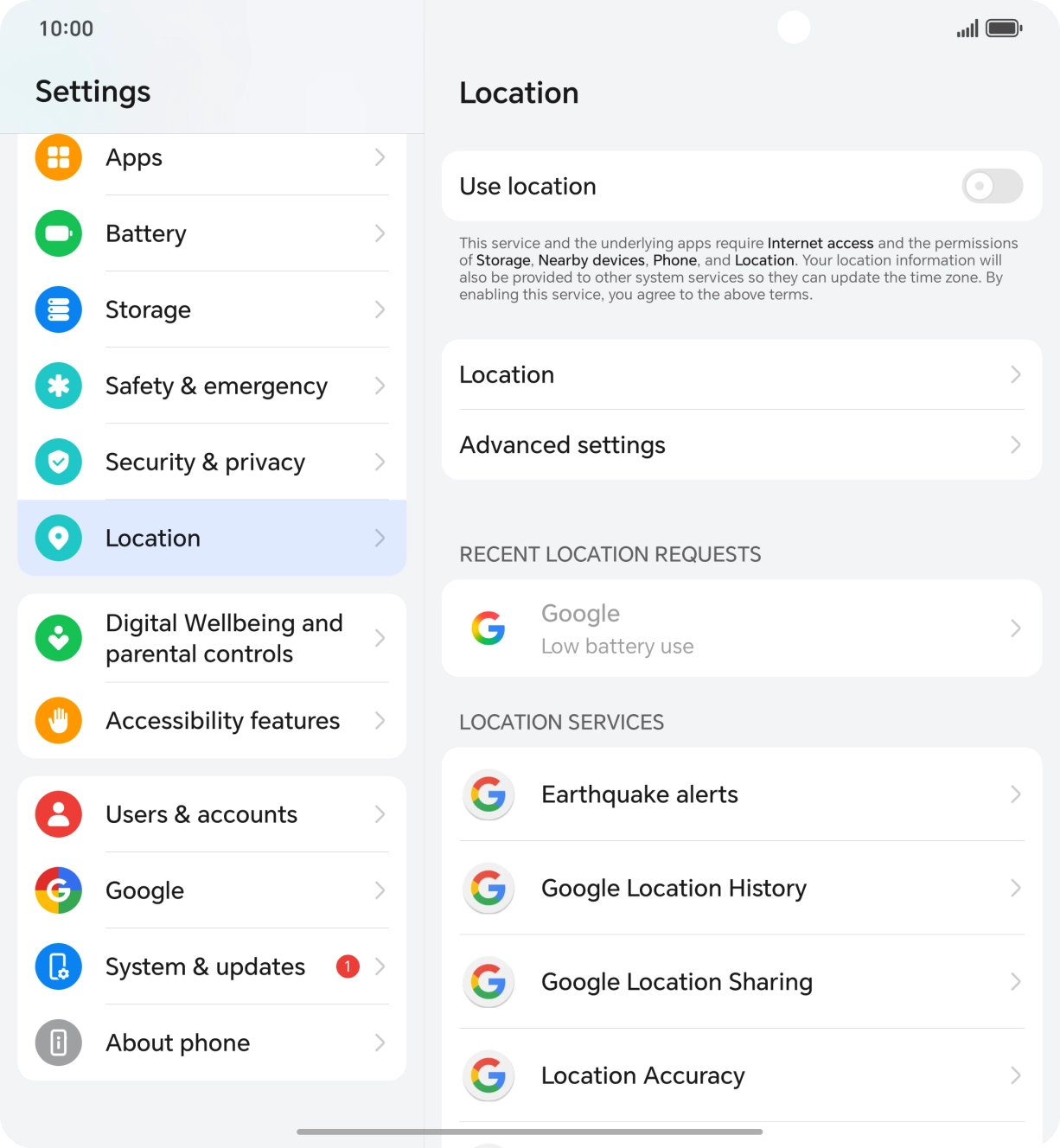
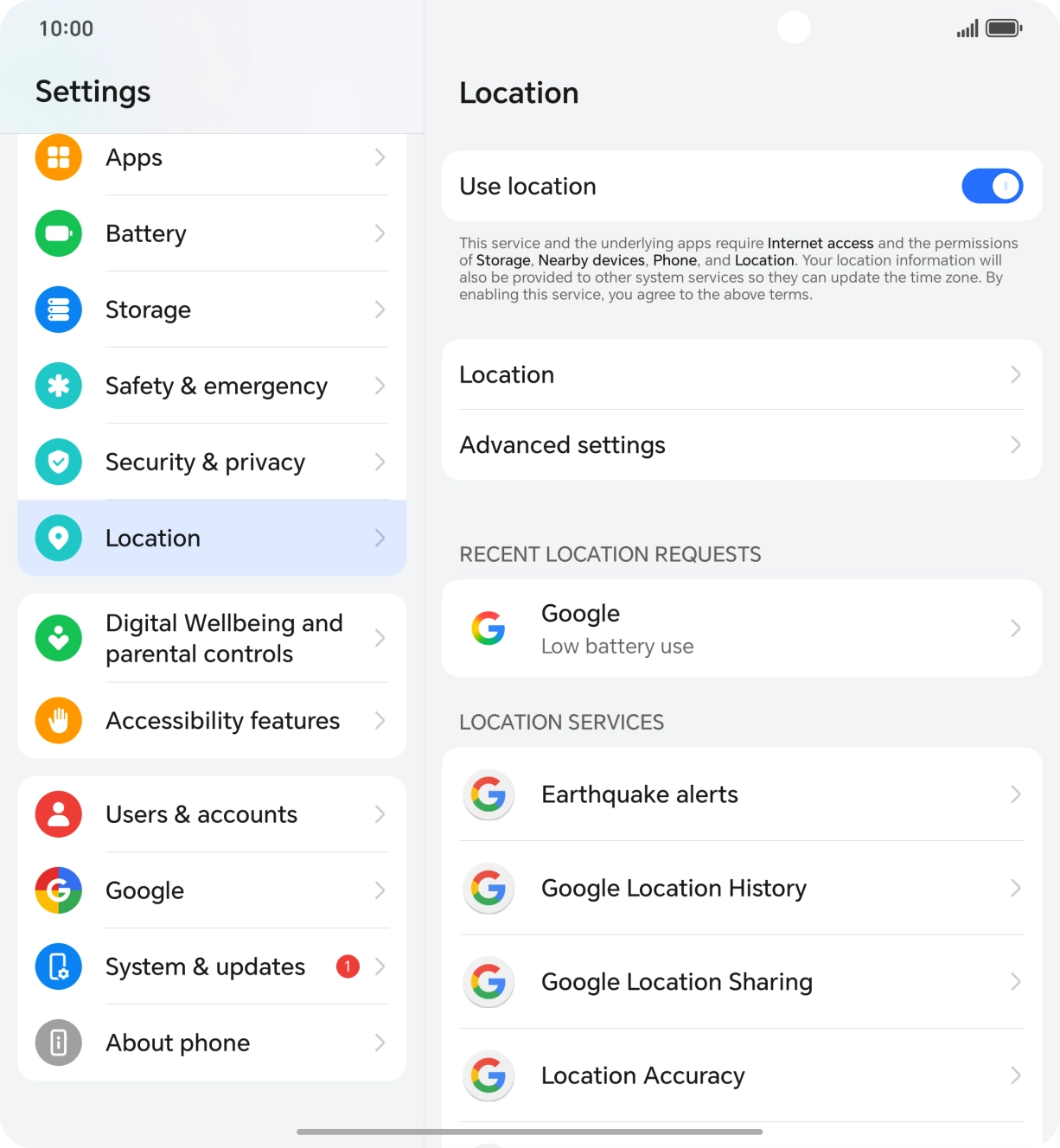
- Press Location.
- Press the indicator next to 'Use location' to turn the function on or off.If you turn on geotagging, your phone can find your position using GPS. If you turn off the function, you can't use any GPS functions on your phone.
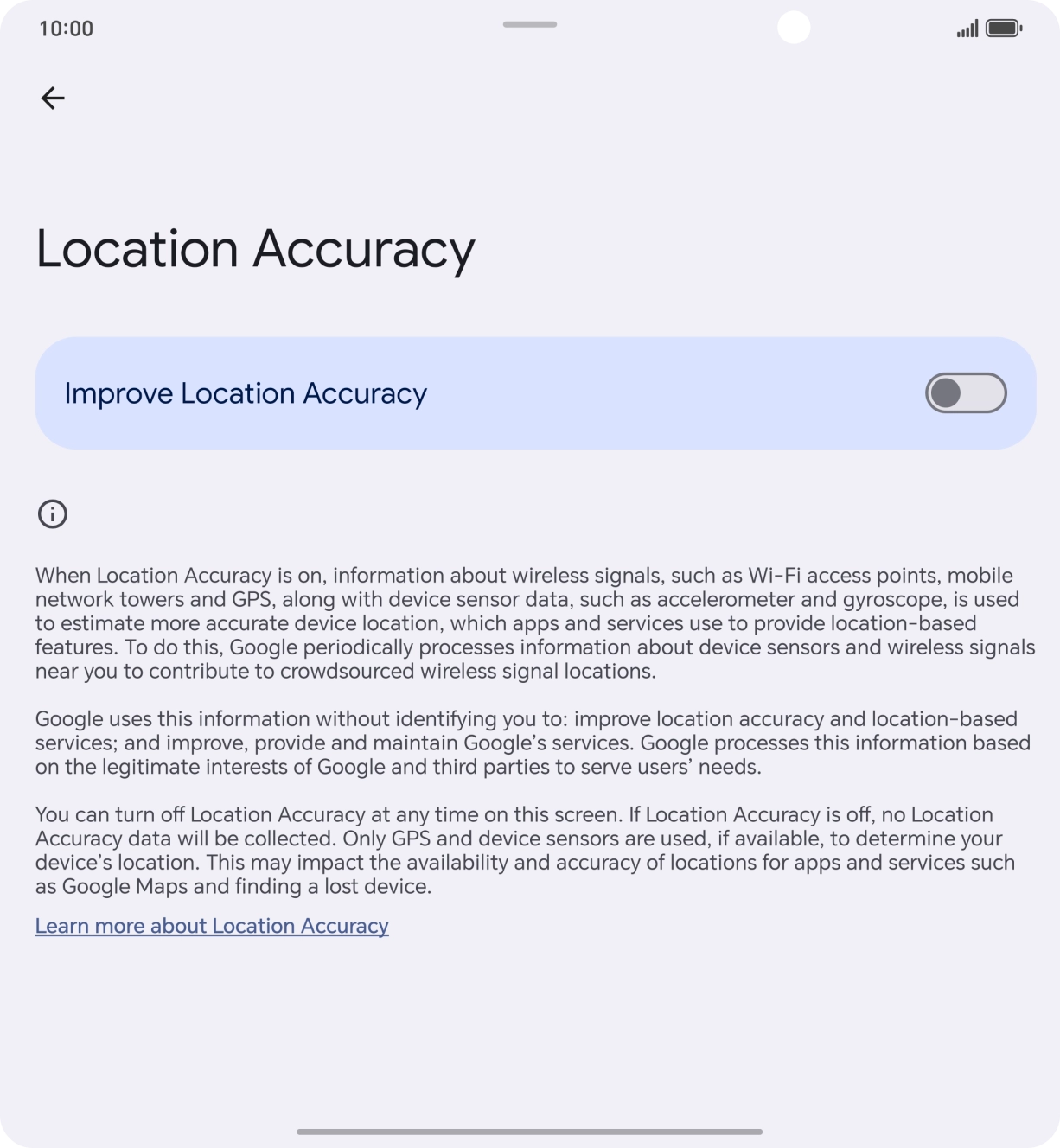
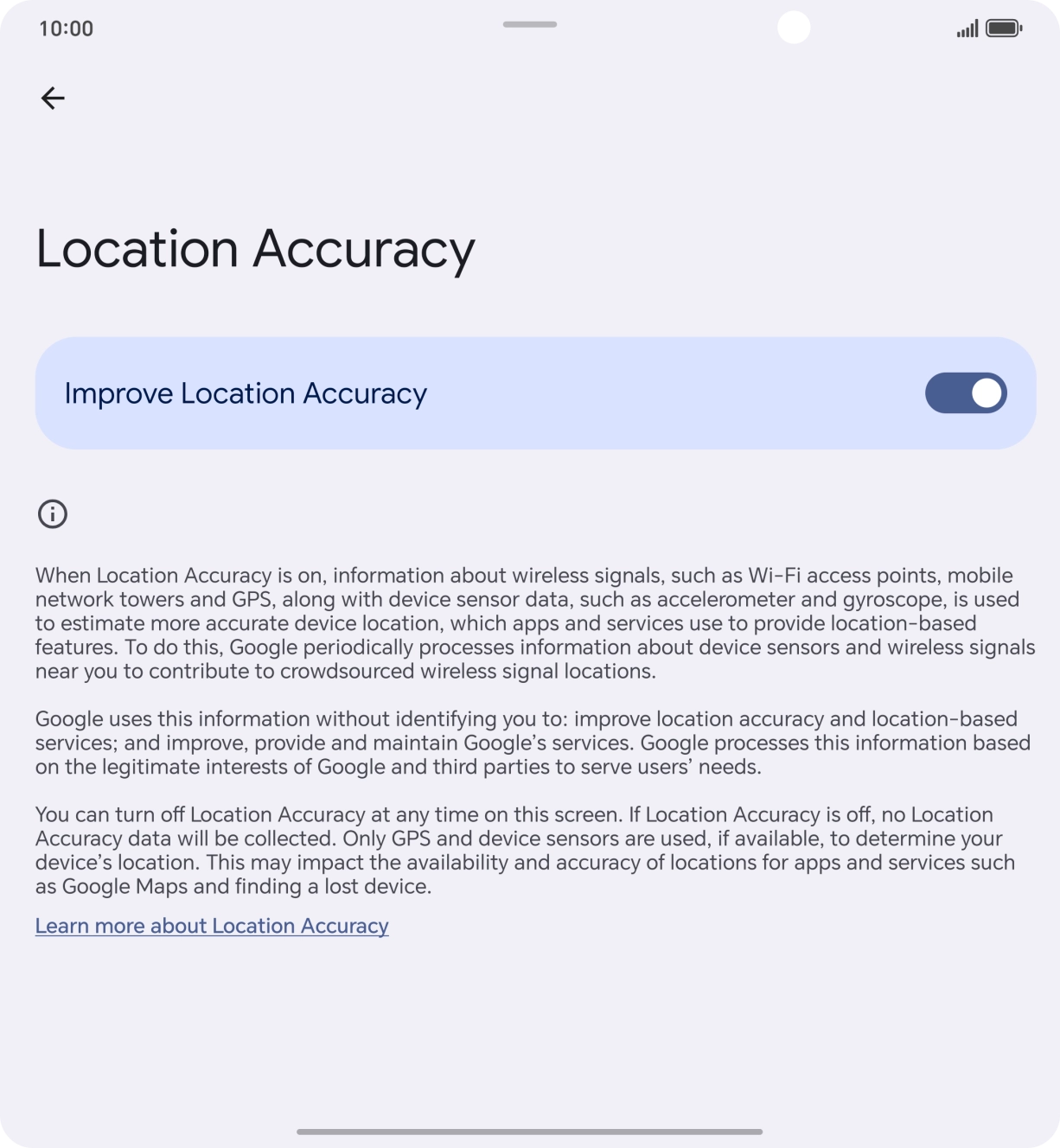
- Press Location Accuracy.
- If you press the indicator next to 'Improve Location Accuracy' to turn on the function, your phone can find your exact position using the GPS satellites, the mobile network and nearby WiFi networks. Satellite-based GPS requires a clear view of the sky.
- If you press the indicator next to 'Improve Location Accuracy' to turn off the function, your phone can find your exact position using the GPS satellites but it may take longer as there is no access to supplementary information from the mobile network or nearby WiFi networks.
- Press arrow left twice.
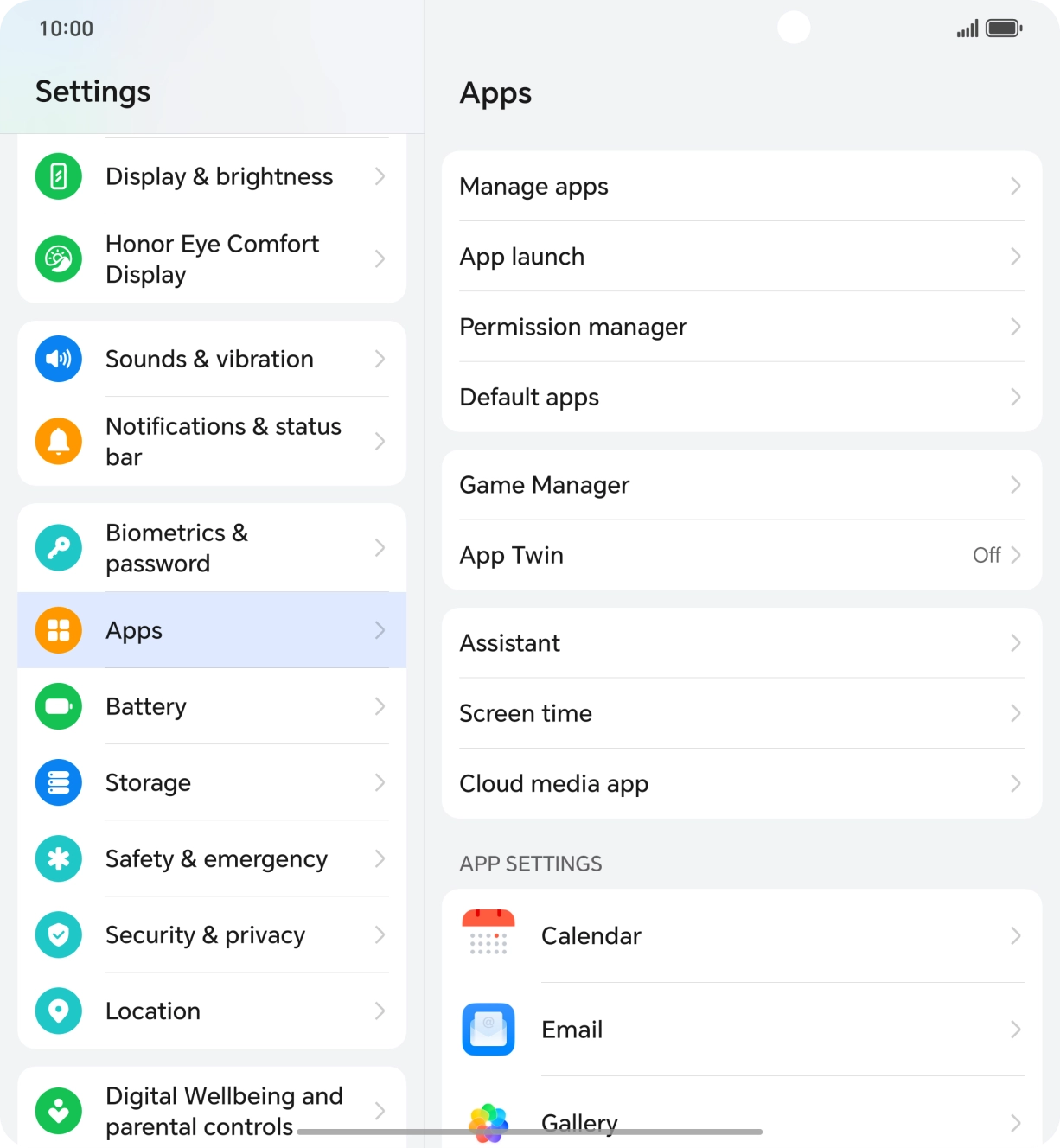
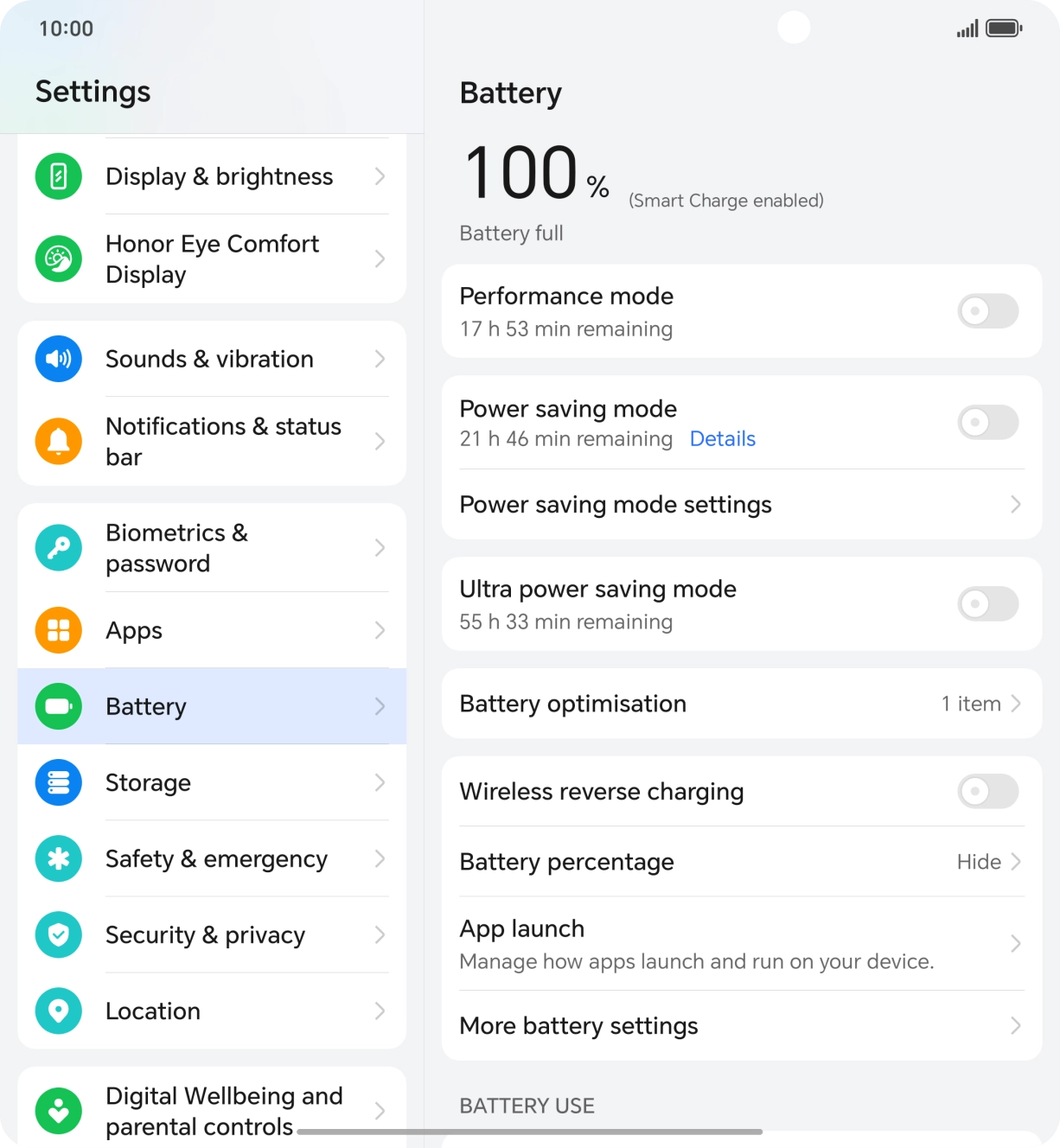
- Press Apps.
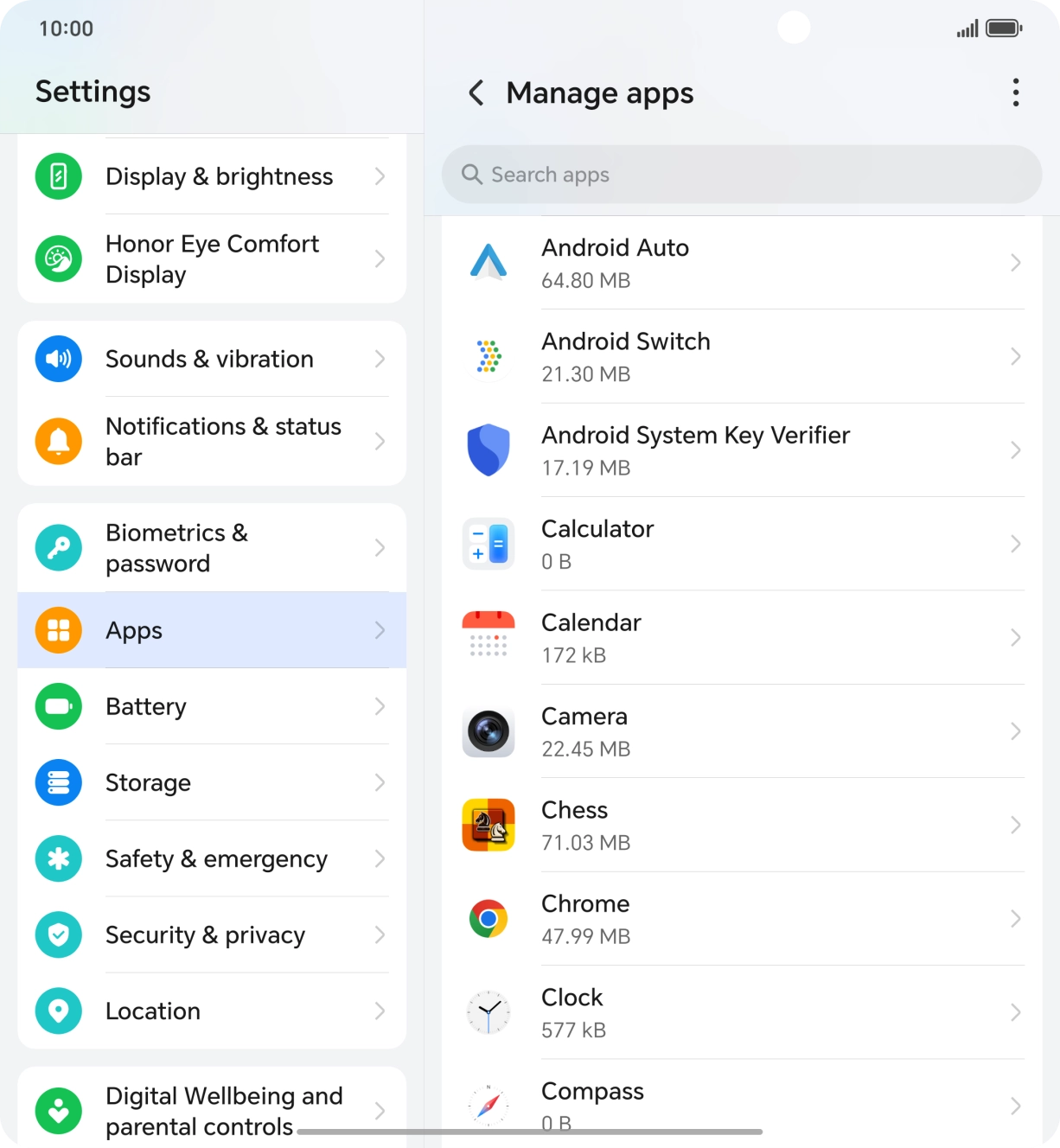
- Press Manage apps.
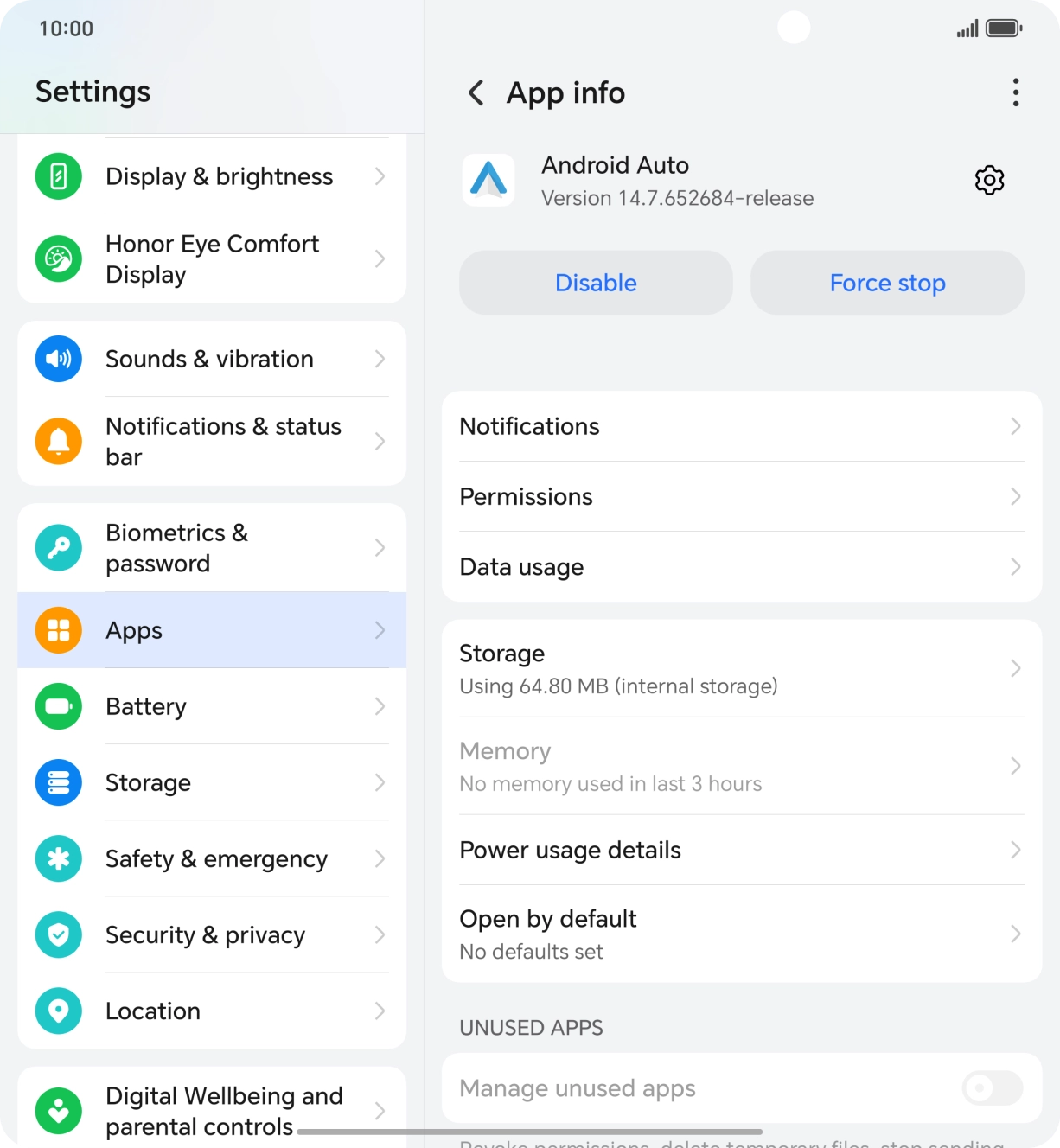
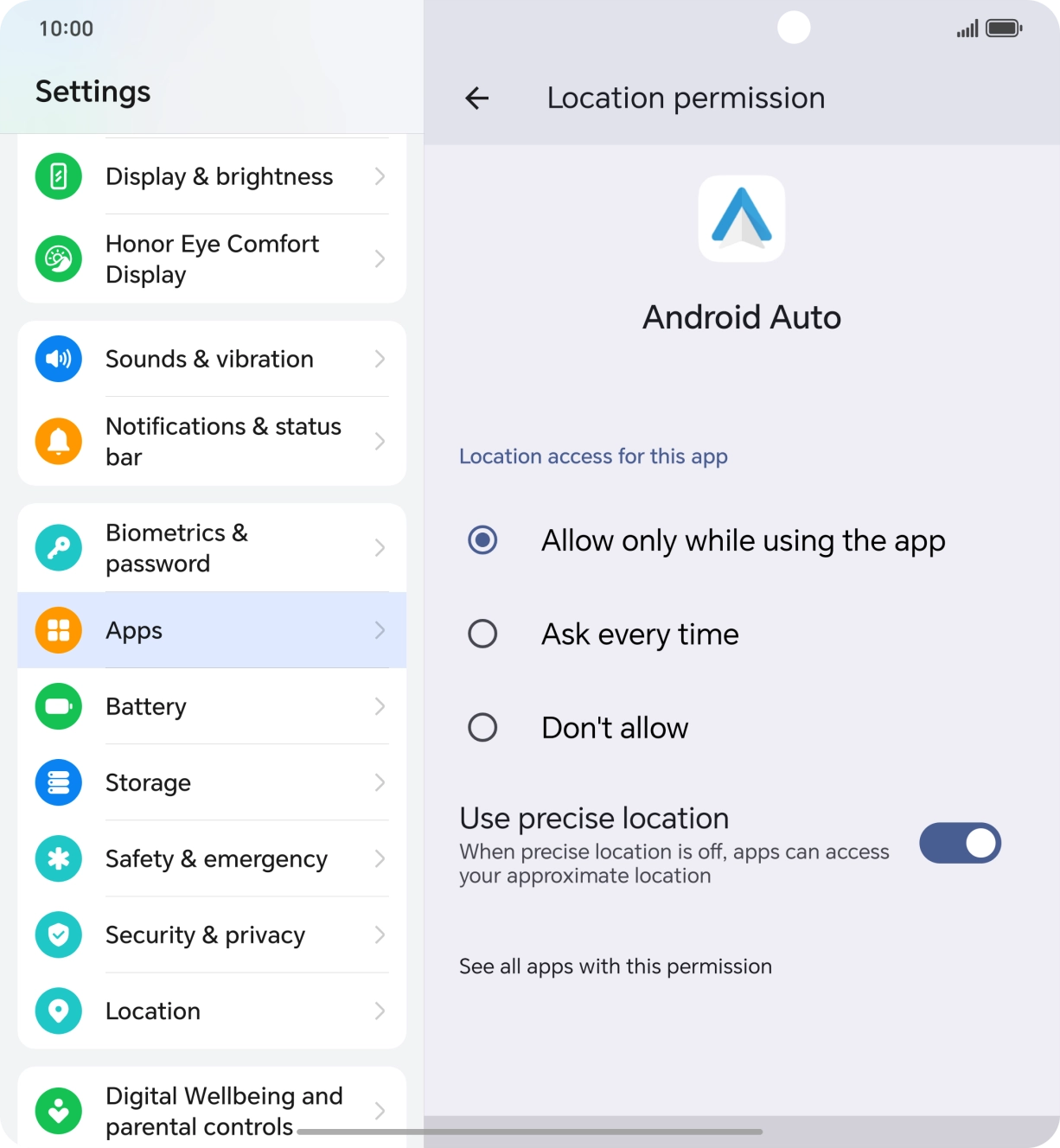
- Press the required app.
- Press Permissions.
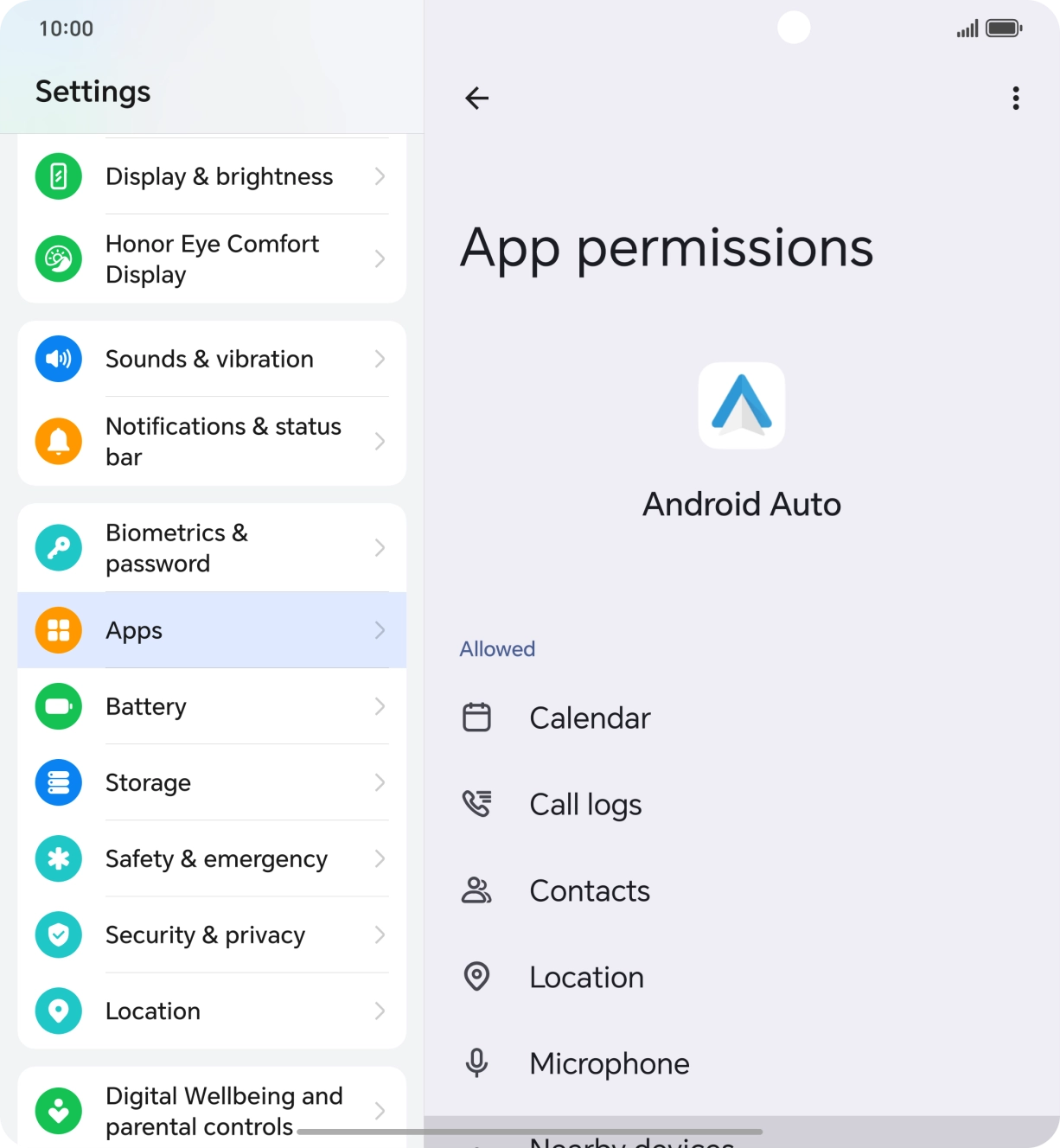
- Press Location.
- Press the required setting.
- Slide your finger upwards starting from the bottom of the screen to return to the home screen.
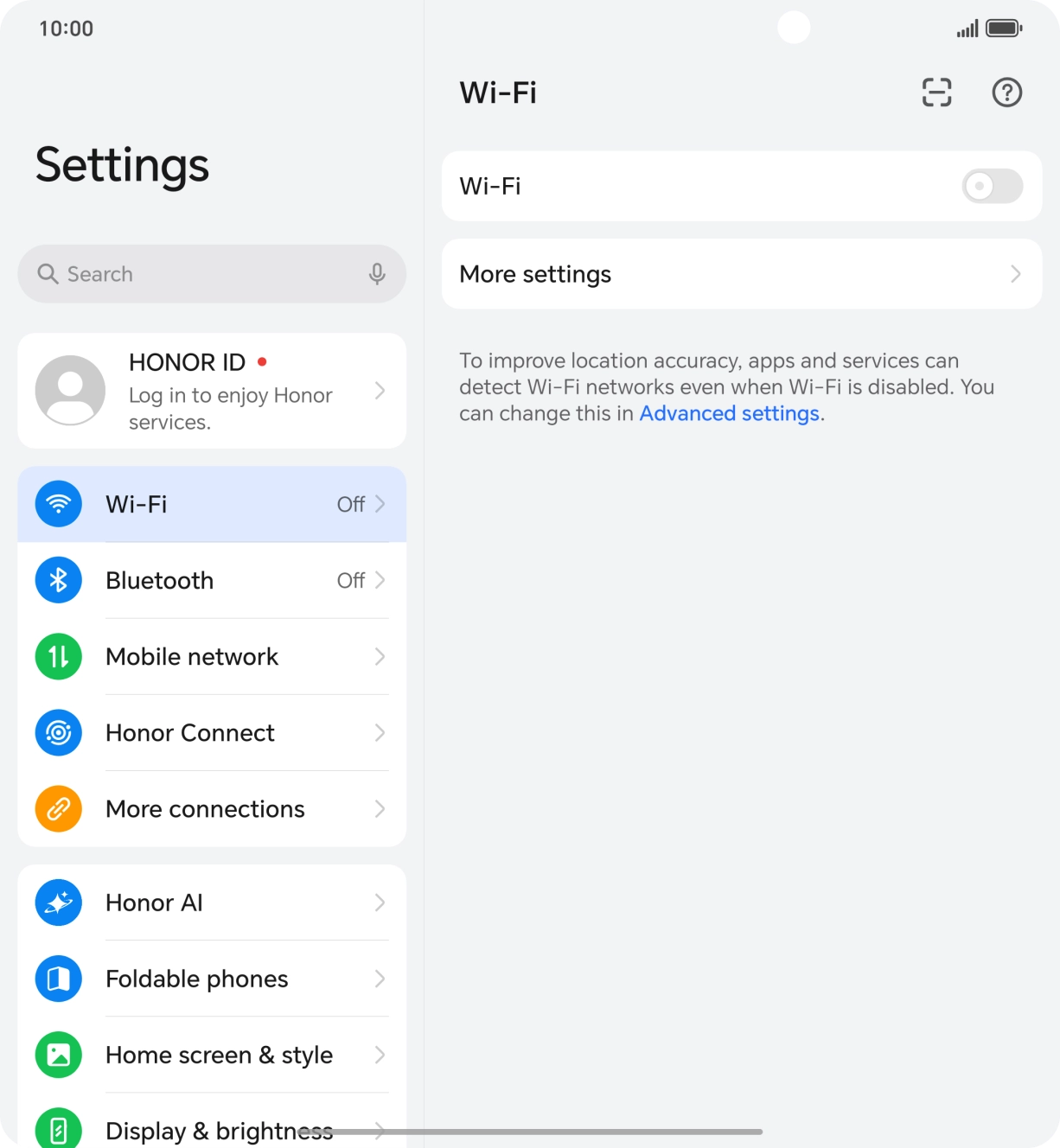
Turn off WiFi.