How to use HONOR AI on your HONOR 600 Pro
HONOR AI allows you to use many of your phone's functions in a smarter and more efficient way. Here you can see some examples of HONOR AI usage. To use most of the HONOR AI functions, you need to activate your HONOR ID on your phone and set up your phone for internet.
1. Use Knuckle Search
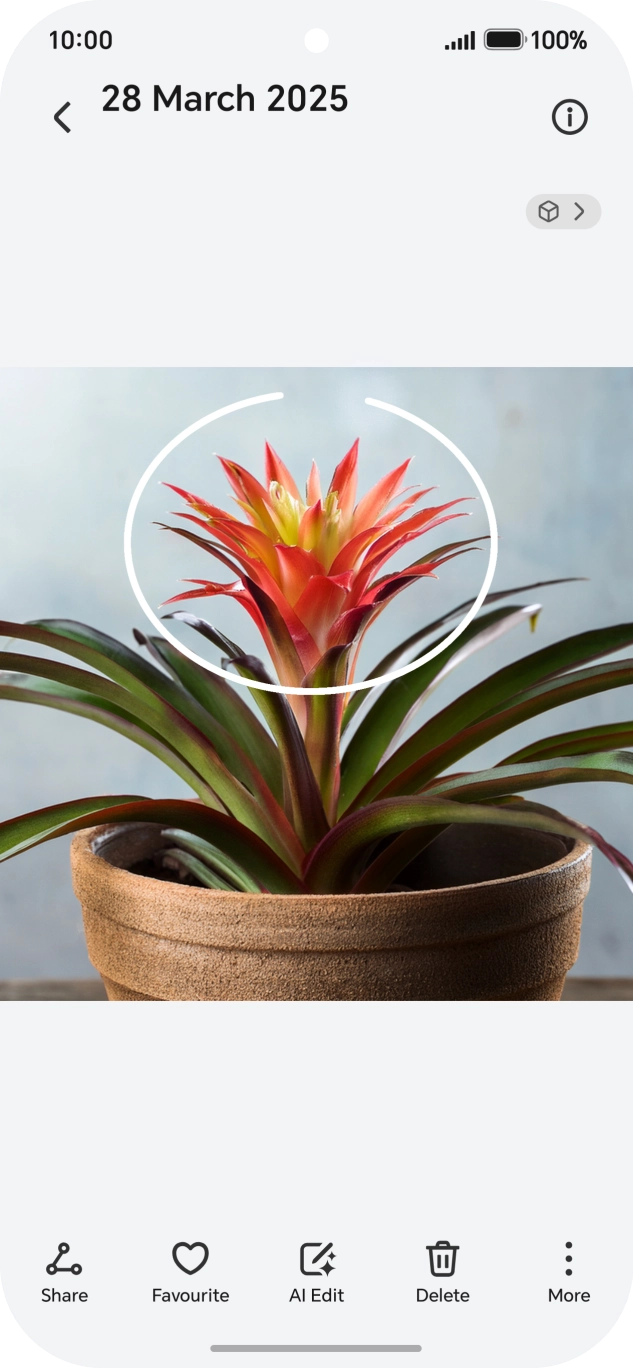
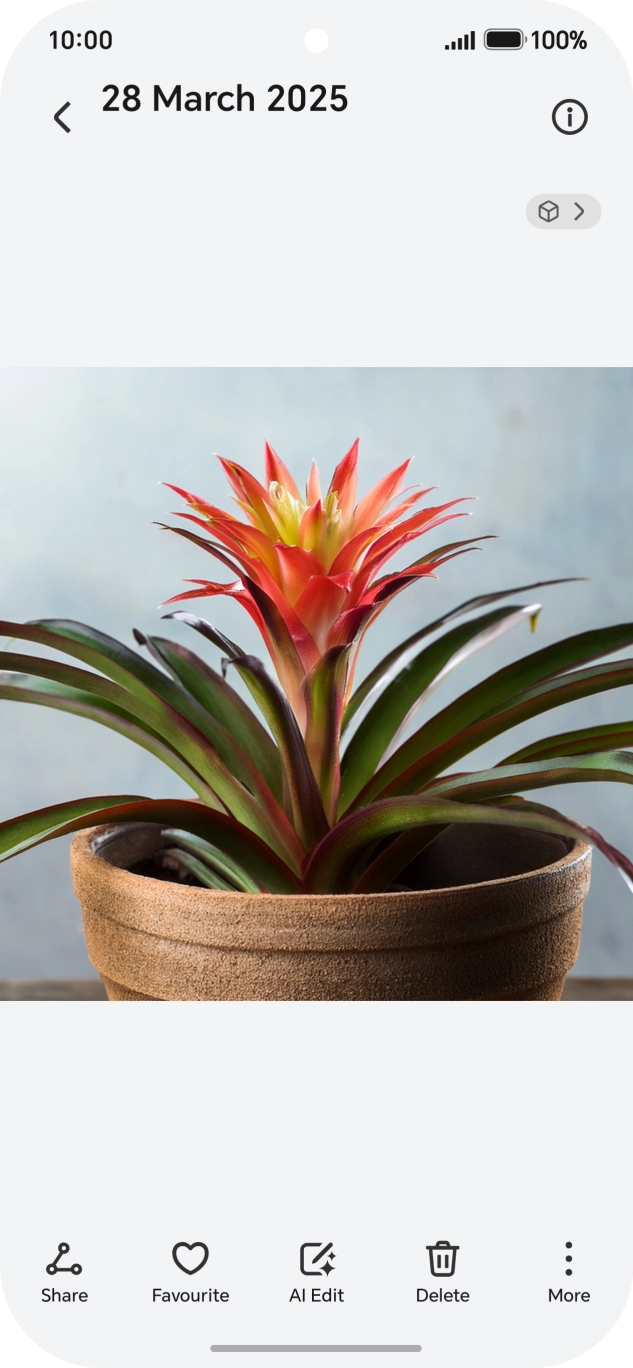
Go to the required picture.
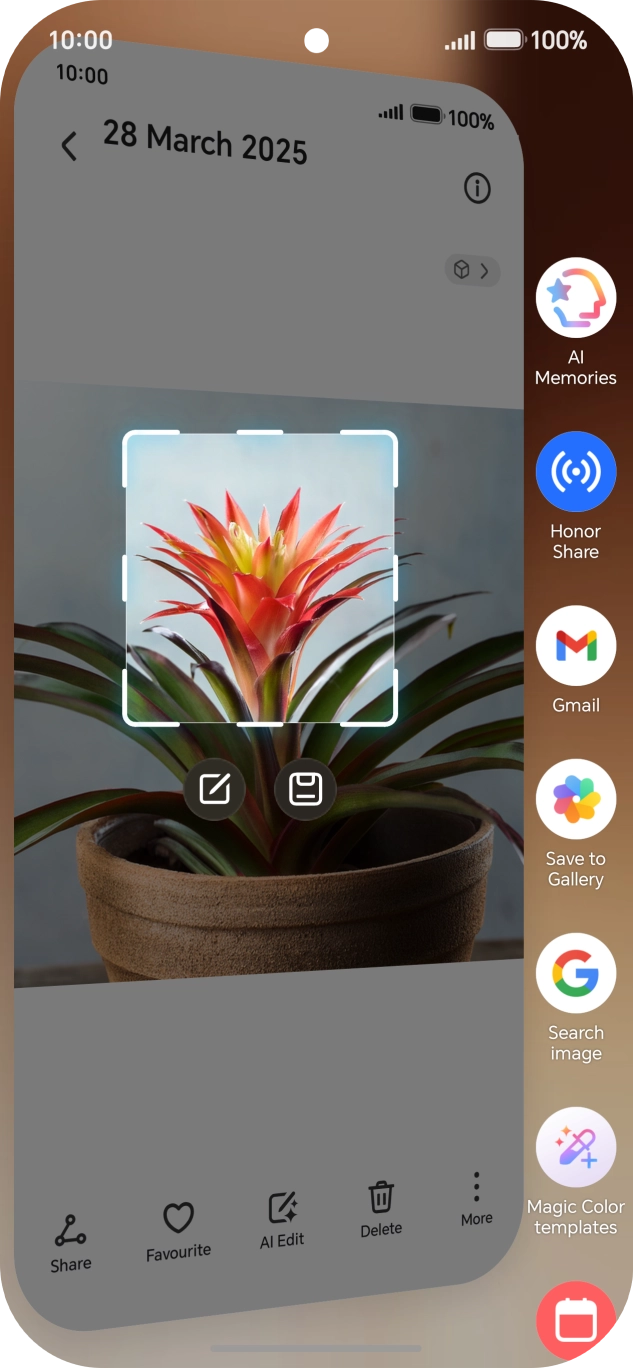
Using HONOR AI, you can draw a circle around an object in a picture and use sections of the picture in different apps. You can use the function in all apps that allow you to take screenshots. To use Knuckle Search, you need to turn on the function in Settings on your phone.

- Go to the required picture.Using HONOR AI, you can draw a circle around an object in a picture and use sections of the picture in different apps. You can use the function in all apps that allow you to take screenshots. To use Knuckle Search, you need to turn on the function in Settings on your phone.
- Draw a circle around the required object on the picture using your knuckle.
- Press the required app and follow the instructions on the screen to use the function.
- Slide your finger right on the screen to return to the picture.
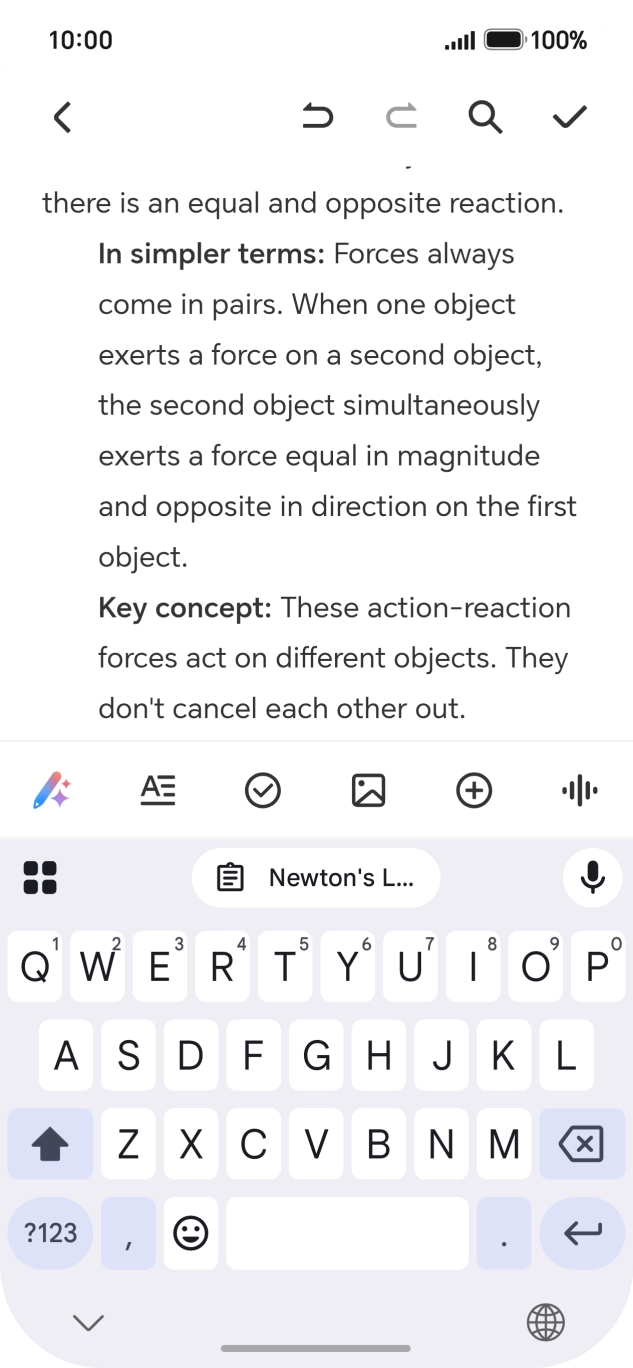
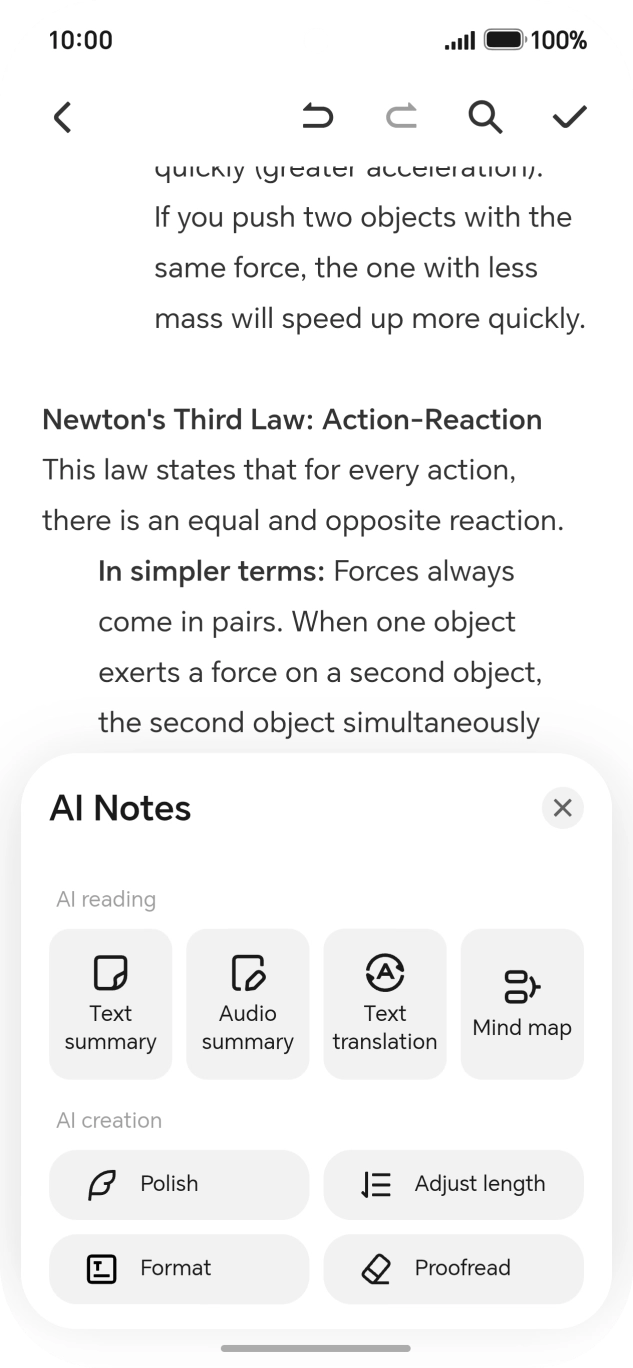
- Open a supported app, e.g. Notes, and follow the instructions on the screen to open an existing text or write a new text.
- Press the AI icon.
- To generate a summary of the text, press Text summary.
- To generate a summary of a sound recording, press Audio summary and follow the instructions on the screen to use the function.
- To translate the text, press Text translation and follow the instructions on the screen to use the function.
- To format the text, press Mind map and follow the instructions on the screen to use the function.Using HONOR AI, you can transcribe your sound recordings in the required format. To use the function, you must first have created a sound recording.
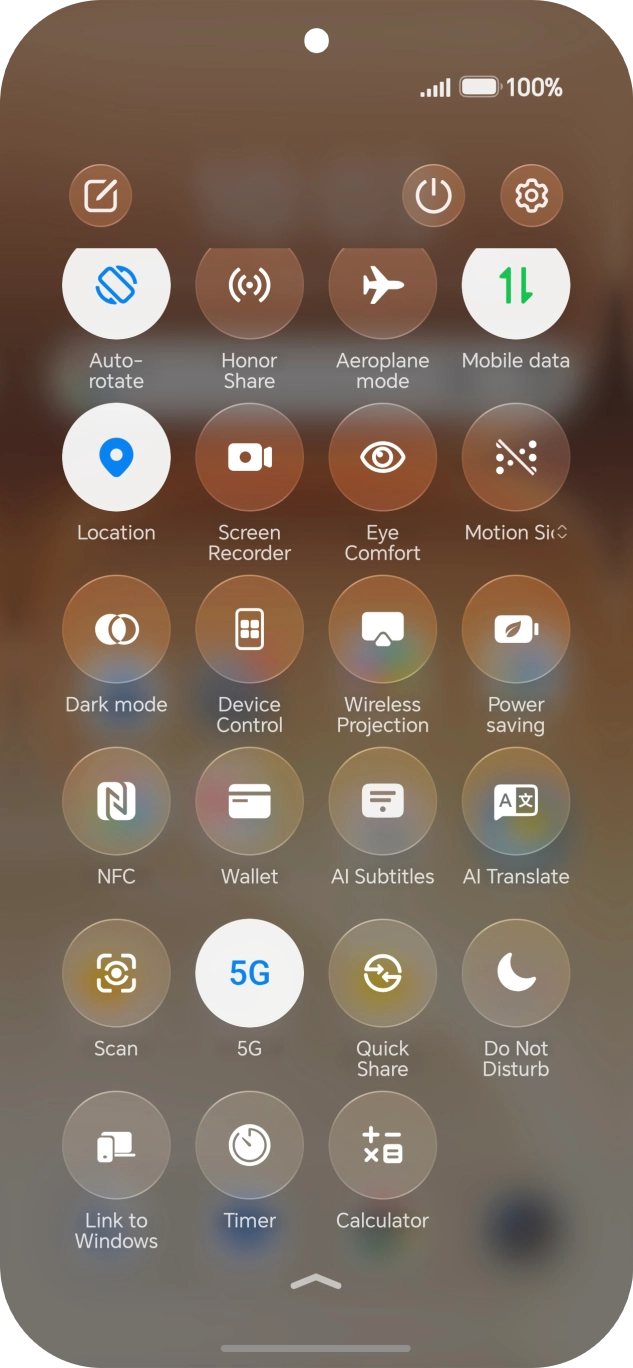
- To use HONOR AI to translate a conversation, slide your finger downwards starting from the top right side of the screen.
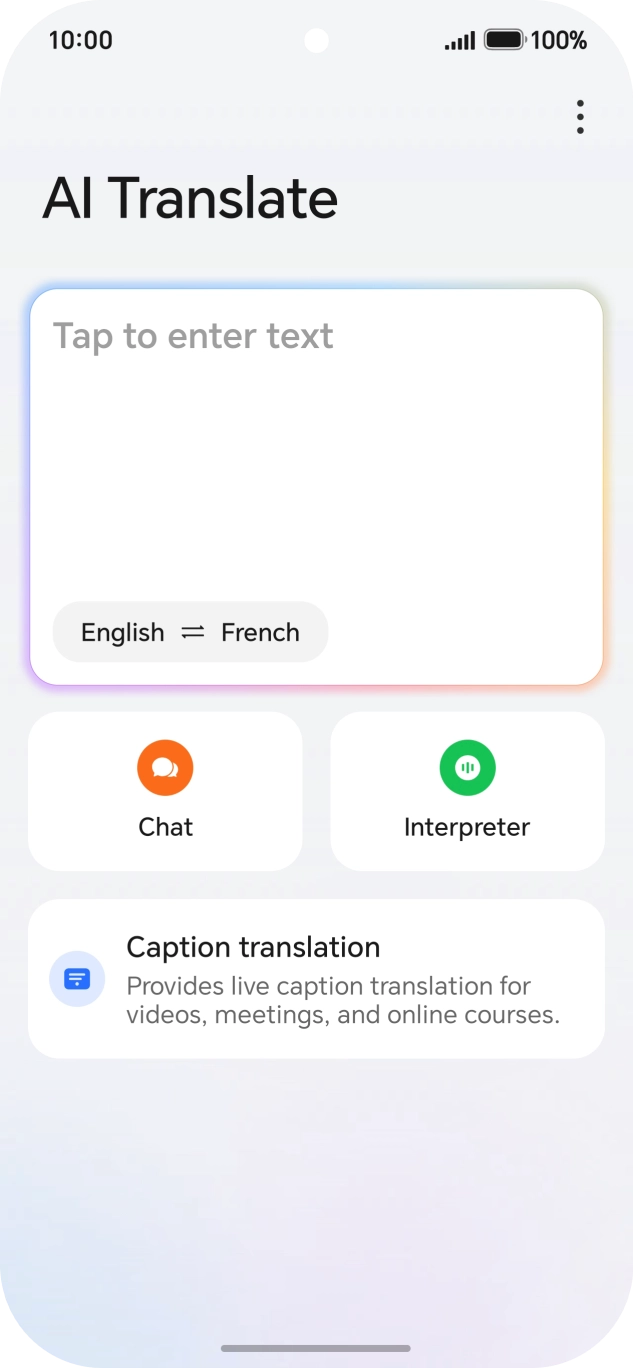
- Press AI Translate.
- Follow the instructions on the screen to select the required language settings and use the function.
- Press Gallery and go to the required picture or video.
- Press AI Edit and follow the instructions on the screen to use the function.
- Press the settings icon.
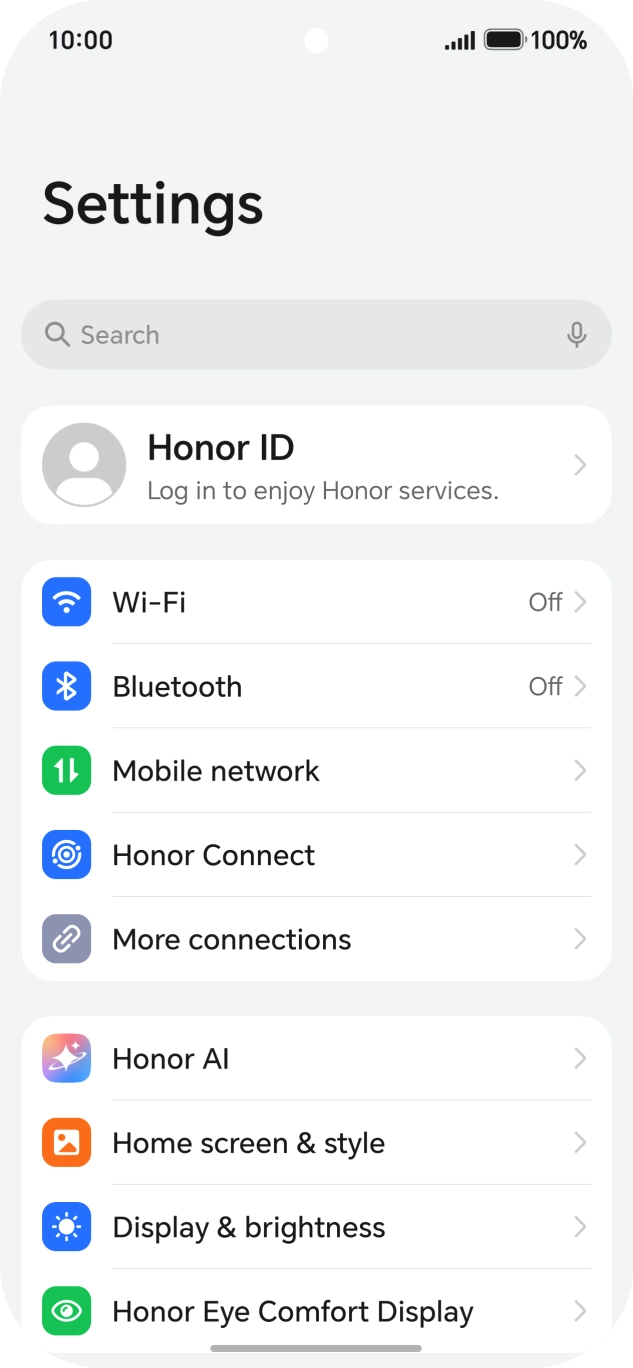
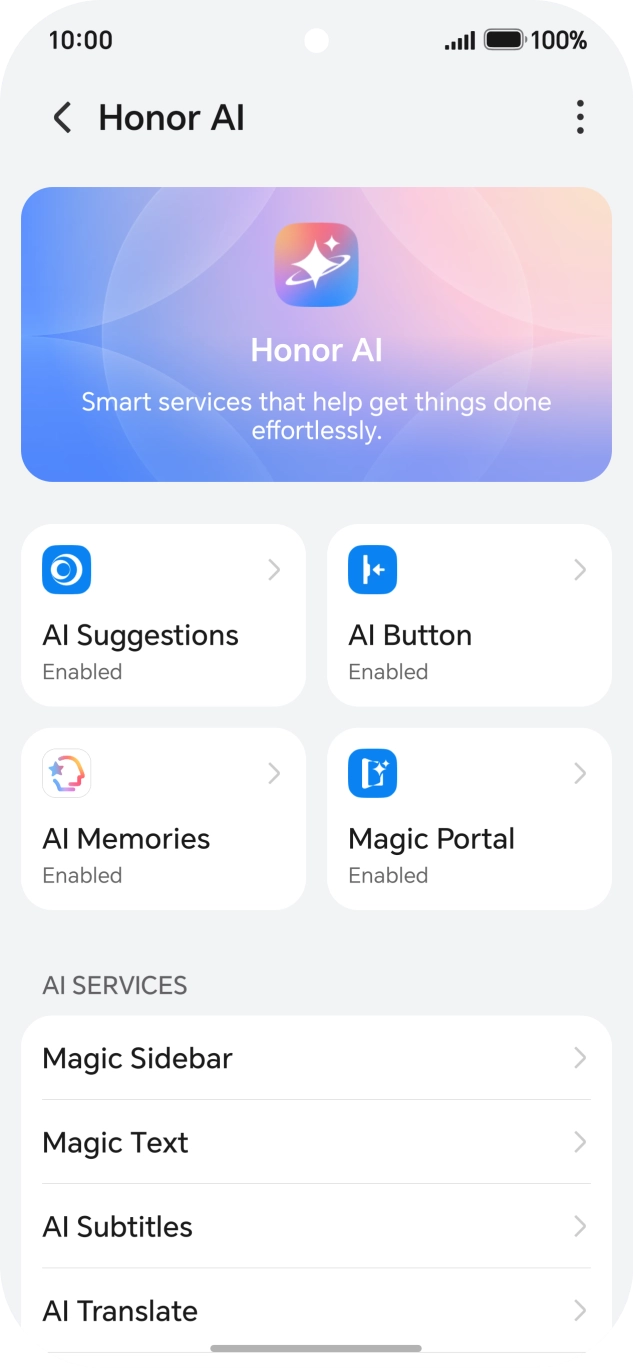
- Press Honor AI.
- More examples of Honor AI usage are now displayed.