
I have problems making WiFi calls on my HONOR 600 Pro
If you can't use WiFi Calling, there may be several causes of the problem.
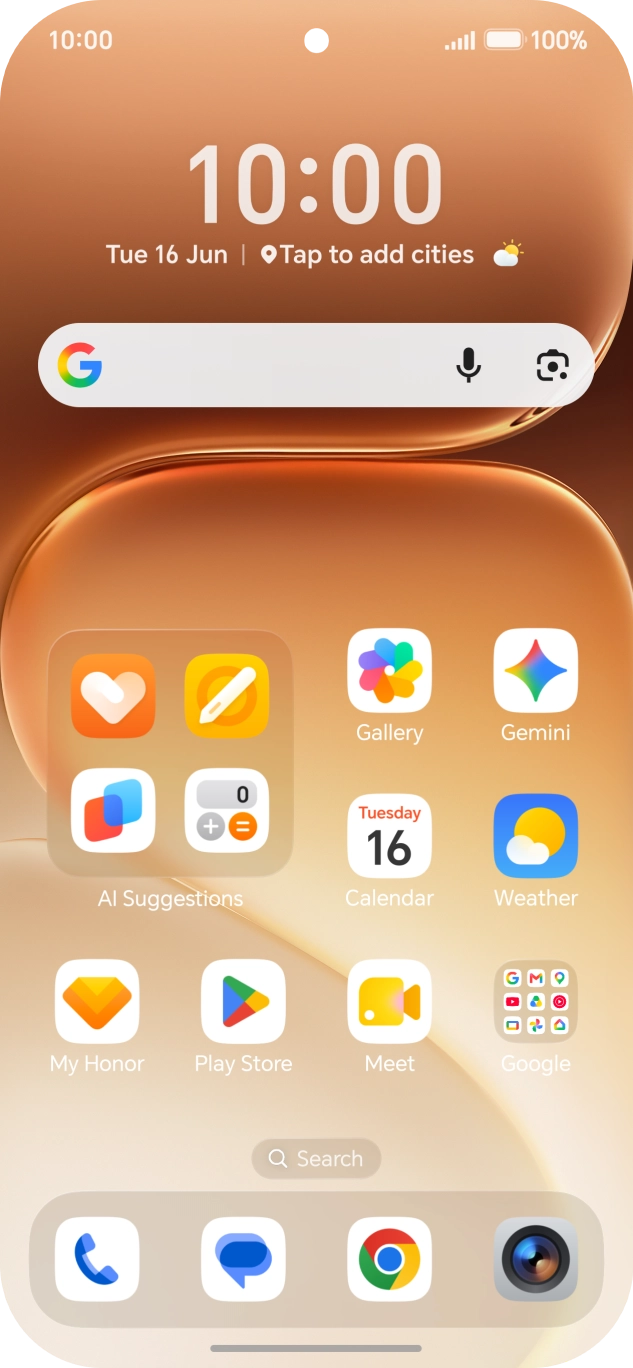
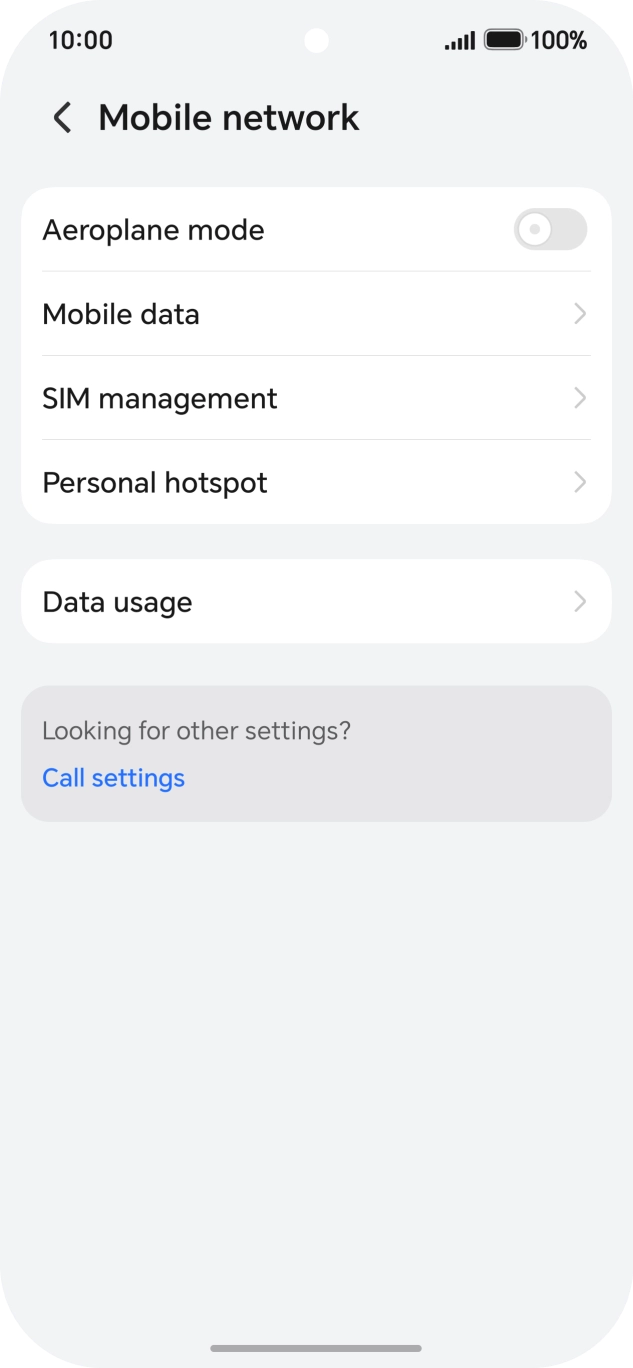
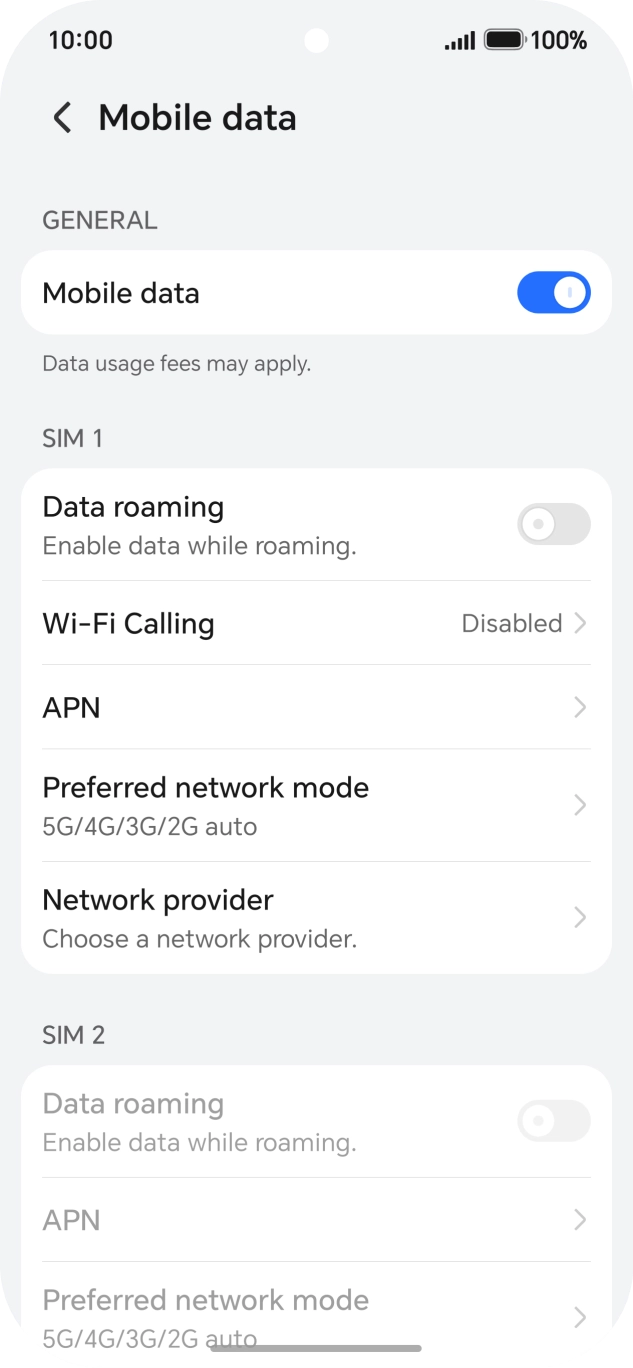
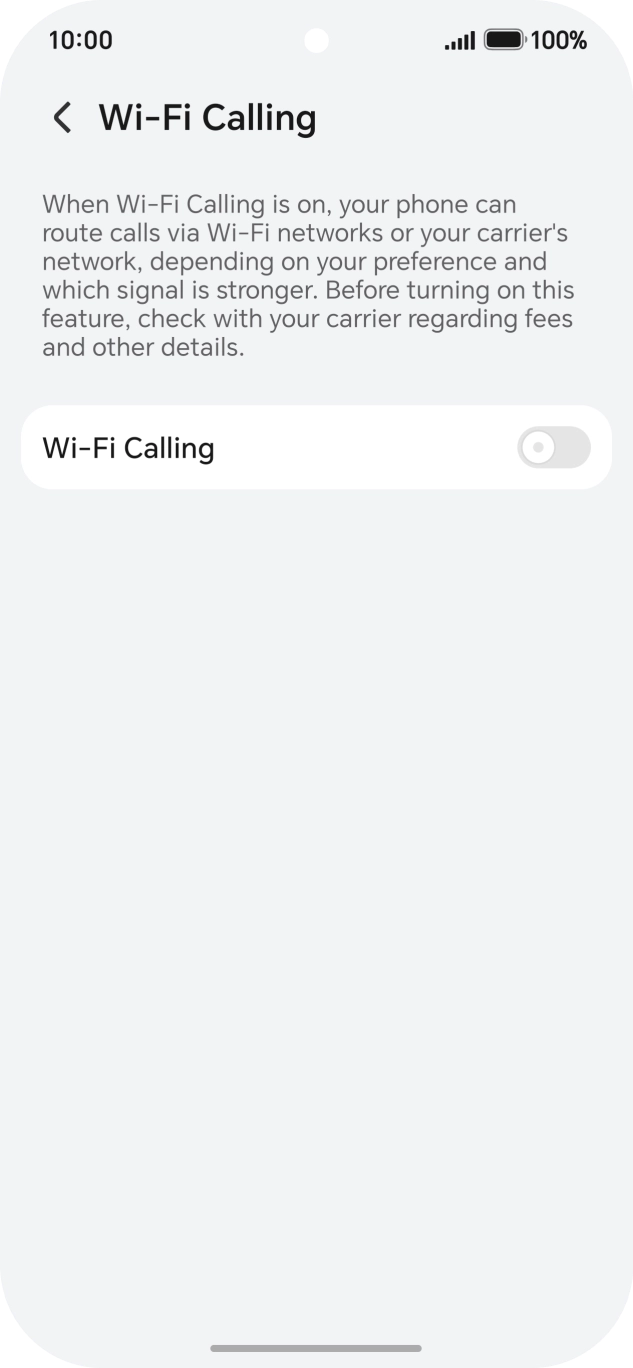
Step 1 of 7
Step 1 of 7
1. Find 'Wi-Fi Calling'
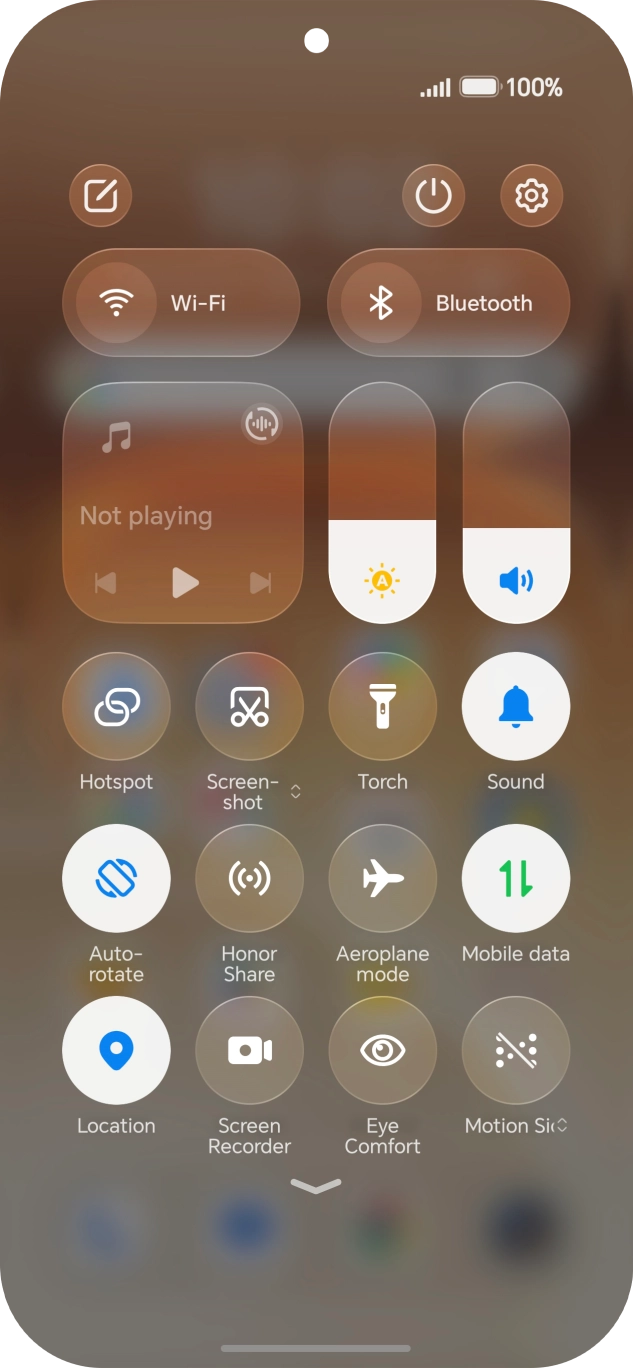
Slide two fingers downwards starting from the top of the screen.
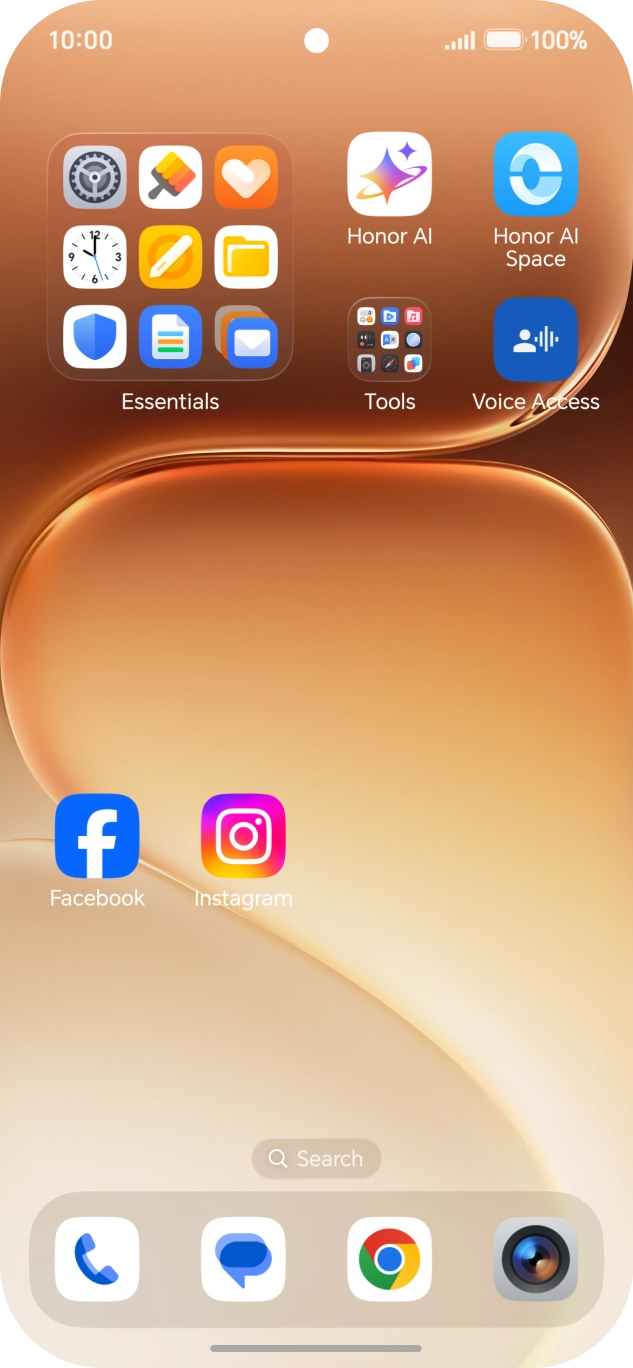
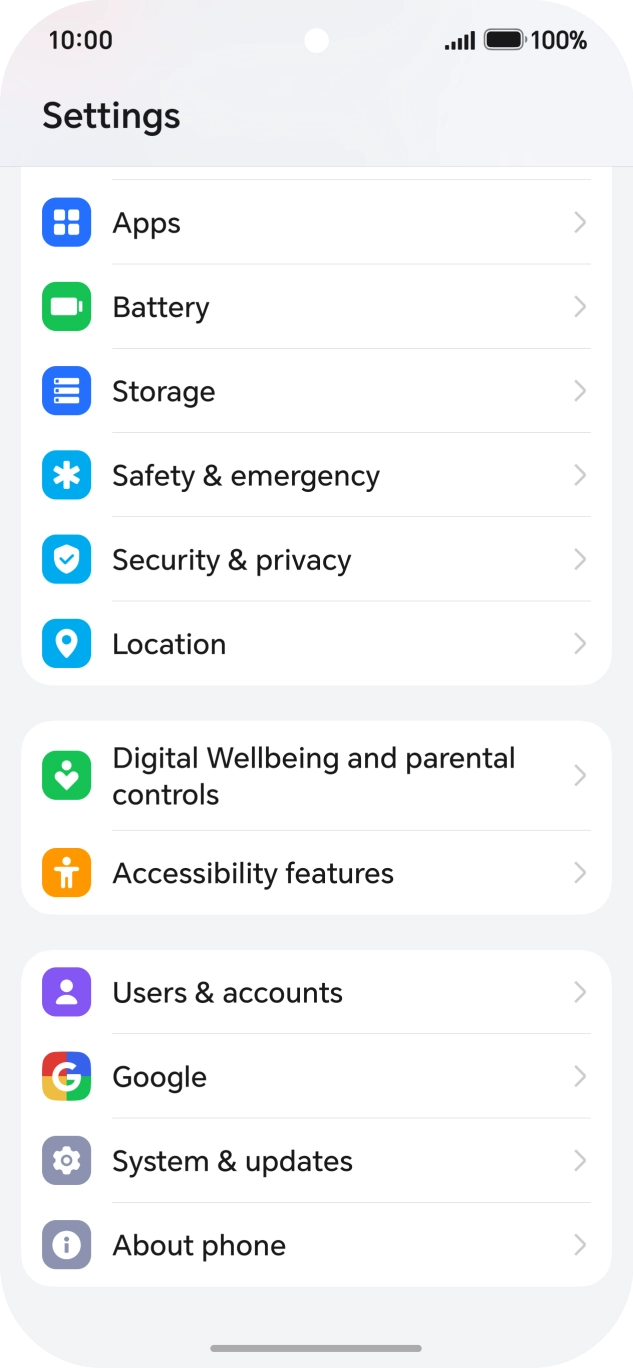
Step 1 of 3
Step 1 of 3
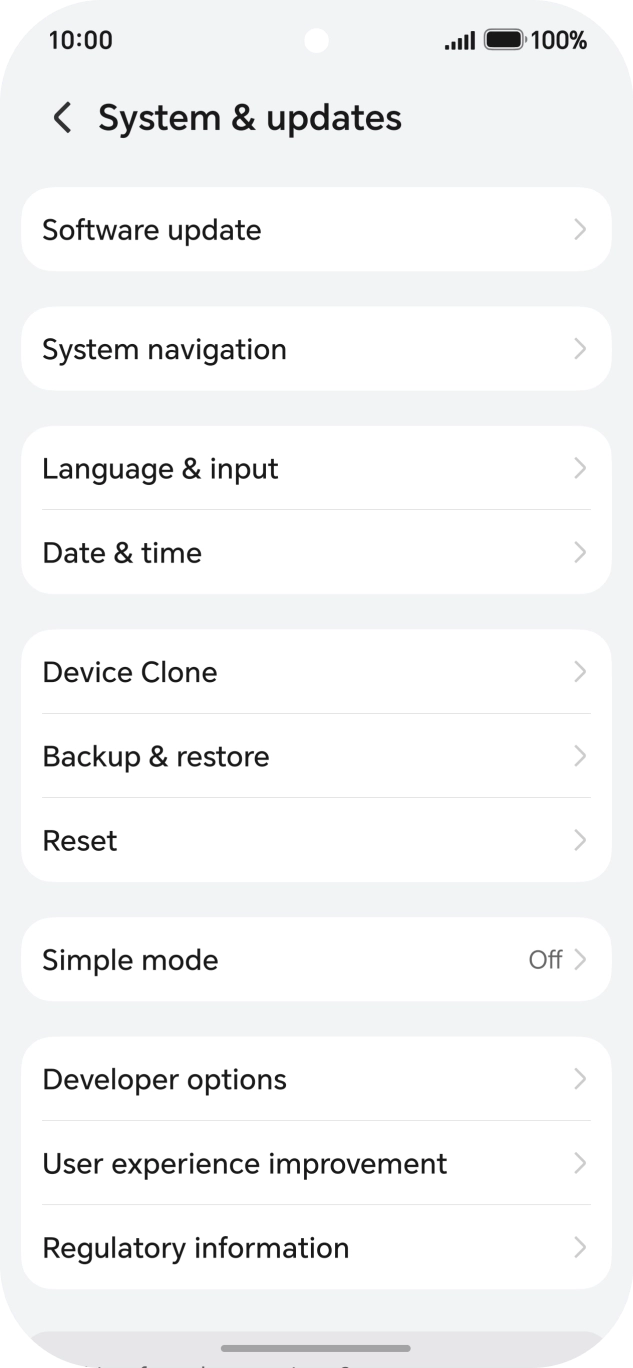
1. Find 'System & updates'
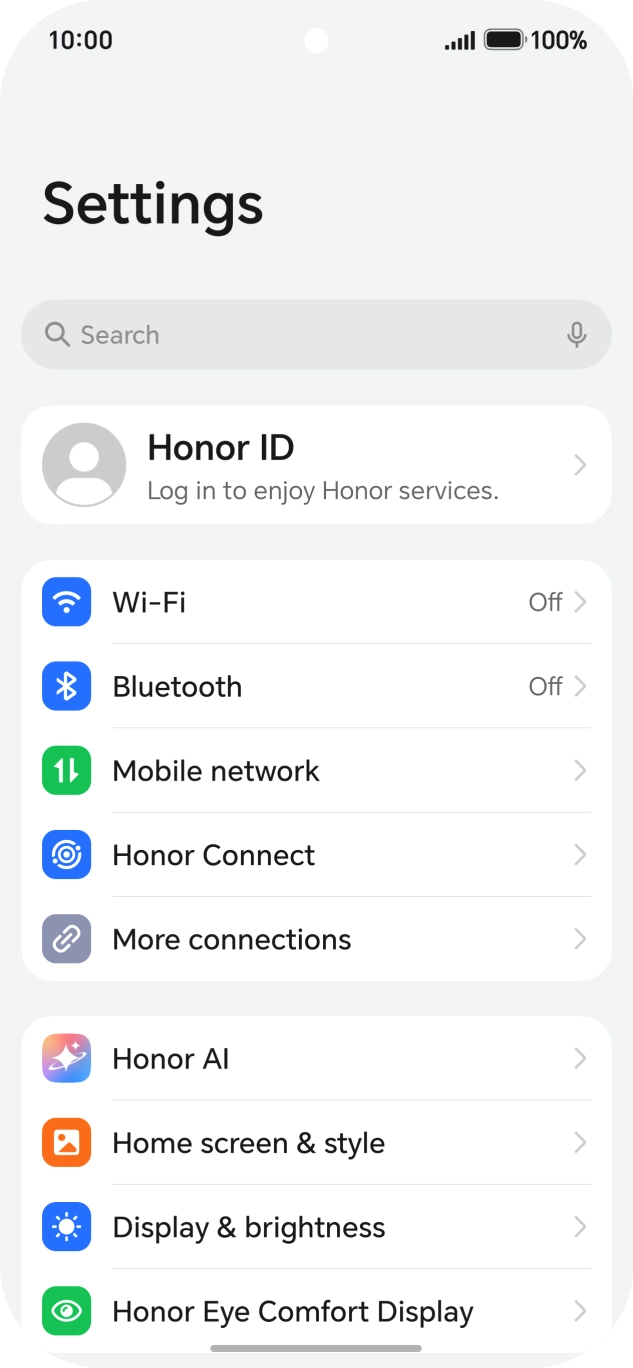
Press the settings icon.
