
I can't use mobile data on my Google Pixel Watch 3
If you can't use mobile data on your smartwatch, there may be several causes of the problem.

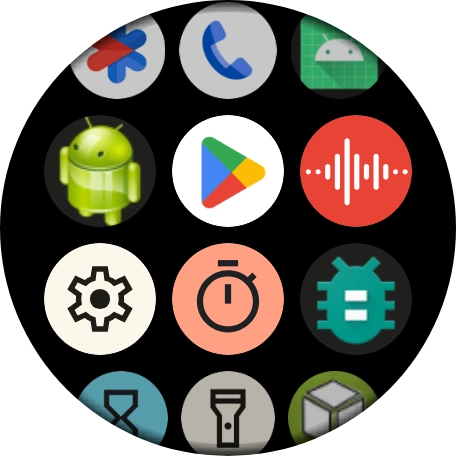
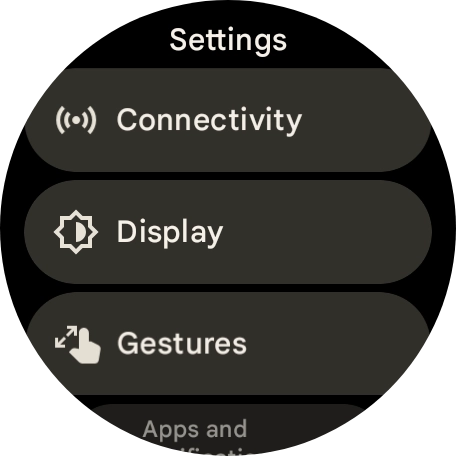
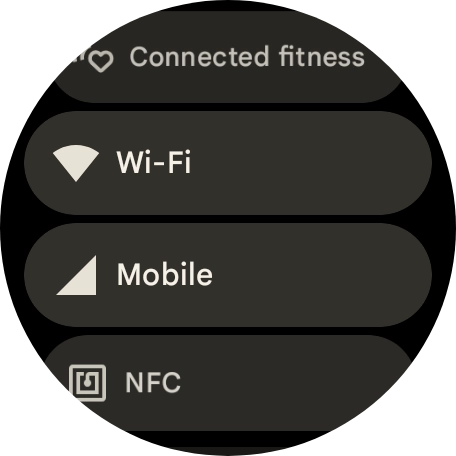
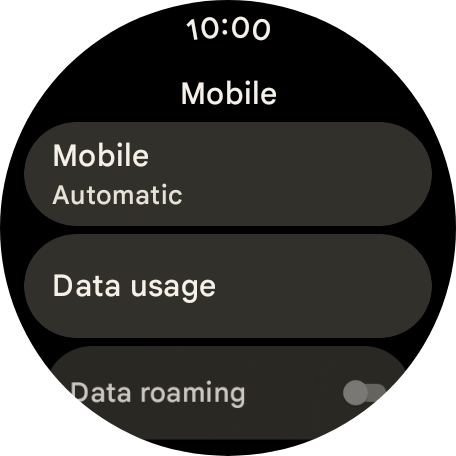
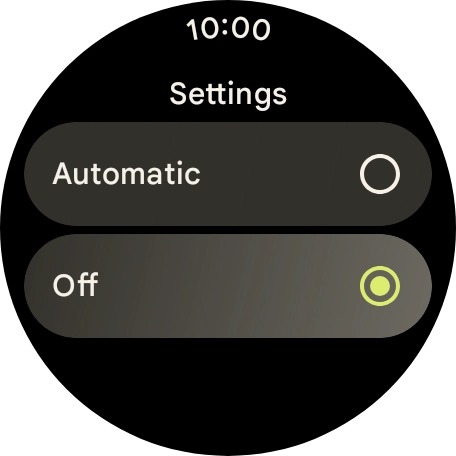
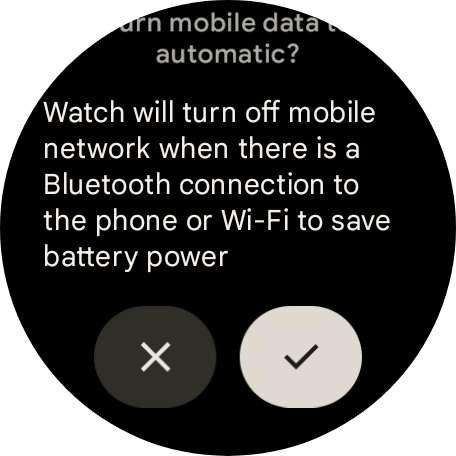
Step 1 of 9
Step 1 of 9
1. Find 'Mobile'
Slide your finger downwards starting from the top of the screen.
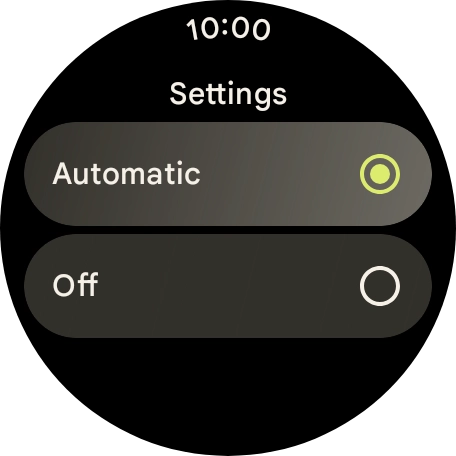
Step 1 of 8
Step 1 of 8
1. Find 'Mobile'
Slide your finger downwards starting from the top of the screen.
Contact customer services for more information.
1. Restart your smartwatch
Simultaneously, press the Crown and the Side key and keep them both pressed until your smartwatch restarts.
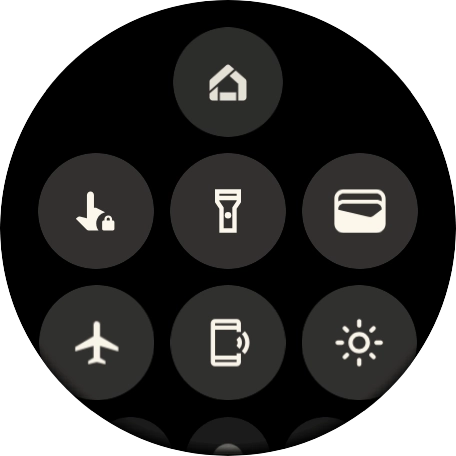
Step 1 of 3
Step 1 of 3
1. Turn airplane mode on or off
Slide your finger downwards starting from the top of the screen.
