How to use screen and keys on your Google Pixel Watch 2
See how to use the screen and keys on your smartwatch.
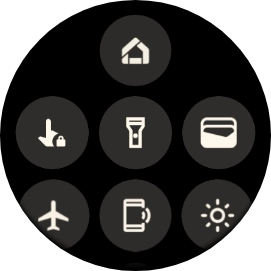
Slide your finger downwards starting from the top of the screen to open the status panel.

- Slide your finger downwards starting from the top of the screen to open the status panel.
- Press the required function to open an application or turn the function on or off.
- Slide your finger upwards starting from the bottom of the screen to close the status panel.
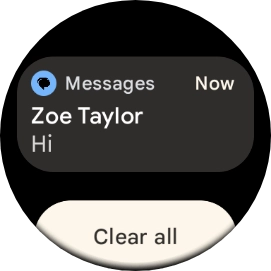
- Slide your finger upwards on the screen to see notifications.
- Press the required notification to open it.
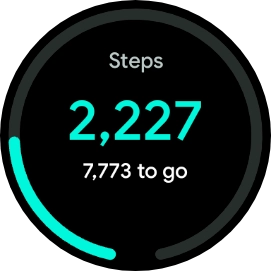
- Slide your finger right or left on the screen to see widgets.
- Press the required widget to open it.
- Slide your finger right starting from the left side of the screen to go back to the previous screen.
- Press and hold the crown to turn your smartwatch on or off.
- Press the crown to access the main menu.
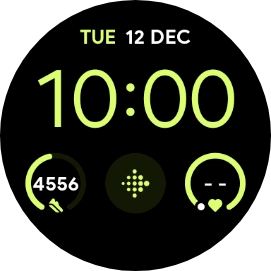
- Press the crown to return to the home screen.
- Press the crown twice in quick succession to activate Google Pay.
- Press and hold the Side key to activate voice control.
- Press the Side key to open a list of the most recently used applications.