How to activate your Google Pixel Fold
You need to activate your phone before using it for the first time and after a factory reset. To use mobile network services on your phone, you need to insert your SIM into your phone.
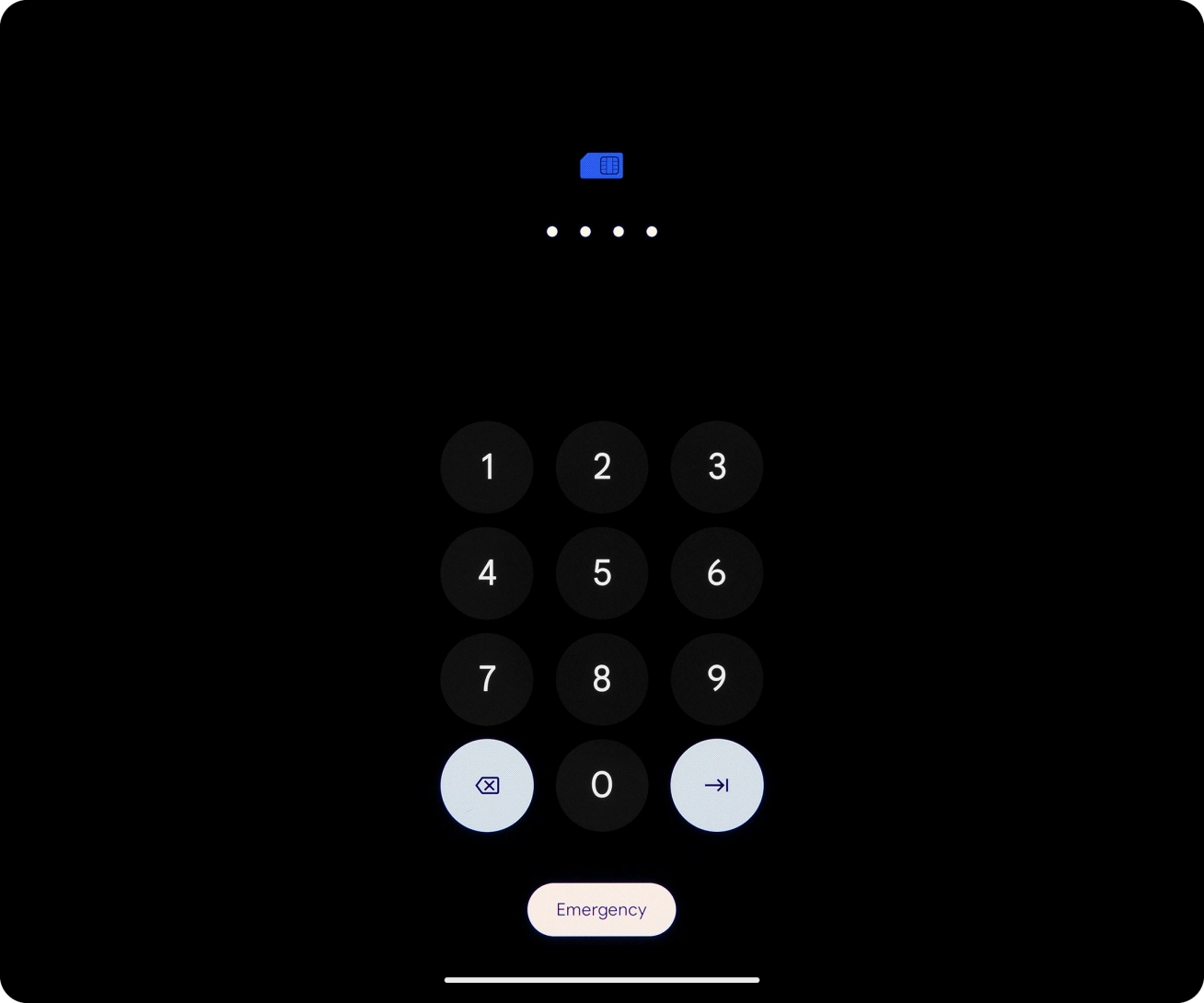
1. Enter your SIM PIN
Key in your SIM PIN and press arrow right. The default SIM PIN is 0000.
If an incorrect SIM PIN is entered three times in a row, your SIM will be blocked. To unblock your SIM, you'll need to key in your PUK. O2’s help guide will tell you how to get your PUK. Please note: If you key in the wrong PUK ten times in a row, your SIM will be blocked permanently. In this case, you need a new SIM from O2.

- Key in your SIM PIN and press arrow right. The default SIM PIN is 0000.If an incorrect SIM PIN is entered three times in a row, your SIM will be blocked. To unblock your SIM, you'll need to key in your PUK. O2’s help guide will tell you how to get your PUK. Please note: If you key in the wrong PUK ten times in a row, your SIM will be blocked permanently. In this case, you need a new SIM from O2.
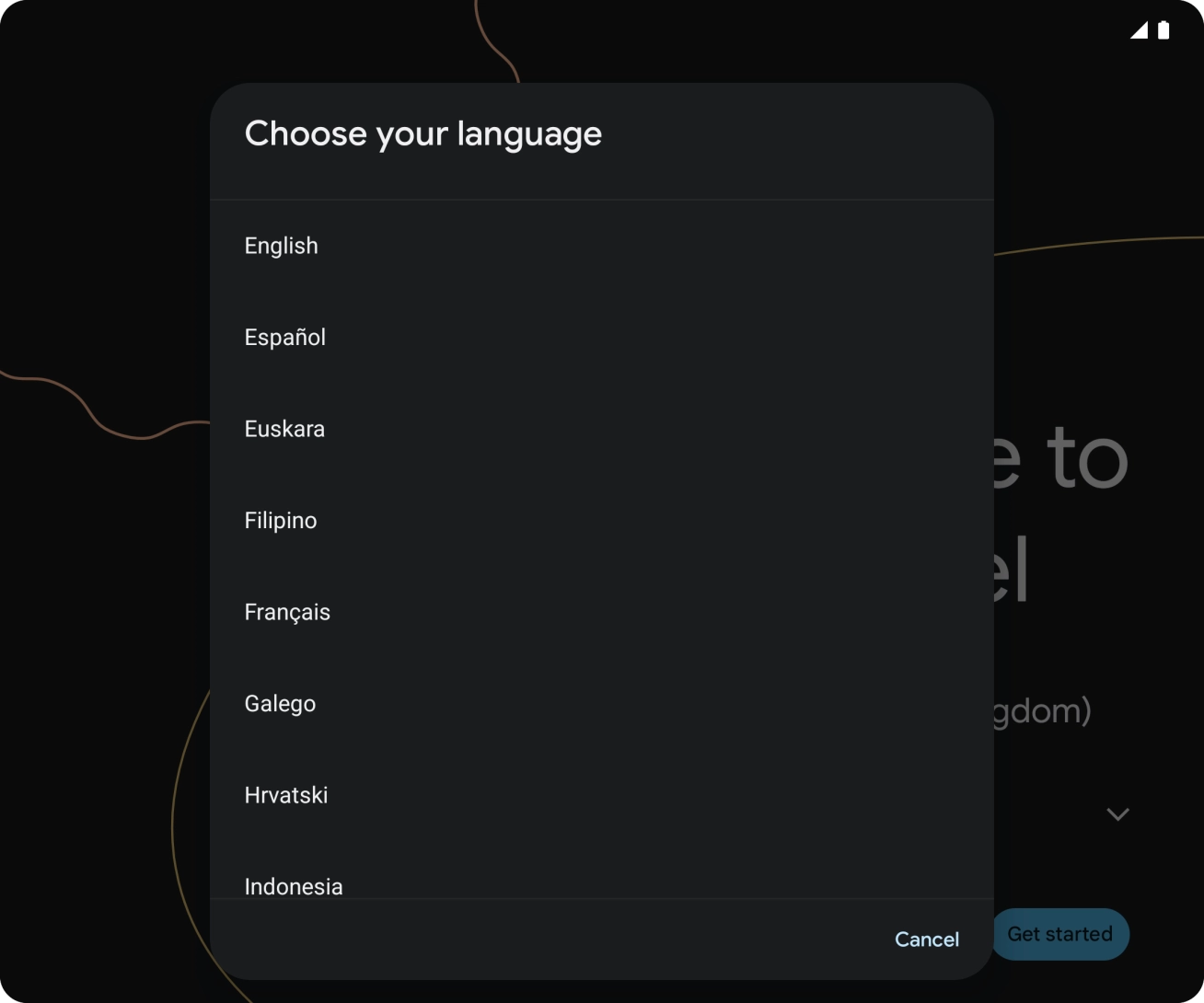
- Press the field next to the language icon.
- Press the required language.
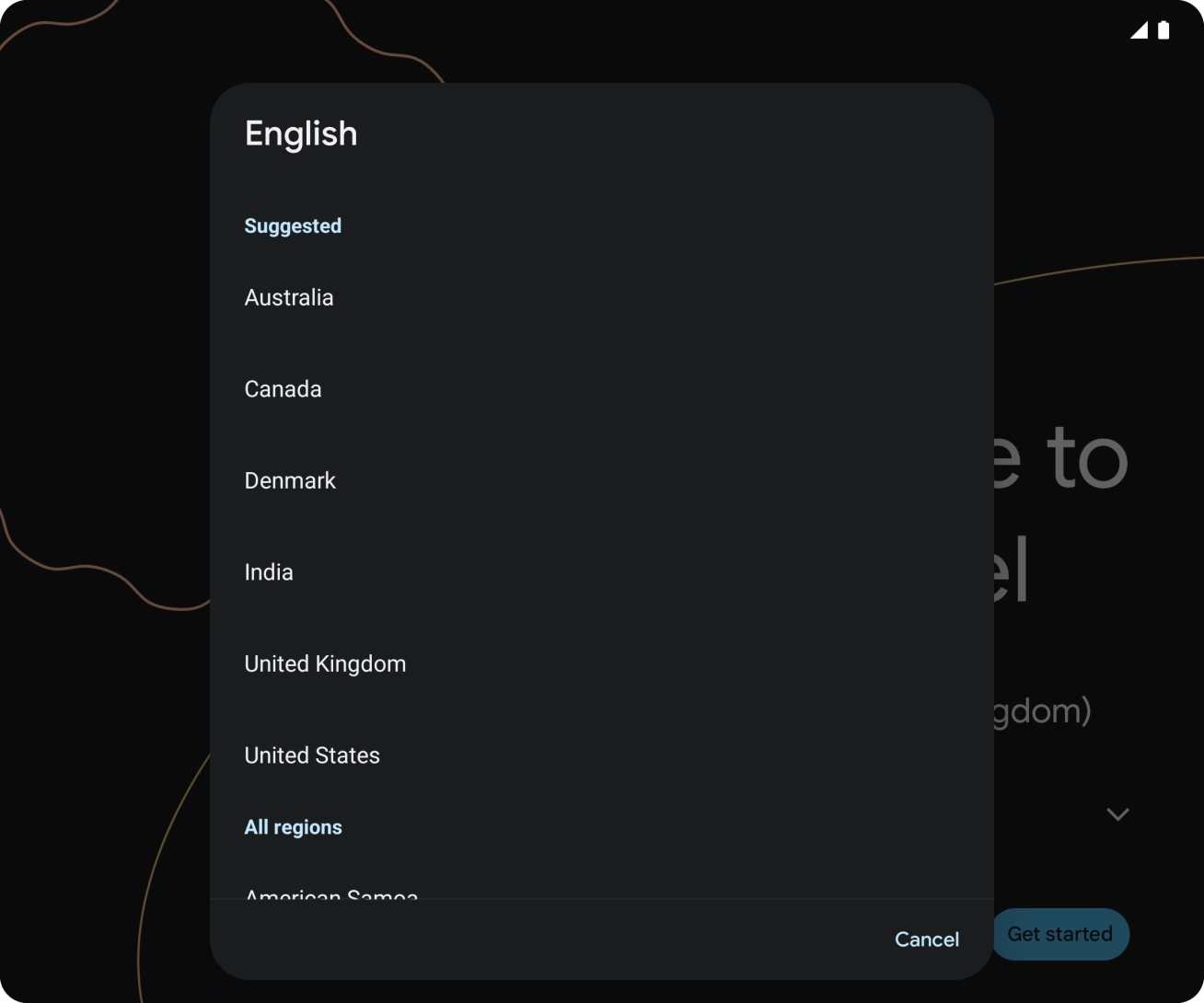
- Press the required country or area.
- Press the drop down list next to 'Accessibility' and follow the instructions on the screen to select the required settings.
- Press Get started.
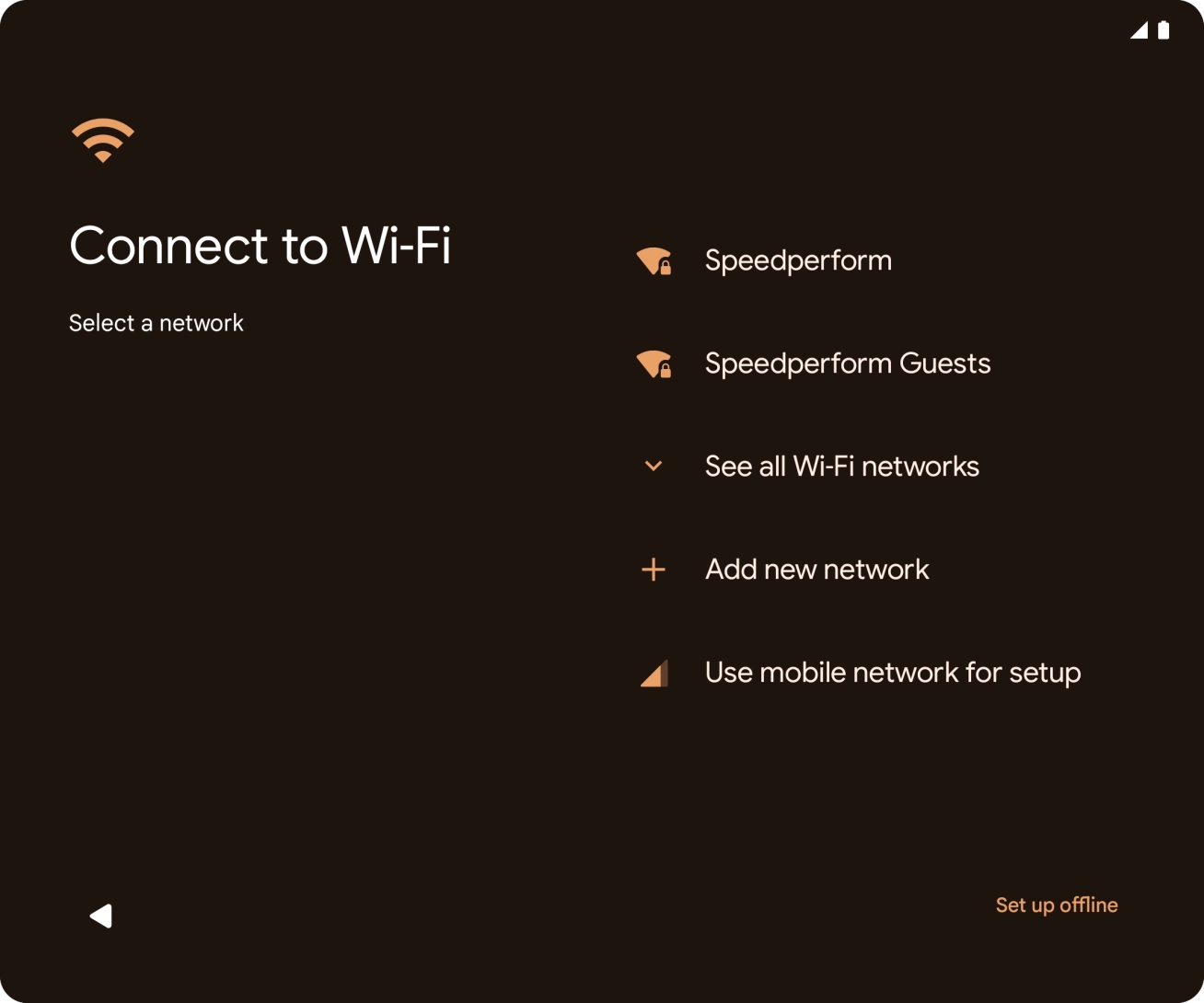
- Press the required network.
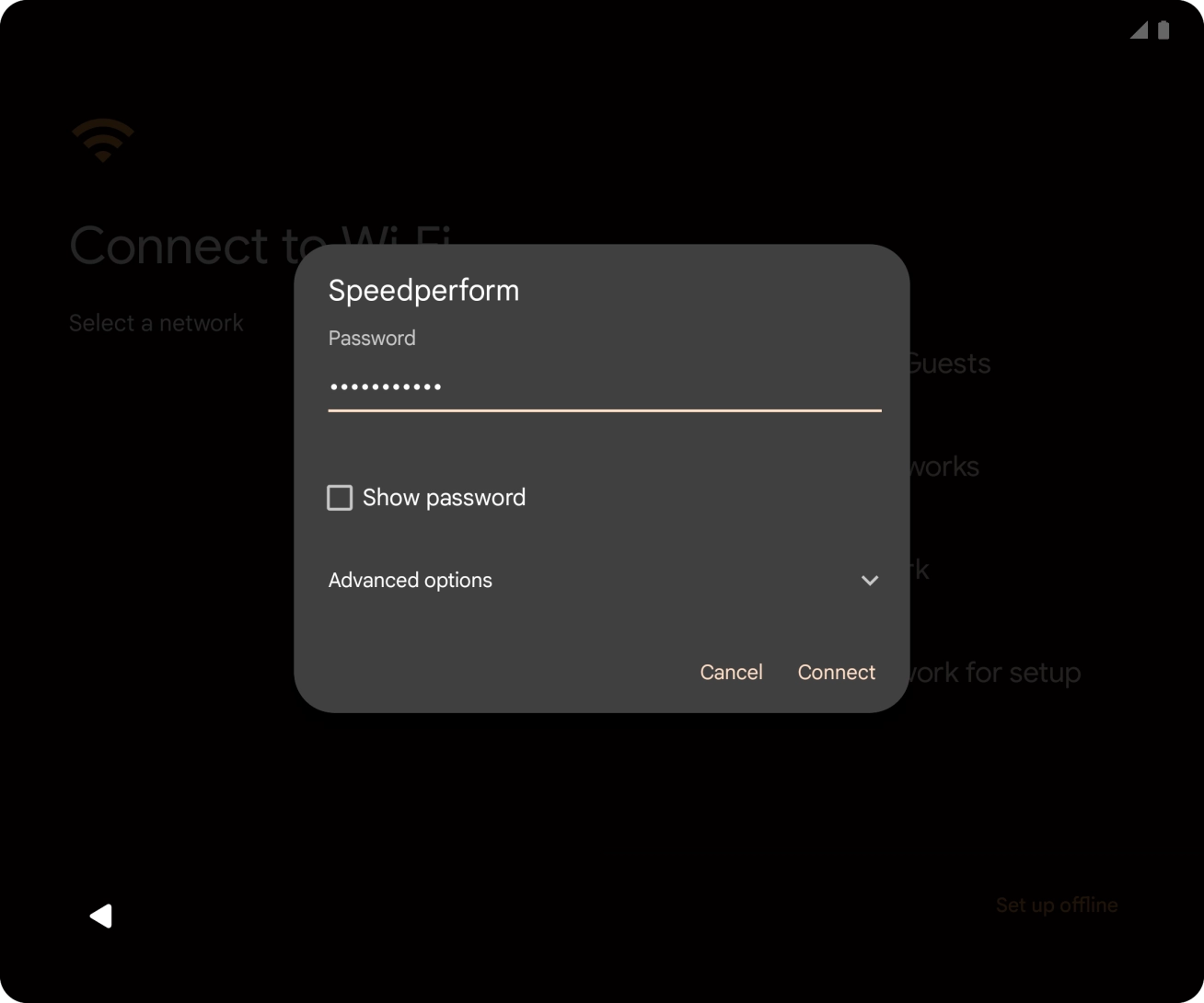
- Key in the password for the WiFi network and press Connect.If there are no available WiFi networks, you can use the mobile network instead.
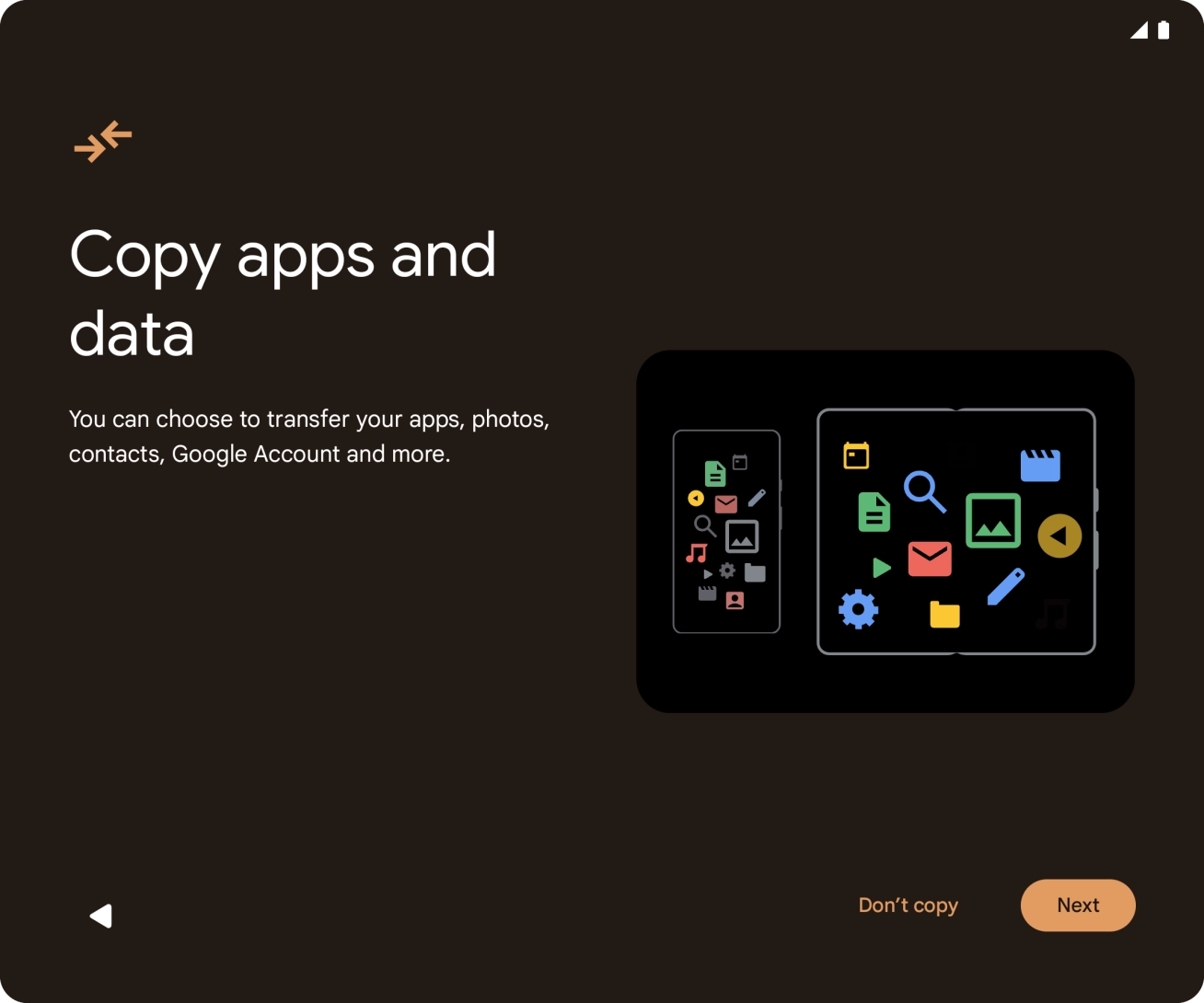
- Press Don't copy.You can also transfer content from another phone.
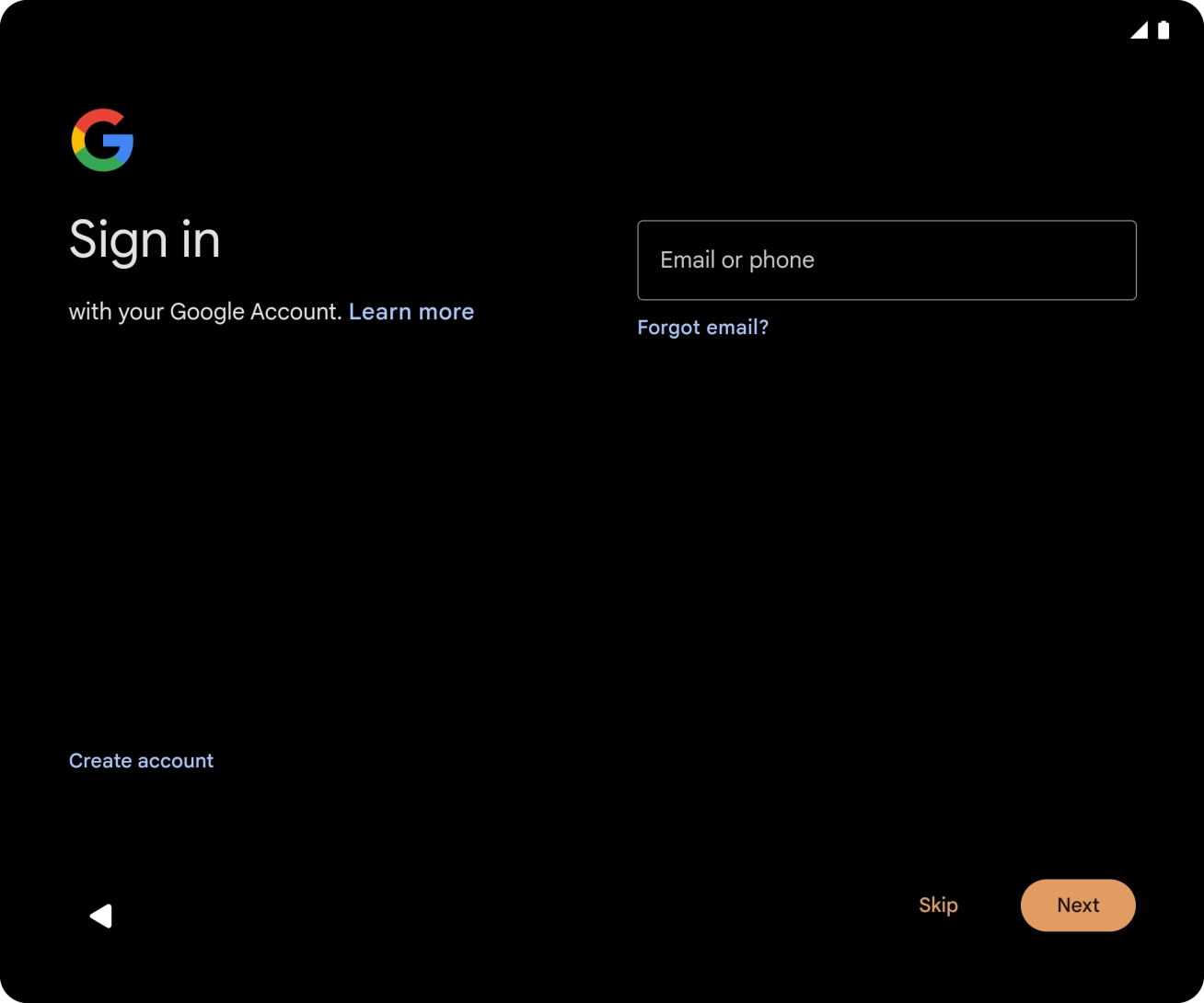
- Follow the instructions on the screen to finish the activation.