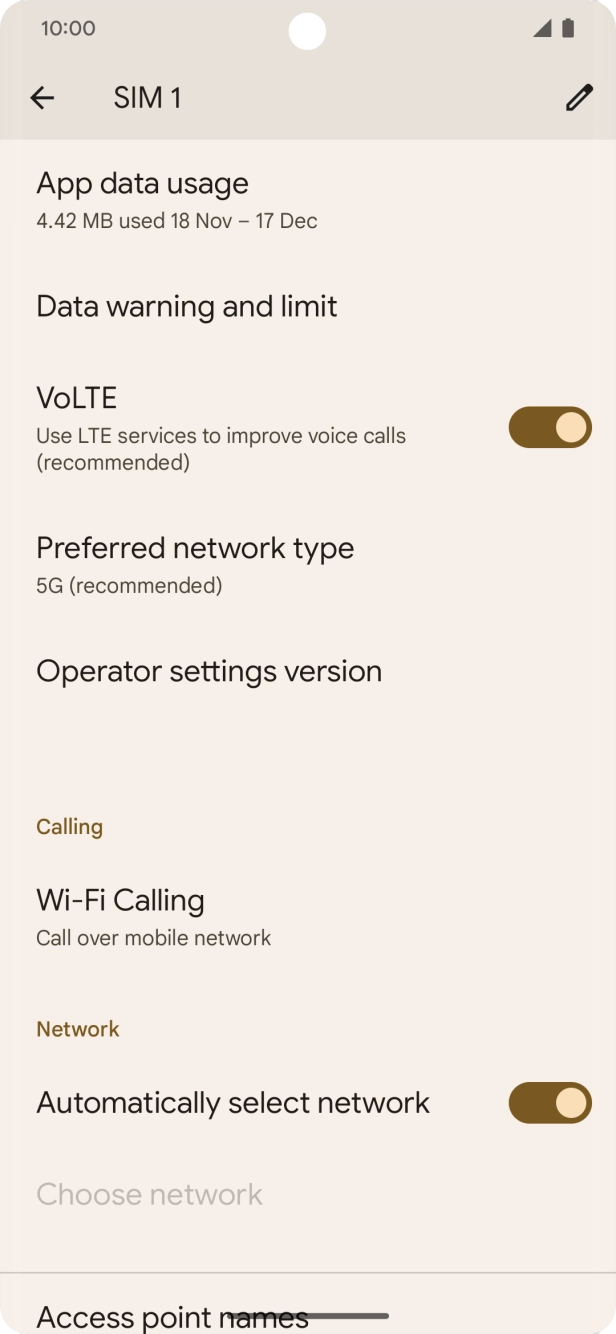
I have problems making WiFi calls on my Google Pixel 7 Pro
If you can't use WiFi Calling, there may be several causes of the problem.
1. Find 'Wi-Fi Calling'
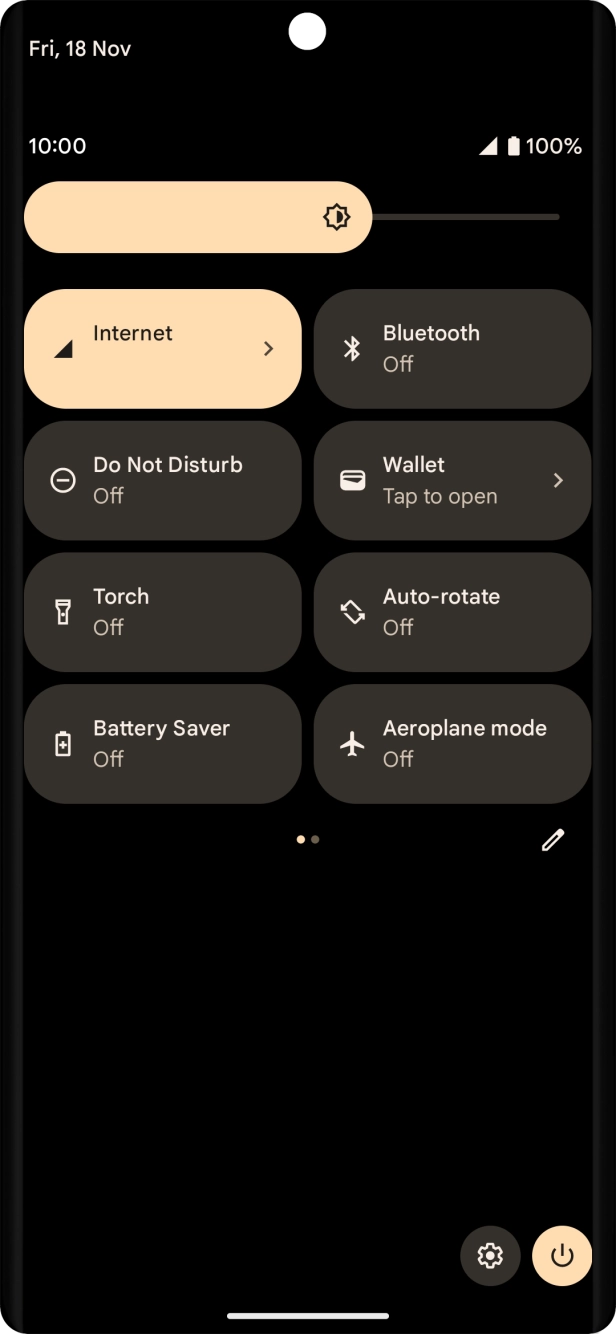
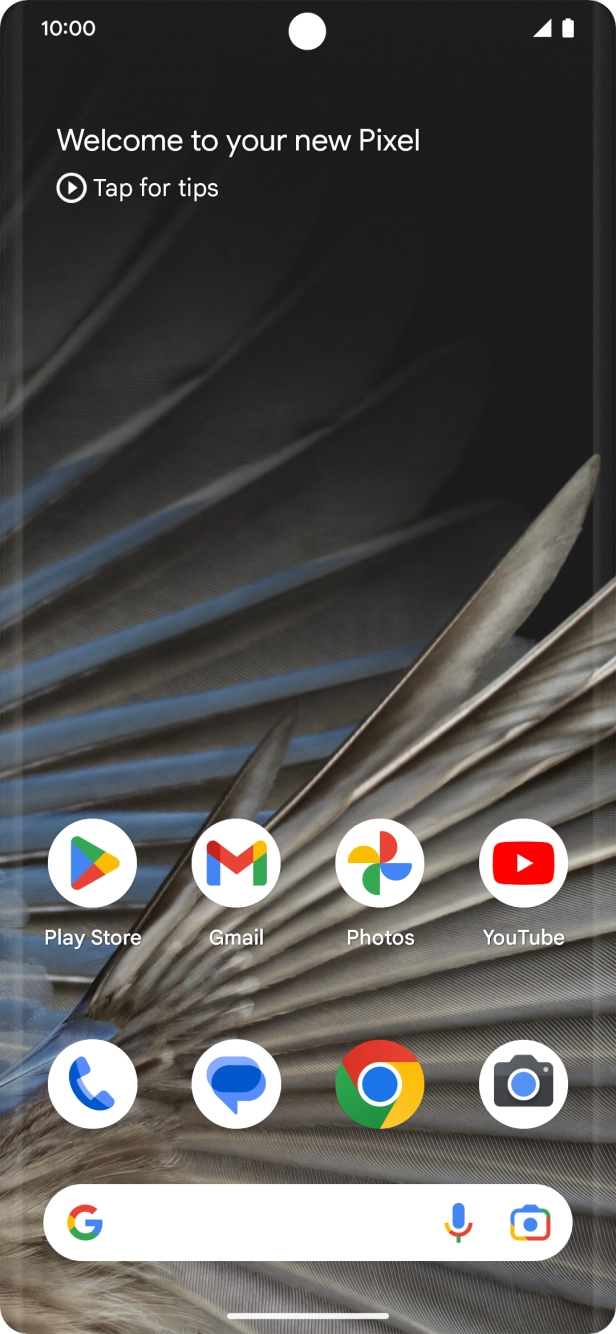
Slide two fingers downwards starting from the top of the screen.
- Slide two fingers downwards starting from the top of the screen.
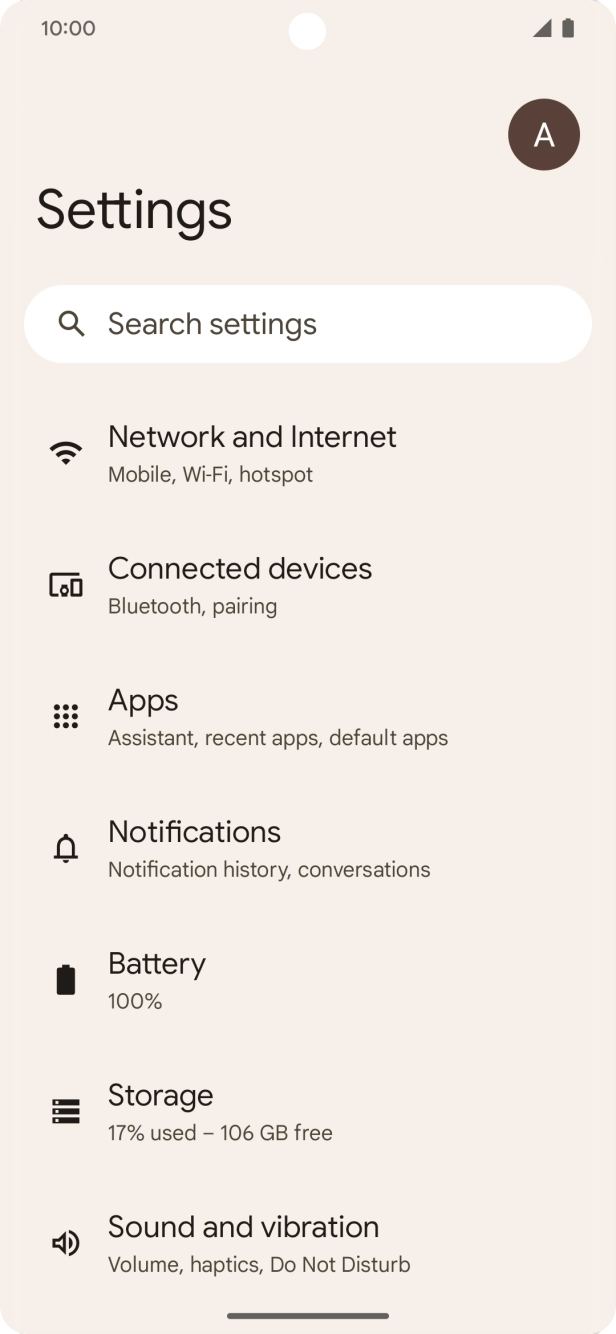
- Press the settings icon.
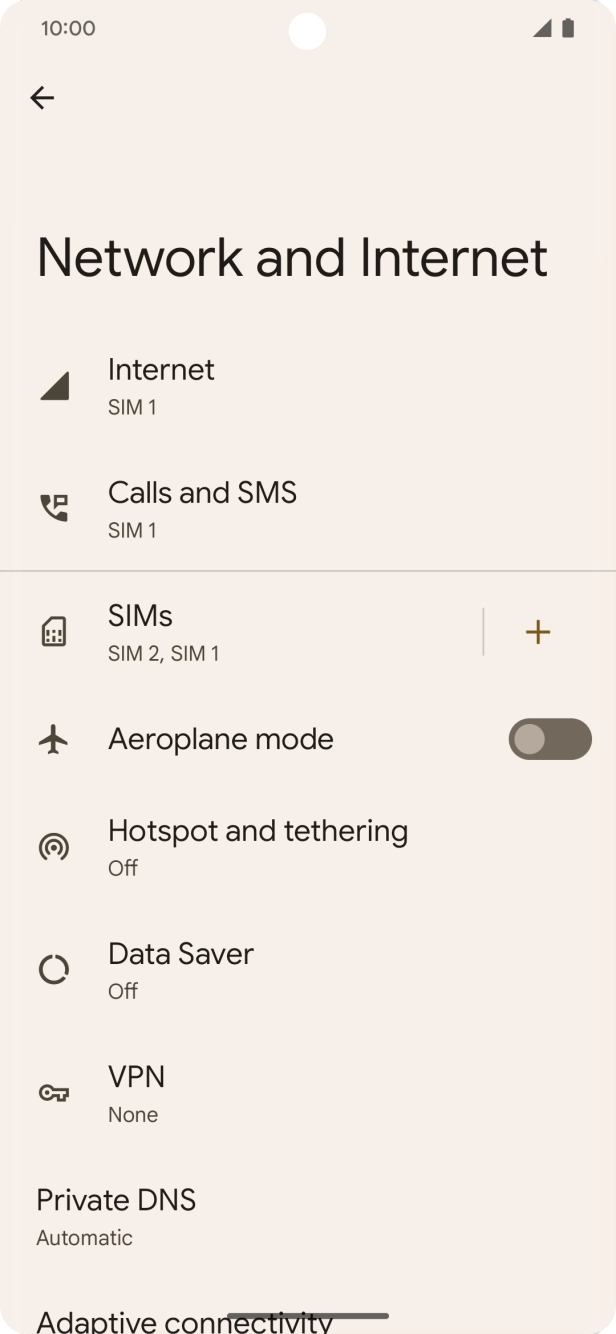
- Press Network and Internet.
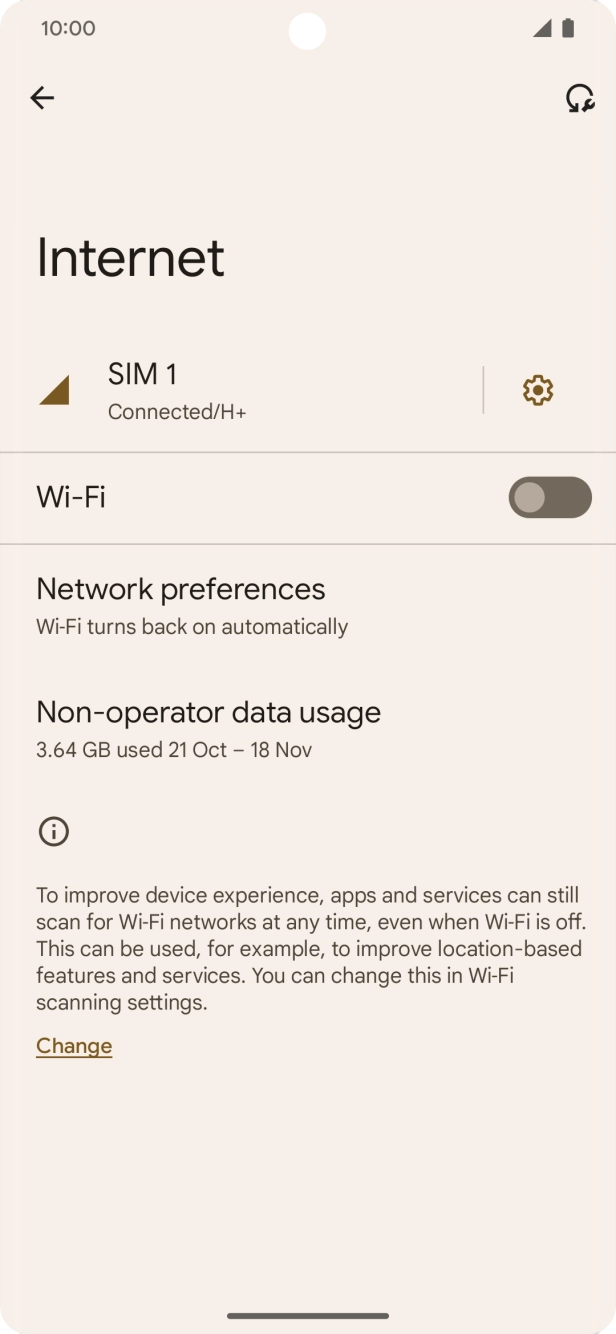
- Press Internet.
- Press the settings icon.
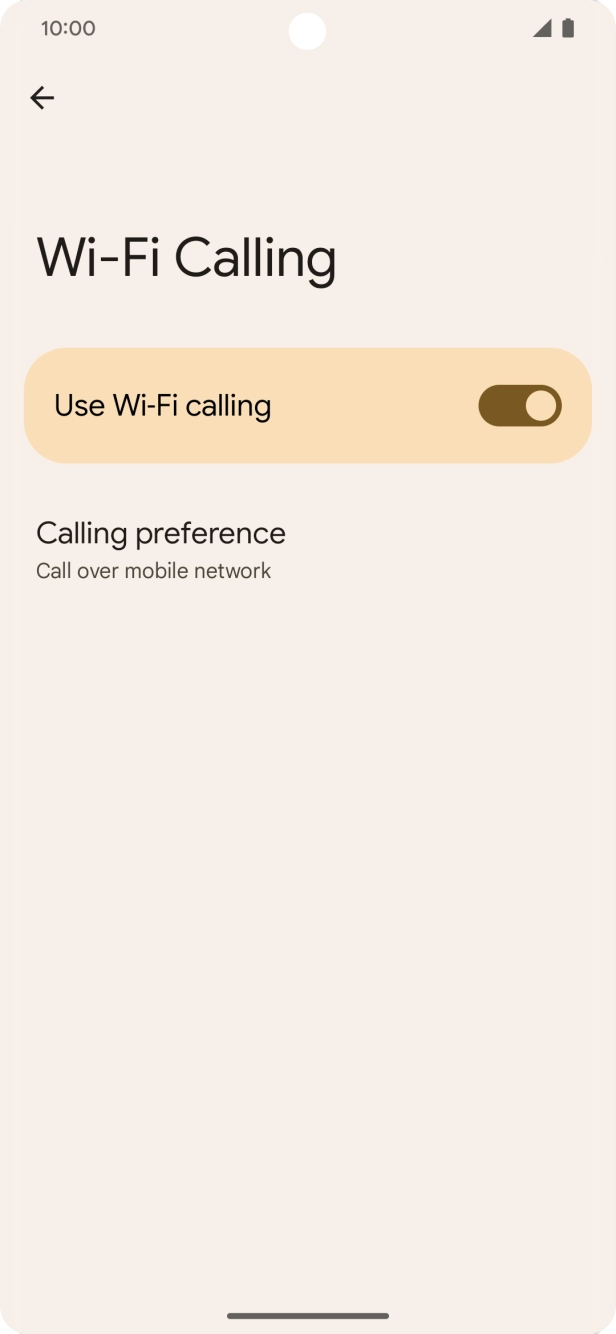
- Press Wi-Fi Calling.
- Press the indicator next to 'Use Wi-Fi calling' to turn the function on or off.
- Slide your finger upwards starting from the bottom of the screen to return to the home screen.
1. Find 'System'
Slide two fingers downwards starting from the top of the screen.

- Slide two fingers downwards starting from the top of the screen.
- Press the settings icon.
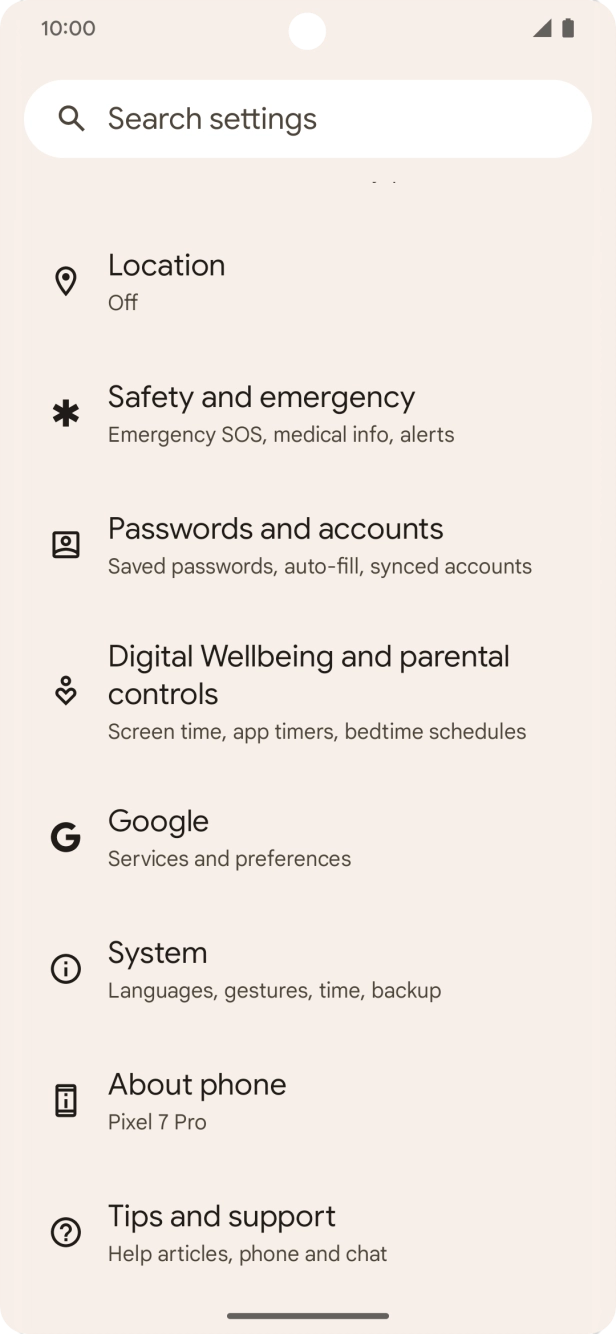
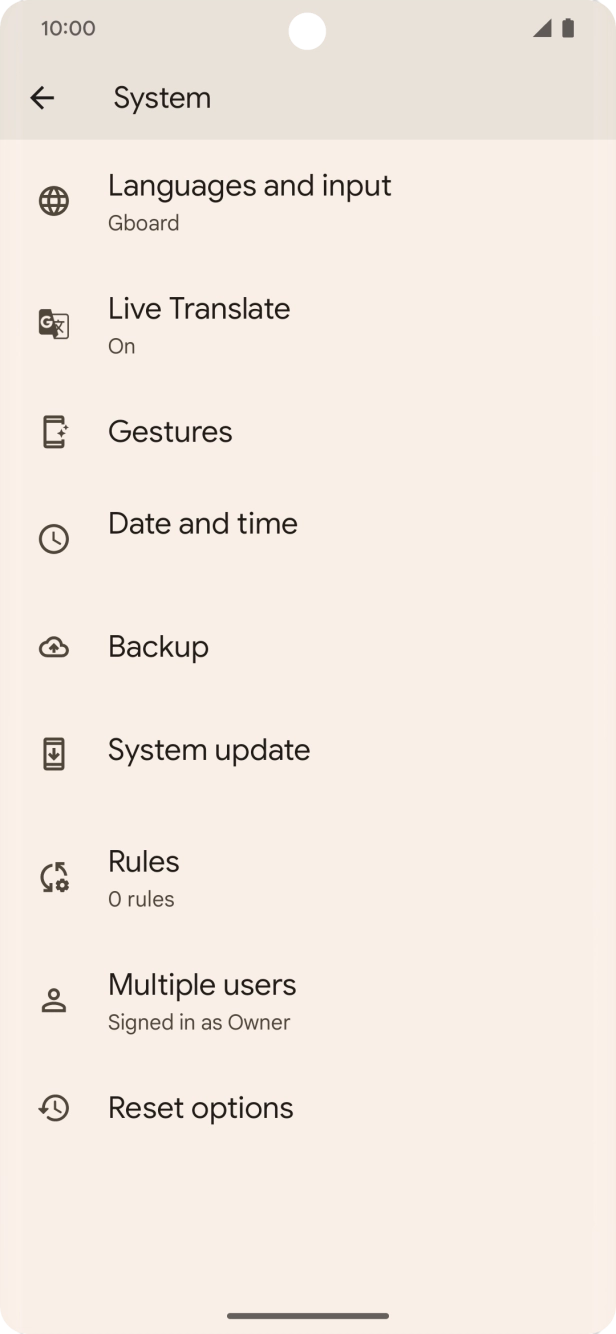
- Press System.
- Press System update. If a new software version is available, it's displayed. Follow the instructions on the screen to update the phone software.