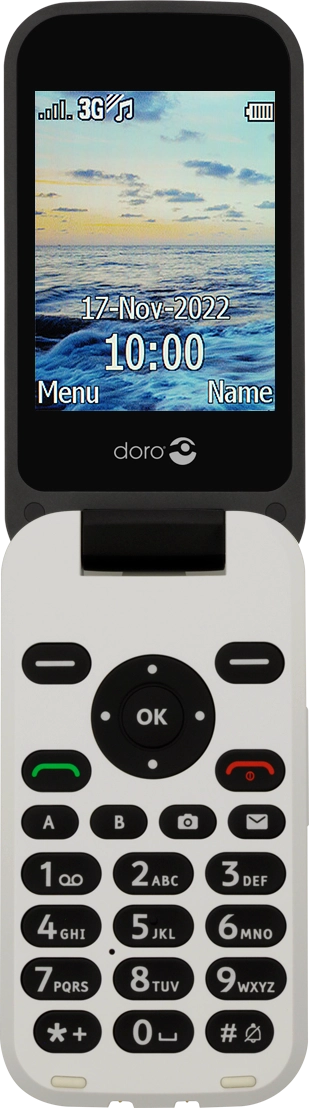
I have problems using the internet connection on my Doro 6620
If you can't use your phone's internet connection, there may be several causes of the problem.
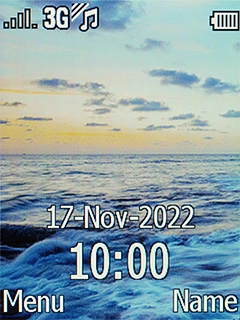
1. Find 'Internet profile'
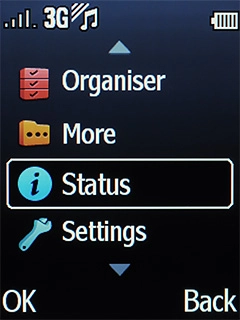
Press the Navigation key.
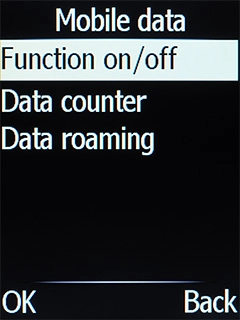
- Press the Navigation key.
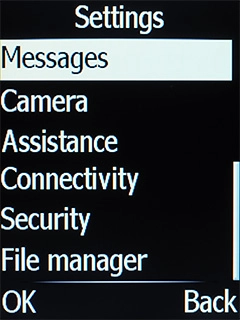
- Select Settings.
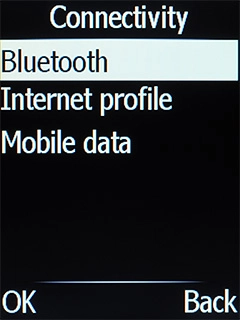
- Select Connectivity.
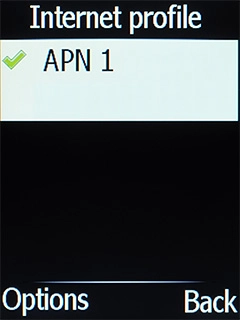
- Select Internet profile.
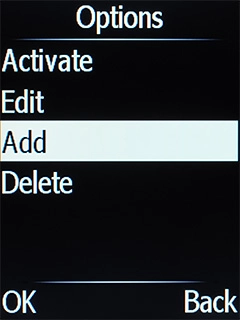
- Press the Left selection key.
- Select Add.
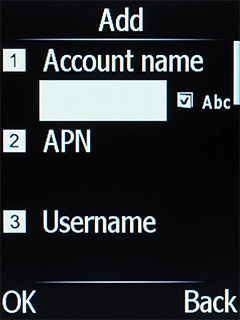
- Highlight the field below 'Account name' and key in O2 UK Internet.
- Highlight the field below 'APN' and key in mobile.o2.co.uk.
- Highlight the field below 'Username' and key in o2.
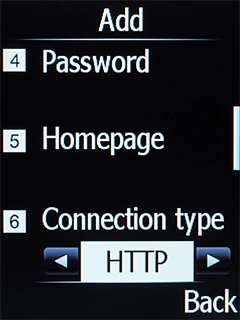
- Highlight the field below 'Password' and key in p.
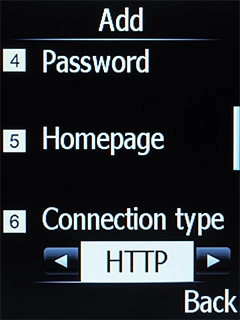
- Highlight the field below 'Connection type'.
- Select HTTP.
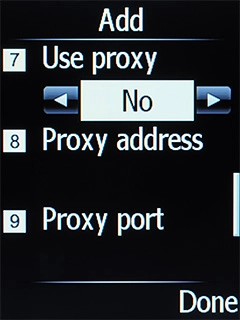
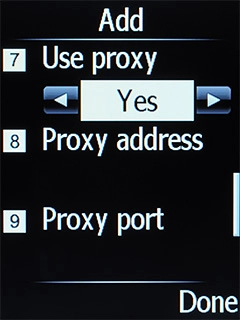
- Highlight the field below 'Use proxy'.
- Select Yes to turn on the function.
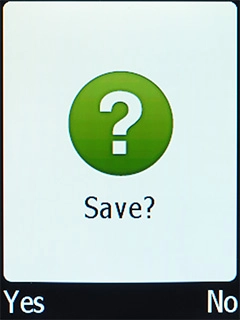
- Press the Right selection key.
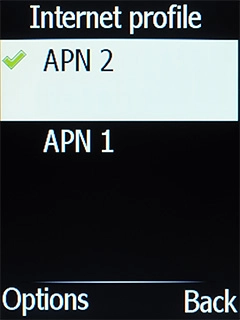
- Press the Left selection key.
- Select the required data connection to activate it.
- Press Disconnect to return to the home screen.
1. Restarting your phone
Remove the battery and leave it out for 10-15 seconds.

- Remove the battery and leave it out for 10-15 seconds.
- Insert the battery and turn on your phone again.See how to insert the battery and turn on your phone.