I have problems receiving voice calls on my Doro 6620
If you have problems receiving voice calls, there may be several causes of the problem.
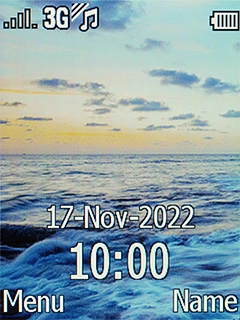
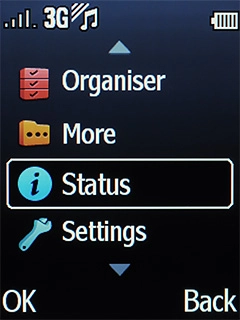
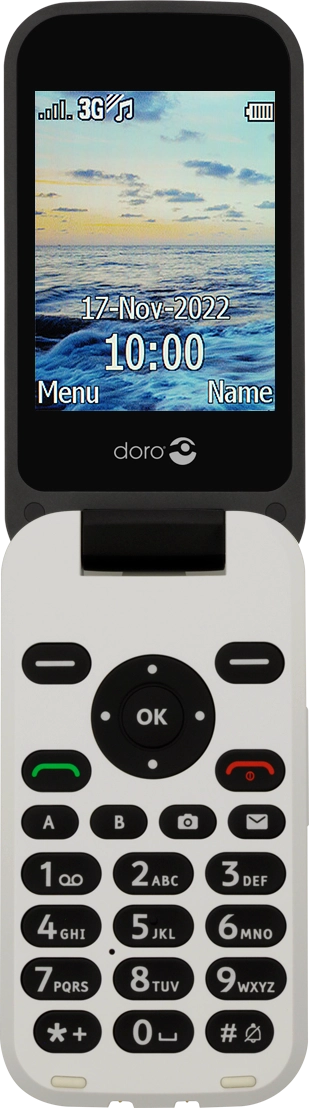
- Press the Navigation key.
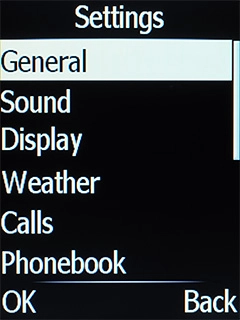
- Select Settings.
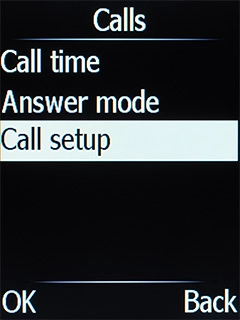
- Select Calls.
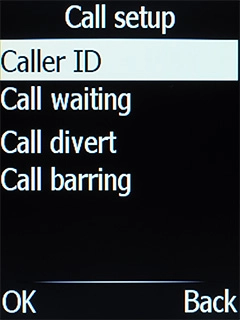
- Select Call setup.
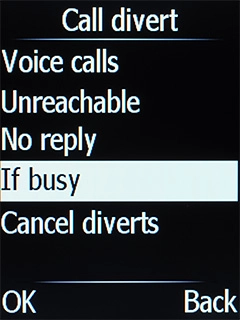
- Select Call divert.
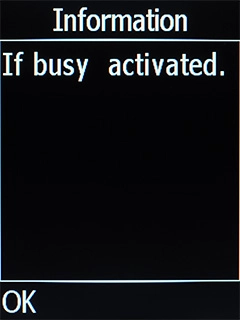
- Select the required divert type.
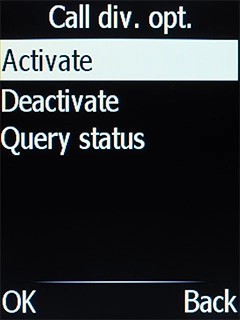
- Select Activate.
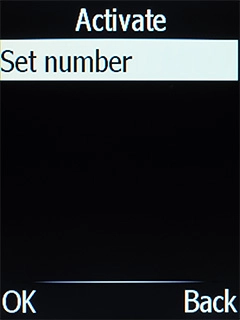
- Select Set number.
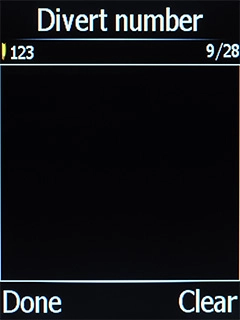
- Key in 901 and press the Navigation key.
- Press the Navigation key.
- Press Disconnect to return to the home screen.
- Remove the battery and leave it out for 10-15 seconds.
- Insert the battery and turn on your phone again.See how to insert the battery and turn on your phone.
- Press the Navigation key.
- Select Settings.
- Select Calls.
- Select Call setup.
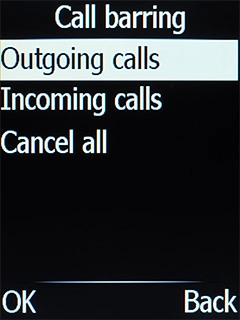
- Select Call barring.
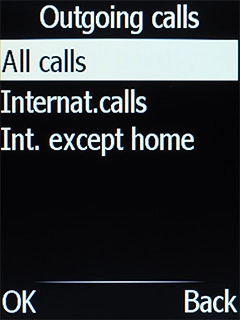
- Select the required barring category.
- Select the required barring type.
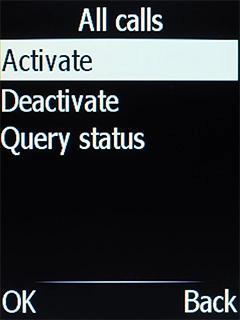
- Select Activate.
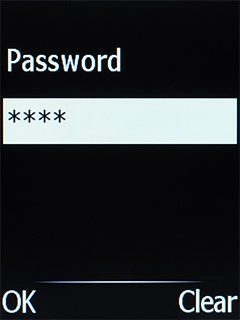
- Key in your barring password and press the Navigation key.
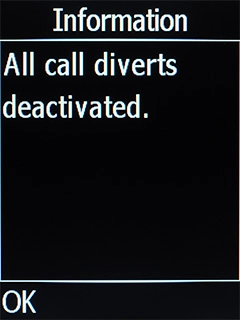
- Select Deactivate.
- Key in your barring password and press the Navigation key.
- Press Disconnect to return to the home screen.