How to select Siri settings on your Apple Watch Ultra
You can control many of the Apple Watch functions with your voice. You can make calls, dictate messages and more.
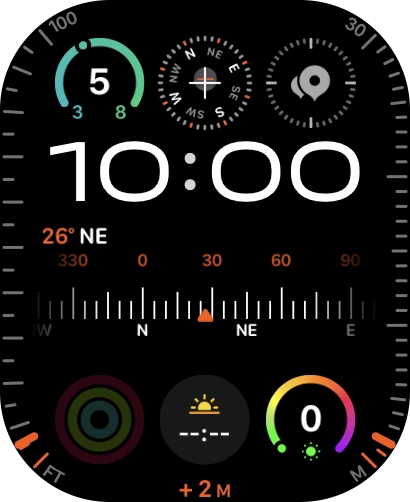
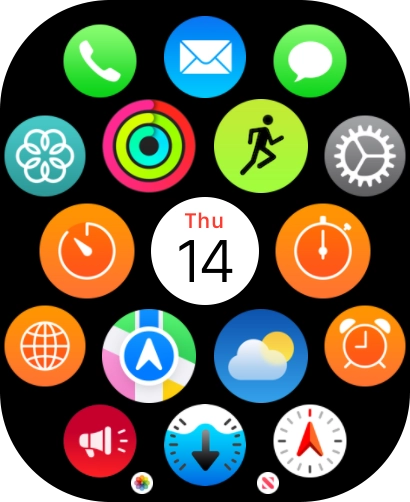
- Press the Digital Crown.
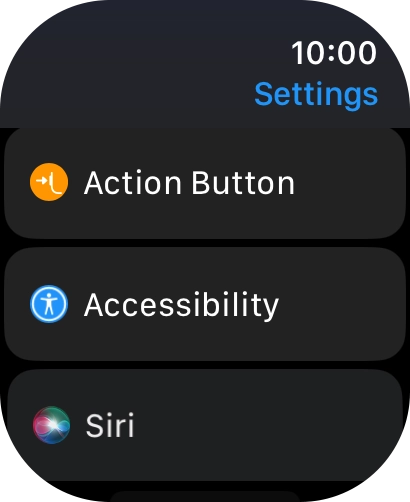
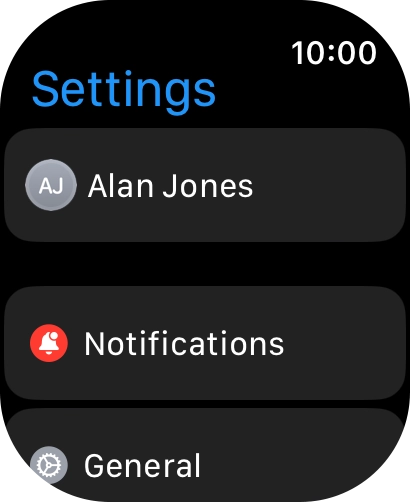
- Press the settings icon.
- Press Siri.
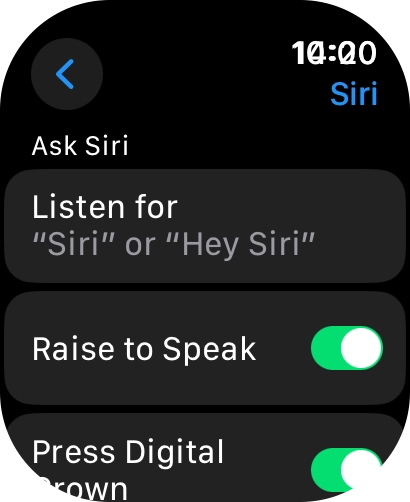
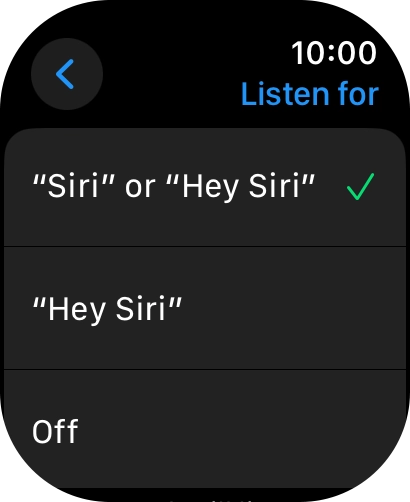
- Press Listen for.
- Press the required setting to turn the function on or off.If you turn on the function, you can activate Siri by saying "Siri" or "Hey Siri" when the screen on your Apple Watch is turned on.
- Press arrow left.
- Press the indicator next to "Raise to Speak" to turn the function on or off.If you turn on the function, you can turn on Siri by holding your Apple Watch to your mouth.
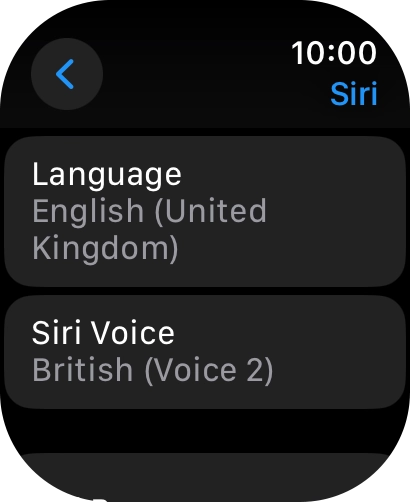
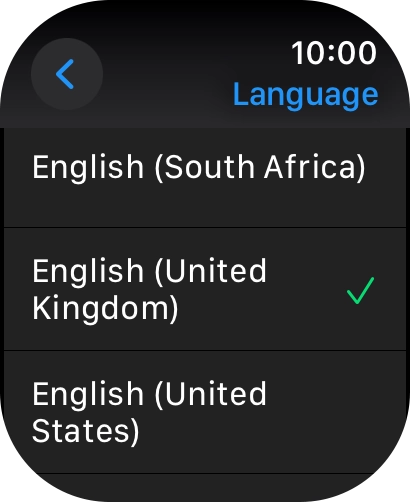
- Press Language.
- Press the required language.
- Press arrow left.
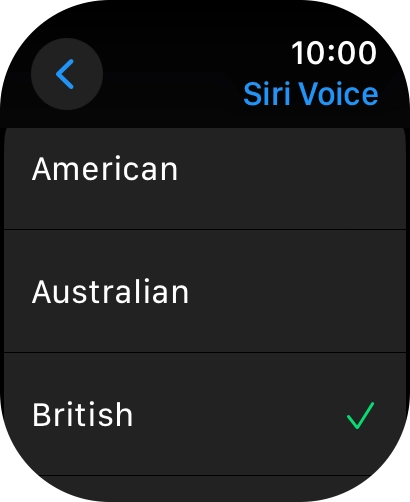
- Press Siri Voice.
- Follow the instructions on the screen to select the required settings.
- Press arrow left.
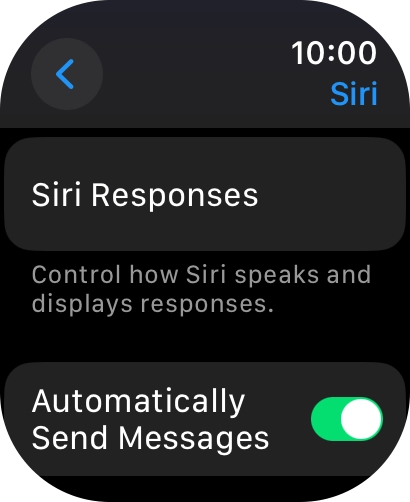
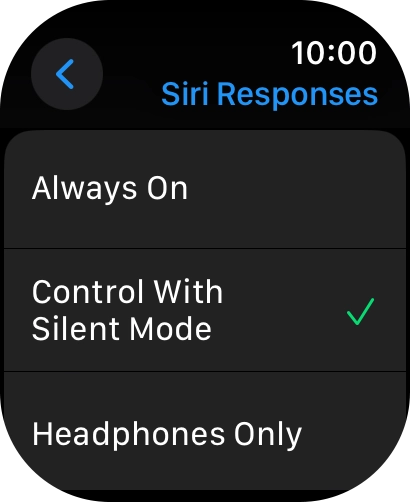
- Press Siri Responses.
- Press the required setting.
- Press arrow left.
- Press arrow left.When dictation is turned on, you can reply to messages and email messages using voice input.
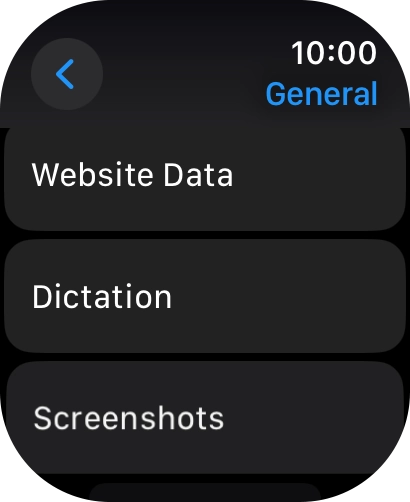
- Press General.
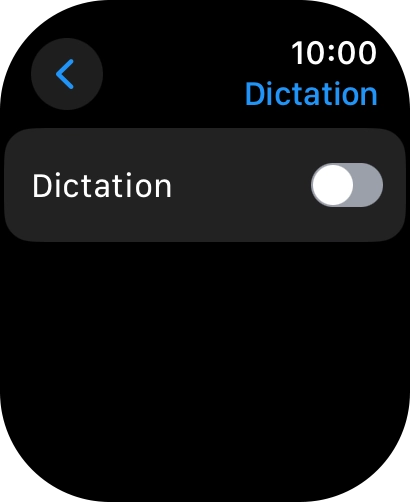
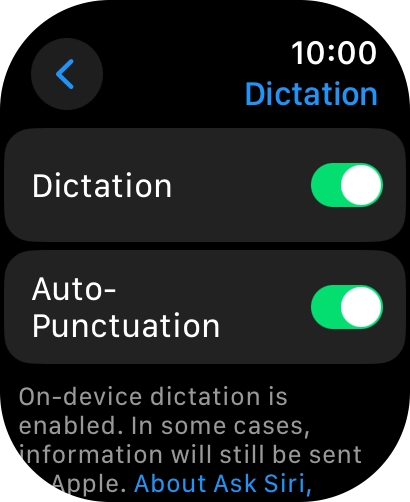
- Press Dictation.
- Press the indicator next to "Dictation" to turn on the function.
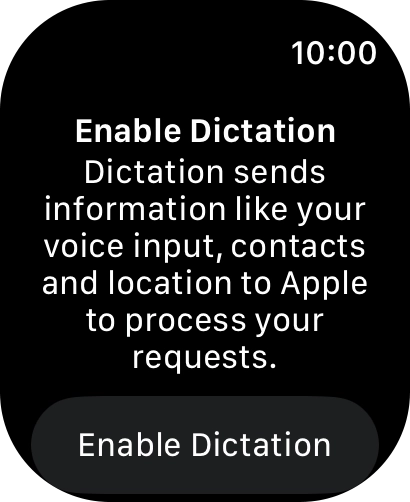
- Press Enable Dictation.
- Press the Digital Crown twice to return to the home screen.