How to use GPS navigation on your Apple Watch Ultra 4
You can use your Apple Watch for navigation helping you find a certain destination.
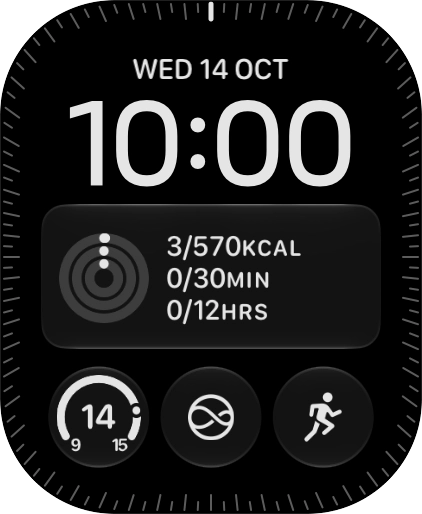
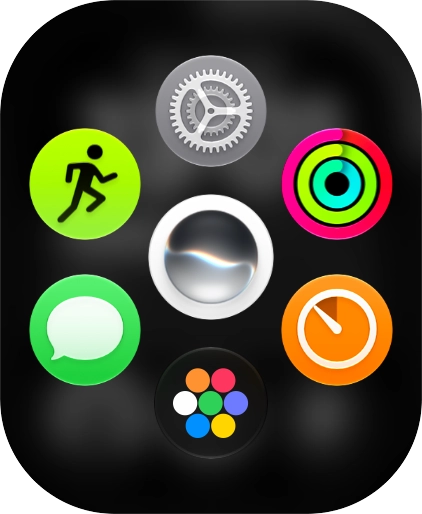
- Press the Digital Crown.
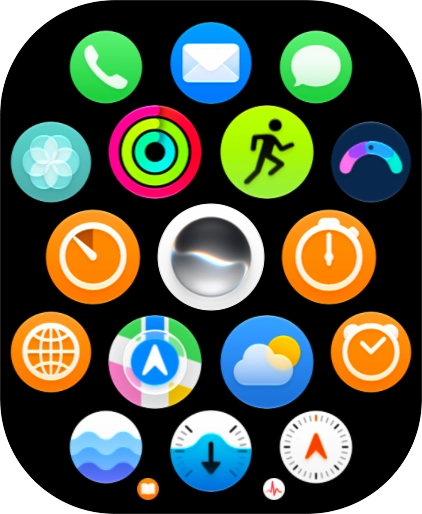
- Slide your finger upwards on the screen.
- Press the Maps icon.
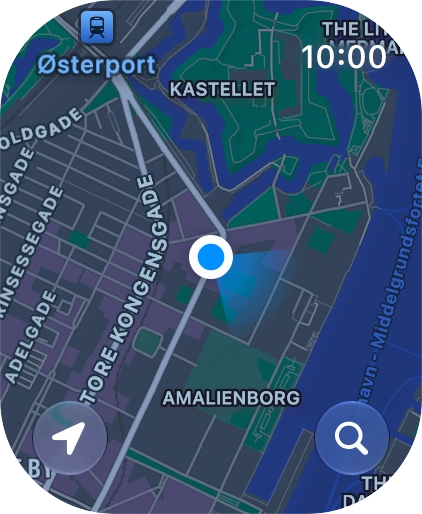
- Press the search icon.
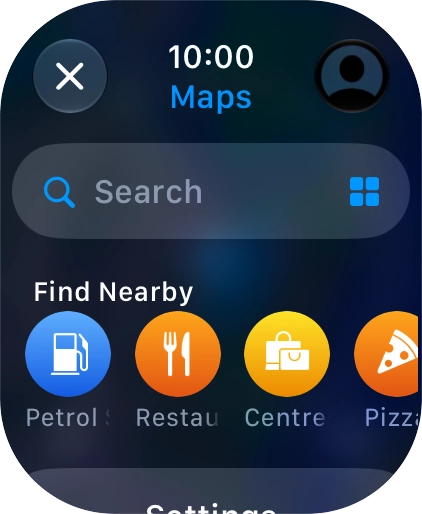
- Press Search.
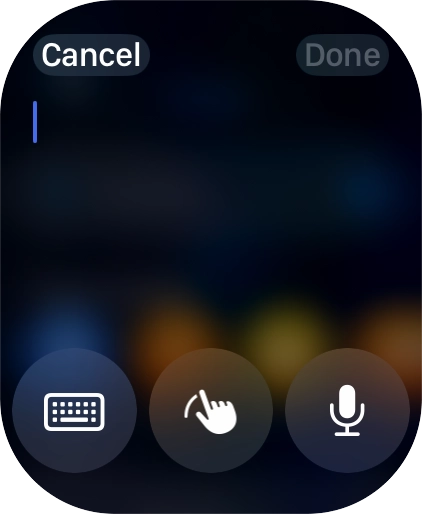
- Press the input icon.
- Press the microphone icon to turn on voice input.To use voice input, you need to turn on dictation.
- Say '[the required destination]'.
- Press Done.
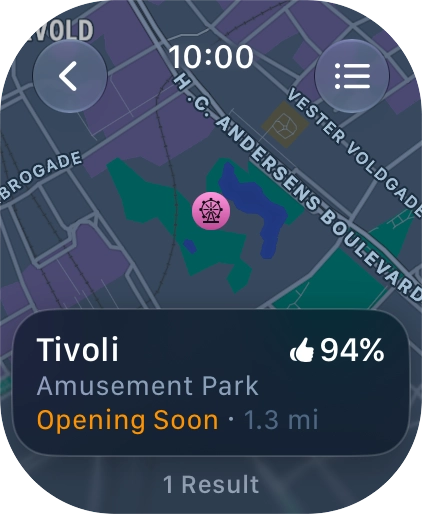
- Press the required destination.
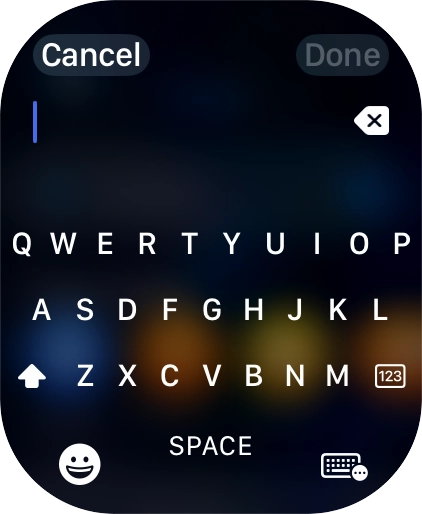
- Press the input icon.
- Press the keypad icon.
- Key in the required destination and press Done.
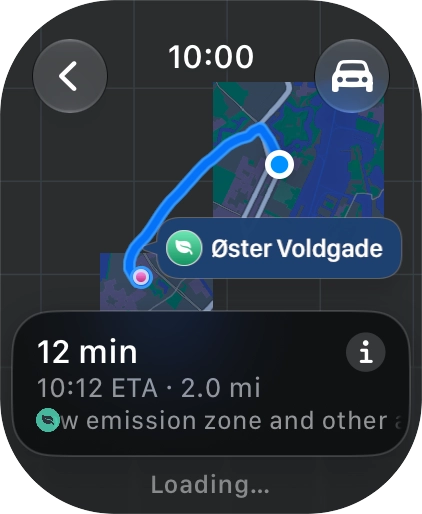
- Press the required destination.
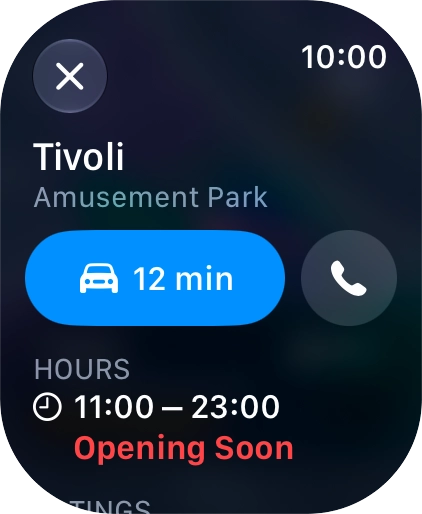
- Press the start journey icon.
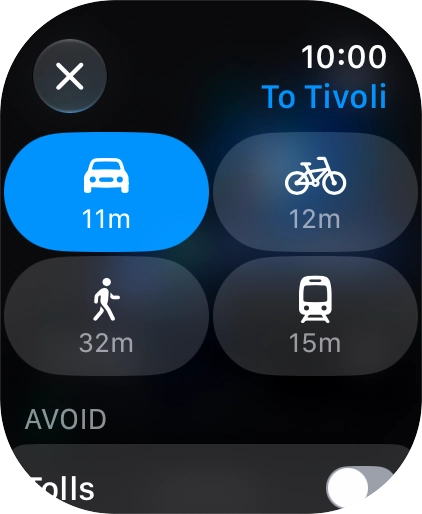
- Press the transport type icon.
- Press the required transport type.
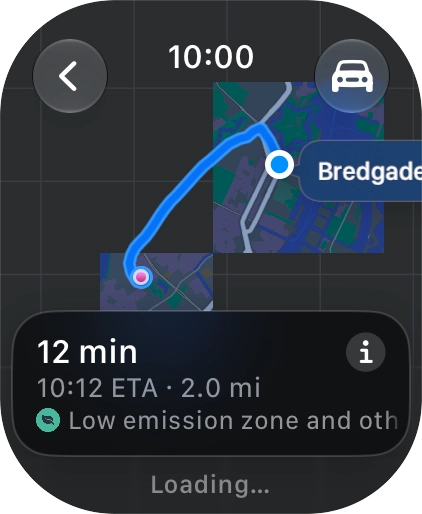
- Turn the Digital Crown to see the suggested routes.
- Press the required route.
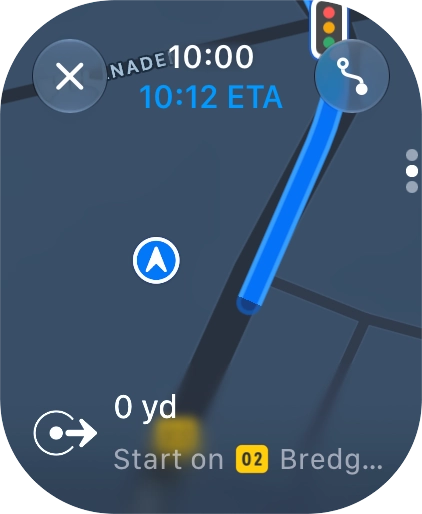
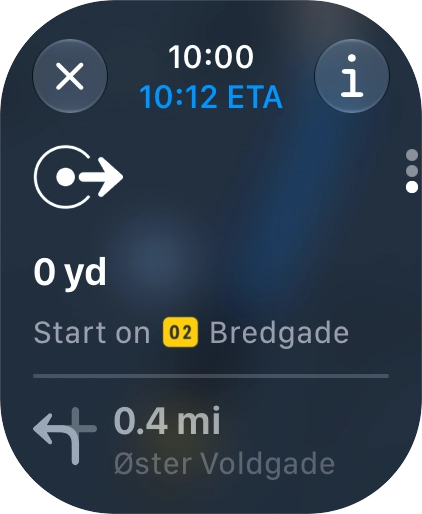
- Follow the instructions on the screen to go to the required destination.
- Slide your finger upwards on the screen to see an overview of the route.
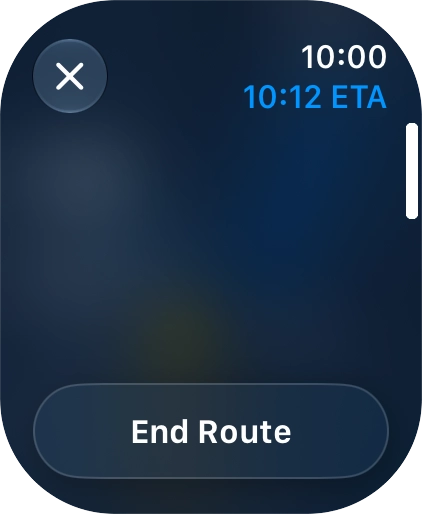
- Press the end icon.
- Press End Route.
- Press the Digital Crown several times to return to standby mode.


![Say '[the required destination]'. Say '[the required destination]'.](https://cdn.sp-selfservice.com/ml/201026-f-44a5f787-fec2-436b-9e03-fe7da6029ffa.png?width=646&height=786)