How to use Siri AI on your Apple Watch Series 12
Siri AI allows you to use many of your Apple Watch's functions in a smarter and more efficient way. Here you can see some examples of Siri AI usage. To use most functions, you need to turn on Siri AI on your phone.
1. Use Siri AI for voice control
Press and hold the Digital Crown to turn on Siri AI.
If you've turned on automatic activation, you can activate voice control by saying 'Siri' or 'Hey Siri'.

- Press and hold the Digital Crown to turn on Siri AI.If you've turned on automatic activation, you can activate voice control by saying 'Siri' or 'Hey Siri'.
- Say, in your own words, what you would like your Apple Watch to do. WHAT'S THE WEATHER LIKE? CALL [contact], PLAY [song or playlist] or SET AN ALARM.You can have a direct conversation with Siri without having to write anything. Your Siri conversations are saved in the Siri app.
- If an app is open on your Apple Watch, such as Messages, you can also use the functions available here, e.g.: REPLY [text].
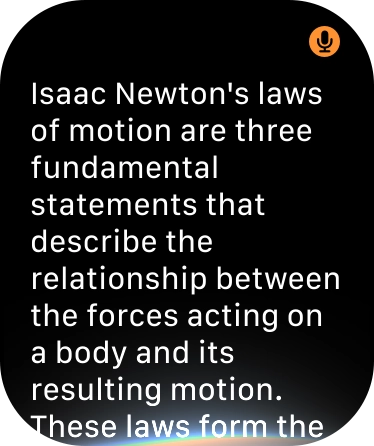
- Ask questions or ask Siri to find information on the internet.
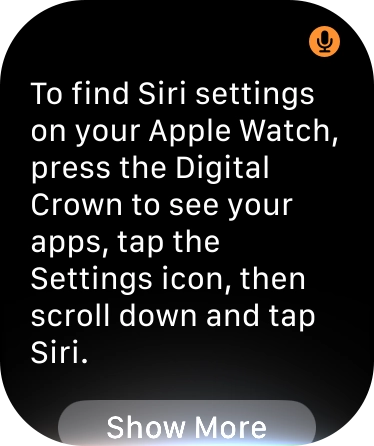
- Ask questions about functions and settings on your Apple Watch.
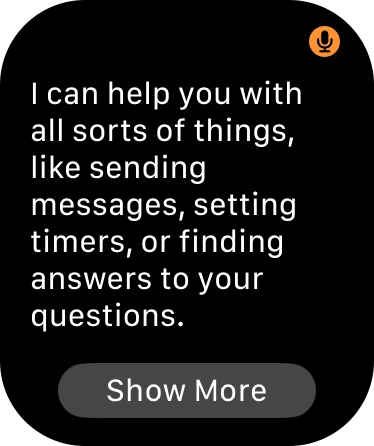
- Say 'What can you do' for more examples.
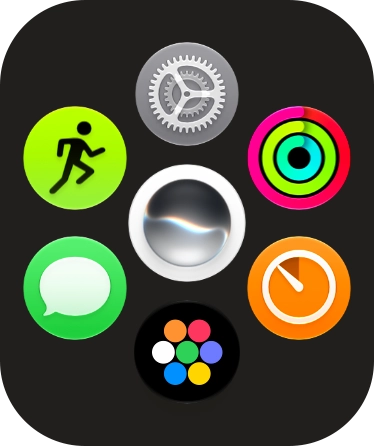
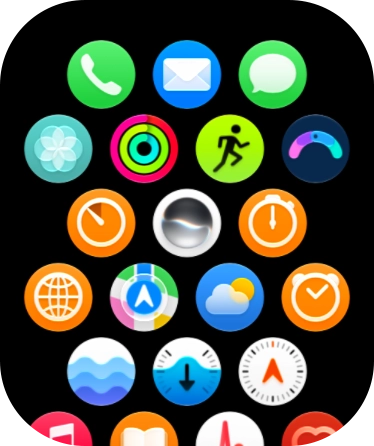
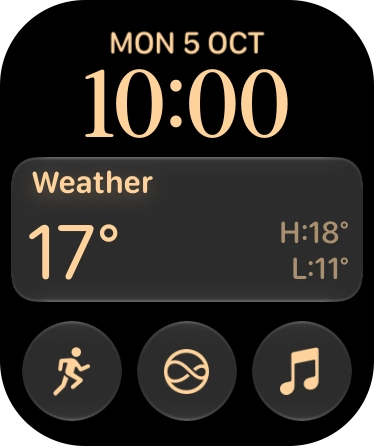
- Press the Digital Crown.
- Slide your finger upwards on the screen.
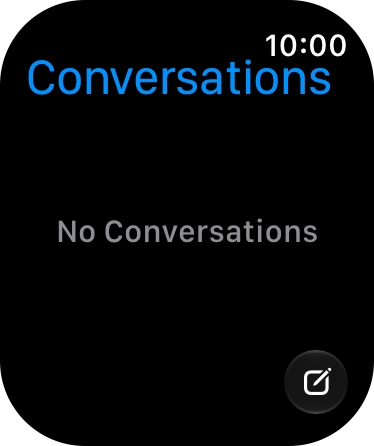
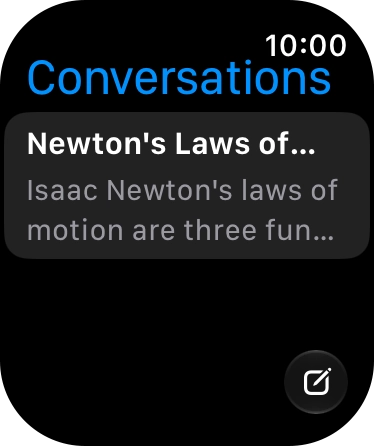
- Press the Siri AI icon.The Siri AI app compiles all your Siri conversations in one place.
- Press the new conversation icon.
- Say the required question and wait for the answer from Siri.
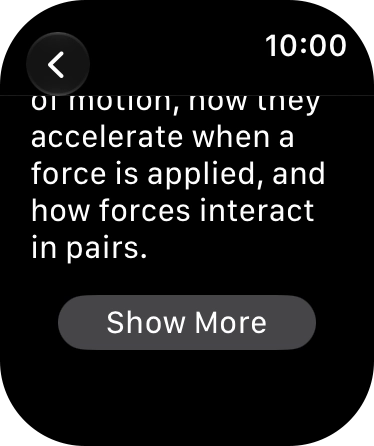
- Press Show More for further information.
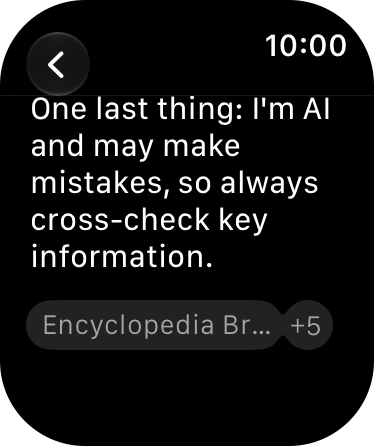
- Press arrow left to leave the conversation.
- Press the required conversation to return to the conversation.
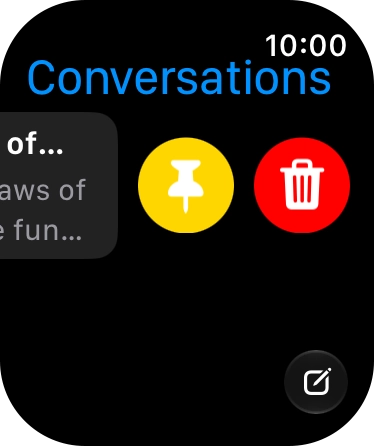
- Slide your finger left on the conversation.
- Press the pin conversation icon to pin the conversation to the list of conversations.
- Press the delete icon and follow the instructions on the screen to delete the conversation.
- Press the Digital Crown to return to the home screen.


![Say, in your own words, what you would like your Apple Watch to do. WHAT'S THE WEATHER LIKE? CALL [contact], PLAY [song or playlist] or SET AN ALARM. Say, in your own words, what you would like your Apple Watch to do. WHAT'S THE WEATHER LIKE? CALL [contact], PLAY [song or playlist] or SET AN ALARM.](https://cdn.sp-selfservice.com/ml/121026-f-8023bc70-df01-4287-bd19-af5a03a4c497.png?width=656&height=782)
![If an app is open on your Apple Watch, such as Messages, you can also use the functions available here, e.g.: REPLY [text]. If an app is open on your Apple Watch, such as Messages, you can also use the functions available here, e.g.: REPLY [text].](https://cdn.sp-selfservice.com/ml/121026-f-239e655e-fd6f-4823-883b-fd1540cc3569.png?width=656&height=782)