How to use GPS navigation on your Apple Watch Series 10
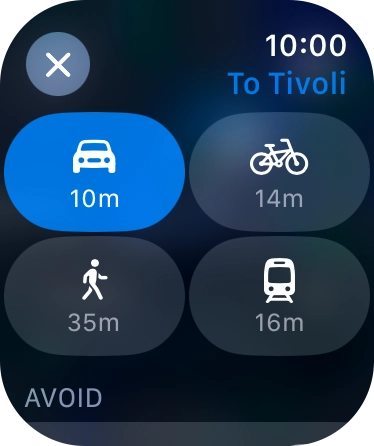
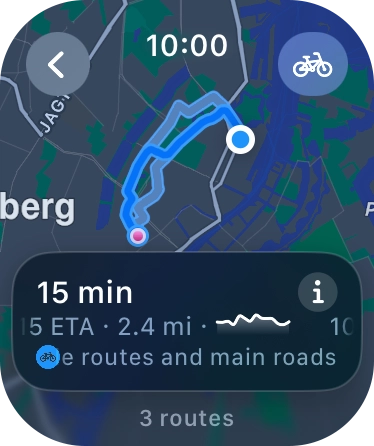
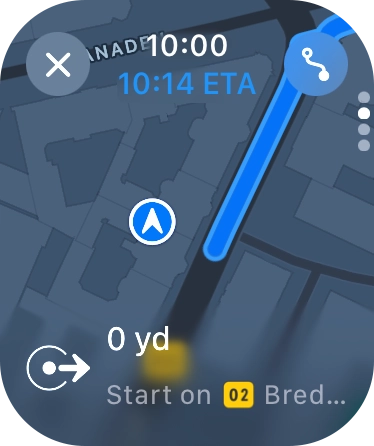
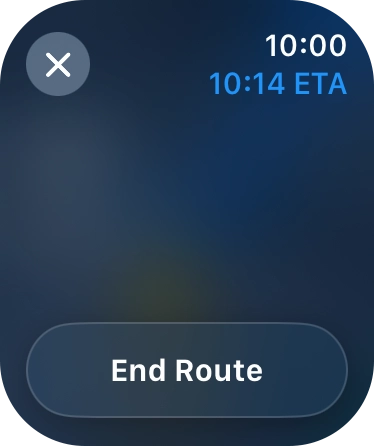
You can use your Apple Watch for navigation helping you find a certain destination.

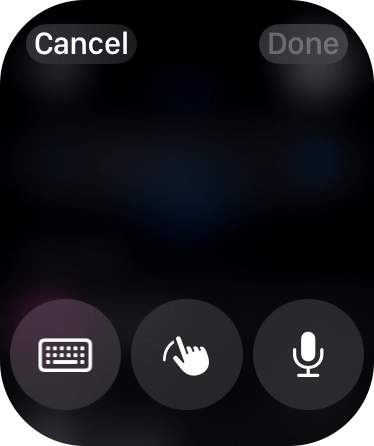
![Say '[the required destination]'.](https://cdn.sp-selfservice.com/ml/210726-f-7097f5c7-8a4c-4561-9db1-a23061b82a8c.png?width=656&height=782 "Say '[the required destination]'.")

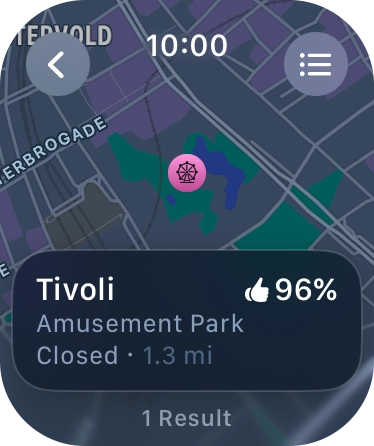
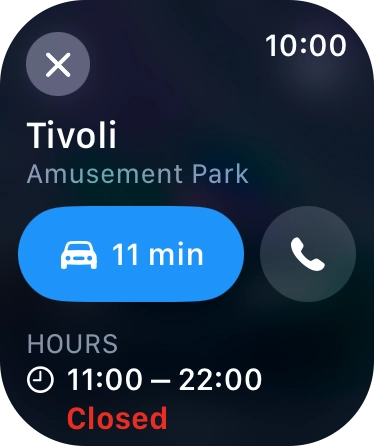
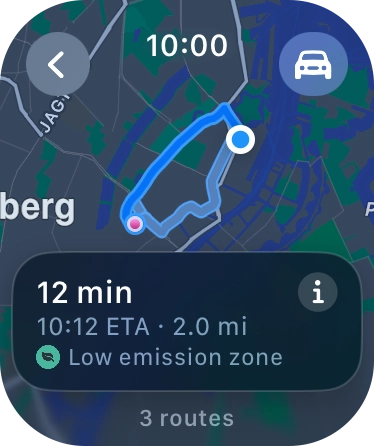

Step 1 of 23
Step 1 of 23
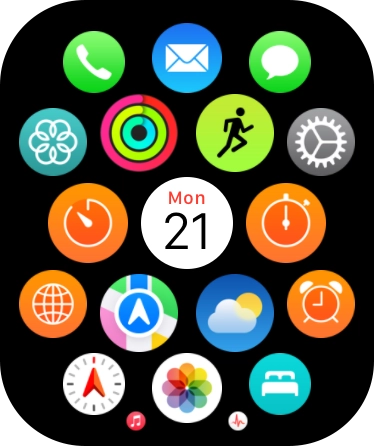
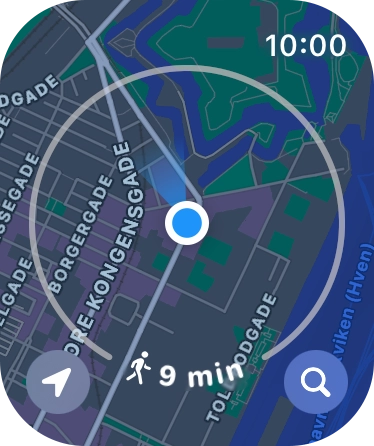
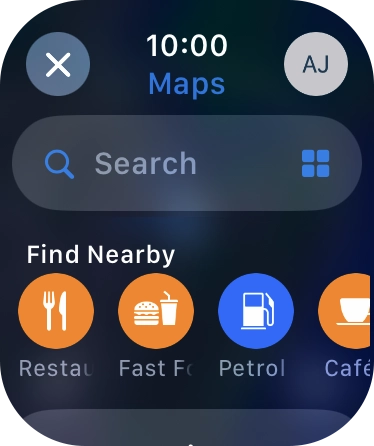
1. Find 'Search'
Press the Digital Crown.


You can use your Apple Watch for navigation helping you find a certain destination.
1. Find 'Search'
Press the Digital Crown.