
I can't update the software on my Apple Watch Series 10
If you can't update the software on your Apple Watch, there may be several causes of the problem.

Step 1 of 5
Step 1 of 5
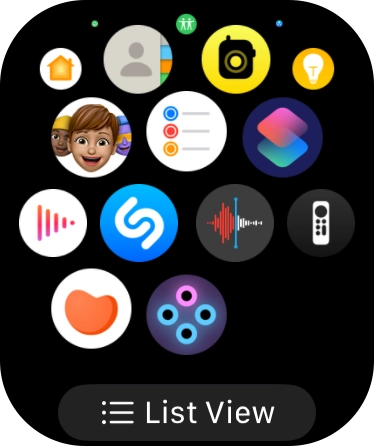
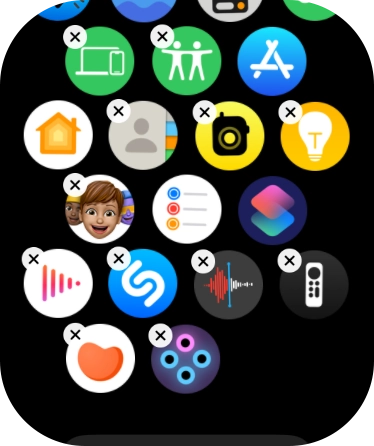
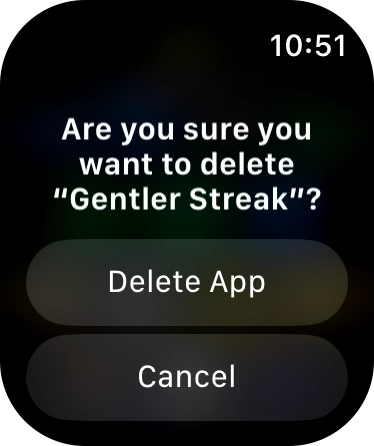
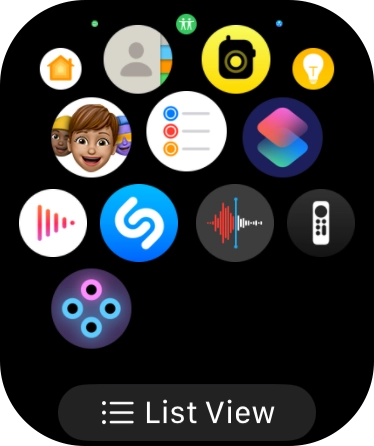
1. Uninstall apps
Press the Digital Crown.
1. Restart your Apple Watch
Press the Digital Crown and the Side button and keep them both pressed until your Apple Watch restarts.

Step 1 of 3
Step 1 of 3
1. Charge your Apple Watch
Connect the charger to a wall socket.
Step 1 of 5
Step 1 of 5
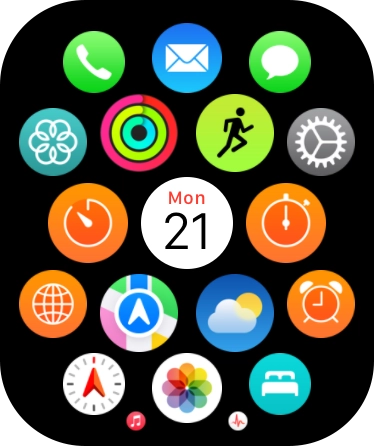
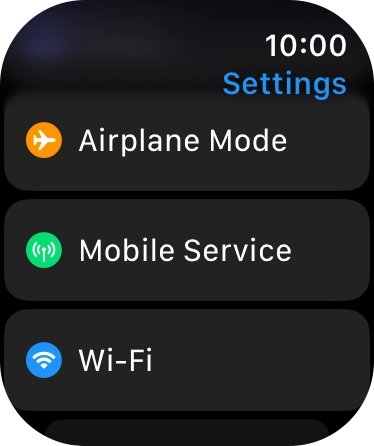
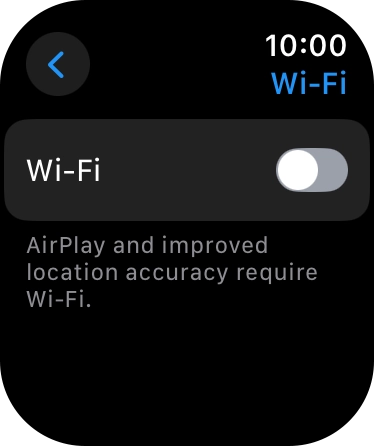
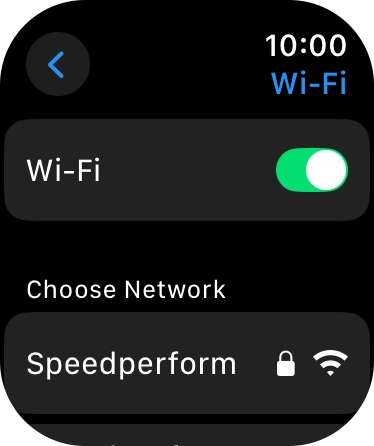
1. Find 'Wi-Fi'
Press the Digital Crown.
