If you can't update the software on your Apple Watch, there may be several causes of the problem.
Step 1 of 3
Step 1 of 3
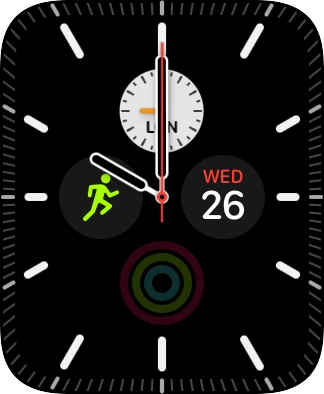
1. Charge the battery
Connect the charger to a wall socket.
Place the back of your Apple Watch on the magnetic charger allowing it to click into place.
When the battery charging icon is displayed, charging is in progress.
Step 1 of 2
Step 1 of 2
1. Restart your Apple Watch
Press and hold the Digital Crown.
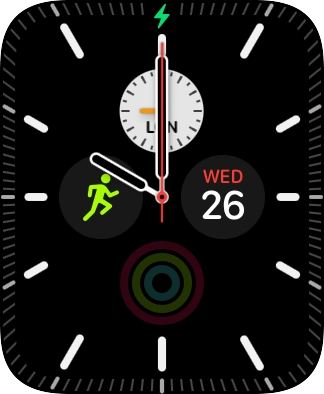
Simultaneously, press and hold the Side button until your Apple Watch is restarted.
Step 1 of 4
Step 1 of 4
1. Update Apple Watch software
On your phone: Press Watch.
On your phone: Press My Watch.
On your phone: Press General.
On your phone: Press Software Update. If a new software version is available, it's displayed. Follow the instructions on the screen to update the Apple Watch software.
