I have problems sending and receiving picture messages on my Apple iPhone X
If you can't send and receive picture messages, there may be several causes of the problem.
1. Find 'Mobile Data Network'
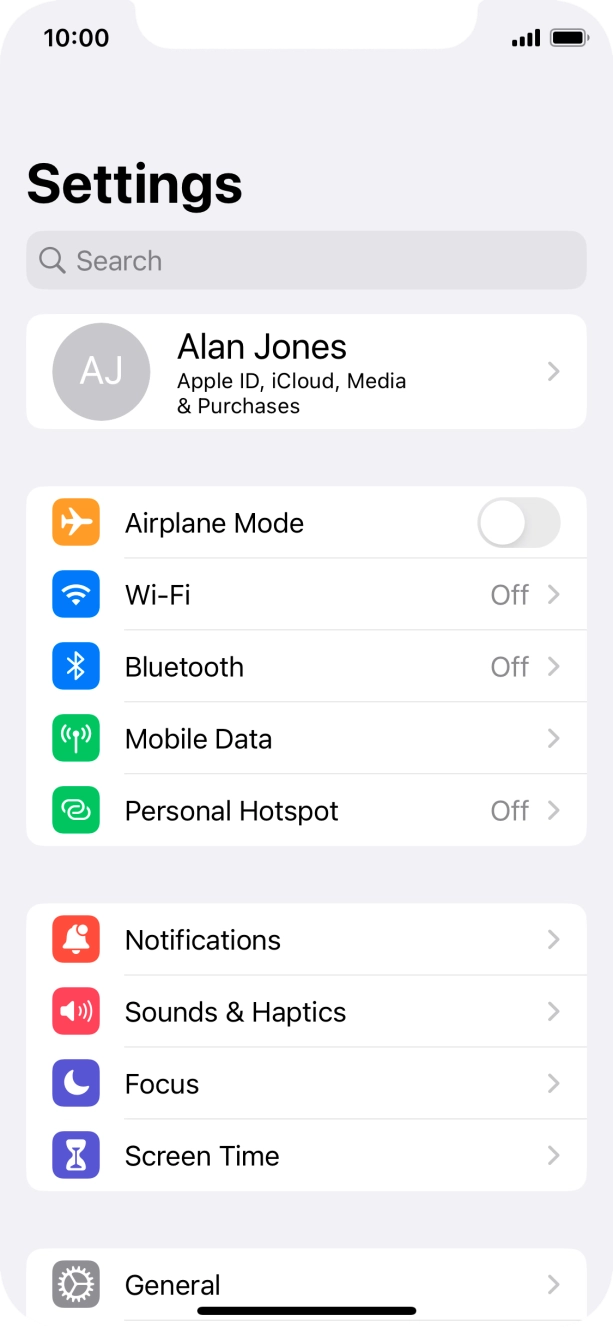
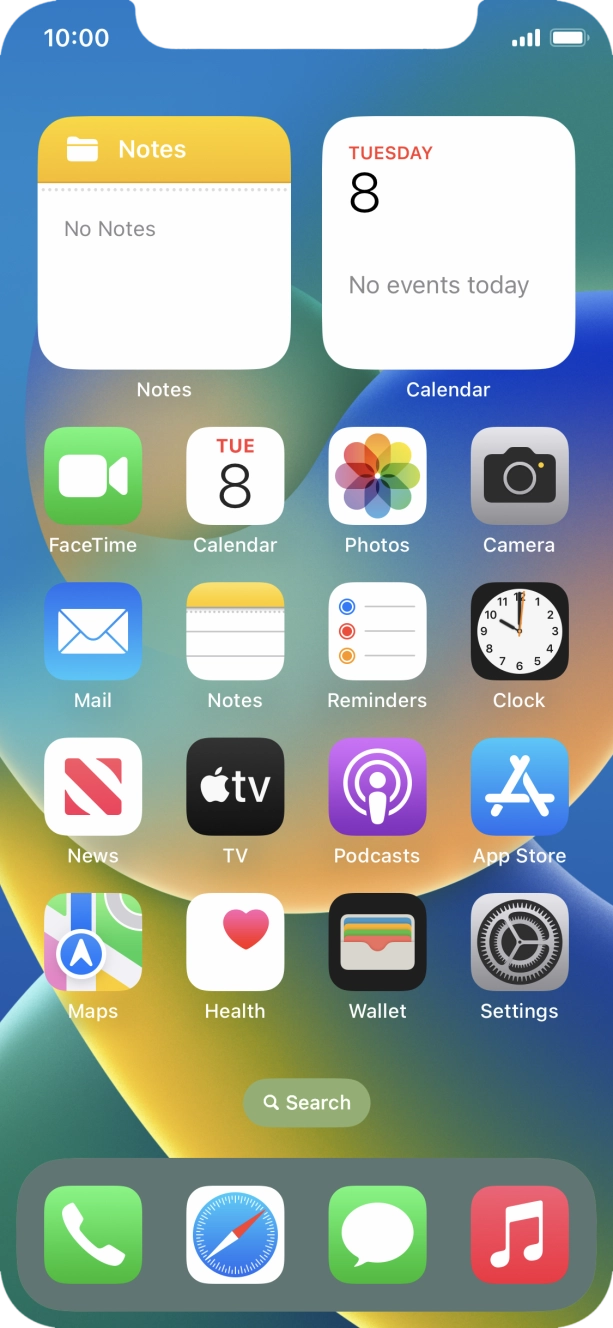
Press Settings.
- Press Settings.
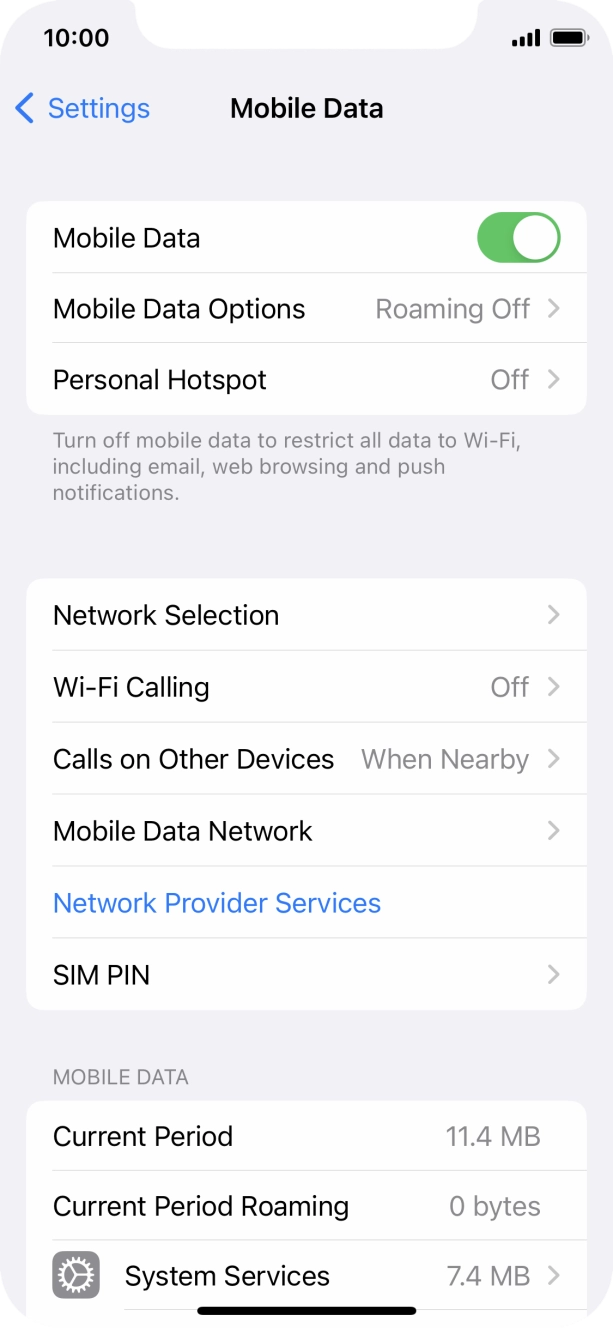
- Press Mobile Data.
- Press Mobile Data Network.
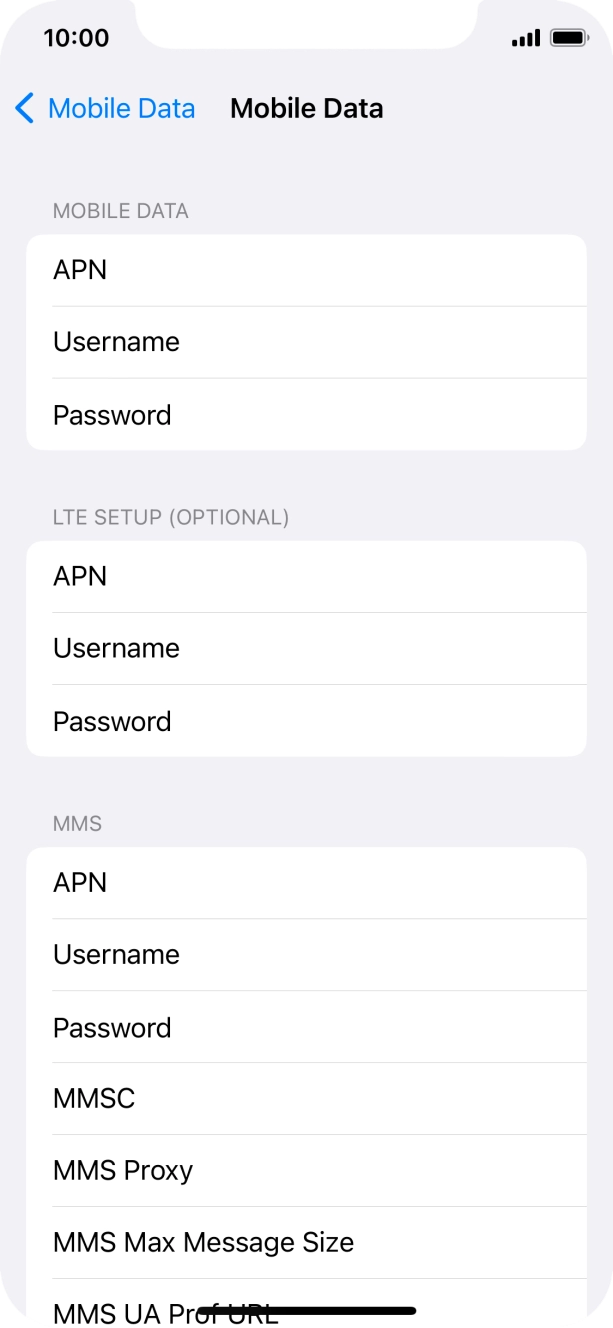
- Press APN and key in wap.o2.co.uk.
- Press Username and key in o2wap.
- Press Password and key in password.
- Press MMSC and key in http://mmsc.mms.o2.co.uk:8002.
- Press MMS Proxy and key in 82.132.254.1:8080.
- Press arrow left.
- Slide your finger upwards starting from the bottom of the screen to return to the home screen.
- Press Settings.
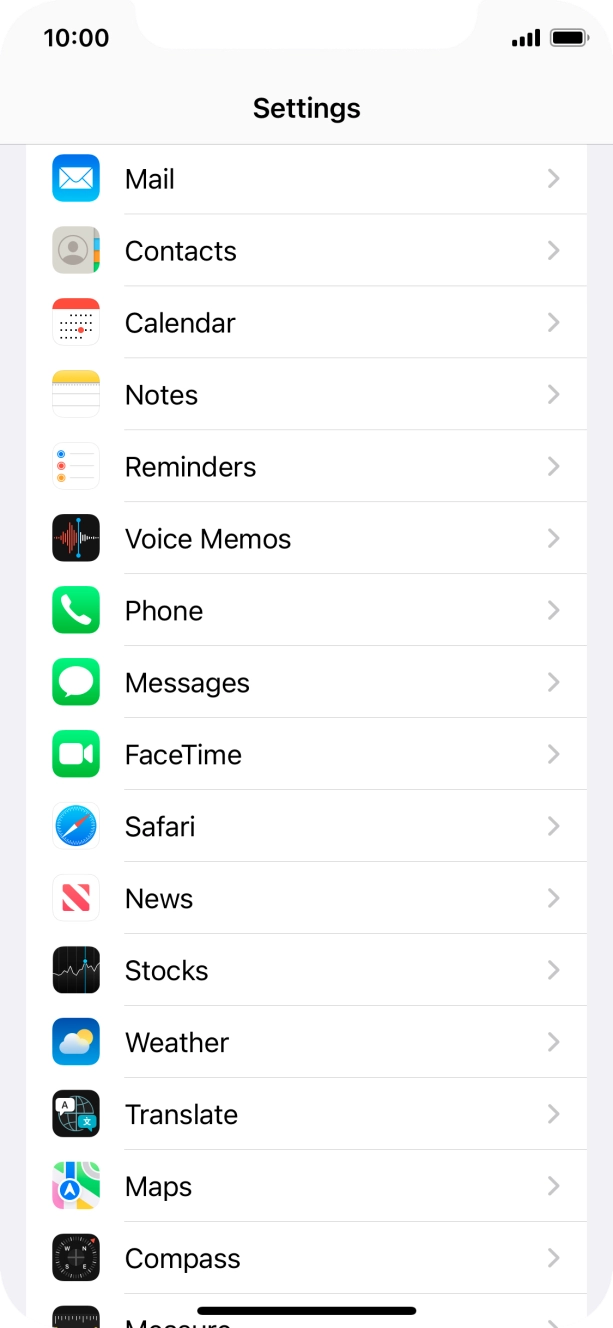
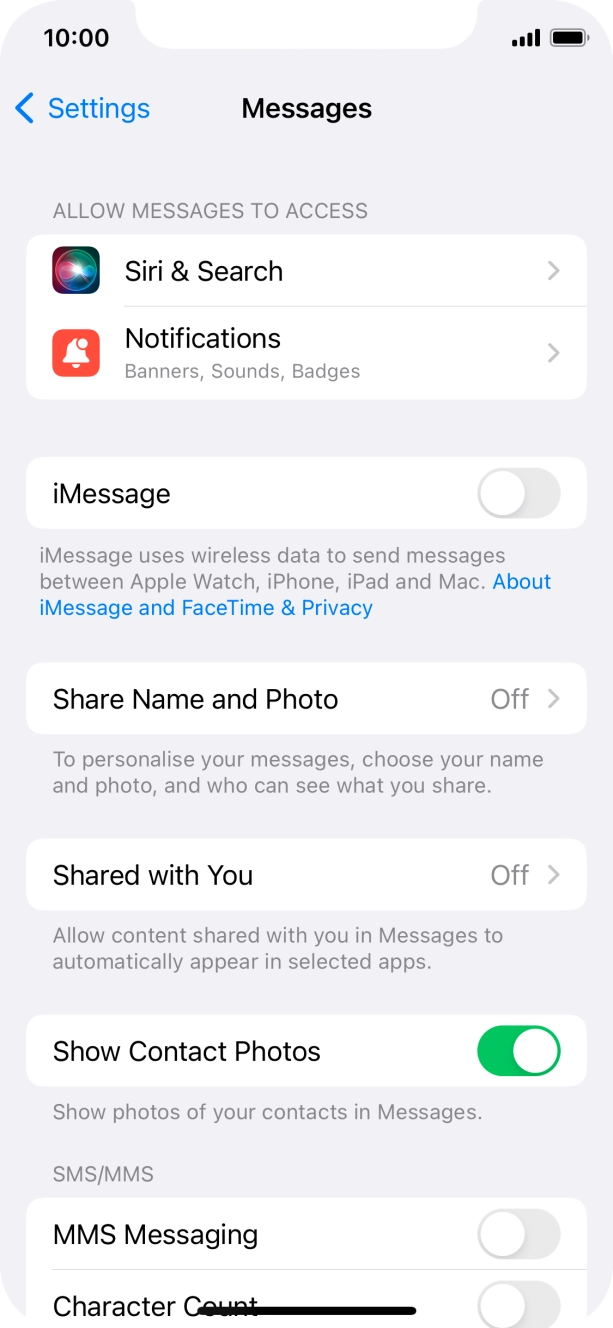
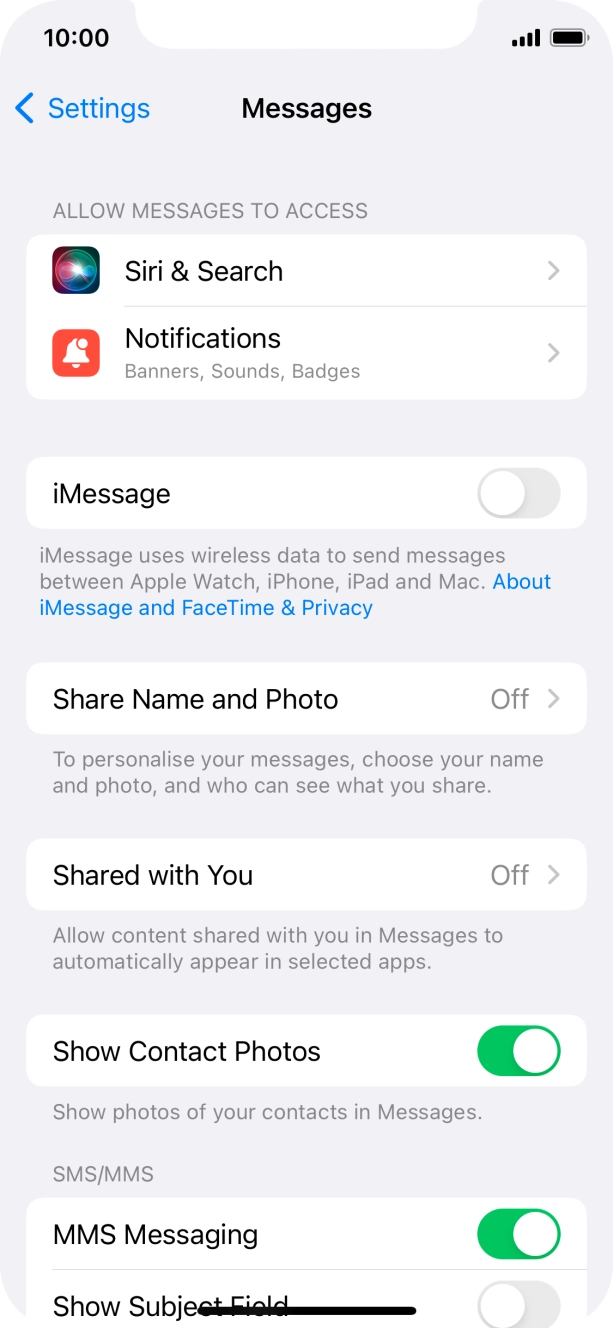
- Press Messages.
- Press the indicator next to 'MMS Messaging' to turn on the function.
- Slide your finger upwards starting from the bottom of the screen to return to the home screen.
- Press Settings.
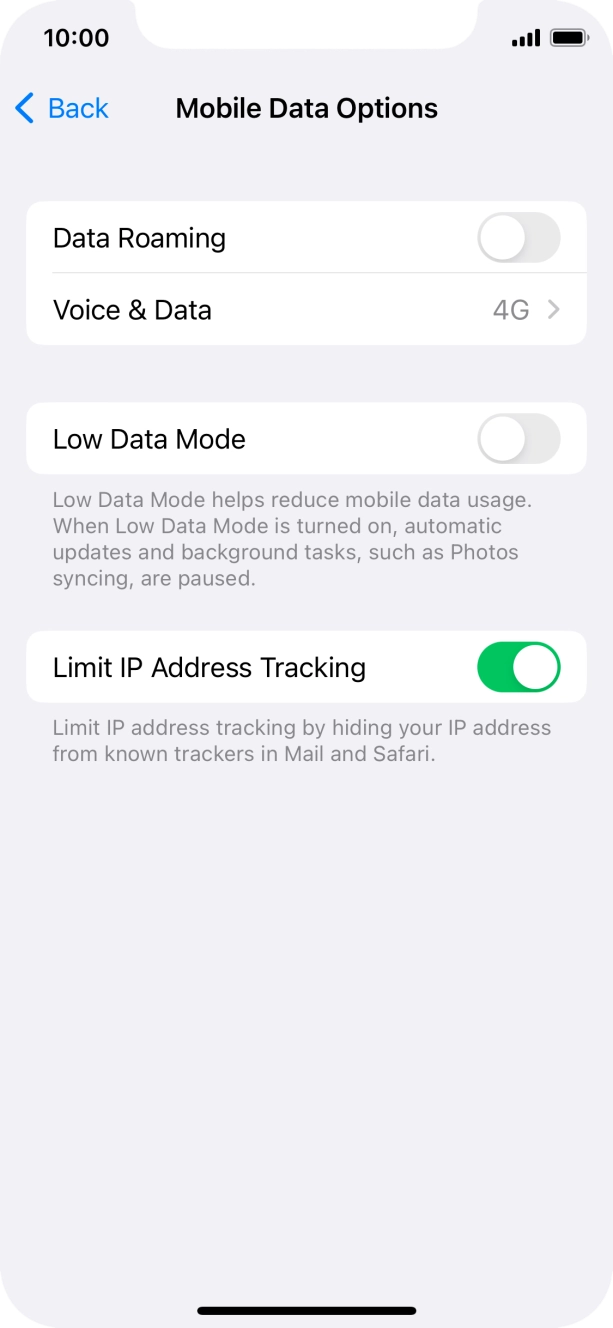
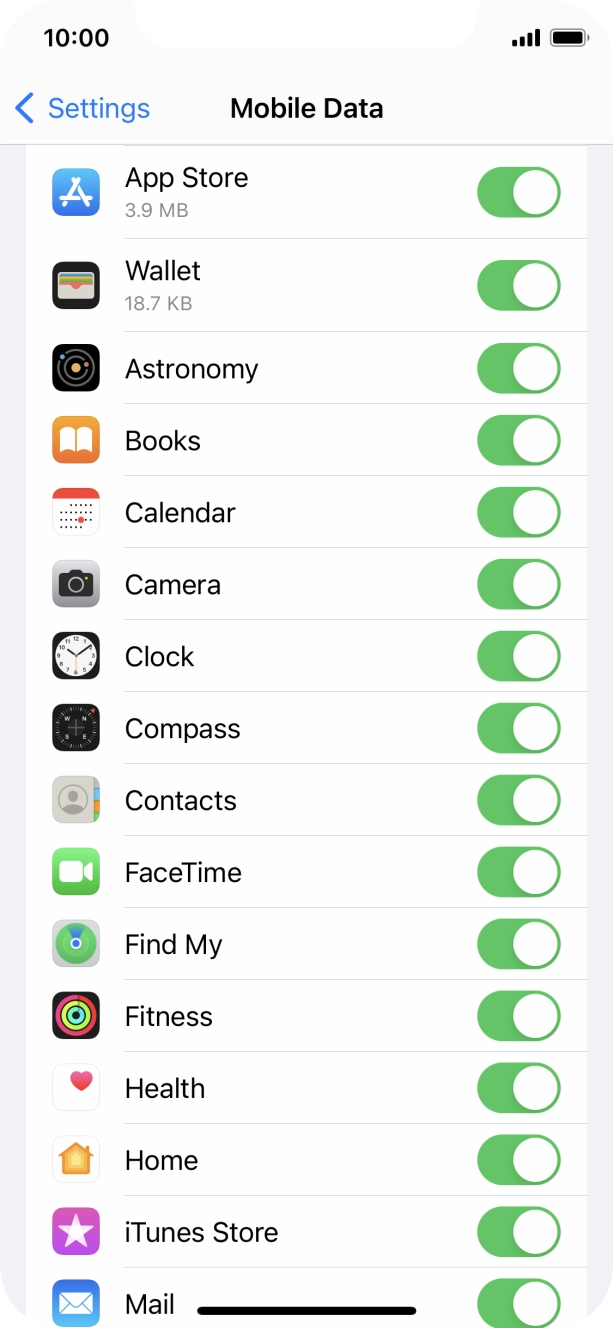
- Press Mobile Data.
- Press the indicator next to 'Mobile Data' to turn the function on or off.
- Press the indicators next to the required applications to turn the function on or off.
- Slide your finger upwards starting from the bottom of the screen to return to the home screen.
Try sending a picture message to another number.