I have problems using my Visual Voicemail on my Apple iPhone X
If you can't use your Visual Voicemail, there may be several causes of the problem.
Sign in to My O2 to activate your Visual Voicemail.
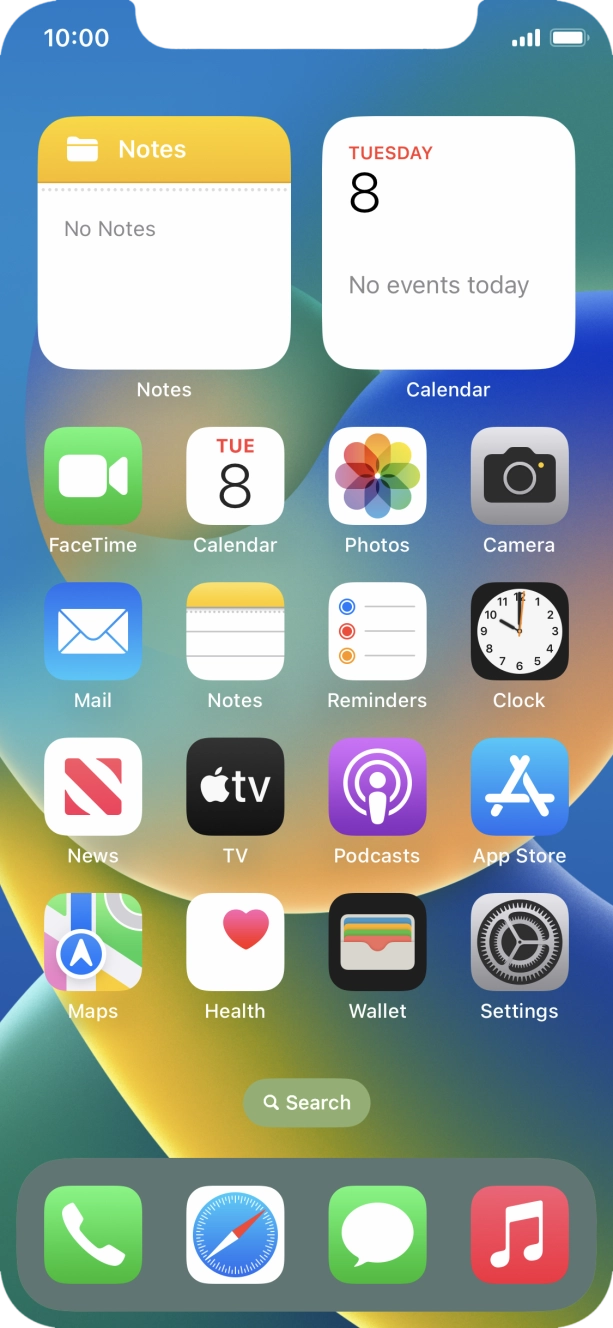
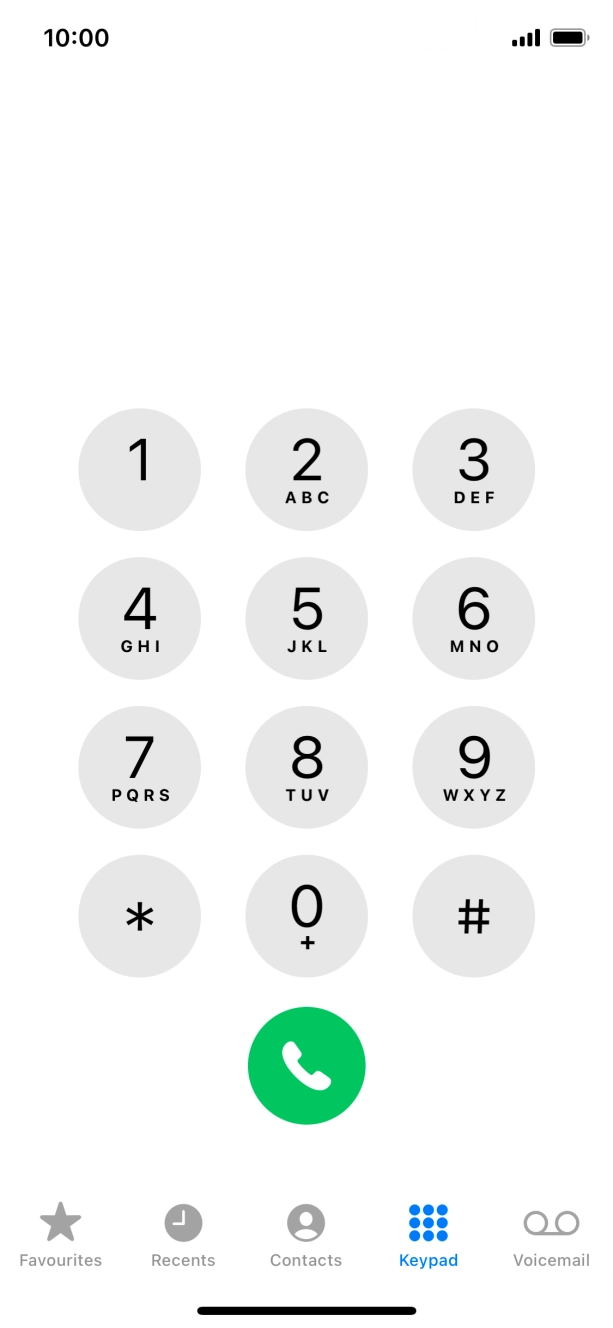
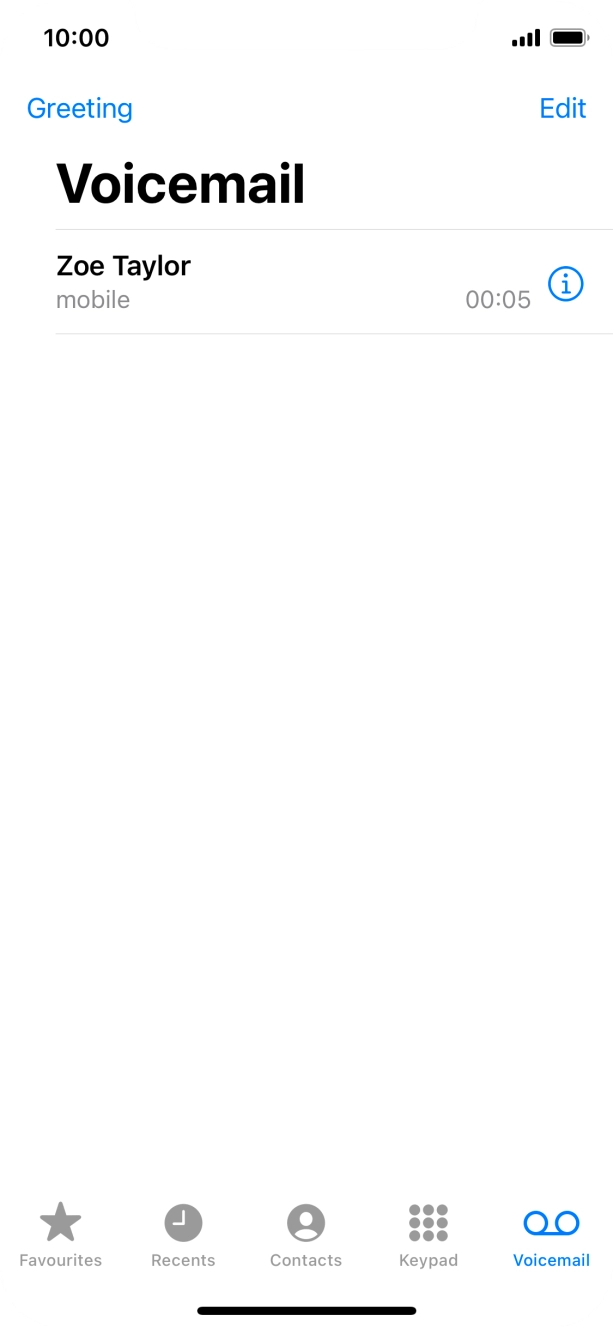
- Press the phone icon.
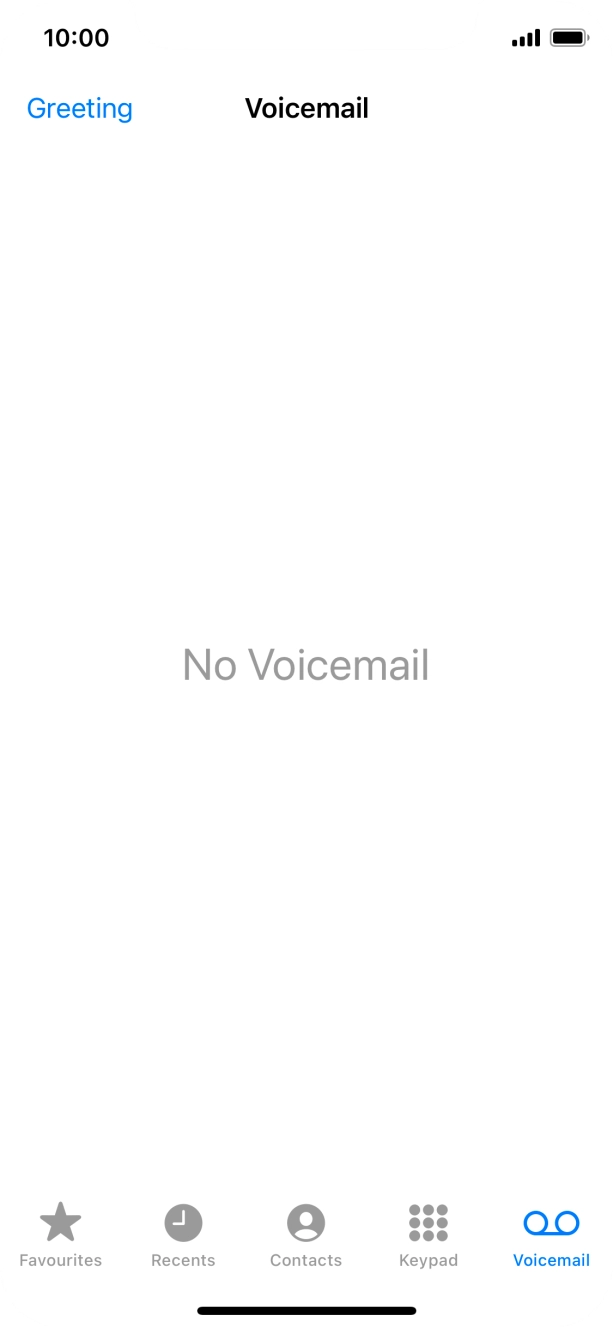
- Press Voicemail.
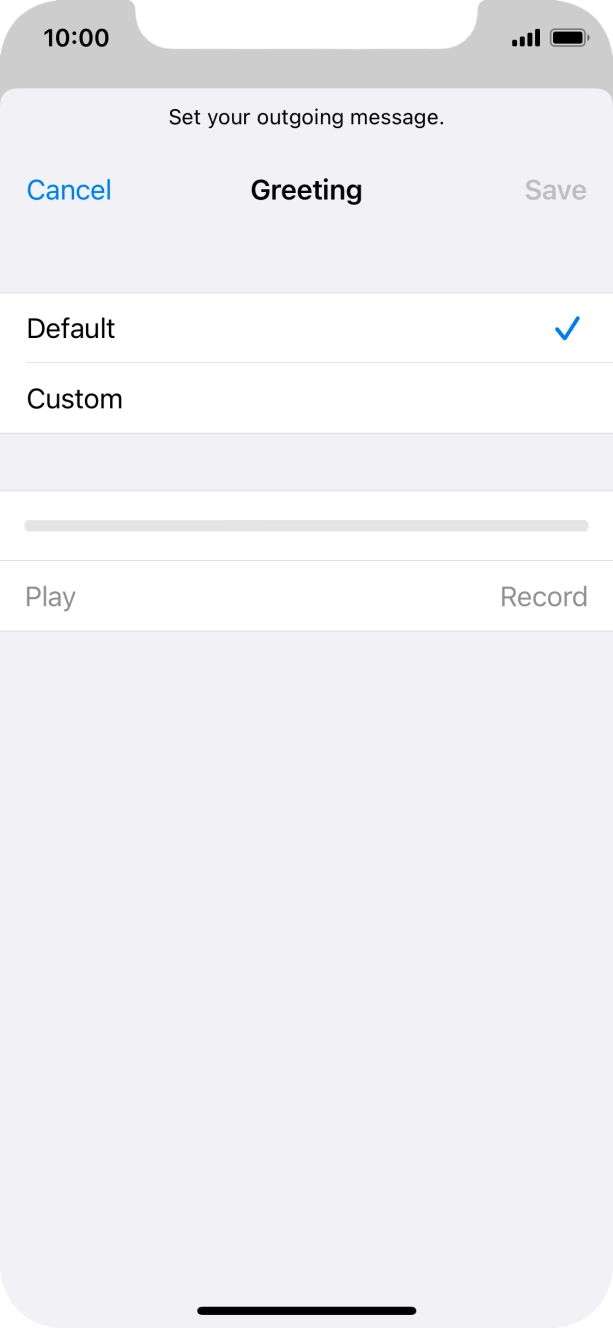
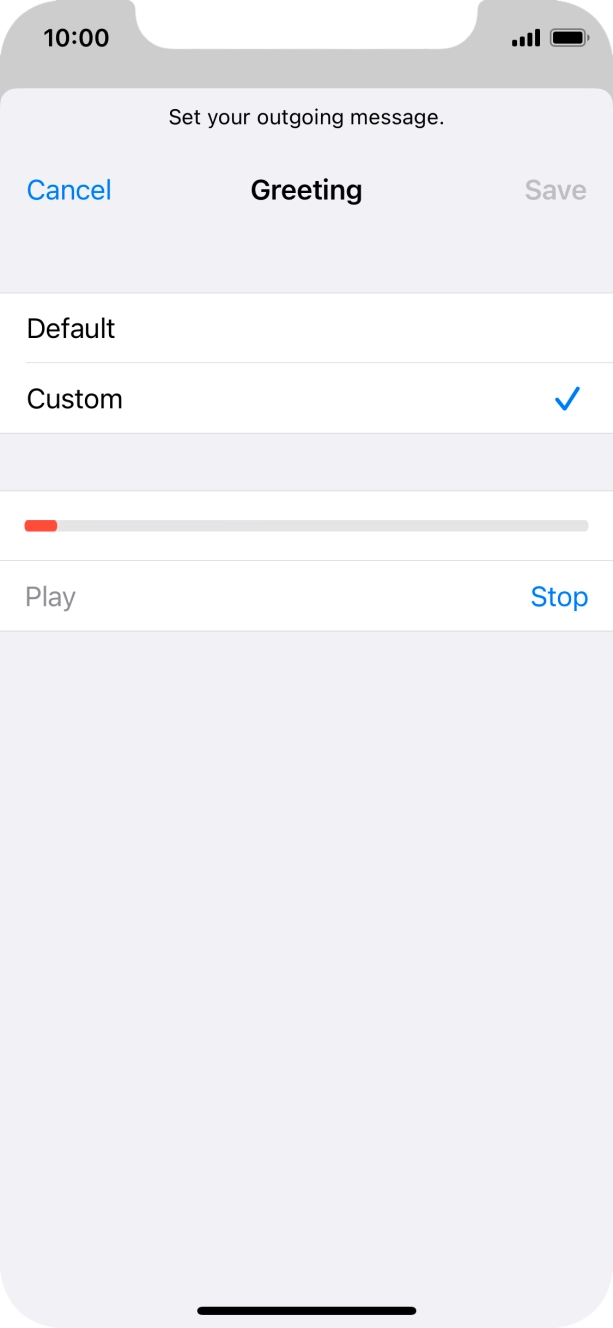
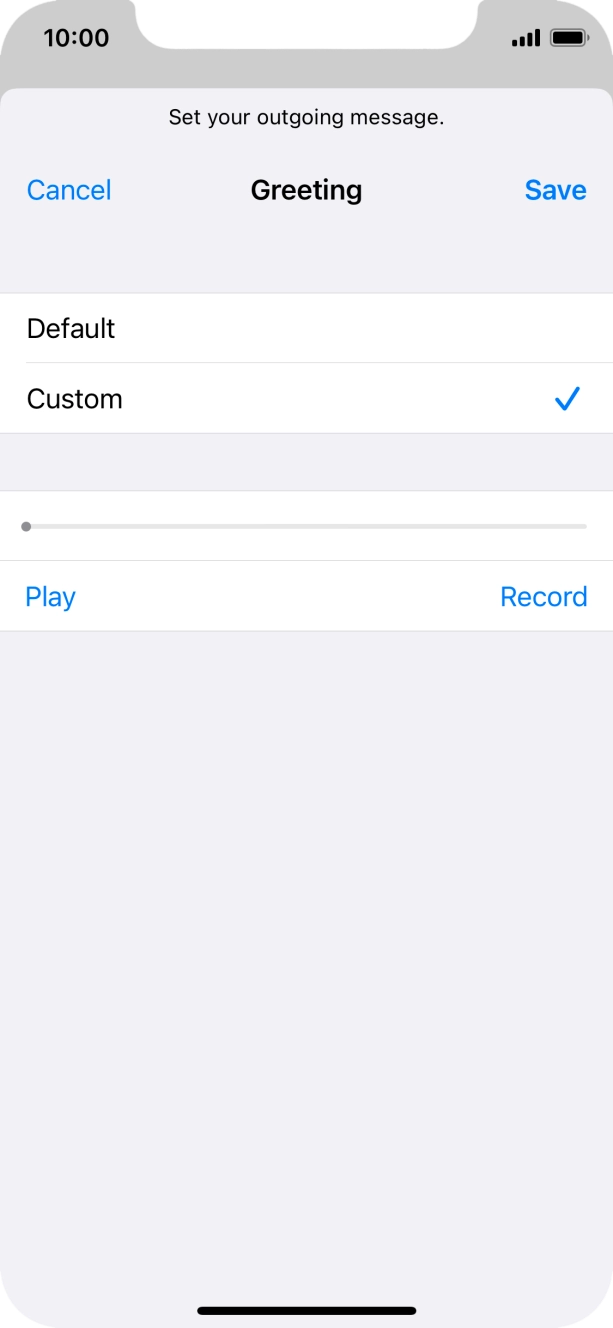
- Press Greeting.
- Press Default to select the default greeting.
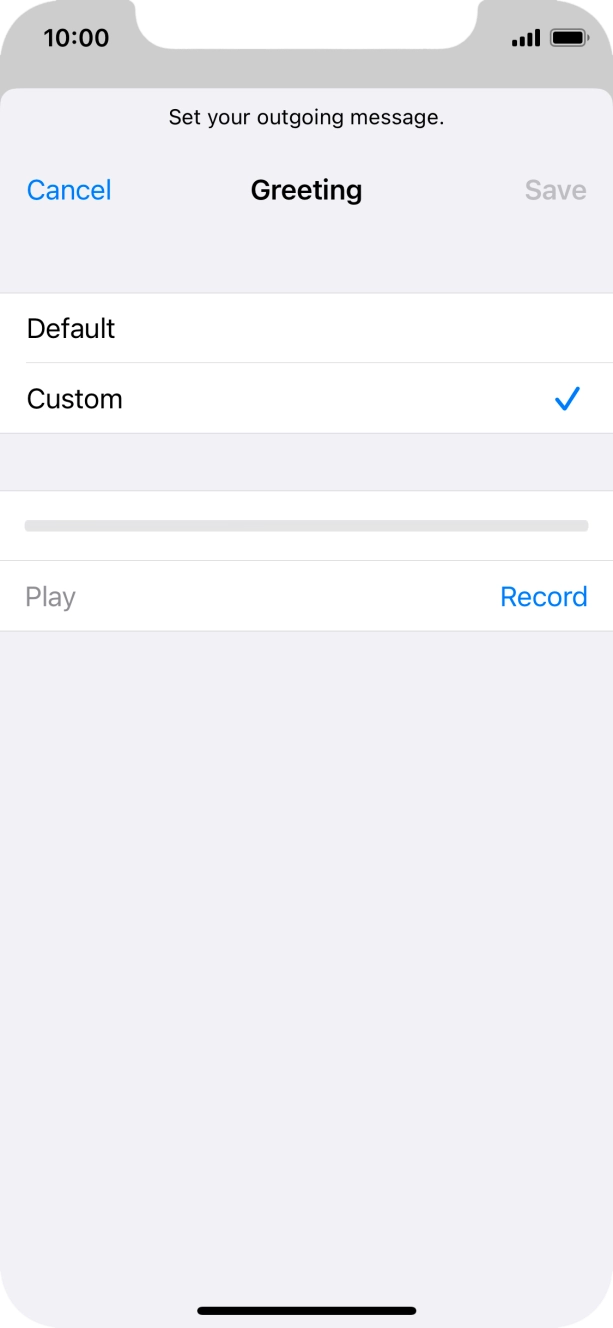
- Press Custom to select a personal greeting.
- Press Record to start recording a personal greeting.
- Press Stop to stop recording.
- Press Play to play back your greeting.
- Press Save.
- Press the required message.
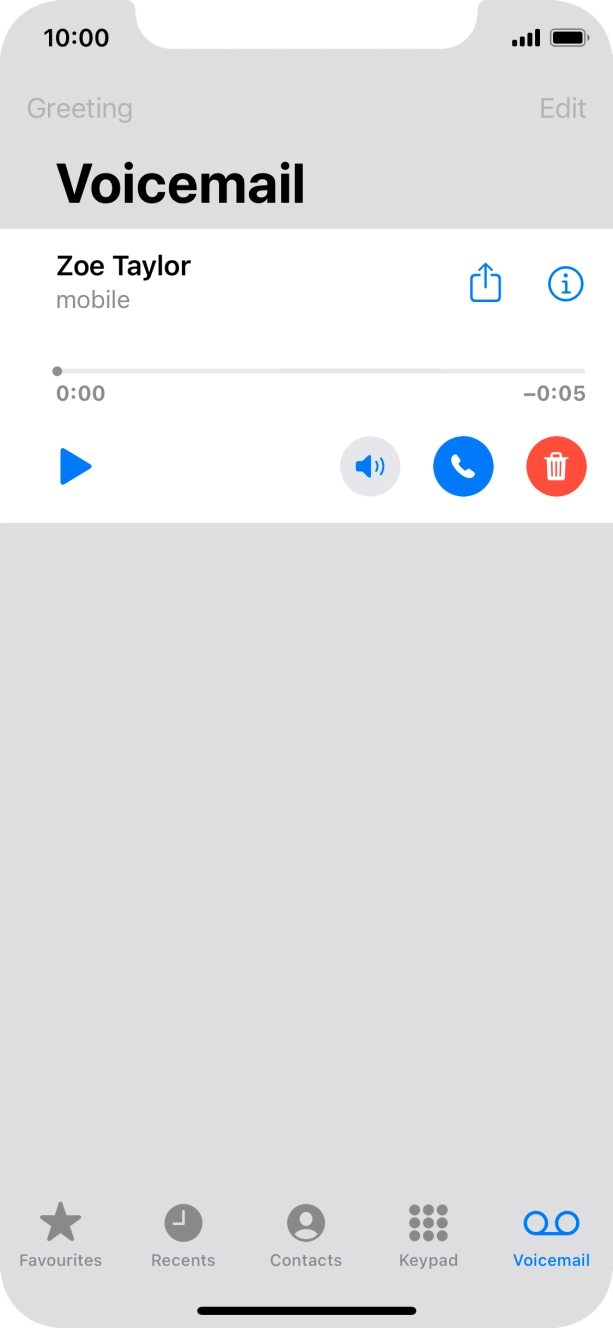
- Press the play icon.
- Press the speaker icon to turn the speaker on or off.
- Press the call icon to call the sender.
- Press the info icon and follow the instructions on the screen to see or save the sender information.
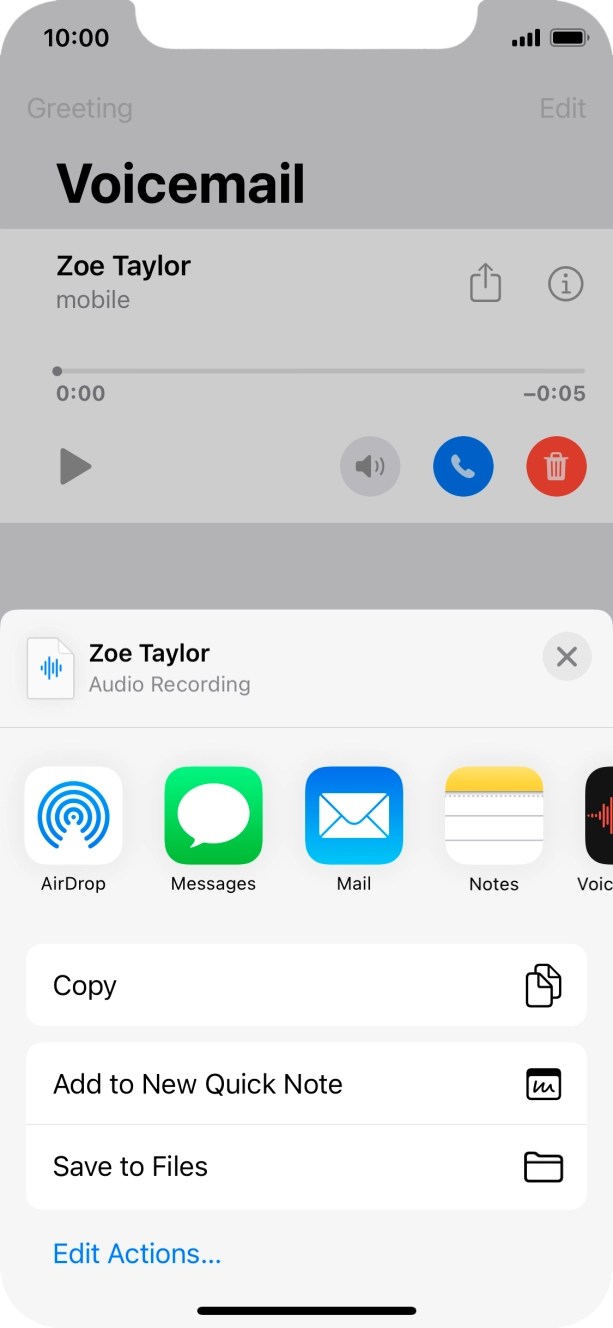
- Press the share icon.
- Press the required setting and follow the instructions on the screen to share or save the message.
- Press the delete icon.
- Slide your finger upwards starting from the bottom of the screen to return to the home screen.
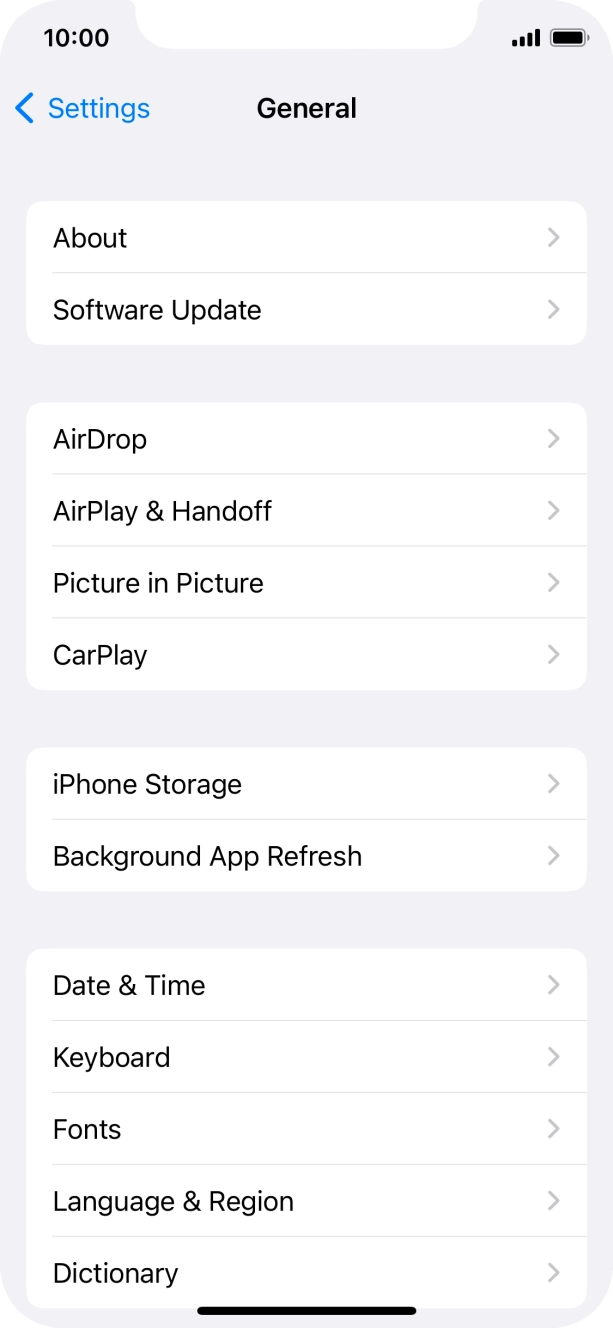
Update operator settings You can find the function by selecting ’General’ and then ’About’ in the phone settings.
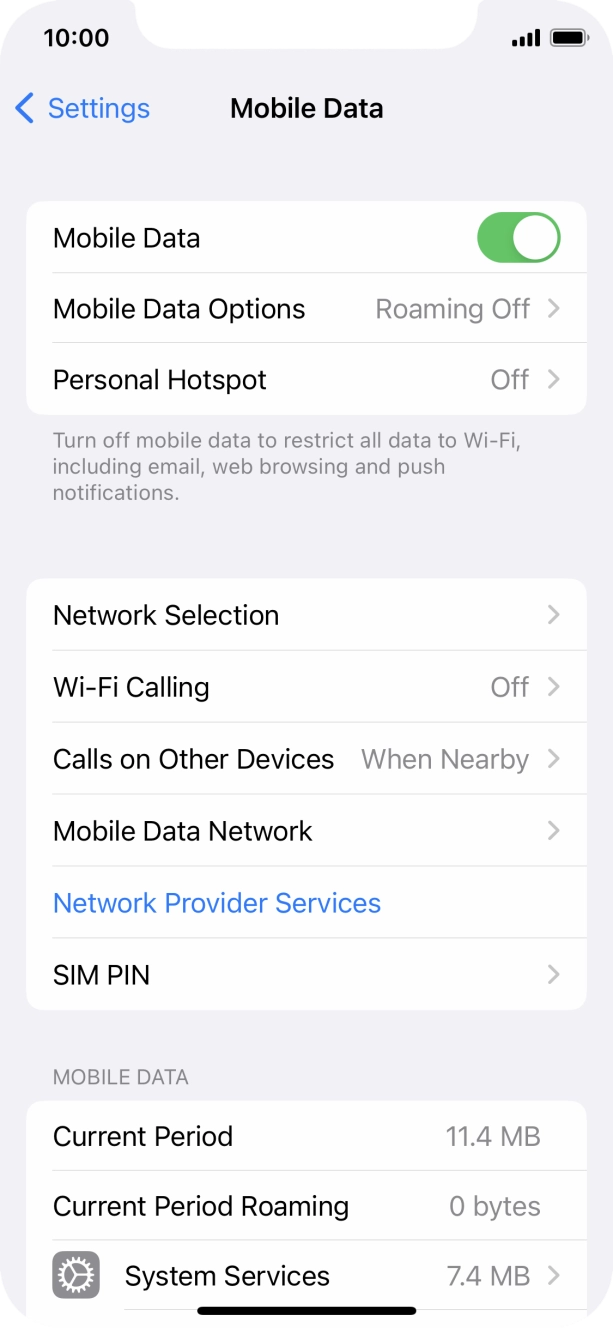
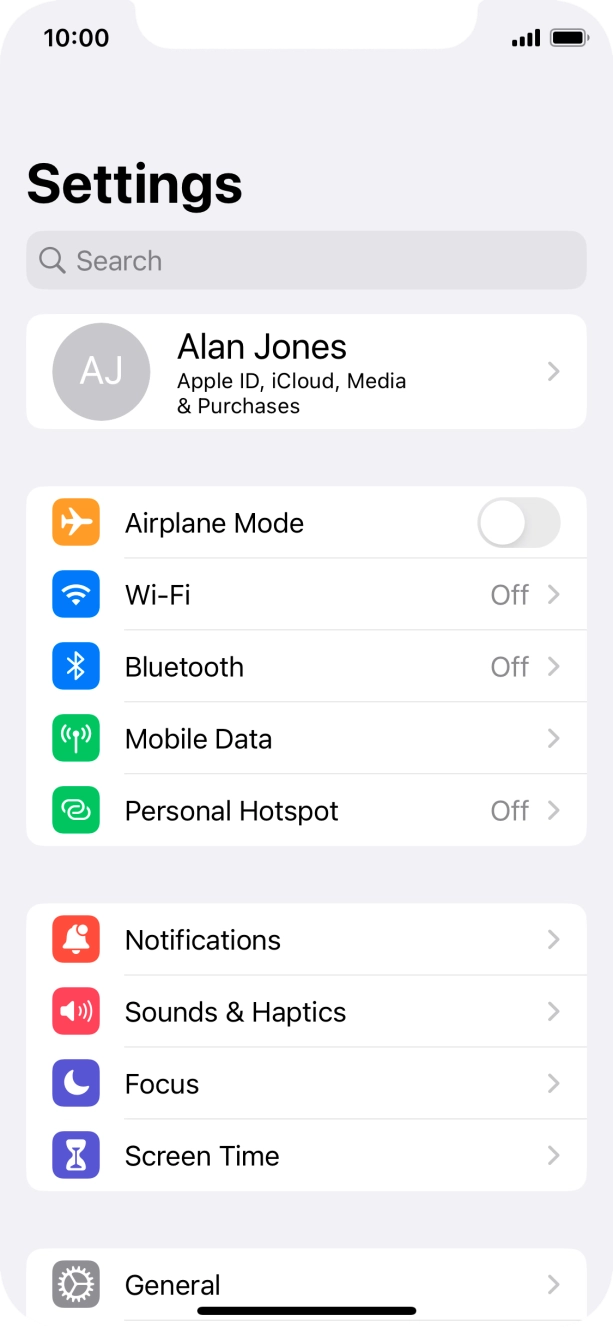
- Press Settings.
- Press Mobile Data.
- Press the indicator next to 'Mobile Data' to turn the function on or off.
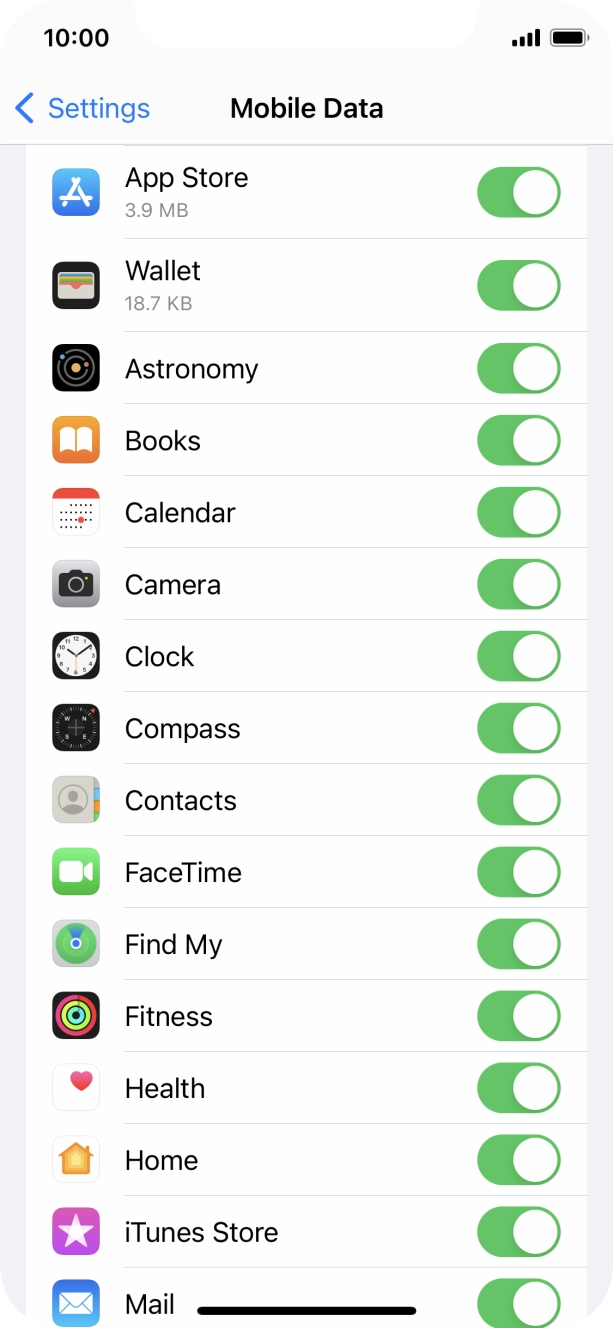
- Press the indicators next to the required applications to turn the function on or off.
- Slide your finger upwards starting from the bottom of the screen to return to the home screen.