I have problems receiving voice calls on my Apple iPhone X
If you have problems receiving voice calls, there may be several causes of the problem.
1. Find 'Keypad'
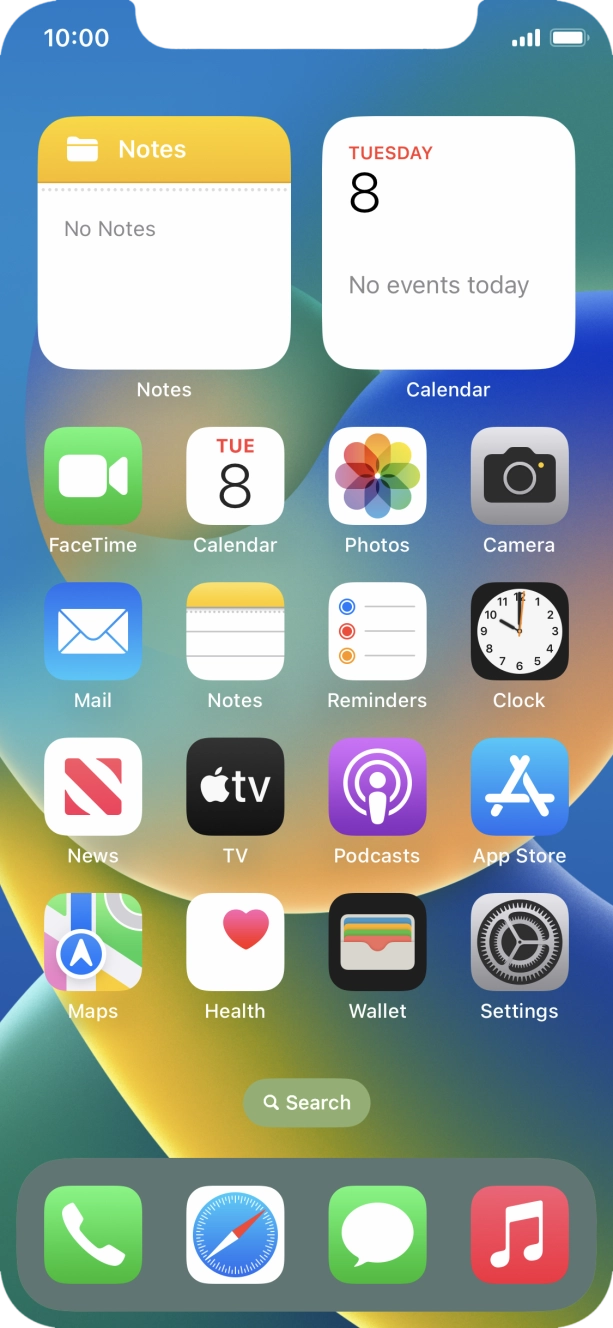
Press the phone icon.
- Press the phone icon.
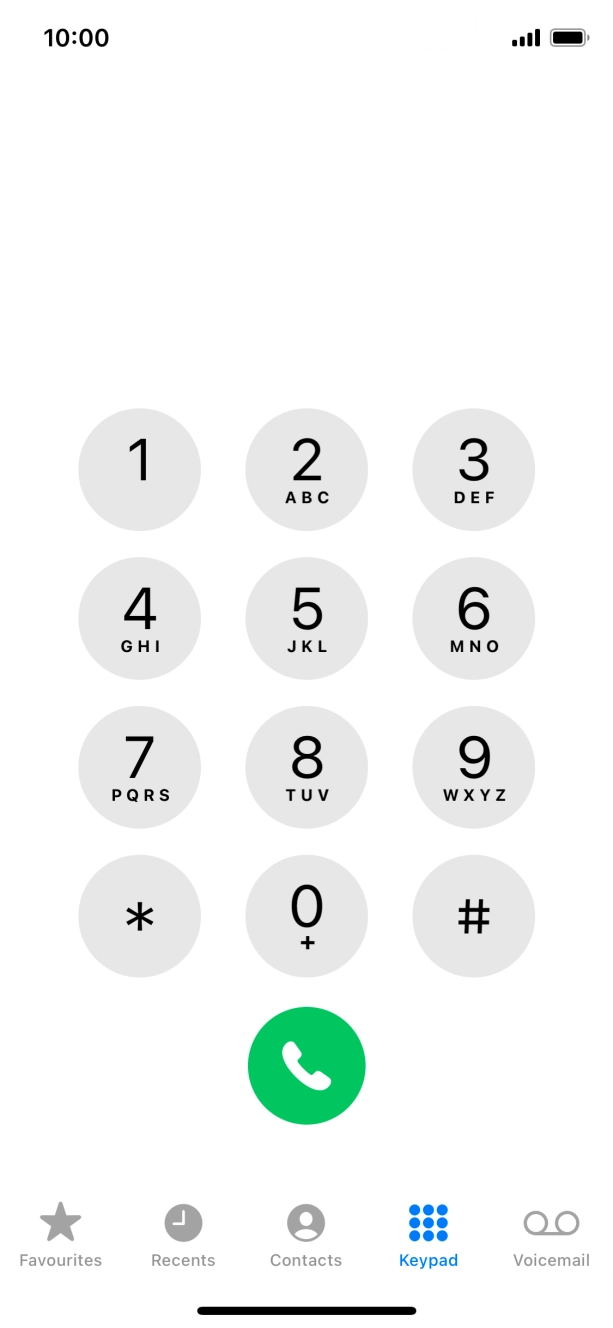
- Press Keypad.
- Key in **21*901# and press the call icon.
- Key in **61*901*20# and press the call icon.Key in the required number of seconds before the call is diverted, e.g. 20. The number needs to be divisible by 5.
- Key in **62*901# and press the call icon.
- Key in **67*901# and press the call icon.
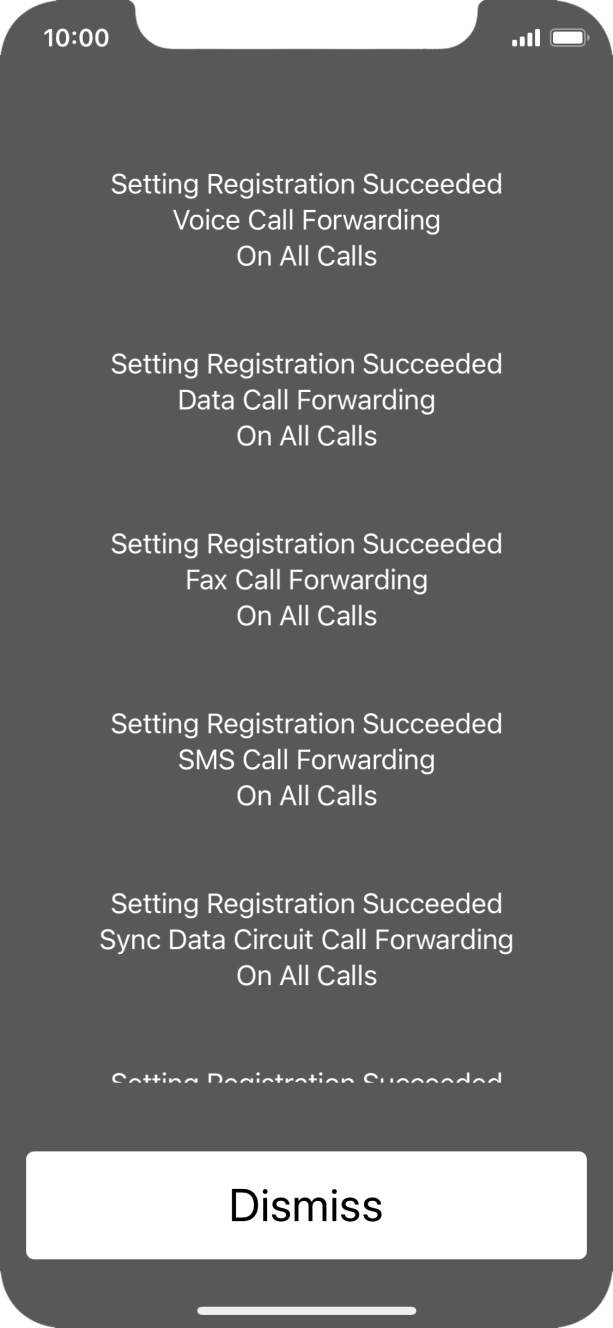
- Press Dismiss.
- Slide your finger upwards starting from the bottom of the screen to return to the home screen.
1. Find 'Keypad'
Press the phone icon.

- Press the phone icon.
- Press Keypad.
- Key in ##002# and press the call icon.
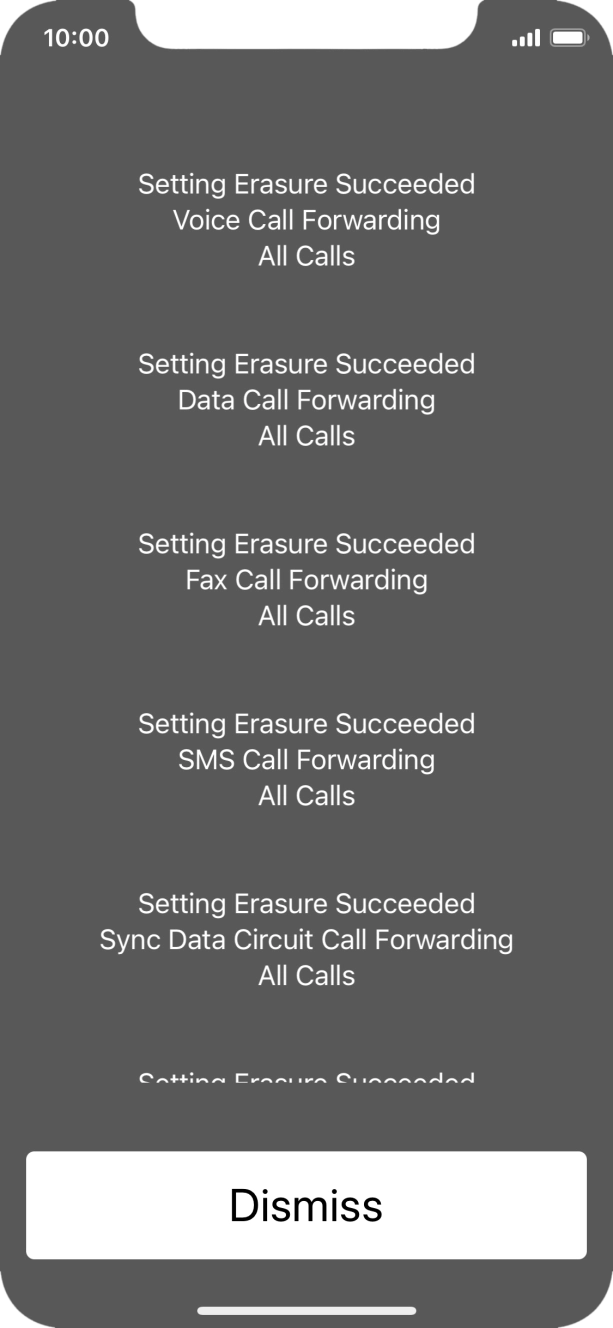
- Press Dismiss.
- Slide your finger upwards starting from the bottom of the screen to return to the home screen.