I have problems receiving voice calls on my Apple iPhone Duo
If you have problems receiving voice calls, there may be several causes of the problem.
1. Open the keypad icon
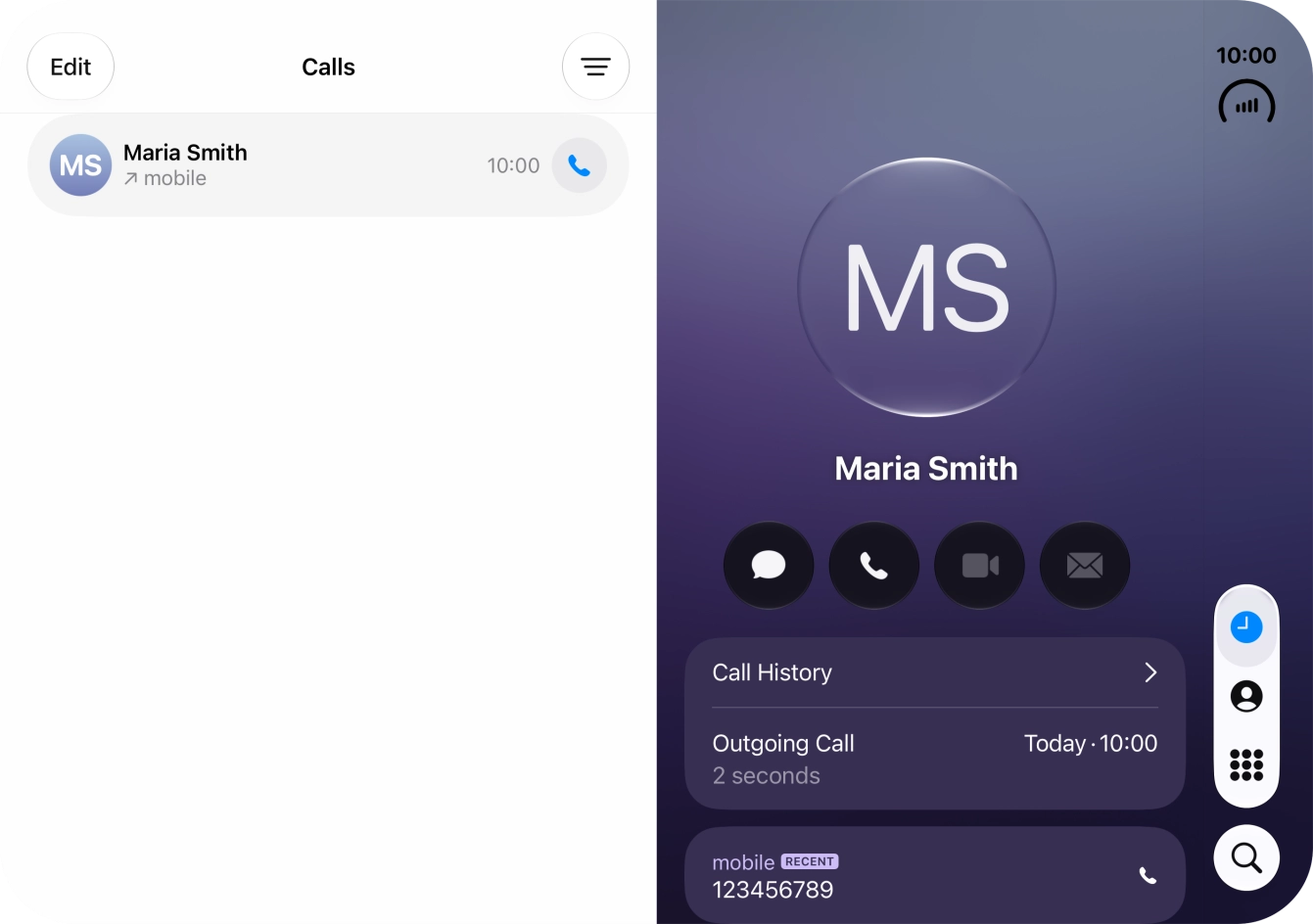
Press the phone icon.
- Press the phone icon.
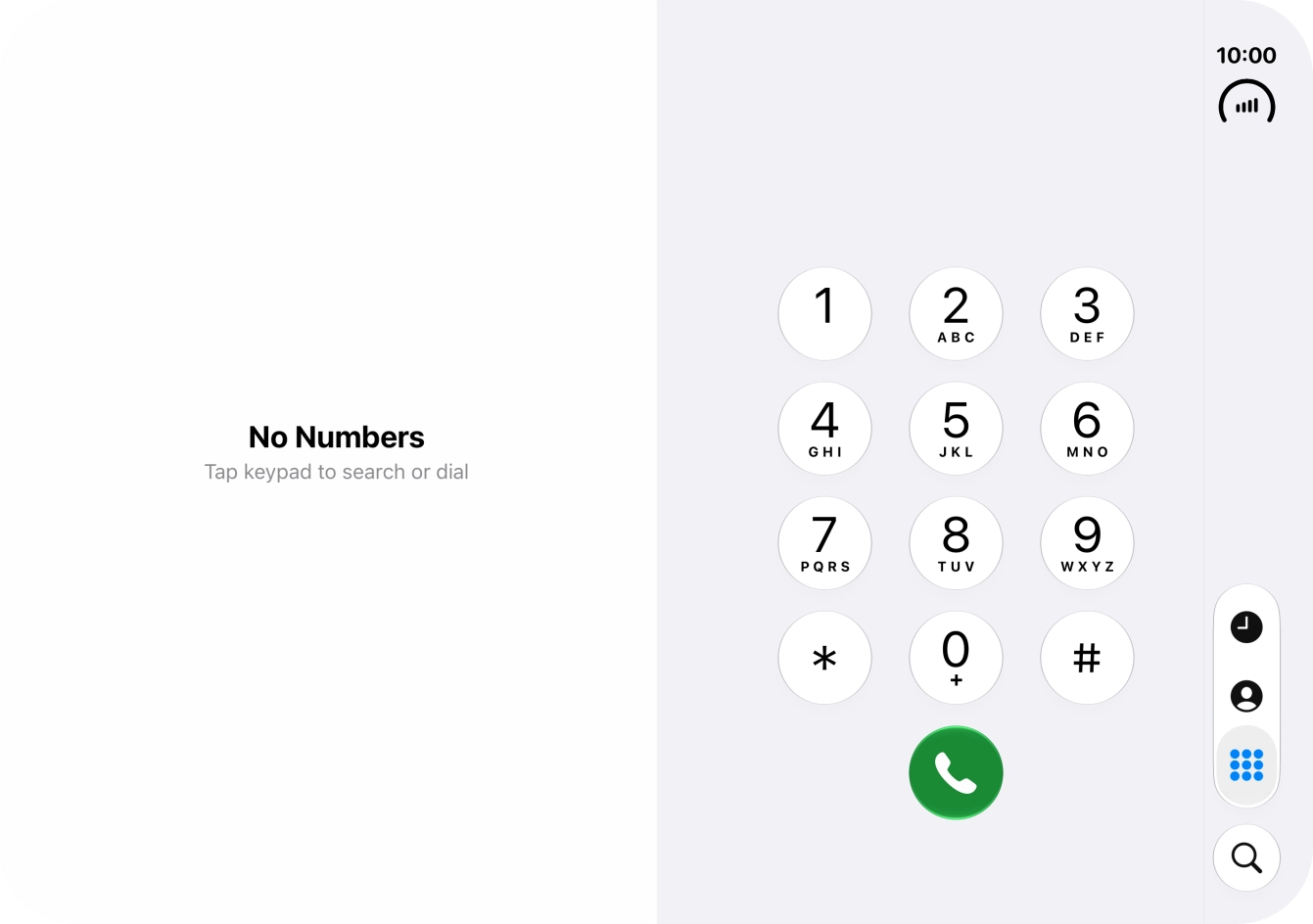
- Press the keypad icon.
- Key in **21*901# and press the call icon.
- Key in **61*901*20# and press the call icon.Key in the required number of seconds before the call is diverted, e.g. 20. The number needs to be divisible by 5.
- Key in **62*901# and press the call icon.
- Key in **67*901# and press the call icon.
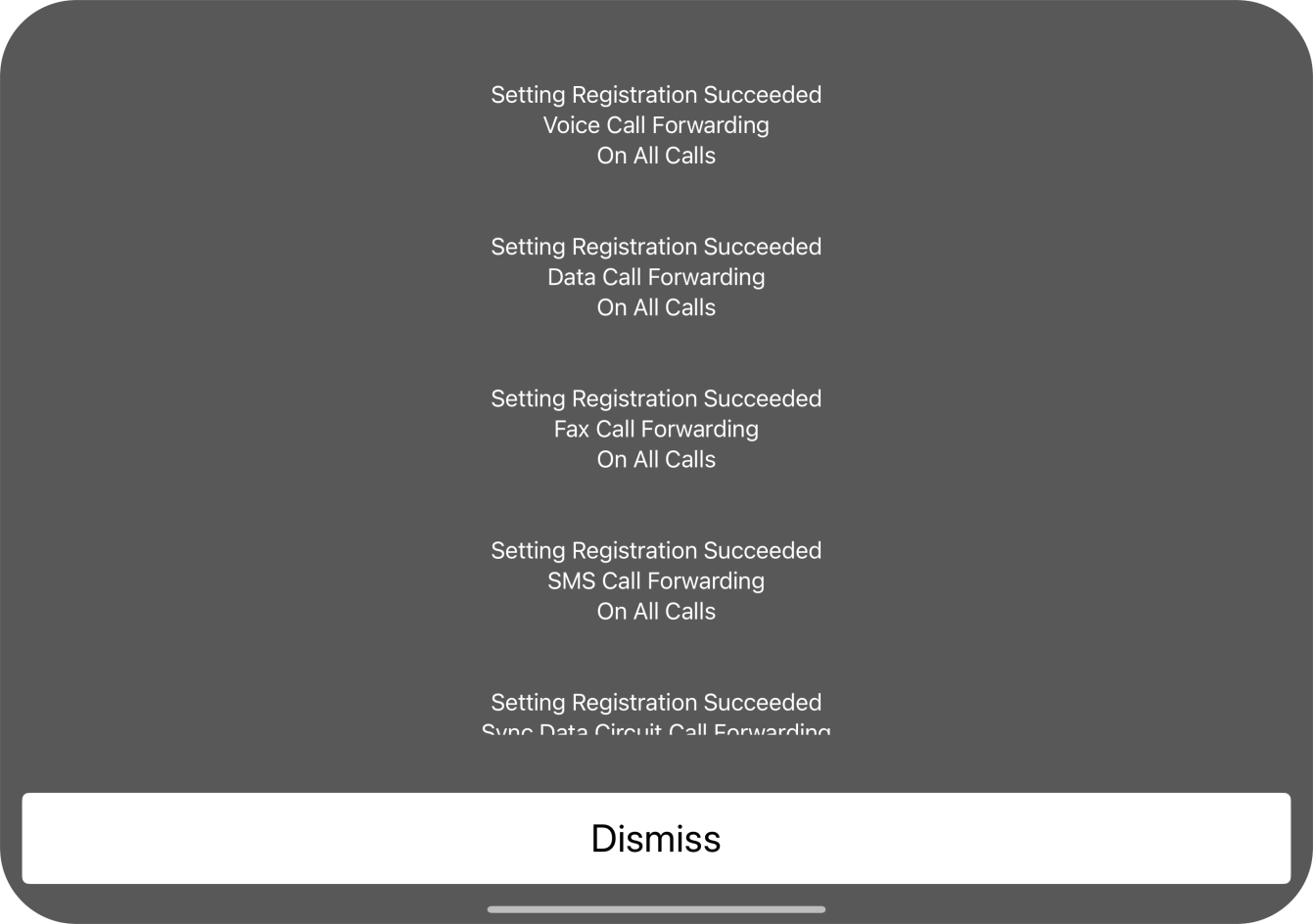
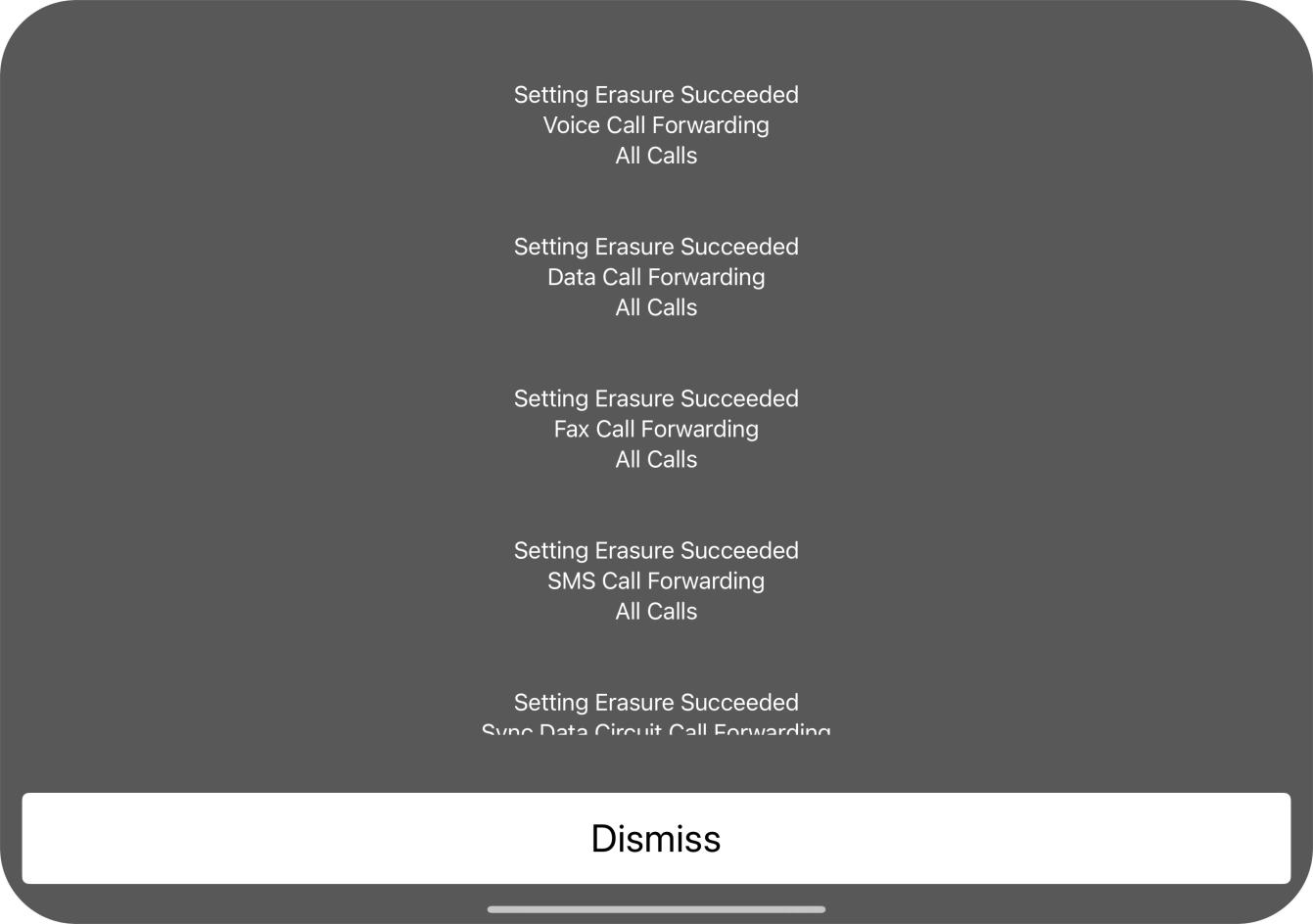
- Press Dismiss.
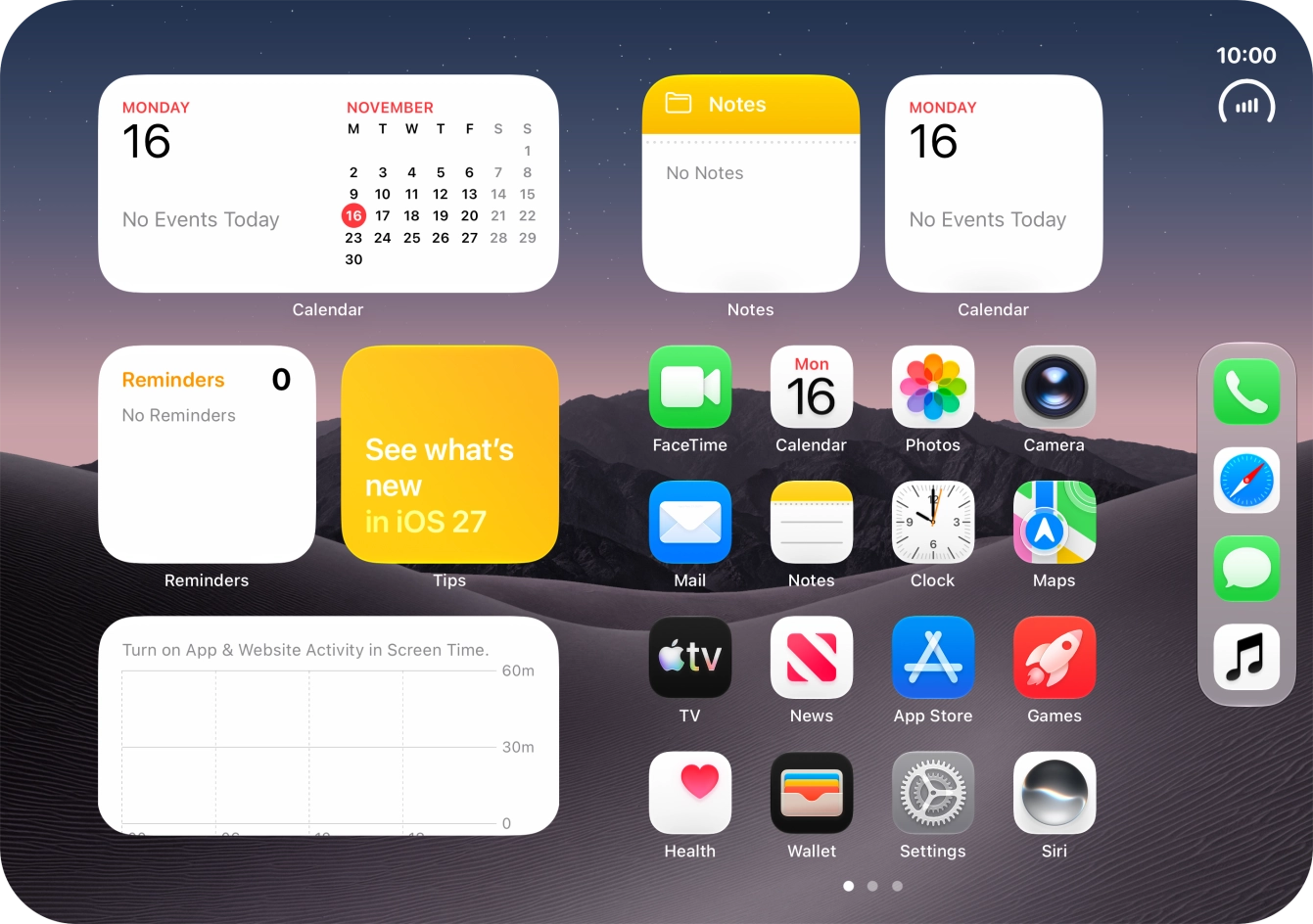
- Slide your finger upwards starting from the bottom of the screen to return to the home screen.
1. Open the keypad icon
Press the phone icon.

- Press the phone icon.
- Press the keypad icon.
- Key in ##002# and press the call icon.
- Press Dismiss.
- Slide your finger upwards starting from the bottom of the screen to return to the home screen.