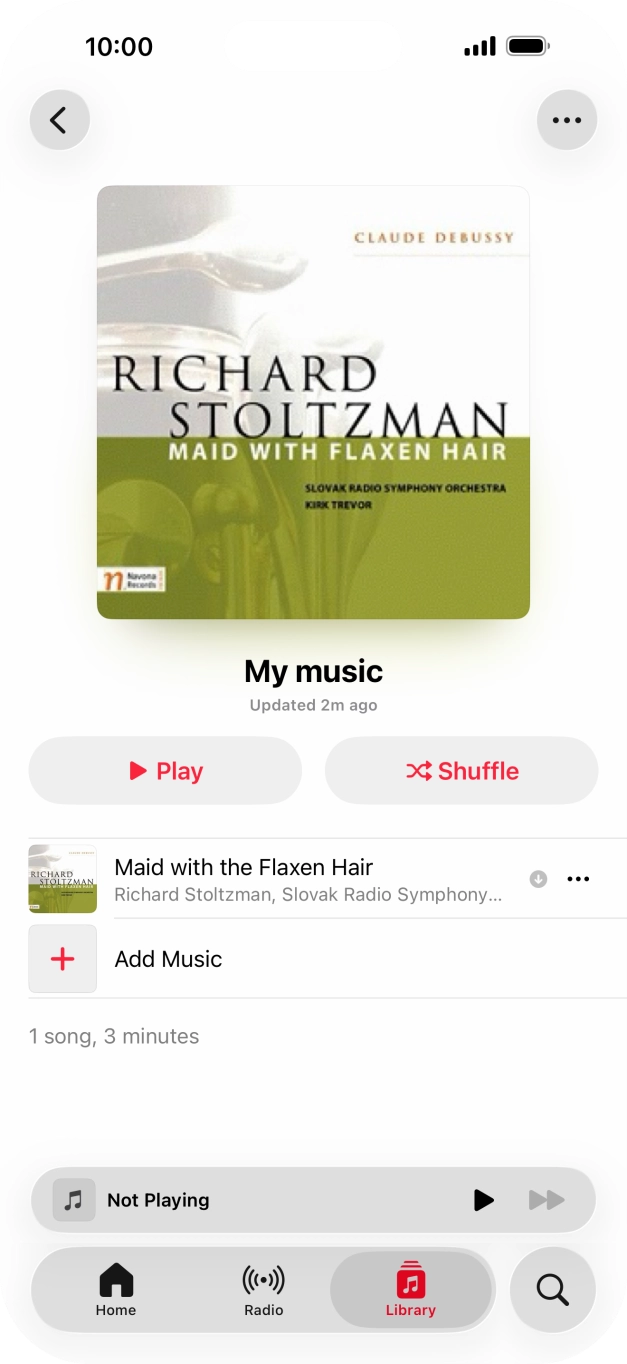
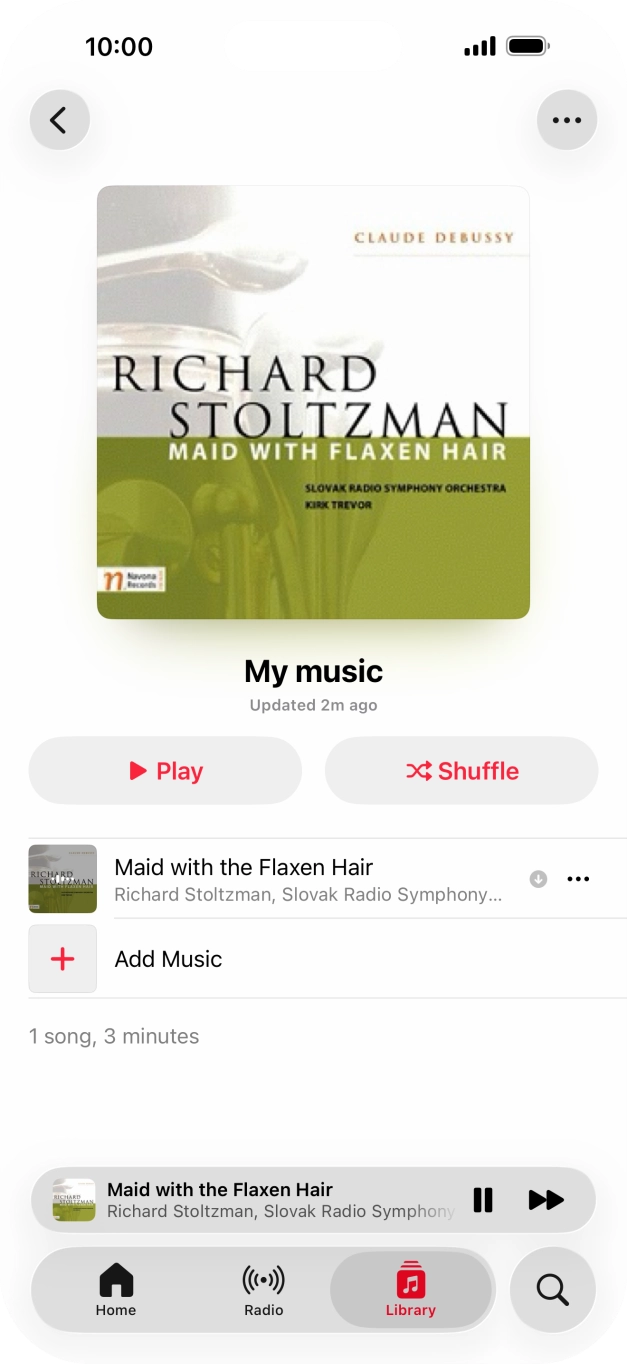
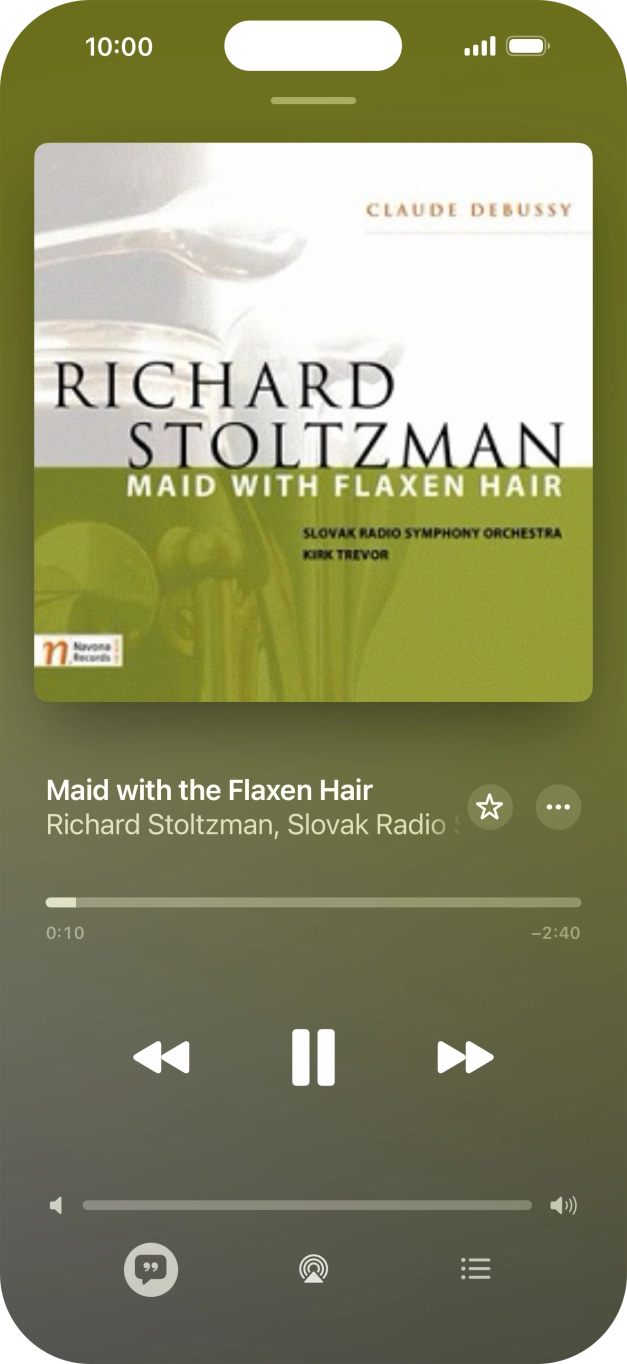
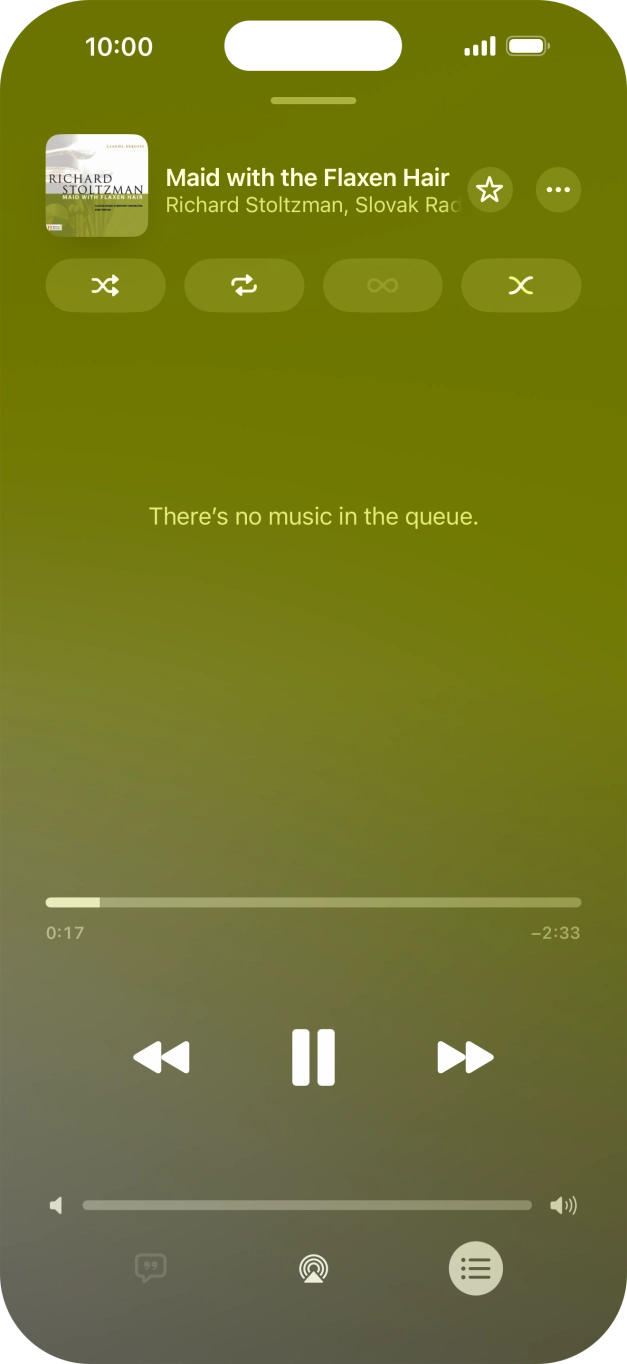
How to use the music player on your Apple iPhone 17 Pro Max
You can use the music player to play audio files you have transferred to your phone.
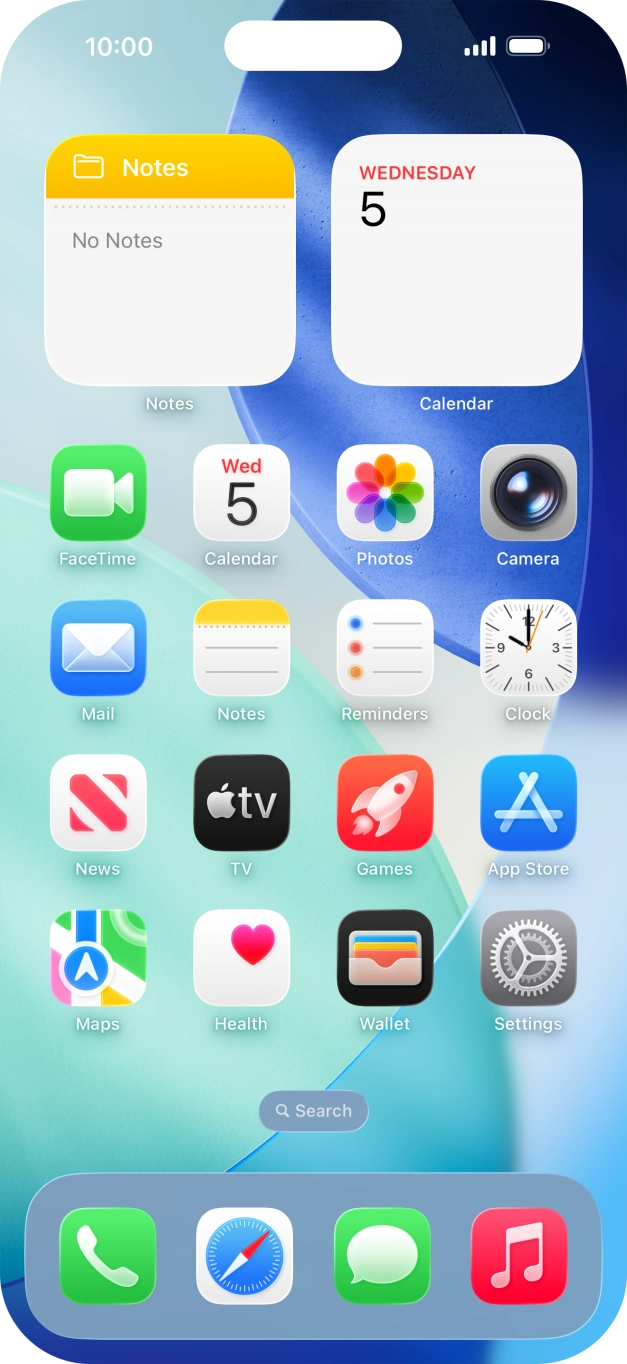
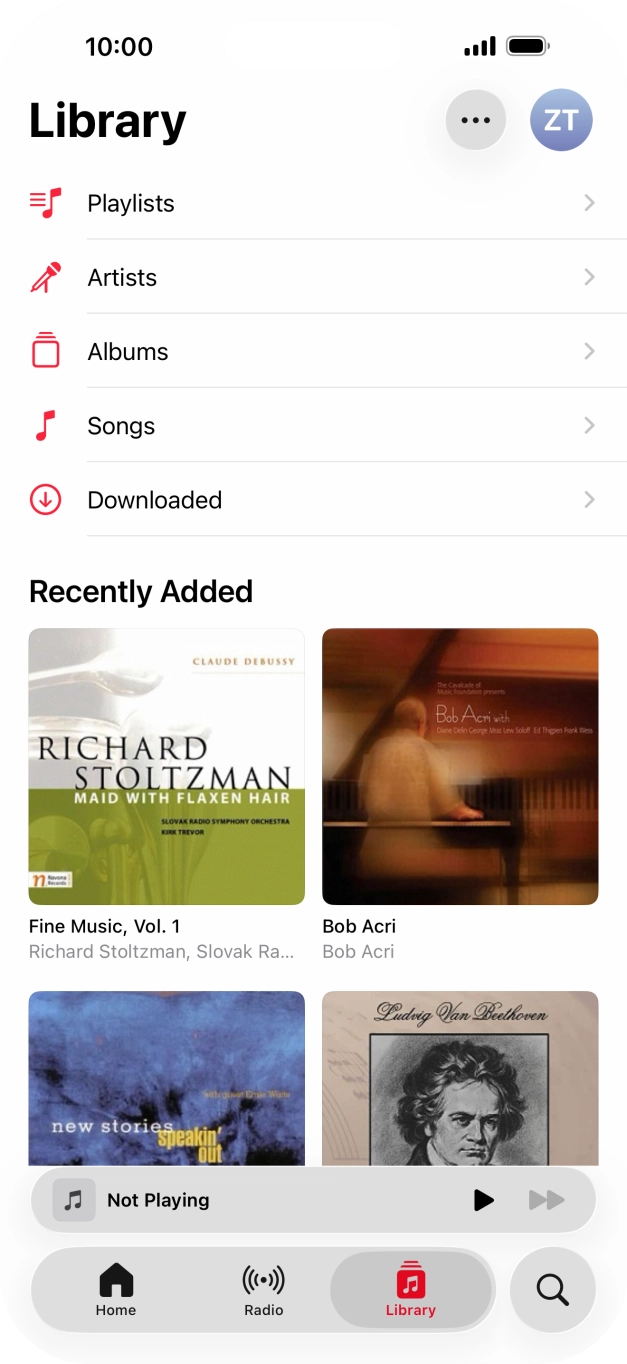
- Press the music player icon.
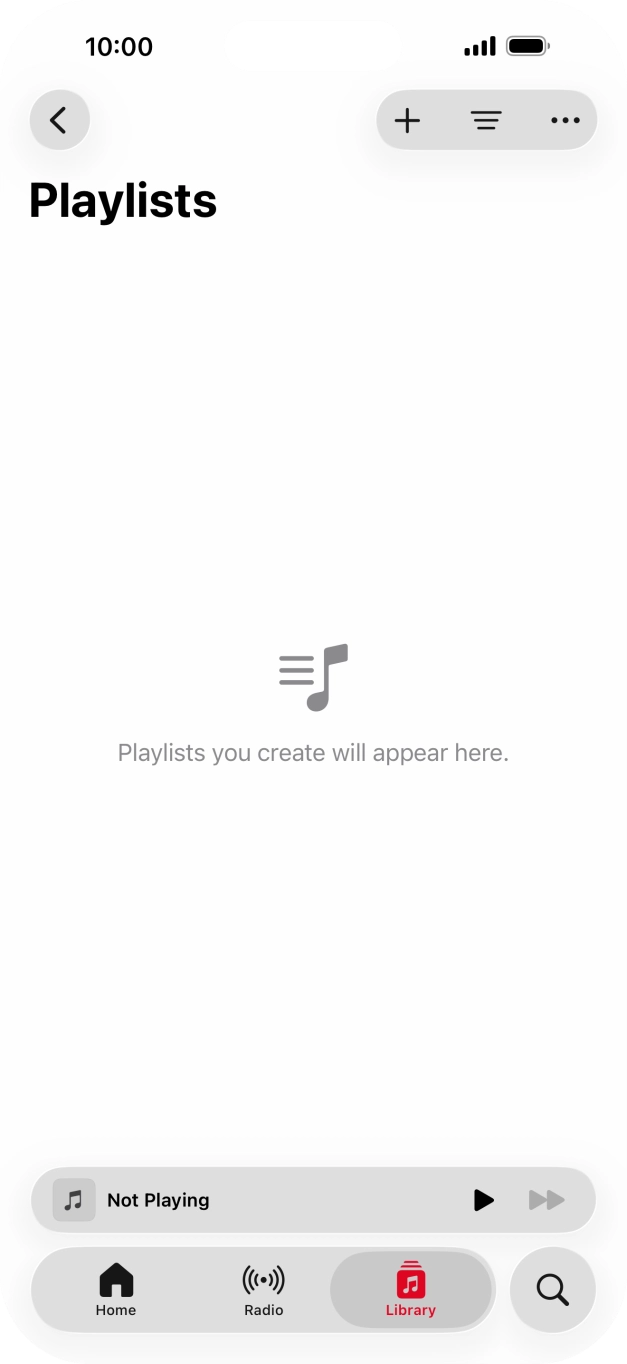
- Press Playlists.
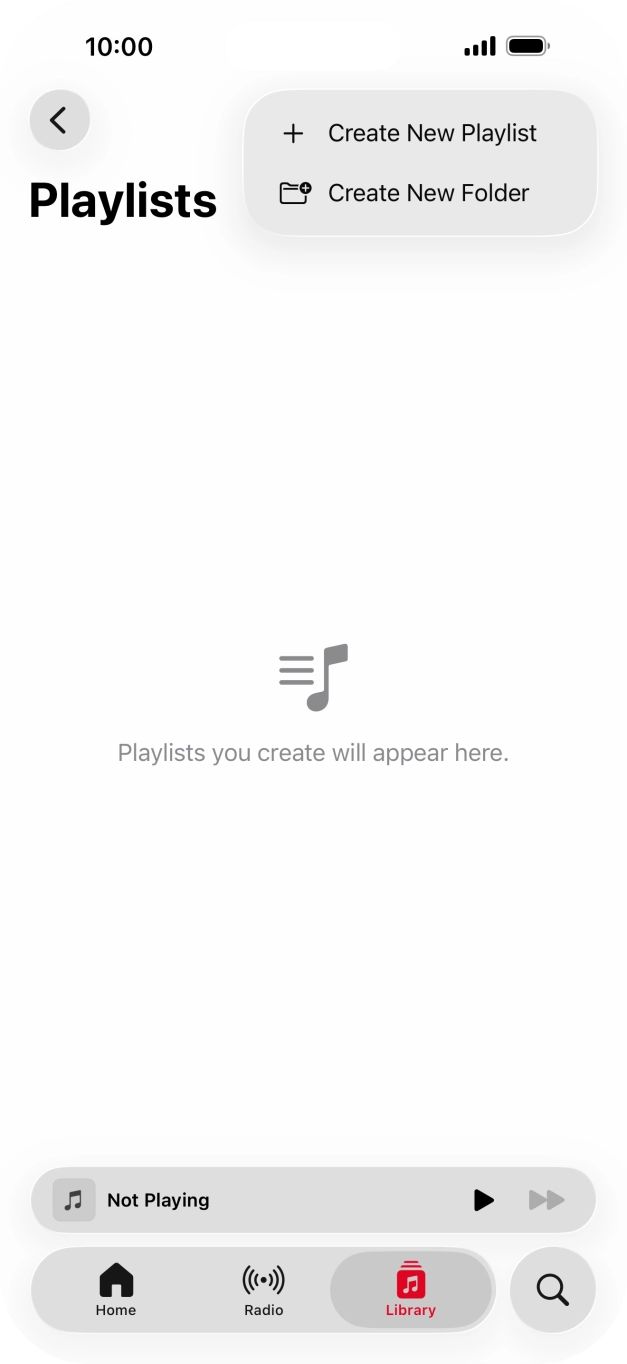
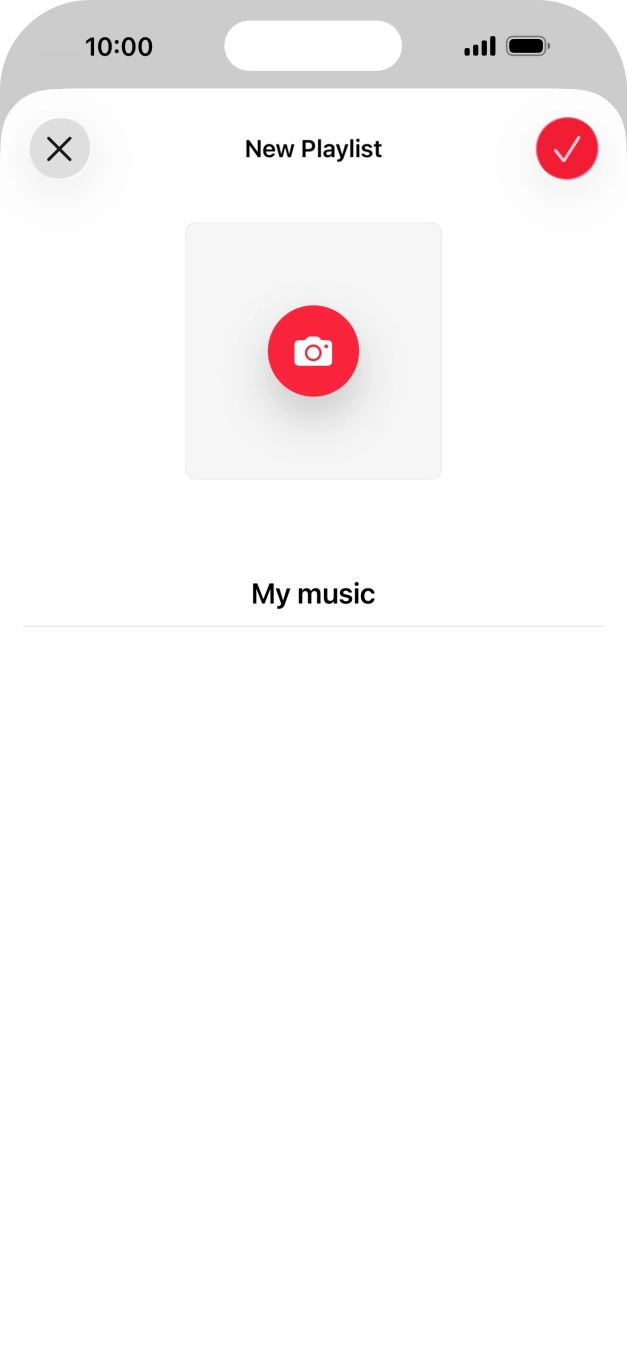
- Press the new playlist icon.
- Press Create New Playlist.
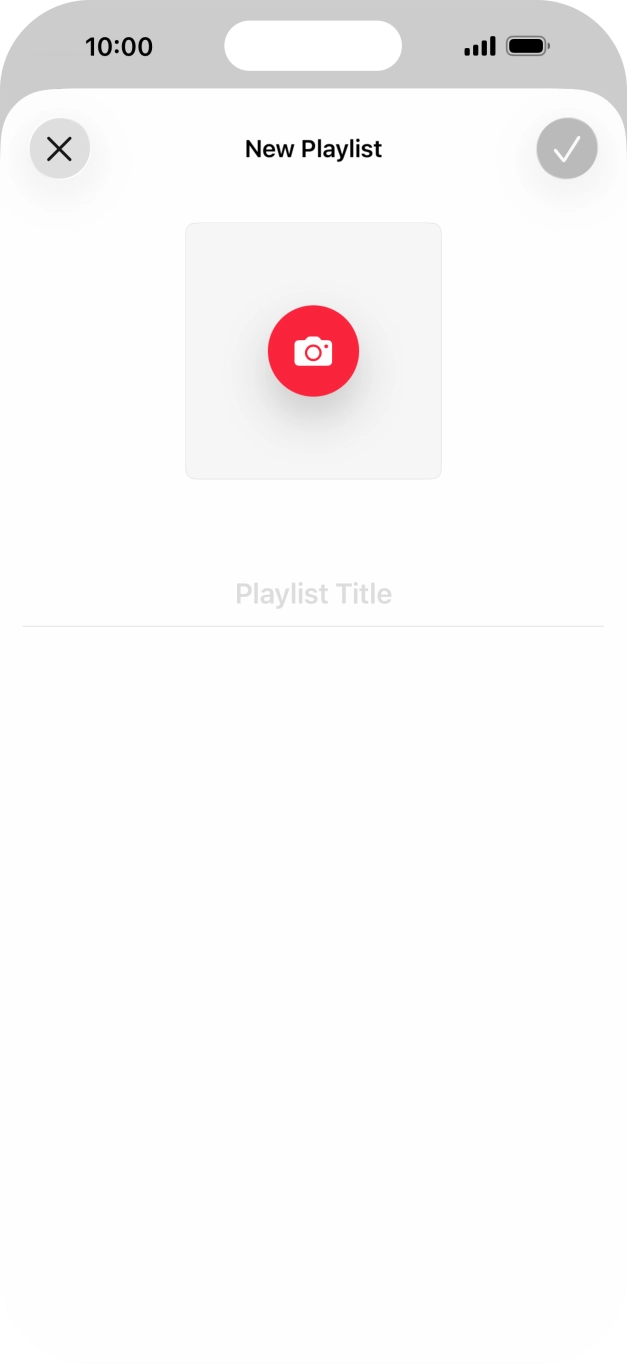
- Press the text input field and key in a name for the playlist.
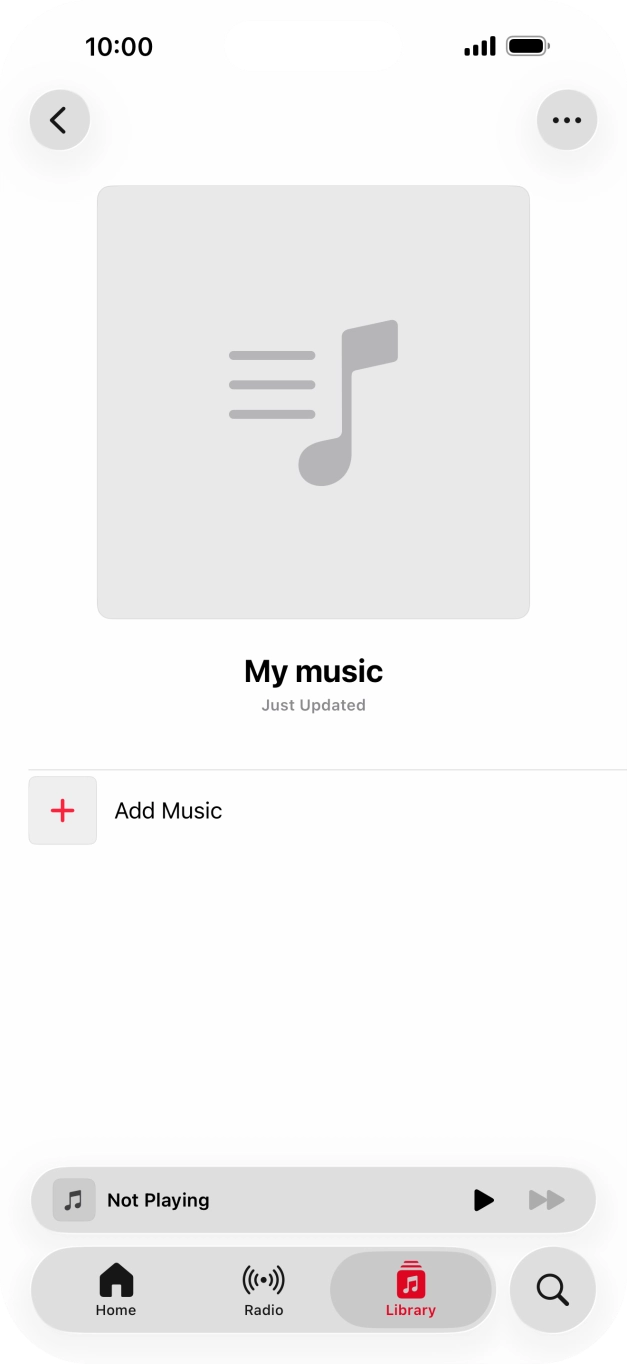
- Press the confirm icon.
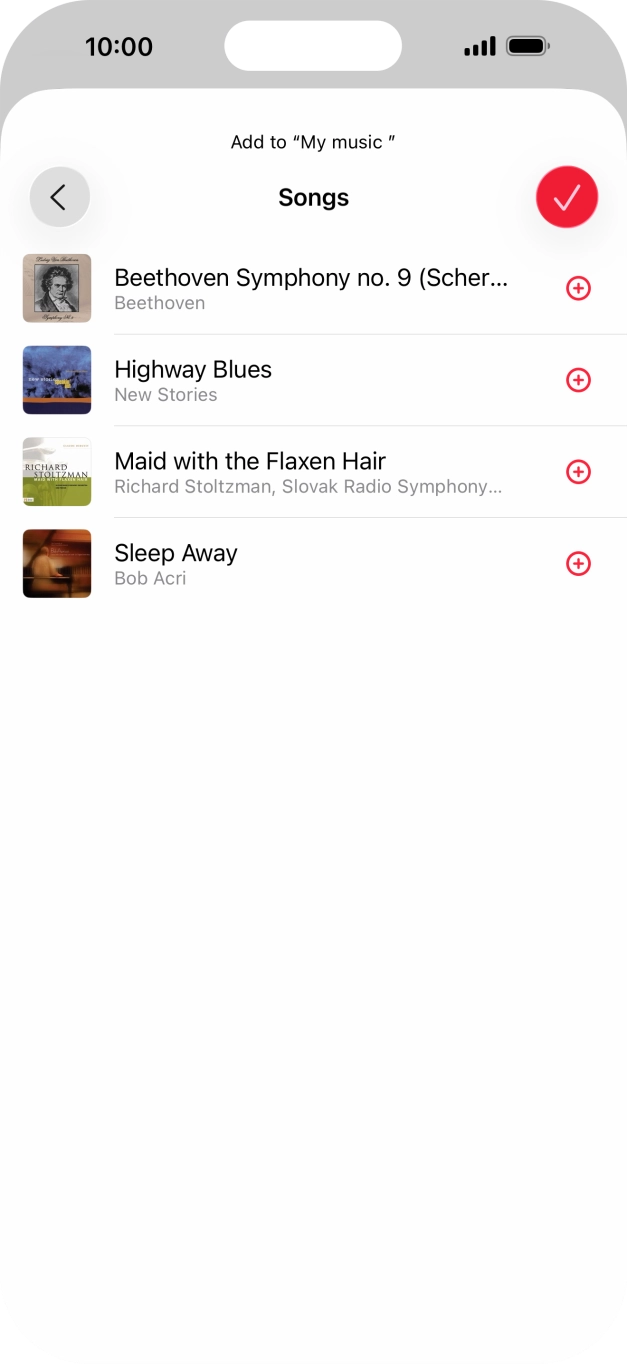
- Press Add Music.
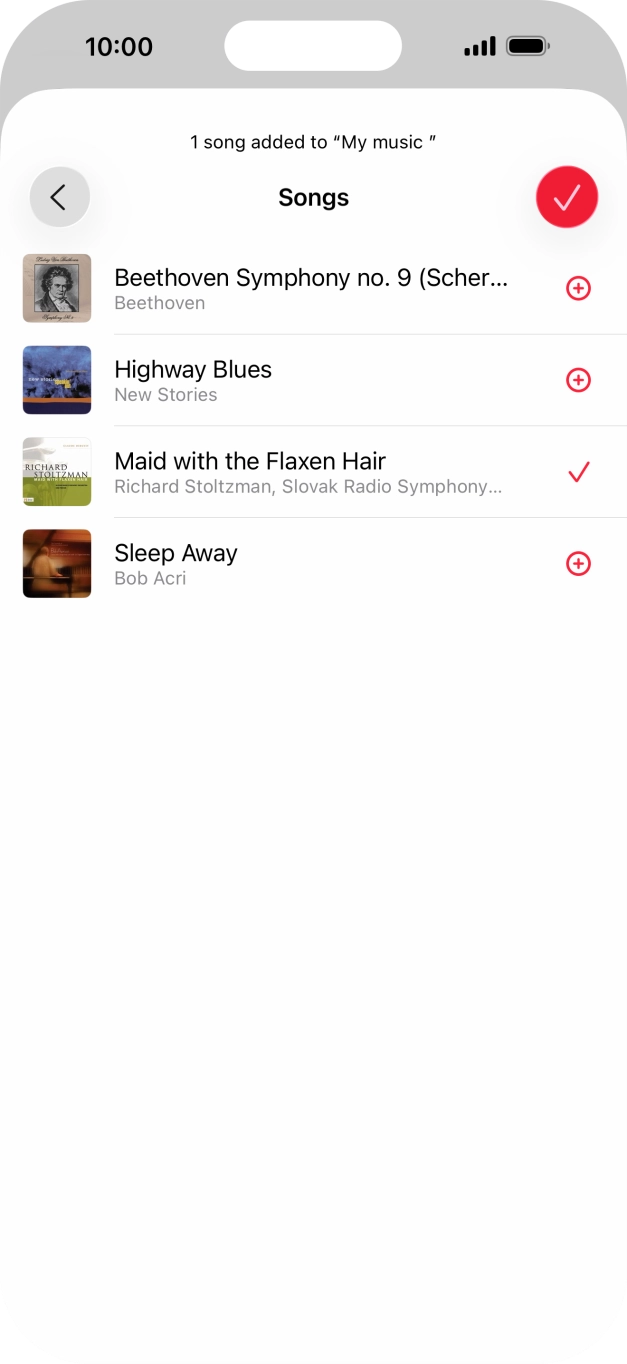
- Go to the required category and press the add icon next to the required audio file.
- Press the confirm icon.
- Go to the required category or playlist and press the required audio file.
- Press the Volume keys to select volume.
- Press the song title.
- Press arrow right to go to the next audio file.
- Press arrow left twice to go to the previous audio file.
- Press the playback queue icon.
- Press the shuffle icon to turn the function on or off.
- Press the repeat icon to turn the function on or off.You can choose whether you want the music player to repeat one or more audio files.
- Slide your finger upwards starting from the bottom of the screen to return to the home screen.