Version:
Operating SystemiOS 18
iOS 26
iOS 18
I have problems receiving voice calls on my Apple iPhone 16
If you have problems receiving voice calls, there may be several causes of the problem.
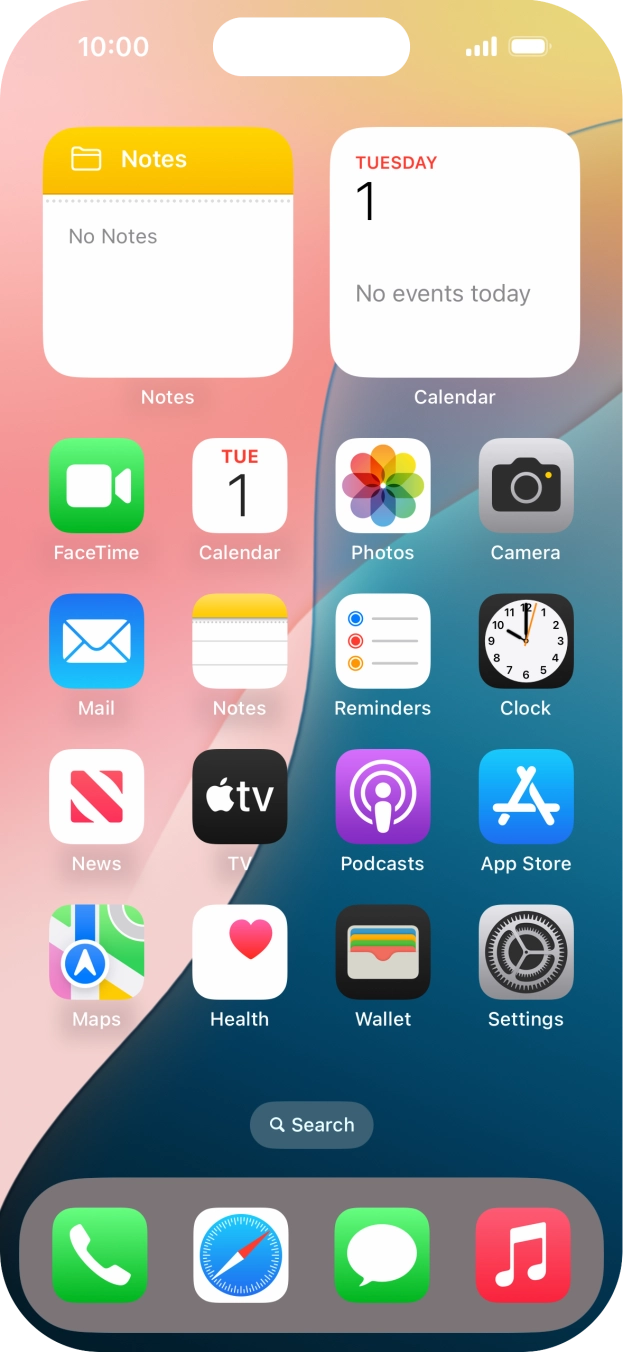
1. Find 'Keypad'
Press the phone icon.
- Press the phone icon.
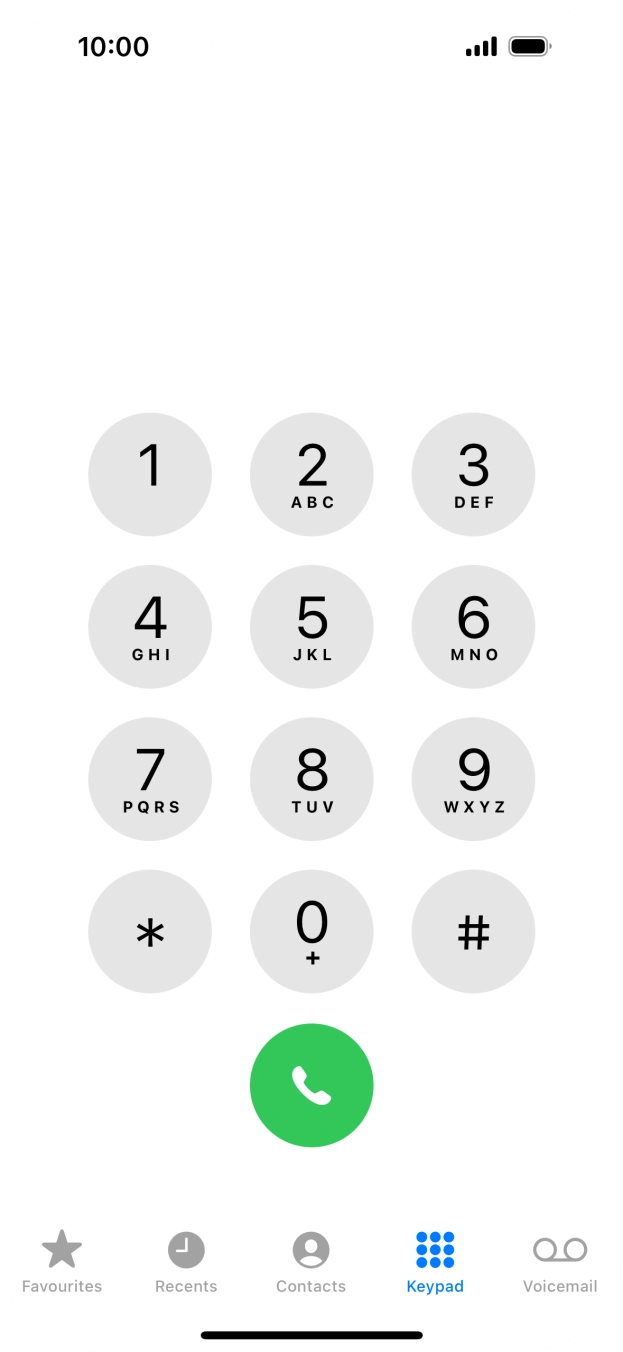
- Press Keypad.
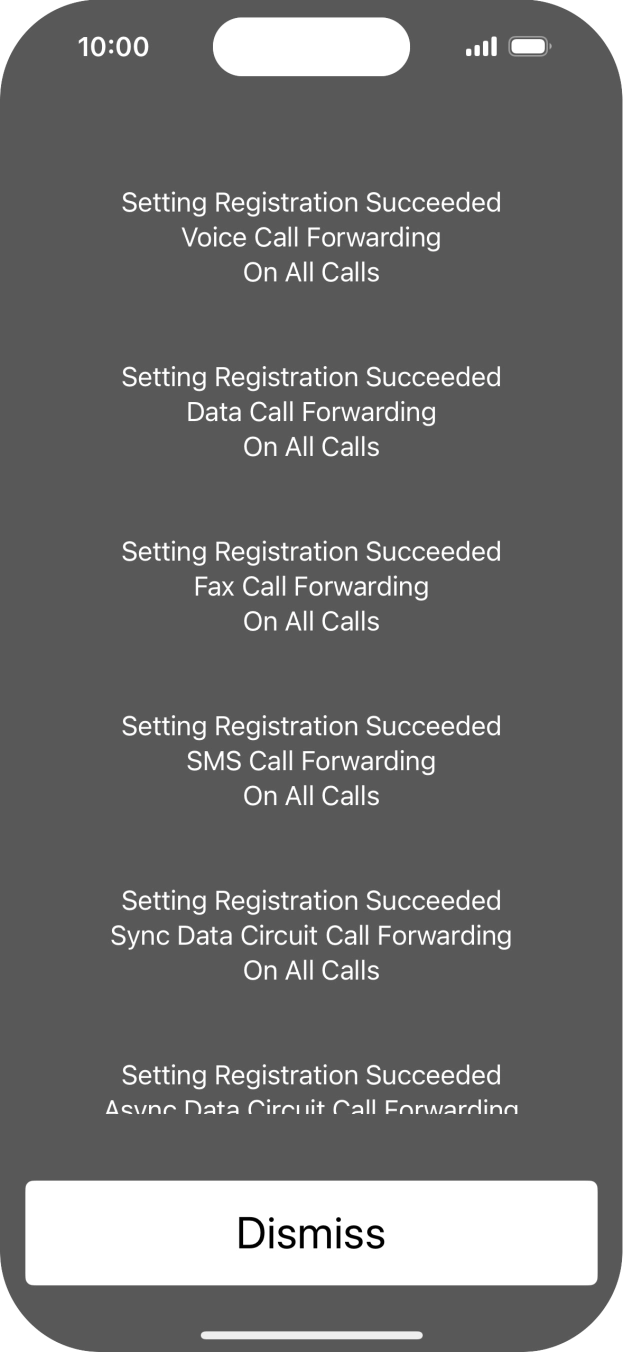
- Key in **21*901# and press the call icon.
- Key in **61*901*20# and press the call icon.Key in the required number of seconds before the call is diverted, e.g. 20. The number needs to be divisible by 5.
- Key in **62*901# and press the call icon.
- Key in **67*901# and press the call icon.
- Press Dismiss.
- Slide your finger upwards starting from the bottom of the screen to return to the home screen.
1. Find 'Keypad'
Press the phone icon.

- Press the phone icon.
- Press Keypad.
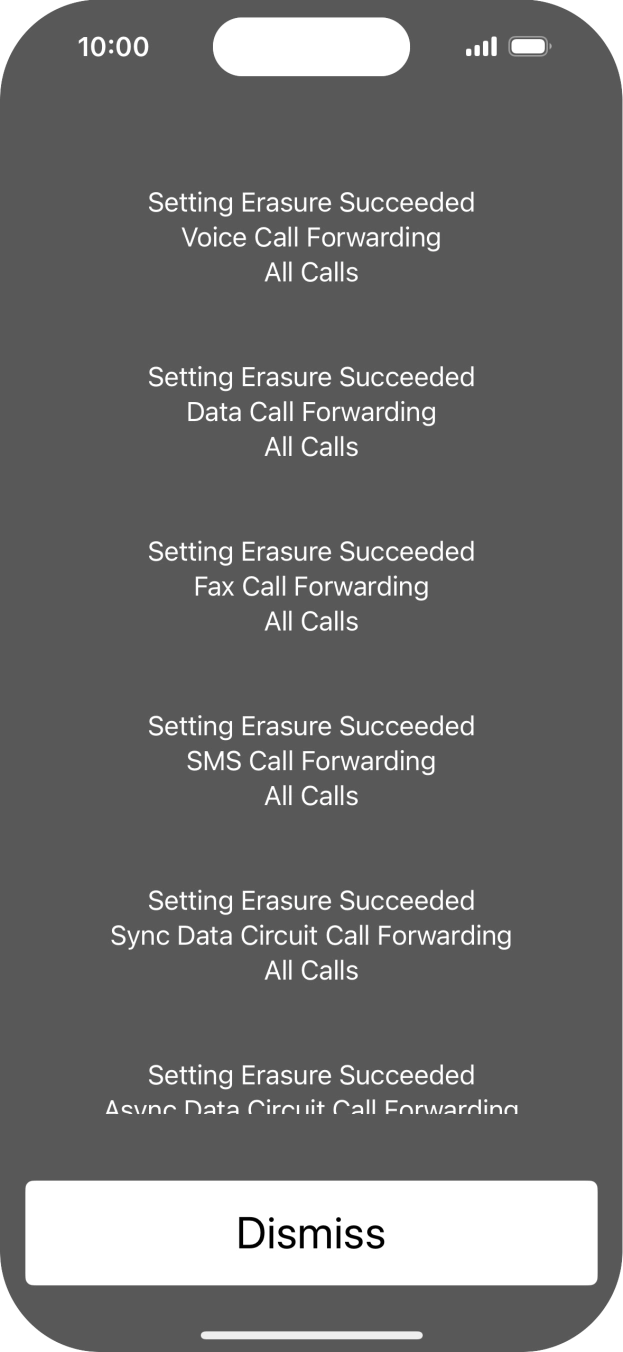
- Key in ##002# and press the call icon.
- Press Dismiss.
- Slide your finger upwards starting from the bottom of the screen to return to the home screen.