How to transfer files between your computer and your Apple iPad Pro 13 (2024)
You can use WiFi to establish an internet connection.
Step 1 of 6
Step 1 of 6
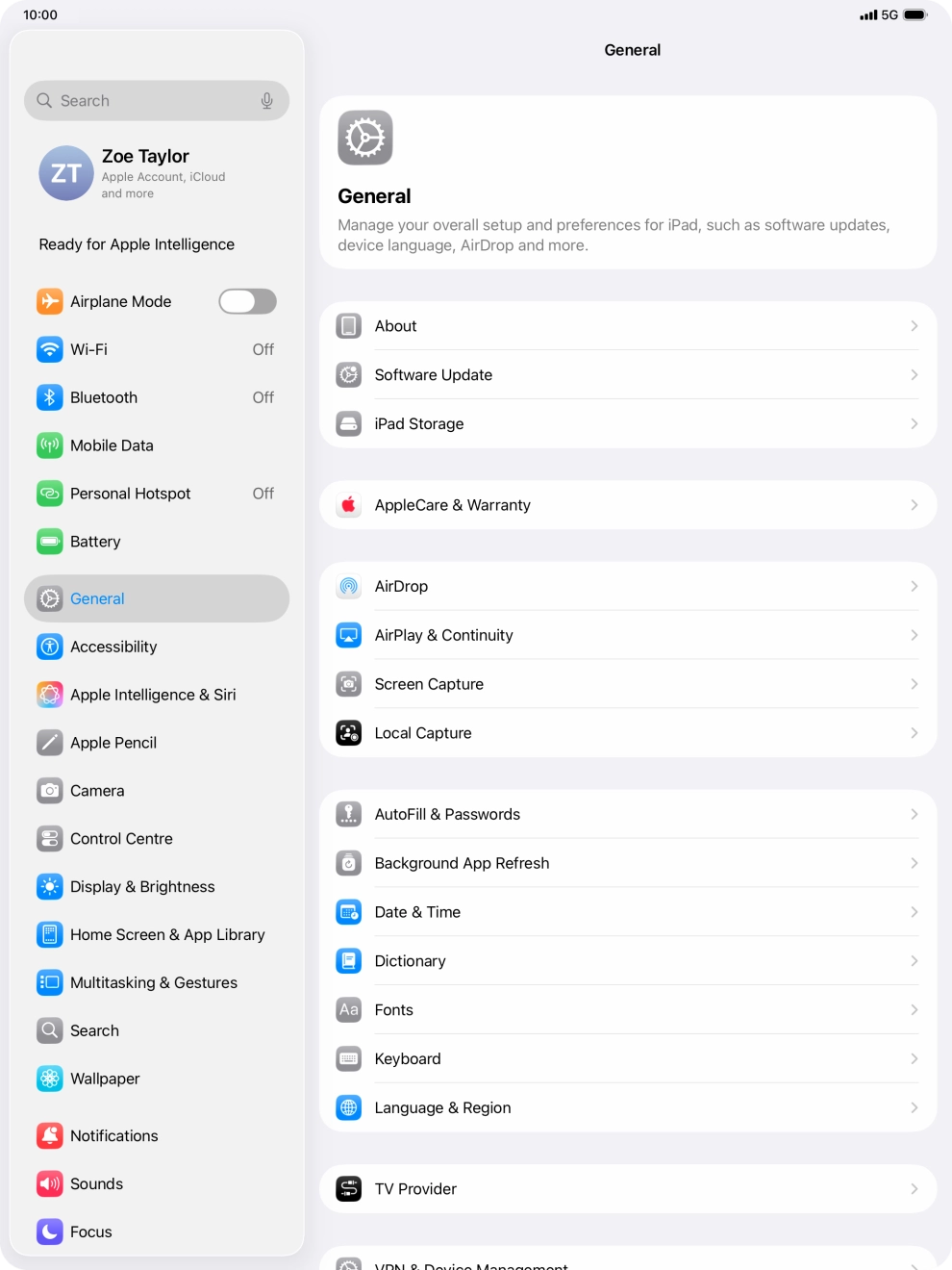
1. Find 'Wi-Fi'
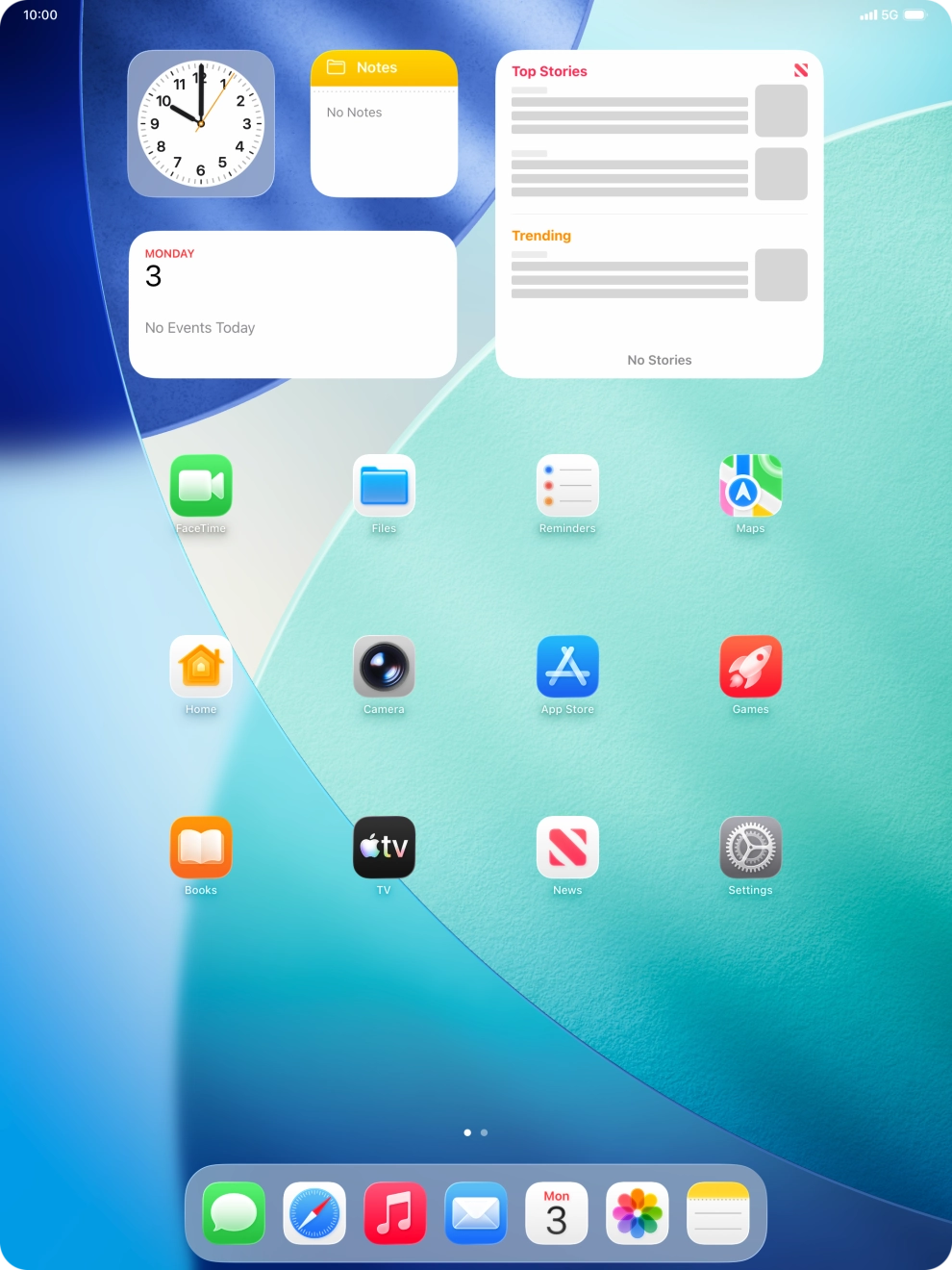
Press Settings.

Press Settings.
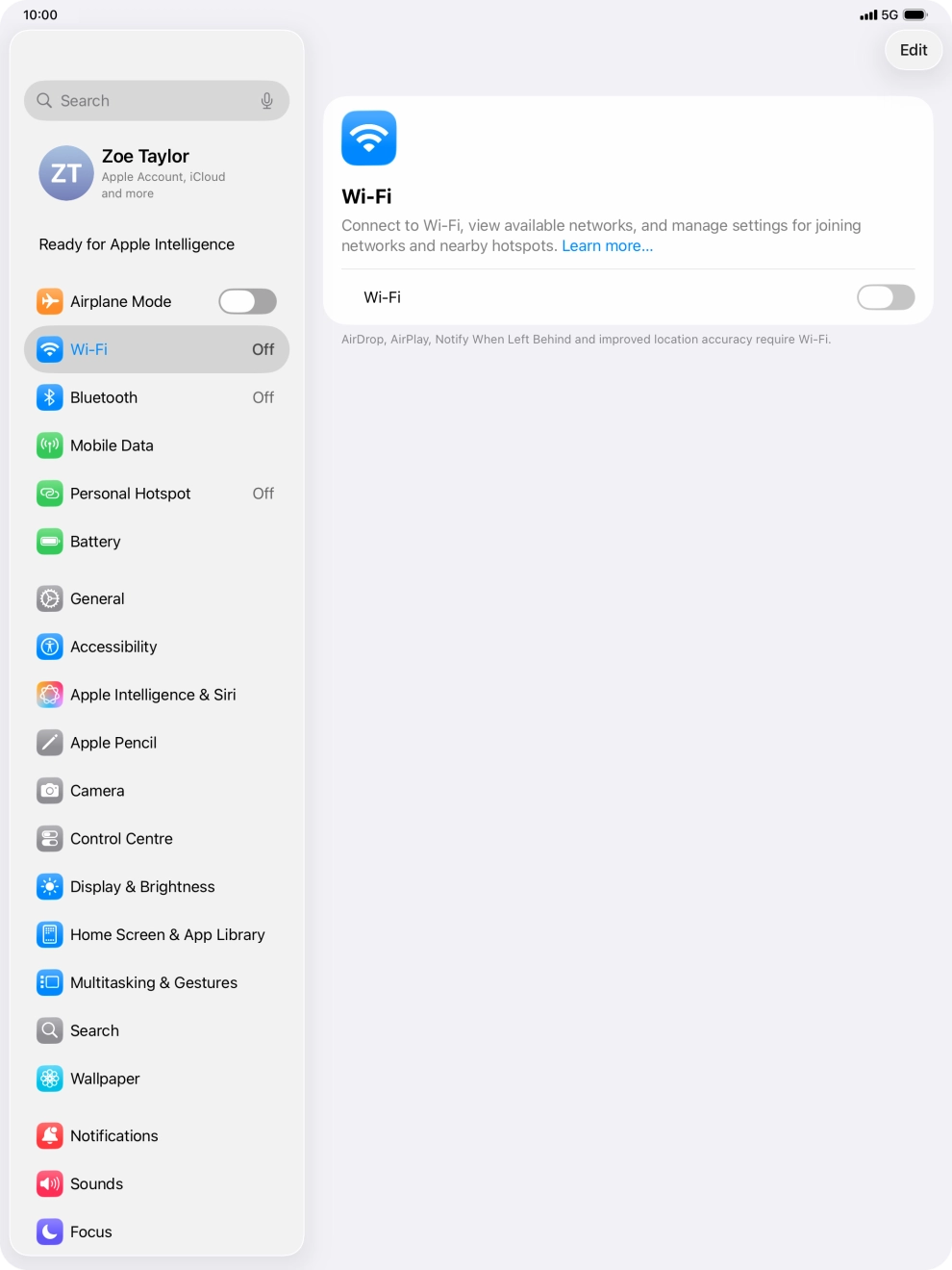
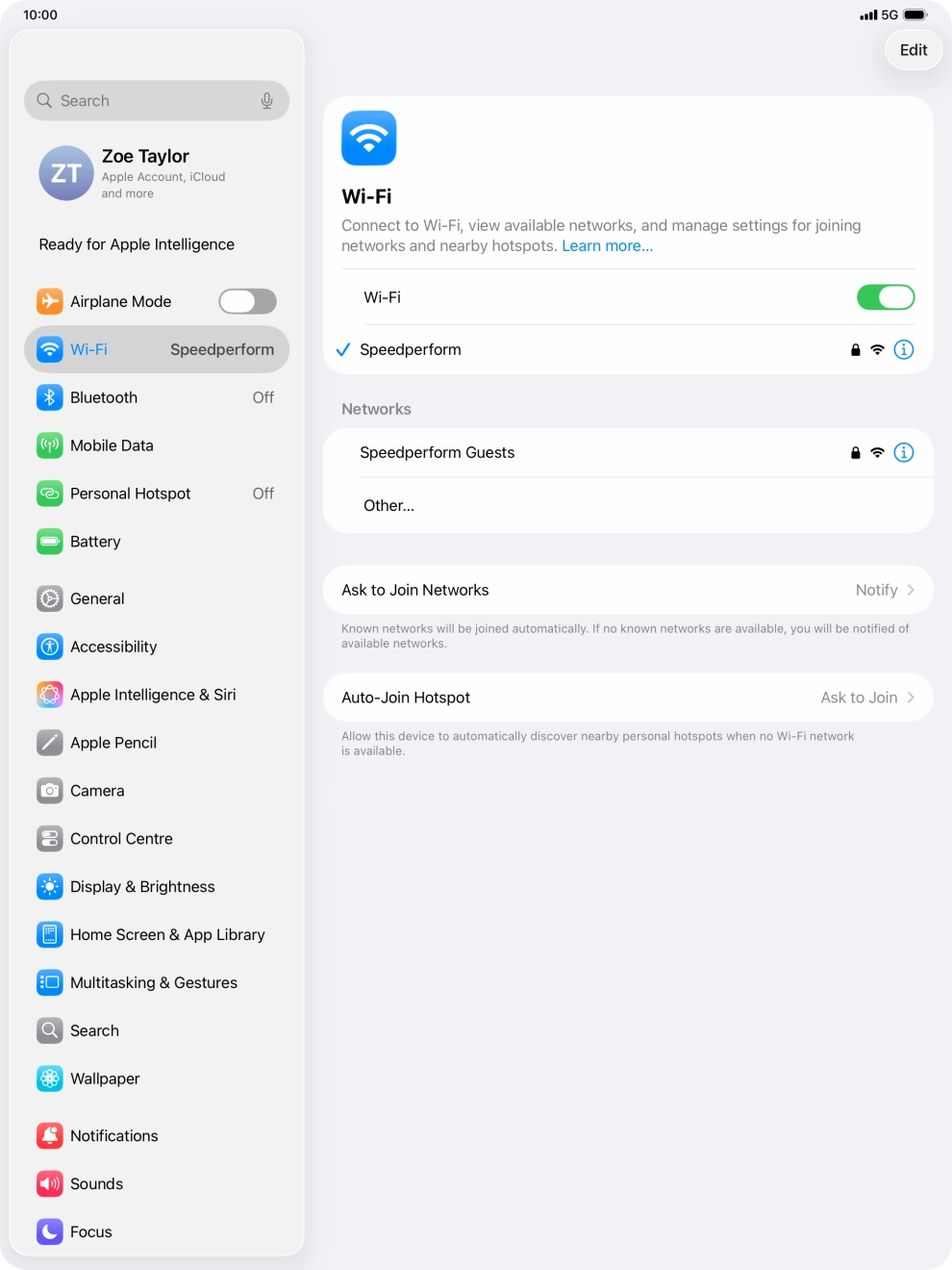
Press Wi-Fi.
Press the indicator next to 'Wi-Fi' to turn on the function.
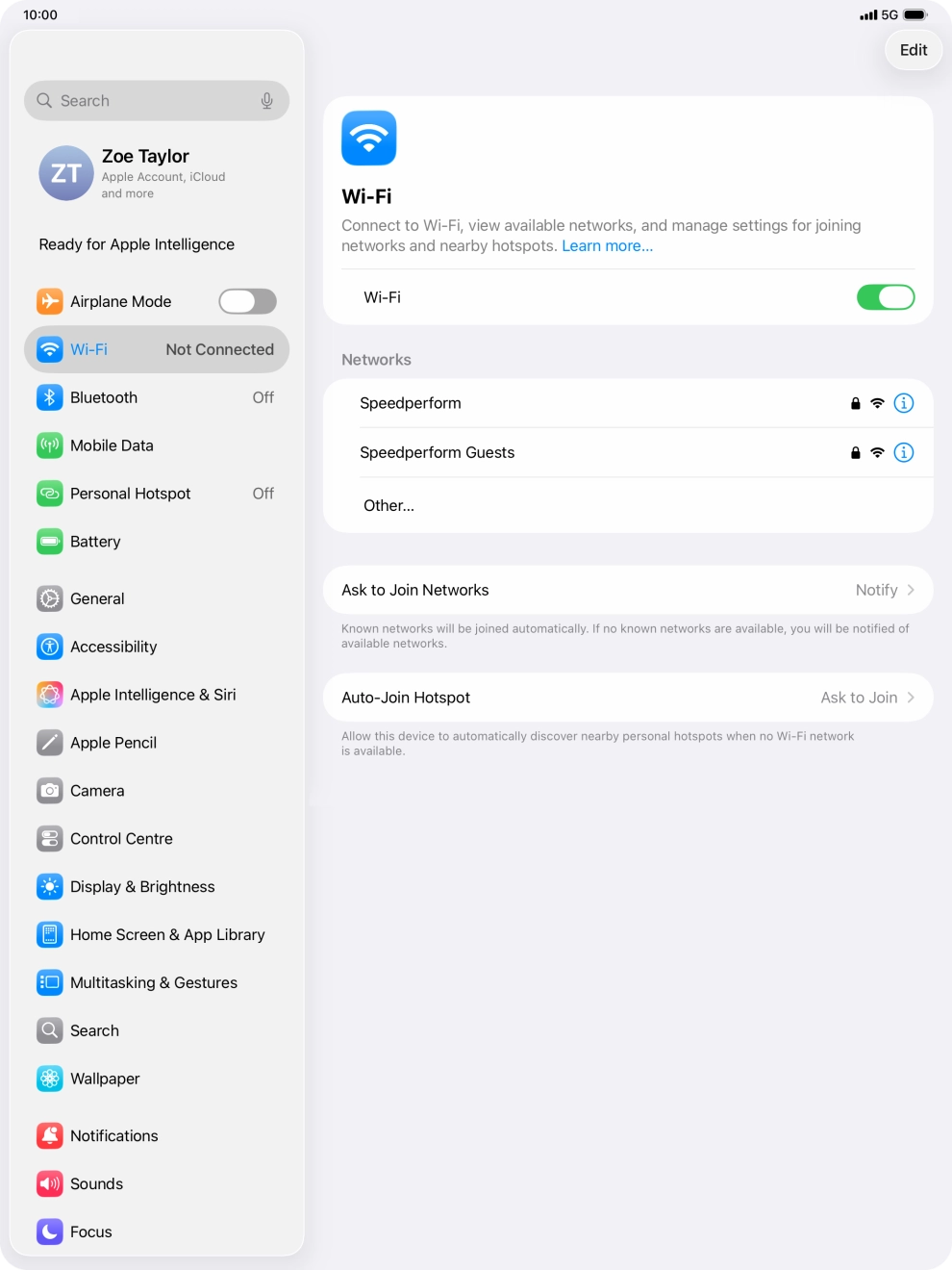
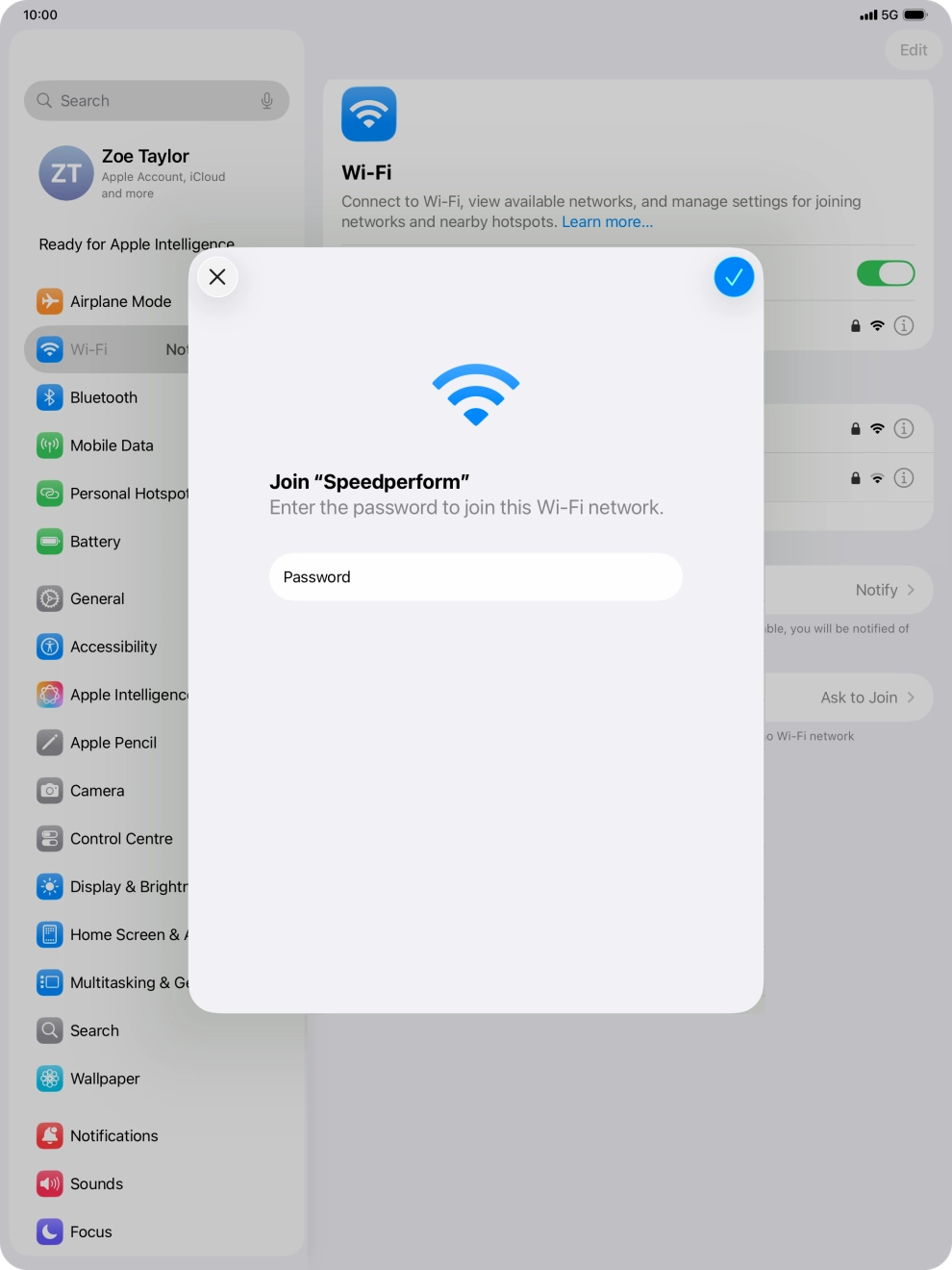
Press the required WiFi network and key in the password for the WiFi network.
If the WiFi network is password protected, a lock icon is displayed next to the name of the WiFi network. You can get the password from the network provider or administrator.
Press the confirm icon.
Slide your finger upwards starting from the bottom of the screen to return to the home screen.