How to select FaceTime settings on your Apple iPad mini (6th Generation)
You can make a video call to another device which supports FaceTime. To select settings for FaceTime, you need to activate your Apple ID on your tablet.
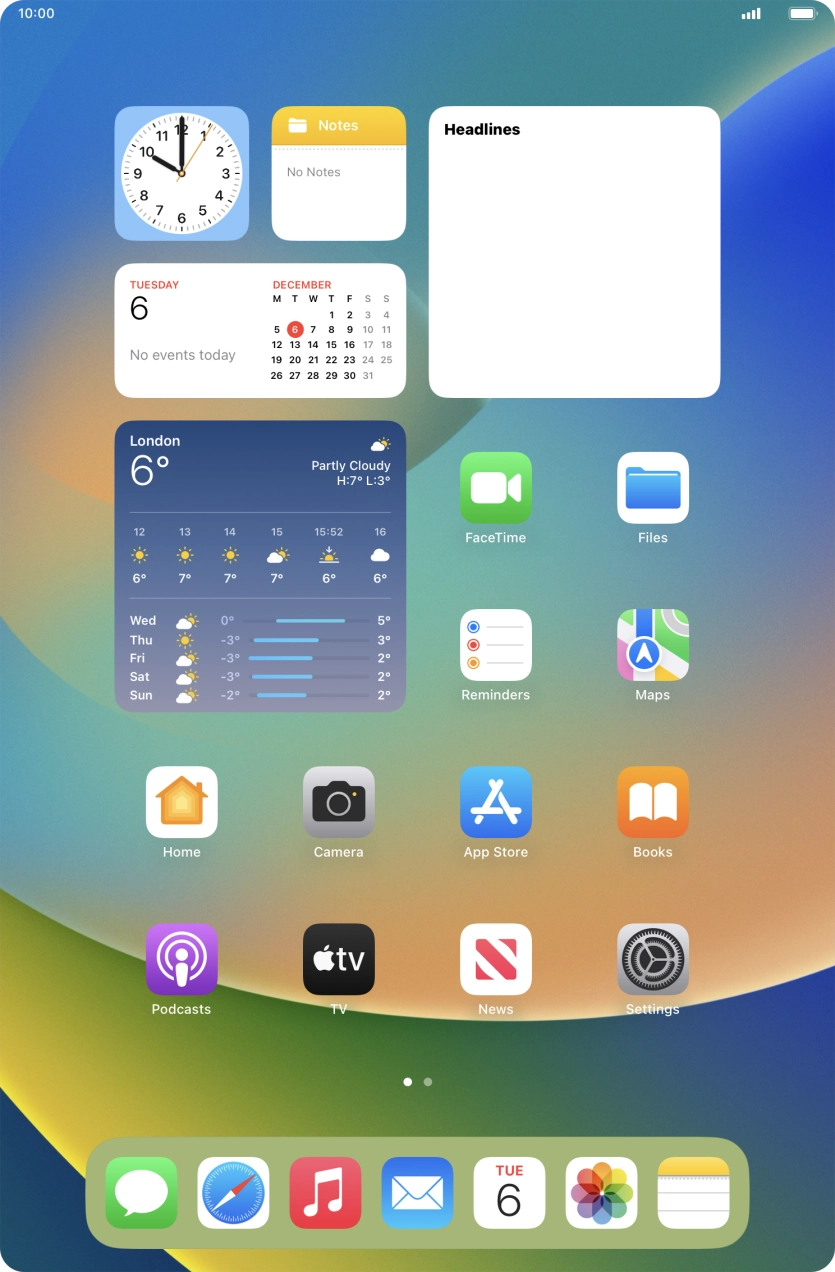
- Press Settings.
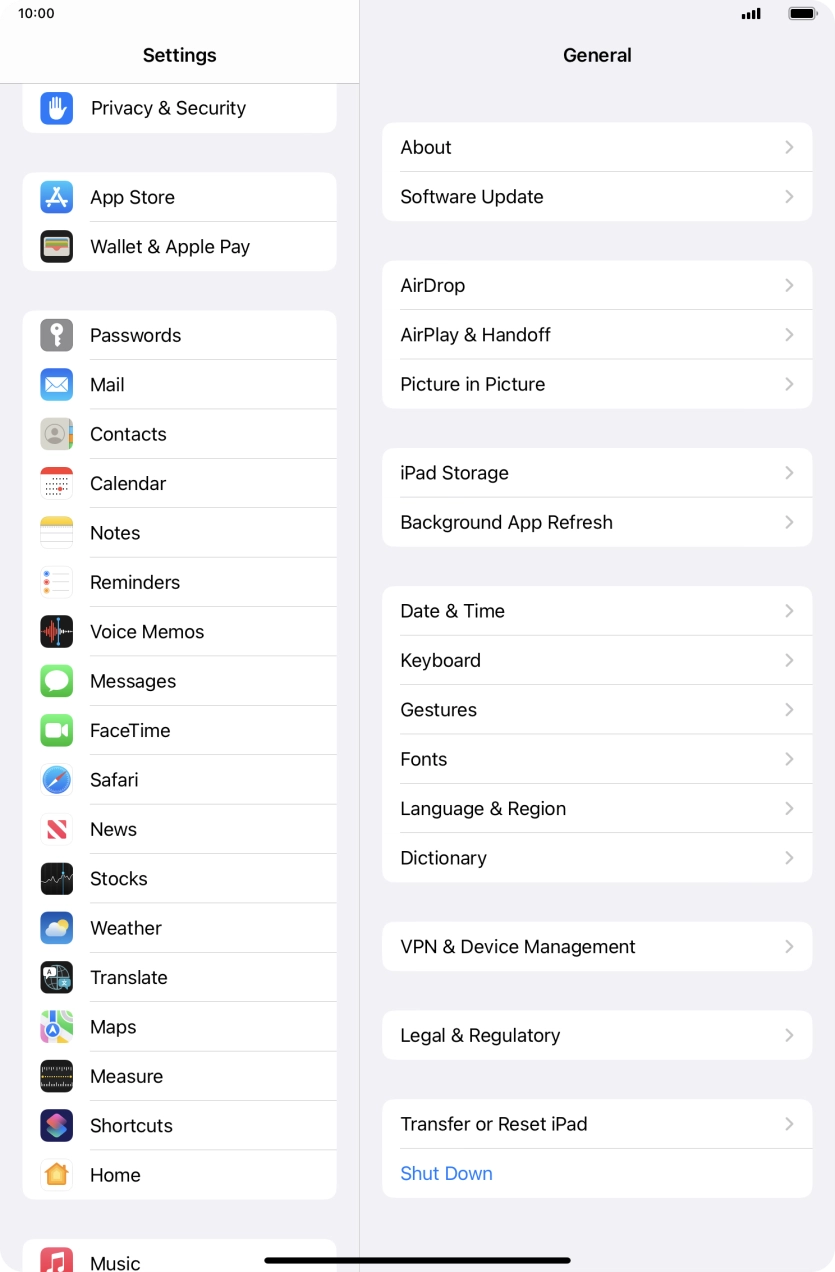
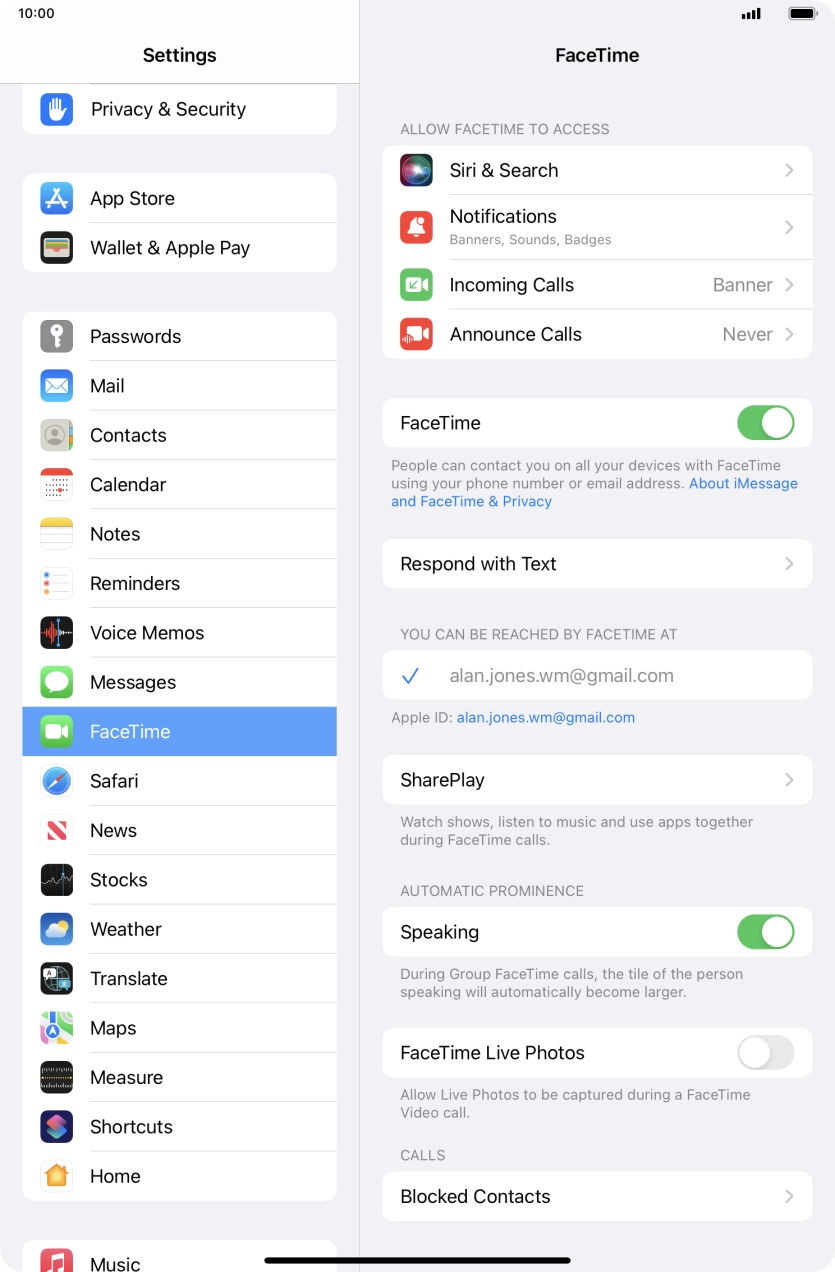
- Press FaceTime.
- Press the indicator next to 'FaceTime' to turn the function on or off.
- Press the required setting below 'YOU CAN BE REACHED BY FACETIME AT'.You can select the email addresses and phone numbers others can use to contact you using FaceTime.
- Press the required setting below 'ALLOW FACETIME TO ACCESS' and follow the instructions on the screen to allow access for specific apps and functions.
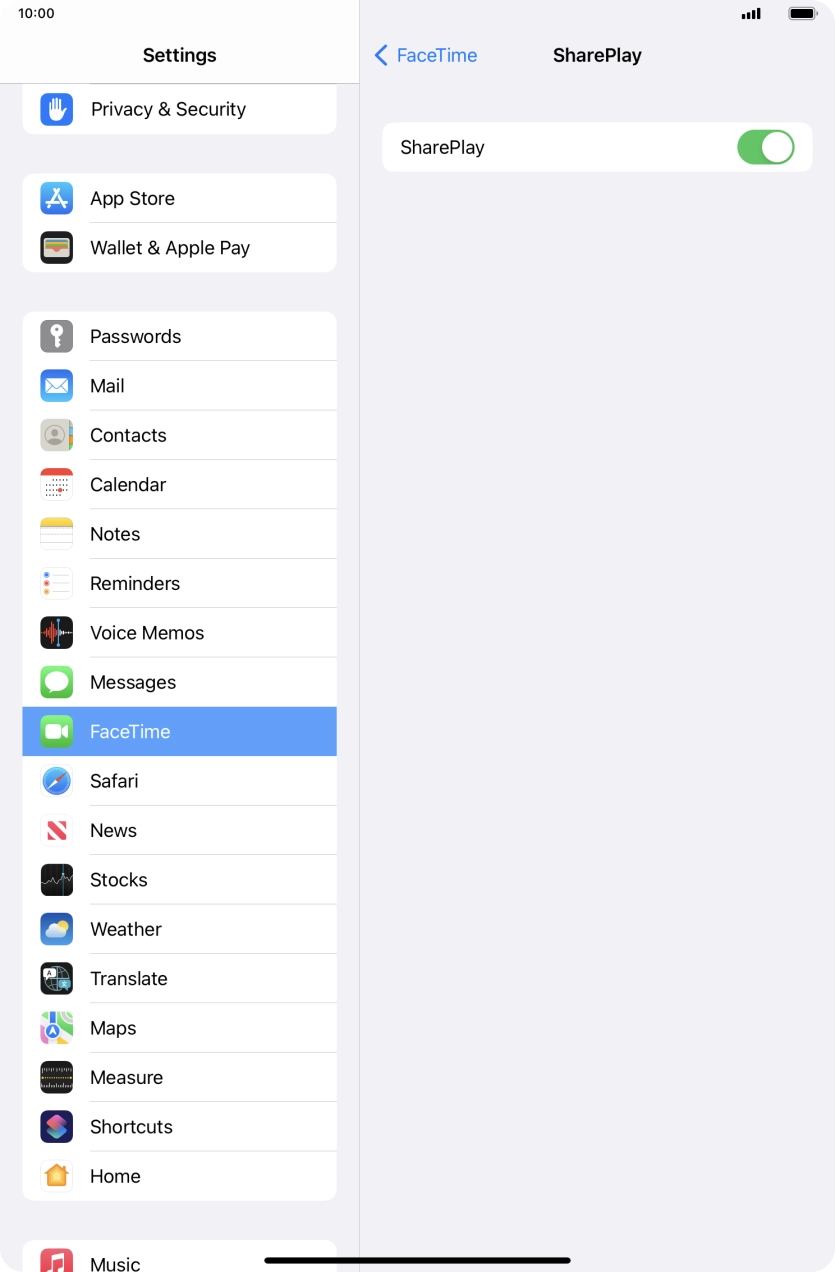
- Press SharePlay.Using SharePlay, you can share your screen, watch films and listen to music with others during a FaceTime call.
- Press the indicator next to 'SharePlay' to turn the function on or off.
- Press arrow left.
- Press the indicator next to 'Speaking' to turn the function on or off.You can set FaceTime to display a big picture of the person currently speaking.
- Press the indicator next to 'FaceTime Live Photos' to turn the function on or off.With Live Photos, the camera takes a series of pictures of the conversation within a number of seconds allowing you to save an animated version of the screen.
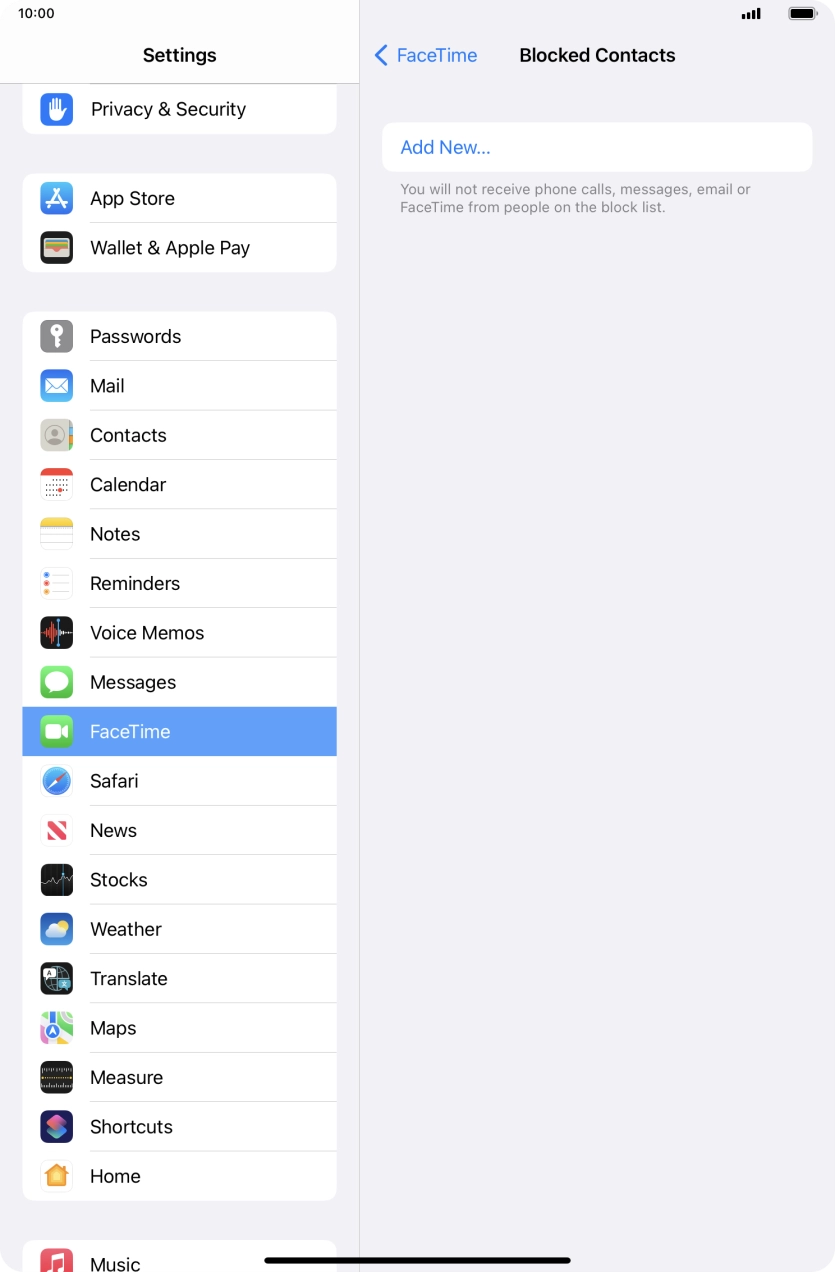
- Press Blocked Contacts.
- Press Add New... and follow the instructions on the screen to block a contact.If you don't want to receive FaceTime calls from certain contacts, you can block them.
- Press arrow left.
- Slide your finger upwards starting from the bottom of the screen to return to the home screen.