
I have problems using the internet connection on my Apple iPad Air (2019)
If you can't use the internet connection on your tablet, there may be several causes of the problem.
Step 1 of 8
Step 1 of 8
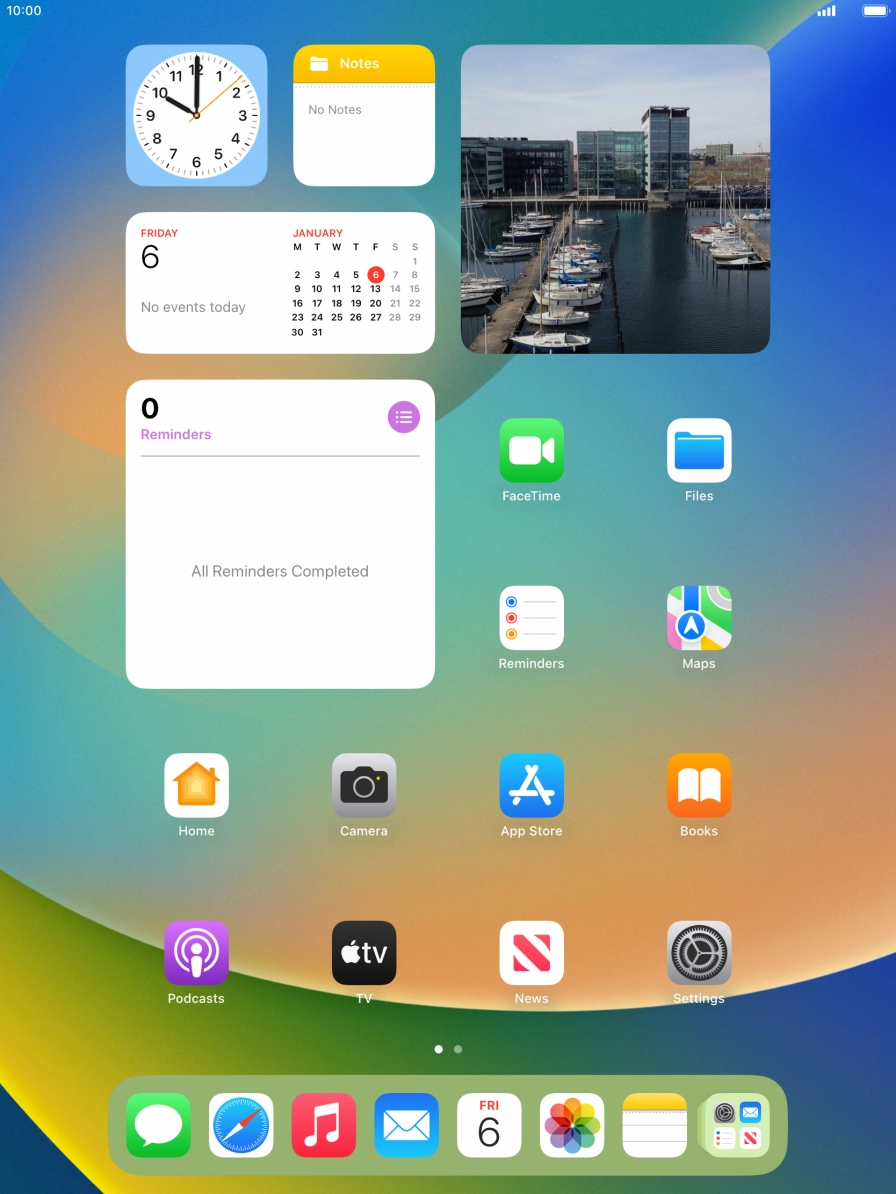
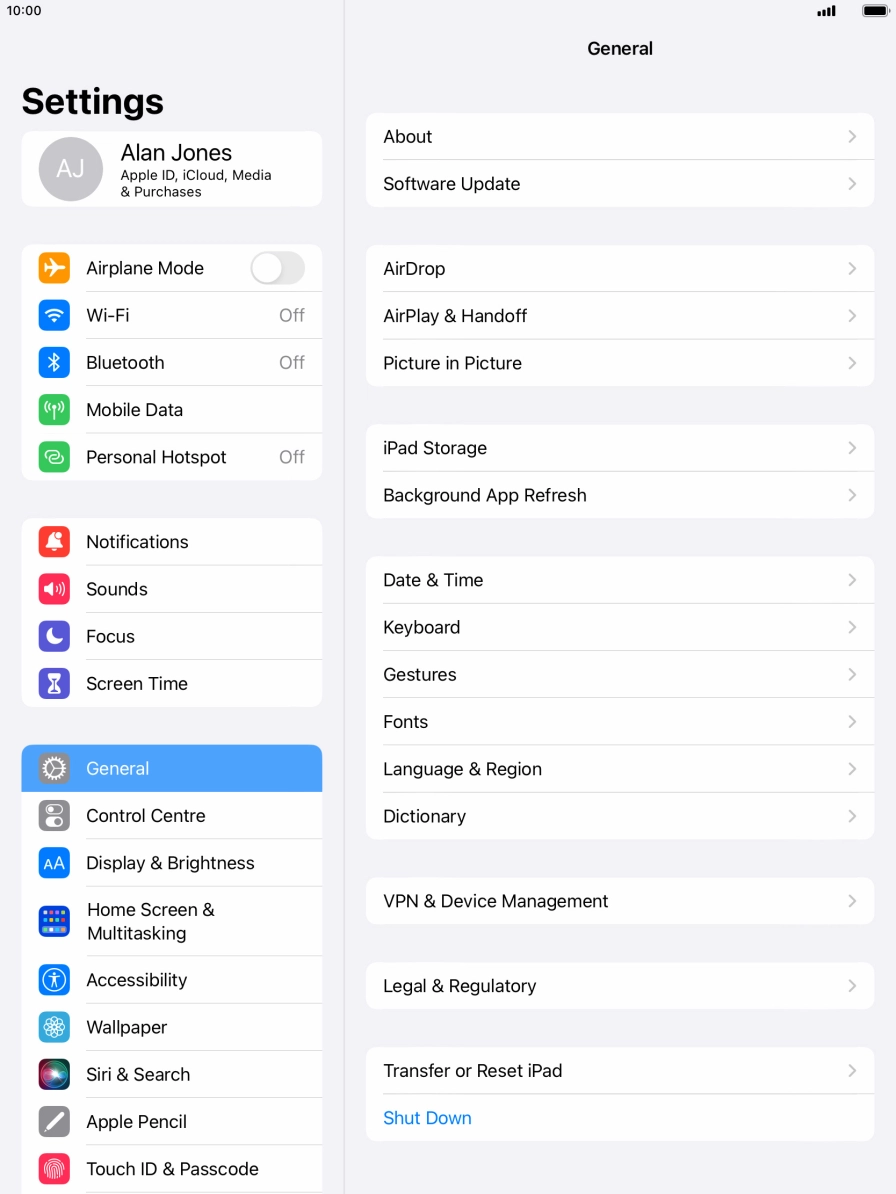
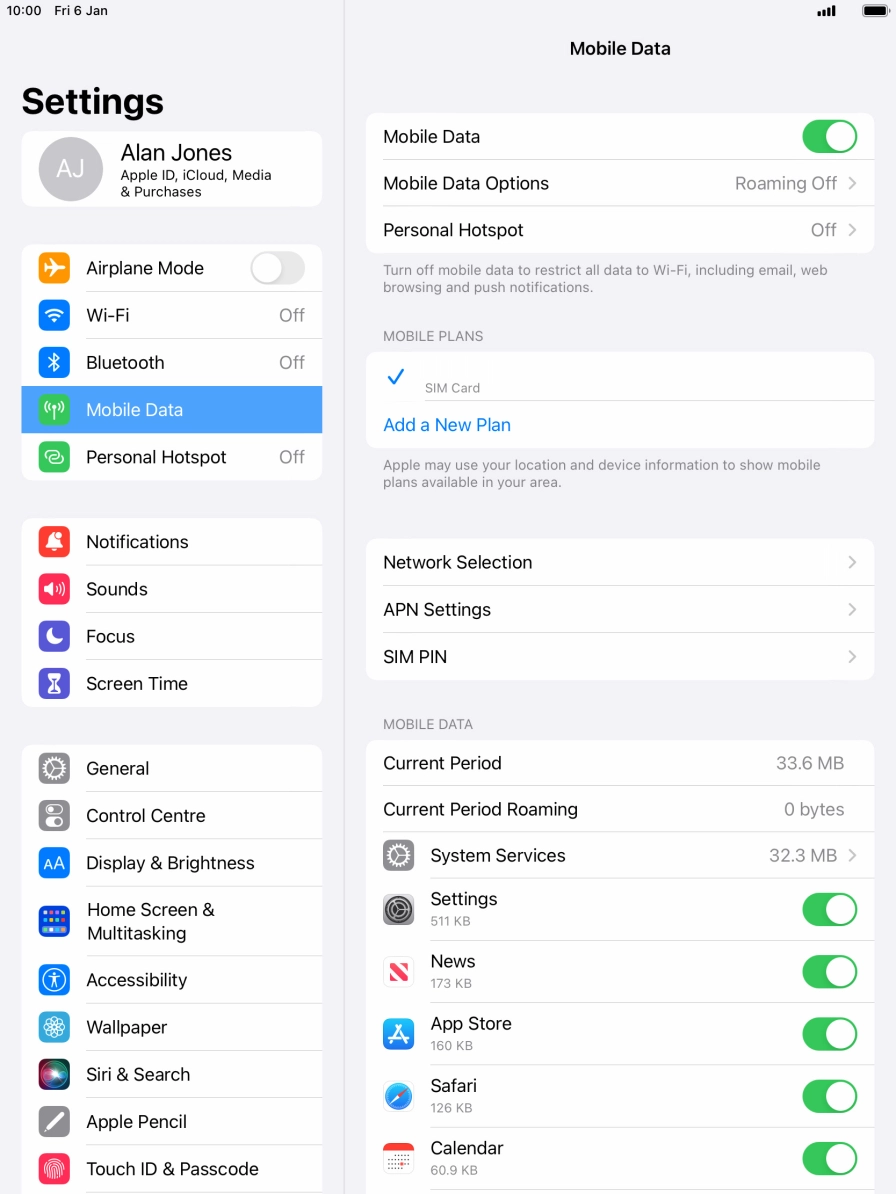
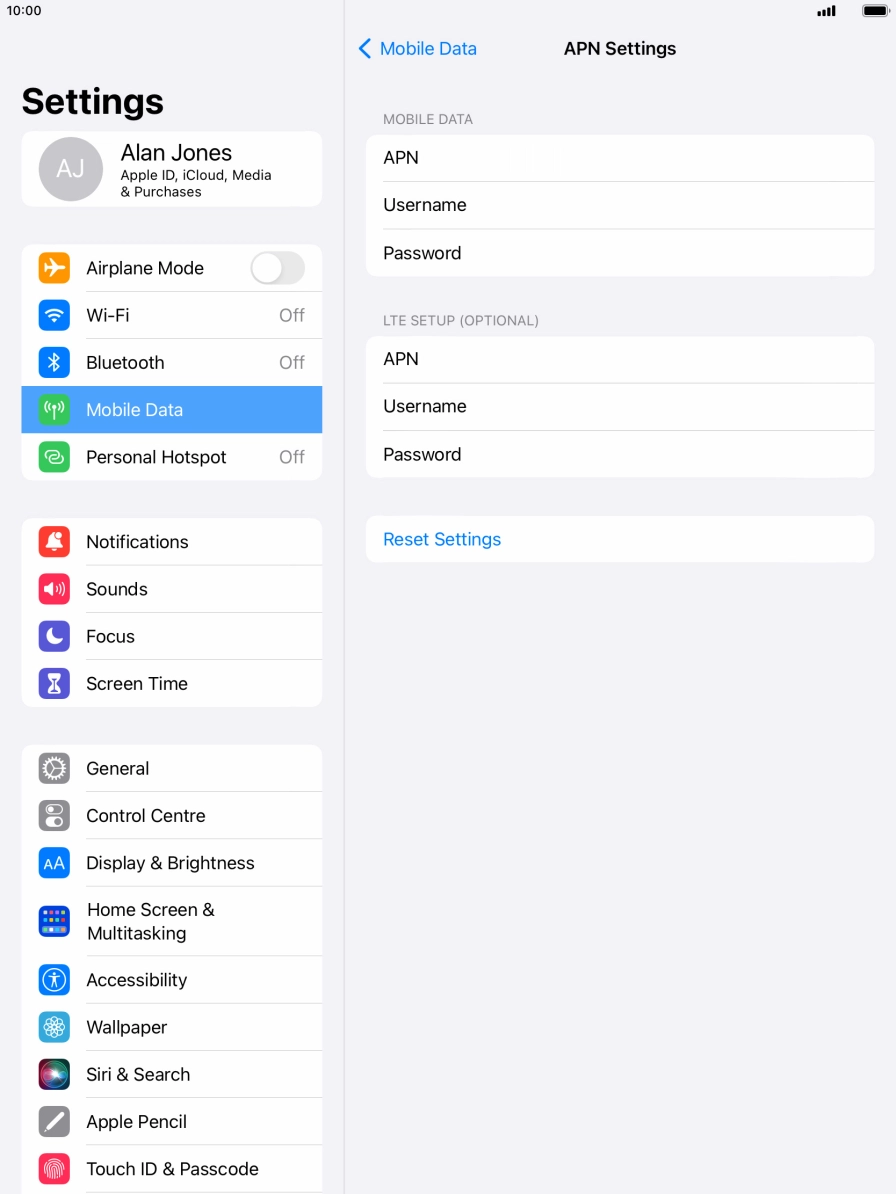
1. Find 'APN Settings'
Press Settings.
Step 1 of 5
Step 1 of 5
1. Find 'Mobile Data'
Press Settings.
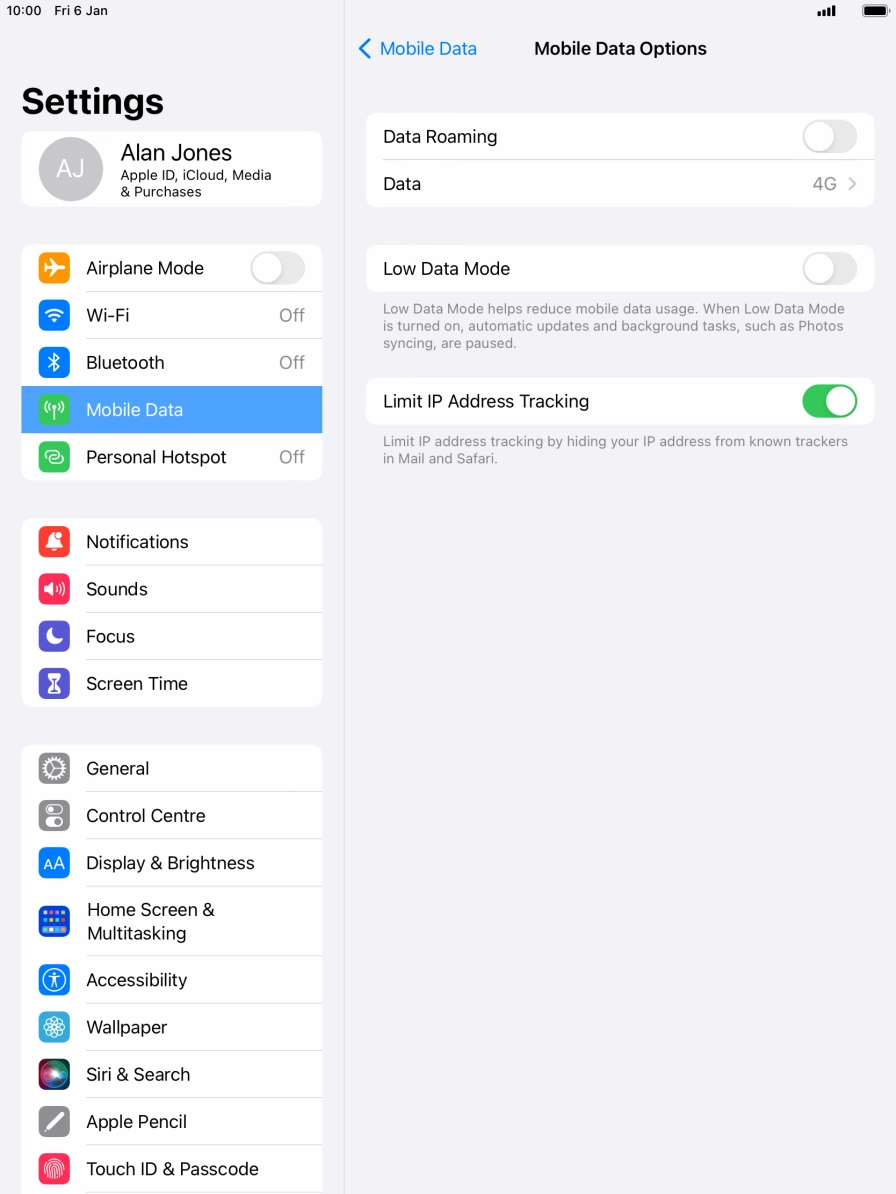
Step 1 of 5
Step 1 of 5
1. Find 'Mobile Data Options'
Press Settings.
Step 1 of 2
Step 1 of 2
1. Restart your tablet
Press and hold the Home key.
