Version:
Operating SystemiPadOS 26
iPadOS 26
iPadOS 18
How to use camera on your Apple iPad A16 (11th Generation)
You can take pictures and record videos with your tablet's camera.
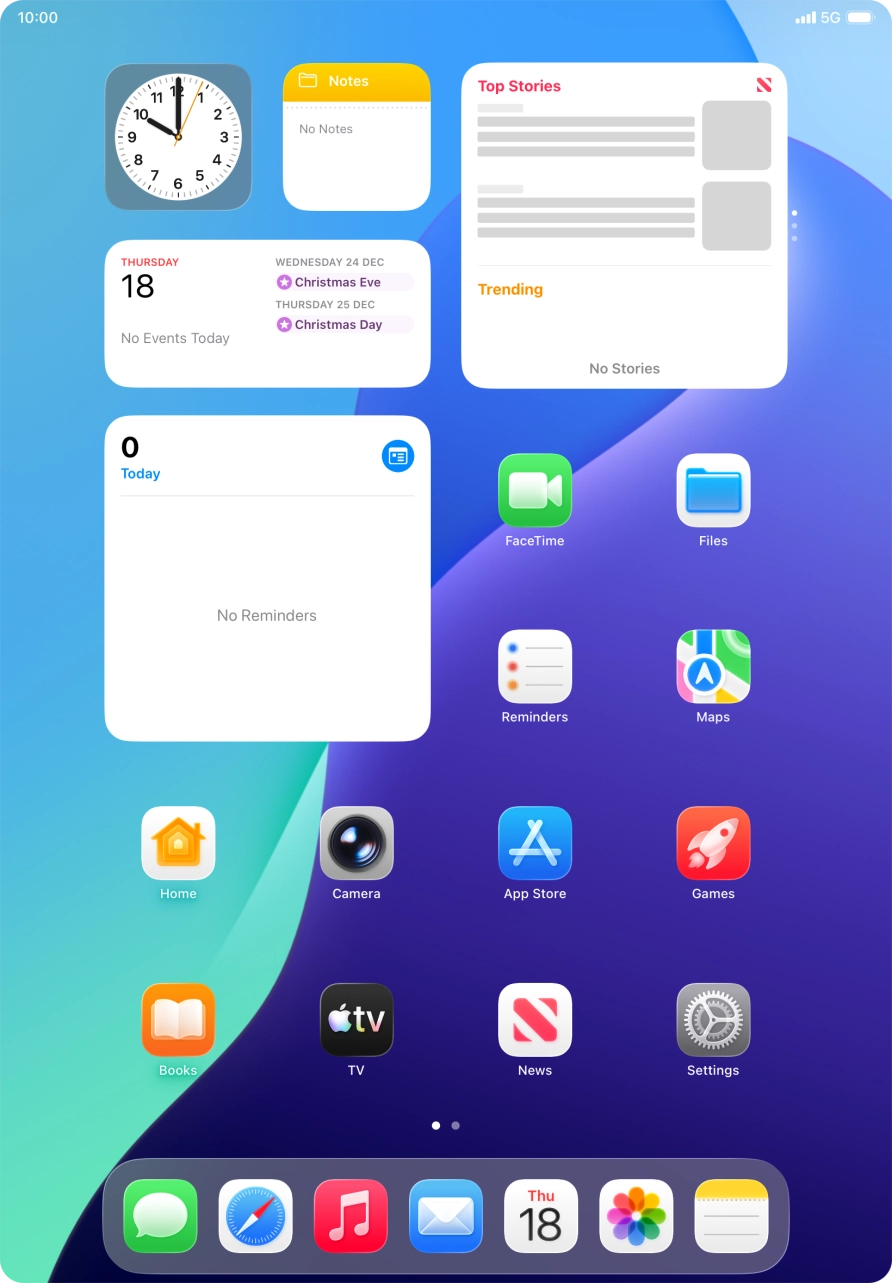
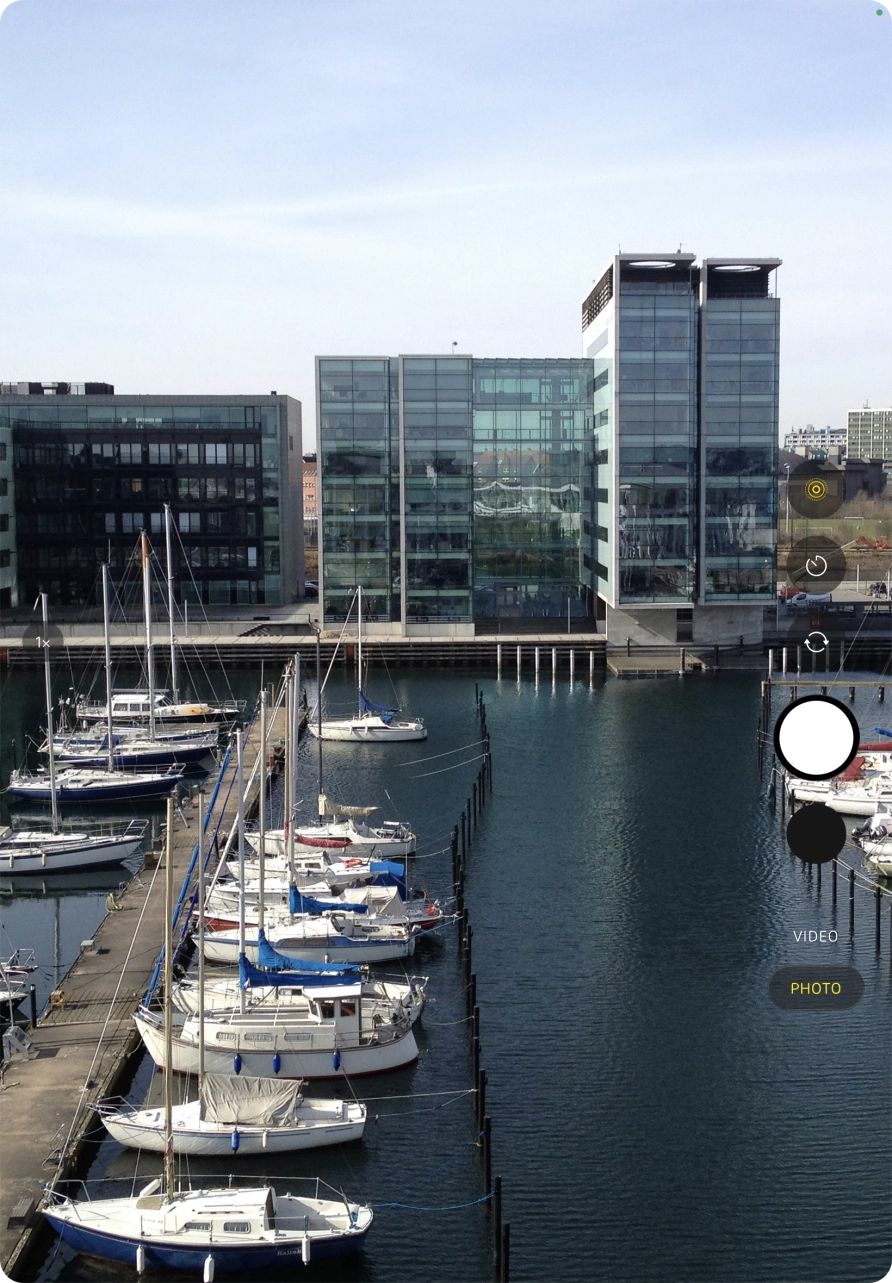
- Press Camera.
- Slide your finger up or down on the screen to select the required camera mode.
- Press the required icon and follow the instructions on the screen to select the required settings.Please note that not all settings are available in all camera modes.
- Press the camera switch icon to switch between the front and the back camera.Please note that it's not possible to switch camera in all camera modes.
- Point the camera lens at the required object.Drag two fingers together or apart to zoom in or out.
- Press the take picture icon.
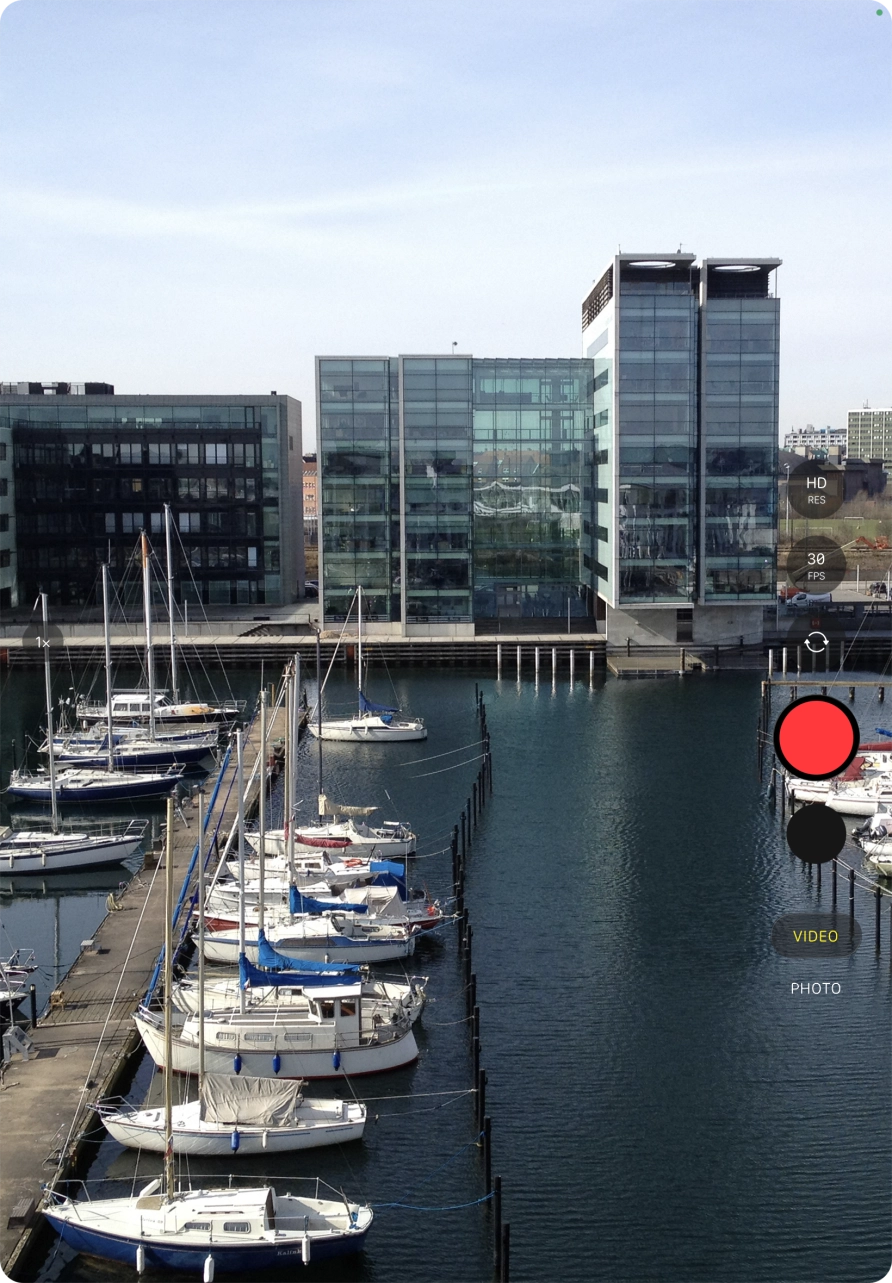
- Press VIDEO.
- Point the camera lens at the required object.Drag two fingers together or apart to zoom in or out.
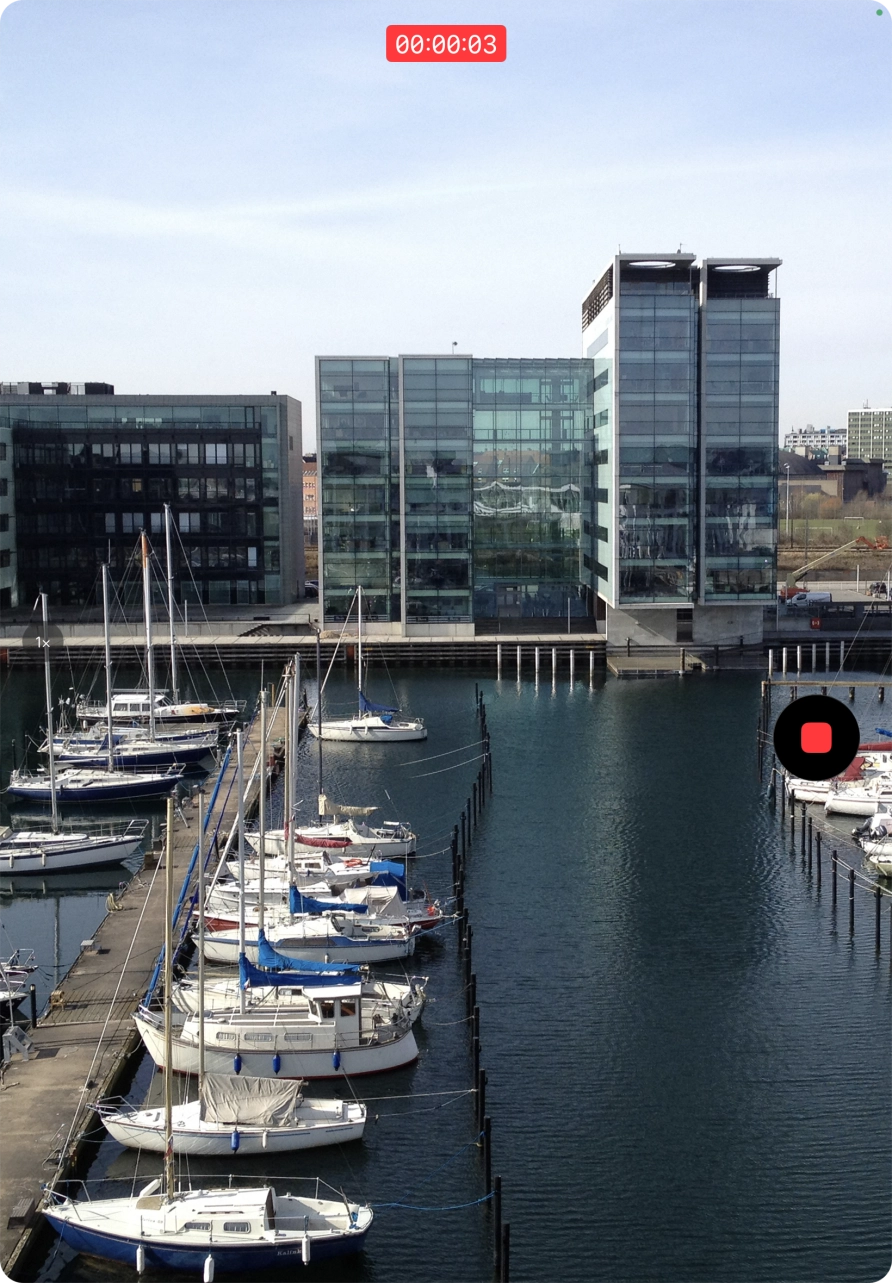
- Press the record icon to start recording.
- Press the stop icon to stop the recording.
- Slide your finger upwards starting from the bottom of the screen to return to the home screen.
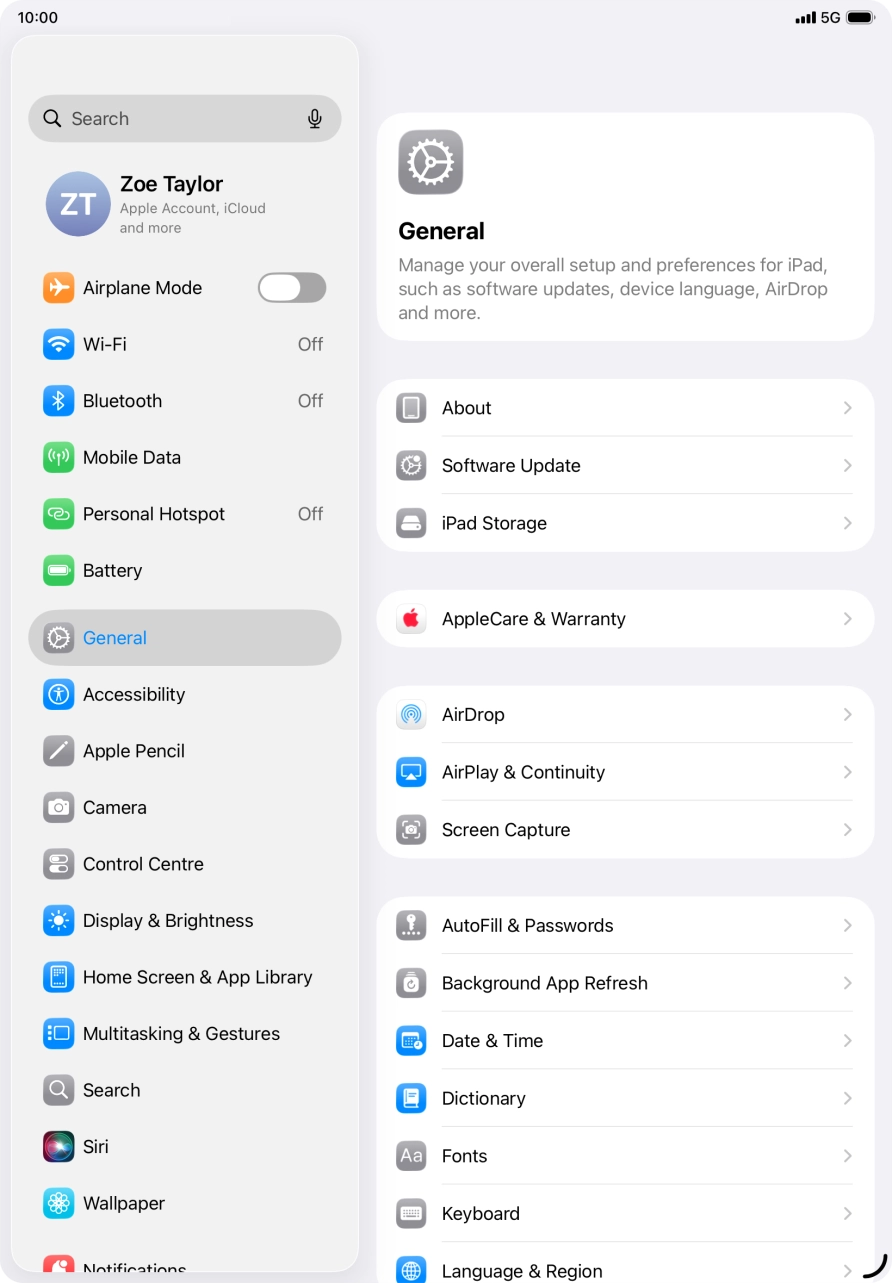
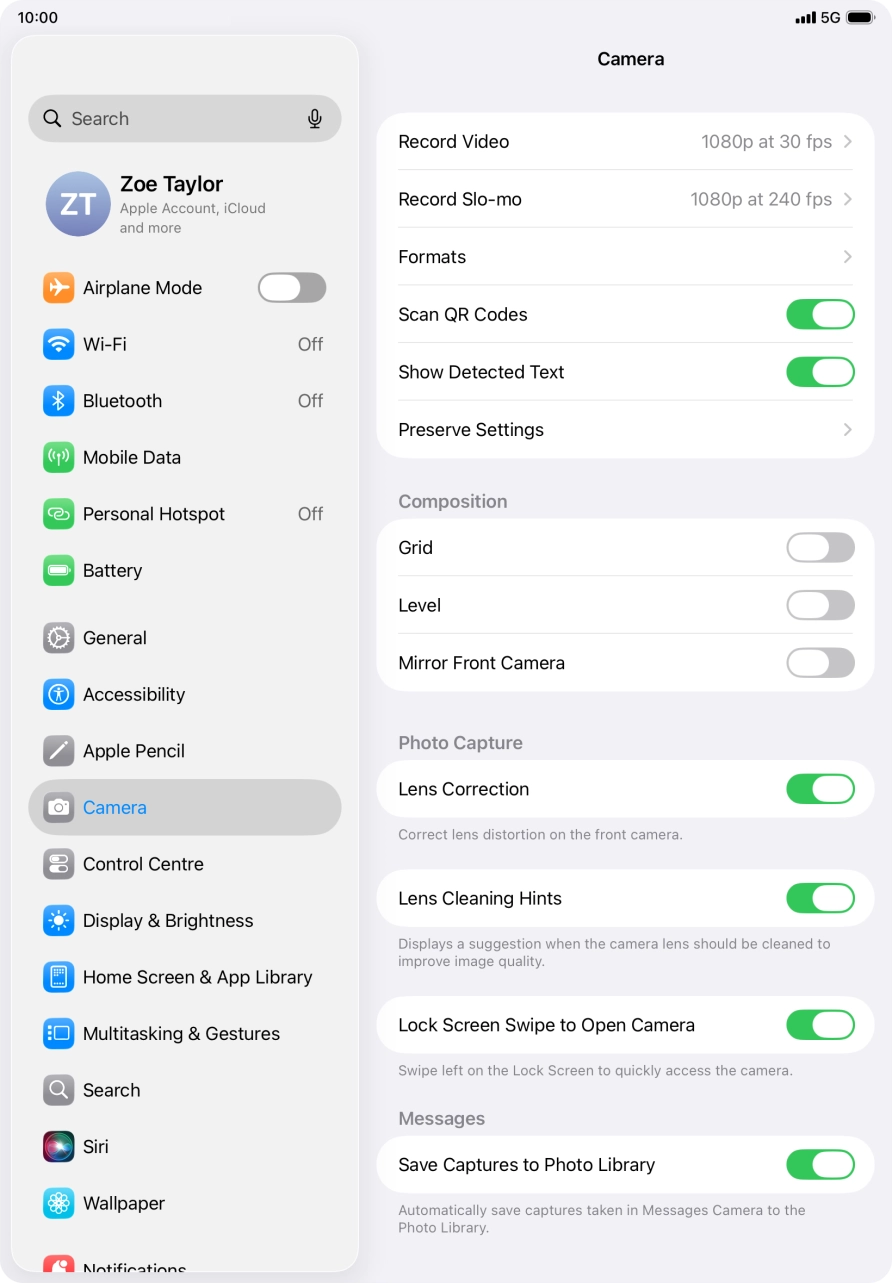
- Press Settings.
- Press Camera and follow the instructions on the screen to select more camera settings.
- Slide your finger upwards starting from the bottom of the screen to return to the home screen.