

Top tips for managing your child's online safety
A simple way to help keep your child safer online is to layer up your safety settings. Start with your home broadband and mobile network to cover all connected devices. Next, set up the devices your child uses. Then, choose safety settings in apps and games. Finally, have regular conversations about being safe online.
Watch this video to see more about layering up protections, or take a look at the set up safe guide.

Network settings
The first step of any journey into the online world is getting connected, so that's the best place to start when adding parental controls. Head here for a range of guides about setting up controls on different UK mobile and broadband providers. For more about O2 network-level parental control settings, visit our help page.
Monitoring apps
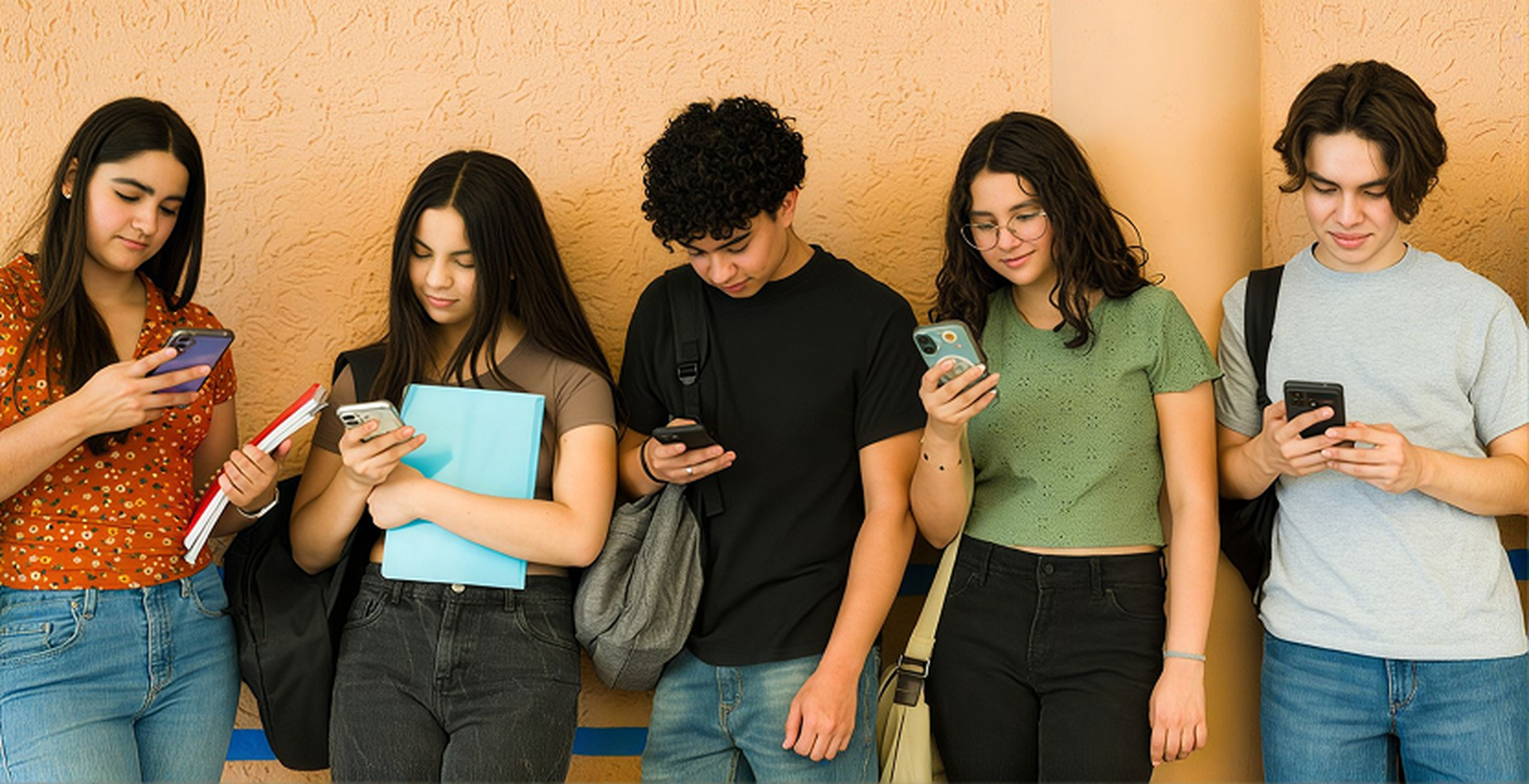
Once your child’s ready for a smartphone, monitoring and controlling their usage and activity is made easier with tools like Apple’s Screen Time and Android’s Google Family Link.
Take a look at the Internet Matters comprehensive guide to the most popular apps, games and platforms used by young people.

Regular conversations
Having regular conversations with your child can keep them safe online. Internet matters have 4 simple tips to help children deal with online issues and open up about their digital lives.

Children's privacy
Online privacy for children is essential to help prevent predatory targeting, cyberbullying, and the exploitation of personal data. Unprotected digital footprints can lead to identity theft, financial harm, and lifelong impacts on a child's future.
In the UK, children have the same rights to privacy as adults. Along with other online providers, we follow to the Children's Code to make sure we're doing everything we can to protect kids' data.
Keeping kids safe online


Age Restricted Content
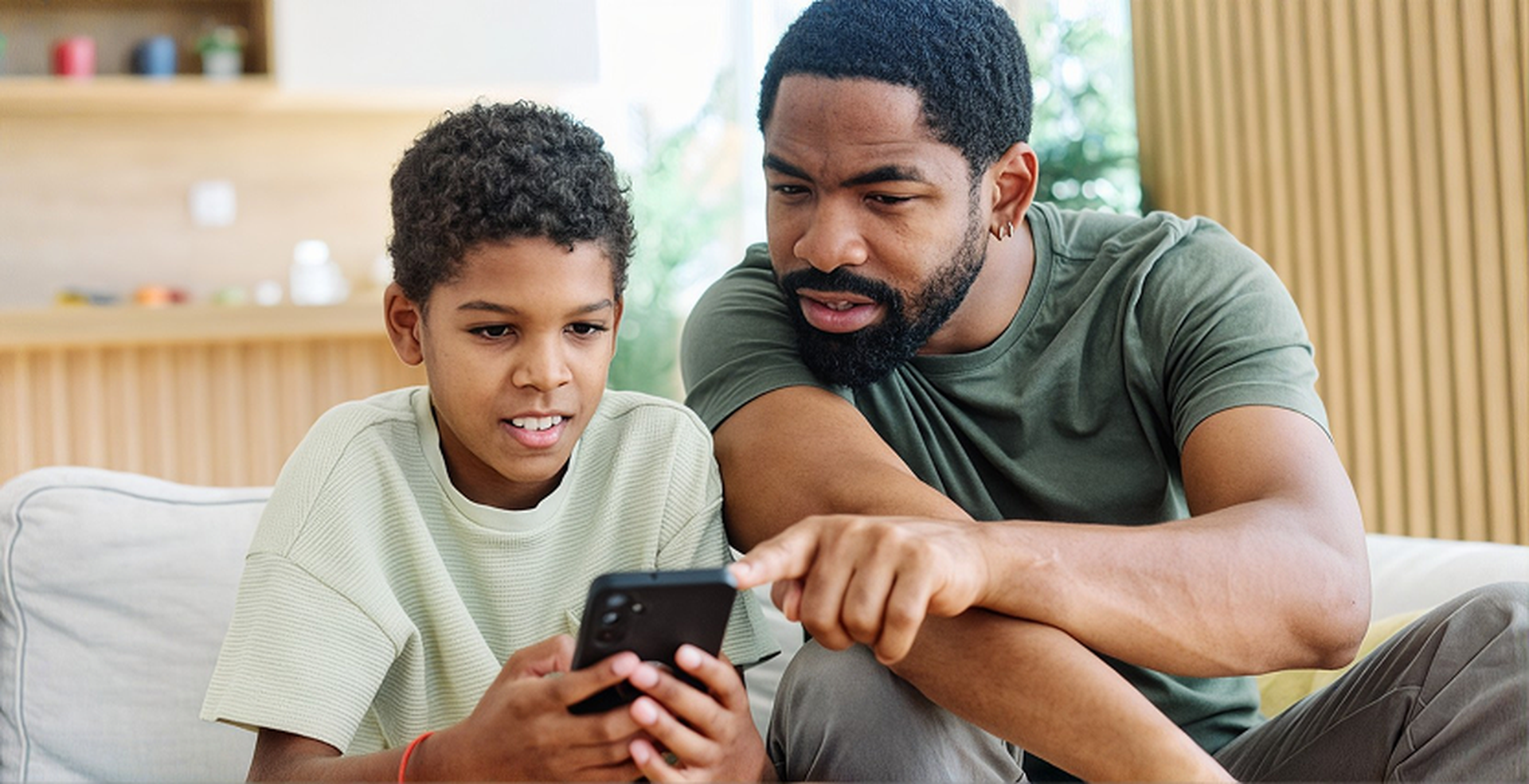
Filtering access to inappropriate websites when connected to the O2 network helps keep kids safe online.
The children pictured are models.
Last updated: 13/08/2026