
How to activate your Samsung Galaxy Watch7
You need to activate your smartwatch before using it for the first time and after a factory reset.

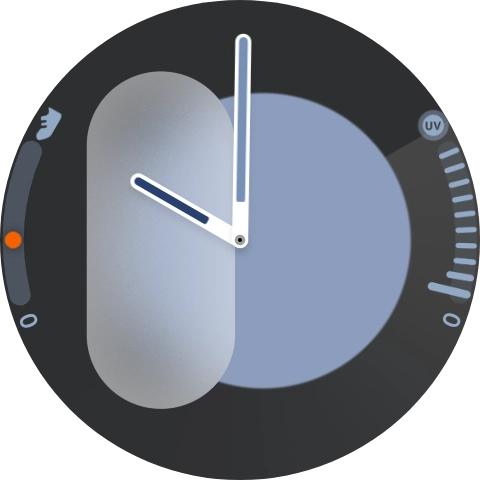
1. Turn on your smartwatch
Press and hold the Home key until your smartwatch is turned on.
- Press and hold the Home key until your smartwatch is turned on.
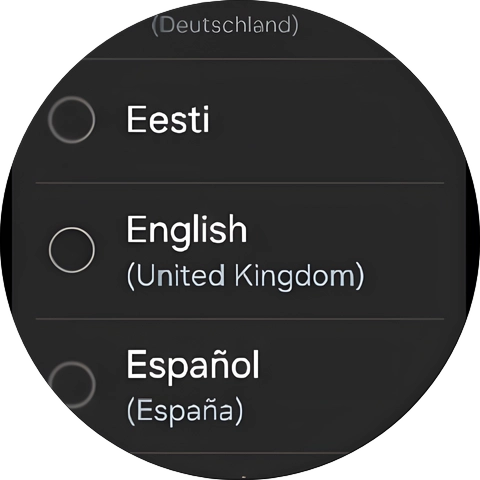
- Press the required language.
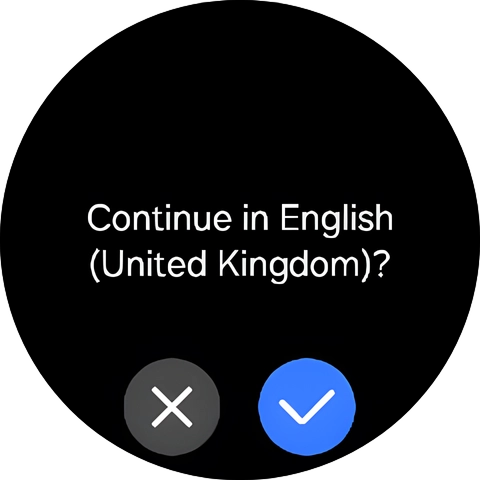
- Press the confirm icon.
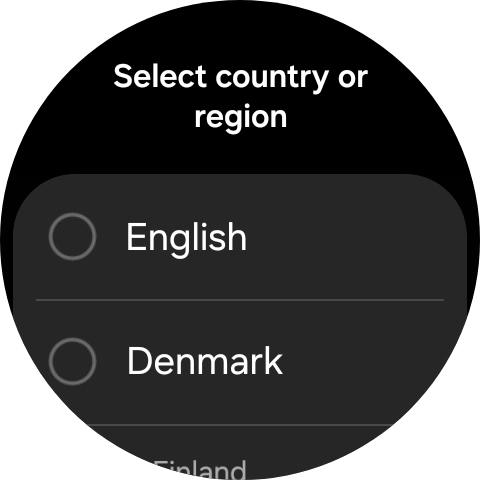
- Press the required region.
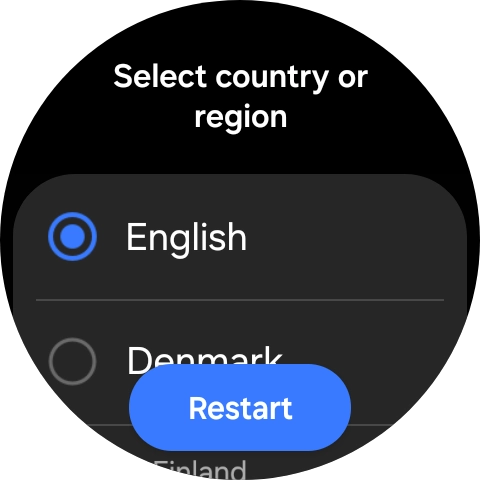
- Press Restart.
- Place your smartwatch next to your phone.Make sure Bluetooth is turned on on your phone. Please note that if you're not using a Samsung phone, there may be some differences in relation to the following steps.
- On your phone: Press Wearable.Make sure you've installed the application Galaxy Wearable on your phone.
- On your phone: Press Start.
- On your phone: Press Allow.
- On your phone: Check that the code is identical to the code displayed on your smartwatch.
- On your phone: Press Confirm.
- On your phone: Press Sign in and follow the instructions on the screen to sign in to your Samsung account or to create a new Samsung account if don't have one already.
- On your phone: Follow the instructions on the screen to select the required settings and press Continue.
- On your phone: Press Allow.
- On your phone: Press Allow.
- On your phone: Press Continue as ‹›.Your Google account is used to install new apps, watch faces and more on your smartwatch.
- On your phone: Press Enter your password.
- On your phone: Key in the password for your Google account and press Next.
- On your phone: Press I agree.
- On your phone: Follow the instructions on the screen to select which additional apps to install on your smartwatch and press Continue.
- On your phone: Press Next.
- On your phone: Press Allow.
- On your phone: Follow the instructions on the screen to select the required settings and press Next.
- On your phone: Press Next.
- On your phone: Press Next.
- On your phone: Press Next.
- On your phone: Press Next.
- On your phone: Press Next.
- On your phone: Press Next.
- On your phone: To set up mobile data on your smartwatch, follow the instructions on the screen to finish setting up your smartwatch.
- On your phone: To set up mobile data on your smartwatch later, press Skip.See how to set up mobile data on your smartwatch later after activation.
- On your phone: When this screen is displayed, your smartwatch is activated and synchronised with your phone.
