How to turn your Apple iPhone Air on or off
See how to turn your phone on and off.
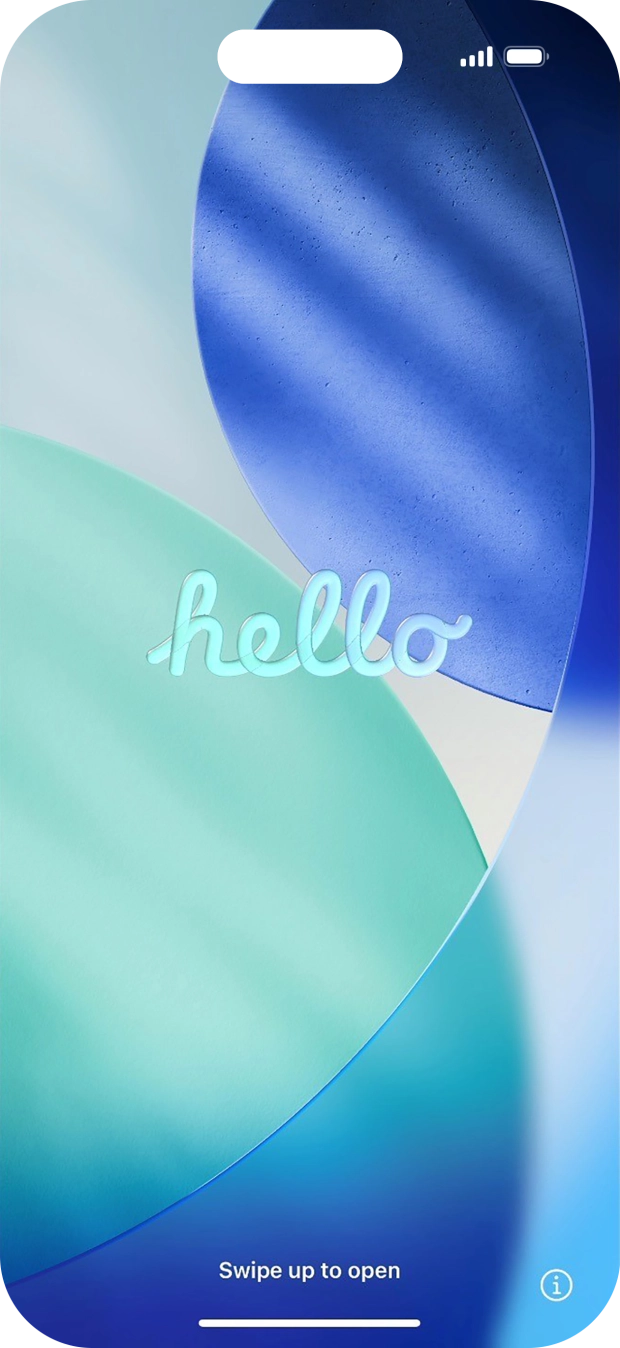
- Press and hold the Side button until your phone is turned on.

- Slide your finger upwards starting from the bottom of the screen.
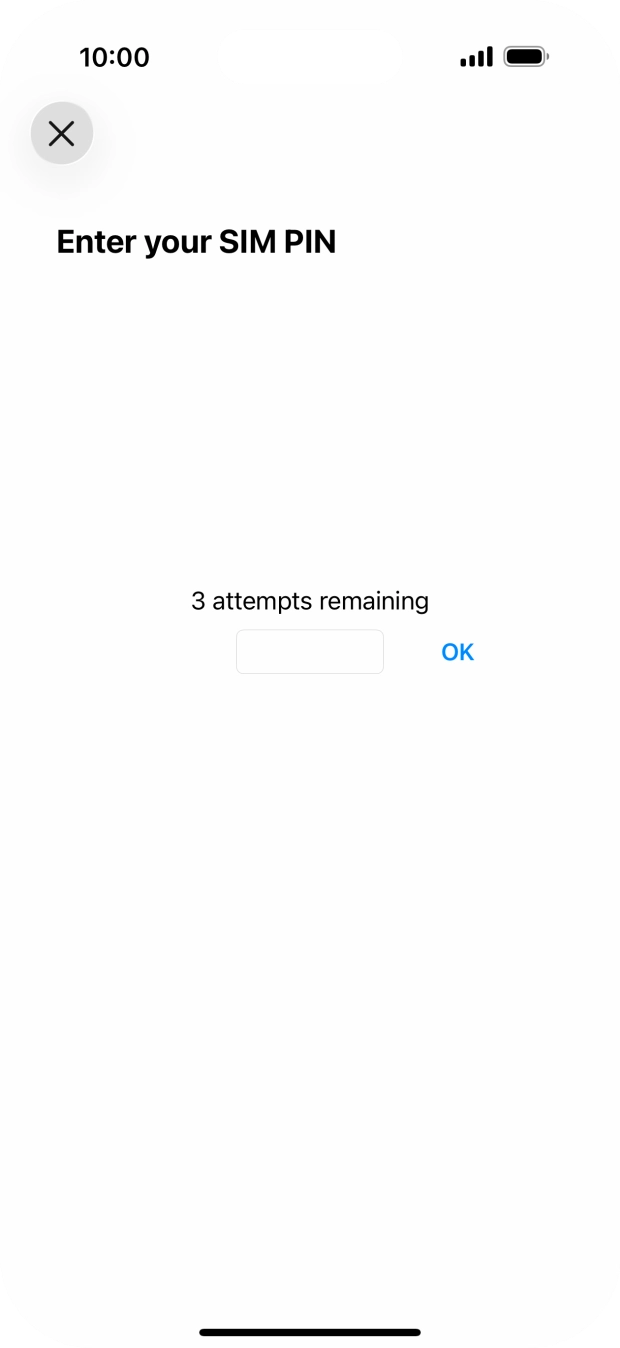
- If your SIM is locked, key in your SIM PIN and press OK. The default SIM PIN is 0000.If the wrong SIM PIN is entered three times in a row, your eSIM is blocked. To unblock your eSIM, you need to key in your PUK. O2’s help guide will tell you how to get your PUK. Please note: If you key in the wrong PUK ten times in a row, your eSIM will be blocked permanently. In this case, you need a new eSIM from O2.
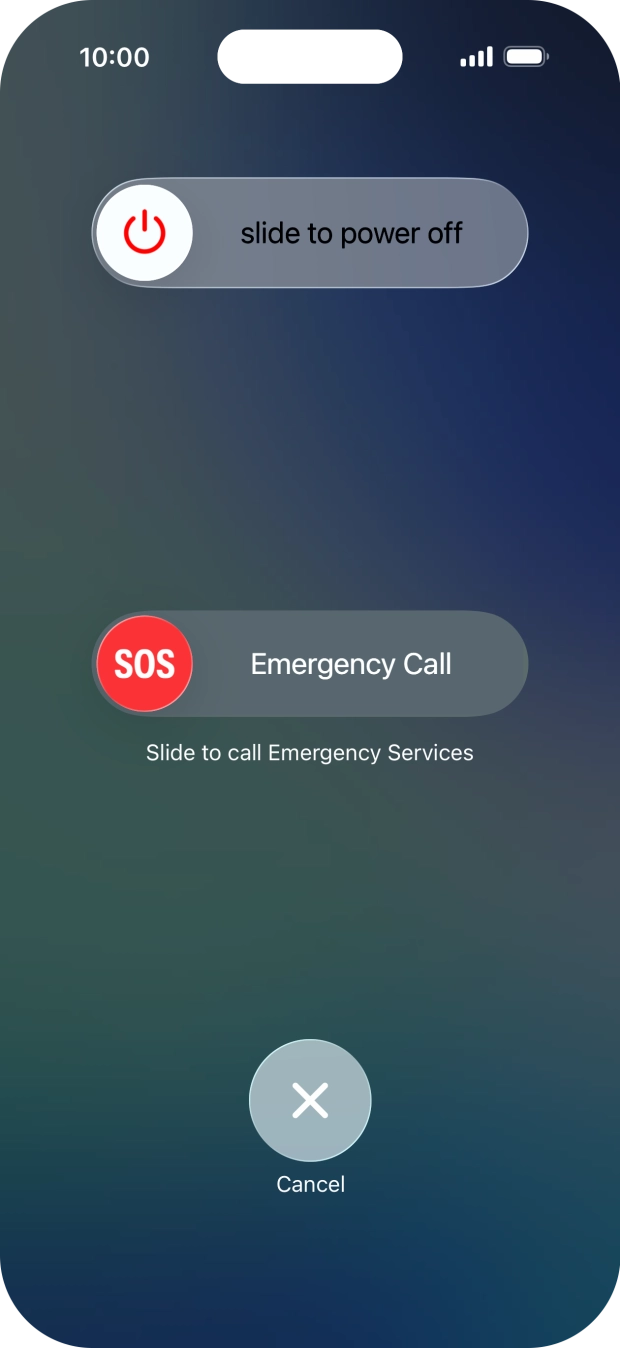
- At the same time, press and hold the Side button and the Top volume key until the power off icon is displayed.
- Press and drag the power off icon right.